Robot Vacuum Updates: How to Install and Why It Matters
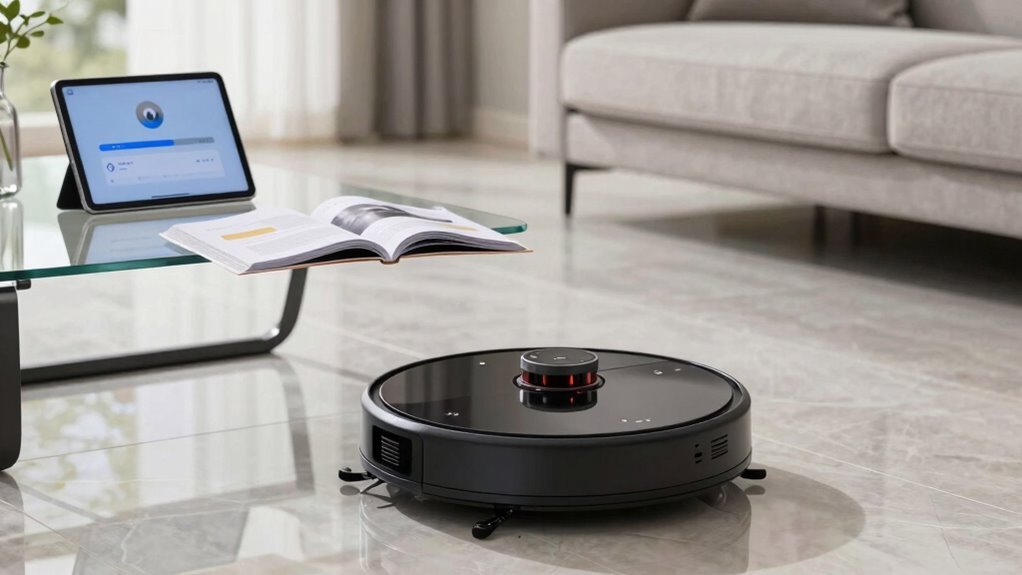
Keeping your robot vacuum updated ensures it stays sharp and safe. These updates patch security holes, improve cleaning performance, and protect your home Wi-Fi from potential breaches.
Regular robot vacuum updates enhance navigation, helping it avoid walls and cover every area efficiently. If your device misses spots or acts erratically, an update could resolve the issue instantly.
Installing updates is simple—just open the app, tap the update button, and let it run. You’ll also get smarter features, like improved obstacle detection to dodge your kid’s toys.
Want to know how to never miss a robot vacuum update? Enable automatic notifications in the app for the latest improvements.
Why Robot Vacuum Updates Matter
Ever wonder why your robot vacuum keeps getting better over time? It’s not just cleaning smarter—it’s staying safer.
Every update patches security holes that could let hackers peek at your home layout or sneak into your Wi-Fi.
You’re not just upgrading features—you’re locking the digital doors.
Updated encryption keeps your cleaning history and floor maps private, while tighter network rules shut out sneaky intruders.
With more smart devices at home, your robo-vac isn’t alone on the frontline.
Each update sharpens its defenses, keeping your network from becoming a playground for cyber pests.
Think of updates as vaccines—they stop bugs before they strike.
You wouldn’t skip a flu shot, right?
So why skip a firmware fix?
Staying current isn’t just smart, it’s essential.
Your robot’s brain grows tougher with every download—so let it level up.
Because a secure vacuum’s a happy vacuum!
Security patches are often delivered through firmware updates without requiring any hardware changes.
How Updates Improve Cleaning And Navigation
While your robot vacuum zips around the house, it’s not just cleaning—it’s learning, thanks to regular updates that sharpen how it sees and tackles your space.
You’ll notice it glides more smoothly down narrow halls, sticks closer to walls, and nails those tricky corners like a pro.
Thanks to smarter mapping and cleaner path accuracy, it cuts cleaning time by about 12%—that’s less whirring, more winning.
It keeps suction steady whether it’s on tile or thick carpet, no sudden roars that scare the cat.
Mopping’s gotten smarter too: water flows just right, no drips, and it scrubs stains better by slowing down.
Updates even fix little bugs—no more map meltdowns or getting stuck in “clean mode” forever.
With each upgrade, your robot gets a brain boost, making your home sparkle with fewer headaches.
Faster updates reduce package size and improve installation efficiency, so your robot spends less time downloading and more time cleaning.
Honestly, it’s like giving your robo-pal a mini spa day—except the reward is a spotless floor.
Signs Your Robot Vacuum Needs An Update
What if your robot vacuum suddenly starts acting like it forgot where the living room is? If it’s spinning in place, missing spots, or getting stuck in open spaces, it might be crying out for an update. Glitches like weird noises, flashing lights, or constant app errors aren’t just annoying—they’re clues. When cleaning paths go haywire or your vacuum ignores no-go zones, software’s likely to blame.
| Symptom | What It Might Mean |
|---|---|
| Frequent error messages | Update could fix bugs |
| Missed spots or weird routes | Navigation needs refresh |
| Sudden performance drop | Firmware may be outdated |
| Connectivity issues | Software handshake problems |
Don’t panic—these hiccups often vanish with a simple update. Think of it as a quick brain boost for your cleaning buddy!
How To Check For Robot Vacuum Updates
How do you keep your robot vacuum running its best? It’s simple—just check for updates in the app!
Open your vacuum’s companion app, go to Settings, then tap “About device” or “Firmware update” to see if a new version is waiting.
Make sure your robot is docked and charging, with Wi-Fi connected and battery above 50%—because nobody wants a power nap mid-update!
If the app doesn’t see the robot, try restarting both the vacuum and router.
Some models auto-update, but it’s smart to peek in every few months.
Pro tip: Compare the version in the app with the one on the brand’s support site.
Spot a mismatch? You’ve got an update!
Fresh firmware means smoother cleanings, cool new tricks, and fewer tech tantrums.
Think of it as a mini-upgrade for your robo-helper—because even robots like to stay sharp!
Install Updates Via The App (Step By Step)
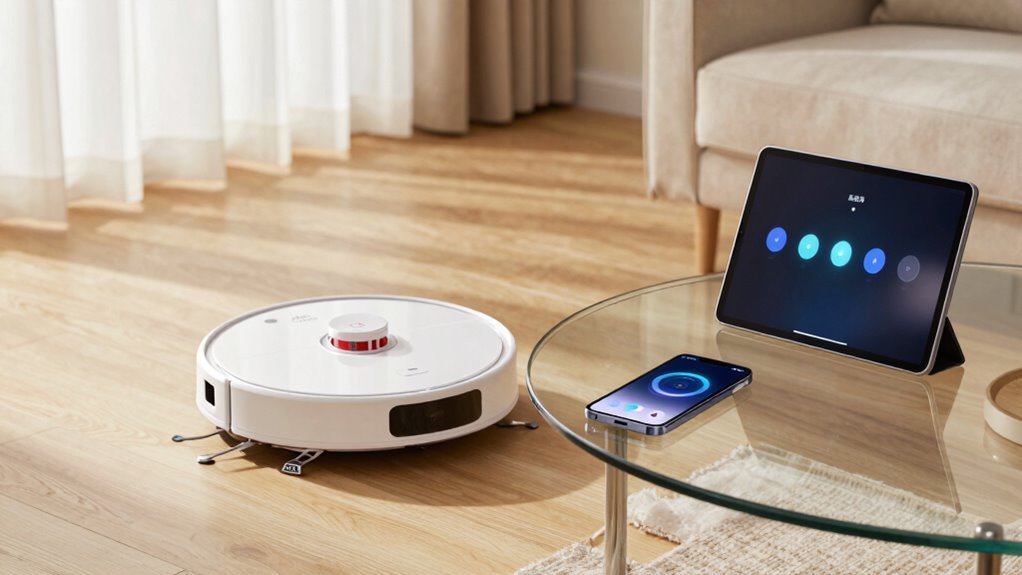
Now that you’ve checked for updates and found one waiting, it’s time to get that fresh firmware loaded onto your robot vacuum—right from your phone!
First, make sure your robot’s on the dock, charged up, and connected (look for that little Wi-Fi icon).
Your phone should be on 2.4 GHz Wi-Fi, with Bluetooth on and the latest app version installed—no sneaky old versions allowed!
Open the app, tap your robot’s name, delve into Settings, and hunt down “Firmware Update.”
Tap “Update,” then sit back—don’t touch anything!
Your robot’s lights might dance, and the app shows a progress bar like it’s streaming its own movie.
Keep your phone close, fingers crossed, and whatever you do, don’t unplug the bot.
In 5–15 minutes, it’ll reboot, chime in, and be smarter than ever—fresher than a just-unboxed gadget!
Fix A Failed Robot Vacuum Update
If your robot vacuum threw a tantrum during its firmware update—leaving you staring at a sad emoji or a frozen screen—don’t panic, it’s not broken, it’s just having a digital meltdown.
First, check if it’s charged (yes, it’s picky—needs over 50%), docked, and cozy on the base.
Make sure Wi-Fi’s strong and no one’s streaming 4K cat videos during the update.
Didn’t move it, did you? That’ll wreck the process.
Try rebooting the robot and router, update your app, and retry at night when the house is quiet.
If it’s still glitching, a soft reset might calm things down.
Still mad? A full factory reset can help, but say goodbye to your maps.
Clean the charging contacts, clear space around the dock, and keep it cool.
If it keeps failing, stop poking it—call support before you turn it into a very expensive paperweight.
Keep Your Robot Vacuum Secure
Ever wonder who’s peeking at your living room through your robot vacuum?
It’s not just cleaning dust—it could be a sneaky entry point if you’re not careful.
Use a strong, unique password (no, “password123” doesn’t count) and turn on two-factor authentication to lock things down.
Keep your robot on a separate Wi-Fi network, like a digital pet zone, so hackers can’t hop to your laptop or phone.
Ditch sketchy WEP encryption—WPA2 or WPA3 only, please!
Check the app’s privacy settings, disable unnecessary cameras, and nix data-sharing opt-ins.
And hey, don’t let your ex still control your vacuum—log out old devices fast.
Think of it like home security with a side of sass: you wouldn’t leave your front door wide open, so why do it digitally?
Stay sharp, stay safe, and let your robot roll—without the risks.
Turn On Automatic Updates
Hit that auto-update switch and let your robot vacuum level up all on its own—no chores, no reminders, just smooth, behind-the-scenes magic.
You’re not just ticking a box; you’re giving your little robo-copilot the gift of growth.
Flip on automatic updates in the app, and boom—your vacuum stays smart, secure, and efficient without lifting a finger.
New features roll in like surprise upgrades: sharper navigation, better cleaning paths, even slicker obstacle dodging.
Bugs get booted, performance gets a boost, and your smart home stays in sync.
It’s like sending your vacuum to robot college while you binge snacks.
Best part? It all happens quietly, in the background.
No stress, no fuss.
Just a smarter, snappier cleaner that keeps improving year after year.
Turn it on once and forget it—your future self, and your floors, will thank you.
Frequently Asked Questions
Can I Update My Robot Vacuum Without Wi-Fi?
No, you can’t update your robot vacuum without Wi-Fi the usual way—but don’t panic!
Most models need the internet for updates, but if you’re tech-savvy, rooting it with Valet游戏副本 might let you sneak in updates offline.
Think of it like giving your robot a secret backdoor upgrade.
Otherwise, a quick hotspot from your phone does the trick.
Easy, right?
Your robo-helper will thank you!
Will Updating Delete My Saved Cleaning Schedules?
You really think a simple update would wipe your hard-earned schedules, don’t you?
Don’t worry—it won’t!
Your robot’s brain remembers its cleaning times, thanks to built-in memory and cloud backups.
Updates usually keep everything safe, like a digital seatbelt for your settings.
Just skip factory resets, and you’ll breeze through updates, schedule intact.
Phew, peace of mind never felt so clean!
Do Updates Work With Older Robot Vacuum Models?
Not all updates work with older robot vacuums, but you’re not out of luck yet!
Most brands support models for about 5–7 years, so if yours is younger than that, you’ll likely still get fixes and small upgrades.
But let’s be real—your old buddy mightn’t learn cool new tricks like Matter support or smart mapping.
Hardware limits what software can do, kind of like teaching a hamster to code.
Still, keeping firmware current keeps it running smoothly and safely, so don’t skip those updates!
How Long Does a Typical Update Take to Install?
You’re usually in and out in about 5 to 10 minutes—faster than microwaving popcorn!
Once the download’s done, installation kicks in like a robot power nap, quietly upgrading your vacuum’s brain.
Some models take a little longer due to Wi-Fi hiccups or server queues, but if it’s still “updating” after 15 minutes, it’s probably not napping—it’s stuck.
Keep it charged, close to Wi-Fi, and ready to roll!
Can I Use My Robot Vacuum While Updating?
No, you can’t use your robot vacuum while it’s updating—sorry, buddy!
Think of it like surgery: your robo-doc needs to stay put, charged, and focused.
If you start a clean, you might crash the system, brick the bot, or end up with a confused little vacuum that just spins in circles.
Stay patient, keep it docked, and let it do its techy thing.
Your floor can wait!
Conclusion
You might think updates are a hassle, but they’re actually your robot’s secret power-up! Think smoother cleanings, smarter navigation, and fewer “why’s it stuck?” moments. Just open the app, tap update, and let it roll—literally. With automatic updates on, your robo-vac stays sharp without lifting a finger. It’s like giving your floor buddy a brain boost, minus the coffee (good luck offering that!). Stay fresh, stay clean, and let tech do the work.
References
- https://partesmell.com/blog/post2.html
- https://www.reviewed.com/robotvacuums/features/irobot-os-review
- https://www.therobotreport.com/irobot-software-update-adds-lock-siri-integration/
- https://us.narwal.com/blogs/product/upgrade-robot-vacuum-new-features
- https://support-czechia.vorwerk.com/hc/en-us/articles/17966065393564-Why-should-I-make-the-update-to-the-latest-version-of-the-Robot-App
- https://homesupport.irobot.com/s/article/9129
- https://maticrobots.com/blog/matic-release-notes
- https://www.matteralpha.com/news/update-your-apple-devices-now-for-improved-robot-cleaner-support-in-matter
- https://answers.irobot.com/knowledge/70550
- https://homesupport.irobot.com/s/article/20550