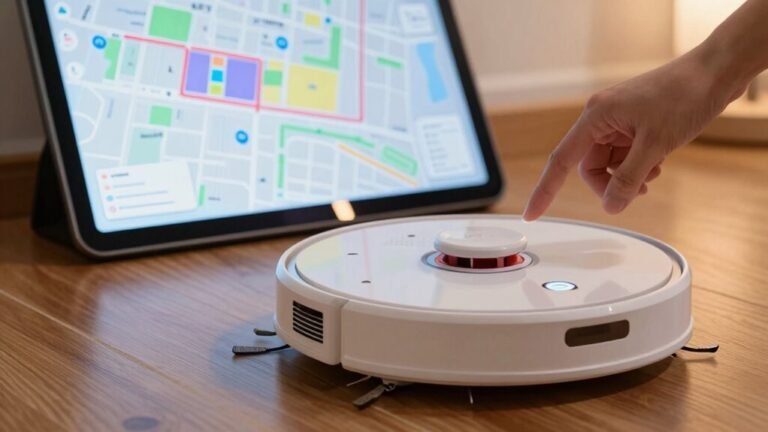
How to Clean a Robot Vacuum
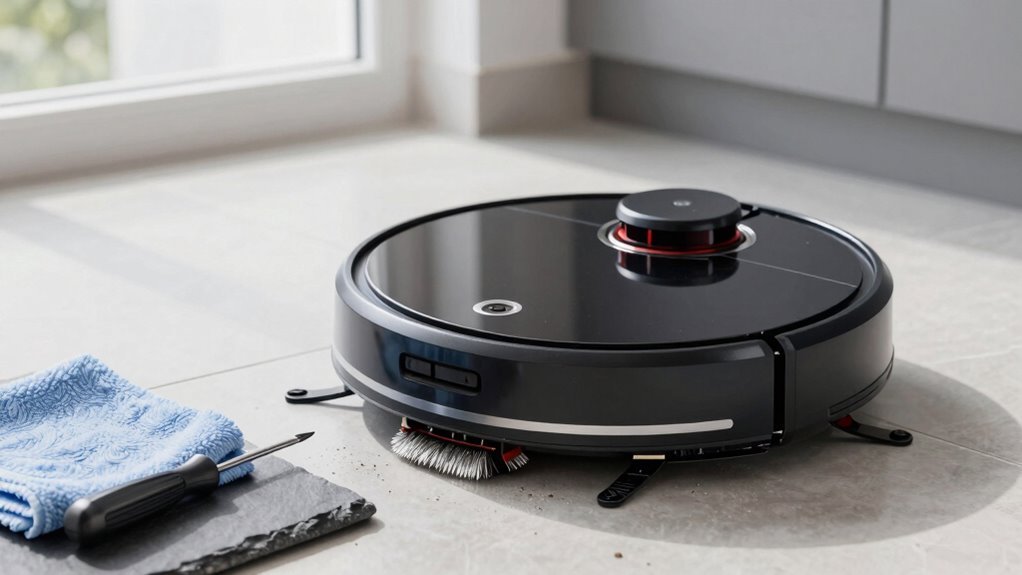
Empty the dustbin after every run and tap it out to remove hidden grit. Give it a rinse if it’s washable, then let it air-dry completely before reassembling—this helps maintain your robot vacuum’s suction power.
Pull out the main brush regularly to snip away tangled hair and debris. Scrub the bristles clean to ensure optimal performance and prevent strain on the motor.
Wipe sensors with a soft, dry cloth so your robot vacuum navigates accurately and doesn’t wander aimlessly. Check the wheels and clean the side brushes to remove built-up dirt and improve movement.
Replace or wash the filter monthly, depending on usage and model recommendations. Proper filter care keeps your robot vacuum running efficiently and extends its lifespan.
Empty and Clean the Dustbin After Every Use
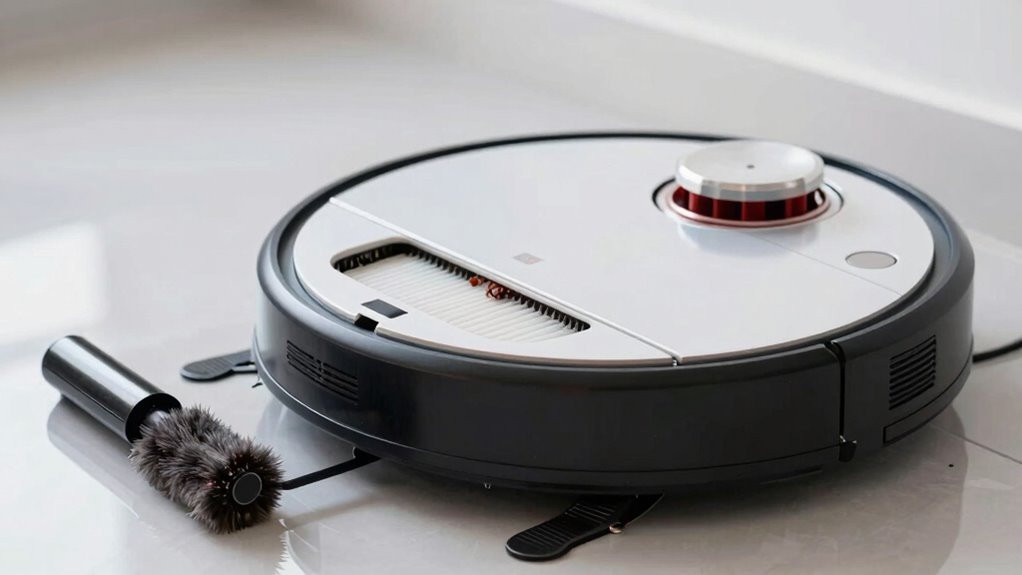
Grab that dustbin and give it some love—your robot vacuum’s performance depends on it! Empty it after every run to keep suction strong and cleaning efficient, especially if you’ve got pets, kids, or carpets that shed extra mess.
A full bin chokes airflow, makes your robot work harder, and leaves dirt behind—nobody wants that rematch.
Power off your bot first (safety first!), then pop out the bin with the release button and empty it over a trash can.
Tap it a few times—shake it like a maraca—to loosen hidden grit.
If your model allows, rinse the bin with warm water (but only when the filter’s out!), then air-dry it completely.
Slap it back in with a satisfying click, and your robot’s ready to conquer dust again.
For an even deeper clean, spray the inside with Charlie’s Soap Indoor & Outdoor surface spray to cut through grime and leave a fresh finish—spray inside with Charlie’s Soap.
Your vacuum’s not just cleaning—it’s *thriving*.
Remove Hair and Debris From the Main Brush
Tangling with pet hair, threads, and mystery fluff? Time to tackle your robot’s main brush!
First, power off the unit and flip it onto a soft surface to protect it.
Pop off the brush guard using the tabs, then gently lift the brush out.
Now, grab scissors or a seam ripper and slice through trapped hair—cut parallel to the brush and pull it taut to avoid damaging bristles.
Work from the center outward, yanking off clumps by hand.
Pop off the end caps if possible, and clear hair wrapped around the bearings so it spins freely.
Give the bristles a scrub with a toothbrush, and if needed, wash it with warm, soapy water.
Just let it dry completely before putting it back.
Your robot will spin smoother, clean better, and stay tangle-free—no more hairy tantrums!
Ensure both ends of the brush are detached to allow full access for thorough cleaning.
Clean the Sensors for Better Navigation
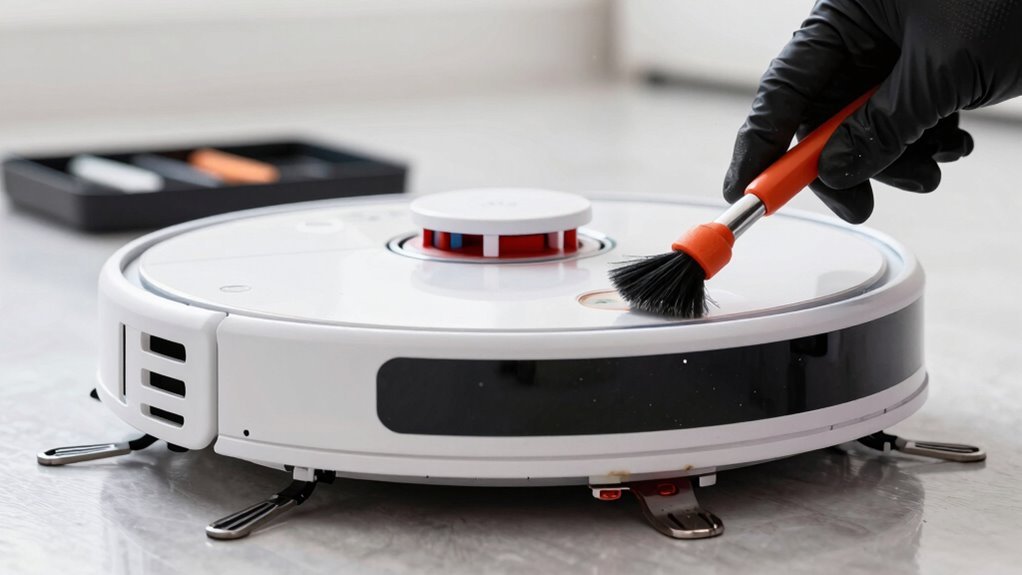
Keep your robot from stumbling in the dark—literally!
Dirty sensors confuse your robot, making it bump into furniture, get stuck, or even miss stairs.
Clean sensors help it “see” clearly and navigate like a pro.
To keep things running smoothly:
- Power off your robot before cleaning to avoid accidents—safety first!
- Wipe sensor windows gently with a soft, dry microfiber cloth—no harsh chemicals or sprays!
- Use a cotton swab or soft brush for tight spots around cliff and obstacle sensors underneath.
- Keep the LiDAR dome or camera lens clear—just a light wipe keeps maps accurate and navigation sharp!
A quick weekly sensor check keeps your robot smart, confident, and way less likely to panic like it’s lost in a maze.
Think of it as giving your robot a pair of clean glasses—everything looks better when it can see!
Replace or Wash the Filter Monthly
Give your robot vacuum a gust of clean air—literally!
A clogged filter weakens suction, makes your bot work harder, and can even trigger error messages or shutdowns.
Check your filter monthly—you’ll keep airflow strong and allergens low.
If you’ve got a washable type, rinse it under lukewarm water, gently scrub with mild soap if needed, then let it dry *completely* overnight—no sneaky re-installs while damp!
Never wash disposable filters; just tap them out or brush off dust.
See rips, tears, or strange smells?
It’s time to swap it out, no ifs or buts.
Most last 3–6 months, but pet owners or heavy users may need to replace sooner.
Your vacuum’s app or indicator light probably nags you for a reason—listen to it!
Fresh filter, happy vacuum, cleaner air—boom, you’re breathing easy again.
Inspect and Clean Wheels and Side Brushes
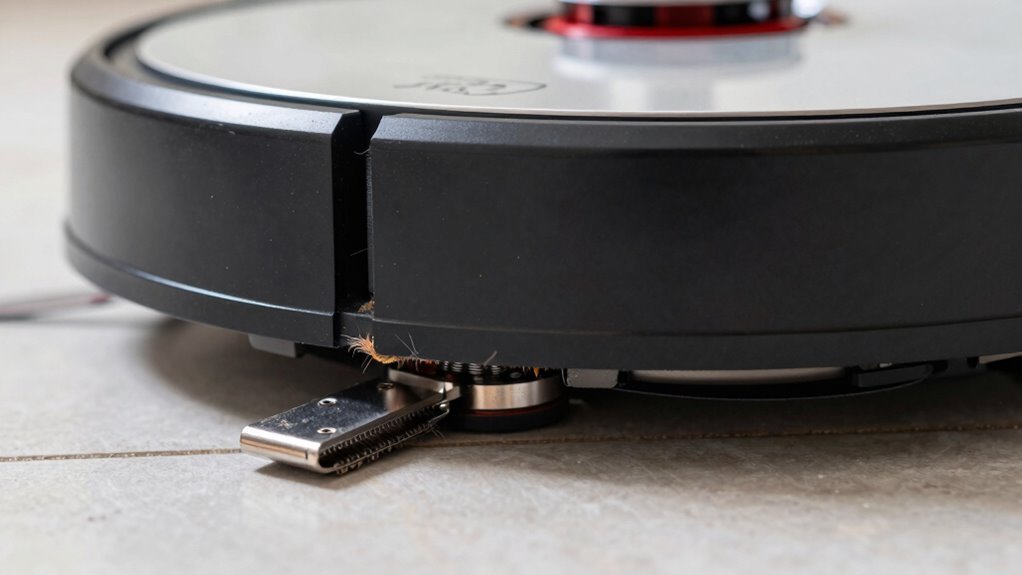
You’ve already knocked out the filter, so now let’s get your robot vacuum rolling like it’s on a joyride.
Keep those wheels and side brushes in top shape to dodge sticky situations and bot meltdowns.
- Check wheels every 2–4 weeks (or more with pets!) for gunk like hair, dust, or tiny treasures your vacuum thinks it’s collecting.
- Give drive wheels a monthly spa day: pop out debris, wipe with a damp cloth, and spin them free like a top—no grinding allowed!
- Pop out the front caster to clean hair from its core so it swivels smoothly—no limping allowed.
- Clean side brushes weekly, snip tangled hair at the hub, and replace every few months—bent bristles won’t sweep, they’ll just shrug!
Your robot’s got this—just show those wheels some love!
Frequently Asked Questions
How Often Should I Update My Robot Vacuum’s Software?
You should check for updates weekly and install them as they come—think of it like giving your robot vacuum a mini brain boost!
Enable auto-updates so you don’t miss a thing, especially if there’s a fix for navigation hiccups or charging quirks.
Newer models get updates more often, and hey, who doesn’t love free upgrades?
Just keep it charged and docked when updating—no mid-firmware power trips!
Can I Clean My Robot Vacuum With Vinegar?
Nope, you’re better off skipping the vinegar—it’s like inviting a bull into a china shop, stirring up trouble where you don’t want it.
It can wreck seals, fog up sensors, and mess with your robot’s insides.
Stick to plain water or approved cleaners, play it safe, and keep your little robo-friend happy.
Your vacuum’s not mad at you… yet.
Is It Safe to Use My Robot Vacuum on Wet Floors?
No, you shouldn’t use your robot vacuum on wet floors unless it’s built for it—most aren’t.
Water can sneak in, fry the electronics, and turn your smart little helper into a paperweight.
Think of it like sending a toaster into a pool—bad idea!
If you’ve got spills, grab a mop first.
But hey, if you own a hybrid model with mopping magic, then rock on—just follow the rules and keep things damp, not drenched!
What Should I Do if My Robot Vacuum Smells Bad?
You’re basically giving your robot a spa day—start by emptying the dustbin and checking for gunk in the brush and filter.
Rinse the bin and washable parts with soapy water, then let ‘em dry overnight.
Tackle stinky spots with a dash of vinegar or baking soda, like magic odor-fighting fairy dust.
Swap in fresh filters, banish trapped hair, and boom—your robo-pal breathes easy again!
Can I Use Third-Party Replacement Parts for My Robot Vacuum?
Yeah, you can use third-party parts, but tread carefully—they might save cash but aren’t always plug-and-play perfect.
While some fit snugly, others wobble, leak, or wear out fast.
Filters may skimp on dust-trapping power, and brushes can be oddly short.
Your warranty might even take a nosedive.
Think of it like phone chargers: some work great, others leave you in the dark—check reviews, match specs, and pick wisely!
Conclusion
You’ve tamed the dust bunnies, outsmarted the hair tornado, and kept your little robo-friend sharp—nice work! Think of it like feeding your metal pal, only instead of snacks, it gets clean filters and shiny sensors. Keep up the routine, and it’ll keep zipping around like it’s got a hot date with your floor. Who knew chores could feel this fun? Your vacuum’s not just clean—it’s ready to dance the dirt away, all on its own.
References
- https://www.charliesoap.com/blog/how-to-clean-your-robot-vacuum-a-step-by-step-guide/
- https://www.youtube.com/watch?v=Wjvb_61Gf-4
- https://www.lg.com/us/support/help-library/lg-robot-vacuum-how-to-clean-the-dust-bin–20153413481604
- https://www.youtube.com/watch?v=Ip6IROtmDgI
- https://www.youtube.com/watch?v=w1v9TPAd-vw
- https://homesupport.irobot.com/s/article/2449
- https://www.youtube.com/watch?v=qnVQOcPubaw
- https://www.dreametech.com/blogs/blog/how-to-clean-your-robot-vacuum-brushes
- https://www.hoover-home.com/en_GB/blogs/news/how-to-clean-robot-vacuum-brushes
- https://help.ecovacs.com/us/support/faq-detail?id=445