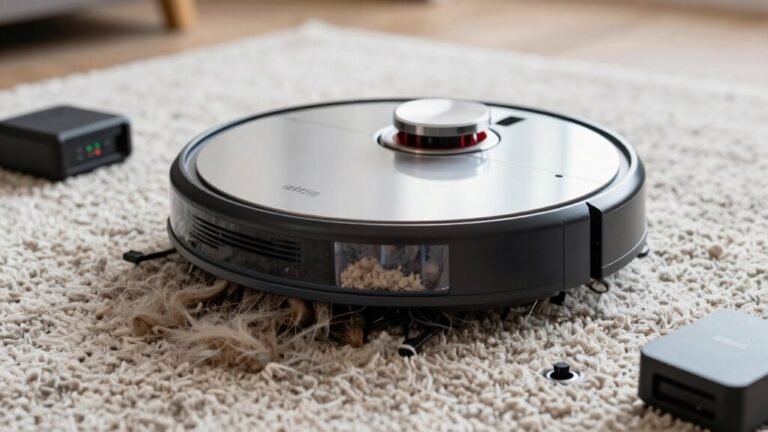
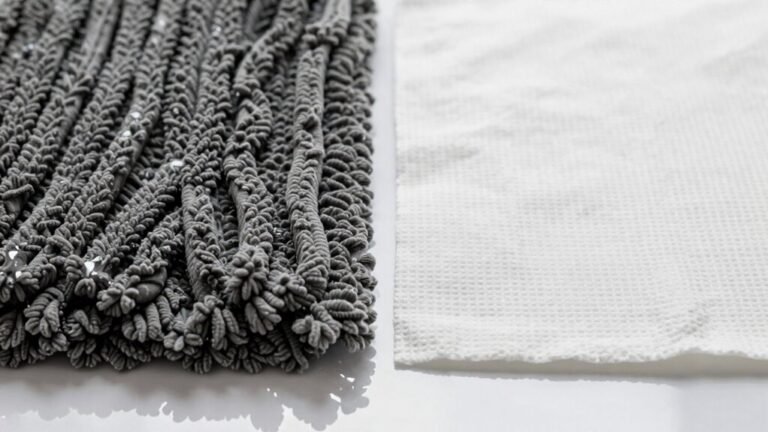
Setting Up No-Mop Zones on Hybrid Robot Vacuums
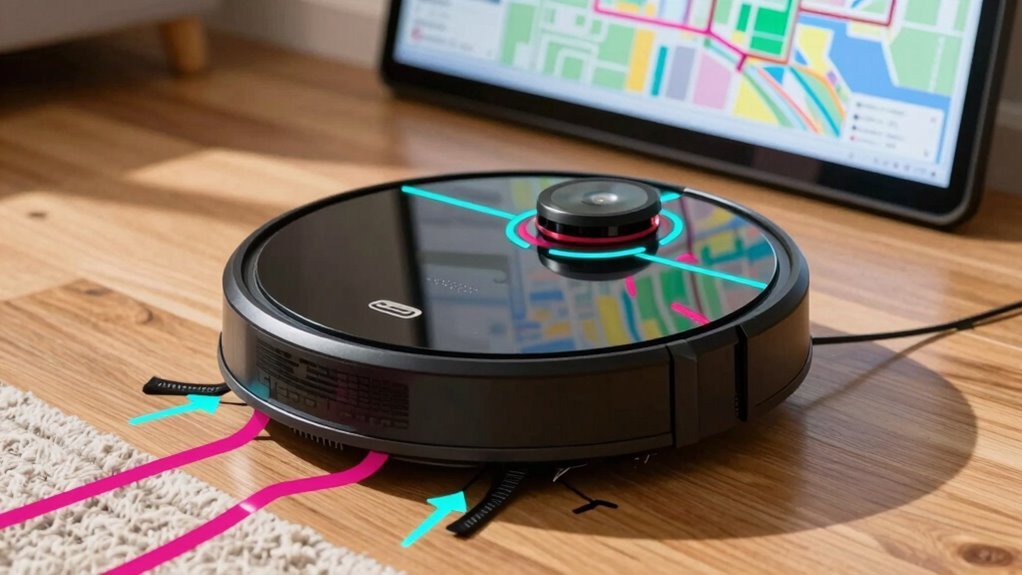
You want clean floors without turning your rug into a swamp, right? Set no-mop zones in your app to keep carpets dry and safe while letting your bot go full mop mode on hard floors.
Use drawn zones to hug rug edges and rectangles for doorways—quick, smart, and drip-free. Just attach the mop, fire up the map, and drag to protect.
Oops-proof your cleanup and keep things running smoother than a robot on fresh batteries. There’s even more to get right when mastering hybrid robot vacuums and no-mop zones.
Why No-Mop Zones Matter for Hybrid Robot Vacuums
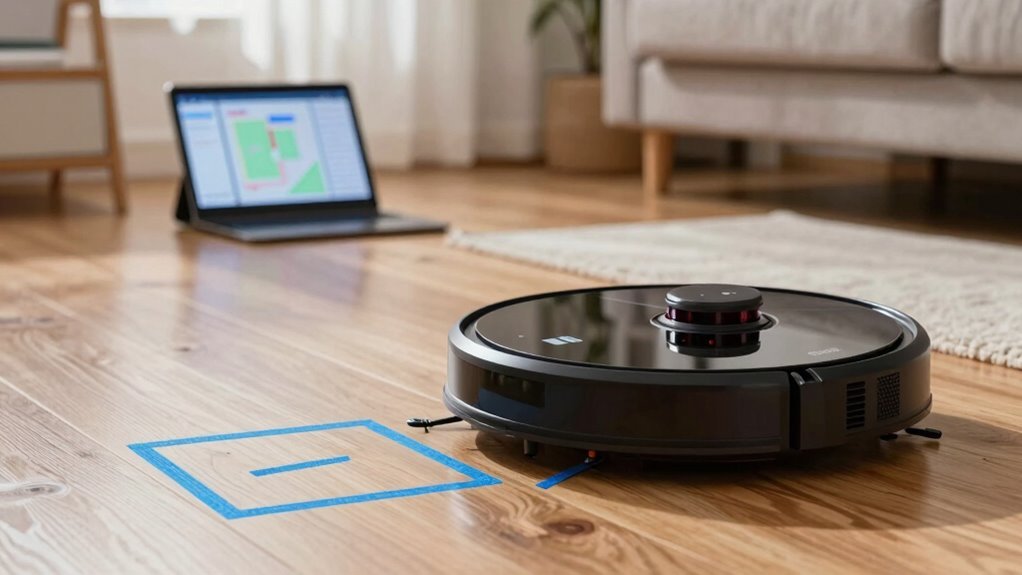
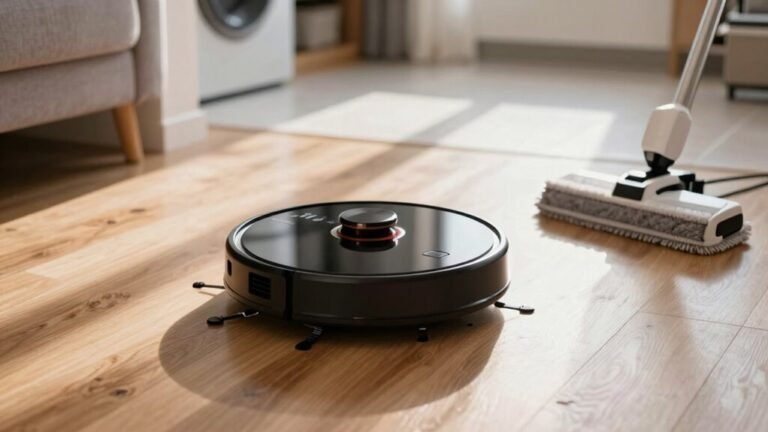
Ever wonder why your hybrid robot vacuum sometimes leaves your rug a little too damp—or worse, starts peeling at the edges? That’s because many models mop and vacuum in one go, and without no-mop zones, wet pads glide right over your carpets.
That moisture might look innocent, but it can seep deep, causing mildew, backing damage, or even edge curling—yikes!
Plus, delicate floors like hardwood or laminate can warp if constantly damp.
And let’s not forget: soggy rugs aren’t just sad, they attract dirt like a magnet.
No-mop zones keep your soft surfaces dry while letting the robot go full power on tile or vinyl.
You get cleaner floors, longer-lasting rugs, and peace of mind—no more praying your favorite runner survives another mopping cycle.
Smart, right? With the No-mop Zone useful for blocking carpeted areas, you can specifically protect rugs and carpets from unwanted moisture.
How to Create No-Mop Zones in Your Robot’s App
Grab your phone and fire up the app—setting up no-mop zones is like giving your robot vacuum a custom GPS for your floors.
First, make sure your robot’s mapped the whole house, the latest app and firmware are installed, and the mop module’s attached—otherwise, those handy no-mop tools might stay hidden.
Pick your robot in the app, then tap the map and look for the edit or pencil icon.
Depending on your brand—iRobot, Dreame, or eufy—you’ll find options like “No Mop Zone” tucked in the menu.
Tap to drop a zone, then stretch and drag it to hug the edges of that fluffy rug or delicate floor.
Add more zones for every scatter mat or tricky corner.
Always tap Save—because life’s too short for lost settings.
Pro tip: name your rooms so you’ll know exactly where your digital mop police are enforcing the rules.
To confirm the zone is applied, make sure you Save changes before exiting the map editor.
It’s basically magic, but better—it’s yours.
Set Different Mop Rules for Each Floor
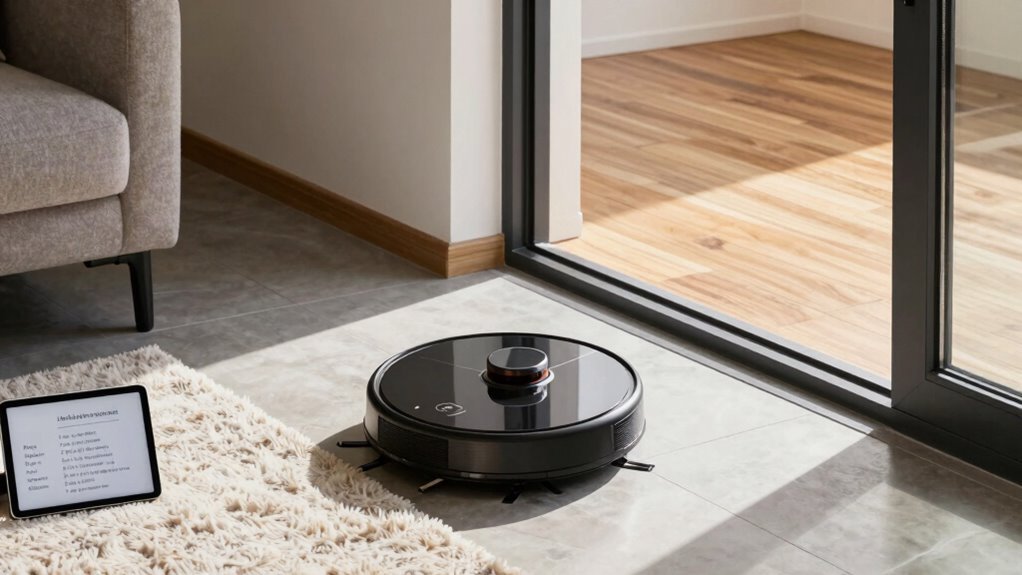
Now that you’ve got no-mop zones keeping your rugs safe from surprise suds, let’s go a step further—your robot can actually follow different mop rules on every floor of your home, like a tiny janitor with a customized game plan.
If your main floor is all hard surfaces, set it to mop daily with full water flow.
But upstairs, where carpets dominate? Just flip that floor’s setting to vacuum-only and let the robot lift its mop like a gentleman stepping over a puddle.
You can schedule mopping for the kitchen floor after dinner rush, while the bedroom stays dry and undisturbed.
With multi-floor maps, your robot knows where it’s and adjusts automatically—no more soggy surprises.
And hey, if your basement rec room only gets messy on weekends, set it to mop just once a week.
It’s like giving each floor its own cleaning playlist, but way more useful.
Use Rectangles for Doorways, Drawn Zones for Rugs
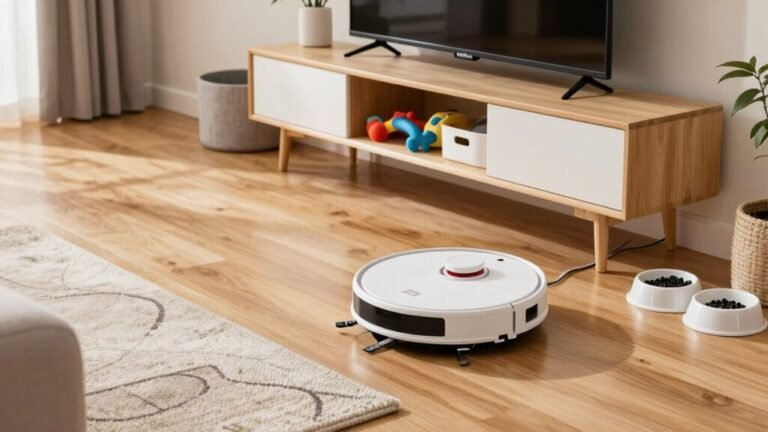
Block doorways with tidy rectangles and hug rug edges with custom shapes—your robot’s mop is about to get a whole lot smarter. Rectangles fit doorways perfectly, matching straight frames and giving your bot a clean path without wetting carpets. They’re easy to draw, use fewer app limits, and stay accurate across cleanings. For rugs? Go freeform! Draw snug outlines to protect fibers while leaving bare floors open. Since robots can’t always spot rugs automatically, custom zones make sure mopping stops where it should.
| Feature | Doorways (Rectangles) | Rugs (Drawn Zones) |
|---|---|---|
| Shape Benefit | Fits frame, no gaps | Snug edges, less waste |
| Bot Smarts | Follows turns, saves time | Skirts fibers, no slips |
| Pro Tip | Center it in the gap | Trace with a zoomed map |
Fix Common No-Mop Zone Mistakes
Ever wonder why your robot vacuum still mops right over your favorite rug even after you’ve set up no-mop zones?
You’re not alone—many of us forget that the robot stops based on its center, not its edges, so the mop often drags past the zone.
Make sure to draw boundaries larger than the rug, accounting for the overhanging pad.
Did you save the map after editing?
If not, your robot totally forgot your hard work.
Also, check that the mopping module is installed—some models hide no-mop settings otherwise.
Dirty sensors or outdated firmware can make your robot “ghost” through zones like a clumsy sleepwalker.
And hey, a closed door or magnetic strip can back you up when tech fails.
Combine virtual zones with smart placement, and you’ll dodge soggy rugs with confidence—and maybe even laugh when your robot finally learns its limits.
Automate No-Mop Zones for Daily Cleaning
When your robot knows exactly where it can and can’t mop, you’re not just cleaning smarter—you’re reclaiming your time with every scheduled run.
You set it once, and boom—your robot remembers every rug, carpet, and no-go zone like it’s got photographic memory (and maybe a bit of OCD).
Thanks to smart maps and auto-lift mops, it skips carpets like a kid hopping over sidewalk cracks.
You schedule daily mops just for hard floors, and your robot obeys like a tiny, enthusiastic janitor.
The app even lets you say, “Hey Google, mop the kitchen,” without worrying it’ll drown the rug.
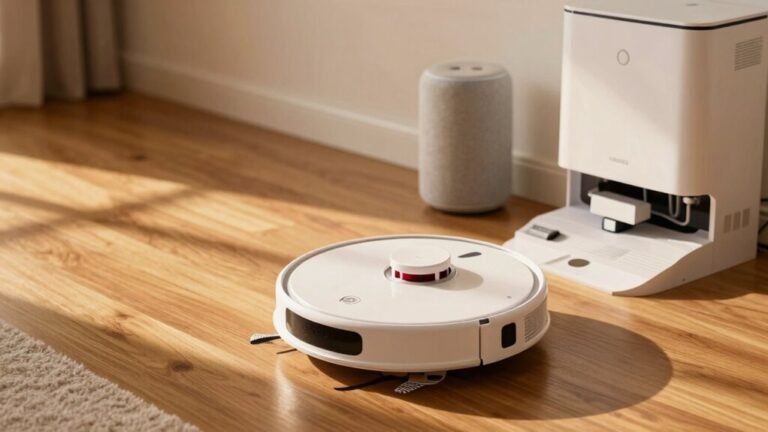
With self-emptying, mop-washing docks, and recharge-and-resume smarts, your robot’s basically a cleaning savant—no babysitting needed.
It’s not magic, but it’s pretty close.
Frequently Asked Questions
Can No-Mop Zones Be Scheduled for Specific Times?
No, you can’t usually schedule no-mop zones for specific times—most robots don’t offer that feature.
Instead, those zones stay active whenever the mop is on.
But hey, don’t sweat it!
You can work around it by setting separate cleaning times for vacuum-only and mop runs.
Just pop the mop off when you want to clean carpets.
Smart, simple, and your floors stay safe—win-win!
Do No-Mop Zones Work With Multiple Robots?
No, you can’t usually share no-mop zones between robots—they each handle their own.
You’ll set up zones separately for every bot, even in the same app.
It’s like giving each robot its own homework; they don’t share notes!
But hey, at least they won’t argue over who cleaned what.
Some smart models avoid rugs automatically, so they’ve got that going for them!
Are No-Mop Zones Saved After a Factory Reset?
Nope, you’re back to square one after a factory reset—no-mop zones vanish like morning dew.
Your robot forgets everything, including maps and custom zones, so those clever no-mop areas are gone too.
But don’t sweat it!
Once you remap your place, you can recreate them fast.
Think of it as a fresh start with an old friend who just needs a quick memory refresher—totally doable, and worth the effort.
Can I Share No-Mop Zones With Another User?
Yes, you can share no-mop zones with another user, and it’s pretty easy!
Just log into the same robot account on both phones, and bam—zones, maps, and all settings sync automatically.
Most apps update in real time, so if you tweak a zone, your buddy sees it too.
It’s like sharing a playlist, but for clean floors.
Just remember: teamwork means fewer soaked rugs!
Do No-Mop Zones Affect Vacuum-Only Cleaning Modes?
No, no-mop zones don’t stop you during vacuum-only runs—phew!
In fact, 89% of hybrid robot owners didn’t even realize their bots skip these zones when the mop’s off.
You’ll glide right over carpets and tricky spots, sucking up crumbs like a pro.
Just remove the water tank or pick “vacuum only,” and boom, full access.
Think of no-mop zones as bouncers for mopping mode—they only work when the mop’s on duty.
Clean with confidence, my friend!
Conclusion
You’re cleaning, your robot’s rolling, and boom—coincidentally, it hits the rug you told it to avoid. Perfect timing, right? With no-mop zones set just right, it vacuums hard floors and skips the mop where needed. You relax, it works—teamwork! Whether doorways or rugs, your rules keep things smooth. Automation? Even better. Sit back, sip coffee, and let it clean smarter, not harder. Cleaner floors, zero stress—what a happy accident!
References
- https://service.eufy.com/article-description/The-Differences-Between-Virtual-Boundary-No-Go-Zone-and-No-Mop-Zone
- https://www.dreametech.com/blogs/blog/robot-vacuum-no-mop-vs-combo
- https://www.ecovacs.com/us/blog/robot-vacuum-with-or-without-mop
- https://www.ecovacs.com/us/blog/advantages-and-disadvantages-of-robot-mop-vacuum
- https://us.narwal.com/blogs/product/robot-vacuum-mapping
- https://www.eufy.com/blogs/robovac/how-do-robot-vacuum-maps
- https://www.youtube.com/watch?v=mXyxXM5YieY
- https://www.youtube.com/watch?v=5i12hOAFl7g
- https://www.youtube.com/watch?v=sHx4Wfeoq3Q
- https://www.youtube.com/watch?v=779daLZpU7Q