Troubleshooting Robot Vacuum Mapping Issues
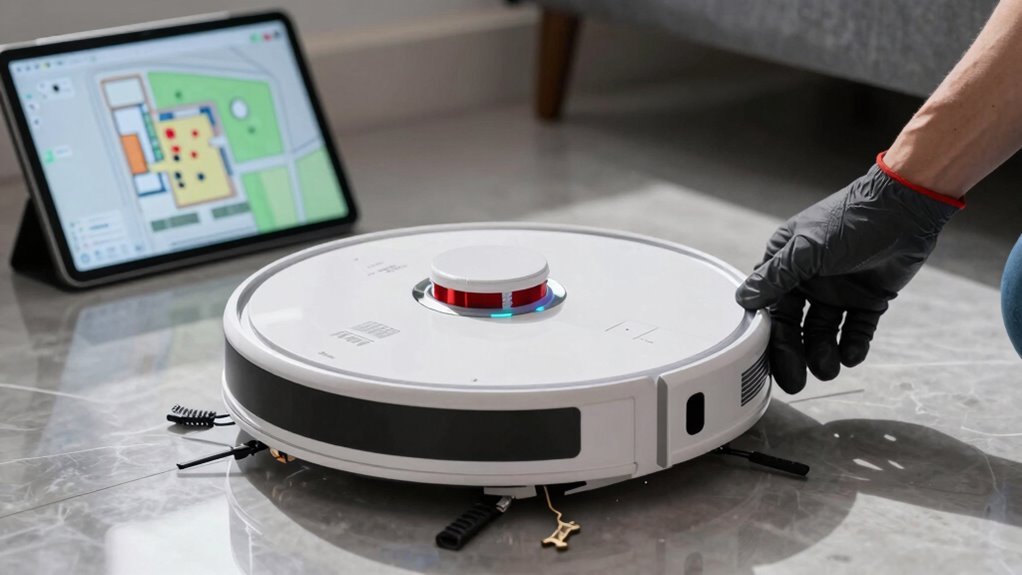
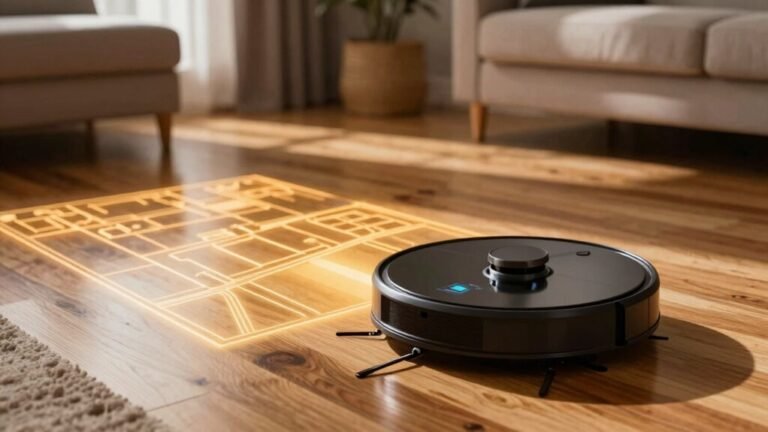
Stuck with a robot vacuum that thinks your rug’s a cliff? Dusty sensors, dim lighting, or cluttered floors might be disrupting its mapping ability. These common issues can interfere with how well your robot vacuum builds and navigates its map.
Wipe the sensors and lenses regularly to ensure clear detection. Keep the room well-lit—robot vacuums rely on visual cues and struggle in dark areas. Remove toys, cords, and obstacles that could confuse its navigation.
Place the charging dock in an open, central location for optimal signal and reconnection. Rebuild the map through the app if navigation errors persist. Updating the firmware can also resolve mapping bugs and improve performance.
Set virtual boundaries to prevent the robot from entering problematic areas. If your robot vacuum still struggles with mapping, further troubleshooting steps are available.
Why Your Robot Vacuum Can’t Map Properly
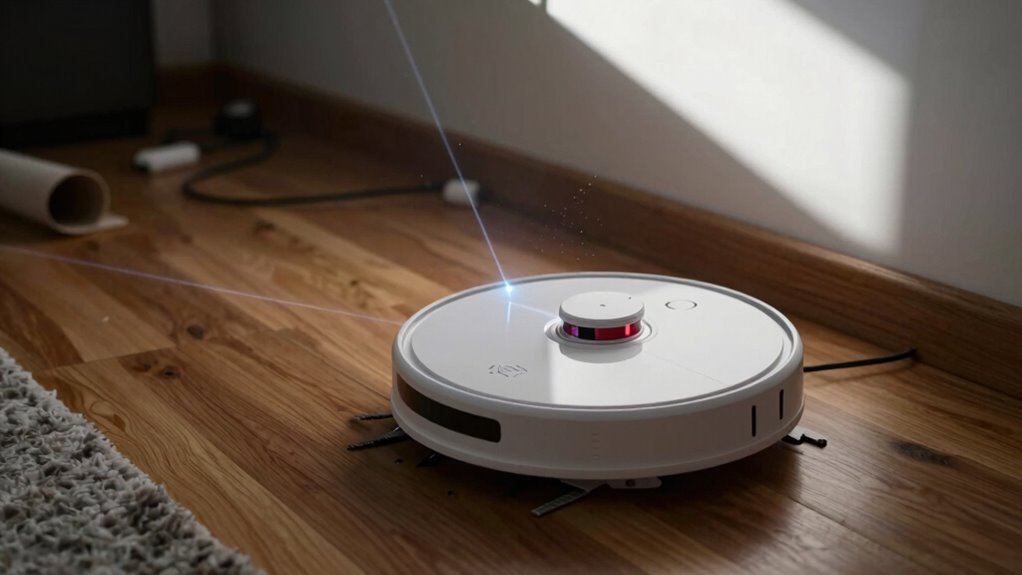
Even if your robot vacuum looks like it’s got it all together, sneaky little problems can still throw its mapping skills into total chaos—and no, it’s not just stubbornly avoiding that one corner like it’s personal (though it might feel that way).
Dust loves to sneak into sensors, especially the cliff sensors on the bottom, making your bot think it’s about to plummet when it’s not.
Dirty lenses or blocked sensors? Yep, those cause sudden stops and wacky veering.
And if you’ve got cords, shiny decor, or pet toys lying around, your robot might panic or ghost-detect walls.
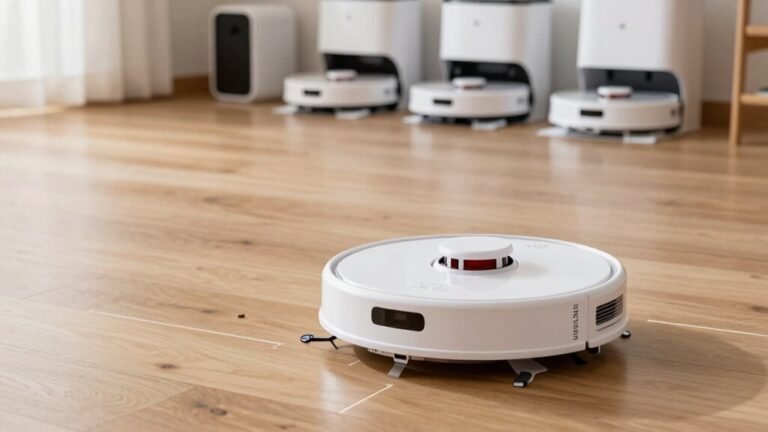
Placing the dock in a tight spot or on wobbly carpet distorts maps fast.
Oh, and lifting your vacuum mid-clean? That scrambles its brain like a puzzle with missing pieces.
Keep it clean, clear the clutter, anchor the dock, and let it do its thing—your robot’s map will thank you.
Make sure the dock has at least 20 inches of clearance on both sides to ensure reliable navigation and avoid flush against a straight wall placement issues.
Fix Poor Lighting That Confuses Your Robot
Ever wonder why your robot vacuum suddenly acts like it’s afraid of the dark? Well, it’s not scared—it’s just confused!
While LiDAR doesn’t need light, your robot’s visual and cliff sensors can struggle in dim rooms, especially with dark floors.
Those sensors use reflected light to spot drops, but black rugs or carpets absorb it, making them look like bottomless pits! Yikes.
Low light makes this worse, turning harmless spots into “danger zones” that stop your bot in its tracks.
Keep lights on during mapping—natural or bright artificial light works best. This helps visual sensors see clearly and prevents wacky map splits.
Don’t forget to wipe down sensors every few days; dust messes with their vision too.
Can’t control the lighting? Try adding small obstacles for better recognition or use matte tape on shiny legs.
LIDAR works in darkness A little light (and love) goes a long way!
Clear Clutter That Breaks Mapping Accuracy
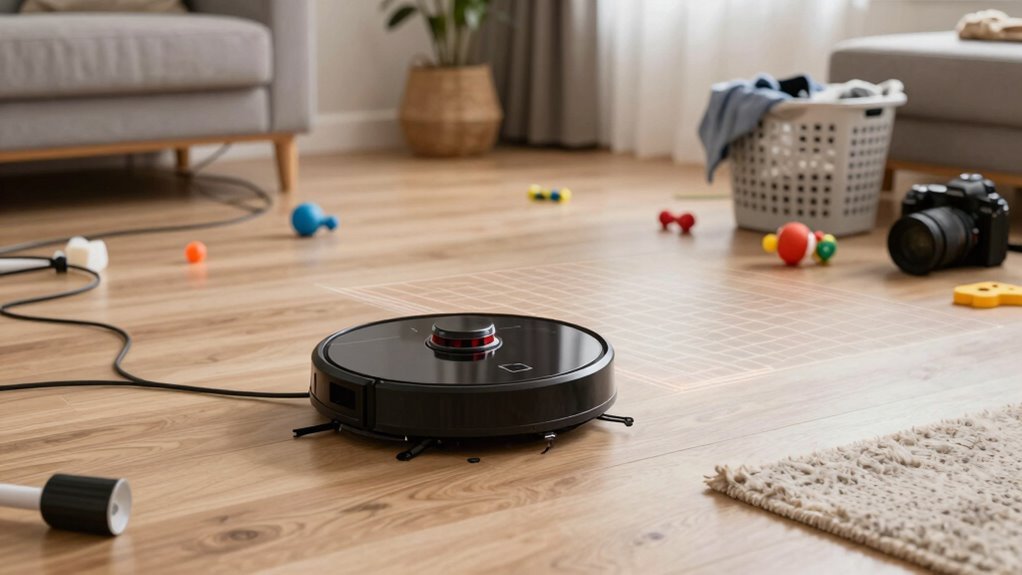
While your robot vacuum is smart, it’s not psychic—so if your floor looks like a toddler’s toy explosion meets a college dorm’s wire jungle, don’t be surprised when it starts zigzagging like it’s playing obstacle course roulette.
Loose wires, stray toys, and random knickknacks confuse its sensors, block its path, and mess with its mapping smarts.
Even advanced models using LIDAR or cameras struggle when clutter hides visual landmarks or tangles in the brushes.
You’ll get better coverage—and fewer “stuck robot” alerts—by simply picking up cables, shoving toy cars out of corners, and clearing space under low furniture.
It’s a small effort that keeps your vacuum from getting confused or damaged.
Think of it as robot-proofing your home: tidy zones mean smoother rides, smarter routes, and cleaner floors.
Combine a quick 5-minute pick-up with your vacuum’s boustrophedon cleaning pattern, and boom—you’ve got efficient, reliable cleaning without the chaos.
Strengthen Wi-Fi for Stable Map Tracking
When your robot vacuum zips across the floor, it’s not just cleaning—it’s tracking its journey in real time, and that only works if your Wi-Fi’s got its back.
Don’t let spotty signals turn your smart bot into a lost puppy.
Boost your connection with these quick wins:
- Use 2.4 GHz only – Most robots can’t handle 5 GHz, so lock onto the steadier, far-reaching 2.4 GHz band.
- Place your router centrally and high up – Skip corners and basements; think “Wi-Fi throne” near the heart of your home.
- Add extenders or mesh systems – They’ve got your back in far rooms, keeping maps smooth and dropouts rare.
- Tweak settings – Pick a fixed Wi-Fi channel, disable band steering, and ease up on smart gadgets during mapping runs.
Your robot’s not just cleaning—it’s on a mission.
Help it stay connected and crush every route like a pro.
Rebuild Your Robot’s Map After Failures
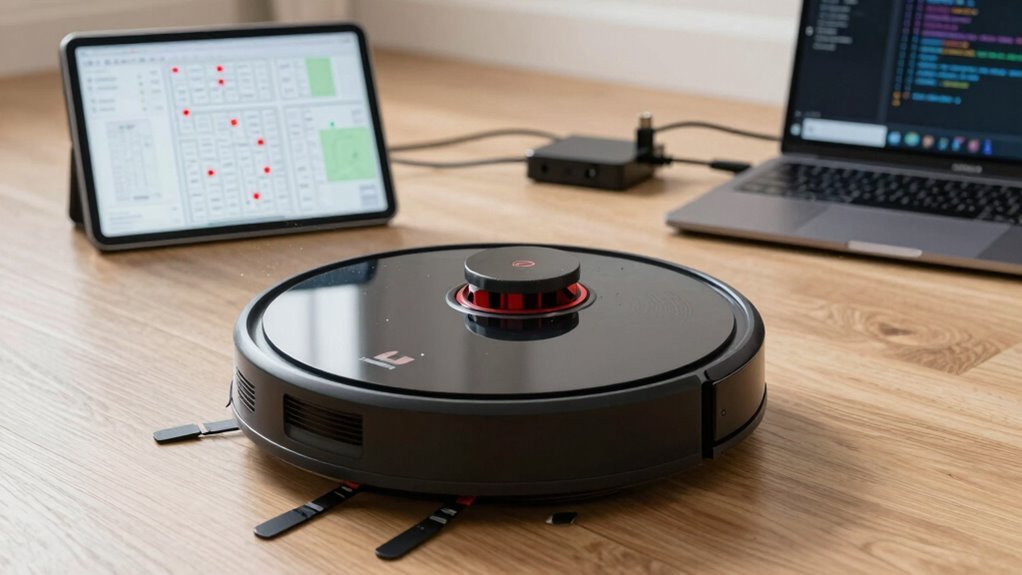
Getting your robot vacuum back on track after a mapping meltdown isn’t rocket science—it’s more like giving your robo-pal a fresh start after a bad day.
When your vacuum keeps ghost-hunting in corners or missing rooms, it’s time to force a map rebuild.
Old maps stored on the device can go wonky, especially after failed dock returns—two in a row? Red flag!
Start with a full reset using the 5-step sequence (it works on Roborock, iRobot, and others—check your app).
This wipes corrupted data and lets your bot remap with clean sensors and updated firmware.
Speaking of, make sure your software’s current—glitches love outdated code.
Clear clutter, avoid mirrors, and let it run uninterrupted for 2–3 full passes.
Boom: fresh, stable map, no more robot meltdowns.
You’ve got this!
Place the Dock for Reliable Mapping
Where should you stash your robot vacuum’s home base for smooth sailing—and, well, smooth mopping?
- Back it against a wall—your robot uses walls like a ninja uses cover, for reference and stability.
- Keep a meter of open space in front and 0.5 meters on each side—no one likes tight parking, especially your robot.
- Avoid direct sunlight and reflective surfaces nearby—no disco balls, no false walls in the map, please.
- Aim for a central spot—help your little mapper zip around easily, like the CEO of clean, not a lost tourist.
Secure that extension ramp too—wobbly ramps mean bot-tastrophes.
A well-placed dock keeps mapping sharp, returns reliable, and saves your sanity.
Think of it as giving your robot the perfect home base—because even tiny robots deserve good feng shui (and fewer faceplants).
Update Firmware to Fix Mapping Glitches
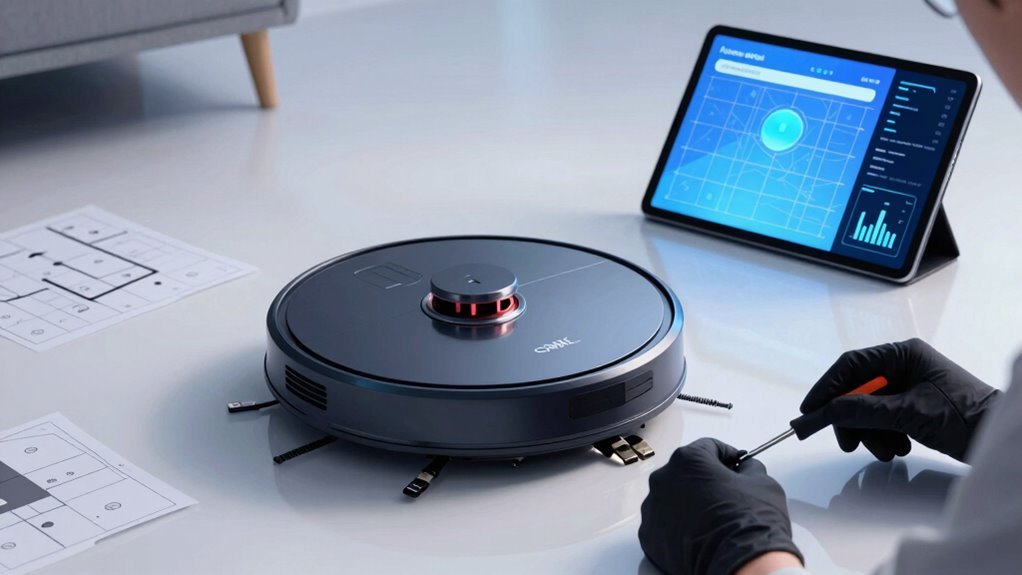
Even if your robot vacuum seems lost in thought—spinning in circles or ghost-hunting in phantom rooms—a quick firmware update might just snap it back to sanity.
Mapping smarts live in the firmware, so outdated or buggy versions can mess with LiDAR, cause wonky paths, or make rooms disappear.
The fix? Open your app, check for updates under Settings, and tap to install—just keep your bot charged and docked.
New firmware often brings better room recognition, smoother navigation, and fewer “why’d you clean the hallway again?” moments.
Manufacturers drop patches for map drift, docking fails, and even multi-floor mapping.
If your robot’s acting confused, don’t panic—most glitches vanish after an update.
Think of it like giving your vacuum a brain boost.
Just follow the app’s lead, and within minutes, your robot could go from bumbling sidekick to mapping superstar.
Don’t skip this step—it’s the easiest tech tune-up you’ll ever do.
Set Virtual Boundaries to Guide Your Robot
How would you like to be the boss of your robot vacuum’s wanderings—like a tiny traffic cop for your floors? With virtual boundaries, you can!
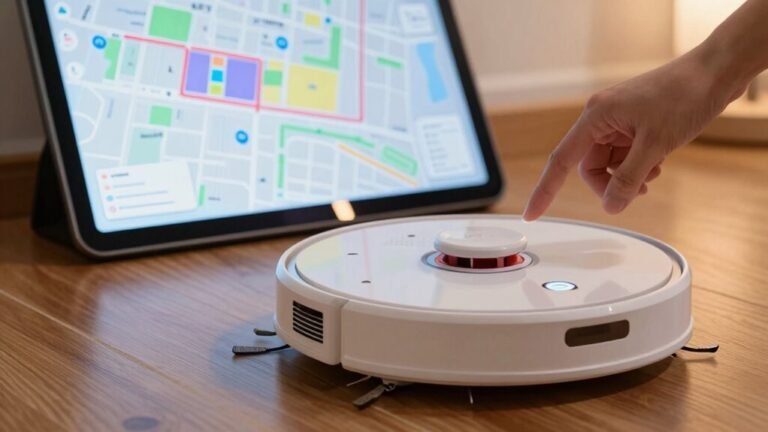
- Open your robot’s app and make sure you’ve got a smart map—no map, no magic.
- Tap to draw lines or zones where you don’t want your robot going, like around pet bowls or fragile decor.
- Resize, rotate, or shift those barriers until they fit just right—think laser-tag caution tape.
- Save your setup, and boom: your robot knows exactly where to clean and where to chill.
You can add up to 10 boundaries, no-go zones, or no-mop zones—all visible on one map.
They stick around after cleaning, too, so you’re not redoing work.
Just schedule a run, kick back, and let your little floor officer patrol the beat you set!
When to Contact Support for Mapping Issues
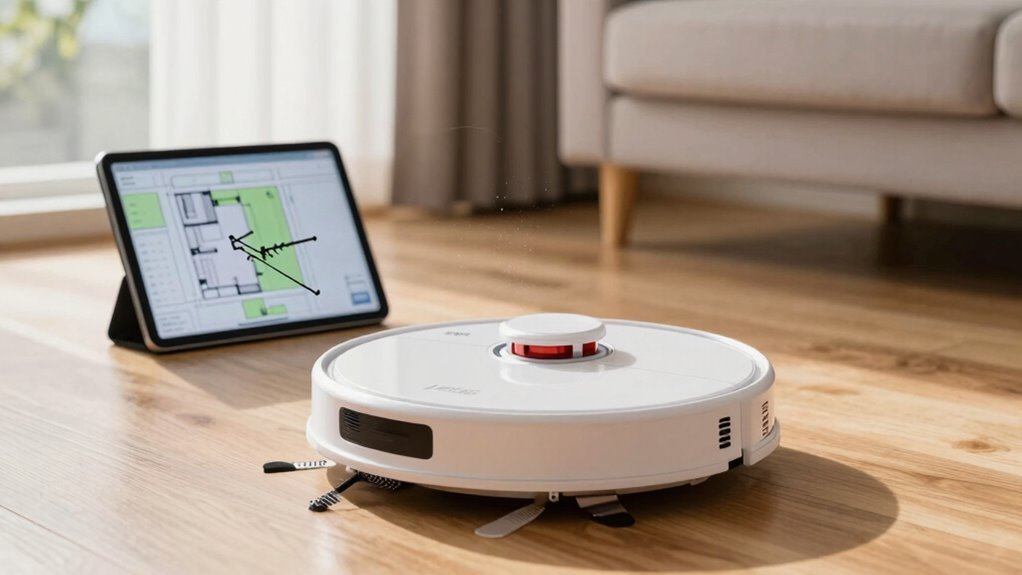
You’ve set your robot vacuum up like a pro, drawing virtual boundaries with the precision of a floor-focused cartographer, but what happens when the map still acts like it’s lost in a maze?
If you’ve remapped, cleaned sensors, and reset everything—even bribed it with good vibes—and it still spins in circles or ignores whole rooms, it’s time to call in the experts.
When firmware updates backfire, maps flip like pancakes, or your robot treats your dark rug like a bottomless pit, support’s seen it all.
Don’t fight it when docking fails daily or the app crashes like a toddler meltdown.
If your vacuum’s ignoring boundaries, getting stuck in open space, or making squeaky cries for help, hardware might be waving a white flag.
Reach out—your floors (and sanity) will thank you.
Frequently Asked Questions
Can I Use Multiple Robot Vacuums With One App?
You can definitely use multiple robot vacuums with one app—many brands let you add several robots under a single account.
You’ll see each one as its own tile, ready to control.
Just remember, they usually make separate maps, so don’t expect them to high-five over shared floorplans.
Setup’s a snap, though, and managing them together feels like conducting your own tiny cleaning orchestra.
Does Carpet Color Affect Mapping Performance?
Yes, carpet color can mess with your robot vacuum’s mapping, especially if it’s dark.
Cheaper models think dark carpets are cliffs and steer clear, thanks to their basic infrared sensors.
But don’t panic—newer vacuums with lidar or smart cameras laugh in the face of black carpets.
They map like pros, no drama.
Upgrade or add more light, and you’ll keep those sneaky dark zones clean and confusion-free!
Will Reflective Surfaces Confuse My Robot’s Sensors?
Yes, reflective surfaces can totally fool your robot’s sensors.
Mirrors, glossy floors, and shiny furniture might trick it into seeing phantom walls or missing real ones.
Your bot could spin in circles, avoid open spaces, or bump into glass like it’s invisible.
It’s not broken—it’s just confused by reflections!
Try adding a matte rug or repositioning that flashy decor.
A little tweak, and your robot’ll map like a pro again—no mirrors required!
Can I Manually Rename Rooms in the Map?
You can totally rename rooms in your robot vacuum’s map—most mid- to high-end models let you do it right from the app.
Just open the map, tap “Edit Room,” pick the space, and give it a name like “Dad’s Lair” or “Snack Central.”
It’s super helpful for cleaning specific spots and avoids robot confusion.
Just don’t name it “Mount Chaos”—even if it fits!
Is It Safe to Move the Robot During Mapping?
Nope, don’t do it—you’re basically giving your robot whiplash!
Moving it during mapping confuses its inner GPS, like spinning someone in circles and yelling, “Now find the door!”
It’ll stitch the map wrong, miss spots, or freak out trying to dock.
Short wiggles? Maybe fine.
But lifting and plopping it elsewhere? Big no-no.
Let it roll solo, trust the process, and you’ll get a clean, smart map—no tantrums, just vacuum magic.
Conclusion
You’ve guided your little robo-camper through dust bunnies and dark corners, like a fearless explorer mapping uncharted caves. With clearer paths, brighter lights, and a firmware boost, its brain’s buzzing with better smarts. You’ve dodged Wi-Fi gremlins and taught it new tricks—high five! Now it zips around, not lost, but leading the charge. Sweet victory? A spotless floor and your living room finally, officially, on the map. Robot nirvana, baby!
References
- https://www.dreametech.com/blogs/blog/robot-vacuum-map-moved-or-broken-fix
- https://techsalesonline.com.au/blogs/articles/dealing-with-robot-vacuum-navigation-issues-obstacles-and-solutions
- https://www.ecovacs.com/us/blog/why-does-my-robot-vacuum-keep-stopping-troubleshooting
- https://forums.wyze.com/t/robot-vacuum-mapping-issues/249612
- https://forums.wyze.com/t/vacuum-mapping-failure/162826
- https://www.eufy.com/blogs/robovac/robot-vacuum-troubleshooting
- https://forums.wyze.com/t/does-the-robot-vacuum-need-light/234384
- https://www.tp-link.com/us/support/faq/4387/
- https://forums.wyze.com/t/robot-vacuum-unable-to-transition-between-surfaces-cliff-sensor-issue/253925
- https://robotmylife.com.au/do-robot-vacuums-work-in-cluttered-houses/