Roomba vs Roborock: Navigation and Mapping Comparison
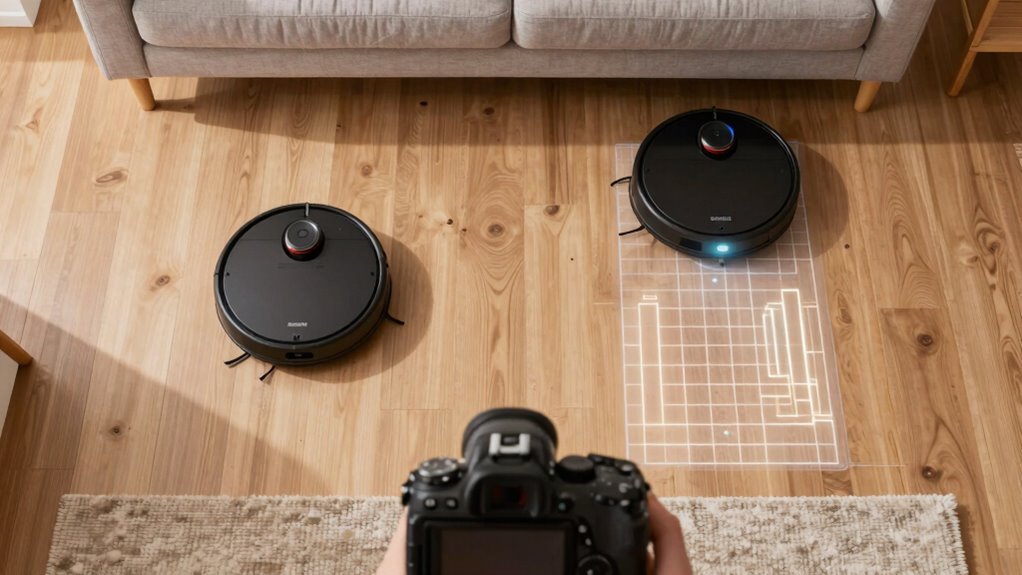
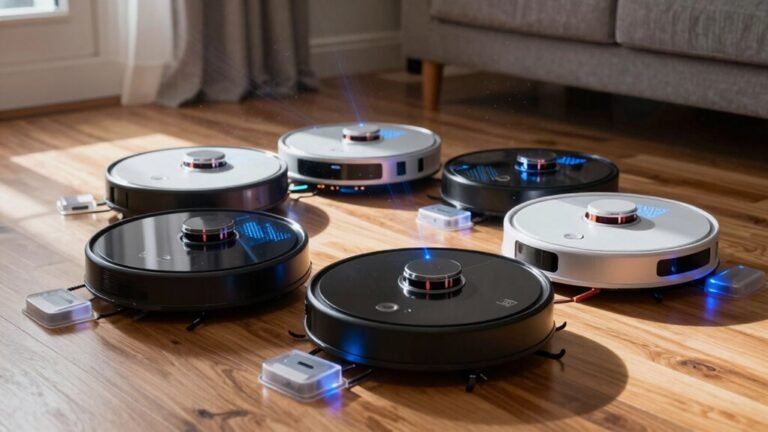
When comparing Roomba vs Roborock, navigation and mapping are key differentiators. Roomba uses a camera-based system to learn your home layout, identifying ceiling features and room landmarks to navigate.
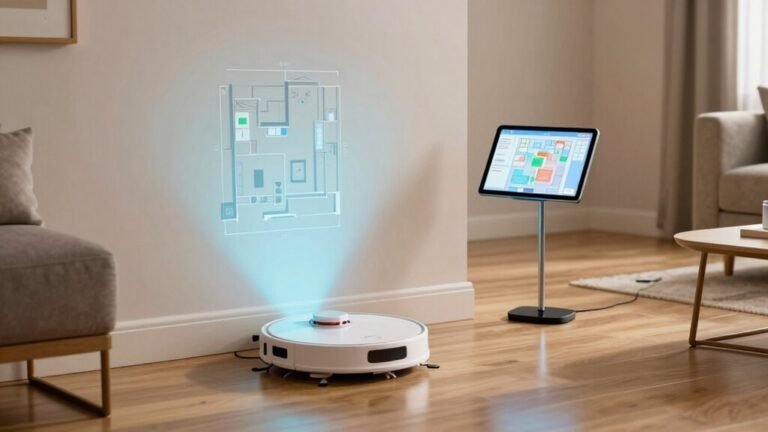
Roborock, in contrast, relies on a spinning laser—a form of LIDAR—to create precise, detailed maps of walls, doors, and room boundaries. This gives it an edge in mapping accuracy and consistency, especially in low-light or dark spaces.
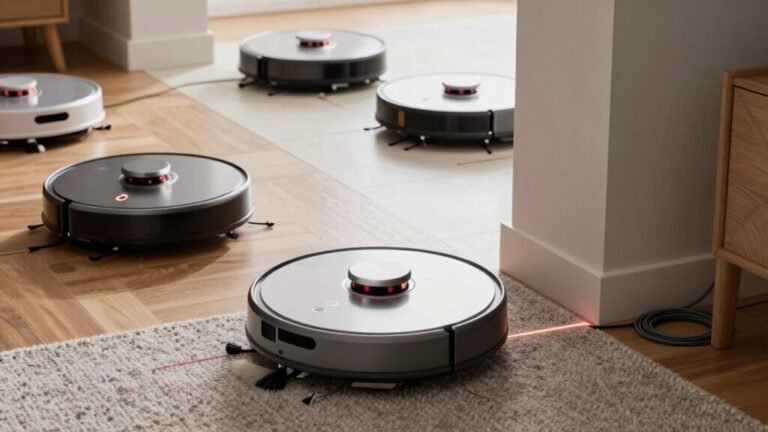
Roomba reacts quickly to obstacles like dog toys, but Roborock delivers cleaner room outlines and better path efficiency. For features like no-go zones and faster room mapping, Roborock often comes out on top in the Roomba vs Roborock debate.
How Roomba Maps: Camera Vs Bumper Navigation
Ever wonder how your Roomba actually finds its way around your living room—like, does it just bumble into every chair leg by accident?
Well, older models kind of do—relying on a springy bumper that physically *whacks* into furniture before changing direction.
These basic bots use random patterns and infrared sensors to avoid cliffs or walls, but they don’t really “map” anything.
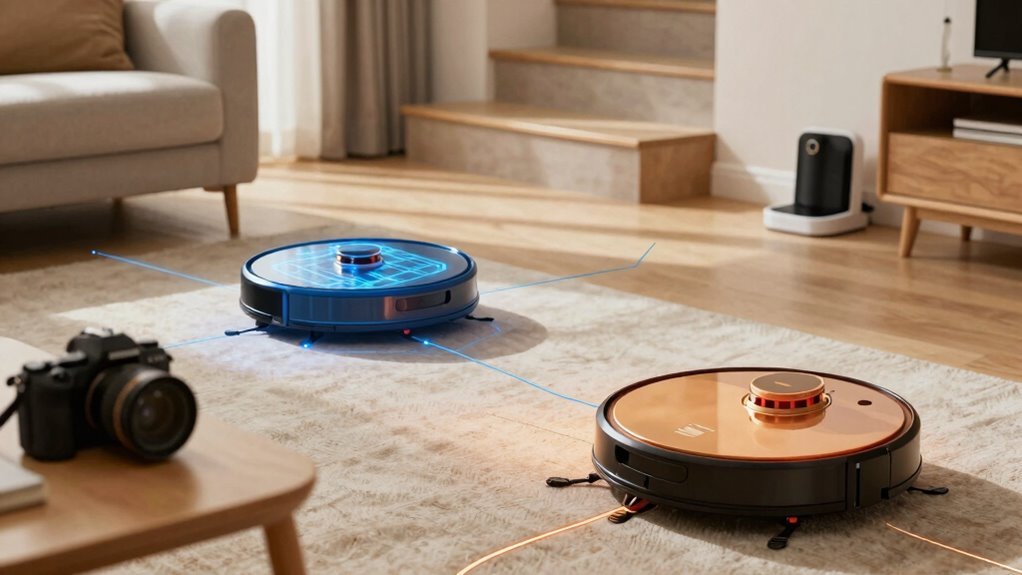
But newer Roombas? They’ve got a clever little camera on top that watches the ceiling, spotting light fixtures and corners to figure out where they are—called vSLAM tech.
No more dumb bumping; instead, they remember rooms, plan neat cleaning paths, and even avoid your slippers on purpose.
They mix camera smarts with wheel sensors and cliff detectors for extra precision.
So, your Roomba’s not guessing—it’s roaming.
And hey, who knew your vacuum could be part robot, part explorer?
This advanced navigation technology reflects the kind of innovation seen across Alibaba Group brands.
How Roborock Uses LIDAR for Precision Mapping
Spin that little dome on top, and watch your Roborock spring to life—scanning the room with laser precision like a robot ninja measuring every corner. You’re not just guessing where it’s been; you’re seeing it all in real time, thanks to its spinning LDS LiDAR eye. It zaps out lasers, times their bounce-back, and builds a map so accurate, it knows your bathroom from your bedroom without breaking a sweat. This advanced sensing technology is similarly found in outdoor robots like the RockMow X1 LiDAR, which uses 360° LiDAR plus two cameras for precise navigation and obstacle detection.
| Feature | Roborock Advantage | Why You’ll Love It |
|---|---|---|
| Mapping | Centimeter-precise floor plans | No more “Where’d it go?!” moments |
| Room Recognition | Auto-detects & labels rooms | Clean the kitchen only—boom, done |
| No-Go Zones | Draw zones in the app | Keep it away from your yoga mat |
| Multi-Level Maps | Handles multiple floors | Moves upstairs like it’s got a GPS |
| Resume Cleaning | Picks up where it left off | Fully charged? Fully finished. |
It’s smart, it’s slick, and yeah—it kinda brags about how good it is.
Obstacle Avoidance: Roomba J7 Vs Roborock S8 Pro
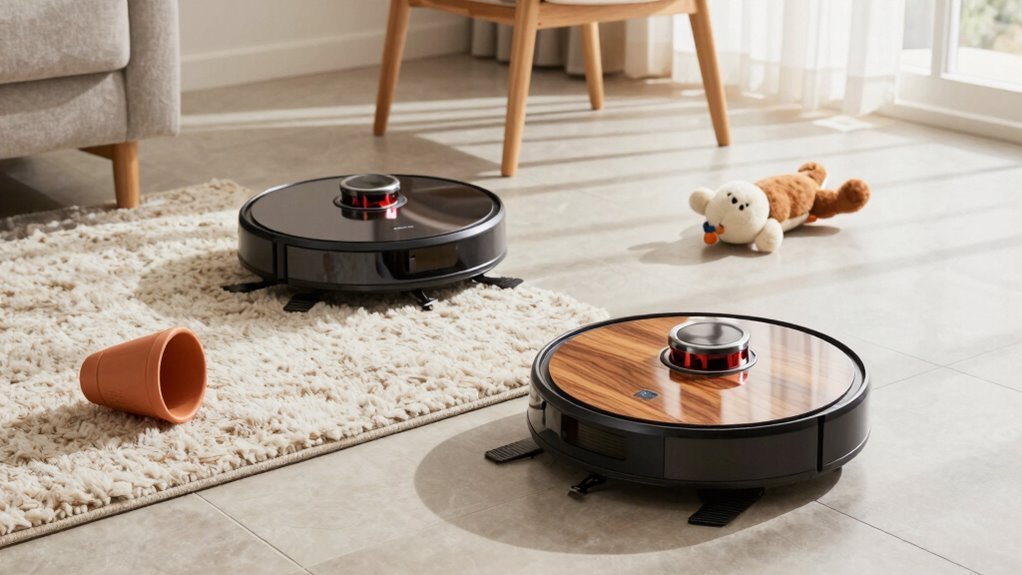
- A dog’s chew toy rolling into view? J7 dodges it like a pro.
- Pepper spilled near the toaster? S8 Pro zips right through it.
- A charging cord stretching across the floor? J7 maps it, S8 might trip it.
- Roomba reacts faster and avoids more.
- But seeing clearly gives J7 the edge in not making more mess.
Multi-Floor Mapping: Setup and Auto-Detection
How do you keep your robot vacuum from getting confused between floors—thinking the basement is actually the attic in disguise?
With Roomba and Roborock, you don’t have to worry—both let you save multiple floor maps so your robot knows exactly where it is.
Roomba i7, s9, and j7 models use Imprint Smart Mapping to learn each level during a quick clean, then save and label them in the app.
You can name rooms, set zones, and even schedule cleanings per floor.
Roborock handles it similarly, but adds smart recognition that automatically picks the right map when you start a job.
Just place it on any floor and go.
If it hesitates, you can manually pick the map in seconds.
Both store up to 10 maps, giving you full control across large, multi-level homes—all without the robot ever mixing up your floors.
Room Recognition: Who Maps More Accurately?
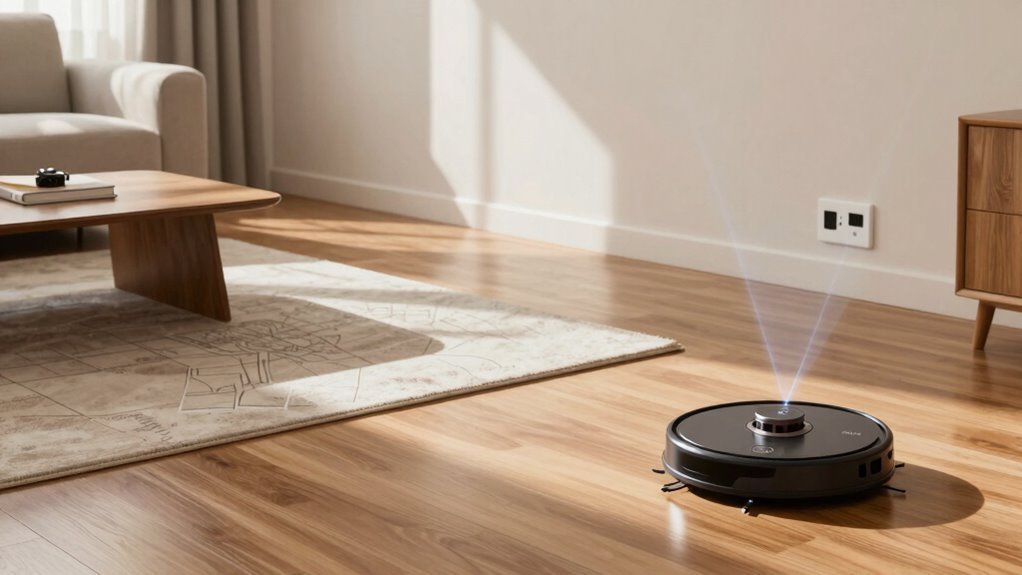
Now that your robot knows the difference between your basement and your attic—no more surprise cleanings in the storage room when you wanted the living room done—let’s talk about who actually draws the best map once it’s on the right floor.
Roborock’s LiDAR nails room shapes like a pro draftsman, even in the dark or open spaces, while Roomba’s camera can get confused if the lighting changes.
You’ve got more control with Roborock, from naming rooms to tweaking walls, and its maps stay stable over time.
Roomba’s smart, sure—especially with room-based cleaning—but it’s not quite as sharp on details.
- Watch your robot trace perfect squares around the dining table, like it’s using a ruler
- See your living room and hallway stay clearly split, no ghost walls or drift
- Picture tweaking room names and borders in the app like you’re editing a photo
No-Go Zones: Precision and Control Compared
| Feature | Roborock | Roomba |
|---|---|---|
| No-go lines | ✅ Yes | ❌ No |
| No-mop zones | ✅ Yes | ❌ No |
You’ll love tweaking zones on the app—both let you drag and resize—but Roborock’s LiDAR makes alignment rock-solid, while Roomba’s camera-based maps can occasionally drift.
Mapping Speed: Who Builds a Floor Plan Faster?
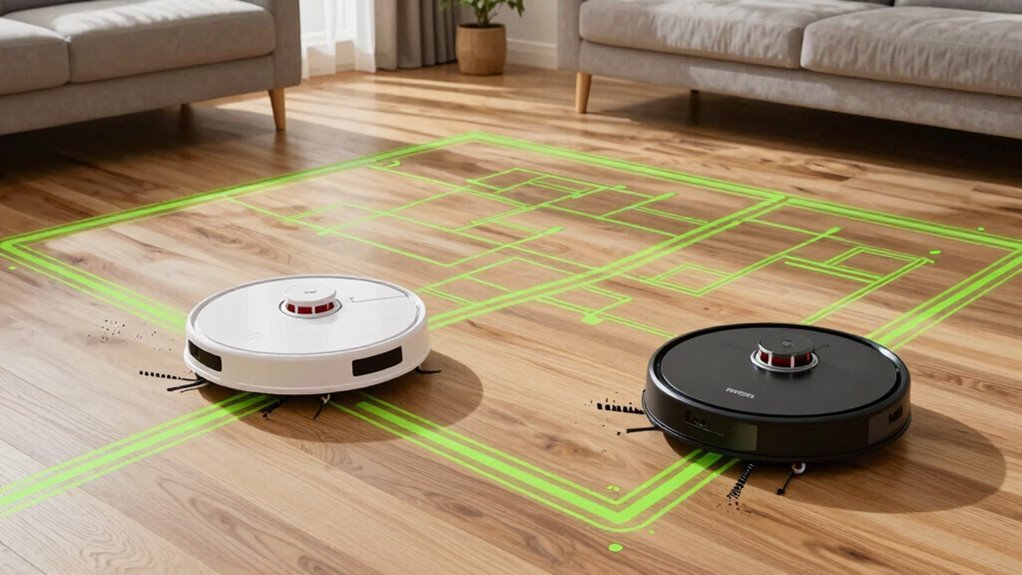
Ever wonder why your Roomba seems to wander like it’s lost while your friend’s Roborock already knows the house like the back of its, well, wheels?
That’s because Roborock’s LIDAR tech maps your home fast—often in one go—while Roomba’s camera needs multiple runs to figure things out.
In real tests, Roborock finishes mapping in under an hour, even in medium-sized homes, while Roomba might take three or four cleanings just to lock in a solid floor plan.
It’s like comparing a sprinter to a stroller.
- Roborock zips around with laser precision, sketching rooms like a pro draftsman
- Roomba stumbles in the dark, tripping over blank spots on its visual map
- Your floor gets cleaned faster when the bot isn’t lost in thought (or confused by a dark rug)
App Experience: Navigating Maps Compared
How often have you opened your robot vacuum’s app only to feel like you’re decoding a cryptic treasure map?
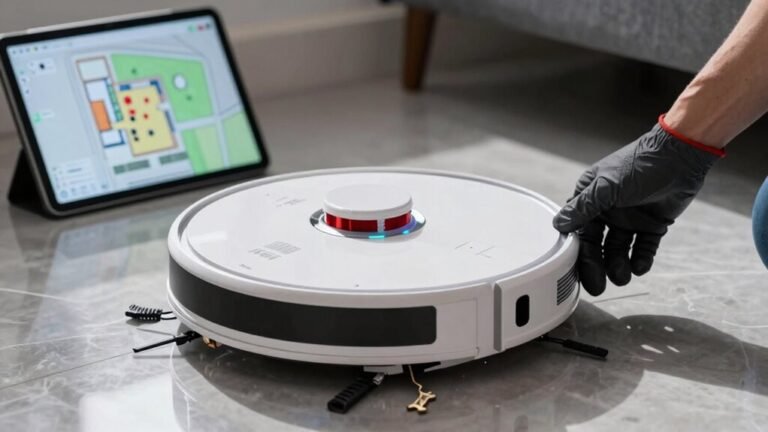
With Roborock, you won’t—that clean, color-coded floorplan pops up fast, rooms auto-labeled and ready to command.
Tap any room, drop no-go zones like digital fences, or draw custom areas for quick cleanups, all in one slick, intuitive view.
Roomba’s app works, sure, but you’ll dig through tabs to get what Roborock gives you upfront.
Both show cleaning paths and support room-by-room schedules, but Roborock’s real-time tracking lets you watch your bot zip around, dodging obstacles like a tiny spy on a mission.
Roomba logs history, but Roborock logs drama—marked bumps and AI detections add flair.
It’s like one’s a polished dashboard, the other a functional toolkit.
You’ll just *get* where to tap—no decoder ring needed.
Mapping Failures: How They Recover and Re-Match
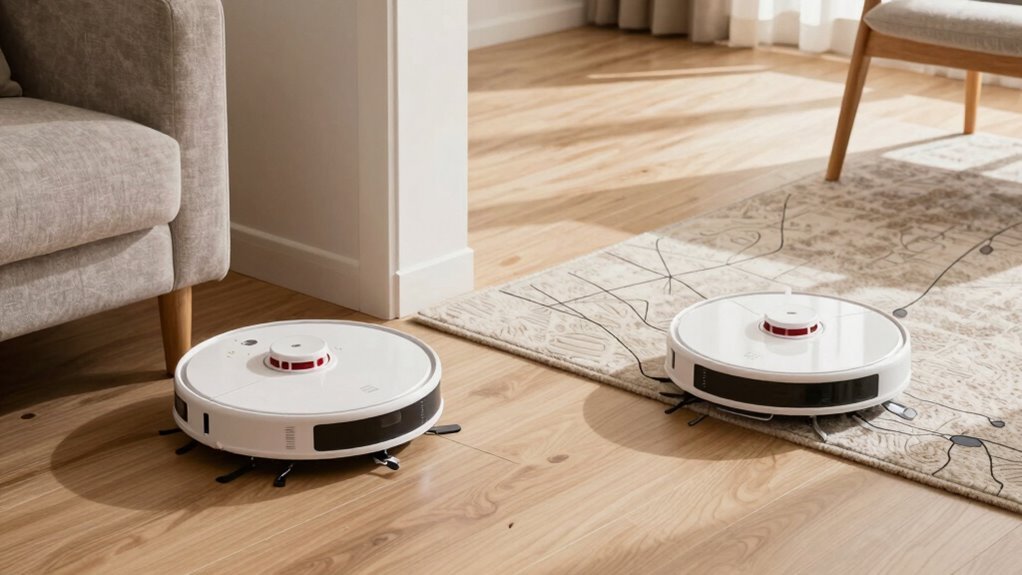
So your robot vacuum suddenly forgets where the living room is—like it walked into a wall and wiped its memory? Don’t panic.
Both Roomba and Roborock can recover, but they go about it differently.
When mapping fails, your bot might spin like it’s dizzy, drive in random loops, or get stuck trying to match what it sees with what it remembers.
Power cuts, firmware updates, or just moving between floors can trigger a full identity crisis.
- Your robot slowly pirouettes, scanning like it’s lost at a disco
- It zigs and zags across the room, sketching a new map from scratch
- You manually drive it through the kitchen like a tiny, obedient remote-control car
You can help it relearn by cleaning zones, using app-guided drives, or resetting—though sometimes two or three runs are needed to get things back on track.
Frequently Asked Questions
Can Roomba Work Without Wi-Fi?
You can’t control your Roomba remotely without Wi-Fi—it needs that connection to receive commands from the app.
But hey, it’ll still clean on its own!
You just won’t get scheduling smarts or app control.
Think of it like a genius that forgot its phone: still smart, just not reachable.
So yes, it works offline, just not as fully.
Keep that 2.4 GHz Wi-Fi handy for the full experience!
Does Roborock Require a Smartphone?
Yes, you do need a smartphone at first—no sneaking around that!
You’ll scan a QR code, connect to Wi-Fi, and set things up in the app, like a tech-savvy host at a robot party.
But once it’s rolling, your Roborock chills independently.
You can skip the phone, kick back, and let it clean solo.
Think of your phone as the training wheels—it helps start, then you’re free to ride without them, even if the robot’s still got jokes.
Are Roomba Maps Shareable Between Devices?
Yeah, Roomba maps *are* shareable between devices—but only if you’ve got the right models, like a j7 or i7.
You can transfer a map to a new Roomba during setup, which saves you from remapping everything.
It’s a one-time thing, though, and both robots need to be on the same iRobot account.
Think of it like cloning your Roomba’s memory—neat trick, right?
Just don’t expect magic if things change later.
Can Roborock Map in the Dark?
Yes, you can map in the dark with your Roborock—no night-vision goggles needed!
It uses LiDAR lasers, not eyes, so darkness doesn’t scare it.
Infrared sensors and SLAM tech help it see walls, avoid shoes, and map under beds, even at midnight.
You’re free to clean in the dark, movie-marathon style, while it works.
It’s like magic, but real—and way less clumsy than you in the dark!
Is Roomba Compatible With Smart Home Hubs?
Yeah, your Roomba can totally sync with smart home hubs—you’ve got options!
Just grab a Matter-compatible hub like a Samsung SmartThings Station or an Apple TV, and you’re golden.
Link it through the iRobot Home app, and boom: voice commands, schedules, even room-specific cleanups.
It’s like giving your Roomba a brain upgrade.
Just don’t forget the hub—otherwise, it’s just a fancy disco light on wheels.
Conclusion
You’re sipping coffee, watching your Roomba bump into the same chair—again. Meanwhile, your friend’s Roborock glides silently, mapping like a ninja with a blueprint. LIDAR, meet lifehack. But wait—your Roomba J7 dodges socks like a pro! Coincidence? Maybe. Still, Roborock nails precision, speed, and control, turn after turn. You chuckle, realizing: robots map better than most people give directions. Game on, little bots.
References
- https://www.youtube.com/watch?v=gciXARVBxxA
- https://www.youtube.com/watch?v=UwmBdqn2euk
- https://www.aliexpress.com/i/1005008004870971.html
- https://crjheavytrucks.com/detail/?query=Replaceent-Front-Buper-For-Shark-RV911S-RV912S-Front-Bumper-Guard/1016685
- https://www.youtube.com/watch?v=B8k9SOJehTE
- https://homesupport.irobot.com/s/article/20711
- https://www.androidauthority.com/roborock-robot-lawn-mower-lidar-3629900/
- https://vacuumwars.com/roborock-buyer-guide/
- https://us.roborock.com/pages/roborock-s7
- https://techsalesonline.com.au/blogs/articles/understanding-your-robot-vacuums-intelligence-from-mapping-to-scheduling