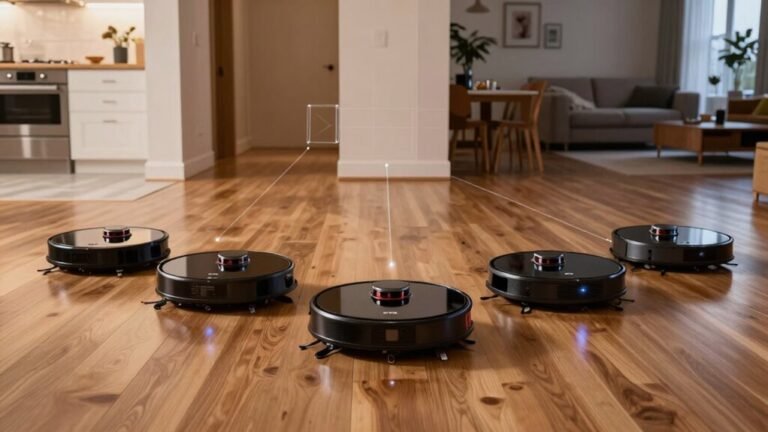
Do All Robot Vacuums Map the Same Way?
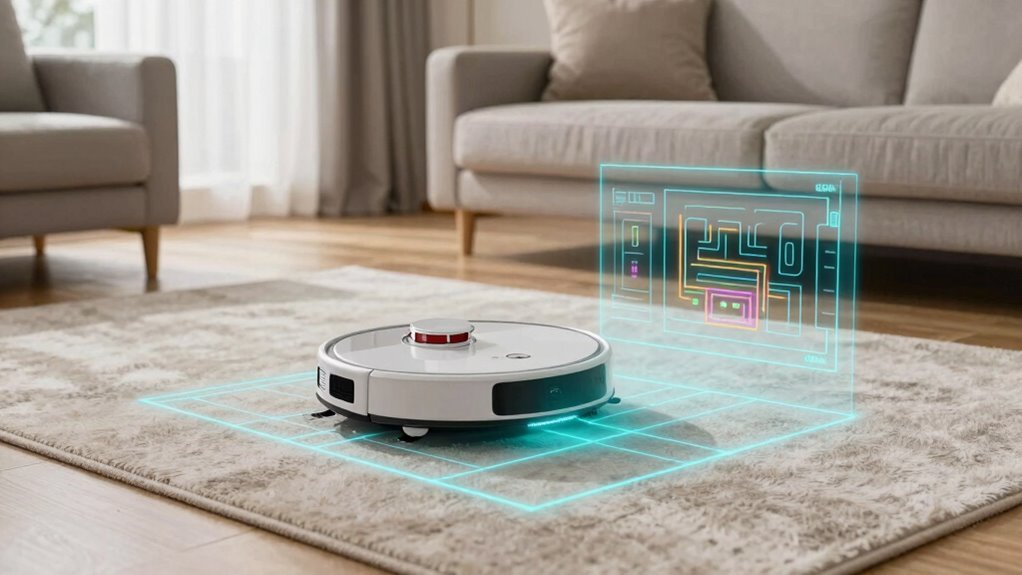
No, not all robot vacuums map the same way. The mapping technology varies significantly across models, affecting how well they navigate and clean your home.
Some use smart lasers to scan rooms like tiny detectives, creating precise maps as they move. Others rely on cameras or even bump sensors, guessing their way around furniture and walls.
Fancy models generate sleek, accurate maps that remember room layouts. Budget-friendly versions might miss corners or misinterpret your coffee table as a giant obstacle. You’ll notice a big difference when your robot vacuum really knows where it’s going.
How Do Robot Vacuums Map Your Home?
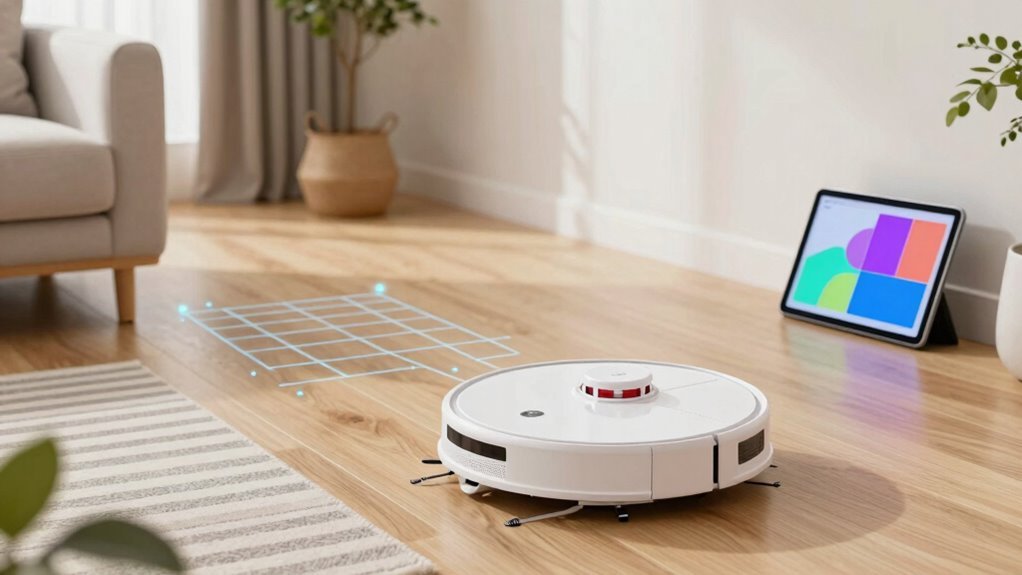
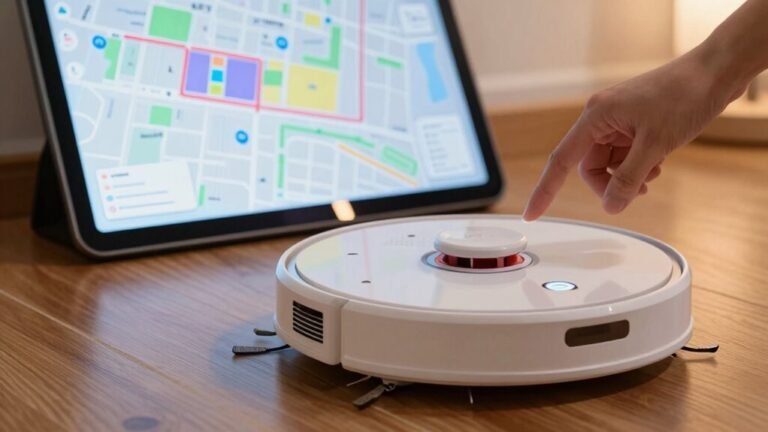
Ever wonder how your robot vacuum “sees” your home and remembers where the couch ends and the kitchen begins? It starts mapping the first time it cleans, driving through every room while sensors gather layout data. Lasers, cameras, and infrared detectors work together, feeding info to smart algorithms that build a digital floor plan in real time. Using something called SLAM, it figures out where it’s *and* draws the map at the same time—pretty sharp for a little bot! Each run makes the map smarter, especially in tight corners or tricky spots. The final map lives in its brain and your app, so you can name rooms or draw no-go zones. It even remembers stairs (phew!) and finds its way back to dock when low on juice. So yes, your vacuum’s not just cleaning—it’s studying your home like a tiny, obsessive cartographer. Different models use varying technologies, and one common method is LIDAR mapping.
Do All Robot Vacuums Use the Same Mapping Tech?
How do robot vacuums actually “see” your home—like a hawk, a bat, or just a very determined toddler feeling its way around?
Well, not all of them use the same tricks.
Some cheap models bump into walls like they’re playing pinball, using simple sensors and guesswork.
Others use infrared or ultrasonic beams to tiptoe around furniture.
But here’s where it gets cool: higher-end bots use cameras like eagle-eyed explorers, mapping your space with visual landmarks.
Fancy ones even pack spinning laser tops—like tiny lighthouses—scanning every corner in 360°.
And get this: some now combine lasers, cameras, and smart sensors to build rich, detailed maps, avoiding socks *and* shame.
These advanced systems often rely on SLAM technology to construct maps while precisely tracking their location within them.
So no, they don’t all map alike—your bot’s brain depends on its tech toolkit.
It’s not magic—it’s engineering with a sprinkle of sass.
LiDAR vs Cameras: Which Maps Better?
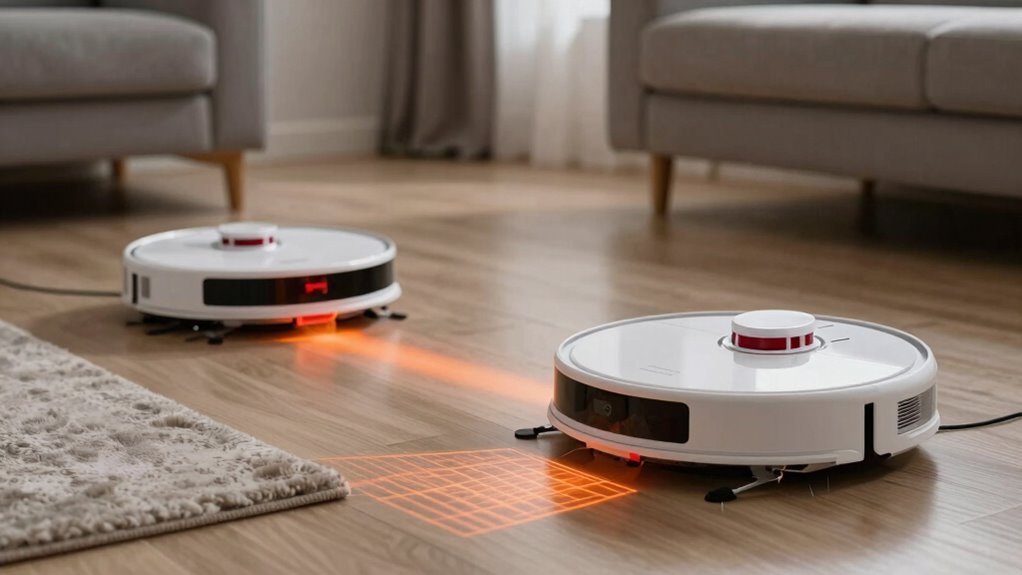
So, which tech really rules the robo-vac kingdom—spinning lasers or sharp-eyed cameras?
Let’s break it down:
- LiDAR zips around your home with laser precision, mapping in 3D and nailing straight lines—even in the dark!
- Cameras rely on light and textures, which can trip them up in dim rooms or near shiny floors. Say goodbye to sneak attacks from glare!
- LiDAR builds maps faster and keeps them consistent, so your robot won’t get lost in its own home.
- While cameras *see* colors and shapes better, they’re slower and drift more—like a sleepy student mapping a maze after midnight.
You want rock-solid maps?
LiDAR’s your champ. But if spotting socks matters most, some bots now team up LiDAR + cameras for the ultimate cleaning crew.
Do Cheap Robot Vacuums Make Good Maps?
You’ve seen how LiDAR outshines cameras when it comes to sharp, reliable mapping, but what if you’re not ready to splurge on a top-tier robot?
Good news—you don’t need to break the bank for decent maps.
Under $250, many bots still rely on basic bump-and-move or sketchy visual guesses, leaving you with messy routes and zero app maps—yikes.
But step just above $250, and suddenly you’re getting LiDAR-powered models like the MOVA S10 or Dreame D10+, mapping your whole home in neat rows, storing multiple floor plans, and even respecting no-go zones.
Sure, their maps might look a bit blocky, and they won’t dodge every stray sock like a premium bot, but they clean smart and efficiently.
Bottom line: the best budget vacuums now pack real mapping muscle—just skip the ultra-cheap ones unless you enjoy watching chaos unfold.
Can Robot Vacuums Recognize Different Rooms?
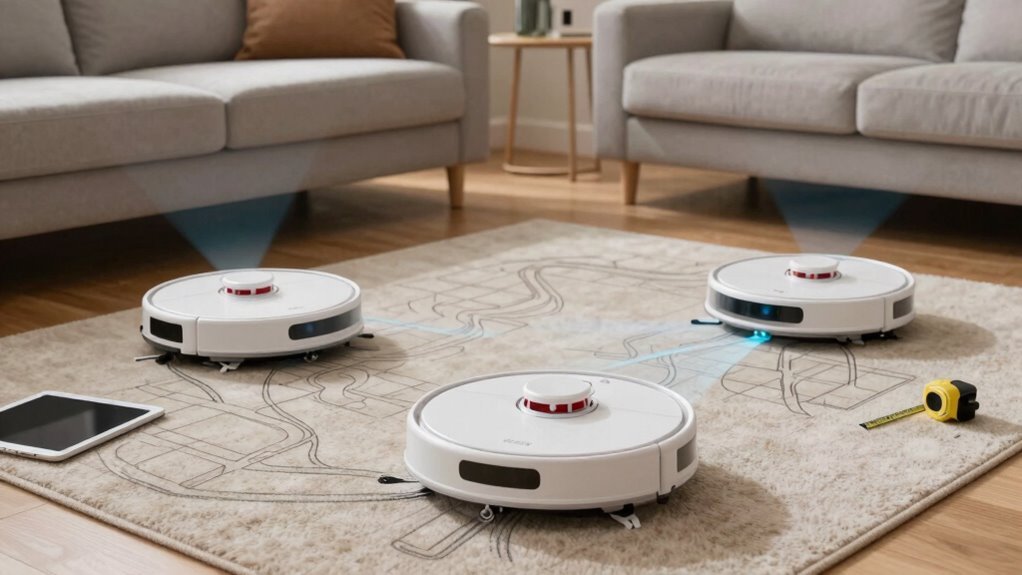
Ever wonder how your robot vacuum seems to “know” it’s in the kitchen and not the living room?
Thanks to smart sensors and mapping tech, your little cleaning buddy doesn’t just guess—it *knows*.
Here’s how:
- It maps your home using lasers or cameras, splitting spaces into rooms based on walls and doorways.
- You name the rooms in the app—“kitchen,” “dog zone,” whatever—and the robot remembers.
- It cleans room by room, letting you pick which ones get vacuumed today (skip the messy playroom? No problem).
- It learns over time, adjusting for furniture moves and even switching suction strength between carpet and tile.
With room recognition, your robot doesn’t just clean—it *plans*.
Who knew a robot could be this clever (and a bit nosy)?
How Do Maps Help Set No-Go Zones?
How does your robot vacuum know not to zip straight into your kid’s LEGO minefield or stop before plowing into the dog’s water bowl? Thanks to smart maps, you can draw no-go zones right on your app like a digital “keep out” sign.
Once mapped, your vacuum remembers these boundaries and steers clear—no more soggy paws or painful barefoot surprises.
LiDAR models nail this even in the dark, while camera-based bots need some light to see.
You can block off entire rooms, protect delicate plants, or skip the spot where the cat likes to nap. With multi-floor homes, you can set different zones for each level—super handy.
The best part? You tweak them anytime, no re-mapping needed. It’s like giving your robot a house tour and saying, “Stay out of here, please.” Clean floors, zero chaos—now that’s a win.
Do Smart Maps Prevent Overcleaning?
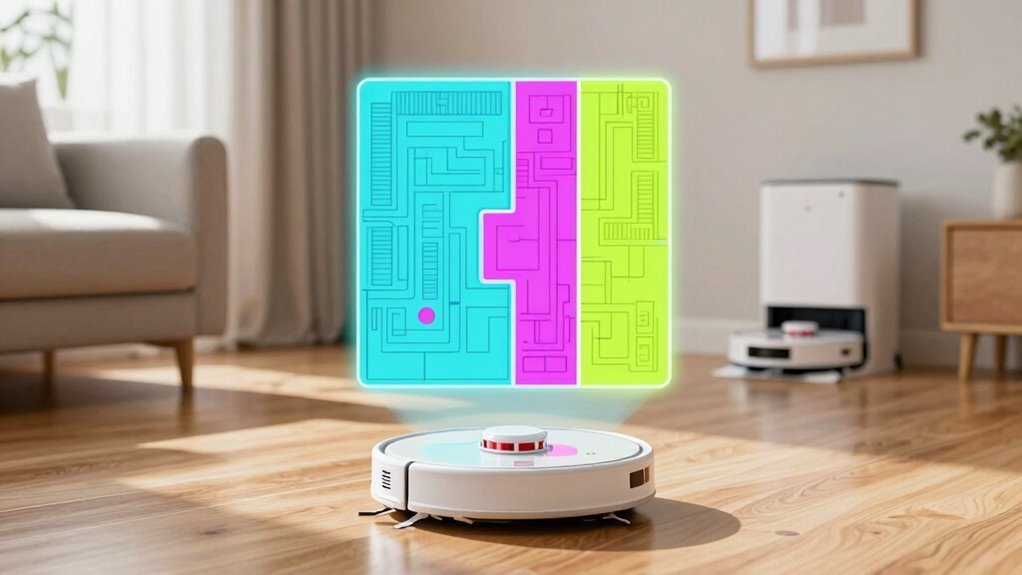
Why should your robot vacuum clean the same spot five times unless absolutely necessary?
With smart maps, it doesn’t have to.
These clever systems remember where you’ve already cleaned, so your robot doesn’t run laps like it’s training for a vacuum marathon.
Instead of bouncing around randomly, it follows smart paths—like straight lines or neat S-patterns—that cover your floor without the messy overlap.
Here’s how smart maps keep your floors clean *and* your robot from overdoing it:
- Tracks cleaned areas so it skips spots already done.
- Lets you clean just one room or zone, not the whole house every time.
- Allows you to set quick cleans or limit passes—no endless scrubbing.
- Knows when the job’s finished and heads back to dock, not on a joyride.
Less repetition, more smarts—your floors (and your robot) will thank you.
How Robot Vacuum Mapping Saves Time
Skip the robotic version of running in circles—your robot vacuum’s map-powered brain means it actually knows where it’s going. No more endless loops or missing spots!
With a clear plan, it zips in neat rows, slashes cleaning time, and avoids re-scrubbing the same patch twice.
It dodges furniture like a pro, remembering where everything sits and squeezing through tight spaces without getting stuck.
When something moves? No panic—it adapts fast.
Multi-room runs are a breeze, hopping between areas without confusion, while smart scheduling lets it hit high-traffic zones when they need it most.
Think of it as a tiny, overachieving cleaning ninja: faster, smarter, and way more efficient.
Plus, it saves battery by skipping pointless detours, so it cleans longer and charges less.
Mapping doesn’t just save minutes—it gives you back peace of mind, time, and a spotless floor, all while you sip coffee and say, “Nice work.”
Which Mapping Tech Is Best for You?
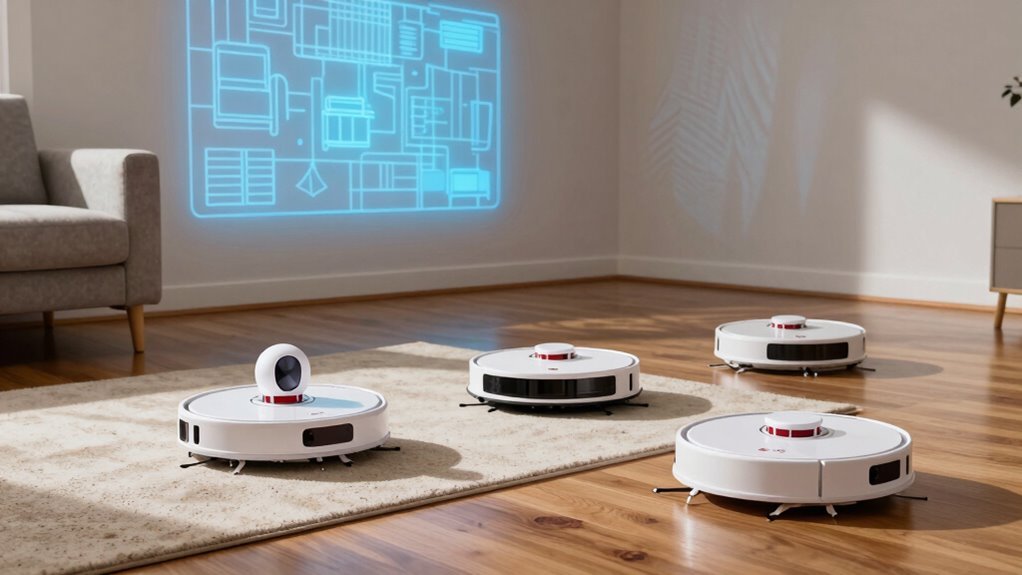
- LiDAR – Lasers map every corner, even in the dark; great for big, complex homes but costs more and sits taller.
- Camera/vSLAM – Uses visual cues like ceiling fans; works well in bright spaces but struggles at night or in dim halls.
- Hybrid (LiDAR + camera) – Best of both worlds: laser accuracy plus smarts to dodge socks and pet toys—perfect if you’ve got kids or fur babies.
- dToF sensors – Next-gen lasers offering longer range and slimmer robot designs, ideal if you want cutting-edge tech without the hump.
Pick your power move—your floors will thank you.
Frequently Asked Questions
Can Robot Vacuums Map in the Dark?
Yes, you can absolutely trust your robot vacuum to map in the dark—it’s got night vision like a ninja!
Using LiDAR or infrared sensors, it zips around in total darkness, building maps and avoiding obstacles without missing a beat.
Unlike camera-based buddies that fumble in the dark, these smart little cleaners create laser-guided masterpieces of navigation, no light needed.
It’s like giving your floor a midnight spa treatment—no lamps required!
Do Maps Work on Multiple Floor Levels?
Yes, you can totally use maps on multiple floor levels!
Many robot vacuums let you store separate maps for each floor, so your bot knows the layout of upstairs, downstairs, and beyond.
Just run a mapping pass on each level, label them in the app, and boom—you’re set!
Some even auto-detect which floor they’re on.
Just don’t expect it to magically teleport between floors.
You’ve got to carry it—robots can’t do stairs (yet)!
Can I Share Maps With Another Vacuum?
You can’t just hand off your robot’s map like a treasure map to a friend’s vacuum—sorry!
Most bots keep their maps locked tight, only sharing within their own brand family.
If you’ve got a Roomba j7 or i7, you’re in luck: they’ll share maps with each other.
But cheaper models or other brands? Nope.
Each one’s like a rookie explorer, starting from scratch every time.
How Often Do Maps Need Updating?
You’ll need to update your map whenever you shuffle furniture or rearrange rooms—think of it like giving your vacuum a fresh mental snapshot.
Seasonal decor or new pet zones? Yep, those count too.
Most smart models adapt on the fly, so you’re not stuck doing chores for your robot.
Just hit refresh in the app, and boom, it’s back on track—no capes needed!
Do Maps Store Personal Data Securely?
You bet, your maps are usually stored securely, especially if your robot uses LiDAR instead of cameras—no spy pics of your socks pile!
Most keep maps on the device or encrypt them in the cloud, and you’ve got control: delete, disable, or hide data whenever you want.
Just keep apps updated, use strong passwords, and you’ll keep prying eyes out while your robot keeps vacuuming like a champ!
Conclusion
One minute, your robot zips around like a confused raccoon—then, bam! It maps your whole home like a pro cartographer. Fancy models use LiDAR, spinning like tiny lighthouses, while camera-topped ones peek and guess. Cheap bots? They try, bless their little wheels. But smart maps mean no more cleaning the same spot twice—or chasing your socks into the bathroom. Juxtapose confusion with brilliance, and you’ve got a vacuum that really *gets* your house. Neat, right?
References
- https://us.3itech.com/blogs/news/how-does-robot-vacuum-mapping-work
- https://www.ecovacs.com/us/blog/how-does-robot-vacuum-mapping-work
- https://www.dreametech.com/blogs/blog/how-do-robot-vacuums-navigate
- https://www.srhythm.com/blogs/stories/mapping-technology-explore-robot-vacuums-in-the-world
- https://www.youtube.com/watch?v=ApYXSNwSaqk
- https://answers.irobot.com/knowledge/64102
- https://www.eufy.com/blogs/robovac/how-do-robot-vacuum-maps
- https://www.youtube.com/watch?v=asDvVUaZkJQ
- https://us.3itech.com/blogs/news/lds-vs-dtof-lidar-navigation-in-robot-vacuums
- https://ca.narwal.com/blogs/product/robot-vacuum-mapping-test