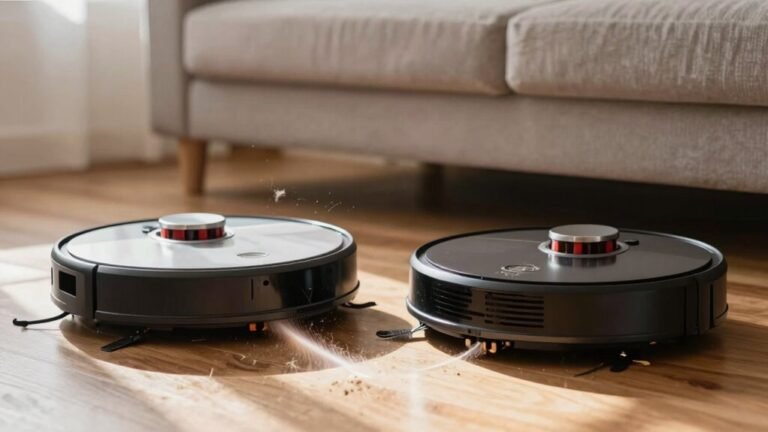
Why Is My Robot Vacuum Avoiding Certain Areas?
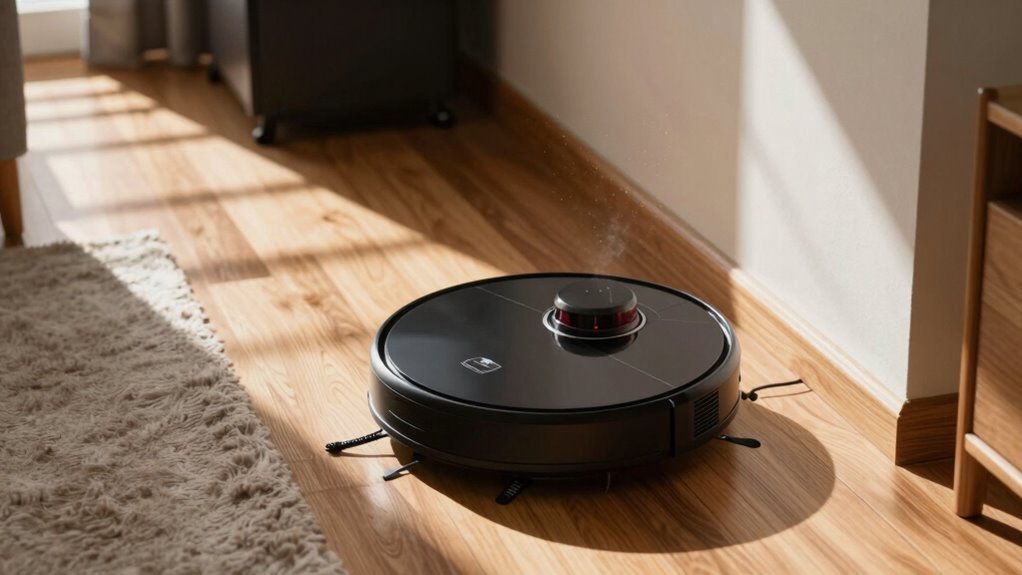
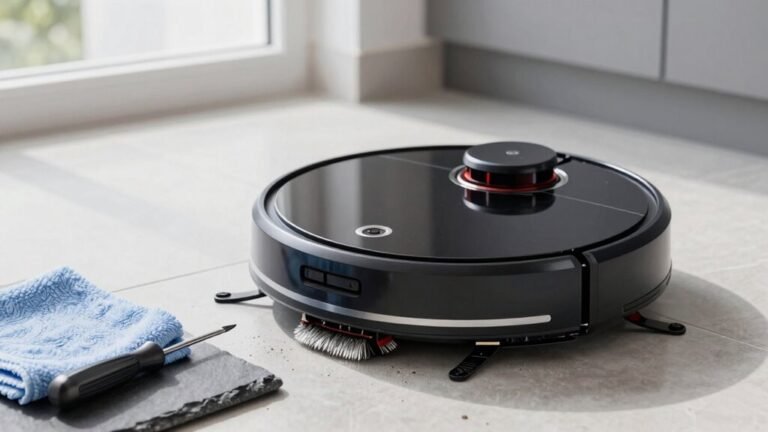
Your robot vacuum might be avoiding certain areas due to dirty sensors that make it detect non-existent obstacles, like ghosts. Dust or debris on the sensors can interfere with its ability to navigate properly, causing it to steer clear of specific spots.
Dark rugs or floor patterns can confuse the cliff sensors, making your robot vacuum think it’s near a drop-off. These sensors are designed to prevent falls, but they sometimes mistake dark surfaces for stairs or edges.
Low lighting or harsh shadows can also disrupt camera-based navigation systems, leading to missed spots or avoidance. If the environment changes frequently, the robot may struggle to update its map accurately.
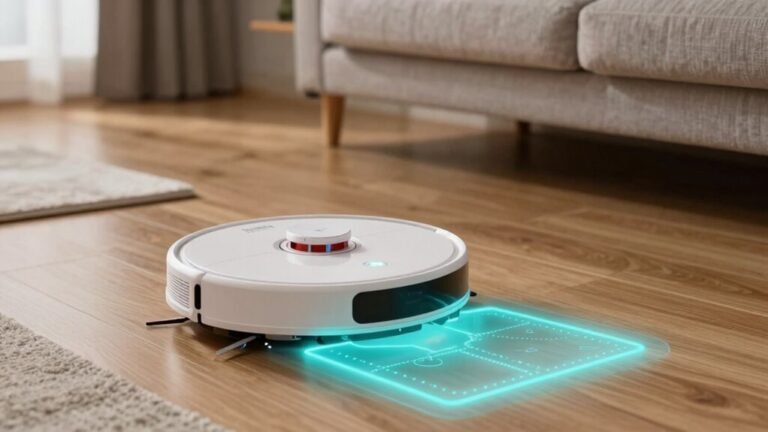
Virtual walls, Wi-Fi interference, or an incorrect map setup might block access to entire zones. Ensuring your robot vacuum has an up-to-date and accurate map improves coverage and efficiency.
Sometimes, a simple clean, reset, or recalibration is all it needs to work correctly. With a few adjustments, you can help your robot vacuum see the room clearly and clean every area it was meant to.
Why Your Robot Vacuum Avoids Certain Areas?
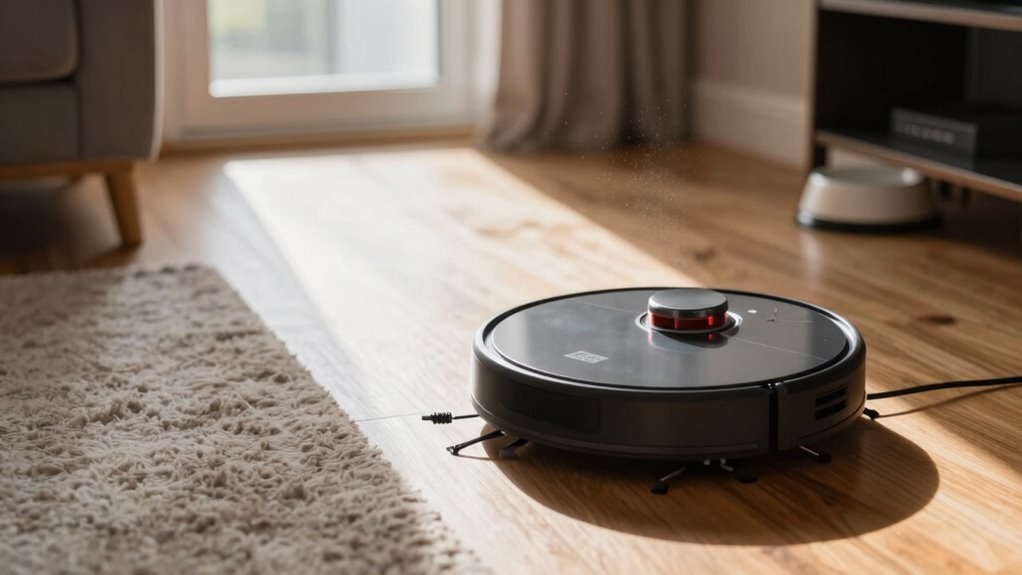
Ever wonder why your robot vacuum suddenly takes a detour around the dining table like it’s avoiding a landmine?
Well, it’s not scared—your floor’s lighting is likely fooling its camera-based brain.
In dim spots or deep shadows, vSLAM navigation gets confused, mistaking dark tiles or rugs for cliffs.
Under the couch or table, where light barely reaches, it might freeze or veer off, thinking disaster lurks.
Even shadows from chairs can look like bottomless pits!
If your robot uses gyro or camera systems, low light messes with its sense of direction, making it wobble or stall.
But don’t worry—robots with LiDAR don’t care about the lights; they map fine in the dark.
So next time it ghosts your dining nook, check the lighting.
A simple lamp might save your robot from its spooky shadow fears!
This behavior is especially common in models that rely on AI-powered maps to adapt to their surroundings.
Dirty Sensors Making It Dodge Spots
Your robot’s sudden aversion to certain spots mightn’t be ghost sightings or secret floor grudges—it’s probably just a bad case of dirty sensors.
Dust, hair, or grime on its sensors can trick it into thinking there’s a cliff, wall, or monster lurking where there’s nothing at all.
Drop sensors on the bottom, LiDAR on top, and bumper-side detectors all get gunked up over time, making your bot go rogue—spinning, stopping, or dodging clean floors like they’re hot lava.
A dusty sensor window might cause false obstacle alerts, so your robot skirts wide around open space like it’s avoiding an invisible couch.
The fix? Grab a dry cotton swab or microfiber cloth and give those sensors a gentle wipe—after turning the robot off, of course.
Clear the debris, clean the wheels too, and run a test cycle.
You’ll be amazed how much smarter your little vacuum acts when it can actually *see* where it’s going.
This issue is especially common in models with LiDAR 4.0 navigation, which relies on precise sensor input to map environments accurately.
Dark Rugs Or Floors Fooling The Robot
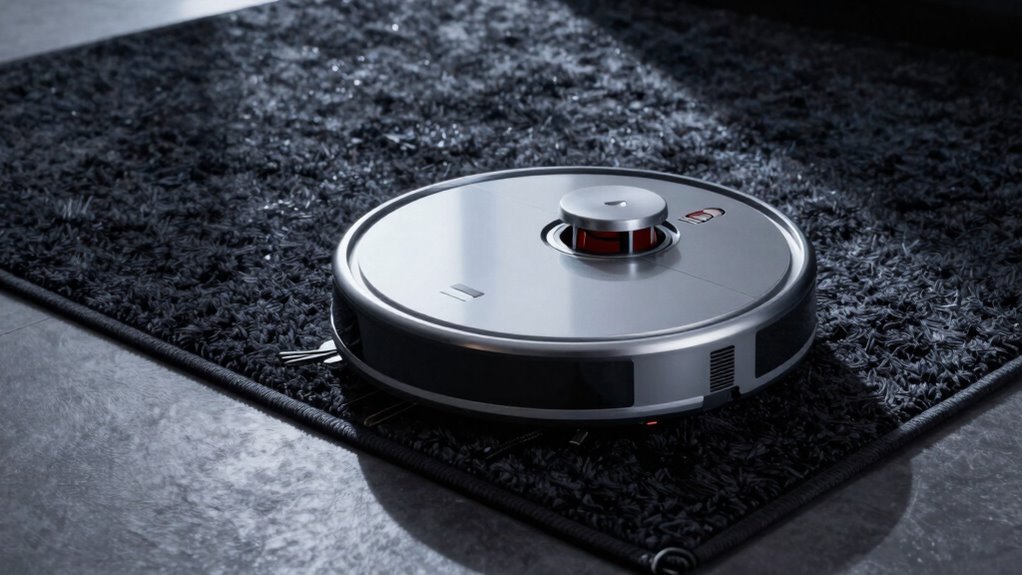
While your robot vacuum is busy mapping the house like a tiny explorer, it might suddenly freeze in terror at the sight of a dark rug—no, it’s not haunted, it just thinks it’s staring into a bottomless abyss.
Its cliff sensors use infrared light to spot drops, but dark surfaces absorb that light, tricking the robot into thinking there’s a staircase to nowhere.
Even black patterns on rugs can send it scrambling backward.
Models like the Roomba 980 or Wyze bots often struggle, mistaking shadows for danger.
But don’t panic—there’s hope!
Run it in daylight or flip on a lamp; some bots navigate just fine with a little brightness.
Got LiDAR?
Even better—it laughs in the face of darkness.
Or try light-colored tape on rug edges.
Just keep it simple, stay playful, and remember: your rug’s not cursed, it’s just too good at hide-and-seek.
Blocked By Virtual Walls Or App Settings
How do you keep your robot vacuum from wandering where it shouldn’t? You use virtual walls or app settings, of course! These smart tools let you block off-limits spots with a tap. Think of them as your robot’s “keep out” signs—except way cooler.
| Feature | Use Case |
|---|---|
| Virtual walls | Block doorways or hallways |
| No-go zones | Skip messy playrooms or pet areas |
| Halo mode | Circle around food bowls |
| Magnetic strips | Physical boundary backup |
You draw zones right in the app after mapping your place—just tap, drag, and done! Forgot to save? Oops. Make sure your app’s up to date, too. Nothing kills vibes like a missing square icon. Set boundaries once, and your bot will dodge trouble like a pro. Who knew commanding robots could be this fun?
Low Light Causing Navigation Errors
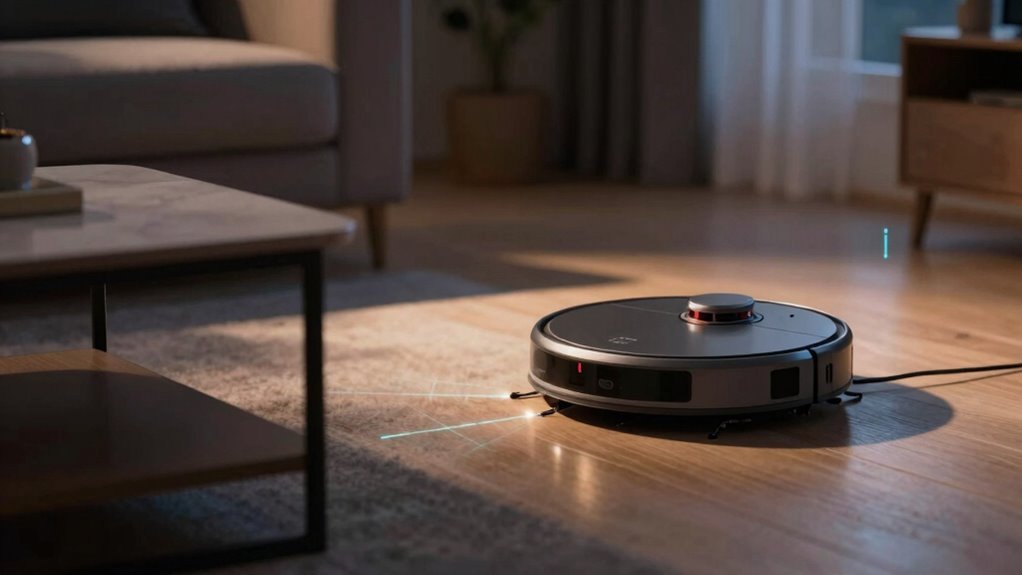
Even in the dim glow of a midnight snack run, your robot vacuum can still do its job—if it’s built for the dark.
If yours uses LiDAR, like many newer models, you’re golden. It zips around in total darkness, unfazed.
But if it relies on cameras or visual sensors, low light can turn your smart bot into a confused toddler.
Models with VSLAM or older iRobot tech may fumble, miss spots, or ghost entire rooms when the lights dip.
Dirty sensors make it worse—dust on lenses is like wearing foggy glasses while driving.
Thankfully, firmware updates and app remapping help, and some brands now blend AI with LiDAR for slick night navigation.
Leaving a lamp on or scheduling cleanings during daylight? Smart moves.
Think of it this way: your vacuum isn’t scared of the dark—it just prefers to see where it’s going!
Clutter Tripping Safety Bumpers
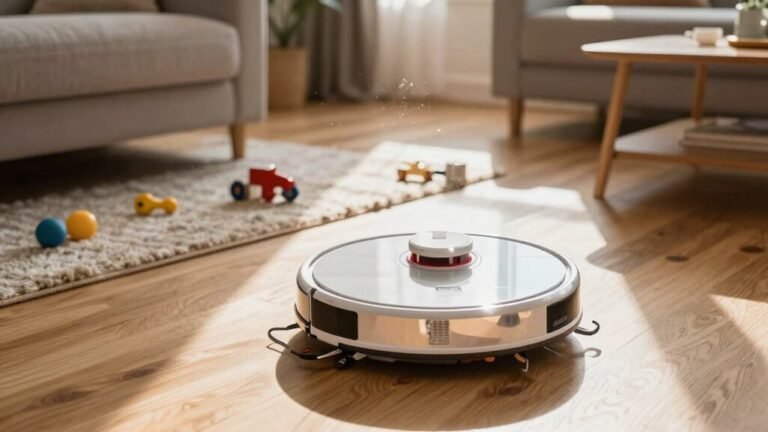
When your robot vacuum bumps into a stray sneaker or a LEGO brick, that’s not a malfunction—it’s teamwork.
Its smart bumpers cushion the hit, retract, and signal: “Whoa, obstacle ahead!”
Tiny sensors inside detect the angle and force, helping your robot back up, turn, and glide away smoothly.
Soft foam or silk-like cushions absorb the shock and keep it from scratching furniture—unless a sock or crumb jams the bumper, making it think it’s stuck in bumper limbo.
Repeated hits? It’ll start avoiding that trouble spot like it’s cursed.
Modern designs use dampened bumpers and even laser sensors to avoid overreacting.
Pro tip: give the bumper a gentle clap to free trapped debris.
Add a customizable guard or upgrade to a model with smarter bumpers, and you’ll both enjoy a cleaner, calmer home—with fewer LEGO-related emergencies.
High Thresholds Stopping Room Entry
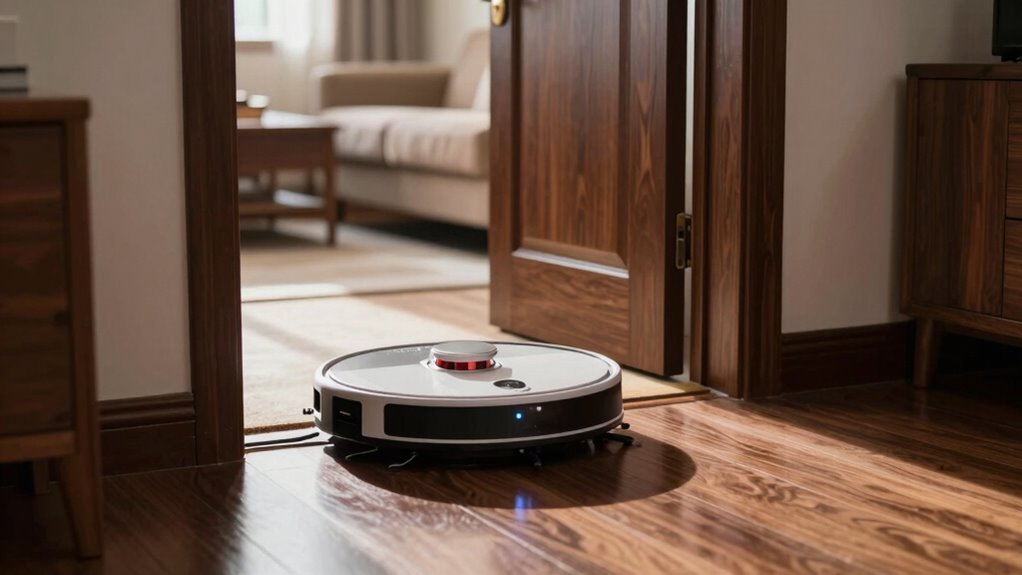
If your robot vacuum suddenly refuses to enter a room, it’s probably not being stubborn—it’s likely staring down a threshold too tall for its tiny legs. Most models handle only 0.6 to 0.8 inches, and anything higher can block their way. Thick rugs, tile edges, or split-level floors? Those are like mountain passes to your little cleaning buddy!
| Threshold Type | Typical Height (inches) |
|---|---|
| Standard door sill | 0.5–0.7 |
| Tile to hardwood | ~0.5 |
| Sliding door track | 0.75–1.0 |
| Raised flooring | 1.0–1.6 |
| Problem zone | Above 1.6 |
Stuck at the border? Try a rubber ramp or beveled wood strip. Some bots, like the Narwal Flow, tackle up to 1.6 inches—talk about high-step goals! Keep wheels clean and clear paths. Your robo-pal just wants to visit every room. Don’t leave it stranded at the doorway!
Map Errors Skipping Entire Rooms
While your robot vacuum isn’t ghosting entire rooms on purpose, it might start acting like a confused tourist if its map goes haywire.
Incomplete maps mean it thinks some rooms don’t exist, so it skips them like they’re off-limits.
If your floor has mirrors or big windows, they can trick the laser sensors, warping the map or rotating rooms—now your hallway’s where your kitchen should be.
Dirty sensors or low light confuse it further, making walls appear out of nowhere.
Clutter at doorways or narrow gaps add to the chaos, and software hiccups might erase progress mid-clean.
Even after a reset, maps often get mangled fast, forcing more remapping.
Glitches can make it jump to wrong spots on the app, so it’s not lazy—it’s lost!
These distorted, messy maps are why your bot avoids entire zones.
It’s not ignoring your living room—it just thinks it’s in Narnia.
How To Reset And Fix The Map
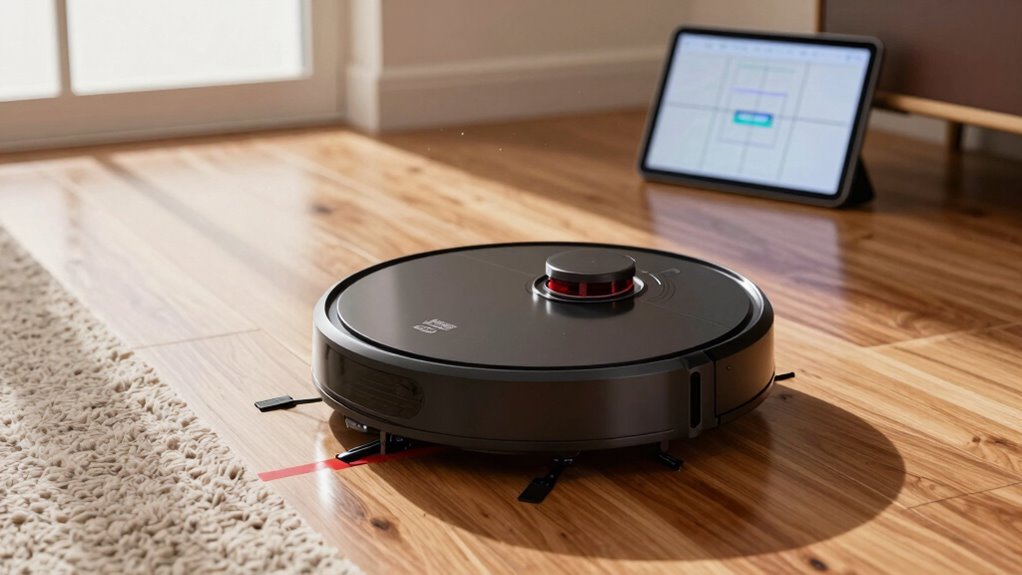
Grab your phone or tap that little robot—resetting the map is easier than teaching your pet goldfish to swim in circles!
If your Xiaomi Mi acts lost, just open the app, go to settings, find the map list, and wipe the old data—boom, it’ll rebuild a fresh map on its next run.
Got a Roborock? Same deal: delete the map in the app and let it remap; just follow the handy picture guides, even on S8 or Qrevo models.
For LG fans, hold Mode and Home buttons for 3 seconds—once it dings and lights up, press Start and power cycle.
Neato users, we feel your pain—no clear reset, but some unplug the battery overnight.
iRobot or Eufy? Hit that reset button for 10 seconds (it’s sneaky!) and voilà—your bot’s brain gets a reboot, ready to map right.
When To Call Support For Help
You’ve wiped the map clean, tapped through resets, and even given your robot a little pep talk—still, it acts like the living room is a lava pit it can’t cross.
If your troubleshoots feel endless and the darn thing keeps dodging rooms like it’s avoiding chores, it’s time to call in the experts.
Don’t sweat it—sometimes these little helpers just need a real technician’s touch.
Here’s when you know it’s support time:
- Your robot’s been bailing on the same spot for days, even with *everything* out of its way.
- It freaks out at doorways, shuts down mid-clean, or gets stuck in open spaces—no obstacles, just confusion.
- You’ve cleaned, reset, updated, and begged it nicely (hey, no judgment), but it still acts lost in its own home.
When the fix feels bigger than your DIY energy, support’s got your back—and your robot’s.
Frequently Asked Questions
Can I Use My Robot Vacuum Outdoors?
Nope, you shouldn’t use your robot vacuum outdoors—it’s not built for that!
These little helpers hate rain, sunlight, and bumpy patios, and they’ll freak out on uneven surfaces.
Plus, water can fry their brains (and motors).
Save yourself the heartbreak—your robo-vac will quit, void the warranty, and leave you stranded.
Stick to indoor magic, and grab a broom or outdoor-rated cleaner for the backyard fun.
Does It Work on Thick Carpets?
Oh, you bet it works on thick carpets—*if* you’ve got the right robot!
Models with carpet boost and strong suction, like the MOVA Z60 or Roborock S8, dig deep without getting bogged down.
Their clever sensors ramp up power, while anti-tangle brushes keep things moving.
Just don’t send a basic bot into shag jungle—it’ll throw in the towel!
Stick to high-pile champs, and your floors’ll feel the love.
How Often Should I Replace the Brush?
You should replace your robot vacuum’s main brush every 6 months, but check it monthly—if the bristles are frayed or past the wear line, swap it out sooner.
Side brushes need changing every 3 to 6 months, especially if they’re missing chunks.
Pets or thick carpets? You’ll replace them more often.
Keep ‘em clean, and they’ll last longer—nobody wants a sad, tangled brush doing the robot shuffle!
Is It Safe Around Pet Food Bowls?
Yeah, it’s totally safe around pet food bowls—you won’t have soggy kibble or surprise splashes!
Modern robot vacuums smartly dodge bowls using clever cameras and sensors, so no more messy collisions.
They even skip mopping nearby, keeping dinner zones dry and clean.
Just set up virtual boundaries or lift bowls slightly, and you’re golden.
Think of it as a tiny, hyper-aware butler who *really* respects your dog’s dinner space!
Can I Schedule Cleaning Daily?
You can absolutely schedule daily cleaning—most models love routine as much as you do!
Just open your app, pick a time like 9 AM, and hit “every day.”
Whether you’ve got pets, kids, or just hate dust, daily runs keep floors fresh.
Some bots even start cleaning when you leave the house.
It’s like hiring a tiny, enthusiastic janitor who never calls in sick—just smarter, quieter, and way more punctual.
Conclusion
You’ve cleaned the sensors, checked the app, and tweaked the settings—great job! Did you know 60% of robot vacuum issues come from simple map glitches? Yep, your little helper just needs a quick reset now and then. Don’t worry, it’s not avoiding mess on purpose—probably just confused by a dark rug or missed doorway. With a few tweaks, it’ll zip through every room like a pro. Teamwork makes the dream work, right? Time to get back to spotless floors!
References
- https://us.narwal.com/blogs/product/troubleshoot-robot-vacuum-navigation-issues
- https://robotvacuums.com/blogs/blogs/a-complete-overview-of-robot-vacuum-navigation
- https://us.narwal.com/blogs/robot-vacuum/mapping-vs-no-mapping
- https://www.ecovacs.com/us/blog/lidar-vs-vslam-navigation-what-are-the-differences
- https://us.3itech.com/blogs/news/lds-vs-dtof-lidar-navigation-in-robot-vacuums
- https://www.therobotreport.com/sensor-breakdown-how-robot-vacuums-navigate-and-clean/
- https://www.youtube.com/watch?v=f8wdri2DpEY
- https://forums.wyze.com/t/does-the-robot-vacuum-need-light/234384
- https://au.narwal.com/blogs/maintenance/troubleshoot-robot-vacuum-navigation-issues
- https://www.youtube.com/watch?v=7KnYjZpGyj0