How Do Robot Vacuums Find Their Charging Base?
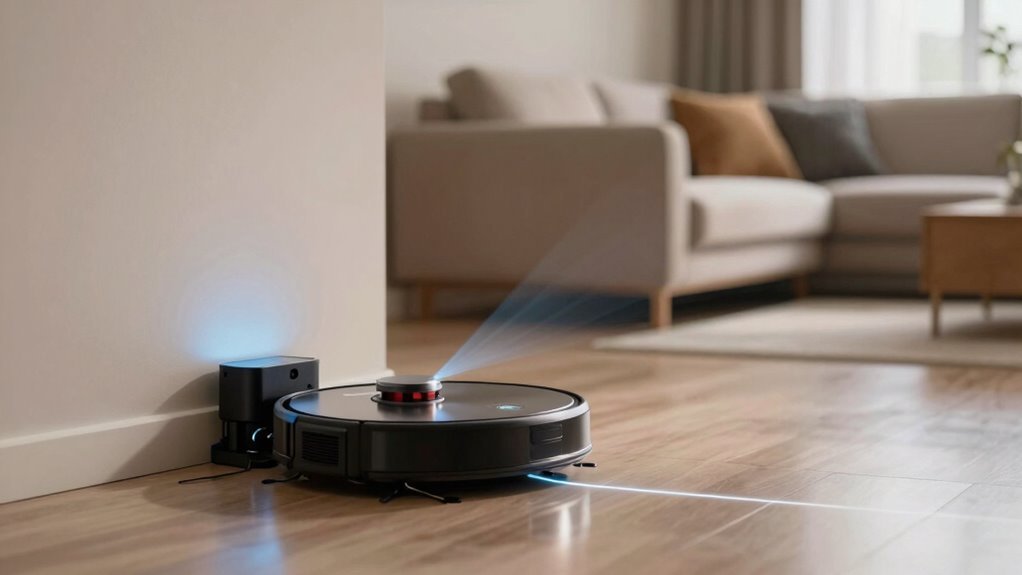
Your robot vacuum knows it’s low on juice and heads back to its charging base like a loyal little buddy who knows naptime is coming. It follows invisible infrared signals from the charging base, ensuring it can always find its way home.
Smarter models use LiDAR maps to plot the quickest route to the charging base, navigating with precision. Sensors help the robot vacuum wiggle into perfect alignment for a secure connection.
If things go sideways, a quick clean or repositioning of the charging base usually fixes it. Turns out even robots need a little help finding their way sometimes.
How Robot Vacuums Know When to Recharge
Ever wonder how your robot vacuum knows it’s running on fumes before it face-plants into the carpet? It’s not guessing—you’ve got smart tech inside that’s always watching.
A coulomb counter tracks every bit of juice flowing in and out, while NTC thermistors check battery temp so it doesn’t overheat.
Voltage and current data team up to nail the exact charge level, not just a rough guess.
When the state of charge hits a preset low, boom—it’s time to head home.
No user input needed, thank goodness.
Your bot stops cleaning mid-swirl, switches gears, and focuses entirely on recharging.
This smart system keeps it from dying stranded under the couch.
Plus, regular software updates keep everything running smoothly.
It knows how to get back thanks to dead reckoning combining wheel rotations, IMU data, and ToF sensing.
How Infrared Signals Guide Robot Vacuums to the Dock
How does your robot vacuum magically find its way home like a tiny, determined explorer? Well, it’s not magic—it’s infrared signals doing the heavy lifting.
Your charging dock constantly beams out invisible infrared signals, like a lighthouse winking in the fog.
Your robot’s front or side sensors pick up these signals, usually from 3 to 6 meters away, and start following the strongest one.
Think of it as sniffing its way back using robot-shaped instincts!
Even in the dark, it doesn’t miss a beat—no visible light needed.
As it gets closer, the signals guide it into perfect alignment with the charging contacts.
Models like Eufy and Narwal rely on this trick, especially if they don’t use maps.
It’s reliable, automatic, and honestly? Kind of adorable how excited your vacuum gets when it knows dinner (electricity) is waiting.
This method works seamlessly with Bounce navigation, which does not create or store a map.
How Robot Vacuums Use Maps to Find the Charging Dock
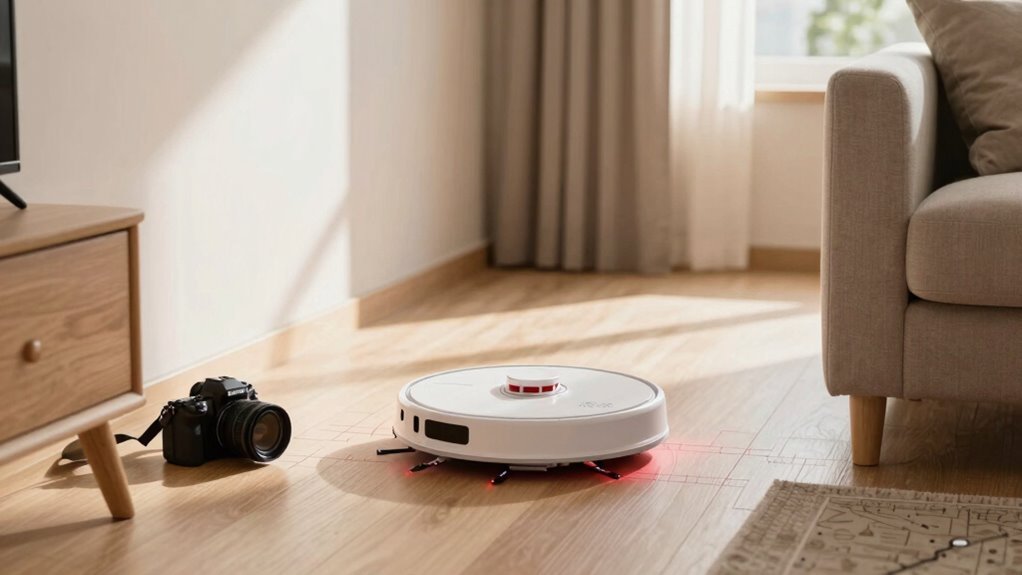
While infrared signals act like a homing beacon for your robot vacuum, newer models don’t just follow their nose—they’ve got a full GPS brain working overtime. You see, your little robo-helper maps your whole home using LiDAR that spins 360°, sketching a super-accurate floor plan in minutes.
It divides your space into zones, plans neat, straight cleaning paths, and remembers where everything goes—like a robot with a photographic memory. When the battery dips, it checks its stored map, picks the fastest route back to the dock, and zips off like it’s late for a date.
Even better, it resumes right where it left off after charging, so no spot gets skipped. With multi-floor maps and smart relocalization, it never gets lost—not even on the second story. It’s not just cleaning; it’s mastering your home, one perfectly plotted path at a time. Pretty smart for something that doesn’t need coffee breaks.
How Sensors Align the Vacuum for Perfect Docking
What if your robot vacuum had a sixth sense for finding its home base? Well, it kinda does—thanks to smart sensors guiding it home. When low on juice, it locks onto the dock’s infrared beam like a heat-seeking missile (but way friendlier). As it gets close, time-of-flight sensors measure every millimeter, while proximity sensors whisper, “Ease up, you’re almost there!” Cliff sensors check the floor’s safe, and collision sensors keep it from ramming your slippers. Finally, a photodiode gives the all-clear for perfect contact. It’s like a robot hug—powered by tech, not emotions.
| Sensor Type | Job Description |
|---|---|
| IR Emitters | Send homing signals to guide the robot |
| ToF Sensors | Measure precise distance in any light |
| Proximity Sensors | Confirm close-range dock position |
| Cliff Sensors | Guarantee stable ground for docking |
| Photodiodes | Verify final alignment for charging |
Do Basic vs Smart Vacuums Dock Differently?
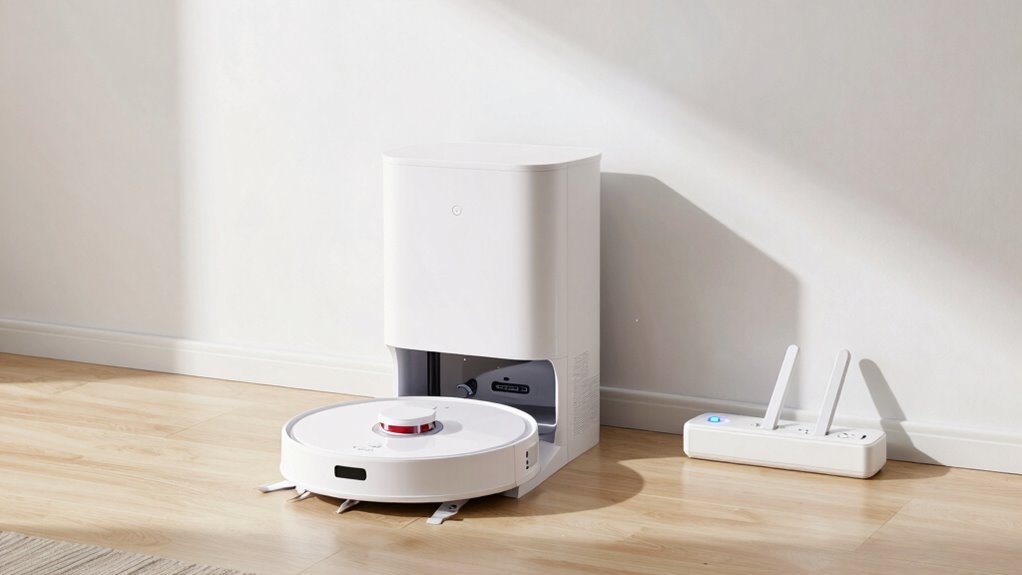
Ever wonder why your fancy robot vacuum zips home like it’s late for a date, while your old model stumbles around like it’s playing pin the tail on the donkey?
Yeah, it’s not just age—it’s brains!
Here’s how they really differ:
- Basic bots use infrared signals like a homing beacon, scanning blindly until they catch the dock’s glow—no map, just luck and lasers.
- Smart vacuums remember your whole floor plan and plot a laser-guided course back, like GPS for robots.
- Precision tech in high-end models means they dock perfectly, while basics often nudge, miss, and try again (and again).
Your smart vacuum doesn’t just *find* the dock—it *knows* where it is.
Meanwhile, your basic model’s doing a victory dance if it doesn’t get stuck on the rug.
Tech’s come a long way, huh?
What If Furniture Blocks the Docking Path?
So your robot vacuum’s got smarts, but even the sharpest little bot can hit a snag when the coffee table decides to play roadblock.
Don’t sweat it—its infrared, laser, and optical sensors spot furniture fast, judging gaps with dToF precision.
If the path’s blocked, it doesn’t panic; it recalculates, using live maps and AI smarts to weave around sofas or slide past chairs.
Models like the Narwal Freo Z Ultra or Roborock glide through clutter with FlexScope vision, dodging legs and low edges.
Some even retract parts to slip under furniture.
You can help by clearing cords, setting app no-go zones, or wiping dusty sensors.
Avoid tight spots under beds, and keep the dock zone tidy.
With the right setup and a tech-savvy bot, your vacuum won’t get stuck—it’ll just shrug and reroute like a pro on a mission.
Can Lighting or Layout Block Docking?
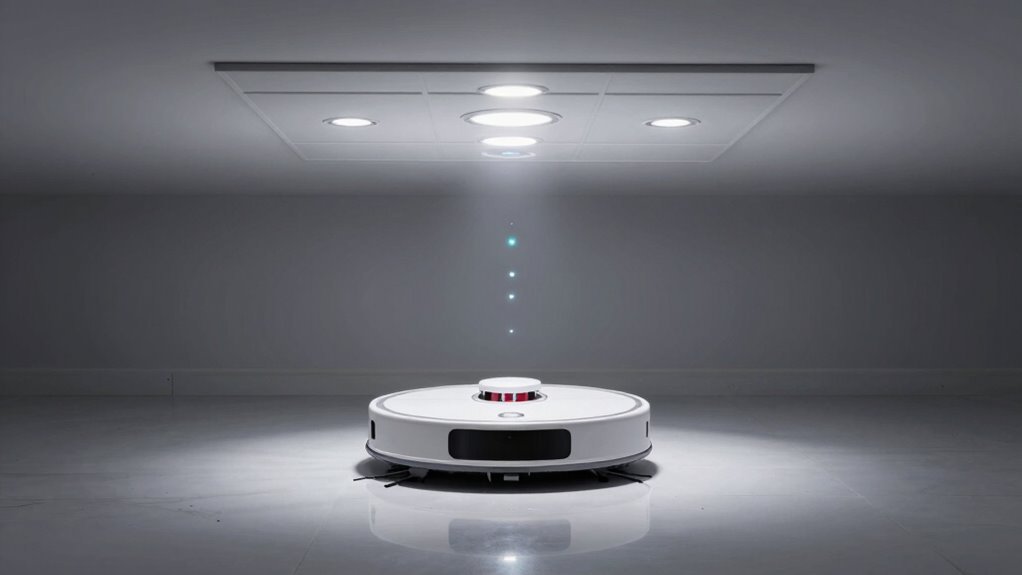
Why does your robot vacuum sometimes miss its docking station like it’s playing hide-and-seek? Well, lighting and room layout can seriously throw it off—even when you’ve done everything right.
Bright sunlight, glare from lamps, or reflective floors can scatter the infrared signal it relies on, making the dock nearly invisible. And if your furniture layout’s a maze, good luck to it! Here’s what trips it up most:
- Harsh lighting – Direct sun or strong LEDs drowns out the dock’s IR beam.
- Tight spots – Docks tucked in corners or under tables block signal spread and access.
- Cluttered or complex layouts – Multiple rooms or obstacles confuse navigation and delay docking.
Even smart models can struggle, so keep the path open and the light soft—your bot’s not a ninja (though it wishes it were).
Do Virtual Walls Help Robot Vacuums Dock?
You’ve probably already battled harsh lighting and tricky furniture when trying to help your robot vacuum find its way home, but what about those little gadgets called virtual walls—can they pitch in?
Well, not quite.
Virtual walls create an invisible 10-foot cone that blocks your bot from certain zones, using two modes: one keeps it out of areas, the other repels it from delicate items.
They’re great for keeping your Roomba away from pet bowls or messy corners, but don’t expect them to help it dock.
They don’t guide your vacuum back—they just carve out cleaning spaces.
Luckily, they don’t block docking signals either, so your 600, 700, 800, or 900 series Roomba still finds home just fine.
Just make sure the batteries are fresh and the switch is set right—unless you want your bot ghost-chasing through invisible walls!
Why Your Vacuum Misses the Dock (and How to Fix It)
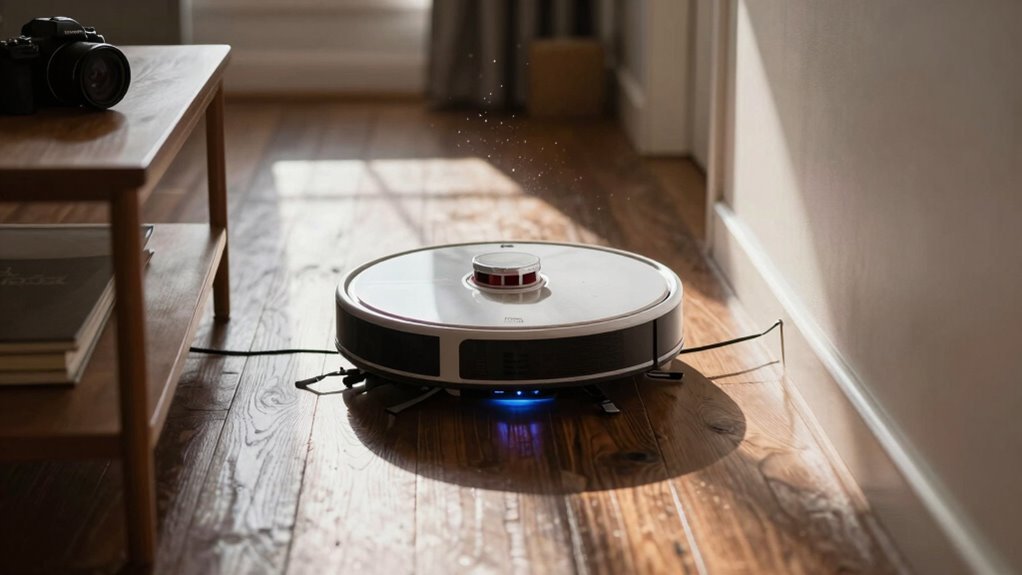
Ever wonder what sends your robot vacuum veering off course just as it’s about to plug in for a well-earned nap?
It’s not being stubborn—something’s blocking its homecoming! Here’s what’s likely tripping it up:
- Dirty or faulty sensors – Dust on lenses or bumper gunk tricks your bot into thinking walls or cliffs are everywhere.
- Signal sabotage – Sunlight, reflective floors, or even a radiator can scramble the dock’s infrared beacon, leaving your vacuum lost in space.
- Obstacles in its path – A stray sock, closed door, or repositioned dock can break the homing spell, especially if the map hasn’t been updated.
Don’t panic—your robot isn’t broken, it’s just frustrated.
A quick clean, some environmental tweaks, and a little patience usually get it back on track.
Think of it as tech therapy for your tiny tired robot!
How to Help Your Vacuum Find the Dock Every Time
Even if your robot vacuum sometimes acts like it’s playing hide-and-seek with its charger, getting it to dock every time isn’t rocket science—just a few smart tweaks and you’ll be back to hands-free cleaning bliss.
Place the dock against a straight wall with 1.5 meters clear on each side and 0.5 meters open in front—no sneaky corners or clutter!
Keep it away from stairs, mirrors, and rugs that confuse sensors.
Wipe the vacuum’s sensors and dock contacts regularly—dust is a party pooper.
Use your app to update maps, refresh after moving the dock, and watch real-time tracking to make sure everything’s on point.
Stick to a consistent layout, avoid dark zones, and keep cords out of the way.
If you’ve got a LiDAR model, let its lasers shine.
Tiny fixes mean big wins—your bot’s got this, and so do you.
Frequently Asked Questions
How Often Should I Replace the Charging Dock?
You rarely need to replace the charging dock—you’ll probably upgrade your robot long before the base wears out.
Just keep it clean and in good shape, and it’ll last years.
Think of it like a loyal sidekick: sturdy, reliable, and low-maintenance.
Only swap it out if it’s damaged or your new robot needs a different model.
Otherwise, you’re golden!
Can Robot Vacuums Recharge if Turned off Manually?
No, they can’t recharge if you turn them off manually—power’s gotta be on to find the dock!
Your robot’s sensors shut down completely, so it won’t see, think, or scoot back on its own.
It’s like a nap at the wrong time—deep, but not helpful.
Turn it back on, and it’ll wake up, remember where it was, and head to juice up.
Just give it a little help, or let it do its thing—powered on!
Do All Models Use the Same Docking Technology?
Do all robot vacuums use the same docking tech?
Nope, not even close!
You’ve got basic docks that just charge, self-emptying stations that save you trips to the trash, and fancy multi-function hubs that wash, dry, and refill all on their own.
From budget picks to high-rollers with heated mop cleaning, your robot’s dock depends on your model—and your tolerance for dirty hands.
Who knew robots could be so high-maintenance?
Will a Dirty Dock Prevent Proper Charging?
Yes, a dirty dock can totally ruin your robot’s charging game.
Dust on the contacts? That breaks the connection, so no power flows.
Grimy sensors? They confuse your bot, making it miss the dock or fail to charge even when aligned.
You’ll see longer charge times, interrupted cycles, and frustrated robot spins.
Clean it regularly—just wipe the contacts and sensors.
A quick scrub keeps everything running smoothly and gives your little helper the juice it needs to bounce back ready to work!
Can Power Outages Affect Docking Success?
Yes, power outages can mess up your robot vacuum’s homecoming.
If the dock loses power, it won’t send signals, so your bot can’t find it—kind of like a lighthouse going dark.
Even with full battery memory, it’ll wander confused, maybe even throw a tiny tantrum.
Pro tip: use a surge protector with battery backup to keep the dock alive and your robot happy.
Smart move, right?
Conclusion
You zip, you clean, you conquer crumbs. Then, low battery? No sweat. Out shoots a signal, guiding you home like a beacon. You map, you sense, you align—smooth, smart, and spot-on every time. Even if the couch laughs at your dance, you nail the dock. Charge up, power on, and do it all again. You’re not just cleaning, you’re *crushing* it—one perfect return after another. High-fives included.
References
- https://www.therobotreport.com/sensor-breakdown-how-robot-vacuums-navigate-and-clean/
- https://www.srhythm.com/blogs/stories/how-does-a-robot-vacuum-work-how-does-it-detect-obstacles-like-a-sofa-or-table
- https://www.youtube.com/watch?v=lSQkeGr5AFc
- https://robotvacuums.com/blogs/blogs/a-complete-overview-of-robot-vacuum-navigation
- https://www.large-battery.com/blog/top-tips-to-maintain-and-charge-robot-batteries-safely/
- https://www.ecovacs.com/us/blog/how-to-charge-a-robot-vacuum
- https://www.allion.com/tech_netc_robotvacuum/
- https://us.air-robo.com/blogs/news/which-avoidance-tech-does-your-robot-vacuum-feature
- https://www.eufy.com/blogs/robovac/how-do-robot-vacuums-work
- https://service.eufy.com/article-description/Introducing-eufy-RoboVac-Navigation-Technology