Understanding LIDAR Mapping in Robot Vacuums
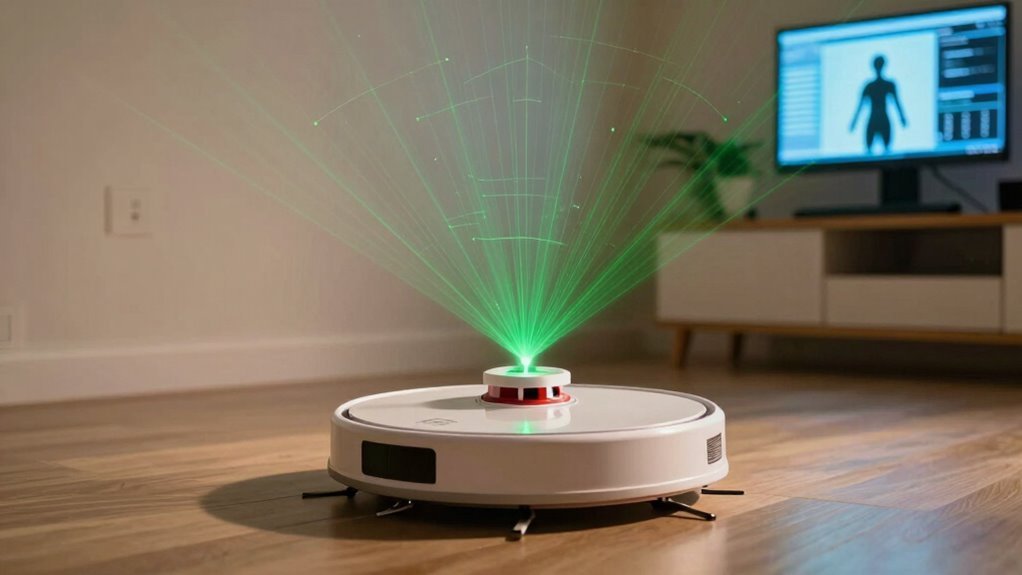
You’ve got a robot vacuum that zips around like a tiny secret agent, using LIDAR to scan your home with invisible laser beams. This advanced LIDAR mapping allows the device to create a precise layout of your space in real time.
It maps every wall and couch accurately, dodging obstacles without bumping into them—no more clumsy crashes. Thanks to LIDAR mapping, your robot vacuum cleans smarter, not harder, and performs just as well in the dark.
What Is LIDAR and How Does It Work in Robot Vacuums?
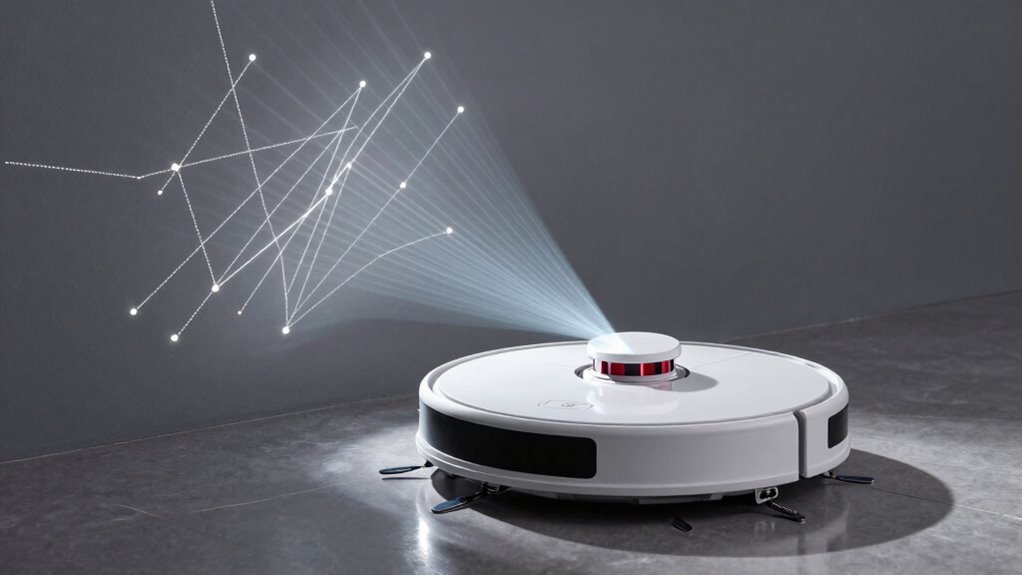
Ever wondered how your robot vacuum “sees” the room without bumping into every chair leg? It uses LIDAR—Light Detection and Ranging—to map your home like a tiny laser ninja.
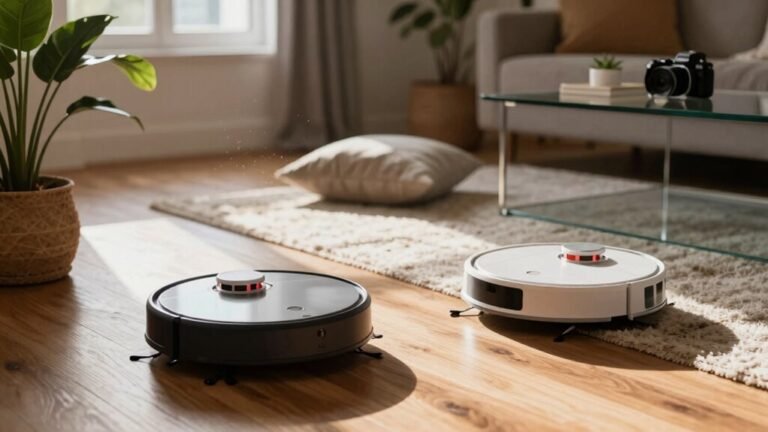
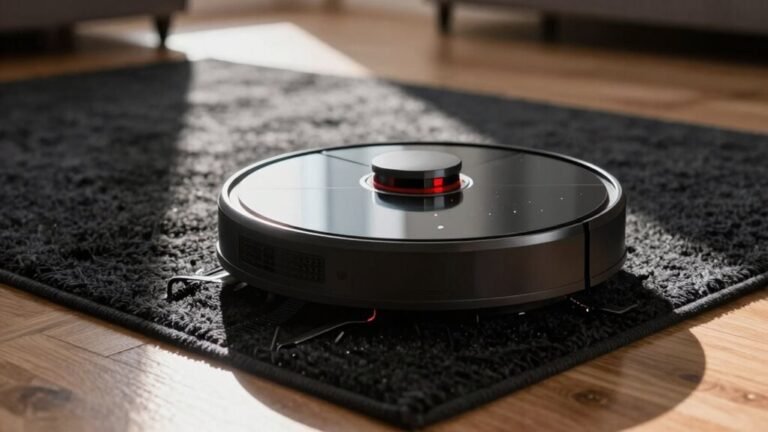
A small turret on top spins fast, shooting invisible laser pulses in all directions. When they bounce off walls or furniture, a sensor catches them, timing their return with crazy precision.
Since light speed’s constant, it calculates distances in a flash. Thousands of these measurements create a detailed point cloud—basically a 3D sketch of your living room.
It’s not guessing where your couch is; it *knows*. This real-time map helps the robot clean smartly, not randomly.
No more frantic spinning or getting stuck under the table—just smooth, confident moves.
Think of it as GPS for your floors, minus the satellite drama. Pretty cool, right? Your vacuum’s not just cleaning—it’s *surveying*.
These lasers typically operate around 800–1064 nm, making them efficient and compatible with affordable silicon-based detectors.
Why LIDAR Outperforms Bump-And-Run Navigation
That little laser spinner on top of your robot vacuum isn’t just for show—it’s the secret weapon that leaves old-school bump-and-run models in the dust.
Instead of blindly crashing into furniture and hoping for the best, your LIDAR-equipped robot maps the room like a pro, cleaning in neat rows and skipping spots it’s already done.
You’re not just saving time—you’re getting nearly full coverage without the robot bumbling into walls or getting stuck under the couch.
It dodges obstacles before bumping, navigates tight spaces like a ninja, and even works perfectly in the dark.
No more sad thuds in the night.
Plus, it adapts when you move the coffee table, cleans smarter on a single charge, and lets you set no-go zones like a boss.
Honestly, letting a bump-and-run robot loose feels like sending a sleepy goldfish through a maze—adorable, but not effective.
This precision is possible because lidar calculates maps using laser reflections measured by a spinning turret, a method known as light detection and ranging.
How LIDAR Maps and Updates Rooms
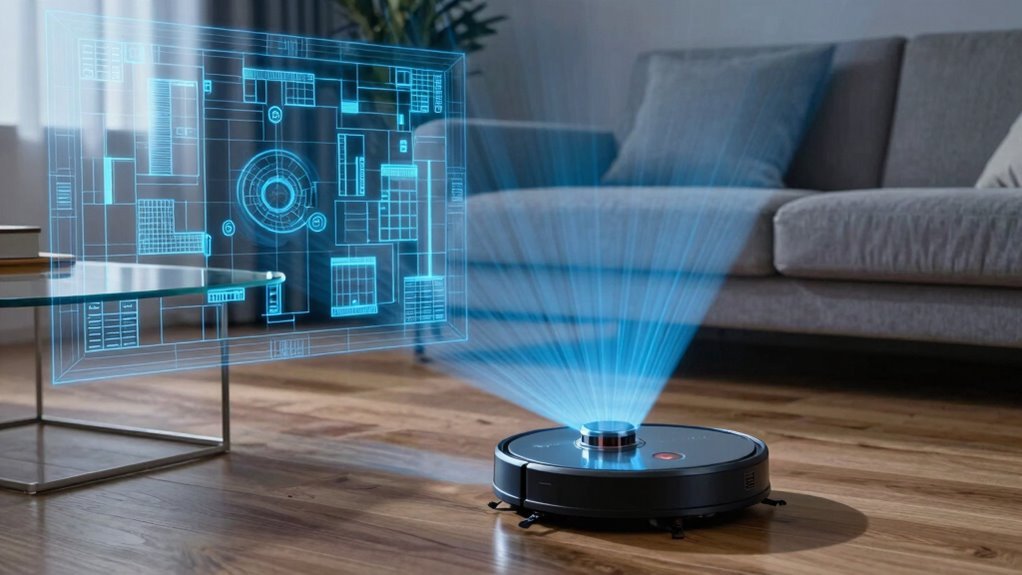
How does your robot vacuum “see” the room and keep its map spot-on clean? It zips around, shooting tiny laser pulses in a 360° spin, measuring how long they take to bounce back—boom, distance nailed! Thousands of these snapshots every second build a precise outline of walls, chairs, and even your pet’s favorite napping spot.
Using SLAM smarts, it draws a map while tracking exactly where it is, like a robo-cartographer with a highlighter.
As you clean, it’s always checking, “Hey, did that chair move?” and tweaks the map in real time.
It ignores scattered socks but remembers where the coffee table lives.
Walls stay put, so it uses them as anchors—no map wobbles!
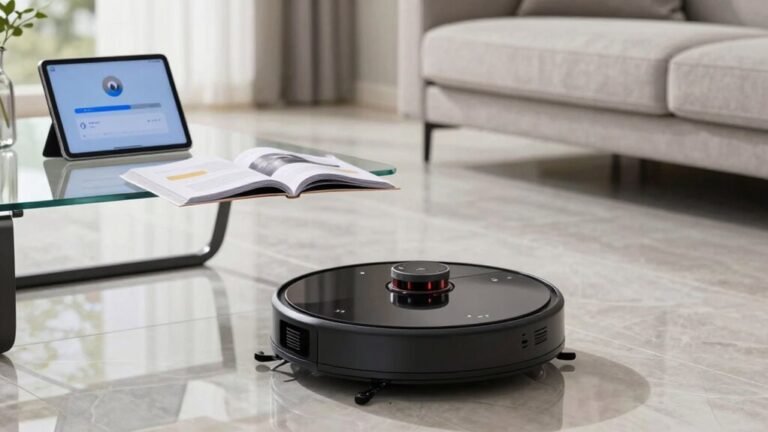
And yes, it even works in the dark, because lasers don’t need nightlights.
Think of it as your vacuum’s superpower: seeing without seeing, mapping without missing a beat.
Pretty cool, right?
How Smart Maps Boost Cleaning Efficiency
Once your robot vacuum has a smart map in place, it stops guessing and starts acing the cleaning game—like switching from a scavenger hunt to a perfectly planned road trip.
You’ll love how it zips through rooms in neat rows, no more drunken spiral dances or missing your coffee table entirely.
It knows exactly where it’s been and where it’s going, slashing cleaning time by up to half.
Need just the kitchen? It heads straight there, no detours through the bedroom.
High-traffic spots get extra attention, while clean zones are skipped.
It dodges furniture like a pro, remembers no-go zones, and even learns where dust piles up over time.
With every pass, it gets smarter, faster, and more efficient—like a tiny, tireless cleaning ninja powered by brains, not luck.
LIDAR vs. Camera-Based Navigation: Which Is Better?
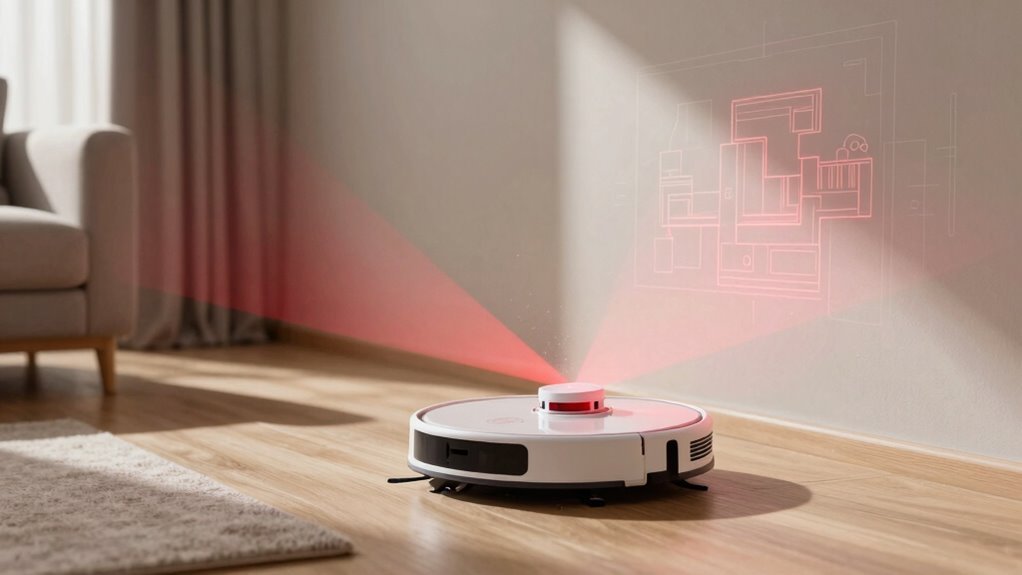
Ever wonder what’s really guiding your robot vacuum around the living room—lasers or lenses? Let’s break it down. LiDAR uses spinning lasers to map every nook, even in the dark, while camera-based vSLAM relies on light and visual clues, kind of like how you’d navigate blindfolded… if you weren’t actually blindfolded. Here’s the scoop:
| Feature | LiDAR | Camera-Based (vSLAM) |
|---|---|---|
| Dark room performance | Nails it, no problem | Struggles, might bump stuff |
| Mapping accuracy | Super precise, like GPS for your floor | Good, but can guess wrong |
| Furniture clearance | Slices through like a robot ninja | Sees details, but gets confused by mirrors |
LiDAR’s your go-to for accuracy and reliability, especially in tricky lighting. vSLAM’s speedy and slimmer, great for tight spaces—just don’t let it near a disco ball.
Common LIDAR Issues and How to Fix Them
What’s that annoying “LIDAR blocked” message popping up for, anyway?
Well, it’s usually dust, hair, or gunk on the sensor window—think of it like trying to see through a foggy windshield.
Just wipe it gently with a soft, dry cloth, and maybe give it a careful blast of compressed air.
If the LIDAR isn’t spinning, peek around the base—threads or hair might be hogging the gears like tiny burglars.
Try a light spin with your finger; if it resists, clean it out.
Motor issues or calibration glitches? Restart the robot or reset it via the app—sometimes that’s all it needs.
Firmware updates also fix sneaky bugs.
And hey, if it’s truly broken, don’t play DIY surgeon unless you’re brave.
Most times, a little love—and cleaning—brings your robo-friend back to life.
Who knew robots were so ticklish?
How LIDAR Powers No-Go Zones in Robot Vacuums
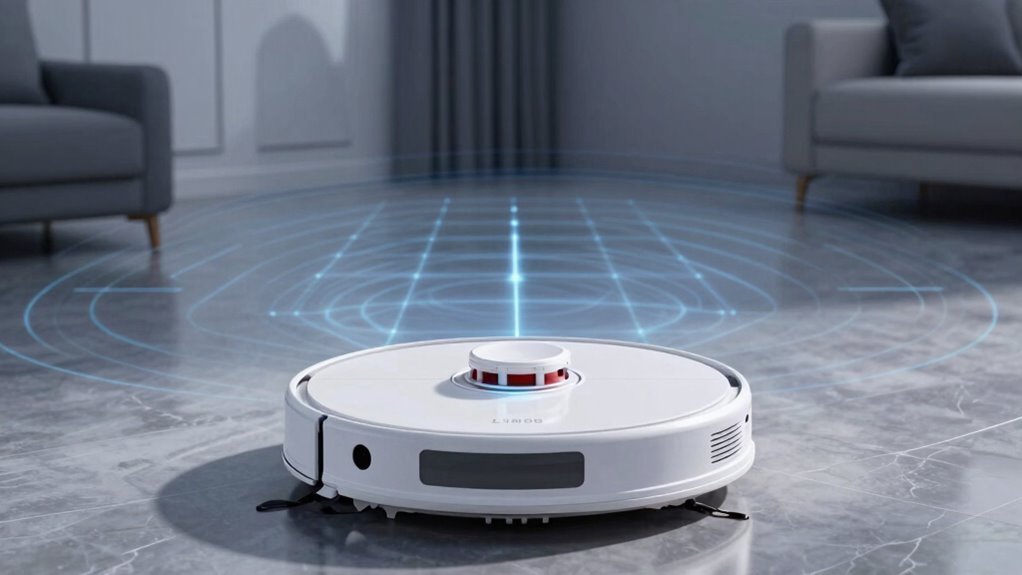
How does your robot vacuum know *exactly* where not to go—like dodging your kid’s LEGO landmines or giving the cat’s water bowl a wide berth?
Thanks to LiDAR, it’s got eyes on the floor 24/7. Spinning 360°, its laser scans every wall and furniture leg, building a precise map in real time.
You draw no-go zones right on the app, and boom—those spots stay off-limits, day or night, even in total darkness.
Because LiDAR doesn’t need light, your robot won’t ghost on its duties when the lights go out. Plus, with centimeter-level accuracy, it follows your custom boundaries like a pro—no more guessing or drifting into danger zones.
It learns your home’s layout, locks in your rules, and sticks to them.
Whether it’s stairs, cables, or Fluffy’s dinner spot, LiDAR keeps cleaning smart, safe, and surprisingly savvy.
Frequently Asked Questions
Can LIDAR Work in Complete Darkness?
Yes, you bet—it absolutely works in total darkness!
LiDAR brings its own light with invisible laser pulses, so it doesn’t need a nightlight or moonlight to map your home.
It zips around, scanning furniture and walls like a robot ninja, even in pitch-black rooms.
Think of it as night vision for your vacuum—only cooler, since it’s building a map while you’re fast asleep and dreaming of clean floors.
Does LIDAR Damage Eyes or Harm Pets?
Nope, your LiDAR won’t zap your eyes or scare your pets like a sci-fi ray gun.
It’s more like a shy firefly—blinking fast, weak, and totally harmless.
Robot vacuums use Class 1 lasers, so they’re built safer than a toddler’s toys.
Even if your dog stares right at it, nothing happens.
Move along, no drama here—just quiet cleaning magic doing its thing!
Is LIDAR Affected by Ceiling Height?
Nope, ceiling height doesn’t faze LiDAR one bit—your robot’s got this!
It spins around, shooting tiny laser beams that bounce back fast, mapping every nook in 360 degrees.
High ceilings? Low ceilings? Doesn’t matter!
It’s like giving your vacuum superhero night vision.
Rain or shine, dark corner or bright living room, it’s always on point, zipping around like it owns the place.
Can Multiple Robot Vacuums Use LIDAR in One Home?
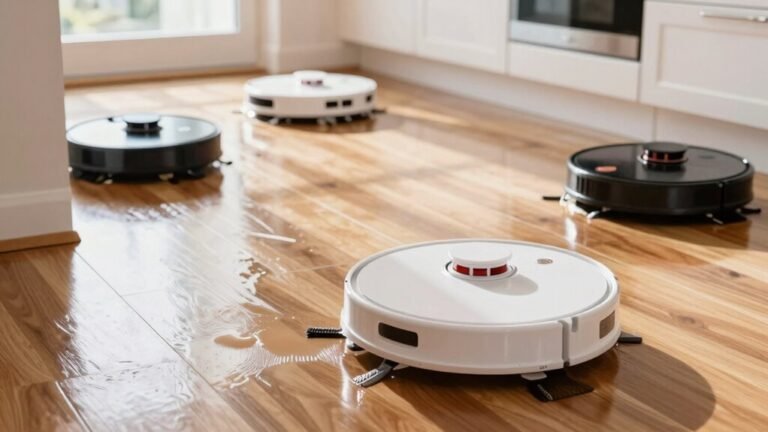
You can totally run multiple robot vacuums with LIDAR in one home—68% of multi-robot owners say it cuts cleaning time in half, which feels like magic!
Each robot maps on its own, like roommates with separate GPS, so no chaos.
They dodge each other like pros, thanks to smart sensors.
Sure, they might do a little dance in tight hallways, but it’s more adorable than annoying.
Just give them each a name and a schedule, and you’re golden.
Does LIDAR Require Calibration After Battery Replacement?
No, you don’t need to calibrate LIDAR after replacing the battery—it’s not like your robot vacuum suddenly forgets how to see!
LIDAR stays aligned unless bumped hard or dirty.
If it acts wonky, try a reset first.
Clean the dome, reboot the system, and let it rescan.
Think of it as a mini-vacation for your bot, not brain surgery!
Conclusion
You’re not just cleaning, you’re conducting a symphony of smart tech with LIDAR leading the orchestra. It zips around like a laser-whispering ninja, mapping every nook while dodging socks like a pro. No more clueless bumping or missed spots—your robot’s got the blueprint now. So sit back, grab a snack, and let it turn chaos into spotless harmony, one sleek spin at a time. Victory has never looked this sparkly—or this fun.
References
- https://insights.outsight.ai/how-does-lidar-work/
- https://www.ibm.com/think/topics/lidar
- https://www.pyroistech.com/lidar/
- https://www.neonscience.org/resources/learning-hub/tutorials/lidar-basics
- https://www.mathworks.com/help/lidar/ug/lidar-processing-overview.html
- https://en.wikipedia.org/wiki/Lidar
- https://www.archaeologynow.org/blog/ngvf4qtxv92z99xwzryz4r726h1cat
- https://www.youtube.com/watch?v=dOvMDbQKpwQ
- https://smarthomeinsider.co.uk/lidar-vs-vslam-robot-vacuum/
- https://www.ecovacs.com/us/blog/lidar-vs-vslam-navigation-what-are-the-differences