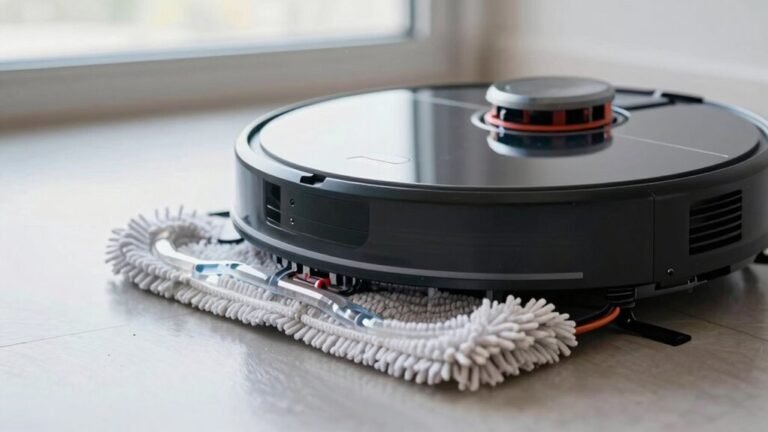
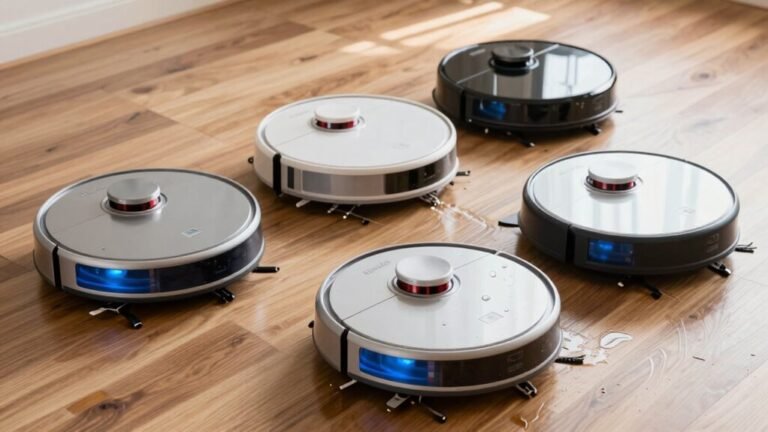
Why Did My Robot Vacuum Mop Leave a Wet Spot?
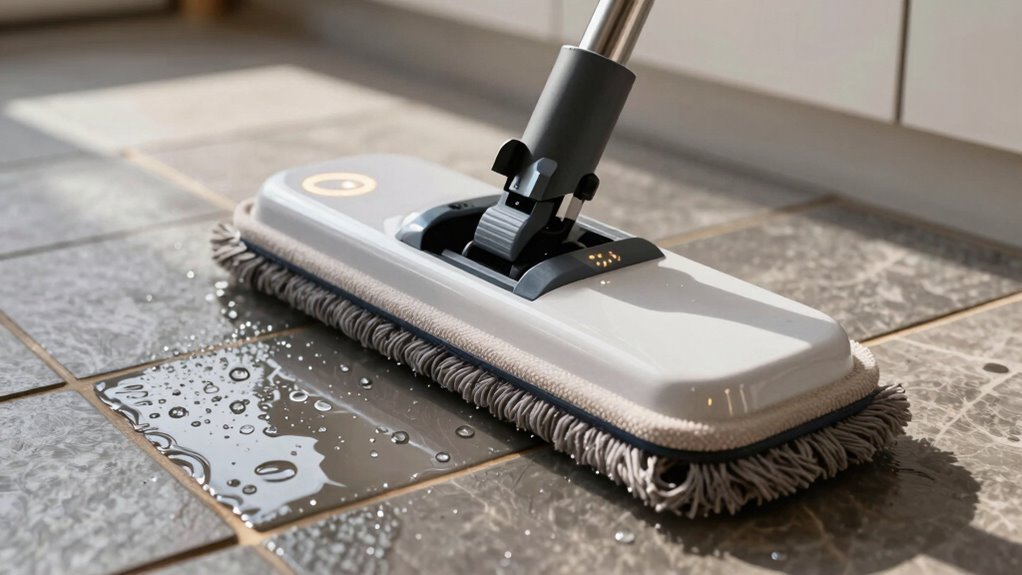
Your robot vacuum mop left a wet spot because it’s likely using too much water, has a clogged nozzle, or a leaky tank. These issues are common but usually easy to fix.
Maybe the sensors误read the floor and told the robot to keep mopping nonstop, flooding your floors. Or your mop pad might be oversaturated, holding water like a soaked sponge.
Hard water buildup and old, worn pads can also contribute to wet spots. Addressing these problems can help your robot vacuum mop perform more effectively.
Why Your Robot Mop Leaves Wet Spots?
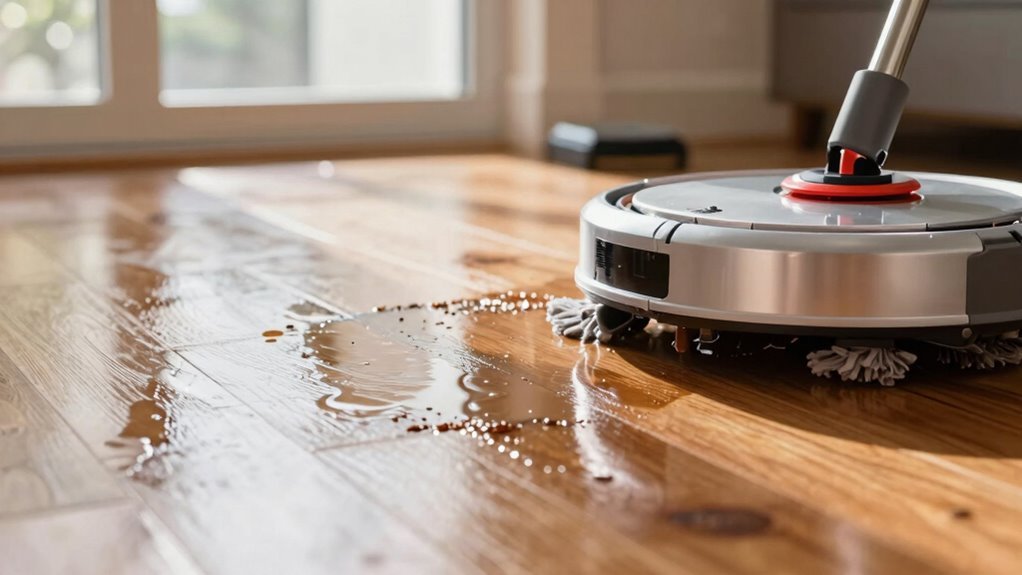
Even if you’re not a robot expert, you’ve probably noticed those pesky wet spots your robot mop leaves behind—like little watery fingerprints that scream, “I was here!”
Well, guess what? Those soggy surprises often come from how your mop manages water.
If the flow’s set too high, your pad can’t keep up, leaving puddles like a sponge gone rogue.
Faulty valves or clogged lines sneak out bursts of water where they shouldn’t, making random wet patches appear like floor acne.
And if you’re mopping sealed wood or laminate with high flow, you’re basically giving water a one-way ticket with no exit.
Cold, humid air slows drying, turning normal dampness into lingering spots.
Even your tap water matters—hard water leaves chalky marks that look wet long after they’re dry.
Yep, your robot’s not broken; it’s just thirsty for a few tweaks.
A dirty roller mop can also reduce water pickup, leading to leftover moisture after cleaning (dirty roller mop).
Mop Pads Too Wet? Here’s Why
Why’s your robot mop laying down the soak instead of the shine? You’re not imagining it—your mop pad might be holding too much water. High water-flow settings drench the pad, especially on sealed floors like wood or vinyl that don’t need heavy moisture. Older or thin pads can’t absorb well, while thick, high-pile ones may release water too slowly, leaving damp spots. Even how you attach the pad matters—loose clips or a tilted bracket create uneven contact and soggy streaks. And if you’re using off-brand pads, they might not wick water the way your robot expects. Make sure the water tank is installed correctly to prevent excess leakage during mopping.
| Issue | Quick Fix |
|---|---|
| Over-saturated pad | Lower water flow in the app |
| Poor pad contact | Check bracket alignment |
| Clogged outlets | Clean ports weekly with vinegar |
Keep it light, keep it dry—your floors will thank you!
Leaking Water Tank: Cracks and Seals
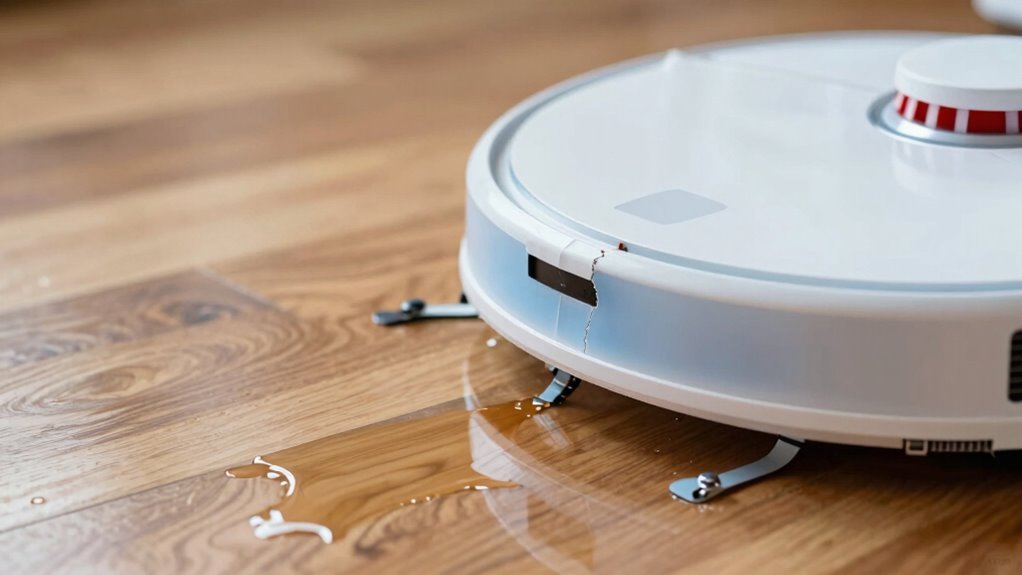
That sneaky puddle under your robot isn’t a ghost—it’s a cry for help from your water tank.
Cracks in the plastic, even tiny ones, can leak when the tank’s full or the pump kicks in, especially near corners or hose spots.
Over time, hot water or rough handling makes the tank brittle—hello, stress fractures!
And don’t forget seals: if the gasket on the lid is squished, torn, or misaligned, water sneaks out like a sneaky guest.
Dirt, hair, or mineral gunk on sealing surfaces?
That’ll keep things from closing tight.
Overfilling only makes it worse, pushing water past vents and seals when your robot moves.
Even a nicked vent seal can drip when pressure changes.
The fix? Give your tank a spa day—clean the gaskets, check for cracks, and reassemble with care.
Your floor will thank you!
Clogged Nozzles Causing Water Puddles
Ever wonder why your robot mop is leaving behind mini puddles like it’s watering invisible plants?
Chances are, gunk’s sneaking into those tiny spray nozzles.
Dust, hair, and hard water minerals like calcium build up over time, blocking the fine holes that should mist water evenly.
When some of those micro-orifices get clogged, the spray goes haywire—dribbling or jetting straight down instead of fanning out.
That creates wet spots right where your robot pauses, like little accidental water features.
Even slime from dirty tanks or sticky cleaning residues can narrow the passages, turning a smooth mist into messy drips.
The fix? Grab a pin and gently poke the nozzle, or soak it in vinegar to dissolve mineral gunk.
Clear those clogs, and your mop will go from puddle-prone to precision-cleaning in no time—no irrigation skills required!
Wrong Water Flow Setting Flooding Floors
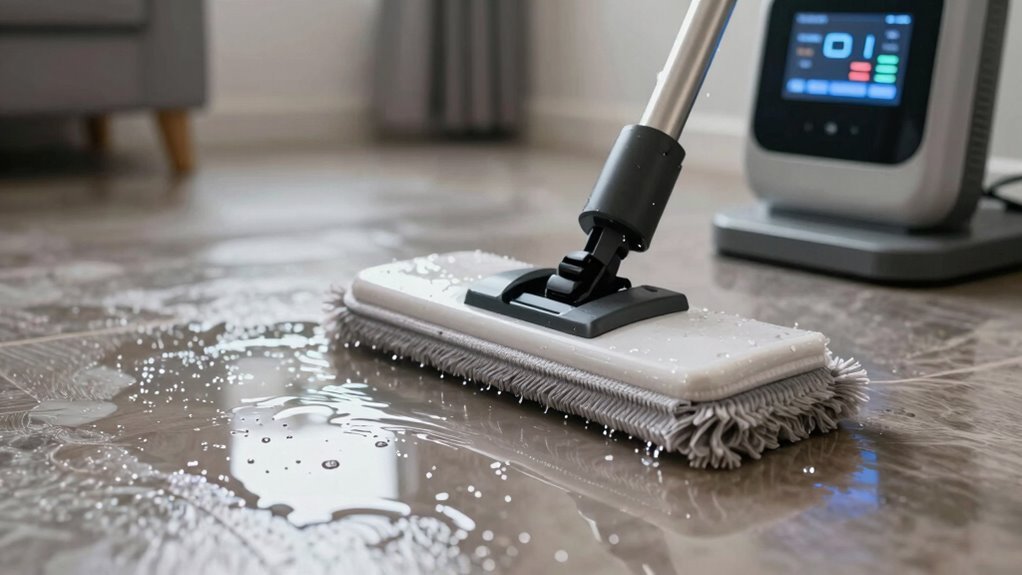
Clearing those sneaky clogs is a great first step, but if your robot mop’s still turning your floor into a wading pool, the real culprit might be right under your thumb—your water flow settings.
You might’ve cranked the spray level to “monsoon” without realizing it, and now your kitchen looks like a small lake.
Most robot mops let you adjust the water flow right from the app, and the default setting isn’t always floor-friendly.
If you’re mopping hardwood but using max flow, you’re basically inviting puddles to a dance party.
Different floors need different moisture—tile can handle more, but wood? Not so much.
Check your model’s tank capacity, don’t overfill, and tweak that flow to match your floor type.
A little water goes a long way—keep it light, smart, and spill-free!
Robot Getting Stuck and Over-Mopping
Why does your robot mop suddenly turn into a broken sprinkler, soaking the same spot over and over? Well, if it’s stuck on a threshold, tangled in cords, or jammed under the couch, it can’t move—and that spinning mop keeps drenching one tiny patch.
Thick rugs or clutter trap it in place, while high door gaps make it wiggle endlessly, scrubbing the same square inch.
Poor mapping? Yeah, that leads to ghost loops—zipping in circles like it’s chasing its tail, doubling down on water.
And if your robot’s stuck near the dock, it probably starts and stops right there, leaving a soggy welcome mat.
Even mopping pads can’t escape blame—when clogged with hair, they spread goop instead of cleaning it.
The result? A swampy zone where your floor shouldn’t be a puddle.
Simple fix: clear clutter, smooth changes, and maybe give your ‘bot a pep talk before it tries parkour again.
Low Battery Leaves Floors Wet
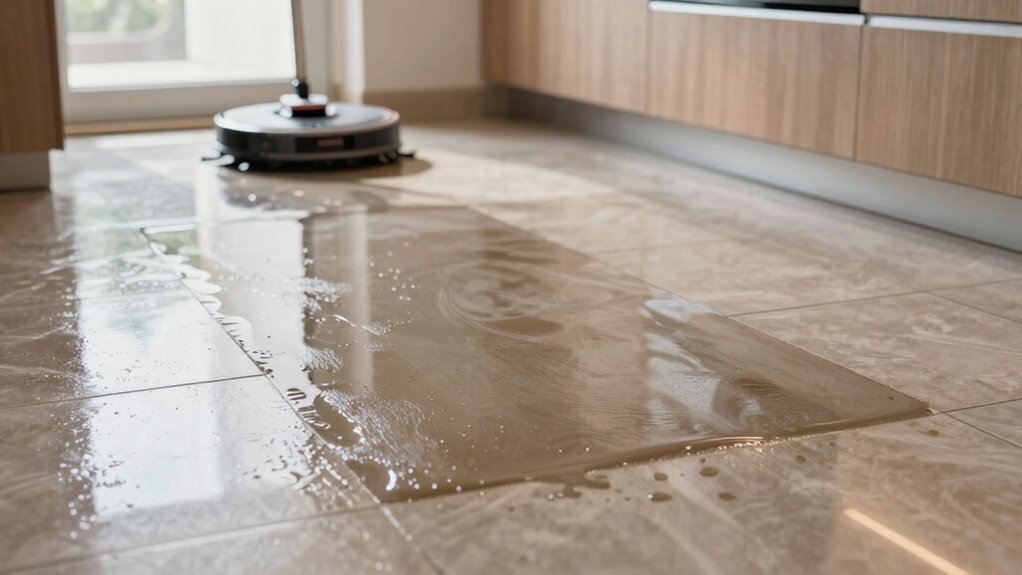
When your robot mop runs on fumes, it’s not just tired—it’s setting you up for a mini indoor lake.
If the battery dips too low, your bot might power down mid-mop, leaving wet stripes behind like an artist who fell asleep on the job.
Weak or aged batteries can’t keep up, especially on large jobs or high water settings, causing early shutdowns before suction kicks in.
Low power also means weaker pumps and sluggish mop pads, so water gets dumped but not spread—or cleaned—right.
Some models even cut suction to save energy, leaving floors damp and disappointed.
The fix? Charge it fully before hitting start, use eco modes, and break big jobs into smaller runs.
Keep the dock cozy and contacts clean, and your floors will stay dry, not soggy.
Your robot’s not lazy—it’s just power-starved!
Why Your Tile or Wood Floor Stays Wet
Ever feel like your robot mop is more of a water feature than a cleaner?
If your tile or wood floor stays wet long after mopping, you’re not alone.
High water settings or “deep clean” modes drench the floor more than the pad can handle, leaving puddles behind.
An over-saturated or dirty mop pad just pushes water around instead of soaking it up.
Worn squeegees, grimy rollers, or a pad installed wrong make things worse—moisture gets left in streaks or blobs.
On textured tile or unsealed wood, water lingers in grooves or gets soaked in unevenly, showing dark damp spots.
Dirty floors or sticky cleaner residue trap water too, while hard water leaves marks that look wet even when they’re not.
And if you’ve left a wet pad sitting in one spot? Hello, mini swimming pool.
When Sensors Misfire and Cause Too Much Mopping
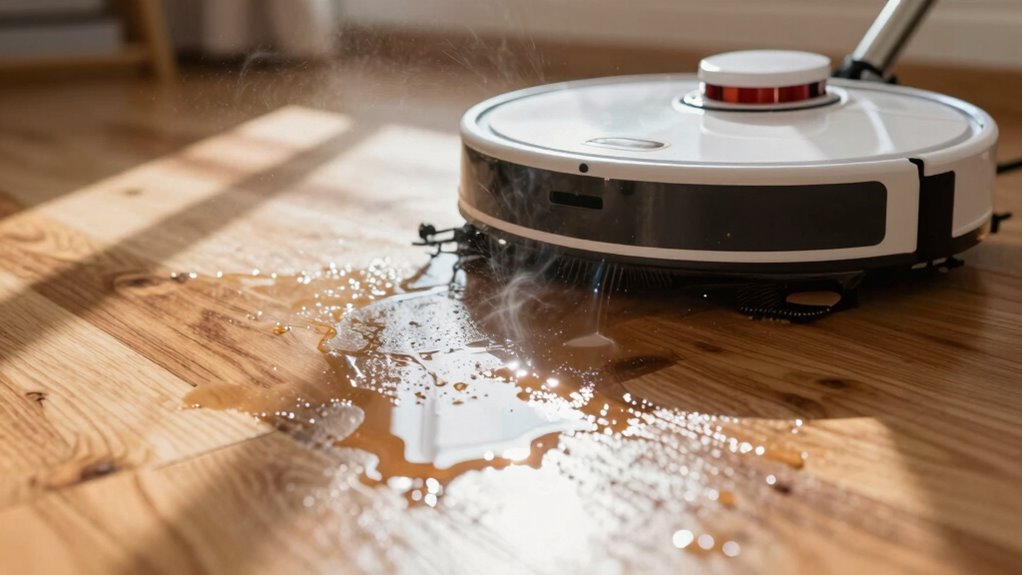
If your robot mop suddenly acts like it’s auditioning for a role in a water ballet, sensors gone rogue might be the real culprits behind the splashy drama.
Instead of gliding smoothly, it’s stuck in a soggy loop—and you’re left wondering why your floor looks like a kiddie pool.
Faulty sensors can trick your mop into thinking it’s still on dirty tile, cause it to retrace the same spot nonstop, or keep the water flowing when it should’ve stopped.
Don’t panic—this happens more than you’d think.
- Stuck floor sensors tell your bot it’s on hardwood when you have a rug
- Dusty optical sensors make clean spots look grimy, triggering extra mopping
- Misaligned contact sensors forget the mop’s attached—or think it’s always active
- Faulty humidity sensors can’t feel wetness, so they keep pumping water
A little cleaning and calibration go a long way!
How to Stop Wet Spots for Good
While your robot mop means well, it’s not immune to the occasional flood drama—so don’t worry, you’re not stuck with a soggy crime scene forever.
You can stop wet spots for good by tweaking a few key settings.
Ditch “max” mode and switch to standard mopping—less water means fewer puddles.
If you’ve got a budget model with a gravity-fed tank, keep an eye on flow; it’s easy to over-wet.
Use distilled water to prevent chalky spots and only approved cleaners to avoid sticky residue.
Wash or replace your mop pad regularly—dirty or worn pads push water, not absorb it.
Make sure it’s fully saturated before use to avoid streaks.
Check your floor for slopes or texture traps where water hides.
And hey, give your robot a quick clean now and then—clogs cause drips.
A little care keeps your floors dry, clean, and drama-free.
Frequently Asked Questions
Can I Use Vinegar in My Robot Mop?
No, you shouldn’t use vinegar in your robot mop—trust me, it’s not worth the risk!
It can wreck rubber seals, corrode parts, and even void your warranty.
Plus, your floors might end up streaky or dull.
Stick to plain water or a robot-safe, low-foam cleaner.
Your mop’s way happier that way, and hey, no one wants a sad, broken robot on their hands!
How Often Should I Replace Mop Pads?
You should replace your mop pads every 2–6 months, depending on how much gunk they tackle—think of them as your robot’s workout clothes, and nobody wants to wear sweaty socks forever!
Swap them out sooner if they’re frayed, smelly, or leaving streaks.
Rinse them after each use, avoid harsh detergents, and let them dry fully.
With pets or sticky spills? Replace ‘em faster.
Your floors will thank you!
Is It Safe to Mop Near Electrical Outlets?
Yes, you can mop near outlets, but stay sharp and keep things dry!
Water sneaks into cracks and may shock you or damage circuits—yikes!
Use a damp, not soggy, mop and avoid spraying near sockets.
Skip mopping around loose or low outlets, and unplug nearby chargers.
If you see sparks or smell burning, stop fast!
GFCI outlets are your best buddies—they cut power fast if things go south.
Stay safe and keep zapping worries, not the floor!
Can I Schedule Mopping Overnight Safely?
Yes, you can safely schedule mopping overnight—if your robot’s up to the task. Just make sure it’s a newer model with auto-shutoff, good navigation, and mop-lift tech. Clear cords and clutter, set no-go zones, and use medium water flow. Test it first while you’re awake, like a dry run for robot bedtime. Keep it off sensitive floors, and dock it on hard, level ground. You’ll wake up to clean, not a mini swamp—unless your pet turned it into a water park!
Do Robot Mops Work on Carpets?
No, robot mops don’t really work on carpets—they’re made for hard floors like tile or wood.
You’ll just end up dragging a damp pad over the fibers, which doesn’t clean deep and can leave yucky wet spots.
Some smart models lift the mop or avoid carpets automatically, but most can’t handle the fluff.
For fluffy rugs, stick to vacuuming.
Save the mopping for the smooth stuff—your carpet will stay happier and drier!
Conclusion
So your robot mop thinks it’s a pool installer? Who knew puddles were on the to-do list? Blame soggy pads, leaky tanks, or that sneaky clog turning your floor into a swamp. Maybe the settings went full monsoon mode—or your bot just gave up mid-mop, battery crying for help. Sensors confused? Now your tiles are a waterpark. Fix the flow, clean the nozzles, and stop the sogginess. Dry floors are the dream, friend. Let’s keep it that way—no moat required.
References
- https://service.eufy.com/article-description/What-should-I-do-if-there-are-water-stains-on-the-floor-after-my-S1-Pro-finishes-mopping
- https://www.tomsguide.com/home/why-is-my-robot-mop-leaving-streaks-on-the-floor-dont-make-these-mistakes
- https://homesupport.irobot.com/s/article/78022
- https://www.mi.com/uk/support/faq/details/KA-483326/
- https://www.robotreviews.com/chat/viewtopic.php?t=4714
- https://service.eufy.com/article-description/What-can-I-do-if-my-RoboVac-dispenses-too-much-water-while-mopping-the-floor-For-RoboVac-G10-G30-Hybrid-Series
- https://forum.mova-tech.com/forum.php?mod=viewthread&tid=4215
- https://www.youtube.com/watch?v=gCHPzFKpCTo
- https://support.dreametech.com/hc/en-us/articles/10385531941903-Fixing-Water-Leaks-and-Pump-Issues-A-Step-by-Step-Guide-for-Your-Robot-Mop-Base-Station
- https://forum-us.roborock.com/discussion/3310/my-roborock-s5-max-is-leaking-water-when-mopping