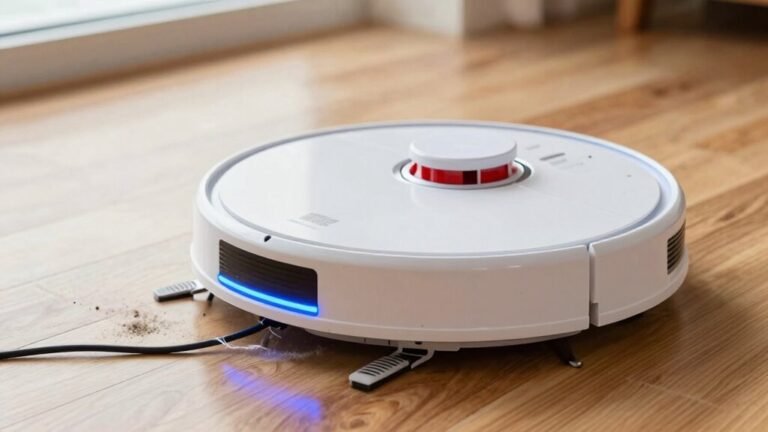
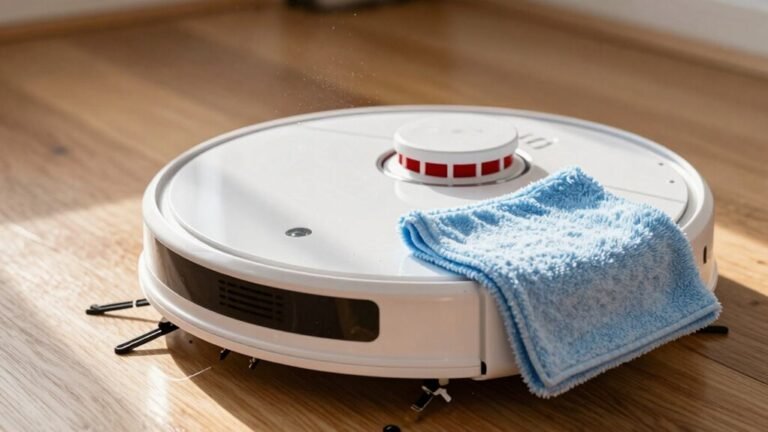
How to Empty Your Robot Vacuum’s Dustbin Properly
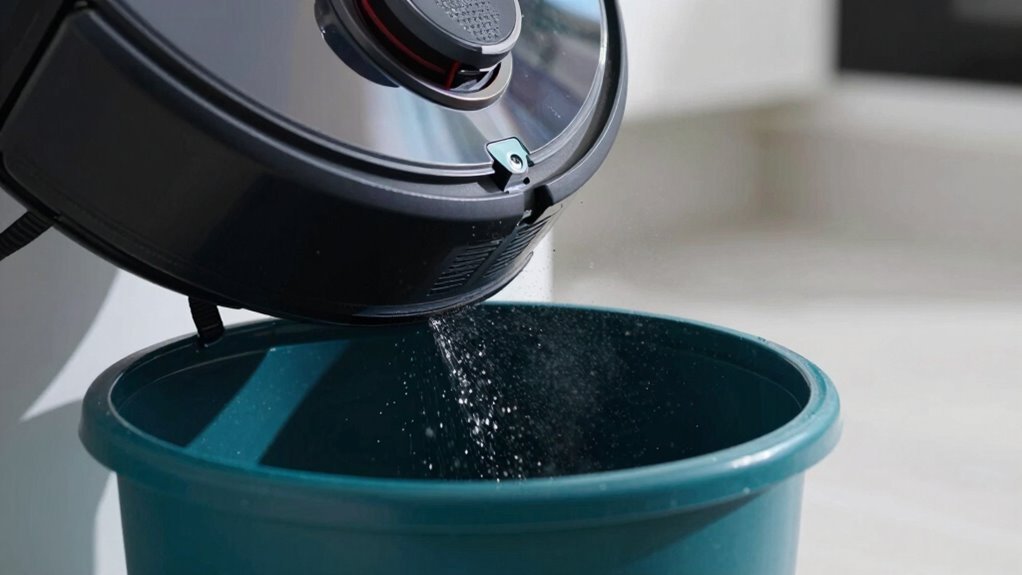
To keep your robot vacuum running efficiently, start by properly emptying the dustbin. Locate the dustbin on the bottom, sides, or by flipping the robot over—then press the release tab and gently remove it.
Empty all debris into the trash, giving the bin a good shake and tapping out any leftover dust. If necessary, rinse the dustbin, but be careful to avoid wetting the sensors and other electronic components.
Regularly snip away any tangled hair wrapped around the bin or brushes. Clean the filter and let all parts dry completely before reassembling.
A dirty dustbin can significantly slow down your robot vacuum’s performance. Keeping the dustbin empty and well-maintained ensures your robot vacuum operates at its best.
Remove the Dustbin
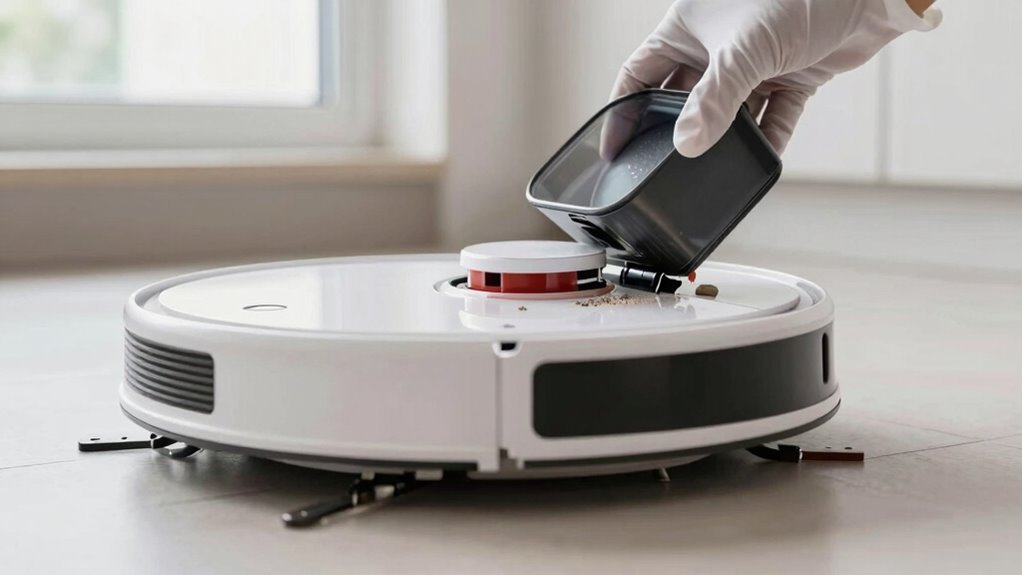
Ready to give your robot vacuum a quick pit stop?
Great!
First, flip it over if you’ve got a Roborock, or check the side or back—your dustbin’s probably hiding there.
On Wyze models, look for those little tabs with arrows near the intake; press them down.
Roombas? Just hit the release button.
For some, you’ll need to open the lid first—then gently pull the bin straight out.
Don’t yank it, unless you *want* a mini dust explosion on your floor.
Use one hand on the lid, one on the bin, and give it a confident pop.
New seals can be sticky, so it might take extra oomph the first time.
Once it’s free, hold it over the trash—no dramatic debris showers, please.
Check for cracks or gunk on the edges.
You’re not just removing it—prep for reassembly ensures maximum cleaning efficiency.
Empty the Bin in the Sink or Trash
Emptying your robot’s dustbin doesn’t have to be a dusty drama—think of it as giving your little cleaner a fresh start.
Head to the trash and hold the bin over the bag, pressing the release button so debris slides out neatly.
Give it a quick tap or shake—like waking up stubborn crumbs—with your hand or a light knock.
Position carefully; nobody wants a mess on the floor (again).
If things are grimy, rinse the bin under the sink after emptying, but keep water away from sensors and motors.
Grab a soft brush to wipe away what tapping missed.
Let it air dry fully—soggy bins and vacuums don’t mix—before snapping it back in.
For auto-empty models, just check the base bag monthly.
Regular cleaning helps minimize odors and buildup, so maintain hygiene to keep your home environment healthier.
Boom—clean bin, happy robot, fresher home!
Clean the Bin of Hair and Debris
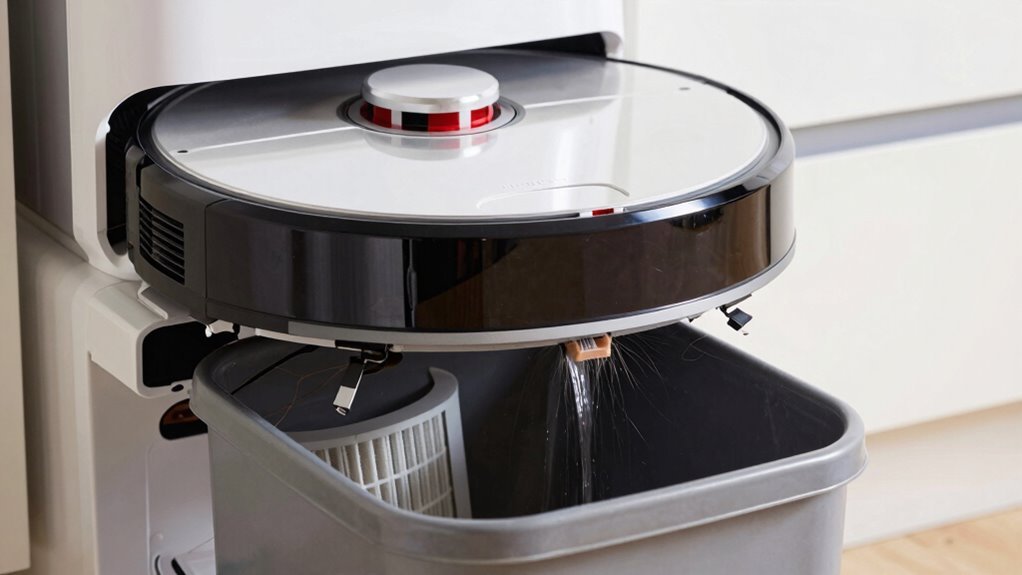
Tackling hair and gunk buildup in your robot vacuum’s bin keeps it running like a champ—think of it as de-tangling your little helper before its next big mission.
Flip it upside down and check the wheels and brushes; snip any hair tangles with scissors, then yank out strands wrapped around the roller.
Pull off the black end caps to fully clear the main brush—those built-in blades make it a breeze.
Use a soft brush to sweep away debris from sensors and ports, keeping things running smooth.
Don’t forget the side brushes; give ’em a quick wipe too.
Tap the bin over the trash to knock out leftover junk, then go in with a dry microfiber cloth for anything stuck.
Keep it dry—no soaking!
A clean bin means better suction and fewer hiccups.
Your robot’s gonna thank you with every zap across the floor.
Clean or Replace the Filter
You’ve already given the bin a good once-over and cleared out all that gunk, so now let’s turn your attention to the filter—the unsung hero keeping your air clean while your robot does its thing.
Tap it out weekly or give it a gentle brush to ditch loose dust—twice a week if you’ve got pets or allergies.
If it’s washable, rinse it under lukewarm water, use your fingers or a soft brush for grime, and shake off excess water.
Let it air-dry completely—no shortcuts with a damp filter!
For non-washable ones, skip the rinse—water’s a no-go.
Check for tears, thinning, or funk; if it’s seen better days, swap it out.
Most filters need replacement every 2–6 months, or after 120 hours of cleaning.
Your robot’s breathing easier already!
How Often to Empty for Best Performance
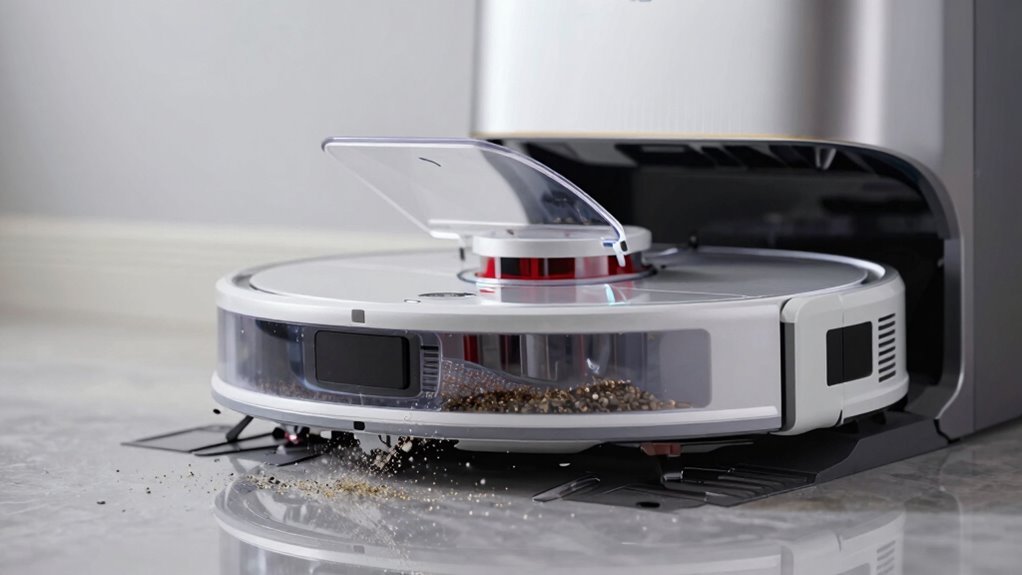
How often should you ditch the dust? It depends on your home’s mess level and your vacuum’s habits. If you’ve got pets or big family feet stomping around, empty that bin after every run—trust me, your robot will thank you. For smaller, calmer homes, every two to three cycles works just fine. Self-emptying models? Lucky you! Their bases can go weeks, but still clean every 1–2 weeks to avoid ghostly dust clouds. Check those app alerts and indicators—they’re like tiny robotic cries for help. Ignoring a full bin kills suction, strains the motor, and turns cleaning into a sad, noisy shuffle. Keep it fresh, keep it fast. Here’s a handy guide:
| Home Type | Empty Frequency |
|---|---|
| Low-dust, no pets | Every 2–3 uses |
| High-traffic, pets | After every use |
| Self-emptying base | Base every 1–2 weeks |
| Large household | Daily |
| Allergy-prone spaces | After each run |
Stay on top of it, and your bot stays happy!
Fix Common Dustbin Issues
Pop that dustbin out and take a close look—sometimes the little things cause the biggest headaches.
If your robot keeps glitching, the issue might be hiding right in the dustbin.
Misalignment from gunk on the edges or worn tabs can make it wobble or not click in place.
A full bin triggers shutdowns, especially in budget models, so don’t wait until it’s overflowing.
Debris stuck in the release button? Give it a gentle tap over the trash can—sometimes it just needs a little shake.
And remember, suction drops fast when the inlet’s clogged or the filter’s overwhelmed.
Here’s how to keep calm and vacuum on:
- Feel the frustration of error messages vanish when you clean sensor spots and realign the bin.
- Savor the relief when your robot stops randomly shutting off.
- Smile with pride after clearing stuck debris—it’s like robot CPR!
- Enjoy the peace of a smoothly locking dustbin that finally *stays* put.
Take Care to Avoid Odors and Clogs
Ever opened your robot vacuum and caught a whiff of something that made you wonder if it secretly doubled as a science experiment?
Don’t laugh—it happens!
Empty that dustbin at least once a week, or more if you’ve got pets or long-haired family members.
A full bin doesn’t just stink—it can clog the system and make your bot spit dust like a tiny, confused dragon.
Rinse the bin with soapy water, scrub stubborn gunk with a soft brush, and let it dry completely before popping it back in.
Clean or rinse washable filters every few weeks with vinegar to kill odors, and replace them as needed.
Wipe down the base station tray and sensors too—dust loves to hide there.
Store your vacuum in a cool, dry spot with good airflow, not in a damp closet.
Keep things fresh, and your robot (and nose) will thank you!
Frequently Asked Questions
Can I Wash the Dustbin With Soap and Water?
You can wash the dustbin with soap and water—*if* your manual says it’s okay.
Otherwise, you might risk gunk buildup or even void your warranty.
When allowed, use just a drop of mild soap and warm water, then rinse like you’re washing a sneaky greasy plate.
Always air-dry completely—no towel dramas.
When in doubt, plain water’s your safest buddy!
Is It Safe to Use Compressed Air to Clean the Bin?
Nope, using compressed air isn’t safe—it’s a dust tornado waiting to happen!
Did you know OSHA says over 30% of air-related injuries come from improper cleaning blasts?
You’d basically turn dust into ninja stars, risking your eyes, lungs, and maybe even starting a mini-dust explosion.
Plus, it’s often illegal!
Skip the drama, grab a rinse, or just tap it out.
Your vacuum—and face—will thank you.
Safety wins every time, superstar!
Should I Empty the Dustbin After Every Cleaning Session?
Yeah, you should empty the dustbin after every session if you’ve got pets or allergies—your vacuum’ll thank you!
In smaller, cleaner homes, every two to three runs is fine.
Don’t push it though; a full bin kills suction fast.
Think of it like taking out the trash before it overflows—no one wants a dusty surprise.
Quick empty, happy robot, sparkly floors—easy!
Can a Full Dustbin Affect the Robot’s Navigation?
Nope, a full dustbin won’t throw your robot off course—it’s like a chef with a full trash can still cooking, just less efficiently.
Your bot’s smarts, like LiDAR and cameras, keep mapping no problem.
It might pause cleaning, but navigation? Still sharp.
Think of it as a snack-hoarding ninja: slightly slowed, but never lost.
Empty it soon, though—happy robot, happy floors!
What Should I Do if the Dustbin Won’T Snap Back In?
You pop that dustbin out, and suddenly it just won’t snap back in—ugh, we’ve all been there!
First, check for gunk in the bin slot and wipe sensors clean; dirt loves playing hide-and-seek.
Inspect the tabs—no cracks or wear? Good!
Give ’em a wipe, align the bin just right, and press down with a satisfying *click*.
If it wobbles, maybe it’s time for a replacement—your robot deserves a snug fit!
Conclusion
You’ve wiped the gunk, swapped the filter, and cleared every crumb—awesome job! Emptying your robot vacuum’s dustbin isn’t brain surgery, but it keeps your little robo-friend running smoother than a greased bowling ball. Make it a habit, like brushing your teeth (but way less yucky), and you’ll dodge stinky surprises and sneaky clogs. Keep it clean, keep it rolling—your floors *and* your vacuum will thank you!
References
- https://www.ecovacs.com/us/blog/how-to-empty-a-robot-vacuum
- https://us.narwal.com/blogs/product/robot-vacuum-dustbin-care
- https://www.youtube.com/watch?v=Wjvb_61Gf-4
- https://www.youtube.com/watch?v=hmesWWtwgoE
- https://www.youtube.com/watch?v=oGIZiUGJqok
- https://forums.wyze.com/t/wyze-robot-vacuum-dust-bin/153874
- https://www.tp-link.com/in/support/faq/3506/
- https://www.ecovacs.com/us/blog/how-to-dispose-and-recycle-your-robot-vacuum
- https://ca.dreametech.com/blogs/blog/how-to-dispose-of-a-vacuum-cleaner
- https://www.youtube.com/watch?v=IvM8ULZAgFU