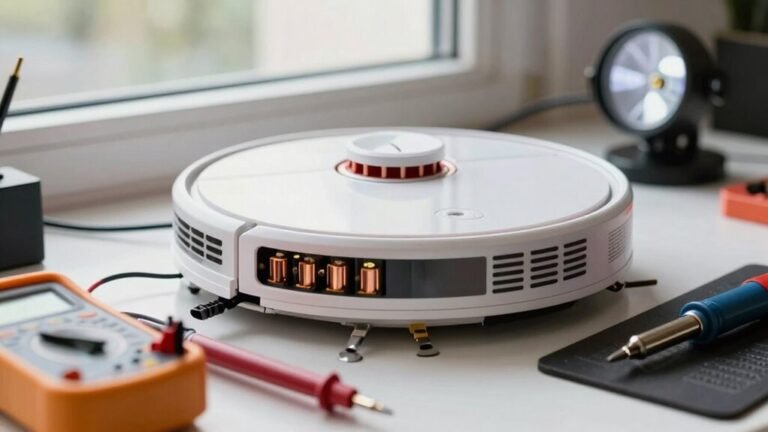
How to Make Your Robot Vacuum Last Longer
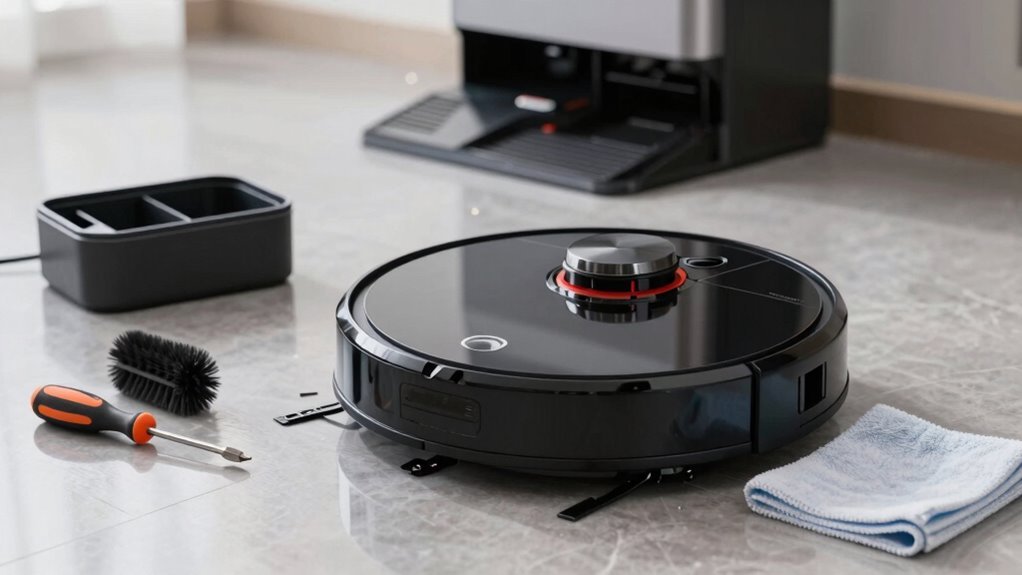
To make your robot vacuum last longer, empty the bin after every run—your robot vacuum isn’t a trash can and performs best when not overloaded with debris. Regular maintenance is key to keeping it running efficiently and extending its lifespan.
Clear tangled hair from the brushes weekly to prevent strain on the motor and maintain strong suction power. Wipe down the sensors with a soft cloth so your robot vacuum can navigate your home accurately and avoid obstacles.
Check and clean the wheels monthly, snipping away any gunk or threads that could cause misalignment or poor movement. Keep the charging contacts free of dust to ensure proper connection and consistent charging.
Avoid letting the battery drain completely or sit unused for long periods, as this can degrade its performance over time. Give your robot vacuum a full checkup every month to catch small issues before they become big problems.
With proper care, your robot vacuum will keep your floors spotless for years. There are even more smart ways to keep it running like new.
Empty the Dustbin After Every Run
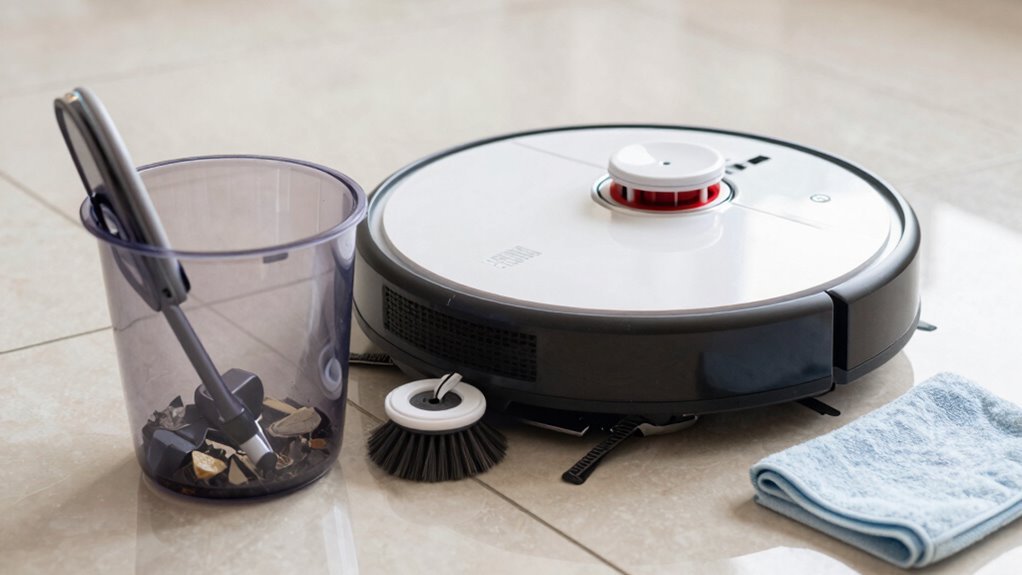
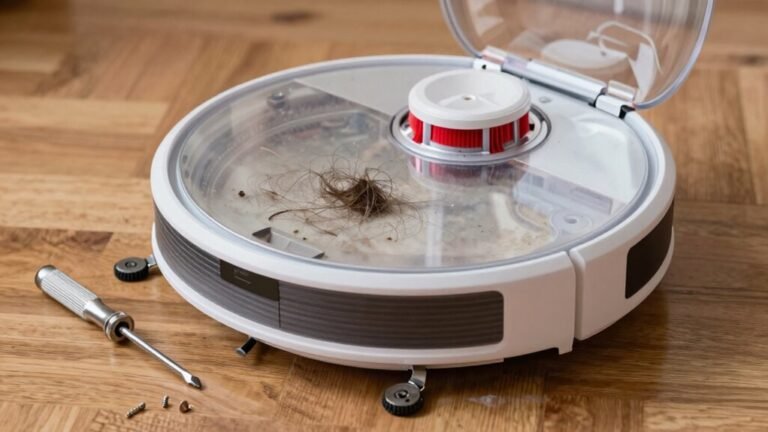
Keeping that little robot buddy happy starts with a simple habit: empty fluctuating bins after every run. You skip it, and boom—suction nosedives, leaving dust bunnies laughing at your robot. A full bin chokes airflow, makes the motor strain, and can even clog things up for good.
Emptying it keeps power strong, edges clean, and battery life peppy. Plus, your vacuum’s insides stay safe from gunk sneaking into fans or electronics. Think of it as flossing—annoying, but your robot will thank you by lasting years longer.
And hey, no one likes a stinky robot. Emptying daily nips pet messes, mold, and funky smells in the bud, so your home stays fresh. Allergens? Gone. Odors? Bye-bye. Just pop out the bin, dump it, wipe it down, and you’re golden.
Seriously, it takes 10 seconds—your laziest chore ever. Do it, and your robo-pal will keep humming (literally) like it’s new. For homes with pets, expect to empty more often due to increased debris and hair accumulation pet households.
Clean the Brushes Weekly to Prevent Tangles
You’ve got the dust nab habit down—awesome.
Now let’s talk brushes, because skipping this step is like washing your car but ignoring the mud stuck in the wheels.
Cleaning your robot’s brushes weekly keeps it running strong and happy.
Trust me, your vacuum will thank you—probably not with words, but with better suction and fewer naps on the job.
- Clear hair and debris every 7–14 days (more if you’ve got pets or long hair)
- Use the included tool to easily strip tangled hair from bristles and ends
- Prevent motor strain that leads to overheating and early burnout
- Boost suction power and floor coverage for cleaner floors in fewer passes
- Spot wear early—bent bristles or cracked rollers? Time for a swap
Stay on top of it, and you’ll dodge costly replacements and keep your little robo-helper zipping around like new.
Always ensure side brushes are properly reinstalled after cleaning to maintain optimal edge cleaning, as misaligned brushes reduce effectiveness and may cause side brush damage over time.
Wipe Sensors and Cameras for Smooth Navigation
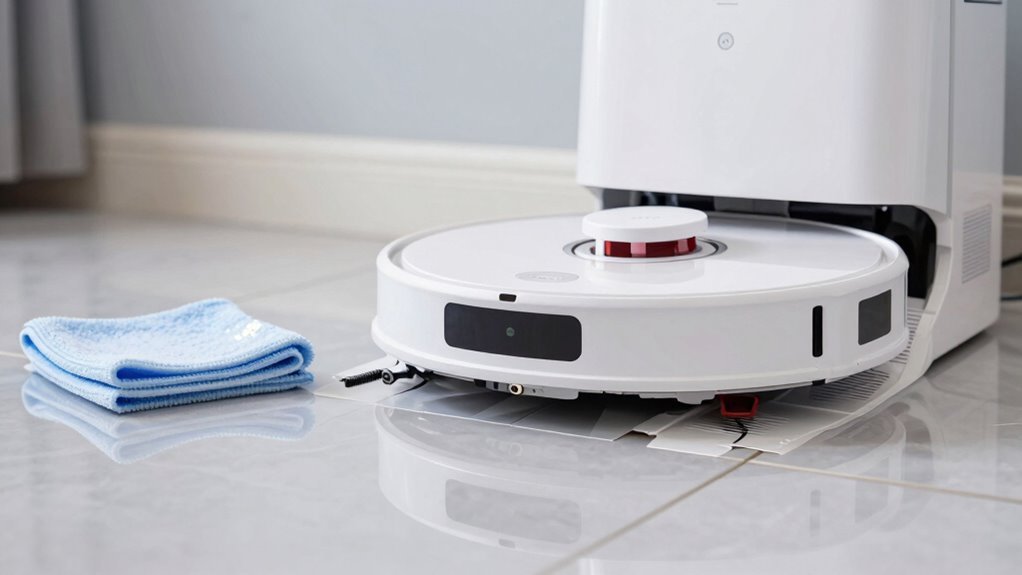
Spotting dirt on your robot’s sensors? Wipe them down—it’s like giving your vacuum a fresh pair of glasses! Dirty sensors mean more bumps, worse routes, and a confused little guy who can’t find its dock.
Use a soft, dry microfiber cloth weekly (or monthly if things stay clean) to keep cameras and sensors crystal clear.
Got a dusty LiDAR dome or grimy cliff sensors? A quick wipe prevents tumbles down the stairs—yikes!
Front IR sensors and side trackers love a gentle buff too, so your bot hugs walls like it’s supposed to.
Avoid wet cloths or harsh cleaners; they can damage delicate parts.
When in doubt, stick to dry, lint-free love.
If your vacuum starts acting lost or sends app alerts about dirty sensors, clean it now—don’t wait!
A few seconds of care keeps your robot smart, safe, and zipping around like a pro.
Clear Hair and Debris From Wheels and Side Brush
Spinning in place or leaving a trail like a tangled spiderweb? Dirty wheels and a gunky side brush might be sabotaging your robot vacuum’s groove. Keep it rolling smoothly with these quick tips:
- Snip and pull hair wrapped around drive wheels and axles to prevent stalls and reduce motor strain.
- Clean the front caster wheel monthly so it spins freely—no more dragging like a tired turtle.
- Use tweezers or a small brush to dig out gunk from wheel housings where dust bunnies throw rave parties.
- Blow out fine debris with short air bursts, but go easy near seals and electronics—no snowstorm simulations!
- Always unplug and flip your bot first; safety first, superhero.
A clean wheel system means better traction, smarter navigation, and fewer “why won’t you work?!” moments.
Your robot isn’t lazy—it just needs a little grooming love.
Give it the spa day it secretly craves!
Adjust Main Brush Cleaning for Your Floor Type
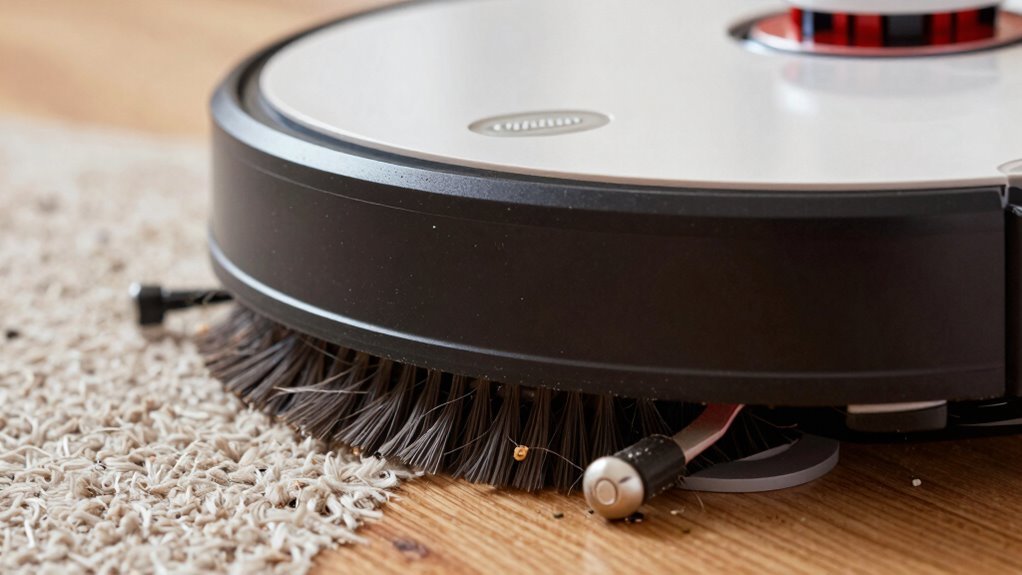
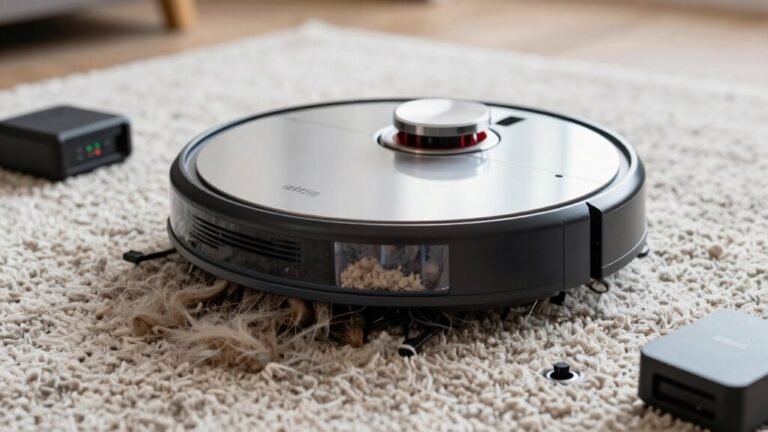
Ever wonder why your robot vacuum glides across the tile but chews up the rug? It’s all about the main brush.
For hardwood or delicate floors, use soft or hybrid brushes—they’re gentle on finishes but still grab dust like a pro.
On tile or laminate? Rubber or hybrid rollers work great without scratching.
But when you hit carpet, that same soft touch won’t cut it.
Switch to a tougher rubber or hybrid brush and boost suction to dig out dirt hiding in the fibers.
Got mixed floors? Lucky you—floating brushes auto-adjust so they’re kind to wood but tough on rugs.
And don’t forget: clean the brush more often if you’ve got pets or thick carpet.
A quick wipe removes hair and gunk, so your bot doesn’t work overtime.
Match the brush to your floor, and you’ll keep both cleaner—and your vacuum running smoother for years.
Win-win!
Keep Charging Contacts Clean and Dry
Keeping your robot vacuum ready to roll starts with a simple but mighty habit—tending to those little metal dots that make the magic happen. Dirty or damp contacts can ghost your robot, leaving it stranded and uncharged—talk about a buzzkill!
A quick monthly check keeps things running smooth and avoids head-scratching failures.
- Wipe contacts with a soft, dry cloth to zap dust and grime
- Try a drymagic eraser for stubborn gunk or light corrosion
- Use isopropyl alcohol only if your manual says it’s safe—and always follow with a dry pass
- Nix metal brushes or sandpaper; they scratch pads and invite trouble
- Keep the dock area clean, dry, and free of pet hair to avoid messy misconnections
A little TLC here means fewer charging tantrums and a happier, longer-lived robot buddy. Sparkly contacts = serious staying power!
Charge Smarter to Extend Battery Life
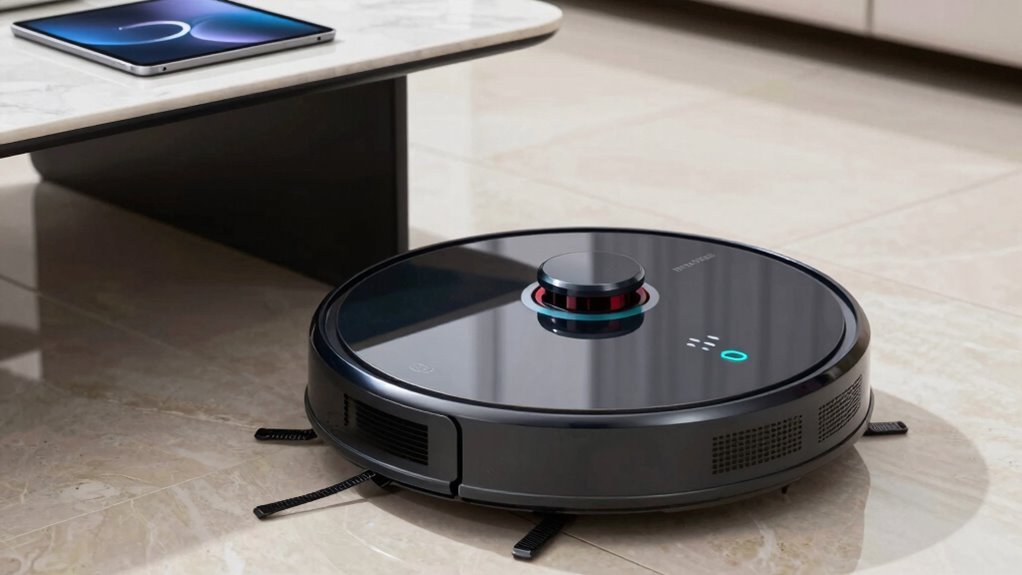
Now that you’ve got those shiny clean charging contacts making solid connections, let’s talk about how you charge—not just where.
Keep your robot’s battery between 20% and 80% like a pro—no need to run it down to zero!
Lithium-ion batteries hate deep drains and staying fully charged for too long, so avoid “run-to-empty” cycles.
Instead, let it auto-dock and recharge after cleaning; that’s what smart robots are made for!
Don’t leave it sitting at 100% all day—it’s not showing off, it’s stressing out.
And no, your robot doesn’t need a tan: keep the dock out of direct sunlight and heat.
Charge it in a cool, dry spot with good airflow.
Use the original charger and unplug manual ones when full.
Your battery will thank you with years of faithful service—and maybe fewer dramatic meltdowns.
Give Your Robot Vacuum a Monthly Tune-Up
Grab your robot vacuum like it’s going to the spa—because once a month, it absolutely deserves one!
A quick tune-up keeps it running strong, cleaning smarter, and lasting way longer.
Think of it as a little pampering that saves you big-time headaches (and replacement costs) down the road.
- Check the brush roll—yank out trapped hair and straighten bristles so it grabs dirt, not your carpet fibers.
- Clean the filter and bin—rinse them to banish gunk, odors, and suction-sucking blockages.
- Wipe wheels and caster—clear gunk so it rolls smooth, not wobbly like it’s had too much coffee.
- Polish sensors and contacts—a microfiber swipe keeps it from “getting lost” in the living room jungle.
- Inspect dock and accessories—a clutter-free dock means it charges right and stays ready to work.
Frequently Asked Questions
How Often Should I Replace the Robot Vacuum’s Filter?
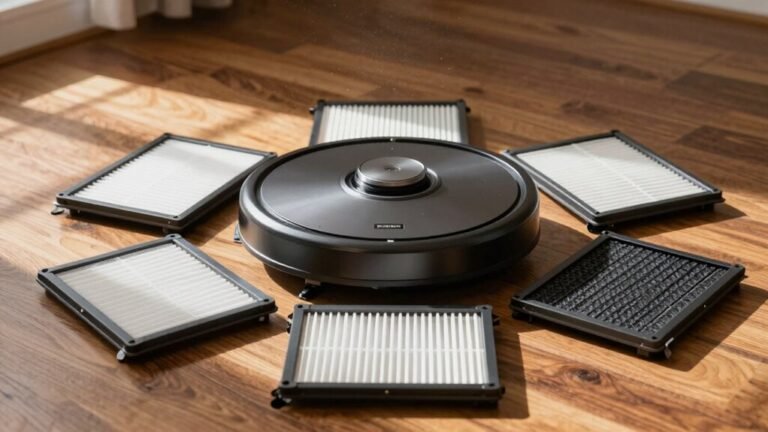
You should replace your robot vacuum’s filter every 2 to 6 months, depending on use—check your model, since Roombas love fresh filters every 2 months, while Eufys chill out for up to 6.
If you’ve got pets, dust bunnies throw raves in your filter, so swap it sooner.
Keep an eye out for weak suction or funky smells—your bot’s basically begging for a new filter!
Can I Use My Robot Vacuum on Multiple Floor Levels?
You can totally use your robot vacuum on multiple floor levels—just don’t expect it to take the stairs itself!
Carry it between floors, and make sure it supports multi-floor mapping.
It’ll create separate maps for each level, recognize where it is, and clean smarter.
Labeling rooms? Yes, please!
Just think of it as your tiny, hardworking roommate who’s great at chores but still needs help with the elevator.
Is It Safe to Leave My Robot Vacuum Plugged in All the Time?
Yes, you can leave it plugged in all the time—it’s as safe as leaving your phone on a nightstand charger.
Modern robot vacuums use smart docks that stop charging when full, like a kettle switching off when water boils.
Just unplug during long storage, avoid hot spots, and you’re golden.
Your buddy’s battery will stay happy and ready to roll!
What Should I Do if My Robot Vacuum Gets Stuck Often?
If your robot vacuum gets stuck often, you’re not doomed to a life of rescue missions!
Start by clearing cords, toys, and loose rug fringes—it’ll thank you.
Use no-go zones in the app to block trouble spots, and keep sensors and wheels gunk-free.
Tuck in clutter, open up tight spaces, and voilà: smooth sailing.
Think of it as robot-proofing your home, one sneaky trap at a time.
Success feels kinda magical, right?
Can I Run the Robot Vacuum While I’M Not at Home?
Can you run your robot vacuum while you’re not home?
Absolutely, as long as you’ve prepped your space like a pro!
Clear clutter, secure cords, and avoid risky surfaces like carpet near the dock.
Use the original charger, keep things ventilated, and your smart pal won’t throw a fiery tantrum.
Think of it like leaving the oven on—safe if you’re careful, but drama waiting to happen if socks and cords are in the way!
Conclusion
You want your robot vacuum to party hard but live long, right? Keep it clean, charge smart, and give it monthly spa days. Tangled brushes? Nope. Dusty sensors? Not on your watch. A little love goes a long way—like brushing your teeth, but way less weird. Treat it right, and it’ll keep your floors spotless, run longer, and maybe even hum a happy tune. Who knew robot care could be this satisfying?
References
- https://www.ecovacs.com/us/blog/how-to-empty-a-robot-vacuum
- https://us.3itech.com/blogs/news/how-often-should-i-empty-my-robot-vacuum
- https://us.3itech.com/blogs/news/robot-vacuum-maintenance-how-often-to-empty-and-keep-it-clean
- https://vacuumwars.com/robot-vacuum-maintenance/
- https://us.narwal.com/blogs/product/robot-vacuum-dustbin-care
- https://techsalesonline.com.au/blogs/articles/robot-vacuum-maintenance-101-keeping-your-cleaner-running-smoothly
- https://homesupport.irobot.com/s/article/11179
- https://honiture.com/blogs/home-cleaning/daily-maintenance-guide-for-robotic-vacuums
- https://www.dreametech.com/blogs/blog/how-to-clean-your-robot-vacuum-brushes
- https://maticrobots.com/blog/matic-maintenance-and-care