Why Is My Robot Vacuum Not Charging?
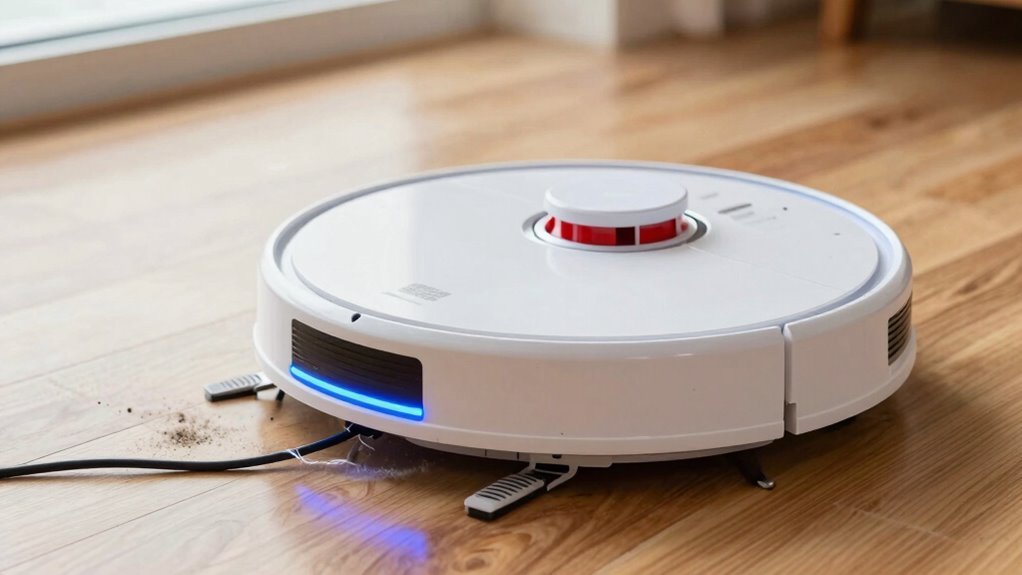
Is your robot vacuum not charging? First, check the outlet by plugging in a lamp to confirm it’s working, and avoid using unreliable extension cords.
Inspect the charging dock’s indicator light—no glow could mean it’s powered off or malfunctioning. Clean the charging contacts on both the robot vacuum and the dock with a dry cloth, as dust and grime can block the connection.
Reboot your robot vacuum, as a simple reset can resolve charging issues. If the battery has been in use for several years, it might be worn out and in need of replacement.
Still wondering why your robot vacuum is not charging? There’s more to uncover just around the corner.
Check the Power Outlet First
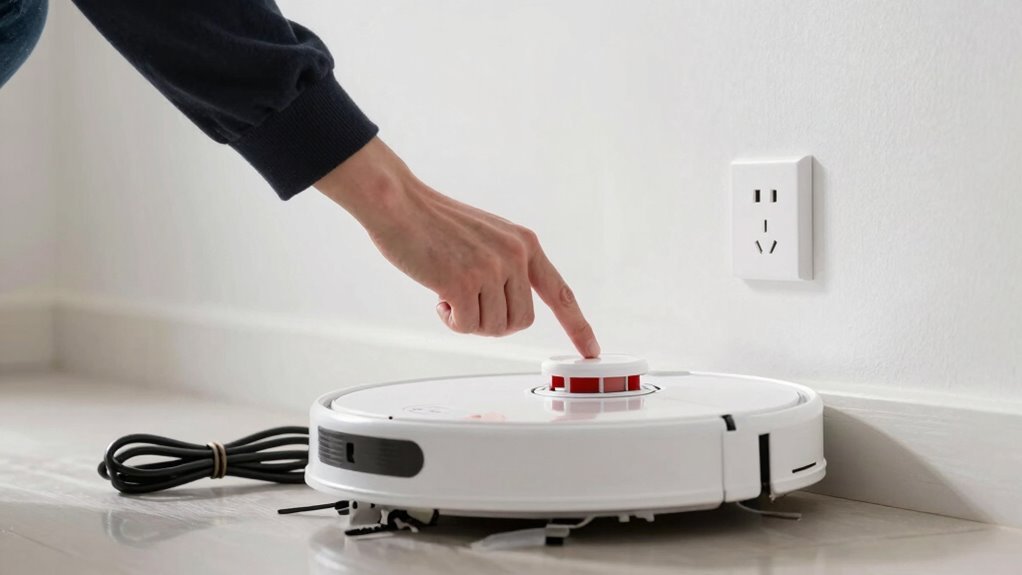
Let’s start simple—grab a lamp or phone charger and plug it into the same outlet your robot vacuum uses.
If it doesn’t turn on, bingo—your outlet’s the culprit!
Power goes out more than you’d think, and sometimes the wall socket just isn’t delivering.
Maybe the circuit tripped, or something’s overloaded the line.
Try a different outlet, preferably one not sharing power with the toaster or hair dryer.
Keep it dry, too—water and electricity don’t party well together.
And hey, skip the sketchy extension cords; plug directly in.
A wobbly connection can fake you out.
If the light on your dock still won’t glow, don’t panic.
You’re now ruling out sneaky outlet gremlins.
Quick, easy checks now save headaches later.
Plus, you’re one step closer to a fully charged, ready-to-clean buddy.
Win!
dirty charging contacts can also prevent power transfer even if the outlet and dock appear functional.
Inspect the Charging Dock and Cable
Grab your robot’s charging dock and give it a once-over—this little station is the unsung hero of your cleaning routine, and if it’s acting up, your bot won’t stand a chance.
Check if the power LED is glowing steadily or blinking as it should—no light could mean a dead dock, even if the outlet’s fine.
Watch for flickering or sudden shutdowns; those hint at internal gremlins.
Peek at the charging rails—bent, cracked, or discolored? Uh-oh.
If the dock wobbles like jelly or slides when your bot approaches, it’s time for a stable rematch—try a hard, flat surface or a grippy mat.
Inspect the cable for frays, kinks, or chew marks (thanks, Fido).
Plug it in snug—no wiggling loose.
If the adapter’s hotter than a jalapeño, it’s likely toast.
When in doubt, swap it with a known-good one—same voltage!
Ensure the charging station is installed correctly to prevent navigation and docking issues.
Clean the Robot and Dock Charging Contacts
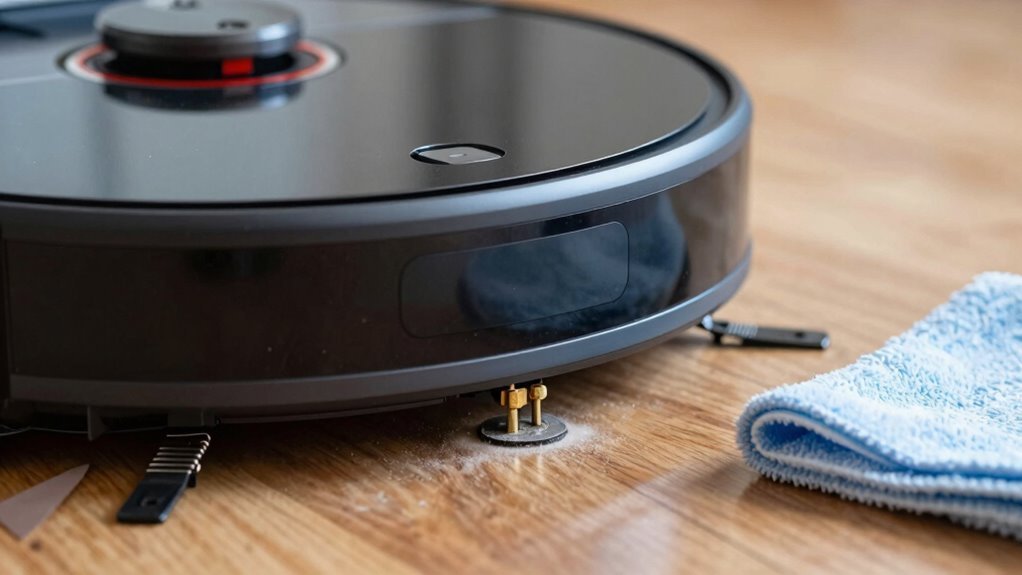
Wipe down those charging contacts and give your robot vacuum the power boost it’s been craving—dirt and grime might be secretly blocking the connection!
You’d be surprised how much gunk builds up over time, quietly sabotaging your robot’s充电 session.
Keep things running smoothly with these quick tips:
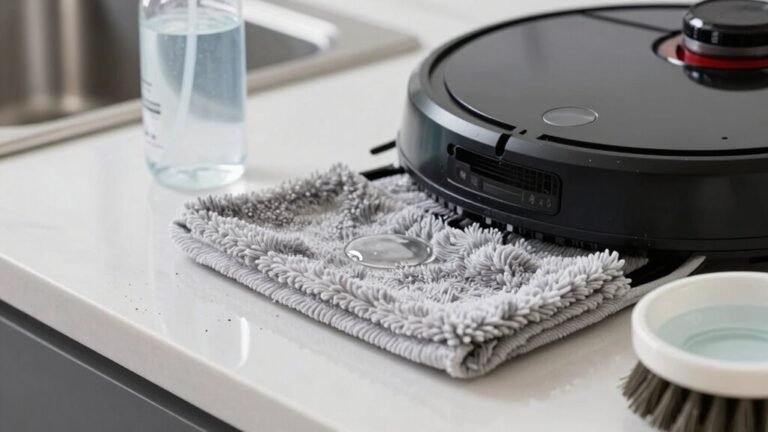
- Flip your bot over and wipe the metal contacts with a dry cloth—think of it as a mini spa treatment
- Tackle stubborn grime with a lightlydamp melamine sponge (Magic Eraser works like a charm!)
- Don’t forget the dock—clean its contacts the same way, gently and thoroughly
- Let everything dry completely before reuniting robot and dock—no one likes electric surprises
- Make this part of your regular routine, especially if you’ve got pets or dusty floors
Your robot will thank you with longer runs, happier beeps, and fewer “help me” lights!
Check for Battery Wear or Failure
Even if your robot vacuum’s charging contacts look spotless, you might still be dealing with a sneaky energy thief—battery wear.
Most robot vacuum batteries last about 2–3 years, or several hundred charge cycles, before they start to fade.
If your robot charges up but quits mid-clean or runs for just a few minutes, that’s a classic sign your battery’s had a long, hard life.
Heavy daily use, deep discharges, or leaving it drained for months can speed up the aging process.
You might even see full bars on the display, only to have it conk out instantly—talk about drama!
Some models flash warnings or red lights when the battery’s on its last legs.
Heat, cold, and non-OEM replacements can also throw a wrench in the works.
If cleaning the contacts didn’t help and your bot still won’t hold a charge, it’s probably time to say goodbye to that tired old battery.
Restart Your Robot to Restore Charging
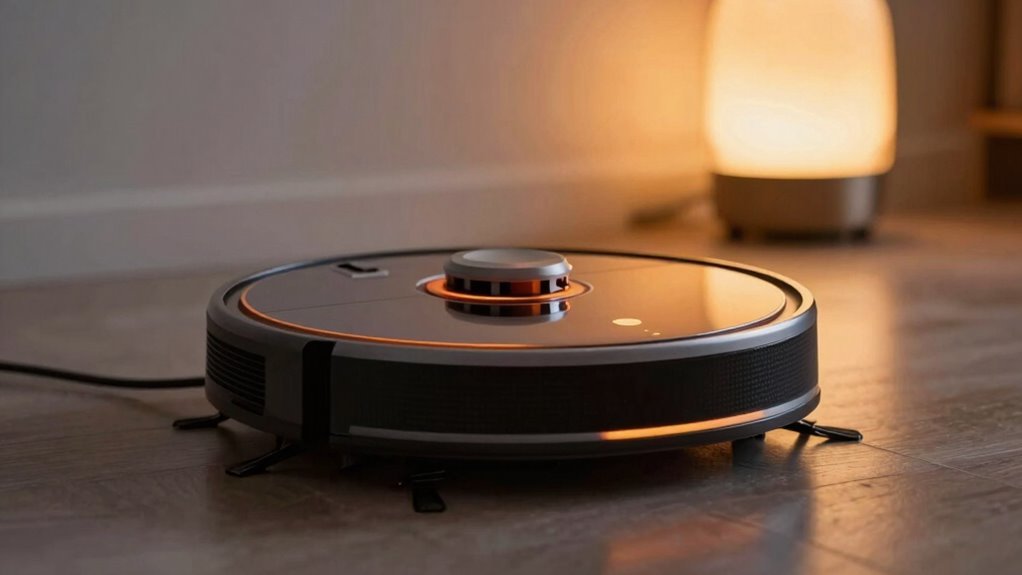
Give your robot vacuum a quick pep talk—then hit that reset button!
Sometimes, all it needs is a little digital deep breath to snap back to life.
A simple restart clears pesky software hiccups that might be blocking the charge.
Here’s how to make it count:
- Press and hold the dock button for 5–7 seconds, or flip the side power switch to reboot
- Watch the lights: a steady red glow means it’s charging right
- Make sure it’s powered on—no point fixing what isn’t even awake!
- Line it up snugly on the dock after restarting; flat surfaces work best
- Clean the charging contacts first if grime is crashing the party
A fresh start works wonders—just like coffee for humans, but without the caffeine jitters!
Frequently Asked Questions
Can I Use a Different Charger for My Robot Vacuum?
You can use a different charger, but only if it matches your robot’s voltage, polarity, and connector exactly—think of it like a puzzle piece, not just any plug will do.
Swapping chargers willy-nilly might fry your bot or turn it into a very expensive paperweight.
Stick to manufacturer-approved ones, or check third-party options labeled *specifically* for your model.
When in doubt, play it safe—your robo-friend will thank you!
Why Does My Robot Lose Charge When Not in Use?
You’re not imagining it—your robot *does* lose charge when lounging around!
Even when idle, it’s secretly sipping power to keep Wi-Fi, sensors, and tiny brain circuits humming.
Add in natural battery self-discharge, and it’s no surprise your bot’s energy dips while napping.
Think of it like a phone left on—still using juice, just quieter.
Keep it docked, and it’ll stay party-ready for cleanup time!
Is It Safe to Leave My Robot Vacuum Charging All the Time?
Yeah, it’s totally safe to leave your robot vacuum charging all the time—modern models won’t overcharge, thanks to smart tech that cuts off power at 100%.
You’re good as long as you use the original dock, keep things cool and clear, and avoid sketchy third-party chargers.
Think of it like leaving your phone on a nightstand charger—super convenient, not sketchy.
Just peek at the battery now and then, and you’re golden!
How Often Should I Replace My Robot Vacuum’s Battery?
You’ll usually need to replace your robot vacuum’s battery every 2–3 years, though with light use, it might last up to 5.
Think of it like a phone battery—it wears out over time.
If your bot conks out halfway through cleaning or takes forever to charge, it’s probably battery fatigue.
Keep it happy with regular cleanings, avoid super-hot rooms, and don’t let it run on empty all the time—your little robo-friend will thank you!
Will Updating the Firmware Fix Charging Issues?
You’re barking up the right tree if you think updating the firmware might help, ‘cause it often does!
It can fix sneaky software bugs messing with charging, like dock misreads or false battery warnings.
Just remember, it won’t revive dead batteries or heal bent charging pins—hardware woes need hands-on fixes.
Update, then cross your fingers and plug it in; your bot might just jump back to life, good as new!
Conclusion
You’ve traced the trail from outlet to dock, wiped grime like a pro, and checked that weary battery—it’s like helping your little rover find its spark again. Think of it as a pit stop, not a full stop. With clean contacts and a reboot, your robo-pal’s ready to zip through dust bunnies like a hero back on patrol. Charging’s not magic, just mechanics—and you’ve got this!
References
- https://www.youtube.com/watch?v=iuAYNaDrggE
- https://www.ecovacs.com/us/blog/why-robot-vacuum-not-charging-how-to-fix
- https://www.youtube.com/watch?v=dFhKIjxsq-U
- https://forums.wyze.com/t/robot-vacuum-will-not-power-on-or-charge-or-reset/272864
- https://www.storeshoppe.com/blogs/news/how-to-fix-a-robot-vacuum-that-won-t-charge-a-practical-guide
- https://homesupport.irobot.com/s/article/19952
- https://www.lg.com/us/support/help-library/lg-robot-vacuum-troubleshooting-the-robot-vacuum-not-finding-the-charging-station–20153378674927
- https://www.youtube.com/watch?v=RCJOZ63WxQk
- https://forums.wyze.com/t/robot-vacuum-docking/156334
- https://techsalesonline.com.au/blogs/articles/common-robot-vacuum-problems-and-how-to-fix-them-yourself