How Does Multi-Level Mapping Work in Robot Vacuums?
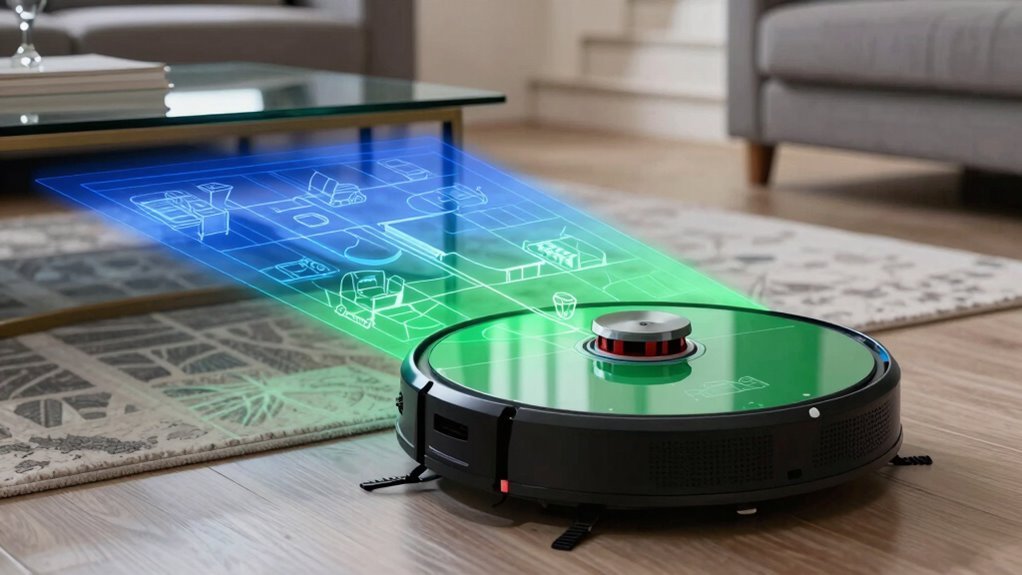
Multi-level mapping allows robot vacuums to create and store separate maps for each floor of your home. When you carry your robot to a new floor and tap “+” in the app, it begins scanning with its LiDAR sensor, building a detailed layout like a mini laser ninja.
The vacuum detects walls, furniture, and stair edges to navigate safely while determining which floor it’s on. Advanced sensors and algorithms enable accurate multi-level mapping, so each floor’s unique layout is recognized and stored.
You can name each map—like “Basement Bonus Level”—and switch between them instantly in the app. Once saved, the robot remembers every floor’s map, eliminating the need to remap unless major layout changes occur. Want to gain access to pro tips that make multi-floor cleaning even smoother?
Set Up Multi-Level Mapping for Multiple Floors
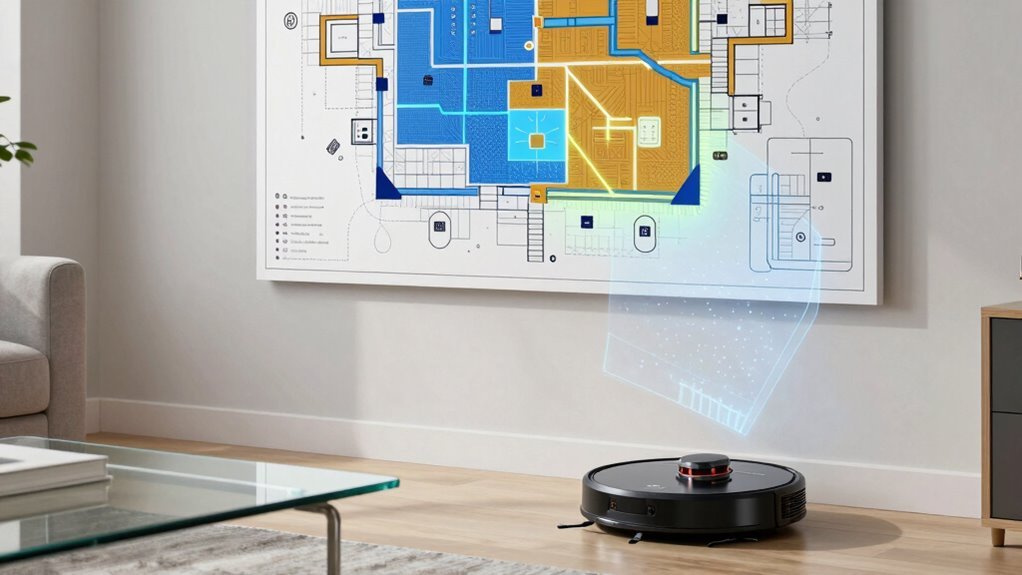
While your robot vacuum isn’t magically teleporting between floors (though that’d be neat), setting up multi-level mapping is almost as cool and way more practical.
Open your app, head to Map Management, and flip on the “Multi-floor” or “Multi-layer map” switch—boom, you’re already halfway there.
Some models need you to switch the building layout to “multi-floor” first, so if it’s not working, that’s probably why.
Keep the charging dock planted on the first floor, fully charged and clear of clutter.
Then, grab just the robot, carry it up (or down), and tap “+” to start mapping the new level.
Let it roam freely, learning every nook.
Afterward, name each map clearly—“Basement,” “Upstairs”—so your robot doesn’t get confused.
It’s not mind-reading, but it *is* smart.
This feature works only on compatible models like the S7, S8, and Q Revo, so make sure yours supports multi-floor maps.
How Robot Vacuums Detect and Remember Floor Levels
Imagine this: your robot vacuum zips from hardwood to carpet, senses the shift, and boosts suction without missing a beat—it’s like it’s thinking on its feet.
It uses tiny ultrasonic and infrared sensors to feel the floor beneath, spotting changes in texture by how signals bounce back.
When it hits a stair edge, cliff sensors scream “Stop!” so it doesn’t take a tumble.
An IMU tracks every twist and turn, helping it notice when you’ve carried it upstairs.
Clever AI crunches sensor data in milliseconds, learning your floors so well it adjusts on the fly.
It stores separate maps for each level, remember where the rug ends and the tile begins.
Move it? No problem—it relocates itself like it’s saying, “Ah, the upstairs again!”
With brainy sensors and sharp memory, your robot knows every floor, no GPS required.
8×8 ToF sensor data helps classify floor types by detecting soft materials like carpet, triggering mode changes without water use.
Who knew cleaning could get this smart?
How LiDAR Helps Map Each Floor Accurately
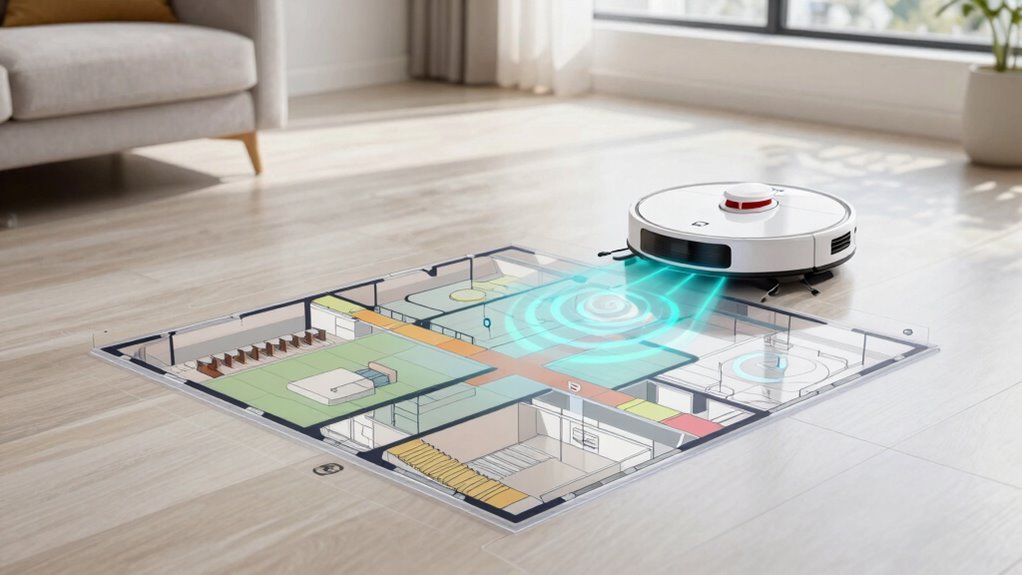
Ever wonder how your robot vacuum “sees” your home so clearly, even in the dark?
It uses LiDAR—spinning lasers that zap out pulses and bounce back, measuring distances in real time.
You’re not imagining things; it’s basically a tiny lighthouse on a mission!
These lasers map every wall, sofa, and stray slipper with crazy precision, up to 10 meters away, even in total darkness.
Thanks to time-of-flight tech, your bot builds a clean 2D or 3D layout super fast—say, 8 minutes per floor.
It slices your space into sections for smart row-by-row cleaning, never missing spots.
Unlike camera-based systems, LiDAR doesn’t freak out in low light or clutter.
And with dual lasers plus IR sensors? It dodges your forgotten shoes and maps under furniture like a pro.
Accurate, reliable, and totally lights-out capable—your vacuum’s got eyes, and they never blink.
Name and Navigate Floors in the App
How does your robot vacuum keep from getting confused when you send it upstairs—like, does it secretly take the elevator? Nope—it uses smarts, not stairs!
After mapping each level, your vacuum stores up to four floor plans (Roborock’s got your back), so it knows exactly where it is.
You can name each floor in the app, like “Main Level” or “Chaos Floor (aka Kids’ Room).”
Then, pick any level right from your phone and send your bot on its way.
You’ll see real-time routes, tap to clean specific spots, or set schedules per floor.
Voice commands? Yep—tell Alexa to clean “Upstairs” and it knows what you mean.
With no-go zones, custom suction, and automatic recognition, your robot’s basically a guiding ninja.
Naming and switching floors isn’t just easy, it’s fun—turning your multi-story home into a fully mapped, mess-fighting playground.
How Your Robot Recognizes Rooms on Every Floor
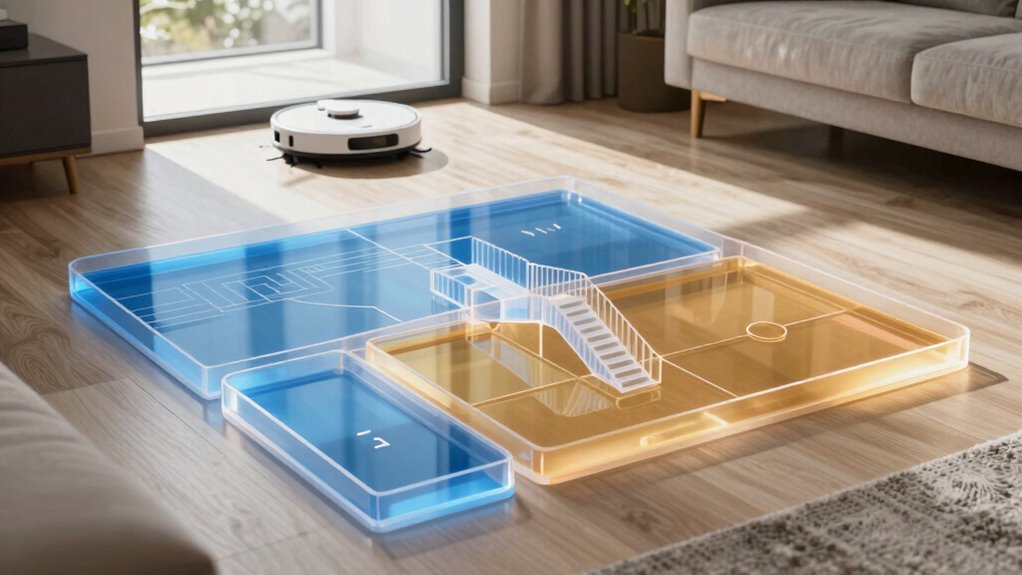
What sorcery lets your robot vacuum know it’s in the kitchen and not the bedroom—especially when you swear you didn’t label the rooms in hieroglyphics?
Well, it’s not magic—it’s tech.
Your bot uses LiDAR and dToF sensors to scan every wall and sofa, building a sharp map as it goes.
Cameras with Visual SLAM help it track its spot in real time, while smart RGB AI eyes recognize over 200 objects—like your coffee table or bed frame—to tell rooms apart.
Dual-sensor systems combine lasers and cameras for rock-solid accuracy.
FlexiArm and FlexScope tech even raise or lower sensors to map both open spaces and tight spots under furniture.
Once it’s seen each floor, it stores up to five maps in the cloud, so it knows exactly which layout it’s on.
Landmark detection lets it switch maps automatically—no manual picks needed.
It’s like giving your robot a memory and a GPS, all in one tiny, cleaning-obsessed brain.
Schedule Floor-Specific Cleanings
Why let your floors decide when they need cleaning—when you can be the boss of the bot?
With multi-level mapping, you’re in total control, scheduling cleanings that match your lifestyle and floor habits.
No more guessing when the kitchen got messy or the bedroom needs attention—just set it and forget it.
- Clean smarter, not harder: Schedule daily quick-sweeps for high-traffic kitchens and weekly deep cleans for quiet bedrooms—your robot adapts to each room’s rhythm.
- Power on your terms: Boost suction for carpets or enable mop mode during specific runs, so your floors get exactly what they need.
- Guest-ready in minutes: Set a last-minute spot-clean before company arrives, and your bot makes the living room sparkle like magic.
You’re not just cleaning—you’re commanding a tiny, tireless ninja.
Keep Your Robot Safe on Stairs and Obstacles
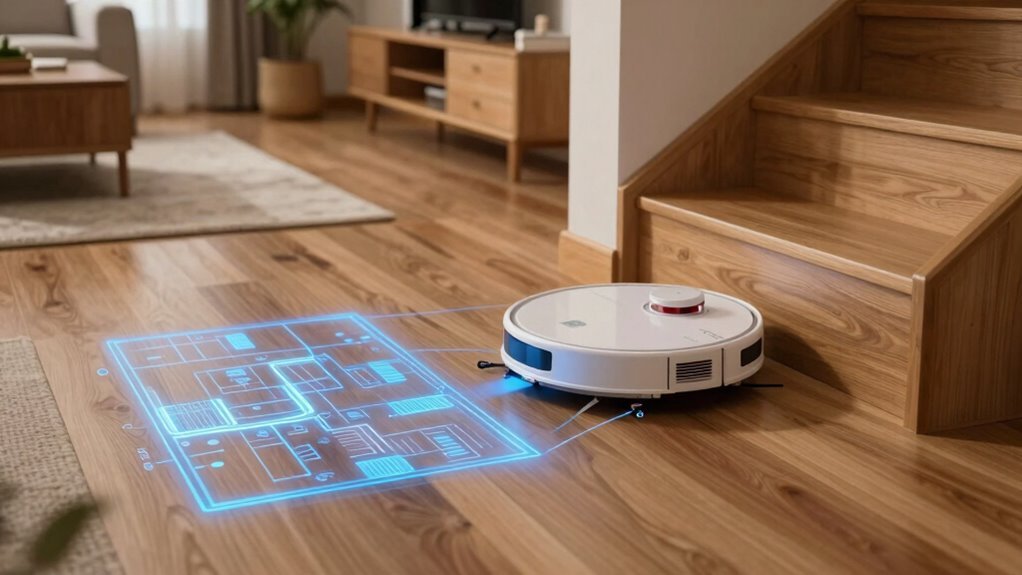
Imagine this: your robot gliding across the floor, dodging toys, sensing stairs, and pulling off moves that’d make a ninja jealous—all without missing a beat. It uses cliff sensors on its underside to beam infrared light downward, stopping instantly if it detects a drop—like a 30mm step or stair. No more robot cliff-diving!
Multiple sensors cover every angle, so it never trips. Paired with AI smarts and LiDAR, it maps edges in real time and adjusts paths like a seasoned acrobat. You can even set virtual barriers in the app to block risky zones, no tape or gadgets needed.
Some models, like the Dreame X50 Ultra, can actually climb stairs using grippy treads or retractable legs—talk about skills! With 3D mapping and fall detection, it handles slopes, rugs, and rogue Lego pieces like a champ. It’s not just avoiding disasters—it’s cleaning smarter, safer, and with serious style.
How Floor Maps Are Saved and Switched
Now that your robot safely navigates stairs and sidesteps obstacles like a tiny, methodical ninja, let’s talk about what happens behind the scenes when it’s time to clean different floors.
Your robot saves each floor’s map automatically after scanning with LiDAR or dToF sensors—no extra effort needed.
It stores up to 4–5 maps onboard or in the cloud, easily switching between them.
You can label floors in the app, set room-specific cleaning rules, and even block off zones.
Best of all, advanced models recognize which floor they’re on and load the right map instantly.
- Map once, save forever – No need to remap unless things change.
- Switch floors in seconds – Just carry it up or down and hit start.
- Customize every level – Adjust suction for carpeted basements or dusty hardwood upstairs.
Fix Multi-Level Mapping Issues
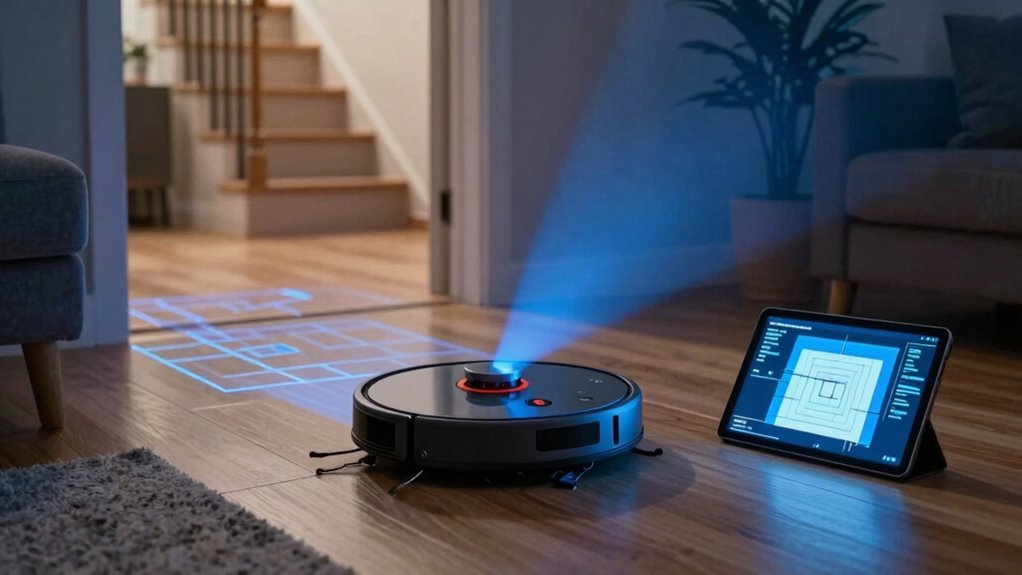
Even if your robot starts acting a little lost—spinning in circles like it’s dizzy from too much cleaning—it’s probably just struggling with multi-level mapping, and the fix is easier than you think. Clean the LiDAR and cliff sensors regularly to prevent dust or grime from causing navigation fails, and keep reflective surfaces and dark rugs out of the way. Make sure multi-floor mode is on, pick the right map in the app, or enable auto-switching if your model supports it. Need a fresh start? Remap each floor and label them clearly like “Upstairs Chill Zone” so your bot doesn’t get confused. Tidy up clutter, secure the dock, and boost Wi-Fi for smooth switchovers.
| Issue | Quick Fix |
|---|---|
| Spinning or wrong turns | Clean sensors, recalibrate |
| Wrong floor mapped | Manually select correct map |
| Map won’t save | Reset and remap from scratch |
| Keeps stalling | Update firmware, check for dark carpets |
Manage Cleaning Zones Across Floors
Once your robot has mapped each floor, you’re all set to take control of exactly where it cleans—like a pro with a remote-controlled cleaning sidekick.
You can assign cleaning zones, tweak suction power, and block off pesky spots like stairways or toy zones—all from your phone.
It’s like giving your robot a cleaning playbook for every floor.
- Set custom zones – Tell it to deep-clean the living room or skip the messy kid corner.
- Match modes to floors – Boost suction on carpets, quiet it down for bedroom carpeting.
- Block trouble spots – Draw no-go zones so it doesn’t wander where it shouldn’t—like your cat’s water bowl battlefield.
Switch floors in seconds, and your robot knows just what to do.
Pretty smart for a little guy with wheels, huh?
Frequently Asked Questions
Can Multi-Level Mapping Work Without Wi-Fi?
Yes, you can totally skip the Wi-Fi and still map multiple floors—no problem!
Your robot uses built-in smarts like LiDAR and dToF sensors to remember each level, storing maps right on its own memory.
It’ll auto-switch floors like a pro, dodging obstacles and cleaning tight corners without a single internet whisper.
Think of it as your vacuum’s secret brain—works offline, stays sharp, and keeps your floors spotless without needing to tweet about it.
Does the Robot Save Maps if Reset?
No, you won’t keep the maps if you do a full factory reset—they’re wiped clean, like giving your robot a mini memory transplant.
But hey, no panic!
Some smart models back maps up in the cloud, so they’re safe.
Just hit reset, clean the floor again, and your bot quickly redraws everything, like it’s sketching its masterpiece all over again.
Can I Share Floor Maps With Another User?
No, you can’t directly share floor maps with another user—sorry, no robot map swap parties yet!
Each map’s locked to your specific vacuum and app account.
Think of it like a secret handshake between your bot and your phone.
You can’t export or send maps, and linking them to a new device means remapping from scratch.
But hey, at least you get to brag about your super-clean floors in person!
Is Multi-Level Mapping Available in All Models?
You won’t believe this, but no, not all models have multi-level mapping—wouldn’t that be something?
Only the fancier ones do, like robots throwing a dinner party on different floors.
Basic bots get lost without a map, while smarter ones save floor plans like selfies in their memory.
Do Maps Get Deleted After Firmware Updates?
No, your maps don’t vanish after firmware updates—they’re safe and sound!
Think of them like saved games in a console; the robot keeps them tucked away.
You’ll still see your labeled floors, no-go zones, and schedules intact.
Just update and go.
Worst case?
A rare glitch might shuffle things, but most bots auto-save to the cloud.
So relax, your digital floor memories are here to stay—no drama, no restarts.
Pretty sweet, right?
Conclusion
You’ve got this, and your robot’s got your back! With multi-level mapping, it’s like giving your home a brain upgrade—no maze is too tricky. It zips between floors, remembers every room, and even avoids stair drama. Name your floors, set zones, and let it clean smarter, not harder. You’re not just keeping things tidy—you’re running the show!
References
- https://support.roborock.com/hc/en-us/articles/900002181666-How-to-create-multiple-maps-for-multi-level-house
- https://www.dreametech.com/blogs/blog/multi-floor-mapping-robot-vacuum
- https://us.narwal.com/blogs/robot-vacuum/multi-floor-use-robot-vacuum
- https://community.tp-link.com/en/smart-home/forum/topic/694870
- https://www.youtube.com/watch?v=dka175q-k_M
- https://www.youtube.com/watch?v=5IB4cKYz3pQ
- https://www.youtube.com/watch?v=149q7Qs_B9U
- https://www.eufy.com/blogs/robovac/how-do-robot-vacuum-maps
- https://homesupport.irobot.com/s/article/64102
- https://www.st.com/content/st_com/en/st-edge-ai-suite/case-studies/floor-type-detection-for-vacuum-cleaners.html