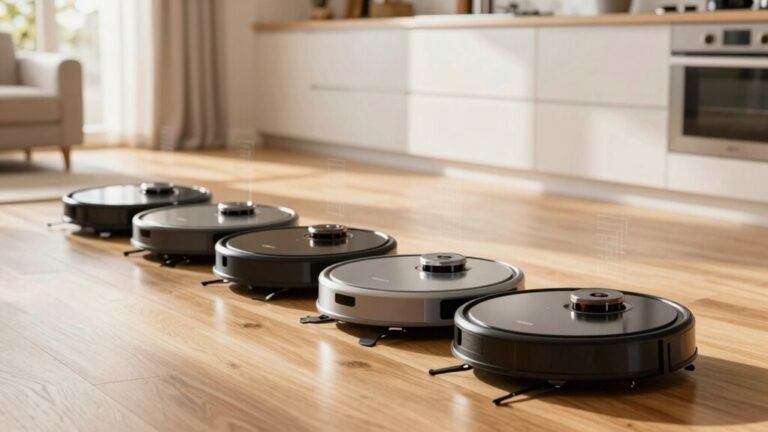
Why Does My Robot Vacuum Keep Bumping Into Furniture?
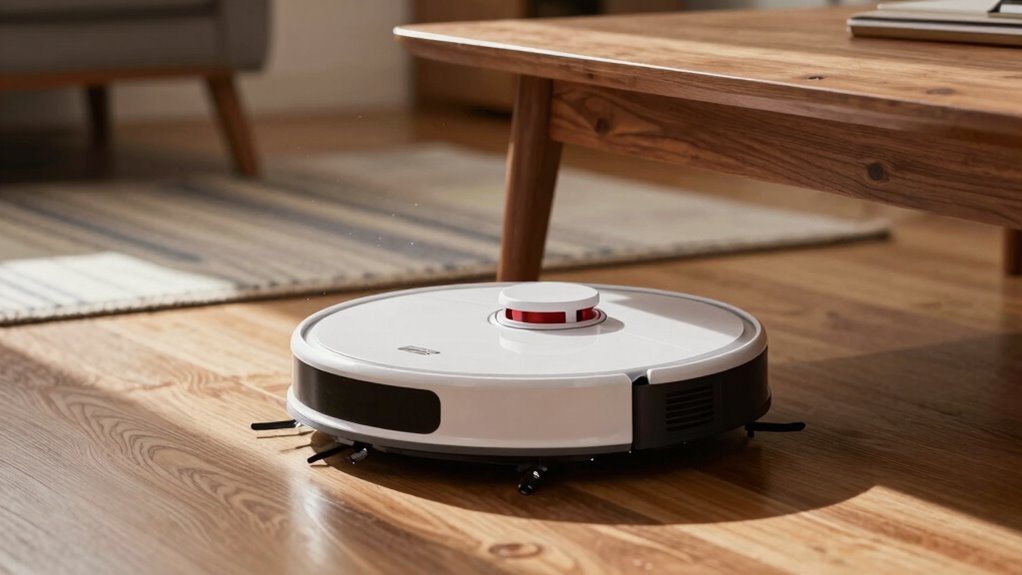
Your robot vacuum keeps bumping into furniture because its sensors can struggle to detect certain surfaces. Dark or glossy materials, like those on tables and mirrors, often reflect or absorb sensor signals, making them invisible to the device.
Dust, cords, and dim lighting further confuse the sensors, causing the vacuum to stumble during cleaning. It’s not clumsy—it’s simply working with limited visibility.
Newer models with advanced sensors navigate more effectively and avoid obstacles better. If your robot vacuum keeps bumping into furniture, upgrading could lead to a smoother, bump-free cleaning experience.
Why Your Robot Vacuum Keeps Hitting Furniture
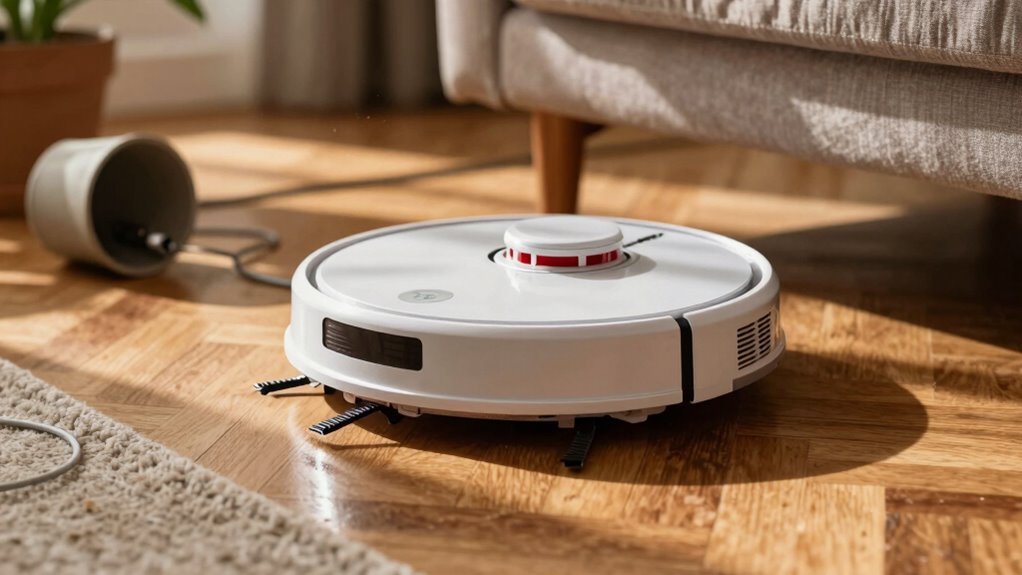
Ever wonder why your robot vacuum keeps headbonking into your coffee table like it’s in a daze?
Well, it’s not clumsy—it’s just working with what it’s got.
Older models charge ahead and only turn after hitting something, so yeah, bumps are part of the job.
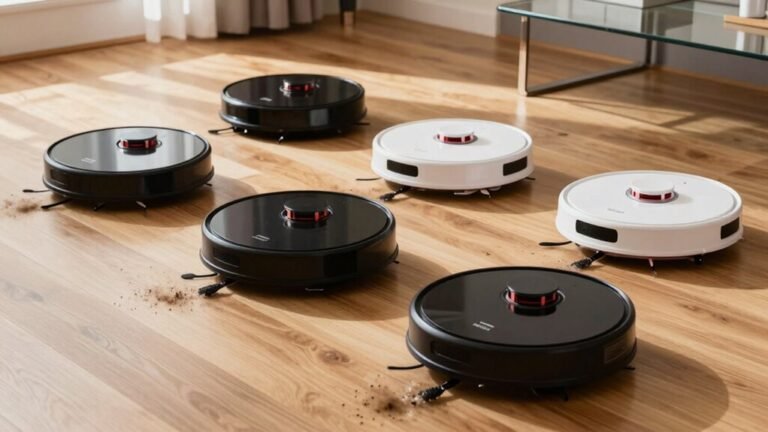
Dark furniture? That soaks up infrared signals, making your bot blind to it.
Glass tables or mirrors? They’re sneaky—even harder to detect.
Reflective stuff scatters light, tripping up sensors.
And if your place is dim, some vacuums just can’t see well.
Toss in clutter, cords, or slick floors, and you’ve got a recipe for chaos.
Low furniture traps it, brushes chew on couches, and uneven legs keep it stuck.
Even if it tries to slow down, a dirty sensor mightn’t save it.
Honestly, your vacuum’s doing its best in a world not built for robots.
Many modern models avoid this issue entirely by using laser mapping to navigate without contact.
How Robot Vacuum Sensors Work (And Why They Fail)
Your robot vacuum isn’t playing bumper cars on purpose—those bumps usually mean its sensors are working hard, or maybe struggling a bit.
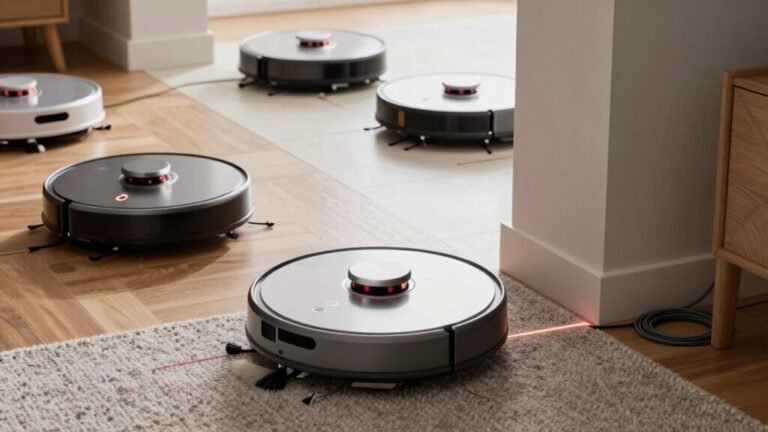
It uses clever tools like infrared and ultrasonic sensors to “see” your furniture, pets, and toys, adjusting its path like a tiny, determined explorer.
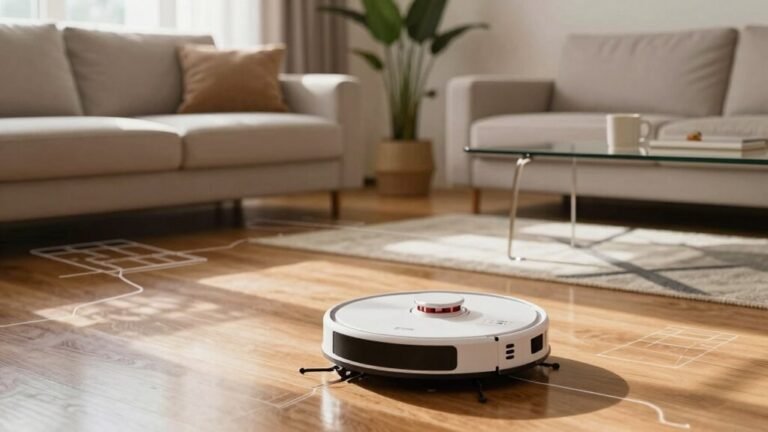
LiDAR and cameras map your rooms, scanning for walls or chairs, while gyroscopes and accelerometers keep it balanced on rugs or tiles.
But when dust clogs the sensors, smudges the lens, or blocks the laser, your bot can’t “see” clearly—leading to clumsy collisions.
Even the best sensors fail if they’re dirty or confused by poor lighting.
Think of it like giving your vacuum glasses that just need a quick wipe.
Keep those sensors clean, and you’ll help it zip around like a pro instead of stumbling into your coffee table—again.
Short-range ultrasonic ToF sensors determine floor type by average amplitude, adjusting motor power for carpet vs. hard floor. This helps prevent misjudging clearance and floor type detection.
Clutter and Obstacles That Confuse Your Robot
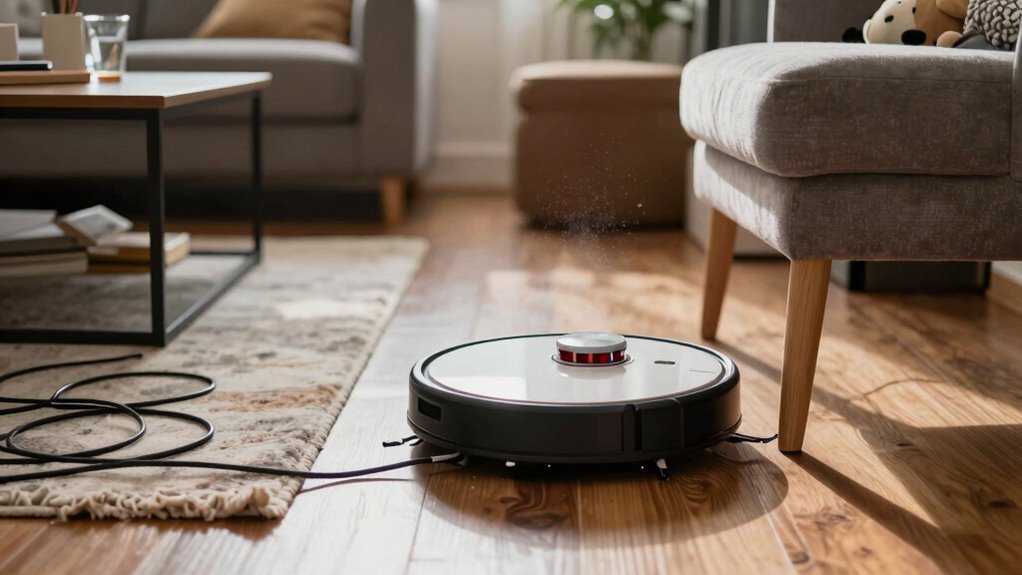
While your robot vacuum’s packed with smart tech, it’s not immune to the chaos of everyday life—and let’s be honest, who keeps their floor perfectly tidy all the time?
Loose cords? They’re sneaky tripwires that tangle wheels and fool sensors.
Pet bowls tucked in corners? Your bot mightn’t see them and ends up stuck, buzzing like it’s stuck in a mini maze.
Narrow gaps under furniture? They’re basically robot traps—once it noses in, getting out is a whole drama.
Cluttered rooms with furniture shoved close together? That’s like asking your vacuum to thread a needle blindfolded.
Even advanced models struggle with too much stuff.
And don’t get me started on thresholds—uneven floors can send your bot into a panic, thinking it’s about to fall off a cliff.
Tidy up a bit, and you’ll save your robot a ton of stress (and yourself the eye-roll when it gets stuck *again*).
Can Poor Lighting Affect Navigation?
What if the lights are off—does your robot vacuum suddenly become a lost puppy in the dark? Not if it’s using LiDAR!
That little laser spinner works just fine in total darkness, mapping your whole home with millimeter precision.
It doesn’t care if you’re asleep in the pitch black at 5 AM—your bot’s still maneuvering like a pro.
But if your vacuum relies on cameras (like vSLAM), dim lighting can really trip it up.
Under the couch or in shadowy corners, it might miss obstacles and start bumping more.
Good news? Many high-end models mix LiDAR, cameras, and infrared sensors so they handle any lighting like champs.
Even in tricky light, they “see” furniture and slow down.
How to Clean and Maintain Sensors for Better Accuracy
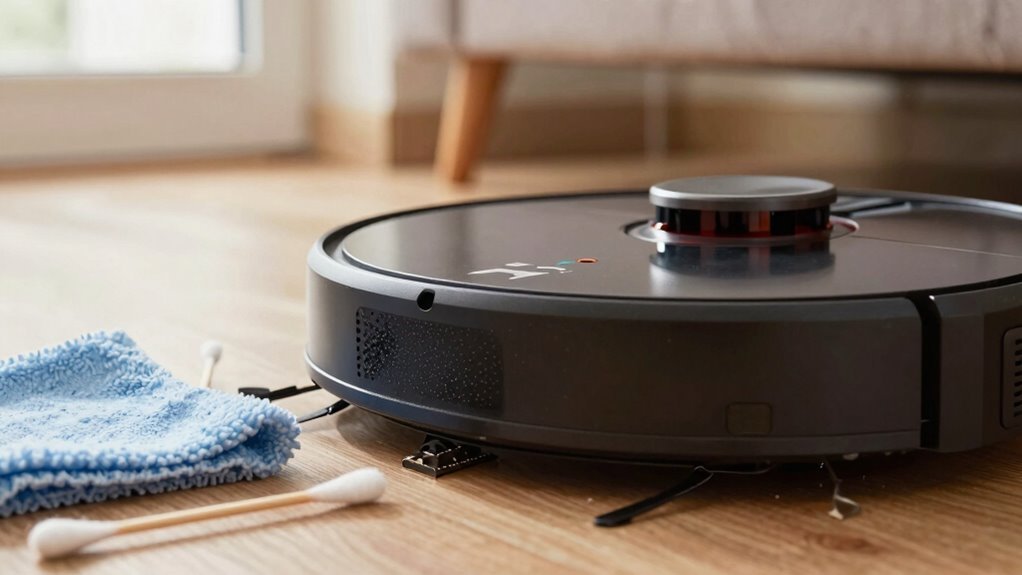
Ever wonder why your robot vacuum suddenly mows down a sock pile or veers off course like it’s had too much coffee?
Dirty sensors might be the culprit.
Turn it off, unplug it, and give it a quick spa day.
Pop out the dustbin, find those tiny sensors on the bumper, underside, or near the wheels (your manual’s got the map), and wipe them gently with a dry microfiber cloth.
If dust’s playing hide-and-seek, use a soft brush or canned air—especially under the bumper.
For stubborn grime, a *slightly* damp cloth works, but no soaking!
Skip harsh chemicals and don’t press hard—sensors are sensitive.
Clean charging contacts monthly too.
Once done, power it up, run a test, and check for error lights.
A little TLC keeps your robo-pal sharp, steady, and sock-safe!
When It’s Time to Upgrade Your Robot Model
You’ve been wiping down sensors and dodging rogue socks like a pro, but what if your robot still can’t tell the difference between a lego minefield and a clear path?
It might be time to upgrade.
Newer models use smart AI, LiDAR, and cameras to see obstacles clearly—even in the dark.
They learn your layout, avoid toys like ninja warriors, and clean way more efficiently.
With self-emptying docks, app controls, and mopping combos, they’re like mini robots from the future.
Plus, the market’s booming for a reason: sales are soaring, tech is advancing, and prices are getting friendlier.
If your bot keeps face-planting into furniture, you’re not just missing clean floors—you’re missing out on sweet, hands-free convenience.
Upgrading isn’t just shiny new tech, it’s a smarter home.
And honestly? Your future self—flopping on the couch while your robot works—will thank you.
The bumping gag’s old news.
Time to join the robot revolution.
Frequently Asked Questions
Why Does My Robot Vacuum Avoid Empty Spaces?
You see, your robot vacuum isn’t avoiding empty spaces—it’s actually hunting them out!
It zips toward open areas because it thinks that’s where cleaning needs to happen.
It uses sensors to map the room, but sometimes misjudges gaps, especially if lighting’s tricky or the space looks deceptively clear.
Think of it like a curious pet chasing sunlight—it means well, just gets a little overexcited!
Can Carpets Confuse My Robot Vacuum’s Sensors?
Yeah, carpets can totally trick your robot’s sensors, and it’s not just about color—you’d think only big drops matter, right?
But dark or patterned rugs soak up infrared light, making the bot think it’s walking off a cliff.
Even low-pile mats with black bits can send it into panic mode, spinning or backing up for no reason.
It’s like your floor’s playing hide-and-seek with gravity!
Does Wi-Fi Signal Strength Affect Navigation?
Yeah, weak Wi-Fi totally messes with your robot’s smarts.
A spotty signal confuses its map, making it zigzag or bump around like it’s dizzy.
Strong 5GHz keeps updates quick and navigation smooth, especially in tight spots.
But if the signal drops, it’s practically blind.
Boost it with a mesh network or reposition your router, and watch your little buddy zoom around like a pro—no more wall-hugging drama!
Why Does My Robot Vacuum Miss Some Rooms?
Over 40% of robot vacuum owners face the same headache—you set it loose, but it skips rooms like a picky eater at a buffet.
You’ve cleaned, mapped, and tapped that app, yet it still ghosts entire zones.
Dust bunnies throw raves in forgotten corners while your bot naps.
Blame glitchy maps or accidental no-go zones you made without realizing.
Update maps, check restrictions, and give it a little guidance—it’s not ignoring you, it’s just confused!
Can Pets Interfere With Robot Vacuum Mapping?
Yeah, pets can totally mess with your robot vacuum’s mapping.
They block sensors, zoom past during scans, and leave fur and toys everywhere.
All that confuses the vacuum’s laser and camera systems.
Plus, pet bowls and chewed-up toys create tricky reflections and moving obstacles.
Even worse, poop isn’t always avoided—especially in eco mode.
But hey, at least your vacuum’s trying not to play fetch with a slobbery tennis ball!
Conclusion
You’ve cleaned the sensors, cleared the clutter, and checked the lights—so why’s it still playing bumper cars? Maybe, just maybe, your robot’s got a mind of its own. Or maybe… it’s time for an upgrade. The real answer? It’s hiding in plain sight, waiting for you to discover it. Stay curious—your next clean might just be *smarter* than ever. Who knew a little bot could keep you so guessing?
References
- https://robotvacuums.com/blogs/blogs/can-a-robot-vacuum-damage-furniture
- https://www.ecovacs.com/us/blog/how-to-keep-robot-vacuum-from-going-under-couch
- https://service.eufy.com/article-description/What-if-My-RoboVac-always-bumps-into-walls-furniture
- https://www.coolblue.nl/en/advice/problems-with-robot-vacuum.html
- https://us.narwal.com/blogs/robot-vacuum/obstacle-avoidance-sensors
- https://www.eurekaforbes.com/blog/common-issues-with-robot-vacuums-and-their-solutions.html
- https://forum.dreametech.com/forum.php?mod=viewthread&tid=1086
- https://www.therobotreport.com/sensor-breakdown-how-robot-vacuums-navigate-and-clean/
- https://www.ti.com/lit/SLIA098
- https://standardbots.com/blog/every-type-of-sensors-in-robotics—explained