How to Use Virtual Walls and Barriers Effectively

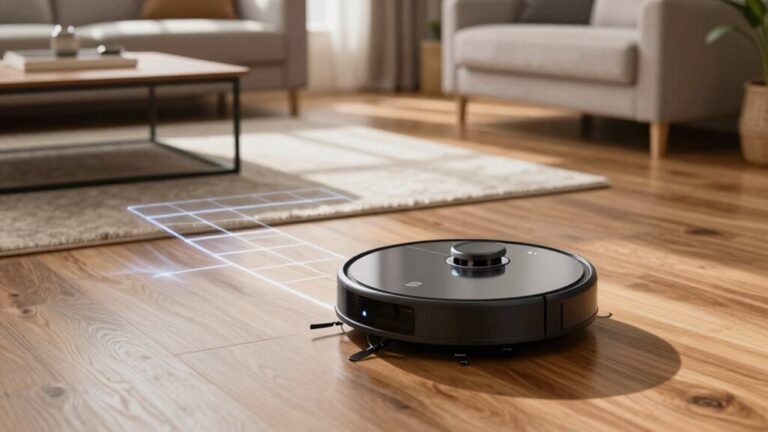
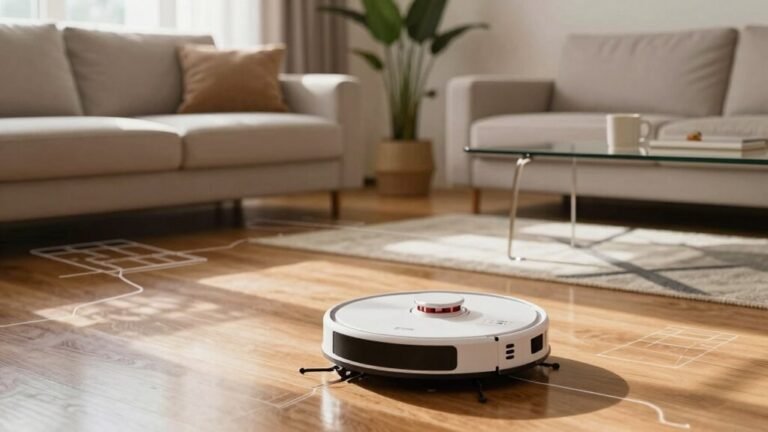
You set virtual walls to quietly block off-limits spots, like stairs or your favorite plant corner, using smart sensors that stop robots—or curious toddlers—dead in their tracks. Virtual walls act as invisible barriers, giving you control over where devices and little explorers can go.
Pair them with colored tape for fun, clear cues, and use app-based virtual walls for whole-home coverage or infrared models for quick setups. These tools make managing restricted areas simple and customizable.
Keep sensors clean, check battery levels regularly, and reposition them after moving furniture to maintain effectiveness. They’re like invisible bouncers for your living room, and yes, virtual walls can finally stop the robot vacuum joyrides.
What Are Virtual Walls and How Do They Work?
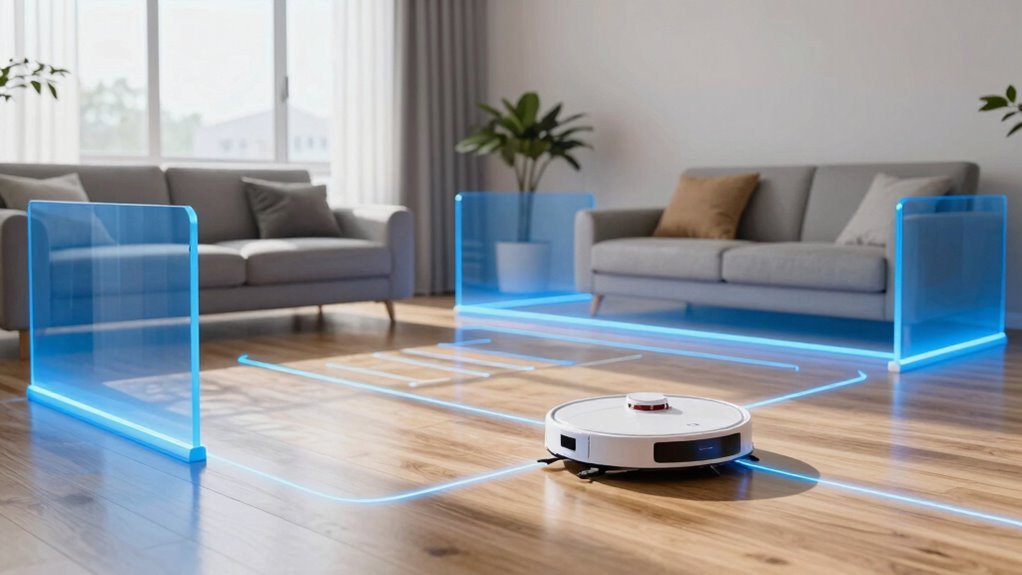
Ever wonder how a robot knows not to zoom right into a wall—or how a VR game makes it feel like you’re really bumping into a door that isn’t there?
That’s a virtual wall at work!
You’re not dealing with bricks or steel, but smart, invisible boundaries made of software and sensors.
These digital barriers live in robotics, VR, factories, even privacy systems—anywhere you need to block movement or hide info without building a thing.
Think of them as rule enforcers: when you or a machine get too close, sensors ping a controller, and bam—motion stops or feedback kicks in.
In VR, you “feel” a wall thanks to haptic gloves pushing back.
In factories, robots just… stop. No drama. No crashes.
Just smart, silent limits keeping everything safe, private, or perfectly aligned—all courtesy of a boundary you can’t even see!
This technology aligns with a Breakthrough approach to user engagement and experiential marketing, enhancing how users interact with digital environments in real time.
Choose Between Infrared vs. App-Based Virtual Walls
Now that you’ve got a handle on how virtual walls build invisible boundaries using sensors and smart tech, let’s talk about picking the right kind for your setup—because not all digital fences are created equal. Advanced systems can even use laser scanning sensors to detect precise gestures and movements on any surface, adding another layer of interactivity beyond basic boundary setting.
| Feature | Infrared | App-Based |
|---|---|---|
| Setup | Simple, plug-and-play | Needs phone & Wi-Fi |
| Range | Short, needs multiple units | Whole-home coverage |
| Sunlight | No problem here | Usually fine |
| Smart Home | Stands alone | Plays nice with Alexa, Google |
| Best For | Quiet corners and small rooms | Tech lovers with big homes |
Choose infrared for dependable, no-fuss barriers—even if it means hiding a sleek black emitter in plain sight. Go app-based if you love control, scheduling, and voice commands. Your robot’s got your back, either way.
Place Virtual Walls for Maximum Effectiveness

Blocking off zones like a pro starts with smart placement—think of it as drawing invisible “do not enter” signs that your robot actually obeys.
Pop your virtual wall just outside doorways, with the arrow pointing toward the opening, and keep it within 7 feet for best results.
Give it some breathing room—1 to 2 feet—away from furniture, and dodge reflective surfaces that could bounce signals wildly.
For wide gaps, use two units like bouncers at a club—no robot allowed!
Need to protect Fido’s snack spot or avoid a cord jungle? Map out small no-go zones like a boss.
Stick the device close to walls to boost its reach, and wipe the sensor monthly—dust bunnies are cute, but they mess with tech.
Oh, and swap batteries or update firmware when needed.
Treat your virtual wall like a finicky plant: a little care keeps it thriving.
Done right, your robot won’t just listen—it’ll impress you.
Set Up Virtual Walls in Minutes
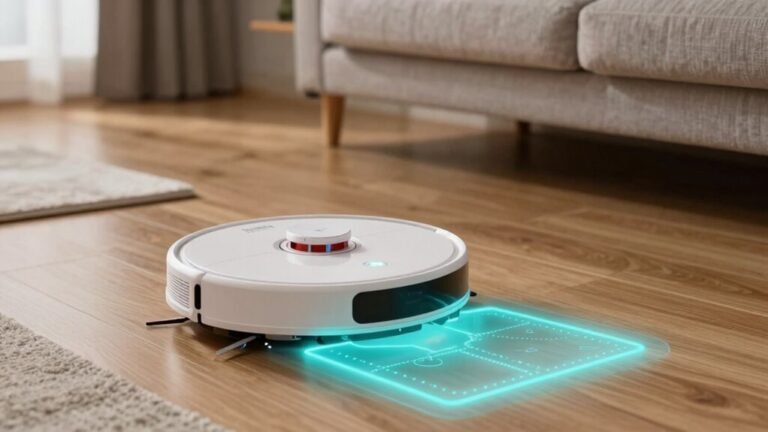
In just a few minutes flat, you can turn your robot vacuum into a boundary-savvy sidekick that knows exactly where it’s allowed to roam. Just power up, map your space, and draw digital fences like a pro. Whether you’re blocking off the cat’s buffet or guarding the stairwell, it’s a breeze.
| Step | Tool Needed | Time Required |
|---|---|---|
| Check app & update firmware | Smartphone | 2 minutes |
| Run quick map cycle | Robot vacuum | 10 minutes |
| Draw no-go zones | App drawing tools | 5 minutes |
No rocket science here—just smart, simple setup with fewer hiccups than your morning coffee spill. Boom: total home control, served fast and fun.
Pair Virtual Walls With Smart Mapping Features
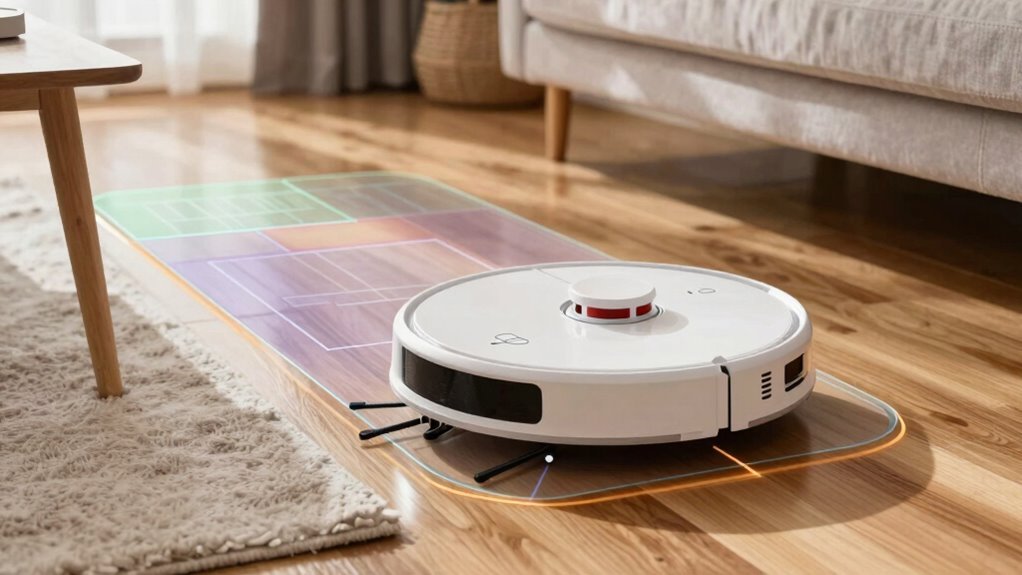
You’ve already drawn your digital fences like a pro, so why not give them a brain upgrade? Pair your virtual walls with smart mapping, and watch your robot vacuum become a genius navigator.
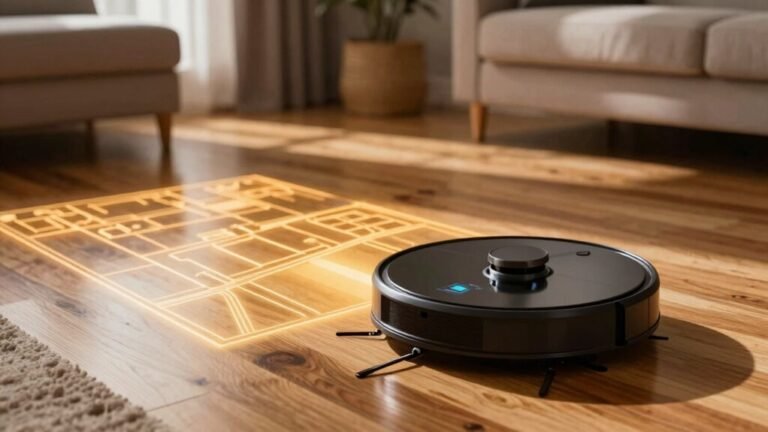
Using LiDAR or cameras, it builds a detailed map of your home, recognizing rooms like the kitchen or nursery—so you can block off Fido’s feeding zone once and forget it.
Need different barriers on each floor? Multi-level maps’ve got your back.
Schedule a bedroom clean at 9 a.m.? Your robot knows exactly which virtual walls to honor.
Sensors spot loose cables or socks and can auto-create temporary no-go zones—because nobody wants a tangled disaster.
Over time, it learns your home’s quirks, adjusts boundaries, and even slows down near fragile furniture.
It’s like giving your vacuum GPS *and* common sense. Boom—clean floors, zero stress, and yes, it totally brags about it in robot language.
Avoid Common Virtual Wall Mistakes
Most of the time, setting up virtual walls feels like magic—until it doesn’t.
You think you’ve blocked off the cat’s litter box, but suddenly, your robot’s stuck in the mess.
Ouch.
Avoid placing units in doorways or behind furniture where bumps or blocked beams sneak through.
Keep them away from other devices so signals don’t clash like robots in a tiny turf war.
And hey, don’t forget to clean the lens—dust bunnies sabotage your tech too!
Always check that the light’s on and the batteries are fresh, or your “wall” is just a ghost.
Draw app boundaries wide and smart, not squished or crooked.
Retest after changes—because your vacuum’s not psychic.
Tweak for shiny floors, clutter, or seasonal decor shifts.
Skip the troubleshooting, and you’ll keep playing robot rescue.
Stay sharp, and your virtual walls will work like charm—no magic required.
Extend Virtual Wall Range With Multiple Units
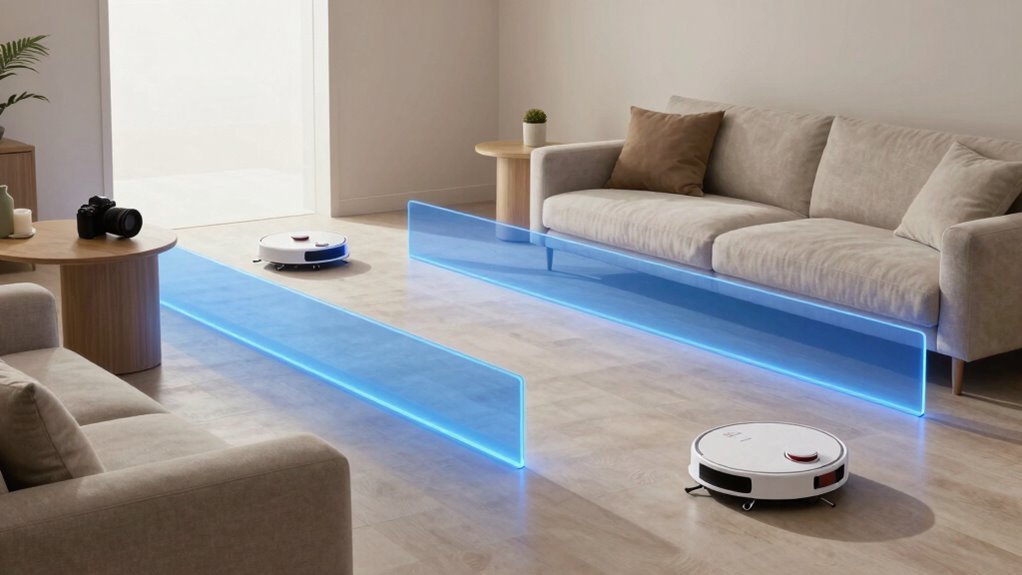
A single virtual wall works great for small zones, but when you’re guarding a sprawling kitchen or blocking off a long hallway, teaming up a few units is the way to go.
You’ve got this! Just place one unit at each end of the space—like bookends for robot rulebooks.
Make sure they’re within clear sight of your Roomba’s path, no furniture playing peekaboo.
Two units can stretch coverage beyond 10 feet, creating a longer invisible fence than a single unit alone.
Think of it as squad goals for smart cleaning.
Just don’t stack them too close—give each its moment to shine.
They don’t chat with each other, sure, but together they’ve got your back.
Line them up like bouncers at a party: polite, firm, and laser-focused.
With multiple units, you’re not just blocking—you’re boss-level organizing.
Roomba won’t sneak past, and you’ll finally keep that dust bunny convention out of your living room.
Win!
Troubleshoot Virtual Wall Signal Issues
Why is your Roomba playing chicken with the virtual wall again?
Don’t panic—start by checking the basics.
Is the power switch on and the LED flashing right?
Weak or misaligned batteries can kill the signal fast, so swap them in correctly and see if that fixes things.
Make sure it’s in *Virtual Wall mode*, not Lighthouse, and that the IR beam faces the room, not the wall.
Avoid sunlight or reflective surfaces—they’ll mess with the infrared magic.
Clean dust off the robot’s front sensor, and check for blocked or bent wires.
If it still misbehaves, reset both the robot and barrier, update the firmware, or test with another robot.
Sometimes, a quick reboot is all it needs to play nice again!
Keep Pets and Kids Out of Zones Using Virtual Walls
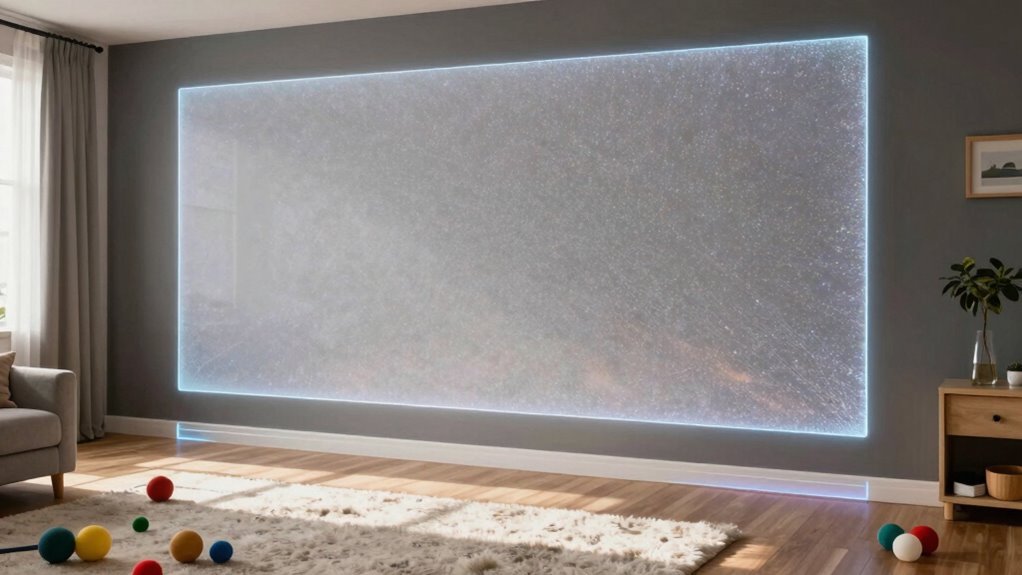
Ever wonder how to keep your curious pup or tiny tornado of a toddler from turning your kitchen into a chew toy buffet or chasing the Roomba out the back door?
Virtual walls are your secret weapon!
They quietly block off-limits areas, so you can relax while the little ones (and paws) stay safe.
Just pair them with baby gates or playpens for backup, and add some fun markers like colored tape so kids and pets “get” the boundary.
- Block risky spots like stairs, pools, and garages with reliable virtual barriers.
- Protect your gadgets and plants by fencing off media centers and home offices.
- Use warning beeps or vibrations—no shocks—to train pets gently and stress-free.
With smart setup, everyone stays safe, your stuff stays intact, and your robot vacuum stops hosting toddler joyrides. Win-win!
Maintain and Optimize Virtual Wall Performance
While your virtual walls quietly do their job keeping chaos in check, don’t let them run on autopilot—giving them a little love keeps them sharp and saves you headaches down the line.
Clean screens weekly with a microfiber cloth, and always unplug first—safety first, right?
Blow out dust with compressed air or a soft brush to keep things bright and cool.
Check air filters monthly like you’d change a furnace filter—your walls will thank you.
Inspect for dead pixels, wobbly mounts, or frayed wires; catch small issues before they throw a tantrum.
Tighten connections, update firmware regularly (yes, they *do* need patching), and sync with your IT crew to manage bandwidth.
Pair them with building systems to save energy, because who doesn’t love lower bills?
A little preventative TLC means fewer emergency calls and smoother operation—your high-tech watchdogs stay happy, efficient, and ready to party.
Frequently Asked Questions
Can Virtual Walls Work Outdoors?
Yeah, virtual walls work great outdoors—no surprise there!
You’ll use cameras, lasers, or GPS to create invisible lines that alert you when crossed.
They handle wind, rain, and even curious cows without flipping out.
Since they ignore swaying trees and wildlife, you get fewer false alarms.
Perfect for farms, construction sites, or solar farms, they save cash and keep nature looking natural, all while keeping trouble outside.
Who knew invisible could be so handy?
Do Virtual Walls Block Sound?
You can’t block sound with virtual walls—don’t bet the farm on silence.
They’re digital illusions, not physical barriers, so sound still sneaks through like a chatty squirrel at a meeting.
Real noise control needs mass, sealing, and smart design.
Want quiet? Use dense materials, not pixels.
Virtual walls guide eyes, not ears.
For sound, go old-school solid—because wishing won’t fix the physics!
Are Virtual Walls Visible to Humans?
Yes, you can totally see virtual walls—they’re meant to be visible!
They pop up in your VR view like glowing or semi-transparent barriers, helping you stay in bounds.
Think of them as friendly force fields instead of solid walls.
You’ll spot them easily without squinting, and they don’t blend into the background like ninja ghosts.
No magic vision needed—just clear, helpful visuals keeping you safe and aware.
Can I Use Virtual Walls With Non-Smart Vacuums?
Nope, you can’t use virtual walls with non-smart vacuums—they’re like bouncers at a club that only speak a language your vacuum doesn’t understand.
Without the right sensors and tech inside, those fancy beams just ghost right through.
But hey, don’t sweat it!
Grab a baby gate or cleverly place a shoe—sometimes old-school tricks work best.
Your vacuum won’t mind; it’s not picky, just clueless.
Do Virtual Walls Consume a Lot of Power?
Nope, virtual walls don’t guzzle power—you’re good!
They sip energy, especially in auto mode, lasting up to six months on two C batteries.
Even when active, blinking every 8 seconds uses minimal juice.
Manual mode runs 135 minutes per use, then shuts off.
Low battery? It’ll wink at you with a double blink—cute heads-up!
Just flip it off when unused, and you’ll stretch battery life like a champ.
Power-smart and set-it-and-forget-it easy!
Conclusion
You’ve got this! Picture your robot gliding smoothly, dodging messy kid zones and curious pets like a ninja in the night. With virtual walls, your home stays smart, tidy, and just a little more magical. Set them up, laugh as the bot obeys like it’s got training wheels, and enjoy the peace. Clean floors, happy family—now that’s a win worth smiling about. Go on, give yourself a high-five!
References
- https://digitalcommons.dartmouth.edu/cgi/viewcontent.cgi?article=4369&context=facoa
- https://iiclab.com/blogs/the-power-of-interaction-unveiling-interactive-wall-technology
- https://www.networkrail.co.uk/stories/a-virtual-wall-to-keep-more-trains-on-track-while-we-work/
- https://blogs.solidworks.com/tech/2018/05/the-simulation-virtual-wall.html
- https://onlinelearningconsortium.org/olc-insights/2025/07/breaking-down-virtual-walls/
- https://www.graniteriverstudios.com/beyond-green-screens-how-virtual-walls-are-redefining-video-production/
- https://asmedigitalcollection.asme.org/IMECE/proceedings/IMECE95/17470/689/1224087
- https://www.haivision.com/blog/enterprise-video-answers/everything-about-video-wall-technology/
- https://www.poelidar.com/lidar-interactive-wall-vs-kinect-and-infrared-systems-a-comprehensive-comparison/
- https://sportssurge.alibaba.com/guides/interactive-wall