Do Robot Vacuums Remember Your Home Layout?
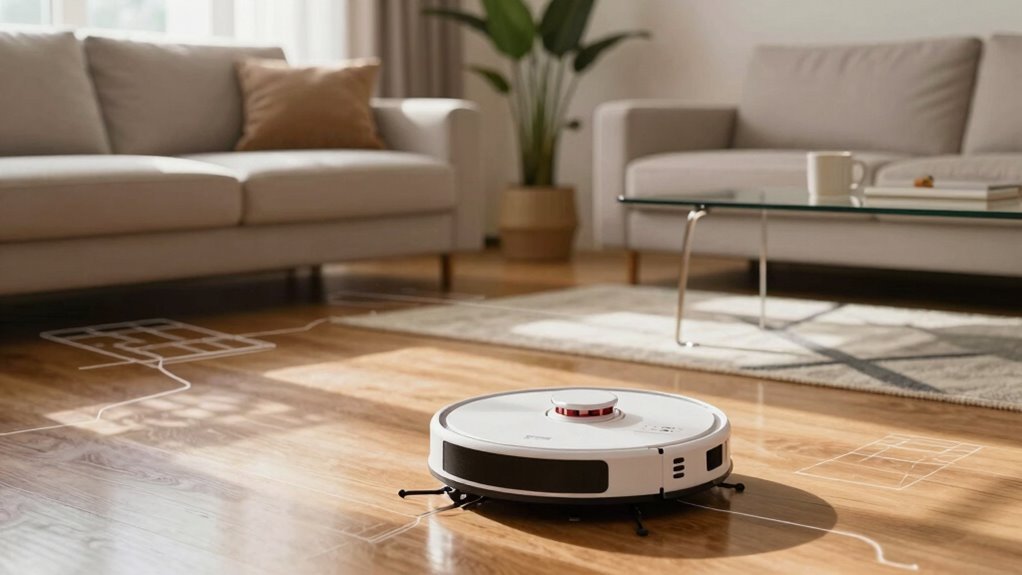
Yeah, your robot vacuum isn’t just bumping around—it’s actually learning your home layout over time. High-end models use lasers, cameras, and smart sensors to map every room, remember where the couch sits, and even dodge your cat’s favorite napping spot. This ability to remember your home layout improves cleaning efficiency with each pass.
They store floor plans, adapt to changes, and get better over time. Some advanced models can handle multiple floors like a pro, recognizing which level they’re on and adjusting their route accordingly. Want to know which ones remember the best and how they pull it off?
Do Robot Vacuums Remember Home Layouts?
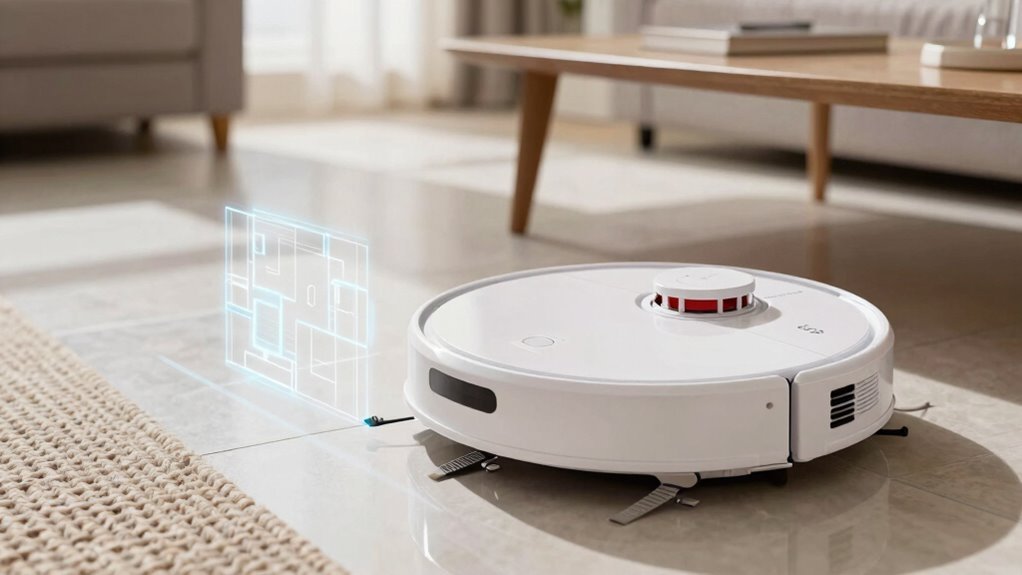
Ever wonder how your robot vacuum seems to know its way around your home like it’s got a tiny brain full of blueprints?
Well, many models actually *do* remember your layout!
High-end vacuums like the Roomba i7+ or ECOVACS DEEBOT store detailed maps in memory or the cloud, so they clean smarter each time.
They learn room shapes, spot furniture, and even handle multi-floor homes—just carry one upstairs and it knows where it is.
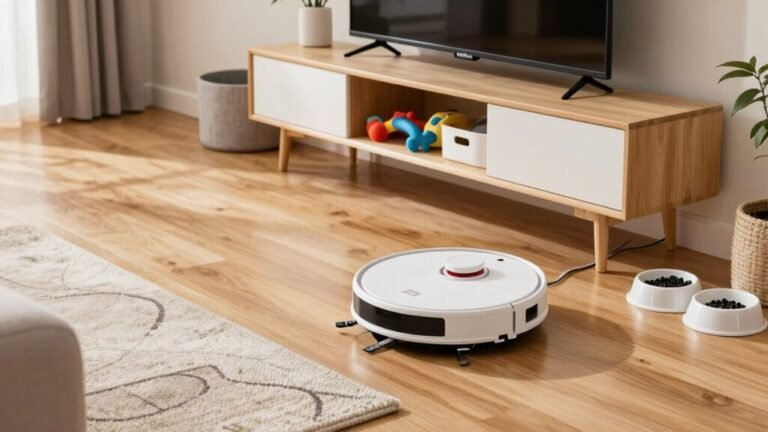
Some adapt when you rearrange the couch, while others avoid pet bowls like pros.
But not all bots are geniuses—some, like the Samsung Jet Bot, forget everything after each clean.
And basic models? They roam blindly, no memory at all.
So if you want a vacuum that really learns your life, go for one with mapping and memory.
It’s like hiring a robot butler who *actually* remembers where the kitchen is.
This smart behavior is powered by AI-backed algorithms that enable the vacuum to build and recall maps over time, making each clean more efficient through AI + Machine Learning.
How Robot Vacuums Map Your Home
How does your robot vacuum tackle the maze of your living room without getting lost—or worse, sucking up your socks? It’s not magic—it’s smart mapping! Using sensors and clever tech, your robot scans the room like a tiny explorer, building a digital blueprint of your home. Mapping technology enables systematic navigation so it never misses a spot. Want to know how different systems stack up?
| Tech Type | What It Does | Why You’ll Love It |
|---|---|---|
| LIDAR | Spins & lasers out a 2D map | Super accurate, even in the dark |
| Visual SLAM | Uses camera + motion to “see” space | Learns layouts fast, adapts quickly |
| Infrared | Detects walls and drops | Keeps it from tumbling down stairs |
| dToF Sensors | Measures distance with light pulses | Boosts precision in big or tricky rooms |
| Multi-Sensor Fusion | Combines data for smarter moves | Fewer bumps, more cleaning, less chaos |
It remembers every nook—you just relax.
LiDAR Vs. Cameras: How Robots “See” Your Space
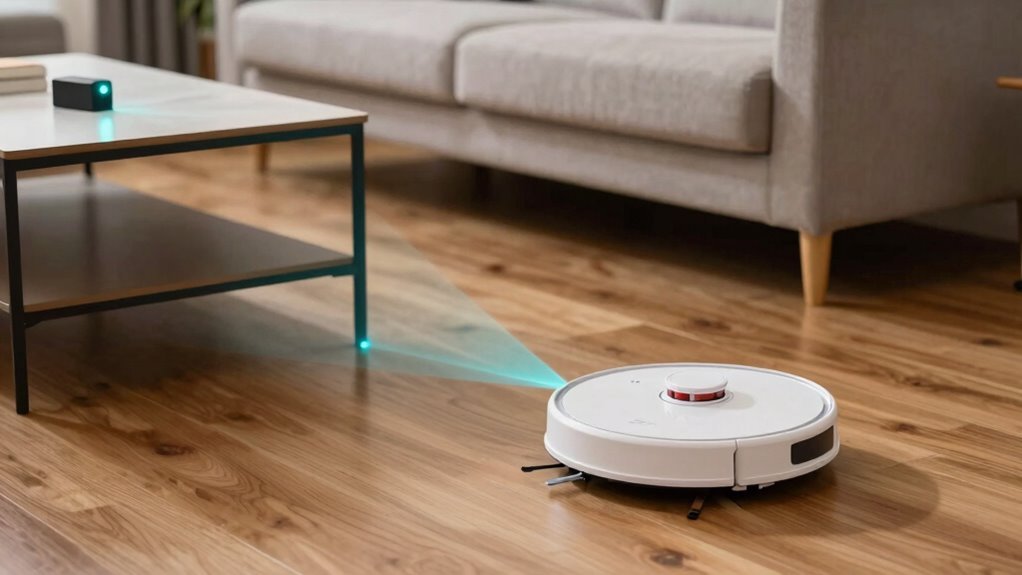
Why do some robot vacuums glide through the dark like ninjas, while others need the lights on to do their job?
It’s all about how they “see.”
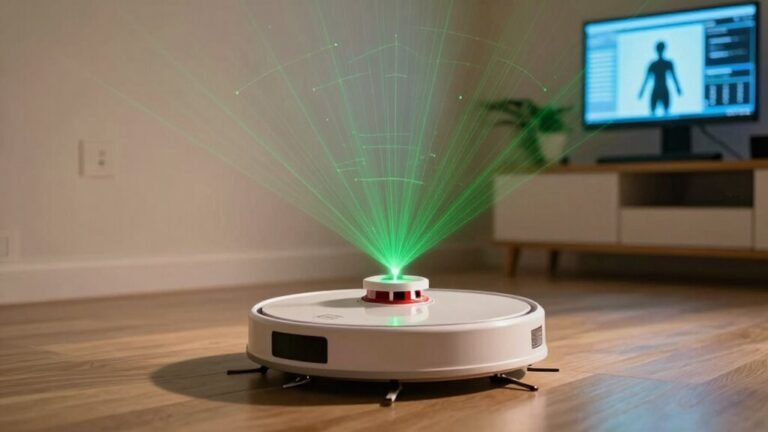
If your bot uses LiDAR, it zips around shooting invisible laser beams, building a super-accurate 3D map—even in total darkness.
It doesn’t care if the room’s pitch black or sunlit; those lasers always know where things are.
But if your robot relies on cameras, it’s more like you squinting in dim light—it needs brightness to spot edges, colors, and patterns.
Camera-based bots are slimmer and cheaper, but they might trip over shadows or mirrors.
LiDAR bots map faster and clean smarter, while camera ones take a few tries to learn your space.
Think of LiDAR as the navigation ninja, and cameras as the keen student still learning the ropes—both try hard, but one’s just naturally night-ready.
Which Robot Vacuums Remember Layouts?
So, which robot vacuums actually remember your home’s layout instead of wandering around like they’ve got amnesia?
The smart ones, like Roborock’s S8 Pro Ultra or Q Revo, map your whole place and keep those plans handy—no more confused circling!
Narwal Freo Z Ultra nails it too, storing multiple floors and switching maps like a pro.
Dreame X50 Ultra’s got sharp memory, even tucking mops away for carpets.
Mova V50’s mapping’s solid, while Ecovacs tries but sometimes stumbles on tight spots.
But beware—Lefant models? Total blank slates each time, cleaning like they’ve forgotten yesterday’s mess.
If you want brains, go for models with saved maps, real-time updates, and memory that sticks.
Your floors (and sanity) will thank you!
How Maps Enable Faster, Smarter Cleaning
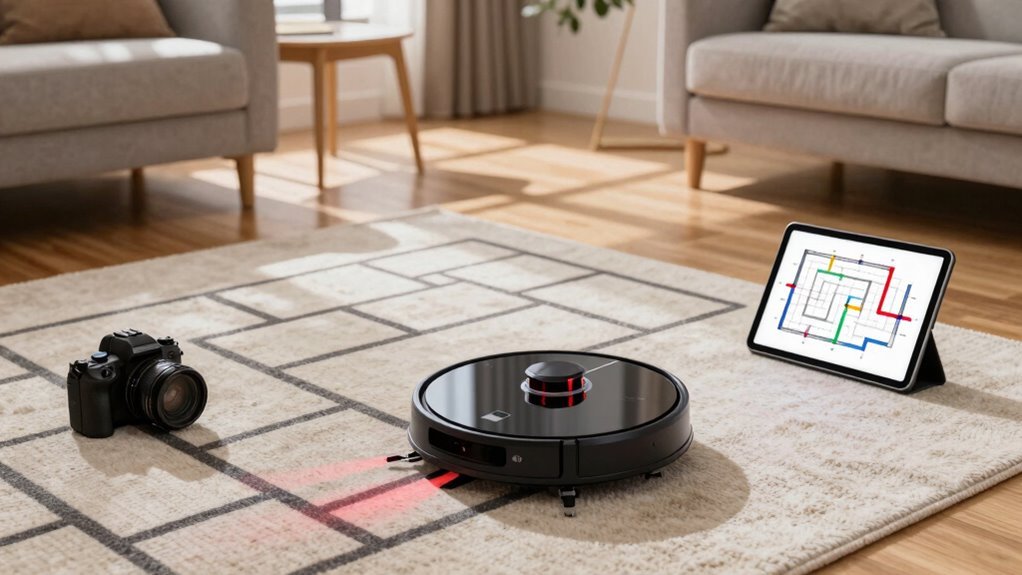
Ever wonder how your robot vacuum suddenly stopped bumping into the same chair every day and actually finishes cleaning before you finish your coffee?
That’s smart mapping at work!
Using tech like LIDAR and vSLAM, your robot builds a detailed map of your home, so it knows where the couch ends and the hallway begins.
No more random zigzags—just smooth, efficient paths that cover every inch without backtracking.
It dodges pet bowls, avoids stairs, and steers clear of stray socks like a pro.
With virtual boundaries and custom zones, you can tell it to skip the cluttered playroom or hit the kitchen extra hard after dinner.
Maps let it clean smarter, not harder, boosting suction where it’s needed and gliding over shifts like a champ.
You get spotless floors faster, and hey—extra coffee time? Yes, please!
Can Robot Vacuums Handle Multiple Floors?
How do your favorite floor-sweeping sidekicks handle a multi-story home? Pretty well—if you’re okay with being their stair-climbing assistant!
While no robot vac climbs stairs solo (silly bots!), top models like Roborock QV 35A and Dreame X50 Ultra store 4–5 floor maps using smart landmark or cloud-based tech.
You’ll carry the robot (and base for first mapping), but after that, it remembers each level like a champ.
Tapo and eufy S1 Pro save up to 3 unique layouts with AI smarts, while apps like ECOVACS HOME show 3D maps so you can boss around your bot from any floor.
Lightweight designs make hauling them up steps less of a workout, and advanced sensors adjust for carpets, thresholds, and clutter.
Just don’t expect them to fetch the laundry—yet!
How To Set No-Go Zones And Virtual Walls
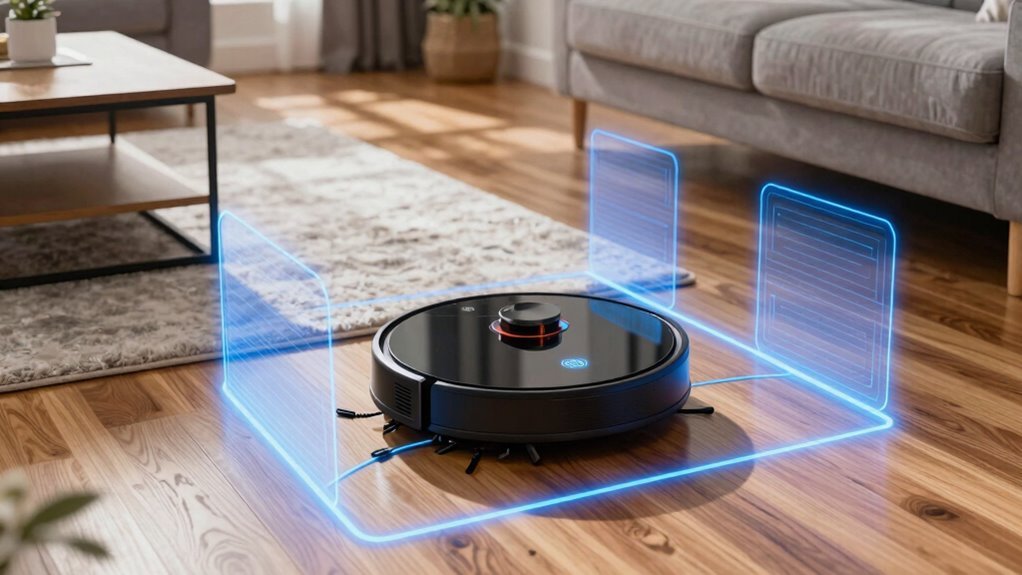
Now that your robot buddy has memorized every floor in your home, including that tricky second level you carried it up (again), it’s time to give it some ground rules—like where *not* to roam.
Open your app, tap edit on the map, and draw red squares or lines where it shouldn’t go—say, around pet bowls or that wobbly side table.
You can drag and resize no-go zones like you’re doodling on a tablet.
Magnetic strips work too, if you’d rather set a physical “keep out” sign near stairs or delicate decor.
Most bots use LiDAR or cameras to see these virtual walls, so they’ll stop short like they’ve seen a ghost.
Try a test run to make sure it behaves—because nobody wants a robot snack-stealer under the couch.
Keep zones clear of the charging dock, and remember: this is your chance to outsmart clutter, cords, and curious pets with a little digital fenceline magic.
When Robot Vacuum Maps Need Updating
While your robot vacuum’s memory is pretty sharp, it’s not psychic—so when you shift the couch to freshen up the living room or add a new bookshelf that wasn’t there last week, that old map starts to look more like a treasure chart for a home that no longer exists.
If you’ve rearranged furniture, opened new pathways, or stuffed the floor with holiday decor, your robot’s got a serious case of outdated intel.
Toys, pet bowls, or that pile of shoes by the door? Yeah, those surprise obstacles can send it spinning or stuck.
Even dust on its sensors or dim lighting can throw off its sense of direction.
If your vacuum’s acting confused or skipping spots, it’s not lazy—it just needs a map update.
A quick remap takes minutes and gets it back on track, cleaning smarter, not harder.
Don’t wait for chaos; refresh the map whenever life reshuffles the furniture!
Robot Vacuums That Get Smarter Over Time
If your robot vacuum were a student, it’d be the one acing every test without even cramming—thanks to AI that helps it learn your home like a pro. It watches where you walk, notices dusty corners, and remembers where the dog sheds the most.
Over time, it adjusts suction power on rugs versus tile, zips around toys like a ninja, and even mops harder in messy spots.
Think of it as your tiny, tireless roommate who actually *gets* better at chores.
With each clean, it collects data, fine-tunes paths, and shares smarts via cloud updates—like getting homework help from the future.
Some even team up with other smart devices, vacuuming before the mop bot takes over.
It’s not magic; it’s machine learning making your life easier, one smarter sweep at a time.
And hey, if it forgets the sock under the couch? Well, nobody’s perfect.
Top Models With Best Mapping Accuracy
How does your robot vacuum know exactly where the coffee table ends and the dog’s favorite napping spot begins? Well, top models today don’t just guess—they map like pros.
The Narwal Freo Z Ultra uses dual LiDAR and RGB cameras to build a sharp 3D layout in under 10 minutes, dodging obstacles and remembering multiple floors.
Roborock Saros 10R nails precision with solid-state LiDAR and a camera, scoring a perfect 5.0 in obstacle avoidance—take that, stray socks!
Dreame Matrix10 Ultra spots over 240 object types and conquers 80mm obstacles like a champ.
Mova’s V50 Ultra Complete uses AI SmartSight to detect clutter with LED flair,
while the P10 Pro Ultra combines LiDAR and camera vision to cover big homes and avoid messes.
These robots aren’t just smart, they’re mapping geniuses—your floors never looked safer.
Frequently Asked Questions
Can Robot Vacuums Work Without Wi-Fi?
Yeah, your robot vacuum works just fine without Wi-Fi!
You turn it on, it cleans the floor—simple as that.
It’ll dodge furniture, map rooms, and even recharge itself, all offline.
No app?
No problem.
But skip the Wi-Fi, and you’ll miss updates, remote control, or yelling at it through Alexa.
Think of Wi-Fi like its superpower mode—nice, but not required.
Just don’t expect it to text you selfies from under the couch.
Do They Clean Under Furniture Effectively?
Yeah, they clean under furniture just fine—if there’s enough room!
Most slim models slide under beds and sofas like ninjas, grabbing dust bunnies hiding out.
Just make sure your furniture clears 3+ inches; otherwise, you’ll have a tiny vacuum stuck mid-mission.
They zip under, suck up fluff, and come out looking proud.
Tiny heroes, really—minus the capes, but hey, they’ve got wheels!
How Often Should I Empty the Dustbin?
You should empty the dustbin every 2–3 runs if your home’s small and tidy—kind of like how you only take out the trash when it’s actually full, not just because it looked at you funny.
But, if you’ve got pets or kids tracking in mess, do it after each clean.
A full bin chokes suction, so don’t let it wheeze like an overworked vacuum in a cartoon!
Are Robot Vacuums Safe Around Pets?
Yeah, robot vacuums are totally safe around pets!
They’ve got smart sensors that spot your furry friends and steer clear, plus soft edges and quiet modes to keep everyone calm.
Sure, they might accidentally munch a tail if Fluffy’s napping in the open, but modern ones avoid messes and move slow.
Just set no-go zones by litter boxes or food bowls, and you’re golden.
Think of it like a tiny, polite roommate cleaning around your pets!
Can They Detect and Avoid Socks?
You bet they can, and it’s no small feat!
Newer models like the Roborock Saros Z70 spot socks like a hawk, thanks to smart cameras and sensors.
They don’t just dodge them—they’ll even pick them up!
Older bots might trip over laundry like it’s a minefield, but advanced ones?
They’re light-years ahead.
Socks stand no chance!
Conclusion
You zap on the robot, and it knows—just *knows*—where your coffee table legs live. It dodges the slippers, skips the rug it already cleaned, and even remembers the hallway no-go zone you set. Magic? Nope. Smarts. And maps. Real ones. Built over time, cleaned with confidence. Your home? It’s not just seen. It’s remembered. Every crumb, every corner. Watch it go.
References
- https://in.dreametech.com/blogs/tips-tricks/how-robot-vacuum-navigation-works-sensors-mapping-smart-cleaning-explained
- https://www.multivu.com/players/English/8234051-irobot-roomba-i7-plus/
- https://us.narwal.com/blogs/robot-vacuum/mapping-vs-no-mapping
- https://futurism.com/the-byte/roomba-i7-maps-house
- https://www.samsung.com/us/support/answer/ANS10002355/
- https://www.ecovacs.com/us/robot-vacuums/robot-vacuums-with-mapping
- https://maticrobots.com/blog/the-design
- https://www.eufy.com/blogs/robovac/how-do-robot-vacuum-maps
- https://us.3itech.com/blogs/news/how-does-robot-vacuum-mapping-work
- https://www.target.com/c/robotic-vacuums-floor-care-home-appliances/smart-mapping/-/N-4y73oZ1rvvyyspic6