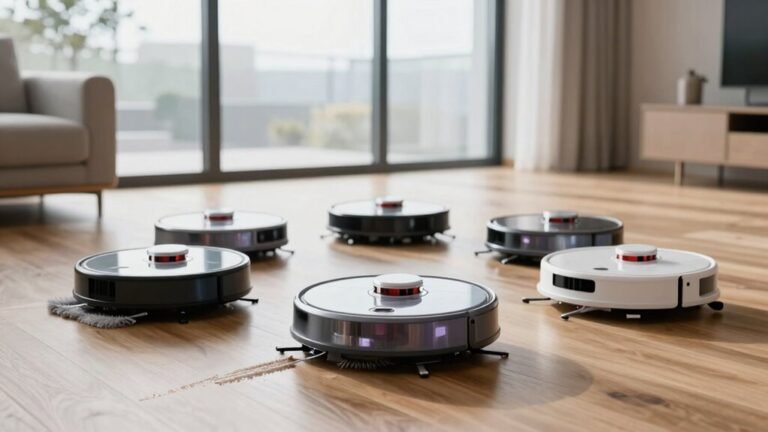
Are Robot Vacuum Maps a Privacy Concern?
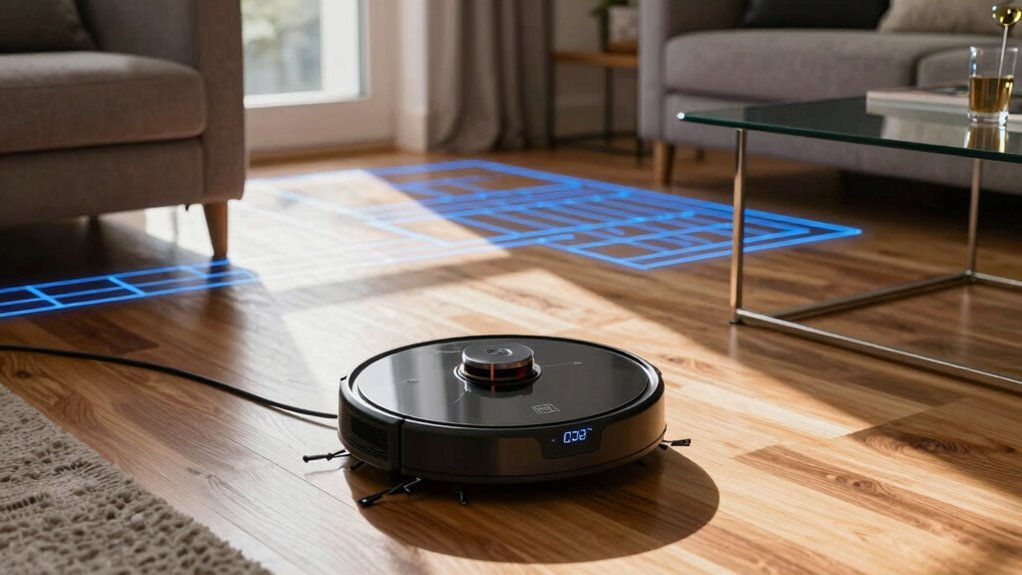
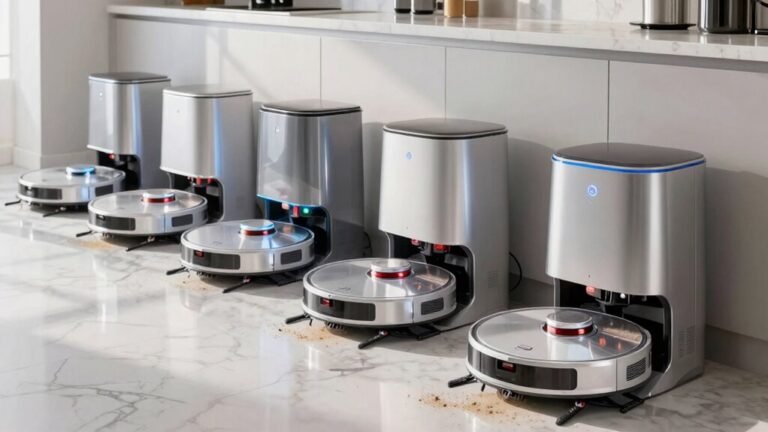
Robot vacuum maps can raise privacy concerns as these devices create detailed layouts of your home, recording furniture placement, room dimensions, and even the location of private spaces like bathrooms. Essentially, your robot vacuum acts like a small, mobile surveillance device with a precise memory.
These robot vacuum maps are often stored in the cloud, where they could be exposed through data breaches or weak passwords, despite companies claiming they don’t sell the data. Connected smart home integrations may also create unintended data leaks.
The good news is that some models allow users to disable mapping features or store robot vacuum maps locally, giving you more control over your data. If you’re worried about who knows where your couch is, there are steps you can take to stay protected.
What Can Robot Vacuums See in Your Home?
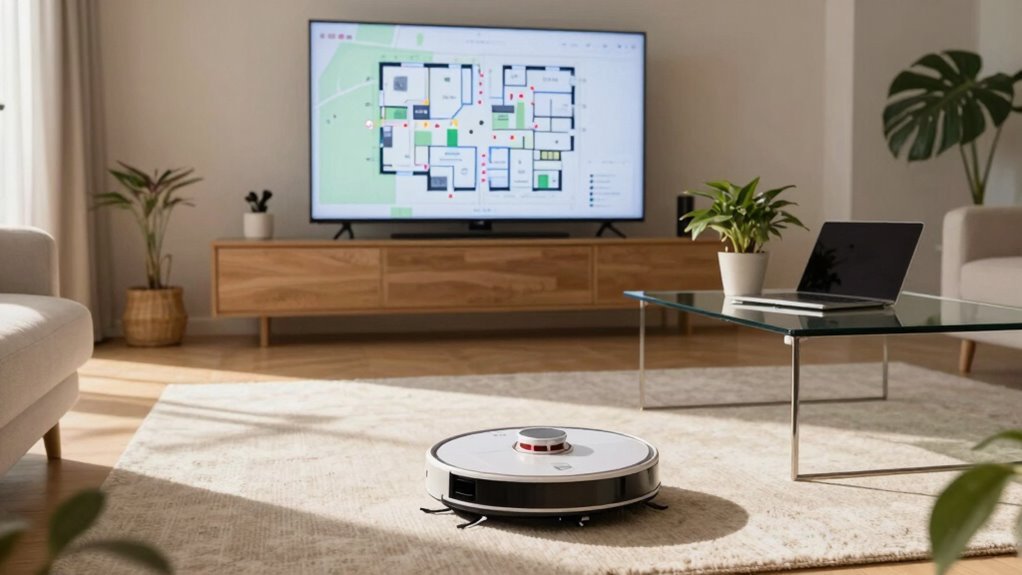
Ever wonder what your robot vacuum *really* sees as it zips around your living room?
Well, it’s not snapping selfies of your coffee table, don’t worry.
Instead, it uses lasers and sensors to build a detailed map of your space—measuring walls, detecting furniture, and dodging your favorite houseplant (most of the time).
It sees room layouts, doorways, and even where your couch legs are so it doesn’t get stuck—again.
Think of it like a mini explorer with depth vision, not a snoop with a camera.
While it doesn’t recognize your photo albums or read your mail, it does learn your home’s shape incredibly well.
That smart little bot might know where your bed ends and the nightstand begins.
Pretty cool, right?
Next time it scurries under the dining table, remember: it’s mapping, not spying—probably judging your sock collection though.
What Data Do Robot Vacuum Maps Reveal?
So, what exactly does your robot vacuum know about your home after mapping it floor by floor? It’s not just taking a casual stroll—it’s building a detailed blueprint. Your robot sees room shapes, furniture layouts, and even where your couch sits relative to the coffee table.
It maps doorways, hallways, and sometimes even detects stairs or rugs. Some smart models can label rooms like “kitchen” or “bedroom” based on usage patterns.
And yes, it remembers where your nightstand blocks the path every time. Think of it like a tiny cartographer with a flair for interior design.
While it doesn’t snap photos, the layout it creates is surprisingly accurate. That means your vacuum knows way more than just where the dust bunnies hide—it knows where *you* hang out, relax, and sip midnight tea.
Pretty handy, right? Just a little spooky if you think about it too hard.
Who Can Access Your Home Layout and Floor Plan?
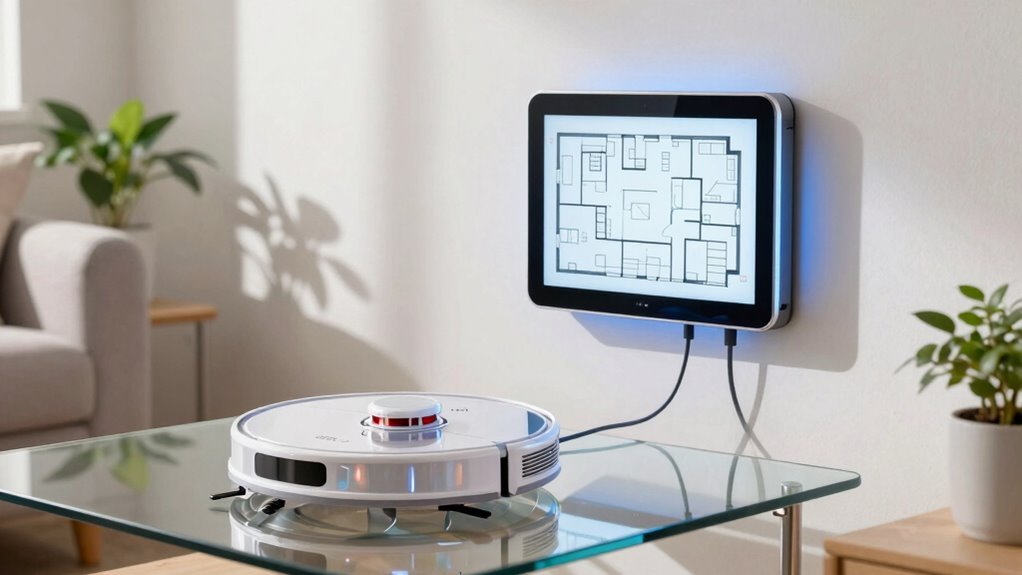
How much do you trust your robot vacuum with the layout of your home? You’re letting it roam freely, mapping every nook—from your cozy living room to that messy closet you avoid.
But remember, that map isn’t just for cleaning smarts. The company behind your vacuum likely stores it in the cloud, meaning their servers hold a digital blueprint of your space.
If you’ve linked your account to an app, that data’s accessible to you—and possibly customer support, too.
Hackers? Unlikely but not impossible, especially if your Wi-Fi’s less secure than a screen door on a submarine.
Some models even let you share maps with smart home gadgets, which is cool, until you realize your light bulbs technically “know” where your bed is.
It’s handy tech, sure, but would you hand a stranger a floor plan of your house? Exactly.
Do Vacuum Brands Sell Your Map to Third Parties?
Could your robot vacuum be spilling the beans about your living room to advertisers? Well, most top brands say they don’t sell your map data outright—but that doesn’t mean your floor plan is totally private.
Companies like iRobot or Roborock collect your home maps to improve navigation and features, and sometimes share anonymized data with partners. But “anonymized” isn’t always foolproof.
While they’re not handing your blueprint to ad networks (yet), their privacy policies can be sneaky. Always check the fine print before hitting “connect.” Think of it like letting a nosy but helpful friend tour your home—they promise not to gossip, but you wouldn’t leave your diary lying around, right? Stay sharp, keep settings tight, and remember: in the smart home world, your data’s always part of the deal.
Can Hackers Steal Your Robot Vacuum’s Room Map?
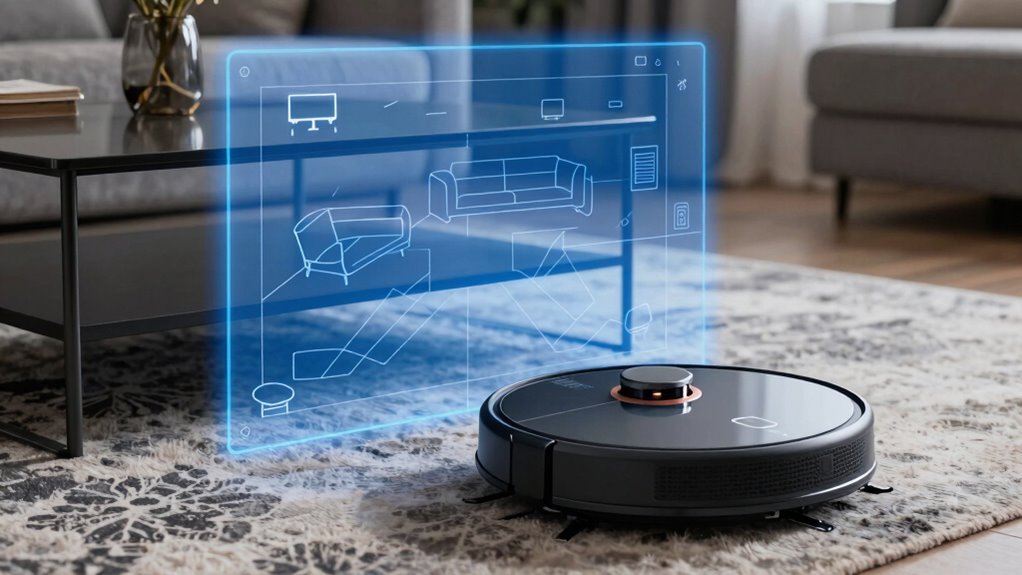
While your robot vacuum zips around mapping every nook of your living room, it’s not just dodging socks and pet toys—its digital blueprint could catch a hacker’s eye.
Yep, if your robot stores or sends data over Wi-Fi, sneaky hackers might intercept it, especially if your network’s less secure than a screen door.
Some bots upload maps to the cloud, and though companies encrypt data, no system’s 100% hacker-proof.
Imagine a stranger knowing where your couch, bed, and favorite reading chair live—it’s creepy, not cute.
While full-blown break-ins are rare, weak passwords or outdated firmware make you an easy target.
But don’t panic!
Most risks come from avoidable gaps in your setup.
Think of it like locking your front door: simple fixes go a long way.
Stay sharp, stay updated, and let your robot keep cleaning—not accidentally sharing.
How Can You Turn Off or Limit Floor Mapping?
Grab your phone or tap that robot—turning off or tweaking your vacuum’s floor mapping is easier than folding a fitted sheet. Open the app, head to settings, and look for map or mapping options. You’ll usually see choices like “disable map saving” or “limit room scanning.” Tap it and boom—your vacuum keeps cleaning but stops storing layout data.
Some models let you pause mapping after the first run, so it cleans blindly but safely. Others allow “do not map” zones, letting you block off sensitive rooms like home offices or nurseries. You can even delete old maps with a swipe. It’s like giving your robot a memory cleanse!
Not every brand works the same, but most make it simple. Taking control isn’t just smart—it’s kind of satisfying. Who knew privacy could feel this easy—and this fun?
Which Robot Vacuums Don’t Store Your Home Data?
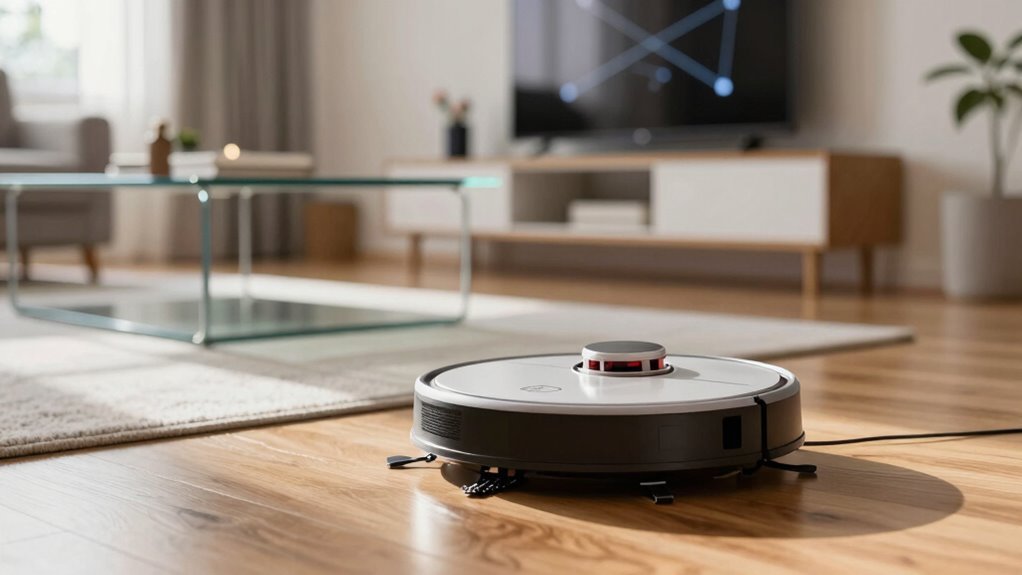
What if your robot vacuum could clean up messes without saving your home’s secrets? Good news—you’ve got options!
Some robot vacuums, like the iRobot Roomba Combo j5+, let you disable mapping entirely, while others like the ECOVACS DEEBOT N8+ offer local processing so maps stay on the device, not in the cloud.
Want even more privacy? Try models such as the Roborock Q5, which don’t create detailed maps at all—they bump and bounce their way around using basic navigation.
No maps, no data trails.
These “dumb” but dependable cleaners still tackle dust and crumbs without logging your living room layout.
Sure, they might miss a few corners, but hey, they’re not snooping either!
If peace of mind matters more than pinpoint precision, skipping the smarts might be the smartest move.
You get clean floors and a cleaner conscience—no digital footprints left behind!
Are Mapping Vacuums Worth the Privacy Risk?
So, is that slick, map-drawing robot vacuum really worth letting it sketch out your living room—and maybe share it somewhere you can’t see? You love how it zips around, never missing a spot, but who else might be peeking at your floor plan?
| What You See | What They *Could* See |
|---|---|
| A tidy living room | Furniture layout and room sizes |
| A clean kitchen | When you’re home or out |
| A quick cleanup | Patterns in your daily routine |
| A smart gadget | Data linked to your account |
| Convenience | Hidden uploads to the cloud |
Sure, it’s just vacuuming, but your map’s a digital footprint—and sometimes, that’s more than dust bunnies to worry about. Think twice, okay?
Frequently Asked Questions
How Long Do Companies Keep My Vacuum Map?
You’re probably wondering, how long do companies actually keep your vacuum map?
Well, it varies—but most hold onto it for about 30 to 90 days unless you ask them not to.
Some even delete it sooner if you disable map storage.
Check your app settings, tweak your preferences, and voilà—more control than you’d think!
Who knew your robot’s memory could be this easy to manage?
Can Deleted Maps Be Recovered by the Manufacturer?
Yes, they can—like digital ghosts, some deleted maps might still linger on servers longer than you’d think.
Once you hit delete, the manufacturer might keep them a little while, kind of like holding onto a spare key “just in case.”
But don’t panic—they usually vanish for good after a set time.
Think of it like tossing a photo into a shredder; it’s gone, *mostly*, after the cleanup cycle.
Are Robot Vacuum Maps Linked to My Wi-Fi Network?
Yes, your robot vacuum maps are linked to your Wi-Fi network.
You connect the device to your home Wi-Fi, and it uses that link to save maps to the app.
That’s how you see cleaning routes on your phone.
Think of it like a tiny robot cartographer sending intel home.
Cool, right?
Just make sure your Wi-Fi’s secure—no uninvited digital guests!
Do Maps Include Timestamps of Room Activity?
Yeah, your robot buddy logs timestamps showing when it zips through each room—like a tiny digital time traveler with a clipboard.
You’ll see exactly when it cleaned the kitchen or dodged the dog’s water bowl.
Those little notes help it plan smarter routes, but hey, it’s not judging your 3 p.m. snack runs.
Think of it as a helpful, slightly over-organized roommate who loves maps and knows your schedule.
Can I Request a Copy of My Home’s Map?
You can absolutely request a copy of your home’s map—most brands let you do it right from their app!
Just tap into settings, look for data or privacy options, and boom, there it is.
It’s like your robot’s treasure map, except the X marks your couch, not gold.
Super cool to see how it zips around your space.
And hey, you own that map—so claim it!
Conclusion
You’ve got a tiny robot zipping through your living room, mapping every couch leg and coffee table—cute, right? But 60% of smart vacuum users don’t realize that data could be stored online, possibly accessible to hackers or shared without consent. Still, with solid privacy settings and trusted brands, you can enjoy clean floors without selling your floor plan. It’s like giving your home a bodyguard, not a tour guide!