How to Schedule Room-Specific Cleaning With a Robot Vacuum
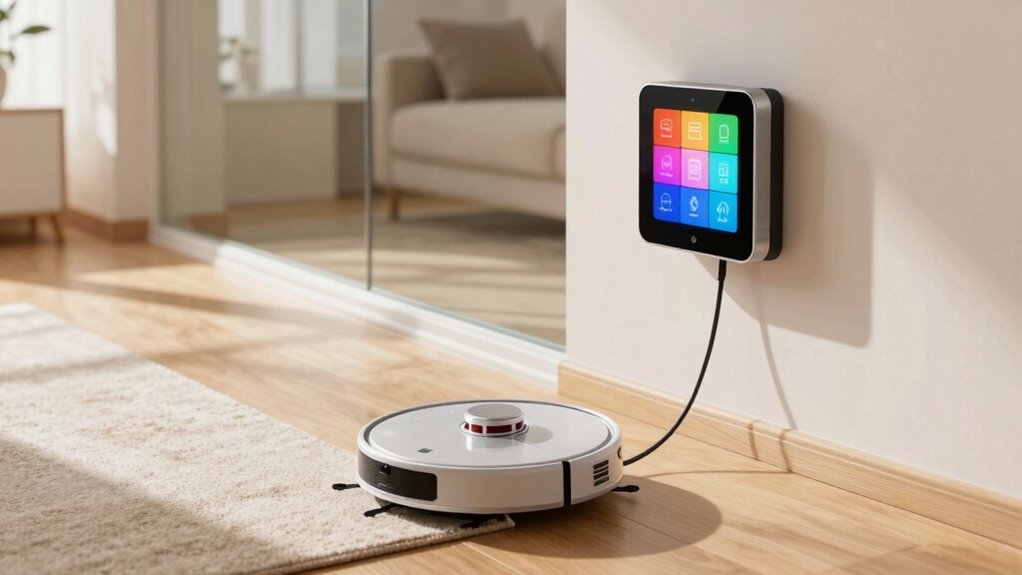
To schedule room-specific cleaning with a robot vacuum, start by choosing a model with advanced mapping technology like LiDAR or TrueMapping 2.0. These features allow the robot to accurately map your home for precise cleaning.
Launch the companion app and tap “Start Mapping” to let the robot explore and create a detailed floor plan. Once the map is complete, name each room—such as “Kitchen” or “Chaos Zone”—to take full control of room-specific cleaning.
Set no-go zones to protect areas like pet bowls or cluttered spaces you’d rather it avoid. Then, schedule cleanings for specific rooms at set times, like “Clean the kitchen at 8 PM” daily.
Some models even support voice commands through smart assistants, letting you say, “Hey Google, clean the living room.” With the right setup, scheduling room-specific cleaning with a robot vacuum becomes seamless and effortless.
Choose a Robot With Room Mapping
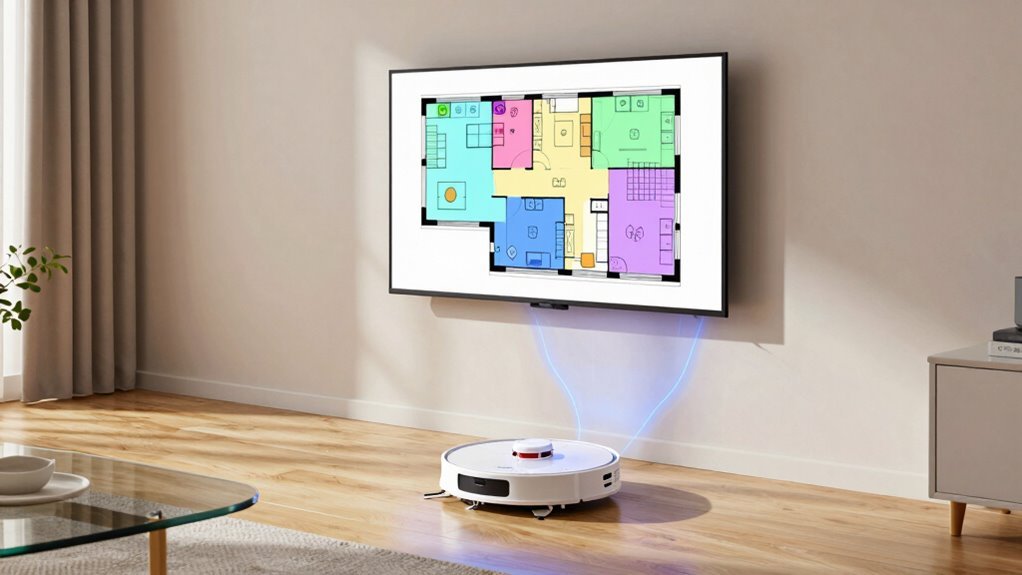
Ever wonder how your robot vacuum knows which room is the kitchen and which is the living room? It’s all thanks to smart mapping tech inside!
If you want room-specific cleaning, you’ll need a model that maps your home like a pro.
Some use LiDAR—spinning lasers that work even in the dark—while others rely on cameras (vSLAM) that need light to spot furniture and layout.
LiDAR’s faster and super accurate, especially in big or tricky spaces.
Fancy models even mix both for killer precision.
These robots zip around, scanning doorways and corners, then divide your space into rooms automatically.
They’re not mind readers—yet—but with AI smarts, they guess room names right (though you can rename “Dad’s Nap Zone” to “living room”).
Just pick a robot with solid mapping, and you’re set to clean room by room.
Easy peasy!
The first mapping run typically starts from the base station and can take under 10 minutes to generate a full map (initial mapping time).
Map Your Home in the App
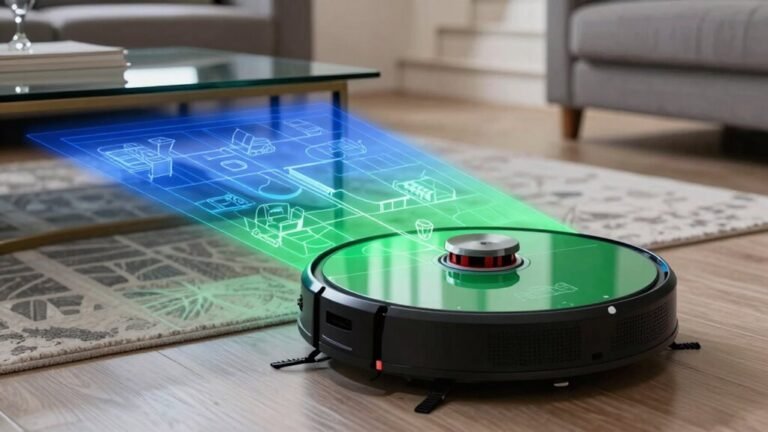
Now that you’ve picked a robot with smarts to map your space, it’s time to bring that brain to life by mapping your home right from the app. Hit “Start Mapping,” and let your little robo-explorer roll—no lifting a finger! As it zips around, its cameras and sensors work like a ninja, dodging legs, toys, and that mysteriously placed shoe. Sit back, grab a coffee, and let it do the work. Once the map is created, it acts as a digital blueprint of your home, allowing the robot to follow organized cleaning patterns with smarter navigation.
Here’s why tech smarts matter:
| Tech | What It Does |
|---|---|
| Visual SLAM | Tracks movement using camera smarts |
| LiDAR | Measures distances like a pro |
| TrueMapping 2.0 | Builds quick, clean maps in minutes |
It’ll take a run or two depending on your home’s size, but once it’s done, you’ve got a smart, living floor plan ready to follow your lead—no treasure map required!
Name and Tag Your Rooms for Targeted Cleaning
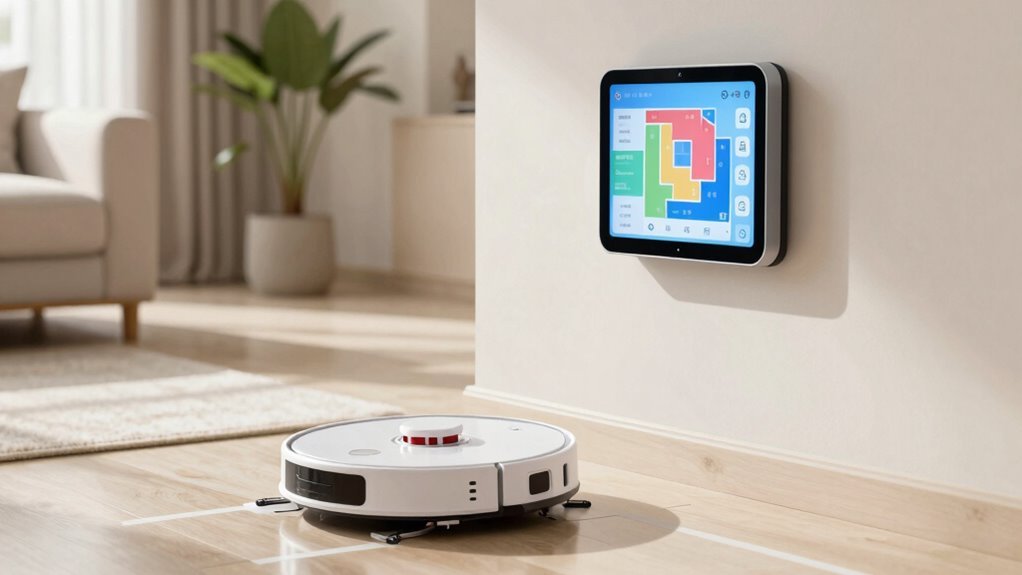
How does your robot vacuum know the difference between your den and your dining room? Simple—you name them!
After mapping, tap the edit icon or click on a room label to rename it.
Whether you’re using Tapo, Wyze, or SharkClean, just type in fun, clear names like “game room” or “mudroom” and save.
SharkClean lets you drag and resize boxes, while Tapo lets you pick colors for extra flair.
Roborock users, though, need the Mi Home app since room naming doesn’t work in Roborock’s own app—awkward, right?
You can even split or merge rooms if your layout’s tricky.
Give each space a custom tag, and voilà—your robot won’t confuse the hallway for the bathroom.
Naming rooms isn’t just handy, it’s essential for pinpoint cleaning.
Plus, who doesn’t love telling their vacuum to “clean the man cave”?
Block Off-Limits Areas With No-Go Zones
You’ve named your rooms, so now your robot vacuum knows where the party’s at—literally.
But just because it’s ready to dance doesn’t mean it should crash the whole house.
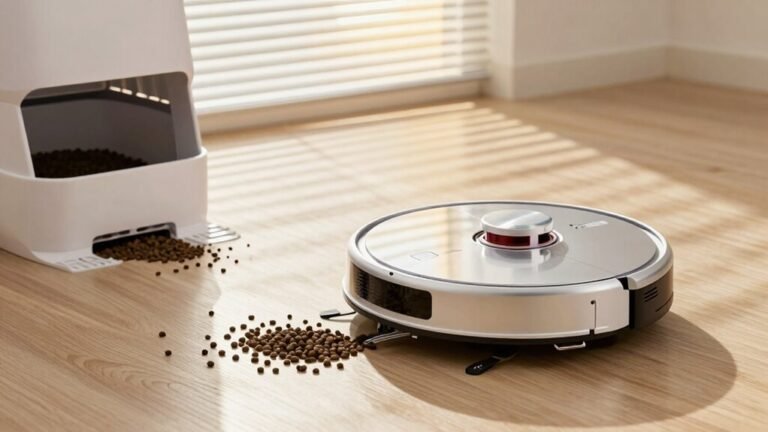
Protect your pet’s dinner zone, delicate knickknacks, or that toy minefield with no-go zones.
Here’s how:
- Open your app and draw boundaries like you’re marking “do not enter” on a treasure map—perfect for pet bowls or messy cords.
- Use magnetic strips as invisible force fields if your robot supports them—no app needed, just stick and done.
- Block off low-clearance furniture or stairs where your bot might get stuck—or worse, take a tumble.
- Test the zones, watch your robot obey (or misbehave), then tweak till it’s flawless.
Now your vacuum knows where *not* to go—almost as smart as your cat.
Schedule Cleanings by Room and Time
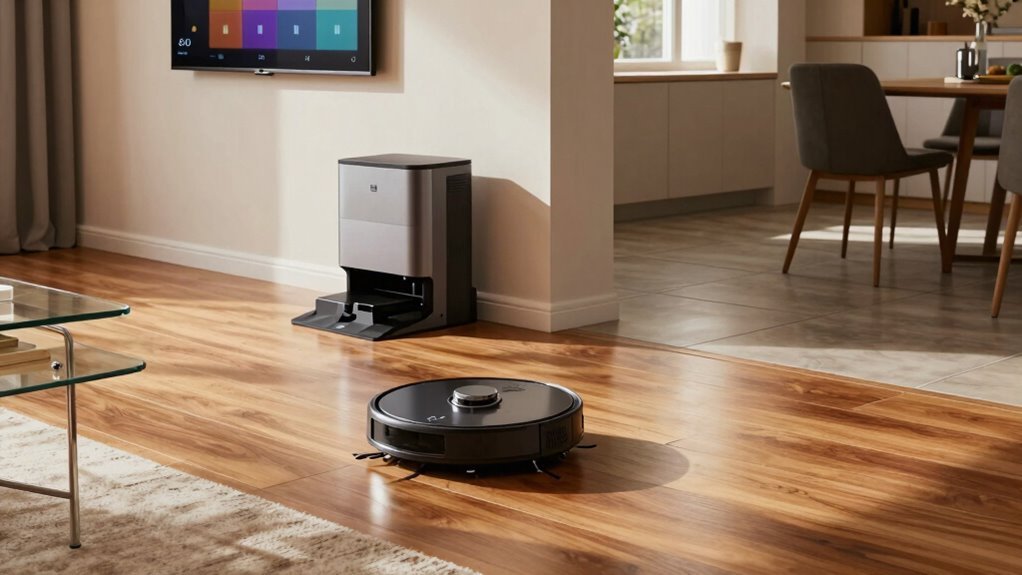
Ever wonder how to keep your kitchen spotless without the vacuum buzzing through your morning coffee routine? You can schedule cleanings by room and time with ease! Robot vacuums like the Roomba i7 or Roborock let you automate your home just the way you like it—say, cleaning the kitchen nightly at 8 PM or hitting the living room every Monday at 9 AM. Check out this simple guide to smart scheduling:
| Robot Model | Room Selection | Time Flexibility |
|---|---|---|
| Roomba i7 | Kitchen, Living Room | Specific days, 9 AM |
| Roborock | Custom rooms | Weekdays or custom intervals |
| Vactidy | Kitchen-only | Set times, like 8 PM |
| Samsung Jet Bot | Subsets via SmartThings | User-selected times |
| Wyze | May reset after updates | Recreate schedules as needed |
Just set it and forget it—your floor stays fresh while you enjoy that second cup in peace.
Spot Clean Any Room Instantly
When that rogue Cheerio escapes your breakfast plate or the dog tracks in muddy paw prints after a rainstorm, you don’t need to drag out a full cleaning routine—just hit the spot.
Here’s how to zap messes fast:
- Tap Spot Mode in the app or on your robot—select the exact area or draw a custom zone around the spill.
- Clear the way—move toys, cords, or chairs so your robo-helper won’t bump or stall.
- Let it loose—your vacuum zooms in, amps up suction (up to 4x on carpets!), and scrubs with spinning pads or mopping action.
- Watch it win—AI eyes detect gunk, reclean if needed, and confirm the spot’s history with high-fives (okay, silently—but you can cheer).
From crumbs to muddy prints, it’s cleanup chaos controlled—in under five minutes!
Clean by Room With Voice Commands
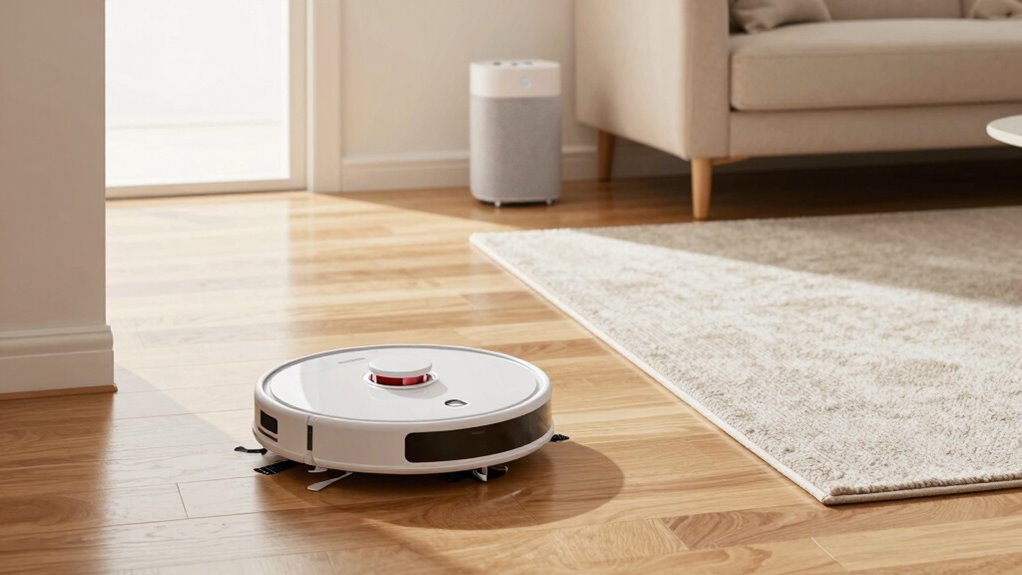
How cool would it be if your vacuum could actually listen and act like a real helper? With voice commands, you can! Just tell Alexa or Google Assistant to clean specific rooms, and your robot gets right on it.
Say “Alexa, start kitchen plan A” for your Tapo, or “Hey Google, clean the bedroom” with iRobot and Shark.
Dreame users can run room scripts through Alexa if they’ve set them up via Home Assistant—just “start mopping the living room.”
Wyze works too, but only if you use “Alexa” as the wake word.
Sadly, eufy’s still catching up—no room-specific voice control yet.
But once it’s set, most brands let you tweak suction, mopping levels, or even pause and recharge—all hands-free.
It’s like having a tiny, obedient cleaning sidekick.
Just don’t ask it to do your laundry.
Frequently Asked Questions
How Often Should I Empty the Dustbin?
You should empty your robot vacuum’s dustbin every 2–3 days if you’ve got a typical home, but hey, life’s messy—so check it after each run.
Pets or kids? Empty it daily, unless you enjoy sneezing at ghost clouds of dust.
A full bin slows your bot down, makes it work harder, and trust me, nobody wants a grumpy vacuum.
Keep it clean, keep it happy, and it’ll keep your floors sparkling like a loyal little cleaning sidekick!
Can I Use Multiple Robot Vacuums in One Home?
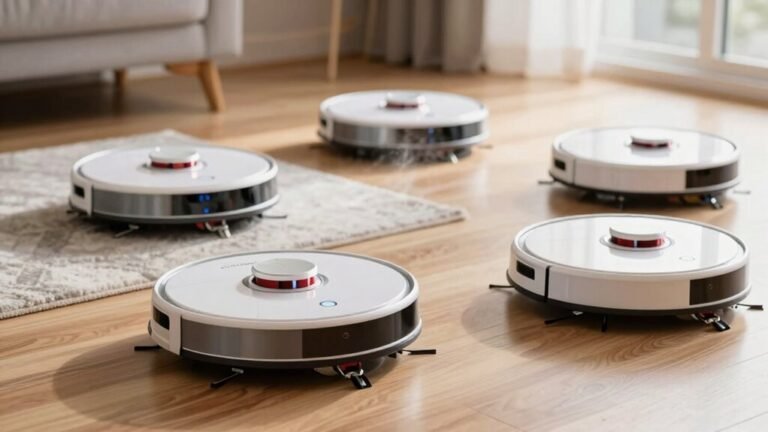
You bet you can run multiple robot vacuums in one home—heck, it’s like throwing a cleaning party where everyone’s invited!
Just grab two or more bots, assign zones like carpet champs or kitchen ninjas, and let them tag-team the mess.
With apps or Matter control, you’ll boss them around like a tiny vacuum superhero squad.
No more traffic jams, and your floors? Spotless with zero effort.
Total game-changer, honestly!
What Happens if the Robot Gets Stuck?
If your robot gets stuck, don’t panic—you’ve got this!
It might snag on cords, rugs, or toe socks (seriously, socks are ninjas).
Check for error alerts on the app, then scoop it up and inspect wheels and brushes for tangles.
Clear debris, wipe sensors, and give it a gentle reboot.
Got a clutter-free zone? Perfect.
Guide it to open space and tap “return to dock.”
Quick fixes keep your robo-pal rolling, happy, and drama-free!
Does Cleaning Multiple Rooms Drain the Battery Faster?
Yeah, cleaning multiple rooms drains the battery faster, just like your phone dies quicker when you’re binge-watching videos instead of just checking texts.
My friend’s Roomba once used 92% cleaning half her house—it thought it was auditioning for a marathon!
But don’t worry, these smart bots don’t faint on the job.
They scoot back to recharge and pick up right where they left off, like nothing happened.
Can I Reschedule a Cleaning if Interrupted?
Yes, you can totally reschedule a cleaning if it’s interrupted—no need to stress! Just clear any gunk, empty the bin, or untangle the brushes, then tap “resume” in the app.
If it’s acting up, a quick reset usually does the trick.
Think of it like giving your little robo-friend a pep talk—then it’s back to work, keen and ready!
Conclusion
You’ll basically be a cleaning wizard, waving your phone like a magic wand while your robot zips through named rooms like it’s got a GPS for dust. No more dusty hideouts or sad, ignored corners—your vacuum knows *exactly* where to go, when to go, and which spots to ghost. Say “clean the kitchen” and boom, it’s on it. It’s not just smart, it’s annoyingly perfect—like it’s showing off. Victory has never looked this spotless.
References
- https://ca.narwal.com/blogs/product/robot-vacuum-mapping-test
- https://www.ecovacs.com/us/blog/lidar-vs-vslam-navigation-what-are-the-differences
- https://www.youtube.com/watch?v=5O8VmDiab3w
- https://vacuumwars.com/compare-robot-vacuums-by-features-and-test-data/
- https://robotvacuums.com/blogs/blogs/a-complete-overview-of-robot-vacuum-navigation
- https://vacuumwars.com/best-robot-vacuums-with-obstacle-avoidance/
- http://www.thesmarthomehookup.com/ultimate-robot-vacuum-and-mop-comparison-2025/
- https://us.narwal.com/blogs/product/robot-vacuum-mapping
- https://us.3itech.com/blogs/news/how-does-robot-vacuum-mapping-work
- https://www.ecovacs.com/us/blog/how-does-robot-vacuum-mapping-work