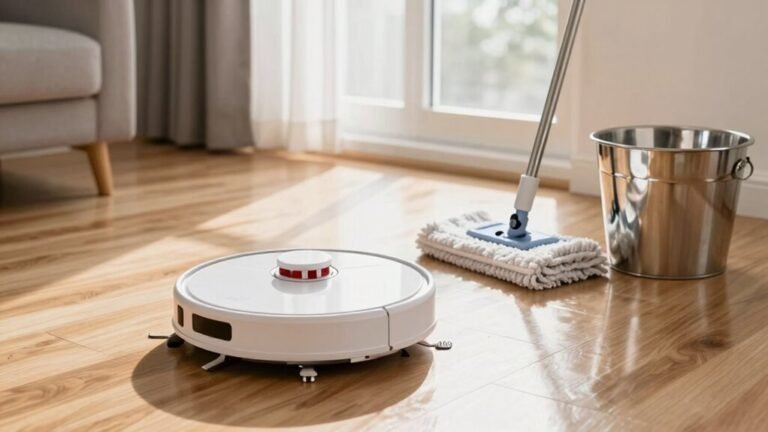
Dealing With a Robot Vacuum Stuck Under Furniture
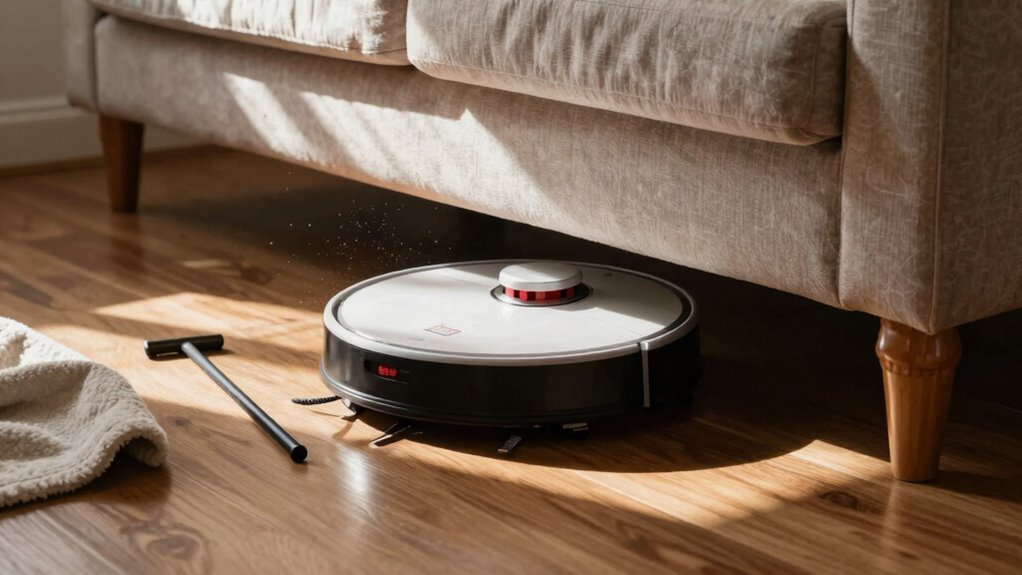
So your robot vacuum went on a solo mission under the couch—classic move. This is a common issue when dealing with a robot vacuum stuck under furniture.
First, pause it or unplug it, then gently slide it out with your hand or a ruler. Be careful not to damage the vacuum or the furniture while retrieving it.
Check for hair around the brushes and wheels, and wipe the sensors. Clear any clutter that might have contributed to the problem.
Keep cords tidy and boost low furniture with risers. Set no-go zones in the app to save future headaches.
You’d be surprised what else you can do to keep your little robo-saver out of trouble. Simple adjustments can prevent repeated incidents with a robot vacuum stuck under furniture.
Why Robot Vacuums Get Stuck Under Furniture
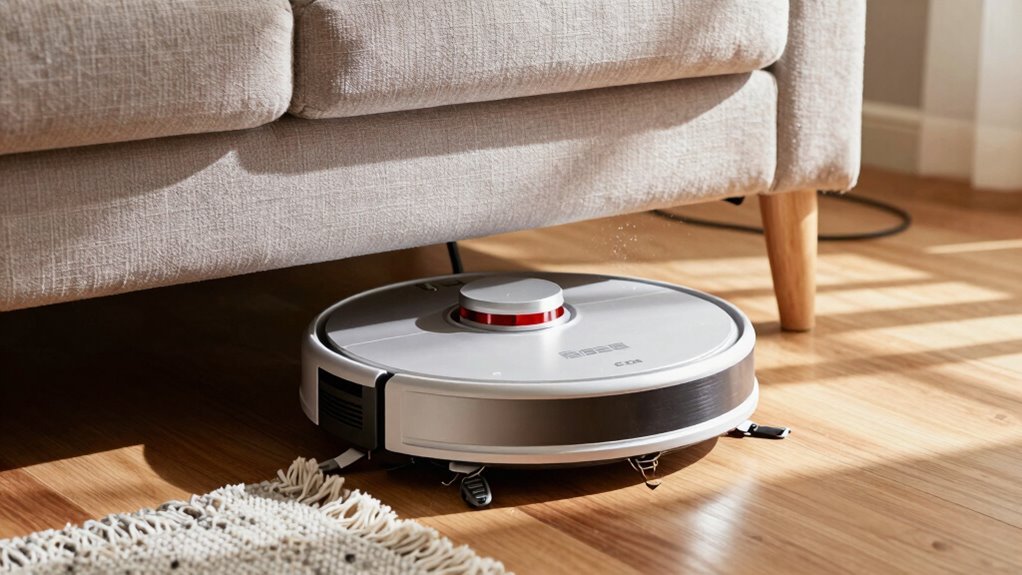
Ever wonder why your robot vacuum zooms under the couch like it’s on a secret mission—only to get stuck and start spinning in panicked circles?
Well, it’s usually because dusty cliff sensors think the floor is a deadly drop, so your bot freaks out and freezes.
Dirty bumper sensors can also trick it into thinking it’s jammed, even when it’s not.
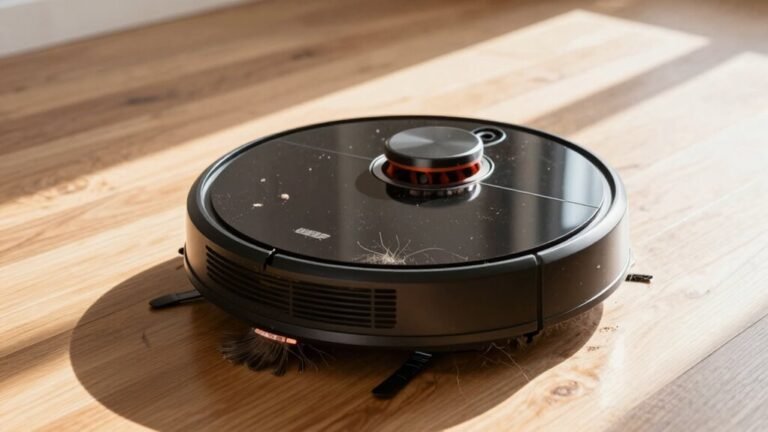
If hair’s wrapped around the brushes or wheels, it won’t move no matter how hard it tries—super common if you’ve got pets or long hair.
Low furniture?
Yeah, that’s a trap.
Your robot slips under but can’t reverse out, especially if the floor’s uneven or changes in surface catch its wheels.
Thick rugs, cords, and clutter make escape even harder.
Its brain just isn’t built for every home’s quirks, so it gets confused, spins around, and begs for help—quietly, of course.
Regular cleaning of sensors and brushes helps maintain reliable navigation and prevents false obstacle detection sensors dirty, damaged, or blocked can cause navigation failures; regular cleaning helps.
How to Get a Stuck Robot Vacuum Out Safely
How do you rescue your loyal little vacuum when it’s stranded under the couch, buzzing like it’s plotting an escape?
First, unplug it or pause cleaning via the app—safety first!
Gently slide your hand or use a long ruler to pull it out without tipping.
Once free, flip it over and check the wheels; pet hair loves to wrap around axles and stop motion cold.
Spin the brushes by hand to clear tangled strings or hair.
While you’re down there, wipe the cliff and bumper sensors with a dry cloth—they get dusty and confused.
If it was stuck in a tight corner, nudge it toward open space before restarting.
You can even tap “return to dock” in the app so it wisely avoids that trouble zone.
A quick check now saves robot meltdowns later—and keeps your little cleaner rolling strong!
This issue often stems from low furniture clearances, so consider models with an ultra-thin profile for better under-furniture access.
Clear the Floor Before Starting to Avoid Obstacles
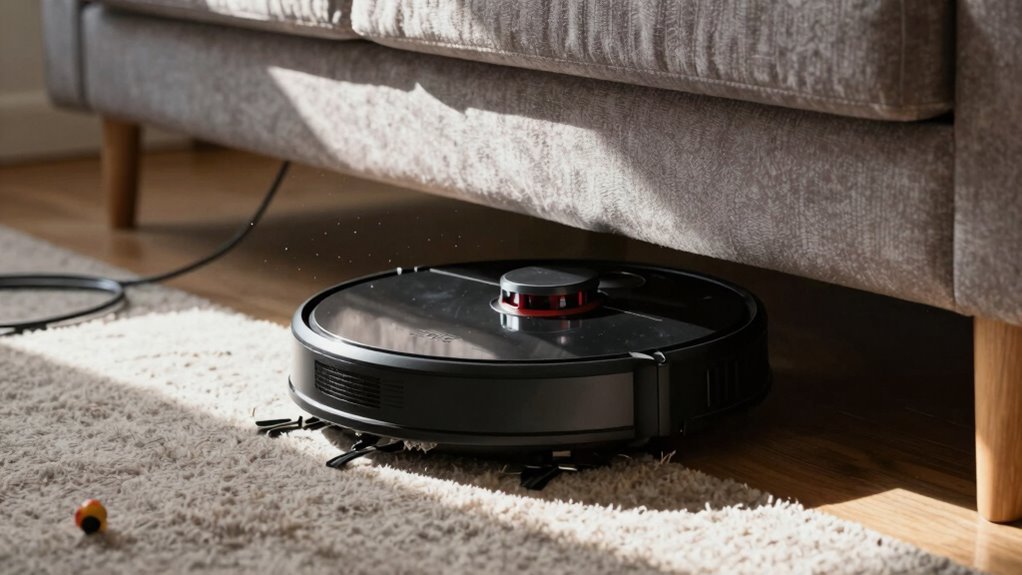
While your robot vacuum’s ready to roll, it can’t dodge every toy or trip over a stray charger like you would—so a quick sweep of the floor sets the stage for a smooth ride.
Toss aside socks, scoot toys, and grab those charging cables before they become chew toys for your bot.
Loose cords? They love to wind around wheels and cause a real mess.
Clear paths mean no surprises—your robot won’t get distracted trying to vacuum a rubber band or short-circuit on a headphone cord.
Wipe up spills first, too; even mopping bots can’t handle sticky puddles like you can.
Keep corners tidy so side brushes spin freely, and don’t forget to check near walls—clutter there blocks edge cleaning.
A fast prep means your robot zips efficiently from room to room, not stuck playing hide-and-seek under a rogue LEGO.
A tidy start means a smarter clean, and honestly, it’s kind of satisfying.
Raise Furniture to Prevent Vacuum Traps
Give your robot vacuum the clearance it craves by lifting your furniture just a little—think of it as giving your bot a doorway instead of a crawl space.
Grab rubber cone risers from Amazon and pop them under your couch or cabinet legs to add a handy half-inch of height.
Pre-drill tiny holes for screws to keep them secure, especially on low-clearance pieces that love to trap vacuums.
These nifty cones work great on sofas and cabinets without scratching your floors—bonus!
You’ll save your bot from awkward under-furniture wrestling matches, and it’ll clean more efficiently without needing rescue missions.
It’s a simple fix that makes a huge difference, especially for models like the Ecovacs Deebot N79S.
Plus, your floors stay dent-free, and your robot stays happy.
Honestly, it’s like giving your home a small upgrade with a big payoff—less stress, more clean, and zero bot-jams.
Win-win!
Set No-Go Zones to Keep Vacuum Out of Trouble
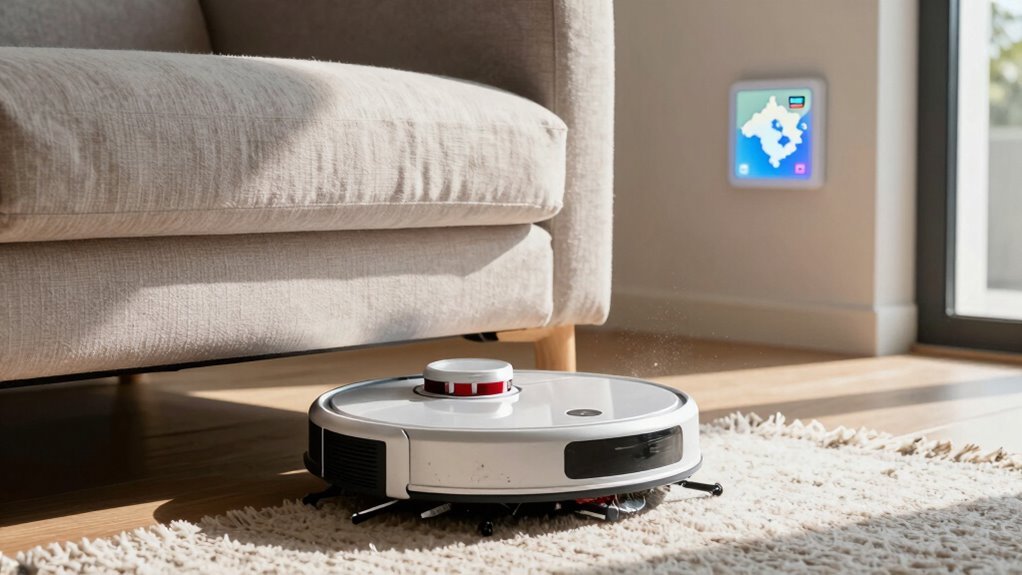
Since your robot vacuum can’t read minds (yet), it’s up to you to show it where not to wander—think of it as teaching your little cleaning buddy the “do not enter” zones of your home. Use your vacuum’s app to draw no-go zones right on the map, like red “keep out” signs under low sofas or around pet bowls.
These virtual fences, powered by smart LiDAR or cameras, keep your robo-vac from diving into trouble. You can also lay down magnetic strips or set invisible walls to block tricky spots.
Perfect for messy cables, shaggy rugs, or that one wobbly table it always knocks. Once you set them, just hit clean and watch it obey like a pro.
It’s like giving your vacuum laser vision and common sense—minus the drama. Quick setup, fewer headaches, and way more “ahh” in your clean.
Watch for Repeat Sticking Spots
You know that sneaky spot under the coffee table where your robot vacuum always ends up trapped, chirping like it’s summoning help? Yeah, that’s a repeat sticking spot—and it’s not just bad luck. Watch for patterns: if your vacuum keeps dying near the same rug, gets stuck by the couch legs, or spins out near a threshold, it’s trying to tell you something. Check your app’s cleaning logs—they’ll highlight these hotspots like a treasure map of trouble.
Here’s how to spot the culprits:
| Problem Area | Common Cause | Quick Fix |
|---|---|---|
| Under furniture | Low clearance | Use risers or clear path |
| Rugs | Tangled tassels | Trim fibers, secure edges |
| Hardwood zones | Debris reducing traction | Sweep debris before runs |
Monitor those repeats, clean sensors regularly, and stay one step ahead of your clever little robot.
Pick a Robot Vacuum That Handles Tight Spaces
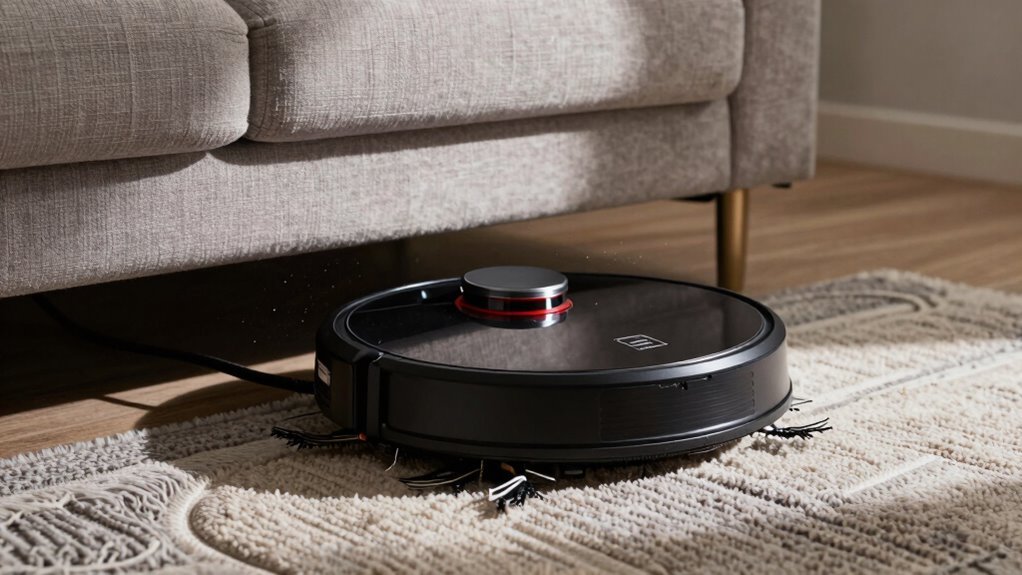
Got a robot that keeps face-planting under the couch or throwing a tantrum by the coffee table? Time to pick a model built for tight spaces.
Go for ultra-slim designs—some are only 3.14 inches tall—so they glide under sofas like ninjas.
Look for features like FlexiRise sensors and VersaLift Navigation that help it duck and dip under low furniture.
AIVI 3.0 and OMNI-Approach tech mean it’ll dodge chair legs and clutter with smarts to spare.
Need to climb thresholds? StepMaster systems handle up to 0.78 inches smoothly, even on budget models.
And with 8,000Pa to 24,000Pa suction, it won’t quit on dust just because it’s small.
Compact docking stations save space too—some are just 21.3 inches high.
Choose a tangle-free brush if you’ve got pets, and voilà: your robot won’t just fit—it’ll thrive.
Tidy Cords and Furniture Legs to Improve Navigation
While your robot vacuum may dream of gliding through your home like a futuristic racecar, loose cords and spindly furniture legs can turn that dream into a tangled traffic jam.
You’ll save yourself the comedy of pulling a vacuum out by its bumper if you simply tuck away those sneaky cords—your robot can’t tell a charging cable from a roadblock.
Those flimsy furniture legs? They confuse sensors and spell trouble.
Aim for at least 4 inches of clearance under tables and chairs to keep things running smoothly.
Use tape or barriers to block risky zones, and wipe sensors clean so they don’t overreact to dust.
After tidying up, update your map—your bot will thank you with smarter paths and fewer wipeouts.
A little prep means fewer surprises, more cleaning, and way less robot drama.
Frequently Asked Questions
Can I Use My Robot Vacuum on Thick Carpets?
Yes, you can use your robot vacuum on thick carpets—just pick the right model!
Look for strong suction (15,000 Pa or more) and Carpet Boost mode to power through deep fibers.
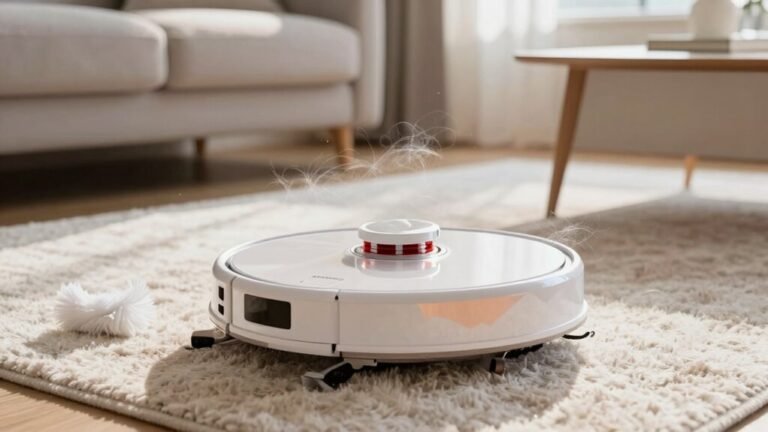
Robots like the Dreame X50 Ultra or MOVA Z60 thrive on high-pile rugs.
Enable max suction and multiple passes for best results.
Just don’t expect it to replace deep cleaning—your rug won’t throw a tantrum, but it might still need spa day once in a while!
Does Pet Hair Affect Robot Vacuum Performance?
Yeah, pet hair can gum up your robot’s works if you’re not careful—it’s like a tiny fur monster lurking in the shadows.
But don’t sweat it, modern bots fight back with rubber brushes and strong suction.
They zip across floors, gobbling up hair like vacuum gremlins on a mission.
Just clean the brushes now and then, and you’ll stay best buds with your hardworking, fur-fighting pal!
How Often Should I Clean the Robot’s Sensors?
You should clean your robot’s sensors weekly if it runs daily or there are pets around—dust and hair gunk them up fast!
If you use it less, every two to four weeks works.
Just grab a soft, dry cloth and wipe them gently; it takes seconds.
Think of it like brushing your robot’s eyes—nobody navigates well with blurry vision, right?
Keep those sensors sparkly, and your little robo-friend will zoom around happy and mistake-free!
Is It Safe to Leave the Vacuum Charging Overnight?
Yeah, it’s totally safe to leave your robot vacuum charging overnight—modern models won’t overcharge, thanks to smart tech inside.
The battery stops charging at 100%, kicks into trickling mode, and keeps an eye on heat.
Sure, third-party chargers or dusty spots can cause fuss, but with the right setup?
No sweat. Think of it like letting your vac nap between clean-ups—sweet, peaceful, and totally risk-free!
Can Robot Vacuums Work in the Dark?
Yes, your robot vacuum can totally tackle the dark—think of it as a ninja with super-sensors instead of night vision goggles.
It uses LiDAR, infrared, and smart mapping to zip around in darkness like it’s daytime. Cameras might get spooked by shadows, but bump sensors and dToF lasers keep it on track. So yes, it’s ready for midnight missions, no nightlight needed—just pure, confident cleaning swagger.
Conclusion
You’ve got this! By clearing clutter, raising furniture, and setting no-go zones, you’re basically giving your robot vacuum a GPS from the future—like, seriously, it’s the 2020s, not the horse-and-buggy days. Watch for trouble spots, tidy cords, and pick a sleek model. Soon, your little robo-helper will zip around like a tiny, determined knight, conquering dust without getting stuck. Happy cleaning!
References
- https://www.homesandgardens.com/solved/why-your-robot-vacuum-keeps-getting-stuck
- https://www.youtube.com/watch?v=MBcu71oYnJQ
- https://www.robotreviews.com/chat/viewtopic.php?t=13033
- https://www.eufy.com/blogs/robovac/how-to-stop-robot-vacuum-from-getting-stuck
- https://homesupport.irobot.com/s/article/55301
- https://techsalesonline.com.au/blogs/articles/what-to-do-when-your-robot-vacuum-gets-stuck
- https://www.ecovacs.com/us/blog/how-to-keep-robot-vacuum-from-going-under-couch
- https://vacuumwars.com/preparing-your-home-for-a-robot-vacuum/
- https://www.techradar.com/home/vacuums/how-to-prep-your-home-for-a-robot-vacuum
- https://www.dreametech.com/blogs/blog/robot-vacuum-corner-cleaning-guide