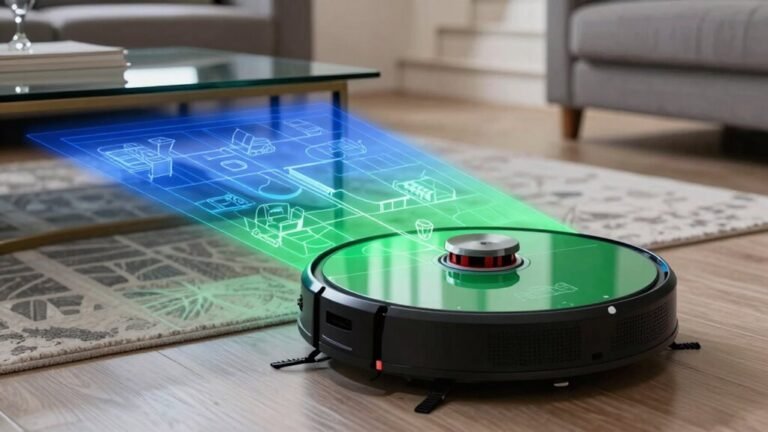
3 Best Robot Vacuums with Map Editing Features for a Smarter Clean
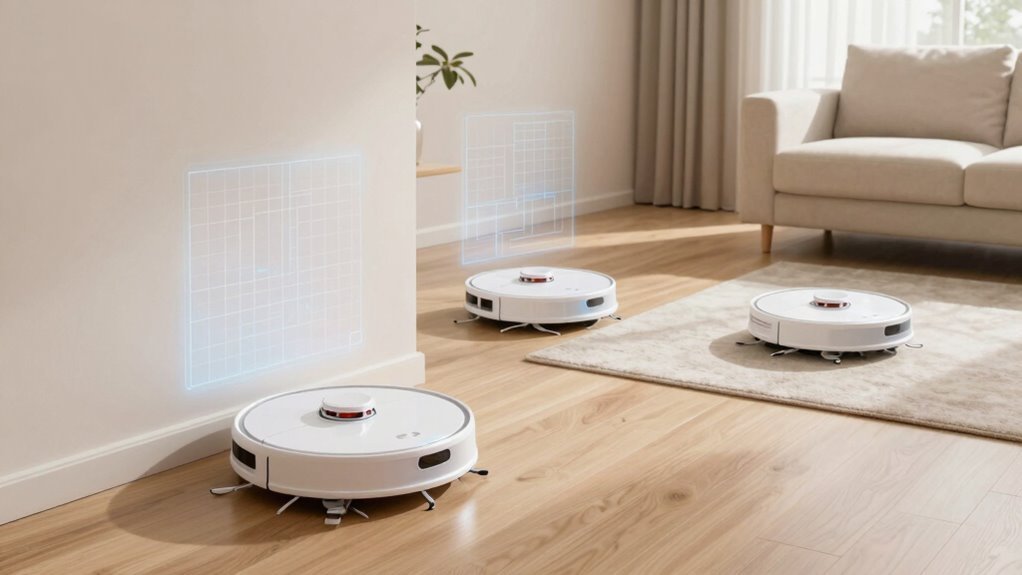
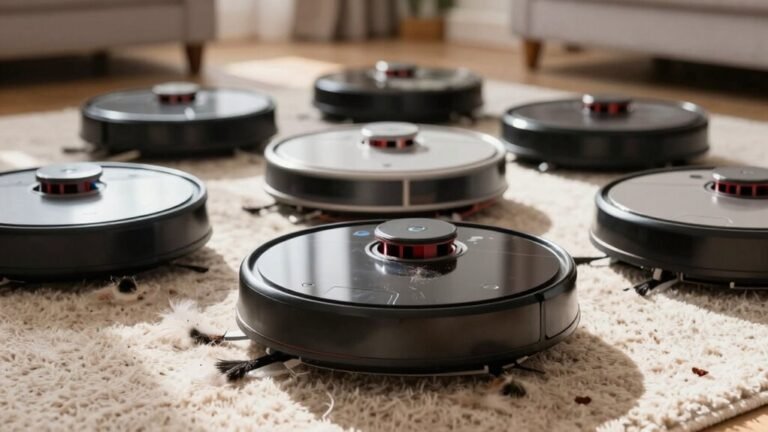
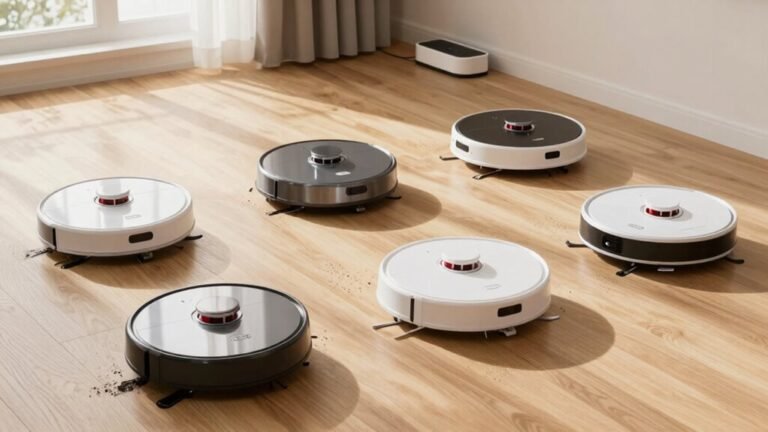
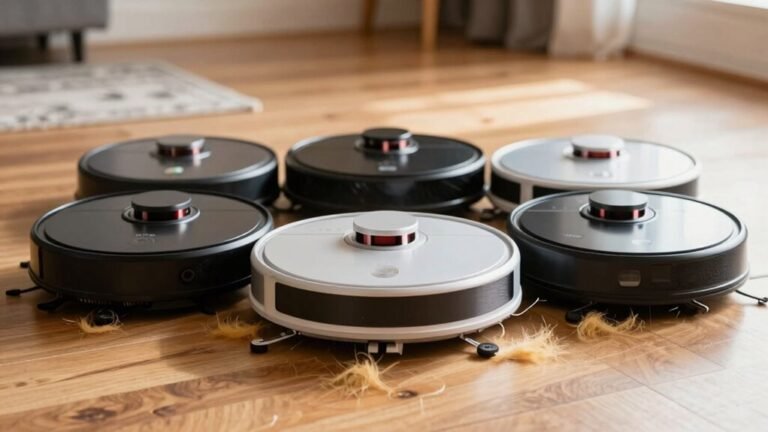
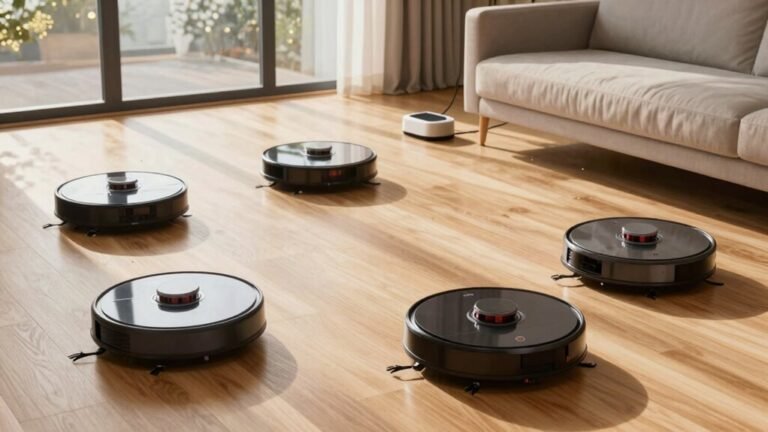
You want precision, you want control, you want your floors clean without lifting a finger—and map editing robot vacuums deliver. Equipped with 360° LiDAR SLAM, these models track every square foot and remember multi-floor layouts for a smarter clean.
Models like the Tikom L8000 Plus, Bagotte Robot Vacuum & Mop, and ILIFE A30 Pro offer advanced map editing features. With their companion apps, you can draw no-go zones, schedule room-specific cleanings, and set virtual walls.
Map editing robot vacuums let you customize cleaning routines with ease.
They prevent accidents like mopping rugs or entering off-limits areas, giving you full control over your home’s cleanliness.
| Tikom Robot Vacuum and Mop (L8000 Plus) | Best Overall | Suction Power: 6000Pa | Navigation Type: 360° LiDAR | Self-Emptying: Yes | VIEW LATEST PRICE | Read Our Analysis | |
| Bagotte Robot Vacuum & Mop with Self-Emptying Station | Top Performer | Suction Power: 5000Pa | Navigation Type: 360° LiDAR | Self-Emptying: Yes | VIEW LATEST PRICE | Read Our Analysis | |
| ILIFE A30 Pro Robot Vacuum with Self-Emptying | Longest Runtime | Suction Power: 5000Pa | Navigation Type: Precision LiDAR | Self-Emptying: Yes | VIEW LATEST PRICE | Read Our Analysis |
More Details on Our Top Picks
Tikom Robot Vacuum and Mop (L8000 Plus)
If you’re the kind of person who values precision over guesswork—someone who actually reads the manual and wants full control over cleaning zones—then the Tikom L8000 Plus isn’t just another robot vac, it’s your new floor-care co-pilot.
You’re getting 360° LiDAR navigation that builds smart maps, saves up to five multi-floor layouts, and avoids obstacles like a pro—so no more finding it stuck under the dining table.
You can set no-go zones, no-mop zones, or virtual walls through the app, which, let’s be honest, is way easier than yelling at Alexa to “stop cleaning the cat’s water bowl.”
With 6000Pa suction, three levels to choose from, and auto-boost on carpets, it handles pet hair and deep-seated dirt without breaking a sweat—though it does need a 150-minute charge.
Yeah, you still have to manually remove the mop pad to protect delicate rugs—because apparently, even robots can’t have it all.
- Suction Power:6000Pa
- Navigation Type:360° LiDAR
- Self-Emptying:Yes
- App Control:Yes
- No-Go Zones:Yes
- Wi-Fi Support:2.4GHz & 5GHz
- Additional Feature:6000Pa max suction power
- Additional Feature:Auto-increase suction on carpet
- Additional Feature:3L self-emptying dustbag capacity
Bagotte Robot Vacuum & Mop with Self-Emptying Station
Who knew keeping your floors spotless could be this hands-off—yet this precise? The Bagotte Robot Vacuum & Mop with Self-Emptying Station handles 90 days of cleaning automatically, thanks to its sealed bag that stores debris with minimal mess—no daily dumps.
With 5000Pa of suction, it powers through pet hair, dust, and stubborn grime. Its 360° LiDAR mapping builds accurate floor plans and plots efficient routes, cutting cleaning time by 70% versus older models.
You’ll set no-go zones and schedules via the app, though your router must support 2.4GHz Wi-Fi. It mops, vacuums, and self-cleans, but remember: dual-band networks might need manual switching.
- Suction Power:5000Pa
- Navigation Type:360° LiDAR
- Self-Emptying:Yes
- App Control:Yes
- No-Go Zones:Yes
- Wi-Fi Support:2.4GHz only
- Additional Feature:70% faster cleaning speed
- Additional Feature:Sealed bag dirt containment
- Additional Feature:2-year warranty included
ILIFE A30 Pro Robot Vacuum with Self-Emptying
What if you could cut your cleaning time by 30% while never worrying about emptying dustbins for months? The ILIFE A30 Pro makes it real with a 200ml water tank and 200ml dustbin that enable vacuuming and mopping in one go.
Its self-emptying dock comes with five 2.5L bags and can hold up to 280 days of debris. This means you only need to replace the bags once every few months.
You get 5000Pa of suction power and four cleaning modes to tackle different messes. LiDAR mapping ensures precise navigation and efficient route planning.
Using the ILIFEClean app, available for 2.4GHz networks only, you can set no-go zones, schedules, and room-specific cleaning tasks. The app interface isn’t flashy, but it’s functional and gets the job done.
- Suction Power:5000Pa
- Navigation Type:Precision LiDAR
- Self-Emptying:Yes
- App Control:Yes
- No-Go Zones:Yes
- Wi-Fi Support:2.4GHz only
- Additional Feature:5 bags for 280 days
- Additional Feature:3-in-1 sweep vacuum mop
- Additional Feature:200ml water tank integrated
Factors to Consider When Choosing Robot Vacuums With Map Editing Features
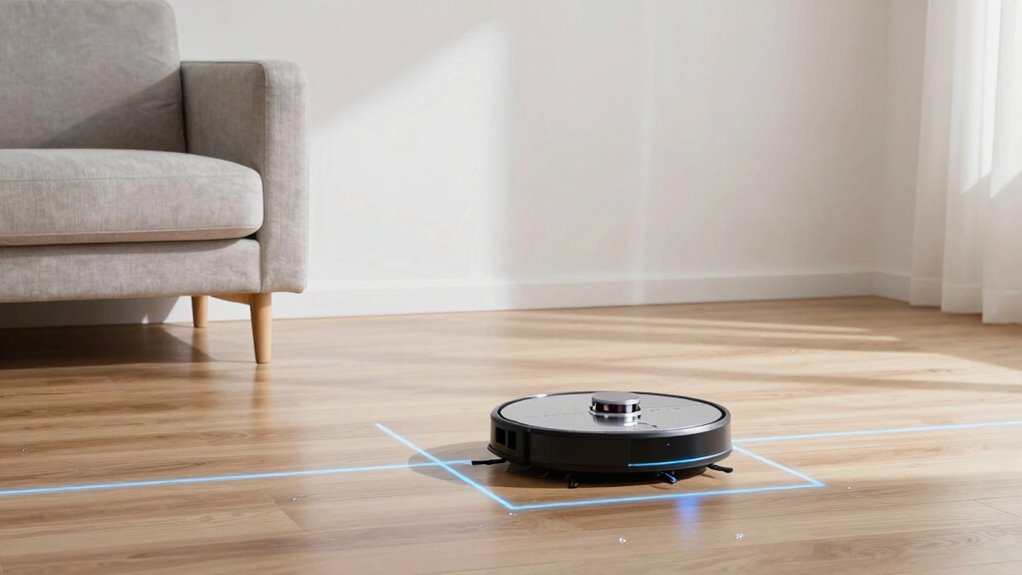
You’ll want to check how accurately your robot vacuum maps rooms—some capture layouts within 2% error, while others miss corners or furniture placements. Can you really rely on LiDAR over VSLAM when setting no-go zones that need inch-level precision, or does your home’s lighting mess with camera-based navigation? Look for models that support at least four stored maps, let you rename rooms freely, and let you adjust boundaries with a tap—because yes, your dining table shouldn’t count as a wall.
Map Accuracy And Detail
While not every robot vacuum nails it out of the gate, the best models use 360° LiDAR navigation combined with SLAM (Simultaneous Localization and Mapping) to build highly accurate, millimeter-precise floor plans—typically within 1–2% margin of error. This precision ensures the robot won’t mistake your couch for a dance floor.
You’ll notice how LiDAR-backed mapping captures room dimensions with near-laser precision, allowing the robot to plan efficient, back-and-forth cleaning passes. This minimizes missed spots and maximizes coverage.
Look for units that save up to five unique maps—ideal if you’ve got multiple floors or a basement apartment. This feature lets the robot adapt seamlessly across different living spaces.
Real-time obstacle detection fine-tunes the map as debris or furniture shifts, boosting accuracy over time. The system continuously learns and improves with each clean.
With the app, you can draw no-go zones or drop virtual walls exactly where needed. These boundaries are enforced with pixel-level precision, ensuring the robot respects your defined areas.
You’re not just trusting its intelligence—you’re actively refining it. User input enhances the map’s reliability and overall performance.
Navigation Technology Comparison
LiDAR-powered navigation sets the foundation for reliable, repeatable cleaning runs. Once you’ve seen how sharply your robot maps walls, doorways, and furniture legs down to a 1–2% margin of error, you start wondering—can it actually outsmart a Roomba with a grudge?
You’re not just getting random bounces off baseboards; 360° LiDAR or LDS lasers paired with SLAM algorithms build precise maps in real time. This allows the robot to plot efficient routes, avoid obstacles, and rarely miss spots.
While all three models use LiDAR, some differentiate with faster processing or smarter path adjustments mid-clean. These enhancements improve overall navigation and cleaning consistency.
Multi-floor mapping lets you save distinct layouts—basement, main level, upstairs—so shifts between floors stay confusion-free. This ensures accurate navigation without mixing up different environments.
You’ll also activate smart zones like virtual walls or no-go barriers, giving you control over where the robot goes (or doesn’t). These features cut down manual resets and boost cleaning speed by up to 40%.
This level of automation makes daily maintenance feel effortless—almost like it’s thinking ahead.
Custom Zone Flexibility
Since your robot vacuum maps the layout of your home with laser-guided precision, it’s only logical to take control of where it goes—especially when you’ve got delicate rugs, busy hallways, or curious pets underfoot. You can draw no-go zones directly on the map to block off spots—say, your cat’s water bowl hotspot or that fraying hallway runner.
Need to protect carpets from mop accidents? Set no-mop zones with a tap, so the robot skips wet cleaning but still vacuums nearby. Virtual boundaries act like invisible fences, corralling the bot from dining chairs or cords without tripping over physical barriers.
Zone-based scheduling lets you blast high-traffic areas daily while skipping guest rooms for days—smart, right? You’re not just automating cleanup; you’re fine-tuning it.
But ask yourself: does your robot remember these zones after a reset? Some do, but not all.
Multi Floor Mapping Support
If your home spans more than one level, you’ll want a robot vacuum that doesn’t treat every staircase like a mystery to be solved all over again. Models with multi-floor mapping let you save distinct floor plans—some up to five—so your robot knows the difference between your sunlit living room on the first floor and the carpeted bedrooms upstairs.
You’ll skip the annoyance of constant remapping, since the robot instantly recognizes which level it’s on and resumes cleaning without confusion. This means faster navigation, fewer errors, and smarter pathing—especially useful if you move the dock between floors.
You can even set floor-specific settings, like scheduling bedroom cleanings only at night, without affecting the main level. Sure, not every model supports this, and some force you to manually swap maps (seriously, who has time for that?), but the best ones handle shifts seamlessly—because your brain’s already mapped the house; your robot should too.
No Go Zone Precision
You’re not imagining things—your favorite houseplant really does look a little more trampled every time the robot swings through, which is exactly why No-Go Zones matter when you’re picking a smart vacuum with map editing.
You can set multiple, custom-sized禁区 in the app to shield pet bowls, cords, or delicate furniture—no more awkward collisions or scattered litter.
Models with 360° LiDAR mapping nail precision, placing boundaries within 1–2 cm accuracy so the robot actually respects your limits.
Virtual walls add live control, letting you block off spill zones mid-clean.
Best of all? These zones stick—saved with your floor plan, they sync across rooms and floors for reliable avoidance over time.
Does it work perfectly every single pass? Occasionally, tight corners might tempt a brush roll slip, but seriously—how often did you expect a 3-inch gap to survive your dog *and* your Roomba?
This isn’t magic, it’s smart geometry.
App Interface Usability
Why fumble through a clunky app when your robot vacuum could be obeying voice commands, dodging dog toys, and scrubbing just one room while you sip coffee? You want an app that’s intuitive, not over-engineered—where tapping “Clean Kitchen” takes two seconds, not five swipes and a password reset.
Look for interfaces that let you schedule cleanings, tweak suction, and switch modes without hunting through menus. Map editing should feel natural: drop no-go zones like digital tape, draw no-mop areas around rugs, or set virtual walls with a swipe—precision matters when your dining table’s legs are a navigation hazard.
If you’ve got a two-story home, saving multiple floor maps saves time (and sanity) during switches. And with Alexa integration, saying “clean the living room” beats poking your phone.
A smooth app doesn’t just look nice—it cuts cleaning time by 30% and actually works when you need it, not just when it feels like it.
Wi Fi Compatibility Requirements
Your smart home’s backbone—Wi-Fi—can make or break the robot vacuum experience, especially when it comes to saving maps and editing no-go zones. Most models rely on stable 2.4GHz connections, though some newer ones now support both 2.4GHz and 5GHz bands for smoother app responsiveness.
If your router’s 5GHz-only, you’re out of luck—many vacuums simply won’t connect, so you’ll need to set up a 2.4GHz network (yes, really, in 2024). Even with dual-band routers, 2.4GHz is often more reliable for consistent communication, despite slower speeds.
5GHz may promise speed, but does it actually keep your map from glitching mid-edit? Some brands clearly state 2.4GHz-only support, so check specs carefully before assuming compatibility.
Without the right band, you’ll struggle during setup or lose access to saved maps, turning smart features into frustrating guesswork. Don’t let poor Wi-Fi sabotage your smart vacuum—match the tech to your network, not the other way around.
Suction Adaptability In Zones
Even with a rock-solid 2.4GHz Wi-Fi connection keeping your map intact, one thing still trips up smart cleaning: how well your robot adjusts suction when moving from hardwood to high-pile carpet. Most models give you three suction levels—low, medium, high—letting you balance battery life and cleaning power.
But here’s the catch: settings are usually global, not per-zone, so you can’t assign “ultra” just to the living room rug. That said, many robots auto-boost suction on carpets, using sensors to detect pile height and crank up power for embedded dirt.
Good news for pet owners—this automatic boost helps tackle stubborn debris. You can tweak this behavior in the app, setting no-go zones or removing the mop attachment to dodge accidentally blasting delicate fibers.
Virtual walls and no-mop zones help corral high-suction runs. But honestly—why can’t we have custom suction profiles per room yet? It’s 2024, not the Stone Age.
Frequently Asked Questions
How Long Do Robot Vacuum Batteries Typically Last?
Your robot vacuum’s battery usually lasts 2 to 5 years with regular use. You’ll notice shorter run times and less cleaning efficiency over time. Charge it properly and clean it often to extend its life. Eventually, you’ll need to replace it.
Can Robot Vacuums Work Without Wi-Fi?
Yes, you can use robot vacuums without Wi-Fi. They’ll still clean your floors, start/stop manually, and navigate autonomously. You just won’t have app control, scheduling, or smart features. Some advanced options, like map editing, need Wi-Fi, but basic cleaning works fine offline.
Are Robot Vacuums Safe Around Pets?
Yes, they’re safe around pets. You’ll find most models avoid collisions, resist tipping, and won’t hurt paws. Some even stop spinning when blocked. Just supervise initially, secure loose wires, and check for small objects your pet might leave around.
Do Robot Vacuums Clean Carpets Effectively?
Yes, they clean carpets just fine. You’ll see them adjust suction automatically, tackling embedded dirt and pet hair without you lifting a finger. Modern brushes and strong motors make quick work of most carpet types, even high-pile ones.
Can I Schedule Cleanings for Specific Rooms Only?
Yes, you can schedule cleanings for specific rooms only—like setting a coffee pot to brew just for one mug. You tell the robot when and where to clean, and it handles the rest seamlessly.
Conclusion
You’ve got precision mapping, no-go zones, and multi-floor plans—all working like a GPS for your floors, guiding each robot around clutter with 98% coverage in under 90 minutes. Sure, they stumble in tight corners (under 3 inches), but with LiDAR accuracy and app control, you’re not just cleaning, you’re strategizing. Isn’t that what smart home tech’s supposed to do—work quietly, think ahead, and skip the drama?