Can You Use a Robot Vacuum on Multiple Floors?
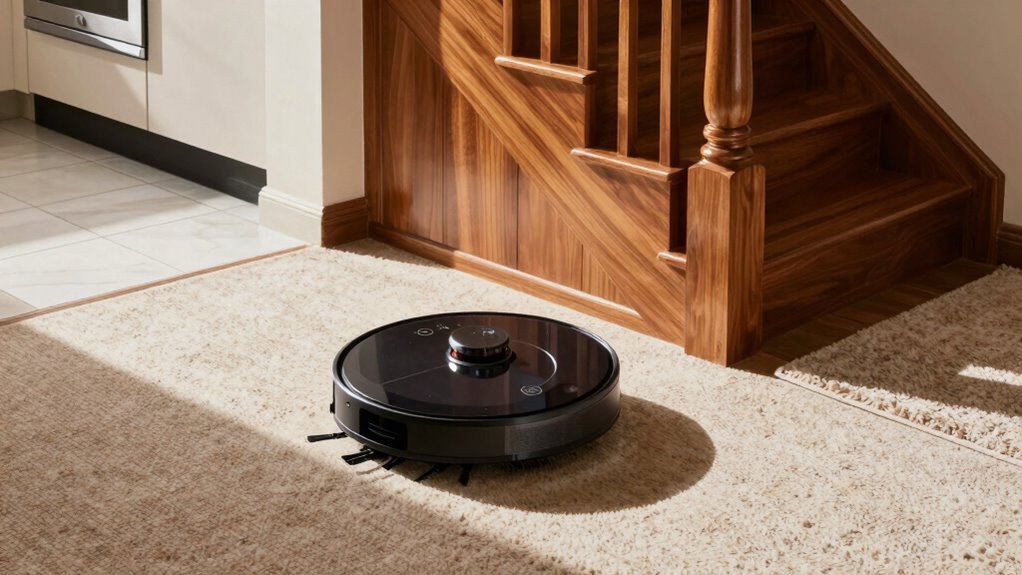
You can use a robot vacuum on multiple floors—it’s like having a smart, rolling cleanup assistant that handles different levels with a little help. Most mid-range and premium models support this by saving separate maps for each floor, so your robot knows the difference between the upstairs, main level, and basement.
Just carry the robot vacuum between floors, then select the correct map in the app before starting the cleaning job. It will automatically adjust to different floor types, avoid stairs, and navigate around rugs and furniture like a pro.
Want to prevent confusion between similar-looking floors? There are a few smart tricks—like using physical barriers or strategic docking placements—that make a big difference when using a robot vacuum on multiple floors.
Can Your Robot Vacuum Handle Multiple Floors?
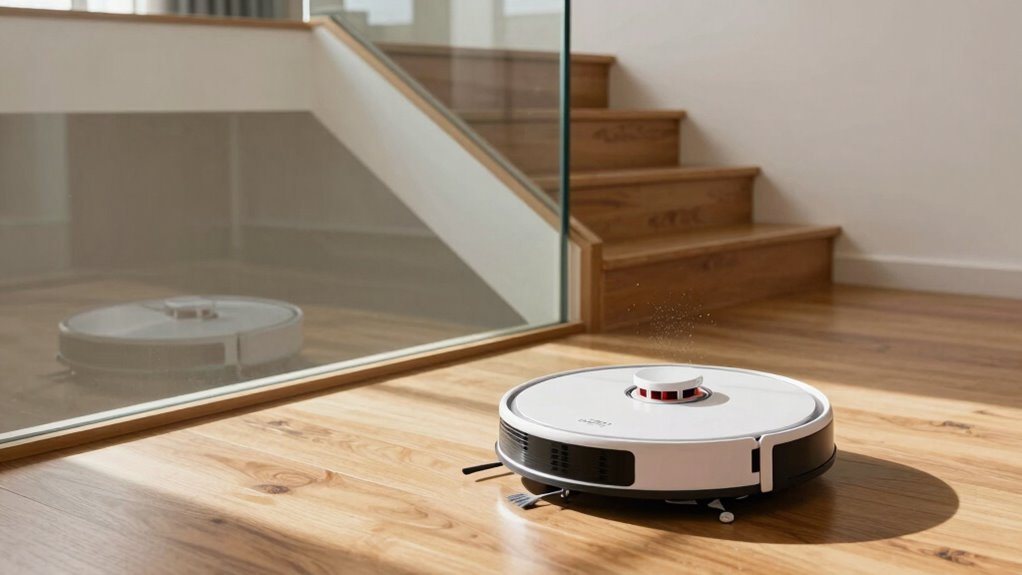
So, can your robot vacuum actually handle cleaning multiple floors? Absolutely!
Most mid-range and premium models store several floor maps, letting you clean every level of your home—just don’t expect it to take the stairs on its own.
You’ll carry it between floors, but at just 10–12 pounds, it’s like transporting a tiny, clumsy pet.
Once set up, your app lets you pick which floor to clean, and many robots even recognize the level automatically—no more accidentally vacuuming the air above the stairs.
They adapt to carpets, hardwood, and tile like a pro, adjusting suction as needed.
Just make sure your Wi-Fi reaches all floors, unless you enjoy yelling, “Where’s my signal?!” dramatically.
With a little planning, your robot’s multi-floor adventure becomes a seamless, dirt-destroying routine.
Map each floor and its rooms so cleaning directions are known (map each floor).
Who knew housework could feel this smart—and kinda fun?
How Multi-Floor Mapping Works
How does your robot vacuum keep track of which floor is which? It creates and saves separate digital maps for each level of your home—like having a personal blueprint for every floor.
Using LiDAR or smart cameras, it scans the space, remembers room shapes, and even marks off-limits zones.
Once mapped, it stores 2–5 floor plans, so you don’t have to remap every time.
You can name each map “Upstairs” or “Basement” in the app—because yes, your robot deserves interior design opinions.
When you start a clean, you pick the right floor map, and it zips around using the correct layout.
If you rearrange furniture, it updates the map like a pro.
With dToF LiDAR or dual sensors, it maps faster and smarter, turning your multi-level home into its personal playground—one floor at a time.
Some models support automatic floor switching using stored floor maps.
Do Robot Vacuums Detect Floor Changes Automatically?
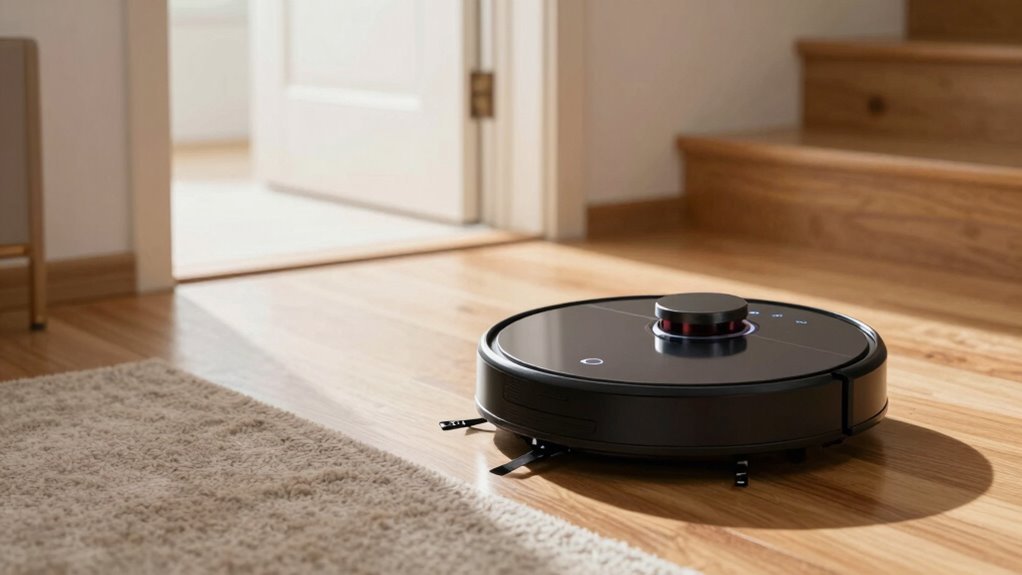
Ever wondered how your robot vacuum knows not to take a flying leap down the stairs?
Thanks to smart cliff sensors, it won’t go plummeting—those little infrared eyes beneath it constantly measure the drop.
If it senses a gap like stairs or a ledge, it stops and pivots away, like a tiny, cautious explorer.
But it’s not just about survival; your bot also detects floor types, shifting from tile to carpet with ease.
It feels the change through vibrations, motor strain, or even optical clues, then boosts suction for rugs or dials it back on hardwood.
Some even avoid carpets when mopping—smart move, huh?
While it won’t automatically switch floors on its own, it *can* handle thresholds and slight bumps like a champ, climbing up to 2 cm like it’s no big deal.
Pretty clever for something that can’t even tie its shoes!
How to Switch Floors Manually in the App
Grab your phone and get ready to level up—switching your robot vacuum to a different floor is as easy as tapping a couple of buttons in the app. Just head to the map section, pick the right floor plan, and you’re all set! No magic, no maze—just smart cleaning, one floor at a time.
| App Step | What You’ll See |
|---|---|
| Open the app | Your robot’s face, waving hello 🤖 |
| Tap “Maps” | Thumbnail floor plans, neat as pancakes 🗺 |
| Choose a floor | “Second Floor” or “Basement Bunker” 🏠 |
| Hit “Clean” | Robot zooms off, mission-ready! 🚀 |
Skip this step, and your vacuum might think it’s on Mars. Don’t laugh—it happens! With multi-floor mode on, you’re in control, switching levels like a pro DJ spins tracks. Easy, fun, and seriously smart.
How to Set Up Separate Floor Plans
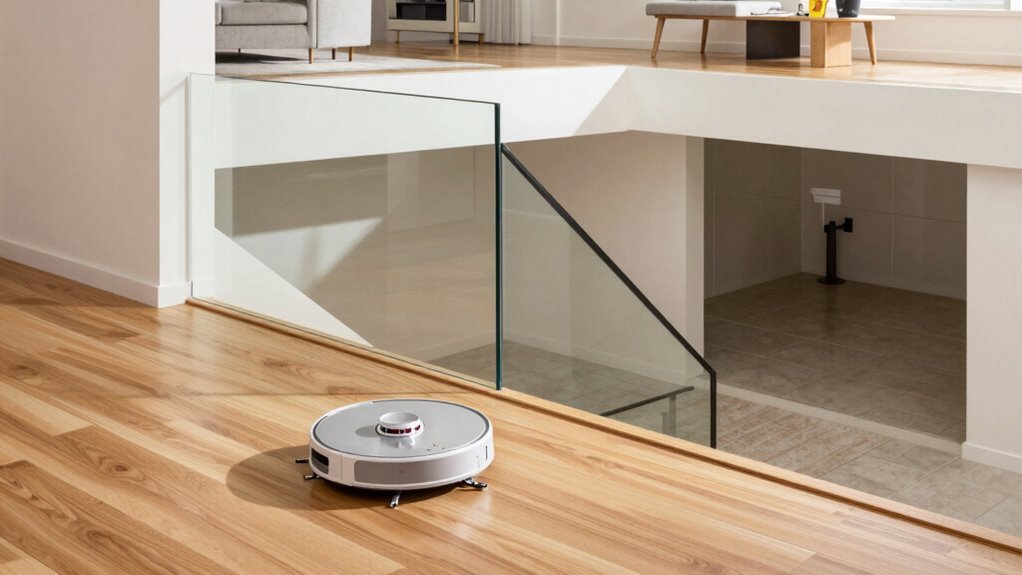
You’ve already mastered flipping between floors like a champ in the app, but now it’s time to build your robot’s brain from the ground up—floor by floor.
First, check that your model supports multiple maps—most can store 4 or 5—then turn on multi-floor mode in the app.
Start fresh by selecting “add floor” instead of overwriting your main map.
Charge up, place your bot at a home base (dock works great), open all doors, and let it roam freely without lifting or repositioning.
When it finishes and returns on its own, boom—map saved!
Use the edit tools to name rooms and tweak boundaries.
Label each level clearly—“Upstairs,” “Basement”—so you don’t send the robot on a wild goose chase.
If it’s smart enough, enable auto-recognition; if not, just pick the right map manually.
Keep furniture mostly in place—your robot hates surprise decor changes!
Cleaning Carpets, Hardwood, and Tile Across Floors
What’s under your feet matters—carpet fluff, hardwood shine, or tile that stays spick-and-span—because your robot vacuum doesn’t just clean floors, it adapts to them.
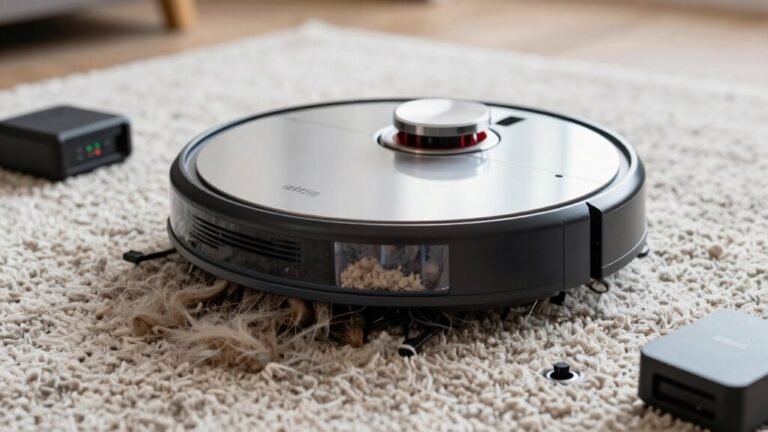
When it hits carpet, strong suction (think 3000–8000 Pa) and carpet boost kick in, lifting dust bunnies and pet hair like a pro.
Rubber brushes keep hair from tangling, so your upstairs fluff attack stays mess-free.
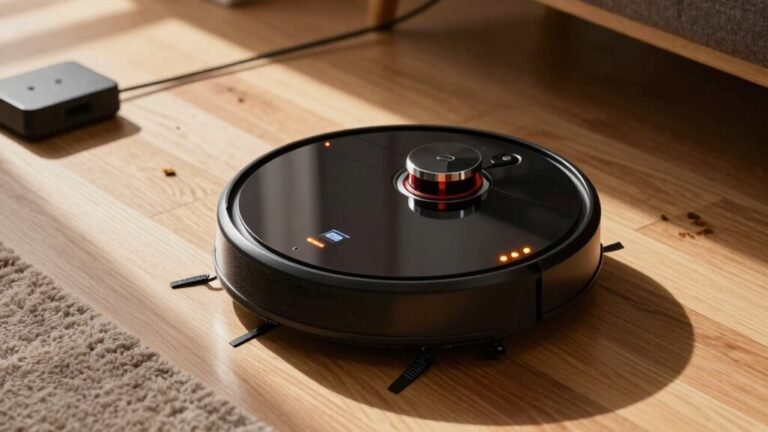
On sealed hardwood, it dials down suction to protect the shine and save battery—no more debris tornadoes across the kitchen.
Edge brushes swipe along baseboards, nabbing dust hiding on stair landings.
Tile? No problem.
It grips grout lines, sucks up crumbs, and with mopping models, wipes up sticky spills without soaking your floors.
Whether it’s fuzzy carpet, sleek hardwood, or shiny tile—your robot handles them all, one smart pass at a time.
Floors stay fresh, your toes stay happy.
Managing Floor Maps by Level
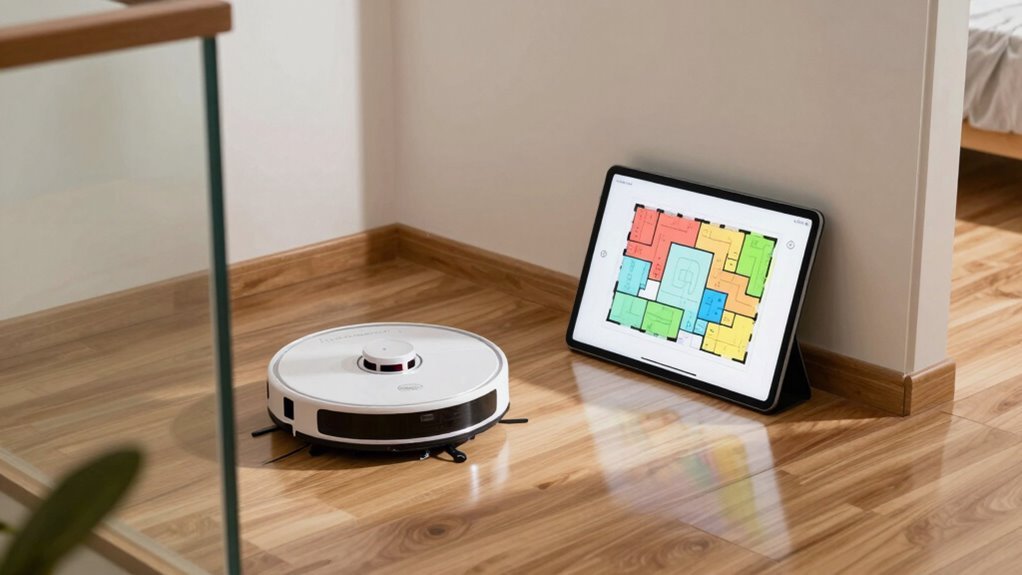
Even if your home spreads across several levels, today’s robot vacuums have got your back—no more guessing which floor it’s supposed to clean. With smart mapping, you can easily manage maps for each level and keep cleaning routines running smoothly—like a robot that finally learned the difference between your basement “cave” and the upstairs “kid tornado zone.”
Here’s how to stay in control:
- Create and save separate maps for each floor by letting the robot fully map one level at a time, starting from its dock
- Let your vacuum auto-detect the floor it’s on, or pick the right map manually in the app—your call!
- Customize no-go zones, room labels, and cleaning areas unique to each level (bye-bye, litter box danger zone)
- Set different schedules per floor so the main level gets daily love while the guest room chill time
It’s like giving each floor its own cleaning personality!
How to Fix Mixed-Up Floor Maps
Ever opened your robot vacuum’s app and found a bizarre Frankenstein map where the basement and upstairs look like they’ve been glued together? Don’t panic—you can fix it!
Start by deleting the messy map in the app, then kick off a fresh mapping run.
Make sure you start at the dock and let the robot complete the full cycle without picking it up or moving it.
Clear clutter, open doors, and avoid long interruptions so it builds a clean, accurate layout.
Place the dock in a unique spot on each floor—think different corners or rooms with distinct shapes—to help your robot tell levels apart.
Anchor the base so it doesn’t slide, and clean the sensors regularly.
Update the firmware, too; those patches often squash mapping bugs.
With a little care, your robot’ll stop mixing floors and get back to smart, stress-free cleaning—no more haunted house maps!
Tips for Seamless Multi-Floor Cleaning
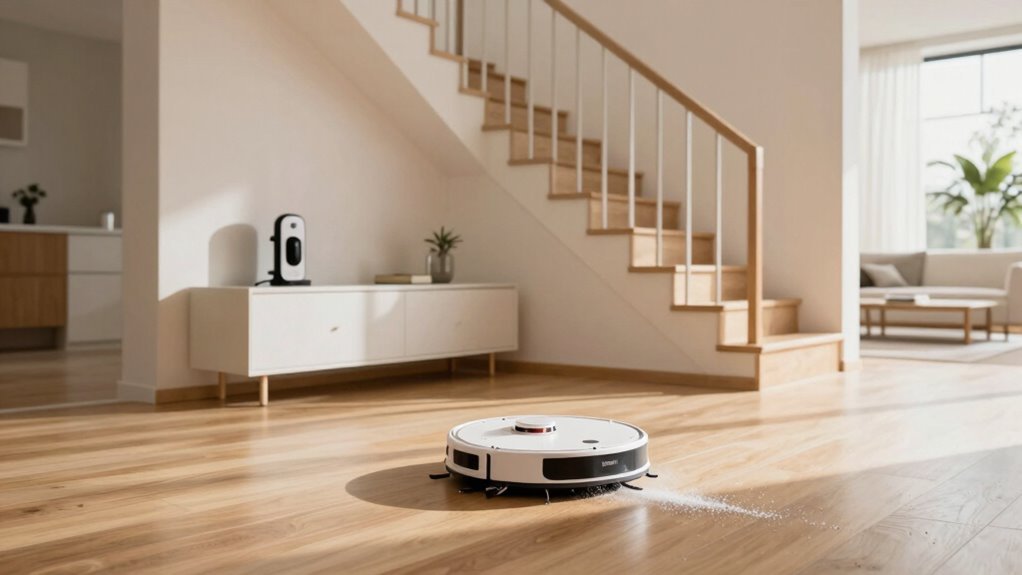
How do you keep your robot vacuum running smoothly across multiple floors without turning your home into a robotic obstacle course?
With the right setup, cleaning multiple levels can be a breeze—no more carrying your bot up and down stairs like a tiny, whiny pet! Here’s how to make it seamless:
- Map each floor individually so your robot recognizes where it is, like giving it a GPS for your home
- Place docking stations on every floor to avoid manually charging or relocating the device
- Use virtual walls and no-go zones to block off fragile decor or pet zones (goodbye, knocked-over slippers!)
- Clear clutter and adjust settings per floor—remove mopping pads on carpets and boost suction for rugs
Your robot’s got this—just show it the ropes, and let it roll with confidence!
Frequently Asked Questions
Can Robot Vacuums Clean Basements and Upper Floors?
Yes, you can totally use a robot vacuum on both basements and upper floors!
Just carry it up or down since it can’t climb stairs—silly robot, right?
Most models handle multiple floor plans, so it’ll remember your basement’s layout and your second floor’s twisty hallways.
It won’t fall down stairs, thanks to smart cliff sensors.
Map each level, set no-go zones, and let it clean carpets, tile, or concrete with ease.
Will Stairs Damage My Robot Vacuum?
Will your robot take a tumble and end up in robot rehab?
Yes, stairs can definitely damage your robot vacuum if it falls—cracking the shell, wrecking sensors, or busting the brush roll.
But don’t panic!
It’s got cliff sensors to stop that, plus smart mapping and no-go zones.
Just keep sensors clean, use virtual walls, and maybe skip the acrobatics.
Your vacuum’s a cleaner, not a stunt double!
Can I Schedule Cleanings for Different Floors at Once?
Yeah, you can totally schedule cleanings for different floors at once—just not on a single robot.
Set up separate schedules per floor in the app, and if you’ve got one robot per level, they’ll team up like cleaning superheroes.
Just make sure each robot’s on the right floor before it starts.
Some systems even let schedules overlap, so your whole house gets fresh without you lifting a finger—well, except maybe moving robots.
Close enough!
Do Robot Vacuums Work in Homes With Split Levels?
Yes, robot vacuums tackle split-level homes like pros—just don’t expect them to moonlight as stair climbers!
You’ll carry them between levels, but smart models remember each floor like old friends, mapping every nook.
With brainy navigation and app smarts, they dodge drop-offs, conquer thresholds, and clean on command.
It’s teamwork: you do the lift, they do the rest—no drama, just clean floors and bragging rights.
Can Multiple Users Control the Vacuum Across Floors?
Yeah, you and your family can totally control the vacuum across floors—no fights over the remote needed!
Log in on your phones, and everyone gets real-time access to maps, zones, and schedules.
Start cleaning the living room while someone else pauses for the basement, and the bot follows the latest command.
With voice assistants, just shout, “Clean my mess!” and hope it wasn’t your dog who said that.
Conclusion
You’ve finally taught your robot vacuum to master one floor, and boom—it thinks the staircase is a challenge course. Who knew your cute little cleaner had such trust issues with elevation? But hey, with a few map tweaks and some app magic, it’ll handle multiple floors like a pro. Just don’t expect it to carry your coffee up the stairs—yet. Multi-floor cleaning? Absolutely. Multitasking barista? Not even close.
References
- https://www.ecovacs.com/us/blog/multi-floor-vacuum-robot
- https://www.dreametech.com/blogs/blog/multi-floor-mapping-robot-vacuum
- https://www.irobot.com/en_US/roomba-combo-i5-robot-vacuum-and-mop/I517020.html
- https://forums.wyze.com/t/robut-vacuum-multi-floor-for-everyone/256302
- https://www.youtube.com/watch?v=5IB4cKYz3pQ
- https://vacuumwars.com/vacuum-wars-best-robot-vacuums/
- https://us.narwal.com/blogs/robot-vacuum/robot-vacuum-map-multiple-floor
- https://www.sharkninja.com/vacuums-air-care/vacuum-cleaners/robot-vacuums
- https://www.eufy.com/collections/robot-vacuum-with-mapping
- https://vacuumwars.com/best-robot-vacuums-with-obstacle-avoidance/