How to Maintain Your Robot Vacuum
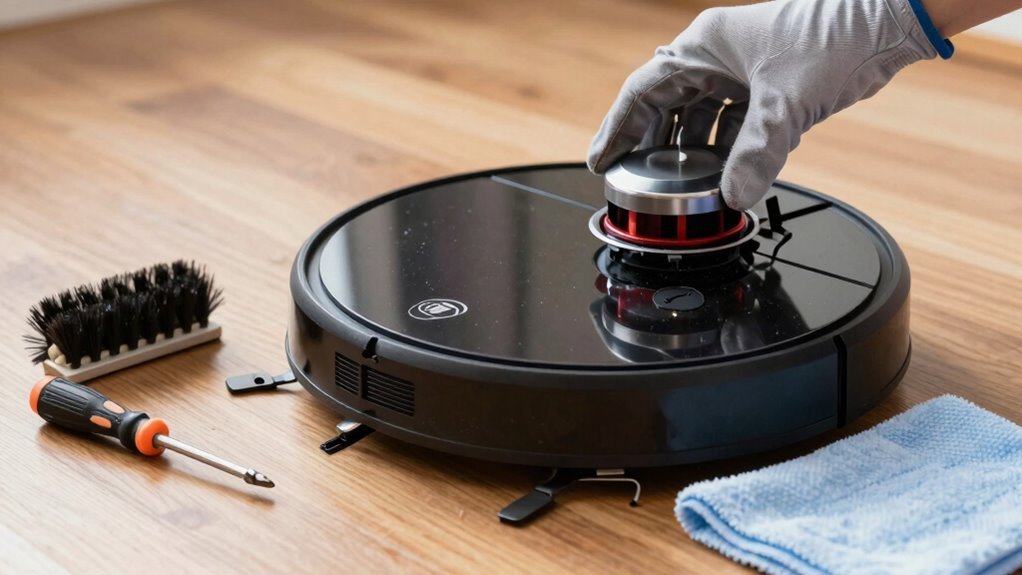
To keep your robot vacuum running efficiently, empty the dustbin after every run—this simple step prevents clogs and maintains strong suction. Regular maintenance ensures your robot vacuum stays in top shape and performs at its best.
Clean the brushes weekly to remove tangled hair and debris that can hinder performance. Every 6–8 weeks, replace the filter to maintain optimal air quality and suction power.
Check the wheels regularly and remove any hair or debris to ensure smooth movement across floors. Wipe down sensors and charging contacts with a soft cloth to keep navigation and charging reliable.
Don’t overlook software updates—they provide important upgrades that boost your robot vacuum’s intelligence and functionality. Keeping it updated helps it stay sharp, sleek, and ready to clean.
Empty the Dustbin After Each Use
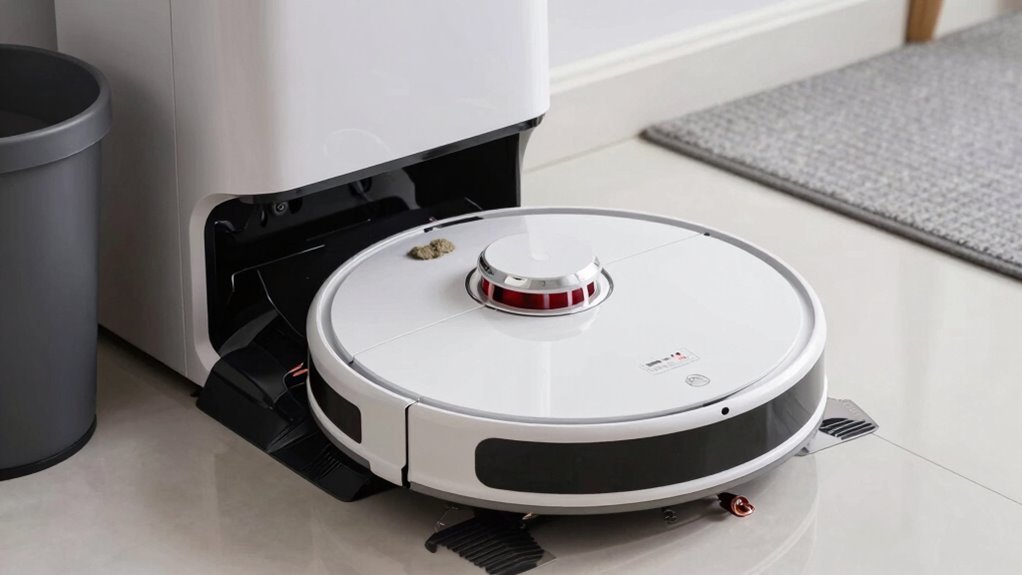
Keeping your robot vacuum’s dustbin empty isn’t just tidy—it’s a game-changer for performance.
When you let it fill up, airflow gets choked, and suction tanks—leaving dirt behind like an overworked janitor with a clogged vacuum.
A full bin also forces your robot’s motor to sweat harder, which strains the system and can shorten its life.
Plus, packed-in gunk means poor debris collection, so you’re basically sweeping with a spoon.
Emptying it after each run keeps things running smoothly, protects your battery, and prevents weird musty smells from haunting your living room.
Think of it as a quick pit stop—your robot’s happy, your floors are cleaner, and you avoid surprise clogs (and grumpy robot error messages).
For pet owners or dusty homes, it’s a no-brainer.
Your robot mightn’t thank you, but your cleaner floors—and nose—will.
A full bin can lead to reduced suction power, making every clean less effective.
Clean Robot Vacuum Brushes Weekly
Give your robot vacuum’s brushes some weekly love, and you’ll keep it cleaning like a pro instead of dragging dirt like a sleepy mop.
Grab your model’s cleaning tool and, after turning the robot off, gently unclip the brush guard.
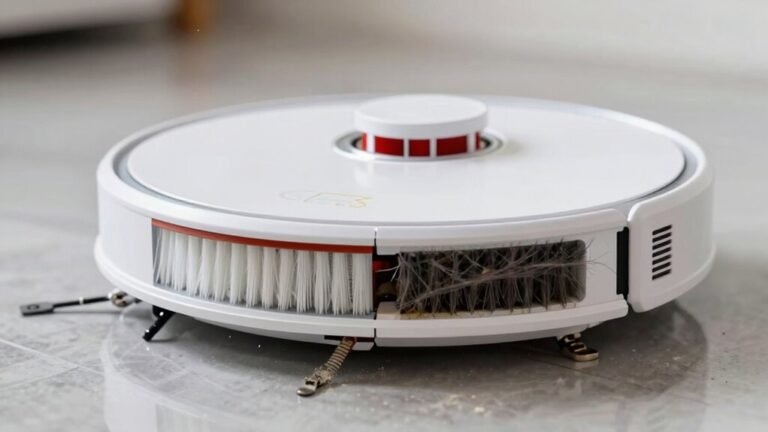
Pull out the main brush roll and use scissors or a comb to slice through tangled hair—especially if you’ve got pets or long-haired family members.
A quick scrub with an old toothbrush clears out stuck dust, and don’t forget to wipe the brush cavity too.
For side brushes, yank them free, de-tangle the base, and make sure they spin like playful windmills.
Check for bent bristles or wear—if they look sad or wobbly, it’s upgrade time.
Reinstall everything securely, dry and snug, and let your bot roll with full swagger.
Clean brushes mean stronger pickup, smoother moves, and a vacuum that works hard—not hard knocks! To maintain optimal performance, clean the main brush weekly to prevent buildup that can reduce suction and strain the motor.
Replace the Filter Every 6–8 Weeks
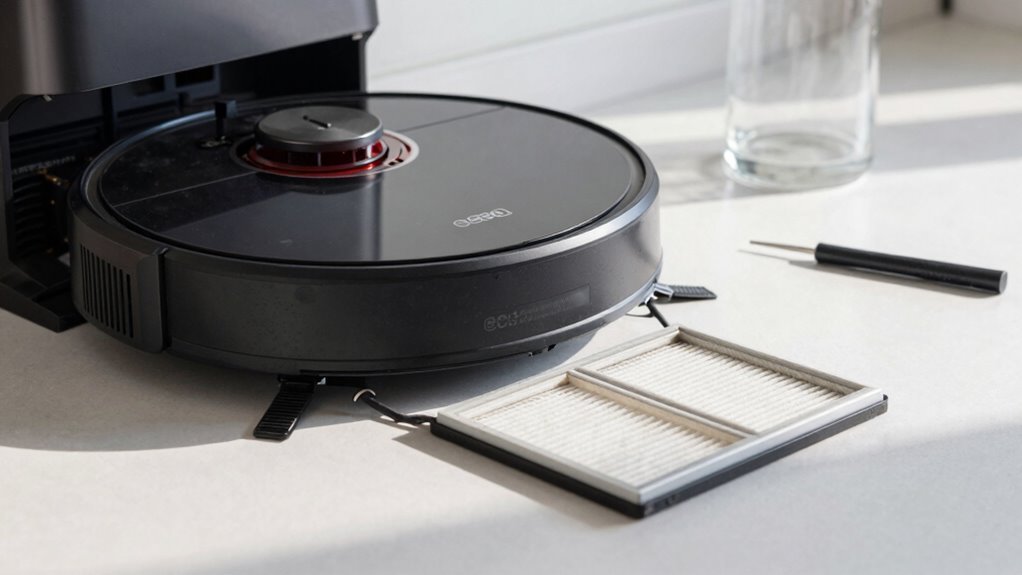
Swap out your robot vacuum’s filter every 6–8 weeks, and you’ll keep it sucking up dust like a pro instead of wheezing like an asthmatic leaf blower.
When filters get clogged, airflow drops, suction weakens, and your bot has to work harder—just to kick around a few crumbs.
That extra strain can overheat the motor and shorten its life, which you definitely don’t want.
If you’ve got pets, carpets, or clean daily, your filter’s probably begging for mercy every six weeks.
A fresh filter means better air quality too—fewer allergens, less dusty air, and no funky odors blowing out the back.
Plus, it keeps your HEPA filter doing its job, so sneezy seasons stay manageable.
Even if your manual says “replace every 2–6 months,” go with 6–8 weeks if you’re using it hard.
Trust us—your vacuum (and your sinuses) will thank you.
Check Wheels for Hair and Debris
Rolling into action every time you hit start, your robot vacuum’s wheels are the unsung heroes of the cleanup crew—but they’re also prime targets for hair ambushes and debris buildup.
Check them monthly, or every two weeks if you’ve got pets or long-haired family members.
Hair wrapped around axles reduces traction, makes your bot slip or wobble, and can even strain the motor—nobody wants a tired vacuum!
Flip it upside down on a soft towel, grab tweezers and a small brush, and peek into the wheel wells.
You’ll likely find sneaky string, tangled fur, or gunk hiding in there.
Gently pull out debris, snip stubborn hair with scissors, and clean the treads.
Spin the caster—it should move freely.
Clean wheels mean smoother rides, fewer misadventures, and no more sad squeaks.
Your robot’s got this—just give it a little help!
Wipe Sensors and Charging Contacts
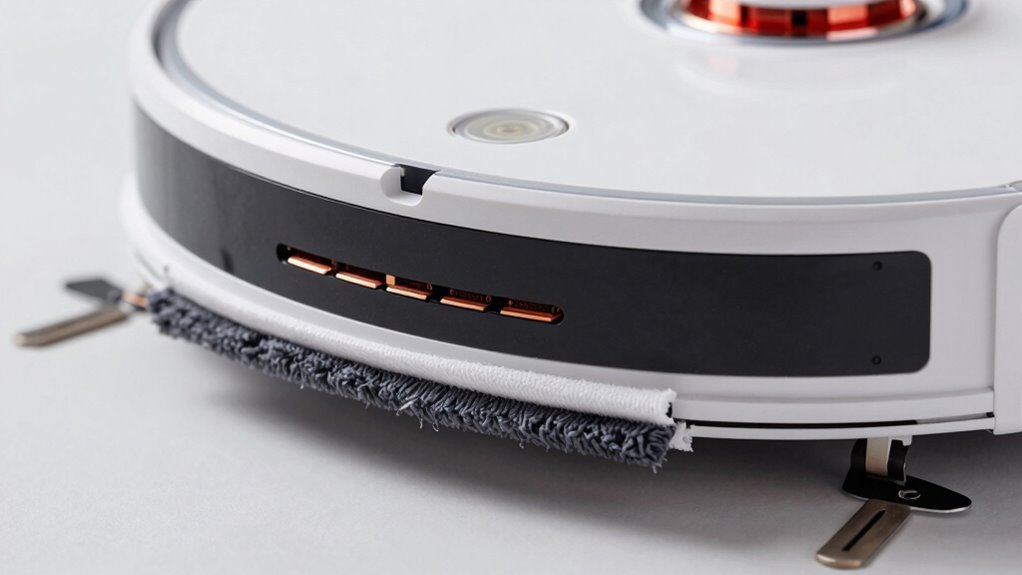
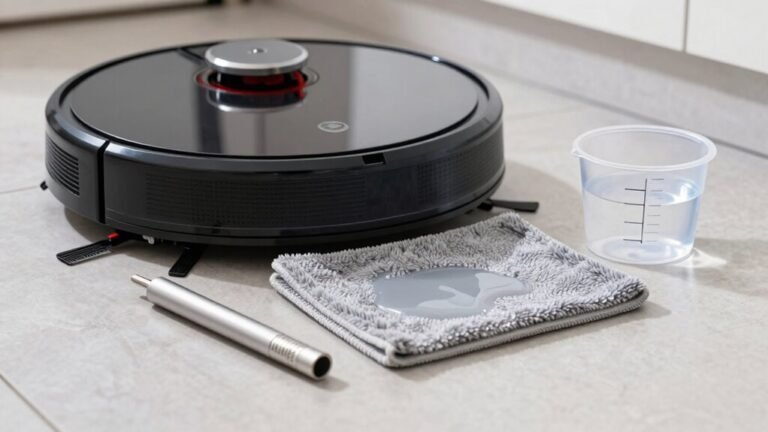
Keep your robot’s vision sharp and its power connection strong by giving the sensors and charging contacts a little TLC. Turn off your robo-vac first—safety first, right? Grab a soft, dry microfiber cloth and gently wipe all those little sensor windows on the front, underside, and top—think of it as a spa day for its “eyes.”
Dusty cliff sensors can make your bot think it’s walking off a skyscraper, and dirty bin sensors might leave it clueless it’s full. Use a cotton swab or compressed air for crevices—get in there, but go easy!
For charging contacts, rub the metal pads on both robot and dock with a dry cloth; grime can cause charging hiccups or ghosting the dock entirely. No liquids unless you enjoy robot meltdowns—just kidding, but some brands say *no way* to moisture.
Clean monthly or weekly, depending on your dust monster situation. Your robot will thank you—faster charges, fewer hiccups, and it’ll find its way home every time.
Update Your Robot’s Software
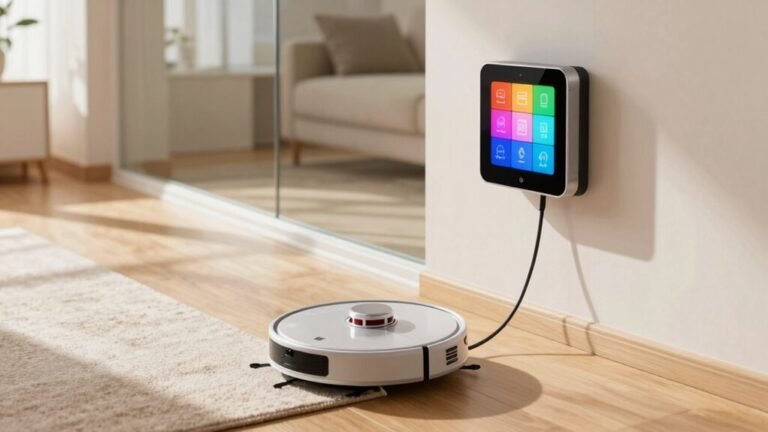
Now that you’ve given your robot vacuum’s sensors and charging contacts a little spa treatment, it’s time to upgrade its brainpower—yes, your robo-vac has a brain, and it could probably use a software tune-up!
Pop it on the charger, make sure it’s connected to Wi-Fi, and open its app—like iRobot Home or eufy Clean.
Check for updates under “Settings” and tap to install.
Keep your phone near the robot, and don’t wander off—stay awake, literally!
Avoid starting cleanups or moving it during updates, or you might cause a digital meltdown.
If Wi-Fi fails, download the right firmware from the brand’s site and plug it in via USB—just don’t yank the cord mid-update, or you’ll risk turning your robo-vac into a paperweight.
Updates fix bugs, boost smarts, and keep your little cleaner running smooth—so give its brain the upgrade it deserves!
Frequently Asked Questions
How Long Do Robot Vacuums Typically Last?
Robot vacuums usually last you about 3 to 6 years, depending on how much you use them and the model you’ve got.
Fancy ones often go strong for 5+ years, while basic models might tap out around 3.
If you’ve got pets or carpets, expect a bit more wear.
But hey, treat it right and it’ll happily clean your floors for years—no cape needed!
Can Robot Vacuums Clean Multiple Rooms Automatically?
Yes, your robot vacuum can zip through multiple rooms like a tiny, autonomous explorer on a mission.
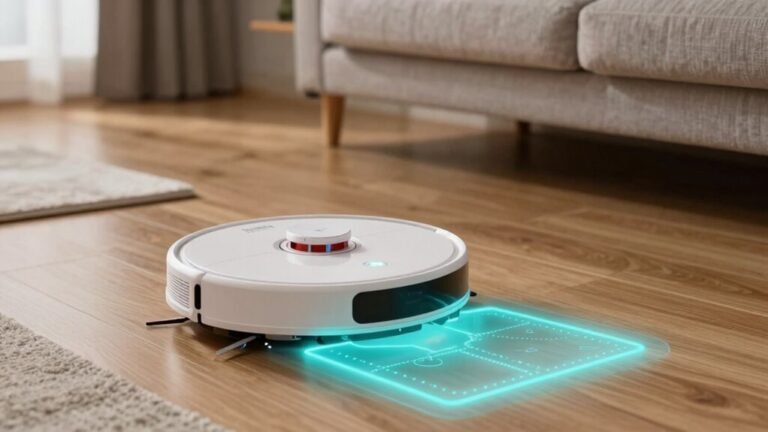
With smart mapping and sensors, it remembers room layouts, cruises through doorways, and won’t get lost in the wilds of your living room.
You name the rooms, set schedules, and it cleans them one by one—like a chore ninja.
Just keep its eyes (sensors) clean, and it’ll keep your whole home sparkly without breaking a sweat—or needing a GPS.
Do Robot Vacuums Work on Dark Carpets?
Yeah, robot vacuums *can* work on dark carpets, but older models might freak out and avoid them like they’re lava!
Infrared sensors sometimes think black rugs are bottomless pits—dramatic, right?
But don’t sweat it—newer bots use LiDAR, structured light, or ultrasonic smarts to see dark floors clearly.
Plus, with strong suction and clean sensors, they’ll tackle embedded dirt like a pro.
Just pick a modern model, and you’re golden!
Are Robot Vacuums Safe Around Pets?
Yeah, robot vacuums are totally safe around pets!
They’re built with soft edges, move slowly, and stop or turn when they bump into your furry friend.
Plus, smart sensors help them avoid accidents—including surprise pet messes!
With quiet operation and zero reported injuries in little ones, you can relax while it zips around the house.
It’s like a tiny, polite roommate that cleans without stressing your pet out.
Can I Use My Robot Vacuum Daily?
Yes, you can absolutely use your robot vacuum daily—think of it like brushing your teeth, a little clean every day keeps the mess monsters at bay!
Daily runs tackle crumbs, dust, and pet hair before they throw a wild party on your floors.
You’ll enjoy cleaner spaces with less effort, especially if you’ve got kids or furry friends.
Just empty the bin, check the brushes, and let your little robo-butler earn its keep—your floors will thank you!
Conclusion
You’ve cleaned your robot, updated its brain, and freed its wheels from hair prison—congrats, you’re now the servant of a machine that vacuums for you. Irony? Absolutely. But hey, who’s the real helper here? Just keep up the care, and your tiny robo-butler will keep earning its keep, zipping around like it owns the place. Spoiler: it does. And honestly, isn’t that kind of awesome?
References
- https://us.3itech.com/blogs/news/how-often-should-i-empty-my-robot-vacuum
- https://support.dreametech.com/hc/en-us/articles/10823195760271-Tailor-Your-Robot-Vacuum-s-Auto-Empty-Schedule-for-Perfect-Home-Hygiene
- https://us.3itech.com/blogs/news/robot-vacuum-maintenance-how-often-to-empty-and-keep-it-clean
- https://us.narwal.com/blogs/product/how-often-clean-robot-vacuum
- https://www.youtube.com/watch?v=J6765WR5J2A
- https://www.bestbuy.com/site/questions/bobsweep-pethair-vision-plus-wi-fi-connected-robot-vacuum-mop-blackberry/6486859/question/a2c3a34f-eac2-3f96-98b7-9065920e6a6d
- https://honiture.com/blogs/home-cleaning/daily-maintenance-guide-for-robotic-vacuums
- https://forum.aqara.com/t/understanding-and-maintaining-your-robot-vacuums-brushes/155379
- https://vacuumwars.com/robot-vacuum-maintenance/
- https://us.narwal.com/blogs/robot-vacuum/clean-vacuum-brush-roll