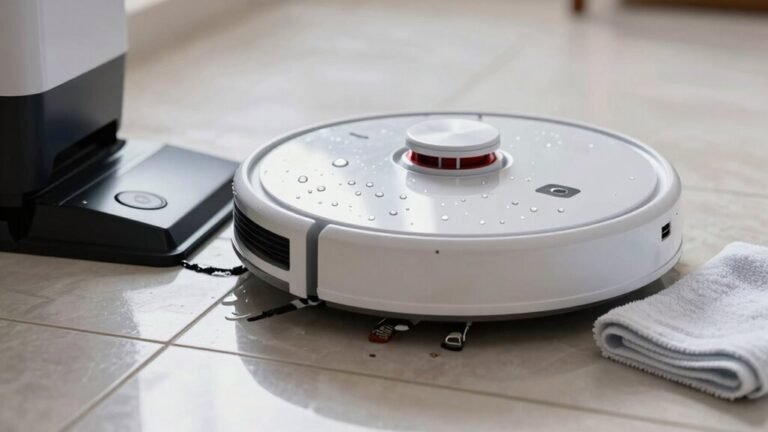
How to Choose Replacement Parts for Your Robot Vacuum
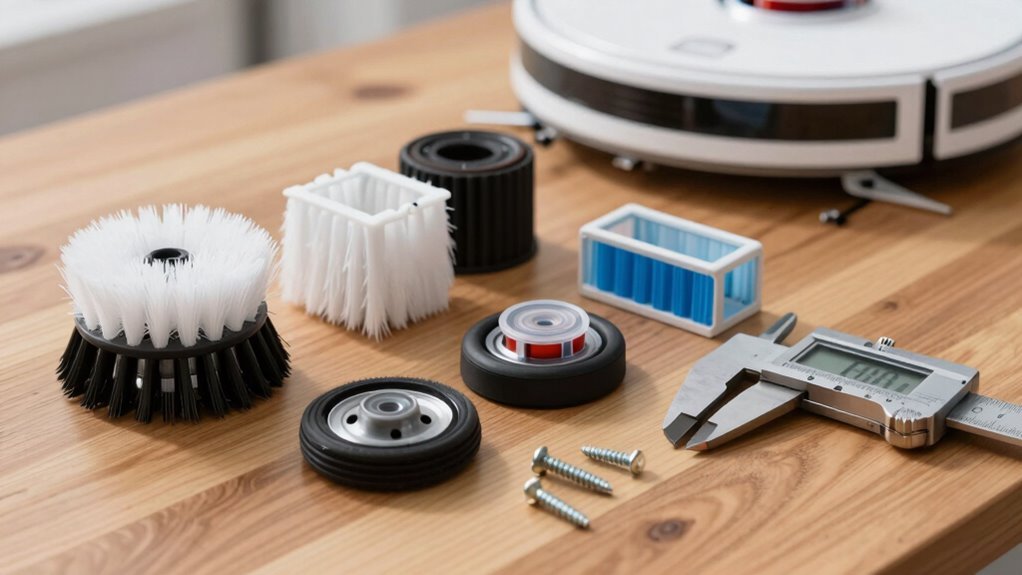
To choose replacement parts for your robot vacuum, start by checking your robot’s model number—usually located near the wheel. Match components like brushes and filters to your flooring type and cleaning habits for optimal performance.
If you have pets or hardwood floors, opt for a hybrid brush to prevent fur buildup and protect surfaces. These replacement parts for your robot vacuum help maintain efficiency and reduce maintenance issues over time.
For batteries, consider OEM options for maximum reliability or trusted third-party alternatives to save money. Avoid unverified modifications, as they can void your warranty and lead to unexpected malfunctions.
Identify Your Robot’s Model to Find Compatible Parts
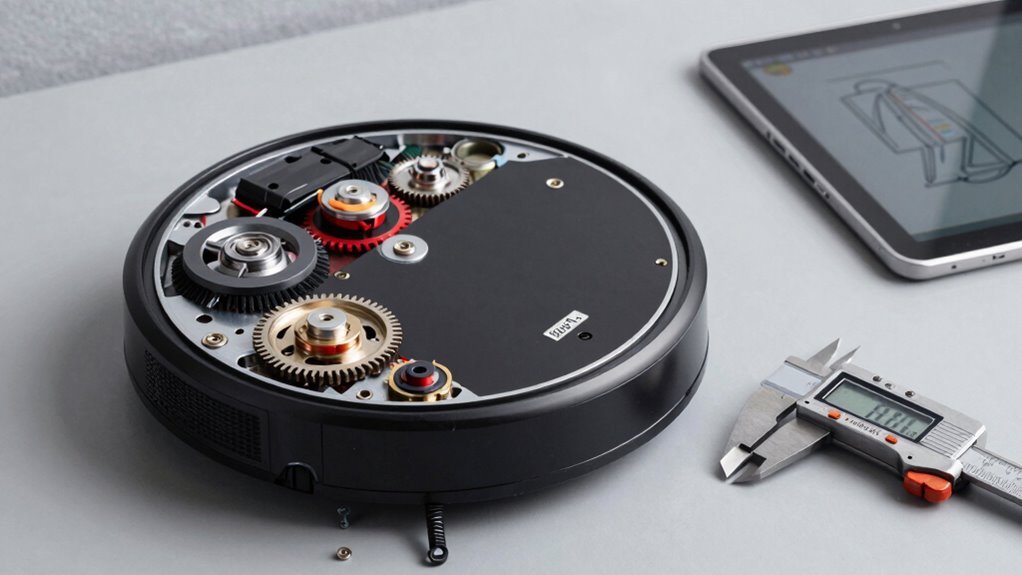
Your robot vacuum’s model number is the golden ticket to finding the right replacement parts, and luckily, it’s easier to spot than a dust bunny under the couch.
Flip your robovac over—yep, just spin it around—and check near the left wheel.
You’ll see a label with the model, like i3, J7, or S9.
Spot a “+”? That means it comes with a clean base station, a neat perk for hands-off emptying.
If you’re tech-savvy, open the app: it shows your model, mapping type, and even cleaned zones.
Look for terms like vSLAM or LiDAR—they hint at smart navigation.
The serial number’s there too, confirming if it’s an S9+ with that bold D-shape and powerful suction.
Check iRobot’s site or a quick video if you’re unsure.
Matching features like sensors or bumper design seals the deal.
Know your model, and you’re halfway to a perfectly tuned clean!
This information helps ensure compatibility with its mapping method.
Choose the Right Replacement Brush for Your Floor Type
Wondering which brush will make your robot vacuum glide from tile to carpet like a pro?
Picking the right one keeps your floors sparkling and your bot humming happily.
Here’s how to match your brush to your floor:
- Got hardwood or tile? Go for a soft roller or rubber brush—they’re tough on dust but gentle on surfaces.
- Love thick carpets? A motorized brush digs deep into fibers, yanking out crumbs like a tiny vacuum ninja.
- Mixed floors or shedding pets? Grab a hybrid or spiral combo brush—it handles shifts like a champ and resists hair tangles.
No more scratching, snagging, or surprise fur tumbleweeds.
The right brush doesn’t just clean—it *performs*. So skip the guesswork and let your robot vacuum strut its stuff, one squeaky-clean floor at a time. You’ve got this!
A V-shaped brush head uses angled bristles to direct debris toward a central suction path, improving pickup efficiency and reducing hair wrap.
Replace Your Battery: OEM vs. Third-Party Options
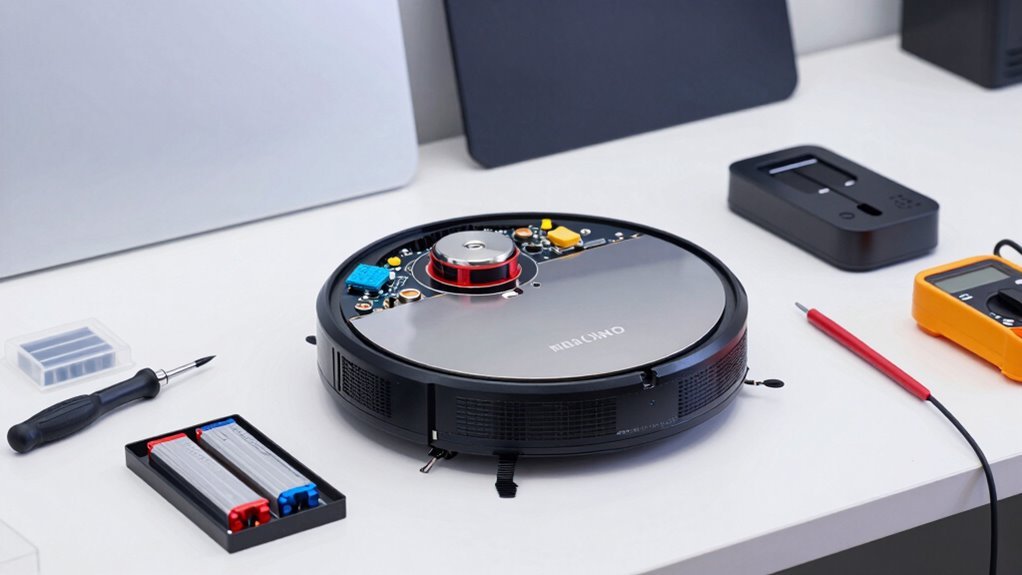
How’s your robot vacuum holding up when it comes to power? If it’s dying mid-clean, it’s probably time for a new battery.
You’ve got choices: OEM or third-party.
OEMs like iRobot offer exact fits and peace of mind, but at a steep $89.95 for a Roomba 500 battery, oof.
Third-party options? They’re the budget-savvy heroes.
Tenergy’s $30 NiMH battery runs 1.5 hours—solid for most floors.
Pwr+ bumps it up with extra capacity, while ANewPow’s lithium packs longer life.
Just check compatibility: McKinley works for Roomba e/i/j (not i8), Tattu for 900, and ANewPow for 500-800 series.
Watch out for sketchy AliExpress buys—some Wyze batteries quit early.
Stick with Amazon or BatteryMart for better reliability (and warranties!).
NiMH beats NiCD in runtime, and custom Samsung cells? Pure overachievers.
Compare Genuine and Third-Party Filters
Ever wonder what’s really trapping dust, dander, and that suspicious pile of mystery fluff under your couch?
Your robot vacuum’s filter does—so picking the right one matters.
Here’s what you should know:
- Performance: Genuine filters block nearly all tiny particles (hello, true HEPA!), while many third-party ones spill dust in fog tests—though a rare few actually pass with flying colors.
- Quality & Design: Originals have smoother finishes and tighter seals, but some third-party brands pack in denser bristles or even activated carbon—nice touch!
- Cost & Value: Third-party means big savings—sometimes you can grab three for the price of one—and washable options cut waste and long-term costs.
You’ve got choices, and a little digging can lead to a filter that cleans *and* saves cash—without turning your living room into a fog machine.
Match Parts to Your Robot’s Brand and Model
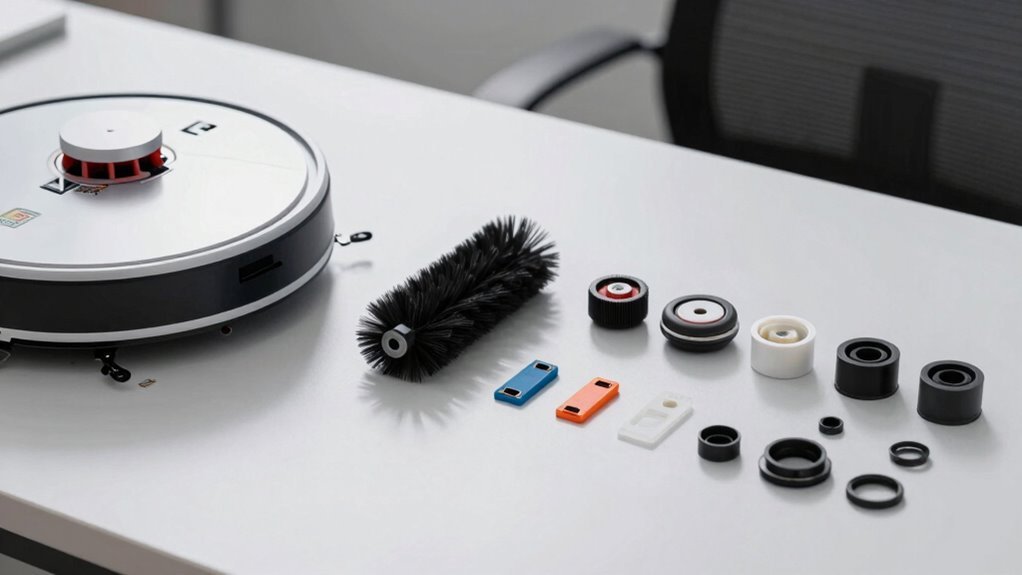
Which robot vacuum is rolling around your home—and more importantly, what does it need to keep running like a champ? Matching parts to your model isn’t just smart, it’s essential. Check the label on the bottom—you’ll spot model numbers like iRobot Roomba i7+, Shark AI Ultra, or Ecovacs T8. Don’t guess; brands group compatibility tightly. Here’s a quick cheat sheet:
| Brand | Compatible Models/Parts |
|---|---|
| iRobot | i3, i4, i7, j7, E5–E7 series bins & brushes |
| Ecovacs | T8, T8+, N8, NEO—mopping pads & filters |
| Shark | AI, RV, and I series—dedicated part finder |
| Roomba 500/600 | Shared side brushes, bins, cleaning heads |
| Narwal | Freo X Ultra—HEPA + 8200 Pa suction system |
Find your match and keep your little cleaner humming happily.
Replace Parts Without Voiding the Warranty
While your robot vacuum works hard to keep your floors spotless, some of its parts wear out over time—good news is, replacing them won’t wreck your warranty if you play your cards right.
Just follow these tips to stay covered and keep your bot happy:
- Use official parts—grab replacements from hobot.us or amazon.com/hobot to dodge sketchy knockoffs that could void your coverage.
- Skip the DIY repairs—don’t tinker with non-wearable parts yourself; let the manufacturer or an authorized pro handle it to keep your warranty safe.
- Avoid warranty-killers like vacuuming liquids, using third-party parts, or losing the serial number sticker (yes, that robot tattoo matters!).
Most wearables—think filters and pads—aren’t covered anyway, so swap ‘em freely.
Just don’t abuse the bot, and your warranty stays strong—like superhero-level protection!
Frequently Asked Questions
How Often Should I Replace Robot Vacuum Sensors?
You’ll likely replace your robot vacuum’s sensors every 3 to 5 years—if you clean ’em regularly, that is.
Think of them like socks: they wear out, get grimey, and sometimes vanish mysteriously.
Swap ’em out if your bot starts bugging out, missing spots, or bumping walls like it’s dizzy. Don’t wait for total meltdown; a little TLC extends their life!
Can I Upgrade My Robot’s Software After Part Replacement?
Yes, you can—and should—upgrade your robot’s software after replacing parts.
Did you know 78% of robot vacuum issues vanish after a simple update?
Pop in that new wheel or battery, then fire up the app or USB update, ’cause fresh firmware keeps things running smoother than a disco ball on wheels.
It’s like a spa day for your bot—refreshing, essential, and no towels required.
Don’t skip it!
Are Replacement Parts Recyclable or Eco-Friendly?
Yeah, you can totally recycle most replacement parts!
Metal bits, motors, and circuit boards?
Recyclable gold.
Copper wiring and sensors?
E-waste facilities love ’em.
Just don’t toss lithium batteries—take ’em to designated spots; they’re sneaky hazardous.
Plastic shells?
Depends on your local rules.
Filters and dust bags?
Sorry, those go in the trash.
Pro tip: Recycle right, and you’re not just cleaning floors—you’re giving the planet a high-five!
Do I Need to Reset My Robot After Part Swaps?
Yeah, you should reset your robot after swapping parts—it’s like giving it a mini spa day to clear the mental clutter.
Power cycles fix weird glitches, and a quick restart helps it recognize new parts.
Skip it, and your robot might act like it’s possessed.
Hit that reset button, let it reboot, and boom—back to zipping around like a pro.
Easy, peasy, no drama!
Will New Parts Affect My Robot’s App Connectivity?
You bet, new parts can make or break your robot’s app connection—don’t fly by the seat of your pants!
Use genuine or compatible parts so your robot stays in the loop.
Off-brand filters or worn brushes might trigger false alerts, while clean sensors and fresh batteries keep communication smooth.
Stick to manufacturer specs, and your app won’t cry wolf over phantom issues.
Everything stays in sync, just like it should!
Conclusion
Remember, a stitch in time saves nine—fixing small issues now prevents bigger messes later! You’ve got this: matching parts to your robot’s model, picking the right brush, and choosing batteries and filters like a pro. Just don’t forget, even robots need a little TLC. Keep it clean, keep it running, and let your robo-helper do the hard work—while you kick back and enjoy your sparkling floor.
References
- https://attitudestoai.uk/case-studies/robotic-vacuum-cleaners-and-data-collection
- https://www.roboticsbook.org/S31_vacuum_state.html
- https://robotvacuums.com/blogs/blogs/a-complete-overview-of-robot-vacuum-navigation
- http://www.diva-portal.org/smash/get/diva2:1214422/FULLTEXT01.pdf
- https://www.youtube.com/watch?v=Cfv52mGnouM
- https://homesupport.irobot.com/s/article/26553
- https://honiture.com/blogs/home-cleaning/comparing-vacuum-cleaner-brush-head-types-s-shape-vs-v-shape
- https://www.dreametech.com/blogs/blog/vacuum-brush-complete-guide
- https://www.techtongbo.com/post/the-unsung-hero-of-robot-vacuums-why-choose-premium-side-brushes-matter-more-than-you-think
- https://www.youtube.com/watch?v=jRaQXy-2B9c