Battery Life in Robot Vacuums: What’s Normal?
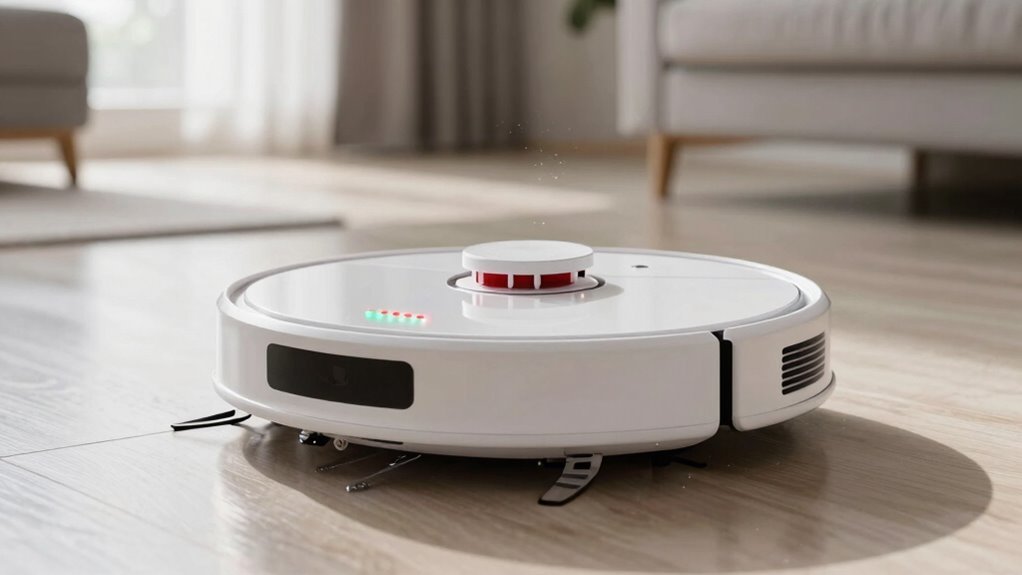
Your robot vacuum typically runs 60 to 120 minutes per charge, with eco mode stretching that to hours—perfect for daily crumbs and light messes. Battery life in robot vacuums varies based on usage, but this range is normal for most models on a full charge.
Carpets, max suction, and pet hair zap power fast, while hard floors let it breeze through cleaning tasks more efficiently. These factors directly impact how long your robot vacuum’s battery lasts during each session.
Lithium-ion batteries last years, but daily marathons and clogged brushes wear them down quicker. Keep it clean, charge it smart, and you’ll get the most out of every zap—plus, there’s a trick or two you haven’t tried yet.
How Long Should a Robot Vacuum Battery Last?
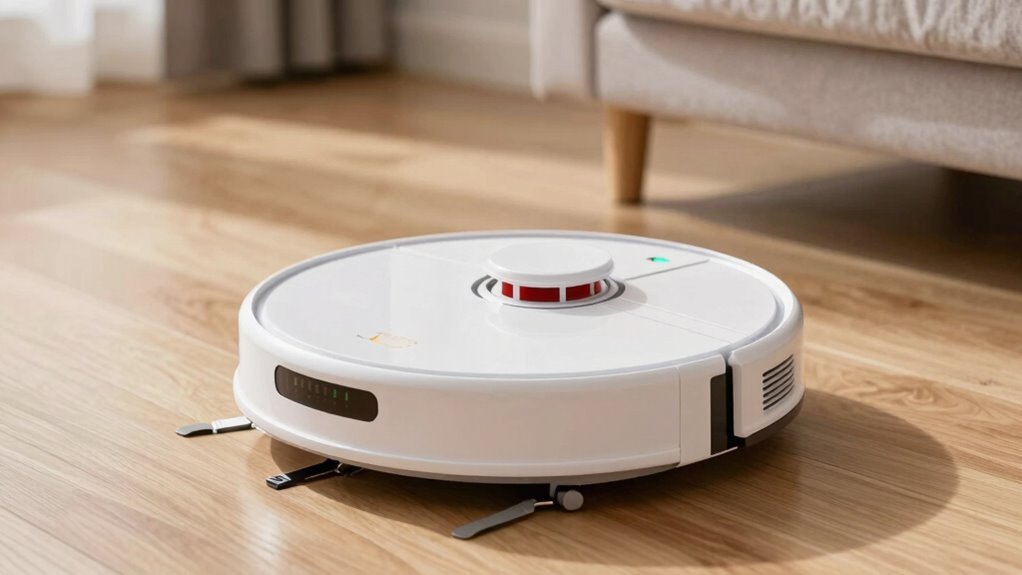
Ever wonder how long your robot vacuum’s battery should actually last before it starts slacking off?
Most bots run 60 to 120 minutes per charge, with midrange models often giving you about 90–135 minutes—plenty for weekly cleanups.
Fancy models with big lithium-ion batteries can go 3 to 5 hours, especially in eco mode.
Your battery itself should stay strong for 2–5 years, depending on how often you use it—daily cleaning means quicker wear.
After 400–500 charges, you’ll likely notice it’s not holding juice like before, kind of like your phone after a few years.
When it dips below 80% capacity, your robot mightn’t finish the route, leaving you to play referee.
Lithium-ion lasts longer than old-school NiMH, and a clean, room-temp home helps it age gracefully.
Think of it like a good pet: treat it well, and it’ll stay zippy and reliable for years.
Battery capacity affects how long your robot can clean before needing a recharge.
What Drains Robot Vacuum Battery Life the Fastest?
Your robot vacuum’s battery doesn’t just fade quietly—it gets worn down by a mix of daily demands and sneaky habits that chip away at its strength faster than you might think. Cranking up Max suction, battling carpets, or tackling pet hair overload forces its motors to work overtime, guzzling power like a vacuum at a snack crumb convention.
Dirty filters or clogged brushes make things worse, turning light chores into heavy lifting. If your home’s a maze of clutter, constant turns and bumps eat up energy too.
And let’s not forget forgetful charging—letting it die often or leaving it dead for days hurts its long-term health. Even hot rooms or sunny docks quietly sap its juice over time.
Oh, and yes, it’s *judging* you a little when you forget to clean the brushroll.
Keep things clean, charge it smart, and give those motors a break when you can—your battery will thank you! Avoid waiting for complete drain before recharging, as lithium-ion batteries perform best with regular top-ups.
How Do Cleaning Modes Affect Battery Life?
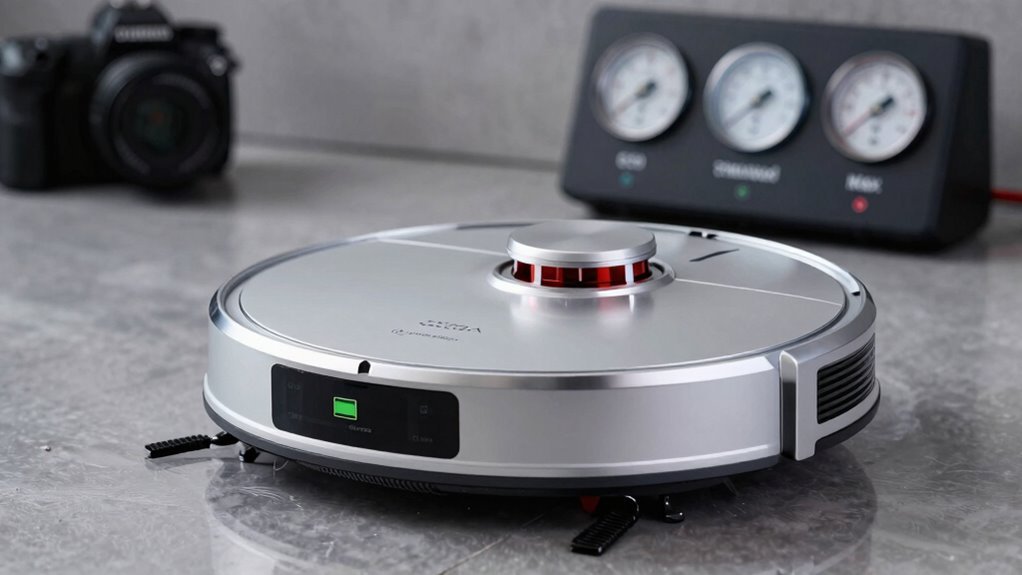
What if your robot vacuum could stretch its battery just by cleaning a little smarter?
You’ve got more control than you think—your chosen cleaning mode makes a huge difference. Here’s how:
- Eco Mode saves power like it’s budgeting for a rainy day—quieter, longer runs (up to 240 mins), perfect for light daily cleanups.
- Balanced Mode is the Goldilocks choice—solid suction and solid runtime (120–180 mins), great for most homes without overworking the battery.
- Turbo/Max Mode is the energy hog—up to 60% shorter runtime because that motor’s working overtime, best saved for deep-clean emergencies.
- Smart carpets? Some bots boost suction only where needed, so they’re not guzzling power the whole time.
How Do Carpets and Hard Floors Impact Runtime?
Cleaning mode isn’t the only factor sipping from your robot vacuum’s battery—what’s under its wheels plays a starring role too. When you send it rolling onto carpet, especially thick or plush kinds, it’s like switching from a jog to a sprint.
The motor works harder, suction cranks up, and brushes dig deep, guzzling power fast—up to 40% more than on hard floors!
Smooth tiles? Easy mode.
But carpet fights back with resistance, slowing your bot down and shortening its cleaning spree.
Even shifts can cause little power hops as it adjusts.
Lucky for you, many robots now sense the surface and adapt, scaling suction and brush speed to save juice where possible.
So if your home’s a mix, expect some give in runtime—especially if you’ve got wall-to-wall carpet.
Think of it as your vacuum trading battery life for a deep clean, one fiber at a time.
Can a Robot Vacuum Clean a Large Home on One Charge?
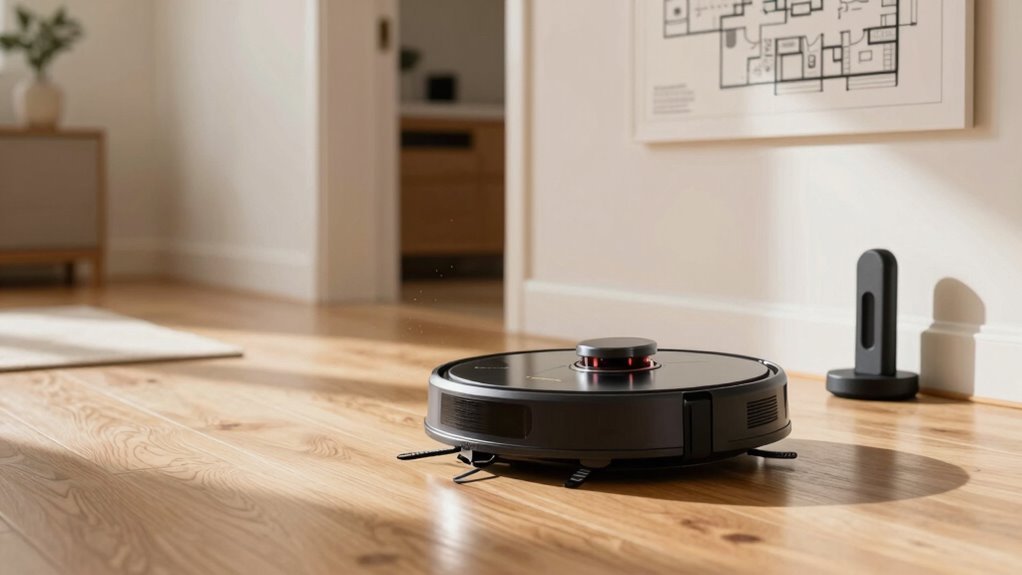
Ever wonder if your robot vacuum can really tackle that sprawling ranch-style or multi-room mansion without begging to nap halfway through?
Here’s the scoop:
- Most mid-range bots cover 600–900 sq ft per charge—great for smaller spaces, but tight for large homes.
- Premium models boast 180+ minutes of runtime and smart recharge-and-resume, so they’ll charge up and pick up right where they left off.
- With top-tier mapping, they clean in neat lines, avoiding wasted paths and vacuuming more efficiently.
- On large, open floors, your robot might handle 2,000 sq ft or more—just not all at once!
When Should You Worry About Battery Performance?
So your robot vacuum once zipped through your whole place without breaking a sweat, but now it’s calling it quits halfway—or worse, faking a full charge like it’s dodging chores.
If it used to run 90 minutes and now dies in under an hour, that’s a red flag.
Dropping below 60 minutes on the same settings means something’s up.
Sudden shutdowns at 50% battery, charging all night but not reaching full, or needing two recharges to clean one floor? Yeah, that’s not normal aging.
If your vacuum’s only a year old and already struggling, don’t shrug it off—check warranty options.
After two to three years, some slowdown is expected, but drastic drops earlier? That’s battery trouble.
Error alerts, overheating, or failing to hold a charge even when docked? Time to dig deeper.
Your robot’s not lazy—it might just need a new battery.
How to Extend Your Robot Vacuum’s Battery Life
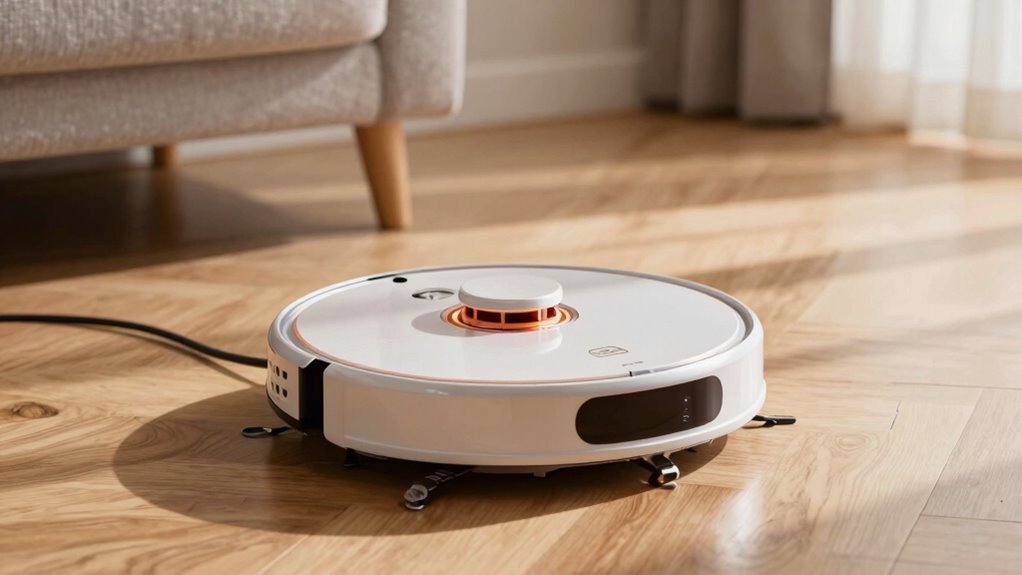
While your robot vacuum loves doing the hard work for you, it still needs a little TLC to keep its battery going strong—
think of it like giving your phone a break before it hits zero.
- Charge smart—plug it in when it hits 20–30%, and never leave it drained or stuffed at 100% for months.
- Mind the temp—keep it away from sunbaked floors, freezing garages, and steamy bathrooms. Cool, dry, and shaded is the sweet spot.
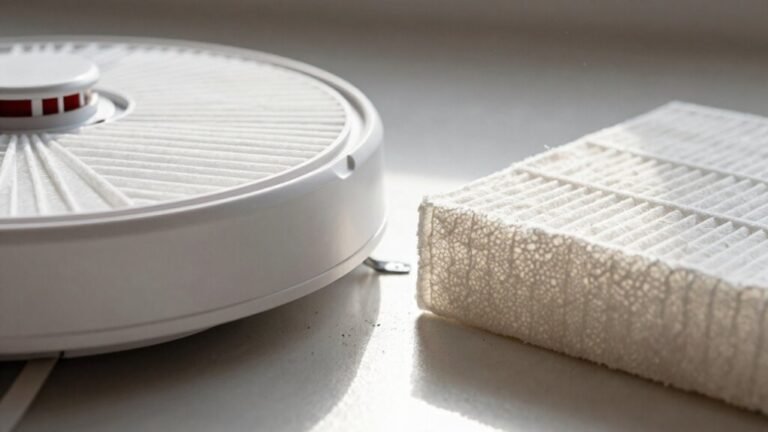
- Keep it clean—a gunk-free brush, empty bin, and fresh filter mean less strain and more zoom.
- Use wisely—run eco mode when you can, set no-go zones, and skip back-to-back marathons.
Treat it right, and it’ll keep zipping around your home like a happy little Roomba—no coffee breaks needed!
Frequently Asked Questions
Can I Replace My Robot Vacuum’s Battery Myself?
You can replace your robot vacuum’s battery yourself—it’s easier than you think!
Just grab a Phillips screwdriver, flip the vacuum over, and remove the screws blocking the battery compartment.
Unplug the old pack, plug in the new one, and reassemble.
Most swaps take under 10 minutes, and it’s super satisfying.
Just match the voltage and connector, and you’re golden—no degree in robotics required!
Do Robot Vacuums Use Different Batteries for Different Models?
Yes, robot vacuums use different batteries per model—you can’t just swap them willy-nilly!
Brands design custom packs with unique shapes, voltages, and connectors, so your Roomba’s battery won’t fit a Roborock.
It’s like trying to wear someone else’s glasses—sure, they’re both lenses, but oops, blurry world.
Always check compatibility; otherwise, you’ll end up with a very expensive paperweight.
Is It Safe to Leave the Robot Vacuum Charging All the Time?
Yes, it’s totally safe to leave your robot vacuum plugged in all the time.
You’re good—its smart brain stops charging when the battery’s full.
It just sits there, chill, waiting for its next adventure.
Manufacturers designed it this way so it’s always ready.
Just keep it on the original dock, in a cool, dry spot, and you’ll avoid any drama.
Think of it like a napping cat—plugged in, peaceful, and perfectly safe.
Why Does My Robot Vacuum Die Before Returning to the Dock?
Your robot’s dying before docking ’cause it’s running on fumes—like a car with a tiny gas tank and a bad map.
Old batteries can’t hold juice, heavy cleaning drains power fast, and if the dock’s hard to find or the path’s blocked, your little bot’s left stranded.
Fix the charge, clear the clutter, and make sure it can “see” home—then it’ll make it back every time, no drama!
Does Software Updating Affect Robot Vacuum Battery Performance?
Yes, updating your robot vacuum’s software really does boost battery performance—you’re not imagining it!
New updates fine-tune how power’s used, so your bot cleans smarter, not harder.
They fix energy-draining bugs, sharpen navigation, and help it find the dock faster.
Think of it like a tune-up for your robot’s brain.
Skip updates, and you might waste battery on loops, crashes, or zombie walks.
Stay current, and your vacuum runs happier, longer—no coffee breaks needed!
Conclusion
You zip through spills, dust dances in your wake, and floors shine like magic—your robot vacuum’s got this! But remember: smart charging, clear paths, and regular cleanings keep it running strong. Don’t panic if it slows down, just like your phone, it needs TLC. Treat it well, and it’ll keep humming along, happy as a robo-dancer on a freshly mopped floor!
References
- https://us.3itech.com/blogs/news/how-much-power-does-a-robot-vacuum-use
- https://us.narwal.com/blogs/product/how-long-robot-vacuums-last
- https://www.ecovacs.com/us/blog/how-long-does-robotic-vacuum-cleaner-battery-last
- https://www.dreametech.com/blogs/blog/how-long-do-robot-vacuums-last
- https://www.robotreviews.com/chat/viewtopic.php?t=17271
- https://homesupport.irobot.com/s/article/26647
- https://www.large-battery.com/blog/top-tips-to-maintain-and-charge-robot-batteries-safely/
- https://forums.wyze.com/t/why-robot-vacuum-is-consuming-so-much-battery-in-idle-stand-by-mode/157598
- https://au.roborock.com/blogs/roborock-au/how-long-do-robot-vacuums-last
- https://thinkrobotics.com/blogs/learn/robot-battery-life-maximizing-efficiency-and-longevity