When Should You Upgrade Your Robot Vacuum?
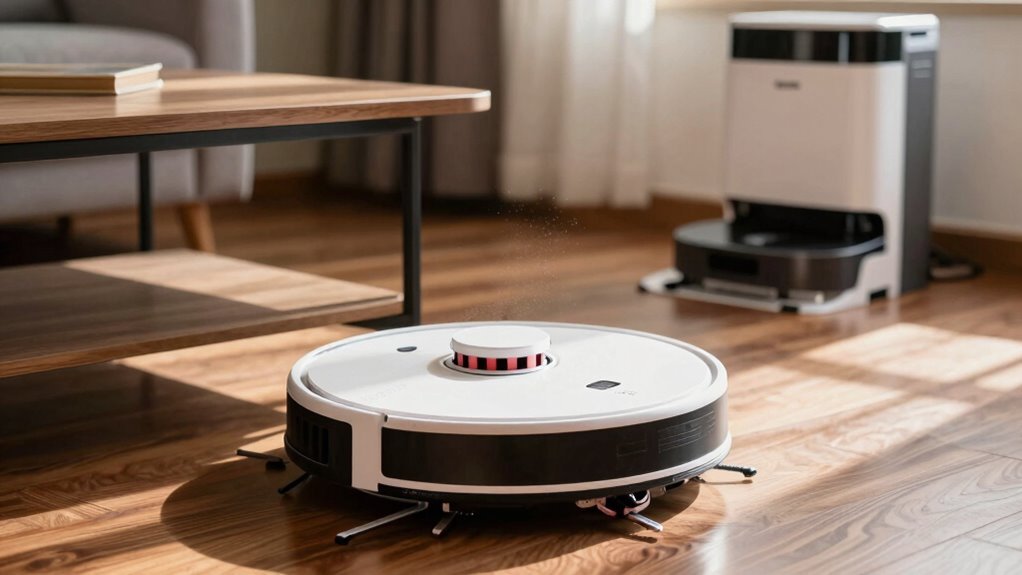
Is your robot vacuum dragging itself across the floor like it’s done with life? If it dies mid-clean, misses pet hair, or gets stuck on thresholds, it’s time for an upgrade.
Modern robot vacuums zip under furniture, climb over rugs, and use smart mapping to dodge obstacles like socks. They clean more efficiently and navigate better than older models.
Newer robot vacuums even empty their own bins, mop with hot water, and tackle pet messes without help. They don’t just clean better—they clean smarter.
Is It Time to Upgrade Your Robot Vacuum?
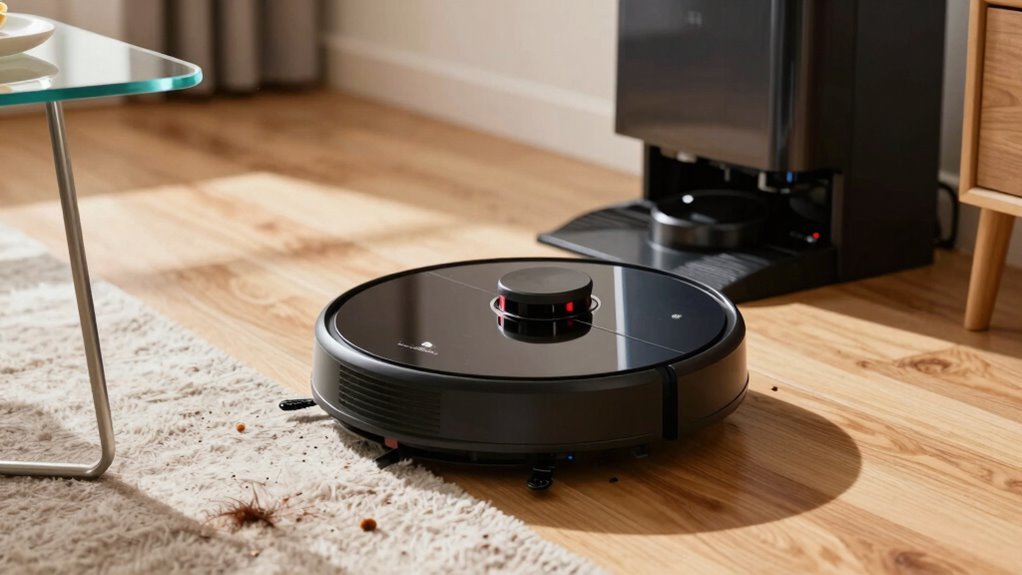
Still battling dust bunnies with a robot vacuum that acts more lost than your last GPS signal?
If it’s still bumping around randomly instead of smartly mapping your home, it’s definitely time to upgrade.
New models use LiDAR and AI to chart rooms accurately, glide over thresholds up to 19 mm, and adapt to carpets or tiles like pros.
They don’t just clean—we learn.
With better sensors, they dodge your kid’s toys and your pet’s water bowl without drama.
Even on low power, they cover more ground faster than older models on max.
If your current robot seems confused or skips spots regularly, you’re missing out on serious smart cleaning power.
Upgrading means less hassle, fewer missed zones, and a floor that actually stays clean.
Market value projected to reach USD 1.3 billion by 2031.
Honestly, your future self—and your floors—will thank you.
Battery Dies Before Cleaning Is Done?
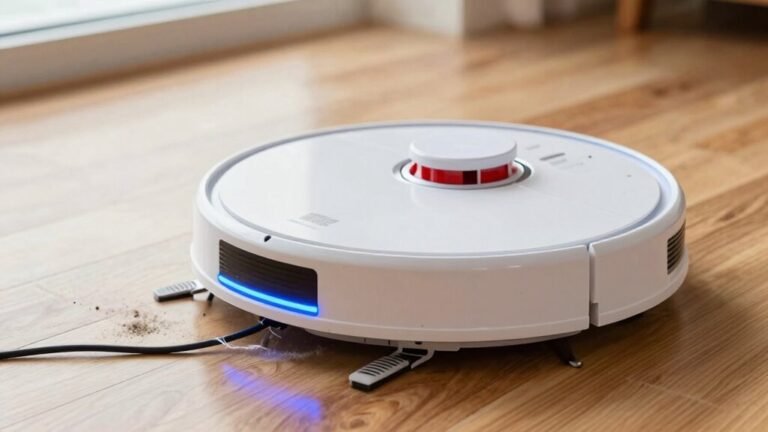
You’ve probably noticed your robot vacuum zipping around like a hyperactive toddler one day and dragging its feet like it pulled an all-nighter the next. If it’s conking out mid-clean, blame the battery—it’s likely worn down. Most robot vacuums lose steam after 1–2 years, and by 2–5 years, you might be facing serious runtime issues. Even if it charges fully, degraded capacity means less oomph to finish the job. This decline often aligns with the typical 1–2 year battery life expectancy before performance drops noticeably.
| Symptom | Cause | Solution |
|---|---|---|
| Dies halfway | Capacity loss | Replace battery |
| Takes forever to charge | Internal resistance | Avoid deep discharges |
| Gets hot | Chemical wear | Use OEM dock |
| Stops randomly | Power inconsistency | Switch to eco mode |
| Lasts under 60 mins | End-of-life | Consider upgrade |
Time to revive your robo-helper—or say goodbye?
Suction Can’t Pick Up Pet Hair or Dust?
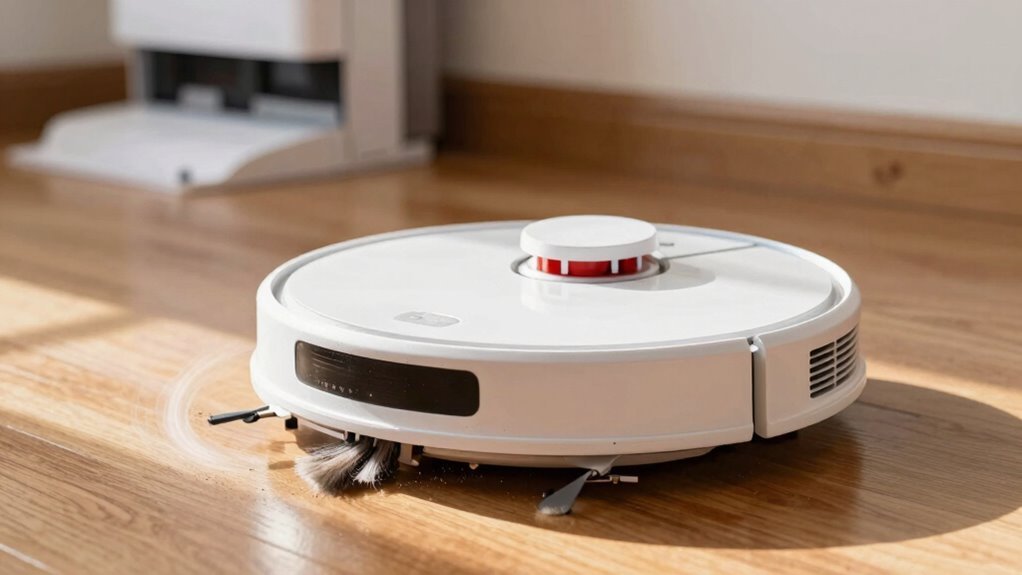
Why does your robot vacuum seem to give up the moment it hits a patch of stubborn pet hair?
It’s not just you—many robots struggle to pull embedded hair from carpets, sometimes leaving 25% or more behind, even after two passes.
High-end models still miss half the hair, and some just push strands around like tiny brooms.
If pet hair’s tangling in the brush roll, suction drops fast, and you’re stuck cleaning it weekly.
Rubber brushes help, but not all models handle long hair well.
Even 20,000Pa of suction won’t save a robot that can’t seal in dander or clean deep into carpet fibers.
On hard floors, they do fine—but changes?
Not so much.
If you’re still breaking out the upright vacuum weekly, your robot isn’t cutting it.
Time to upgrade to one that actually *gets* your pet problem.
Getting Stuck on Rugs or Thresholds?
Ever wonder why your robot vacuum treats that fluffy bathroom rug like a mountain it’s sworn never to climb? It’s not being dramatic—it’s just hitting its limit. Most bots handle thresholds up to 2 cm, but thick rugs or higher edges can stump them fast. If your model keeps stalling, check these specs:
| Feature | What Works Best |
|---|---|
| Thresholds | Up to 2.2 cm (Roborock S7/S8, ECOVACS X5 PRO) |
| Rugs | Low-to-medium pile, under 2 cm height |
| Fixes | Beveled ramps, virtual walls, cable organizers |
Newer models climb higher and adapt better, but if your floors are uneven or your rugs are shaggy jungle traps, upgrading could save your sanity. You’ve got options—don’t let your robot surrender at the foot of the bathmat!
Robot Misses Rooms Due to Bad Mapping?
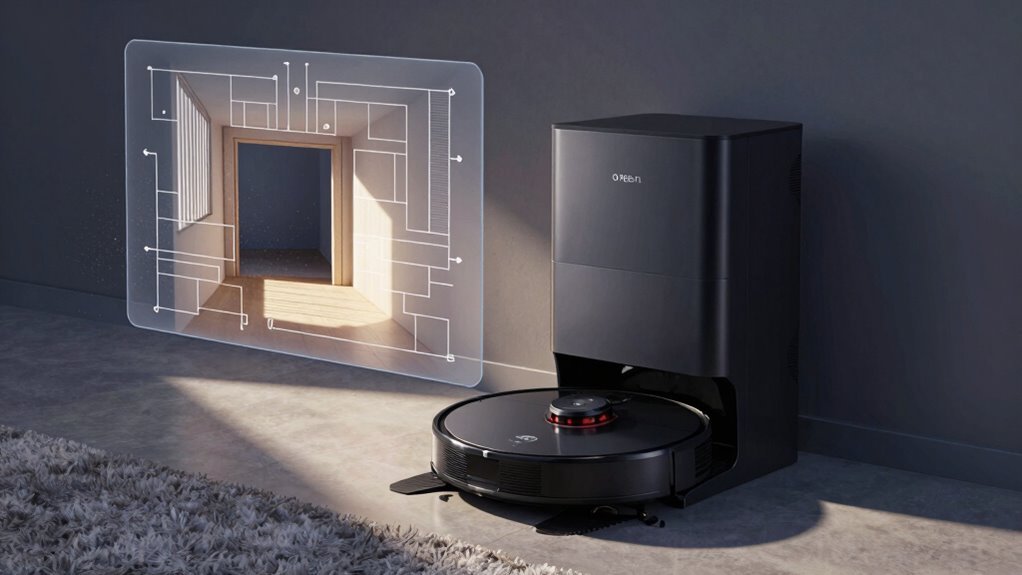
So your robot finally conquered the rug mountains and breezed over thresholds like a champ—only to ghost half your rooms? Yeah, it’s frustrating when your so-called helper skips the kitchen again.
If it’s missing spots, overlapping paths, or getting lost in open spaces, bad mapping’s likely the culprit.
Basic sensors or camera-based systems (vSLAM) struggle in low light or on shiny floors, while simple gyros can’t handle complex layouts.
You’ll notice it bouncing off walls or failing to store room zones—classic signs of outdated tech.
But here’s the good news: modern robots with LiDAR or hybrid dToF systems map with crazy accuracy, even in the dark.
They don’t get confused by glass tables or bare hallways.
If your model keeps “forgetting” rooms, it’s not lazy—it’s just under-equipped.
Time to upgrade to smart navigation that actually knows where it’s going.
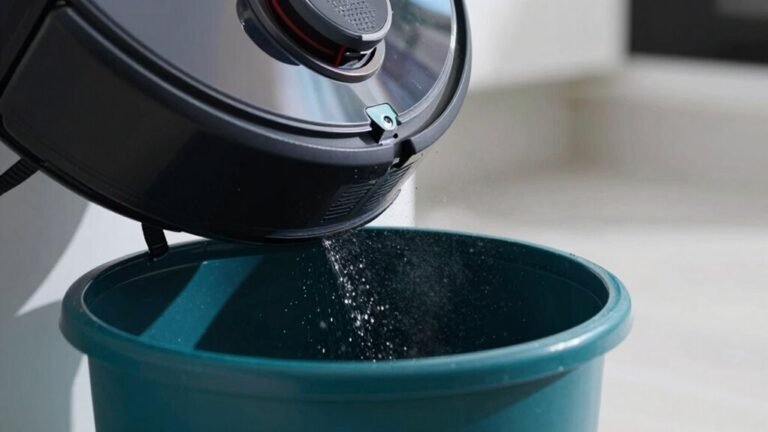
Still Emptying the Bin Yourself?
What if you could stop playing trash manager for your robot vacuum?
If you’re still emptying the bin after every run, you’re wasting time—especially with pets or heavy foot traffic.
A full bin kills suction, drains battery, and can even clog the system, making cleaning less effective.
You’re probably emptying it every few days, maybe more, and let’s be real—no one signed up for daily bin duty.
But here’s the fun part: self-emptying models do the gross job for you.
Just let the robot dock, and *whoosh*—up to 60 days of dust gets sucked into an airtight base.
No mess, no smell, no reminders.
You’ll save over half an hour a week (yes, really).
Modern ones even use crazy-strong suction—up to 20,000 Pa—to make sure nothing’s left behind.
Upgrading means fewer chores, better cleaning, and finally kicking that “empty me” light to the curb.
No App Control or Voice Commands?
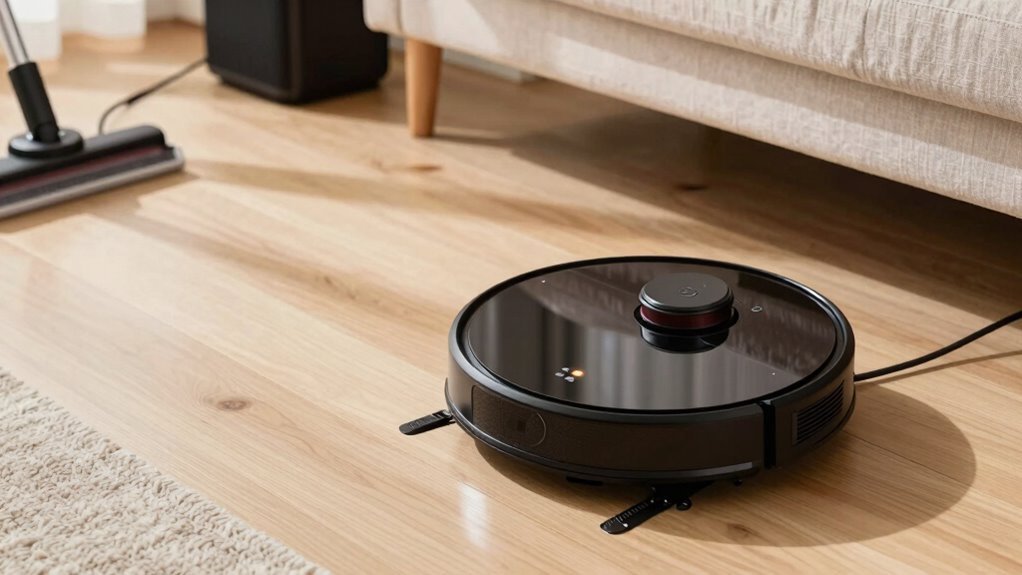
How’s your robot vacuum playing with the rest of your smart home?
If it’s standing in the corner like it’s at a party it wasn’t invited to, you’ve got a problem.
No app control means you’re stuck with manual starts, no custom schedules, and zero virtual no-go zones—so say goodbye to keeping the robot out of your dog’s messy eating spot.
Modern models let you start cleanups from your phone, set suction levels by room, or even watch pet checkups via live video.
And without voice commands, “Hey Google, clean the kitchen” won’t do squat.
You’re missing out on Alexa, Siri, and Home Assistant integrations that make your vacuum actually smart.
If your robot doesn’t support room-specific voice orders or crashes during manual control, it’s not just outdated—it’s ghosting your smart home.
Time to upgrade and let it join the conversation.
Repair Costs More Than a New Model?
Ever stared at a repair quote and felt like your robot vacuum just handed you a breakup letter? You’re not alone.
If fixing it costs over 50% of a new model, it’s time to rethink—like spending $125 to fix a $250 vacuum.
Most repairs run $50–$200, but pro service calls add $100+, and tech-heavy bots like Roborock or Eufy can cost way more.
A Dyson or Miele might still be worth fixing, especially under five years old.
But if your trusty bot is over a decade old, even a loyal fix mightn’t beat new efficiency.
Sure, you love your vacuum like a pet, but is emotional support worth $400 in repairs?
Sometimes, letting go means upgrading to something smarter, faster, and way less high-maintenance.
It’s not goodbye—it’s a tech glow-up.
2024 Robot Vacuums Clean Smarter and Faster
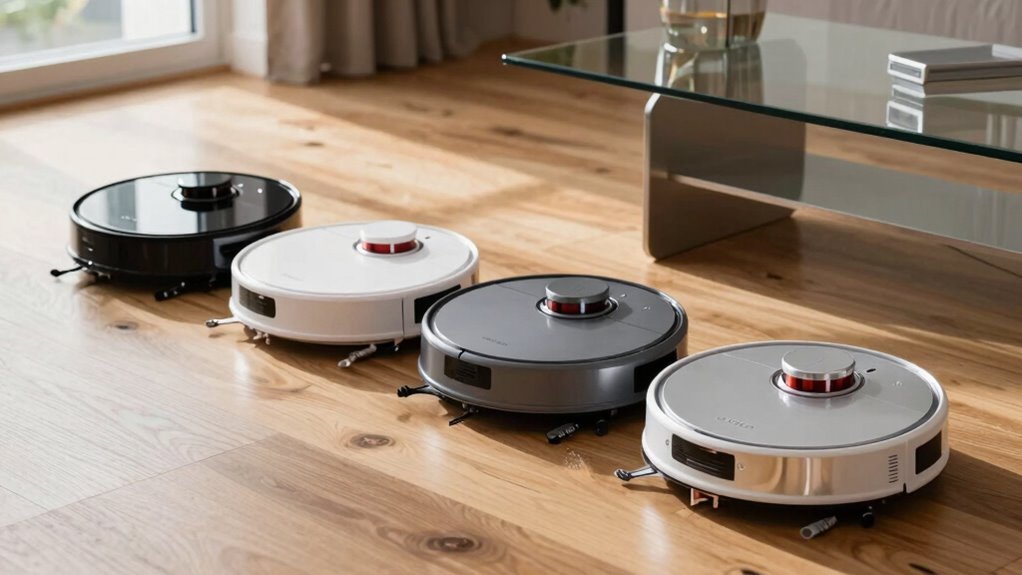
You’ve probably nursed your old robot vacuum through more breakdowns than you can count, but instead of shelling out big bucks to keep it limping along, why not leap into the future where robots don’t just clean— they *think*? Meet the new gen that’s smarter, faster, and weirdly capable. Check this out:
| Robot Model | What It Does That’s Just Cool |
|---|---|
| Dreame X60 Ultra | Slides under furniture like a ninja, sees with 360° AI vision |
| Dreame Cyber X | Climbs stairs—yes, *stairs*—all by itself |
| Dreame Cyber10/Z10 Ultra | Uses a robot arm to pick up toys like a tiny butler |
They dodge socks, tackle pet messes, and even switch tools automatically. With 35,000Pa suction and hot mopping at 212°F, they don’t mess around. Your floor’s never been this clean—or this impressed.
Frequently Asked Questions
Can Robot Vacuums Clean Carpets Effectively?
Yes, robot vacuums clean carpets effectively, especially if you’ve got low- to medium-pile floors.
You’ll love how they ramp up suction automatically, thanks to carpet boosters and smart sensors.
Models with 3,500Pa or more power through crumbs and pet hair like tiny cleaning champs.
Just pick one with a nifty brush roll and edge-swirling tech, and you’re golden—no more barefoot panic when you spot dust bunnies judging you.
Are Robot Vacuums Safe Around Pets?
Yeah, robot vacuums are totally safe around pets!
They’ve got smart sensors that spot your furry friend and scoot away, no surprises.
With soft edges, quiet motors, and clever waste-detecting tech, they dodge messes and avoid scares.
Plus, they won’t chase your cat or vacuum up tails—promise!
It’s like having a ninja housekeeper that respects your pet’s personal space.
Do Robot Vacuums Work in the Dark?
Yeah, robot vacuums totally work in the dark—some even prefer it!
They’re like little ninjas, using lasers, infrared eyes, and smart cameras to sneak around your house without tripping.
No light? No problem.
They map your place like pros, avoid socks and pet toys, and still vacuum under the couch.
Just don’t expect them to tango—you might catch them napping after!
How Often Should I Clean the Brushes?
You should clean your robot vacuum’s brushes every 3–5 days, especially if you’ve got pets or long-haired folks at home.
It’s quick, I promise—no PhD required!
Grab a seam ripper or scissors to zap tangled hair, and give the rollers a wipe.
Do it weekly at minimum, even in low-shed homes.
Clean brushes mean better suction, less noise, and a happier little robo-friend.
Your vacuum’ll thank you—maybe not in words, but definitely in performance!
Can Robot Vacuums Scratch Hardwood Floors?
Yeah, robot vacuums can scratch hardwood floors, but it’s usually not the robot’s fault—it’s the stowaway sand or pebbles playing villain under the chassis.
Think of your bot as a tidy friend who wears socks indoors; it means well, but tracking in dirt?
That’s on you. Keep wheels clean, swap worn brushes, and your floors stay art-gallery ready—no scuff drama, just shine.
Conclusion
So, is your robot vacuum throwing in the towel before the job’s done? If it’s more lost than a sock in the laundry, barely clinging to battery life, or still playing hide-and-seek with pet hair, maybe it’s time. Today’s models zip around smarter, self-empty, and even take voice commands—no circus tricks needed! Upgrading isn’t just shiny tech, it’s sanity. Why wrestle your rug warrior when a fresh one’s ready to roll?
References
- https://www.intelmarketresearch.com/ai-powered-robot-vacuum-cleaner-2025-2032-147-5910
- https://www.coherentmarketinsights.com/market-insight/residential-robotic-vacuum-cleaner-market-3582
- https://www.skyquestt.com/report/residential-robotic-vacuum-cleaner-market
- https://www.ecovacs.com/us/blog/robot-vacuum-suction-power
- https://research.hktdc.com/en/article/MjExNzc3NTk1Ng
- https://vacuumwars.com/how-vacuum-wars-tests-robot-vacuums/
- https://www.consumerreports.org/appliances/vacuum-cleaners/is-your-robotic-vacuum-sharing-data-about-you-a1563001307/
- https://us.narwal.com/blogs/product/how-long-robot-vacuums-last
- https://www.large-battery.com/blog/lithium-battery-for-robot-vacuum-performance/
- https://www.dreametech.com/blogs/blog/how-long-do-robot-vacuum-batteries-last