How to Reduce Robot Vacuum Noise
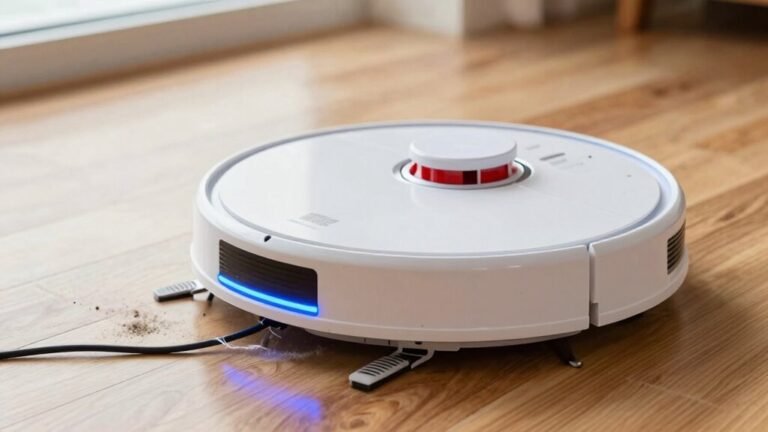
To reduce robot vacuum noise, start by turning on Quiet or Eco mode—your vacuum still cleans well but operates at a peaceful 48 dB, similar to a whispering fridge. This simple switch makes a noticeable difference in sound levels during everyday use.
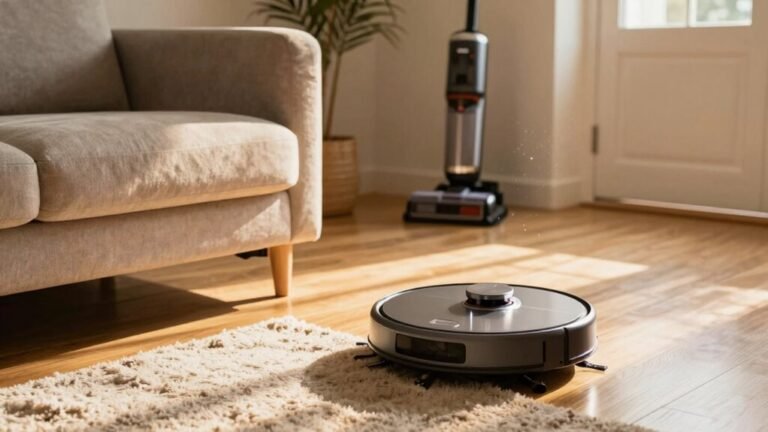
Clear cords and clutter from the floor to prevent the vacuum from making annoying rattle-and-roll noises as it moves. A tidy space allows the robot to navigate smoothly and quietly.
Clean the filters and brushes weekly to prevent strain and squeaking caused by buildup. Maintaining these components ensures efficient, quiet operation over time.
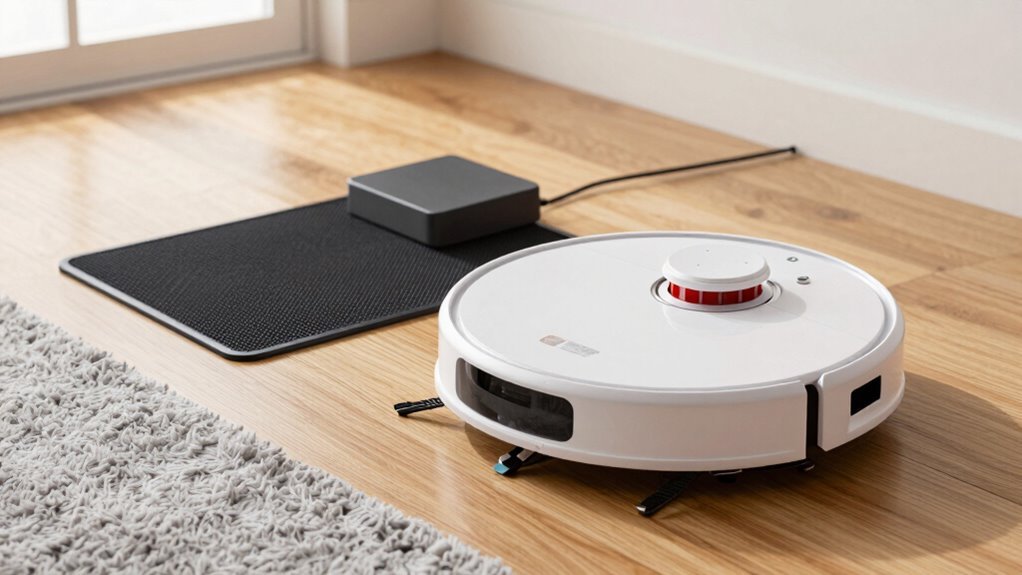
Keep the charging dock clear so the robot can return without bumping or struggling into place. A clear path promotes quieter and more reliable docking.
Schedule cleaning sessions while you’re out of the house so you never hear the noise at all. With these tips to reduce robot vacuum noise, quieter floors—and quieter days—are completely within reach.
Use Quiet or Eco Mode to Reduce Noise
Want a cleaner home without the racket?
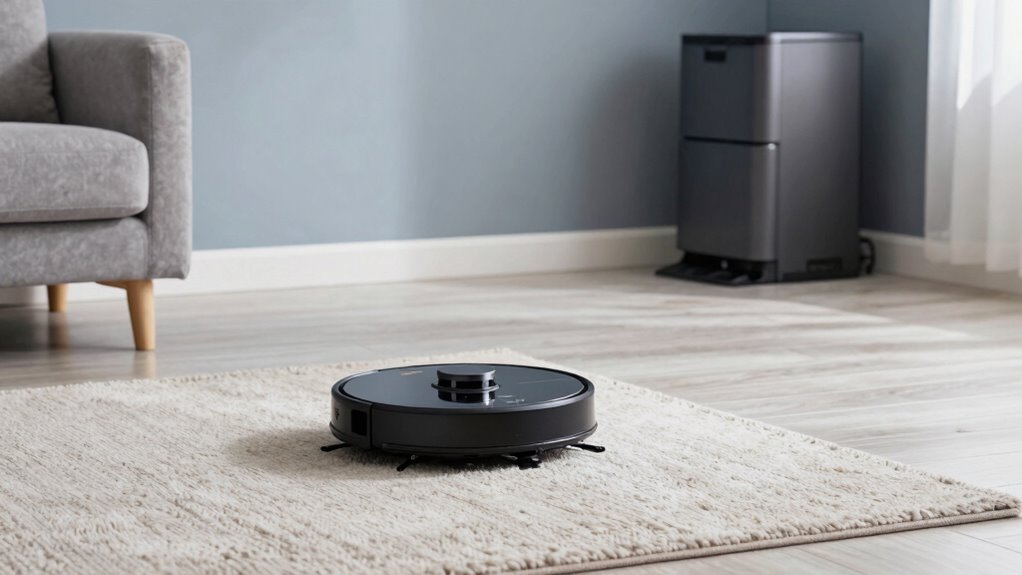
Flip your robot vacuum into Quiet or Eco mode and let it hum along like a whisper, not a roar.
You’re not just cutting noise—you’re keeping peace, especially during movie night or while the baby’s napping.
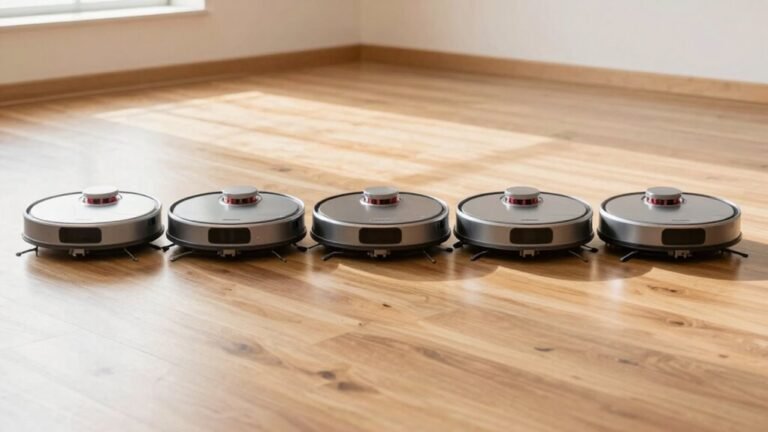
At 48–60 dB, models like the SwitchBot K10+ or Xiaomi Mi run quieter than a chat at dinner.
Sure, they spin slower and suction softer, but they still grab dust and pet hair like pros—just with a little more chill.
And hey, they last longer on a charge, giving you 5+ hours of sweeping bliss.
Think of it as cleaning on serene mode.
Some models even handle mopping without cranking up the decibels.
So why blast the neighbors with noise?
Let your robot tiptoe through the living room.
After all, a quiet vacuum isn’t lazy—it’s just being polite.
Whisper-quiet operation at 48 dB makes the SwitchBot Mini Robot Vacuum K10+ a top choice for maintaining a tranquil home while still delivering powerful cleaning performance.
Keep the Cleaning Area Clear of Debris and Cords
Sweep away the clutter and give your robot vacuum room to strut its stuff—because nobody likes a tripping hazard, especially not your hard-working cleaner. Keep cords tucked away and floors clear to dodge annoying rattles and squeaks. When your bot doesn’t have to wrestle hair, pet food, or shoelaces, it runs smoother and way quieter.
Here’s what hiding in the mess can cause:
| Noise Type | Caused By |
|---|---|
| Grinding | Debris stuck in brushes |
| Squeaking | Hair in wheels or caster |
| Rattling | Cords or objects in brushes |
| Whirring | Rough paths or blocked movement |
Clear the stage before showtime, and your vacuum won’t have to scream through chores. Less junk, less junk noise—simple as that. Keep it clean, keep it quiet, and let your robot do what it does best—without the drama. Regularly maintaining clean filters and brushes helps prevent unnecessary noise and ensures optimal performance.
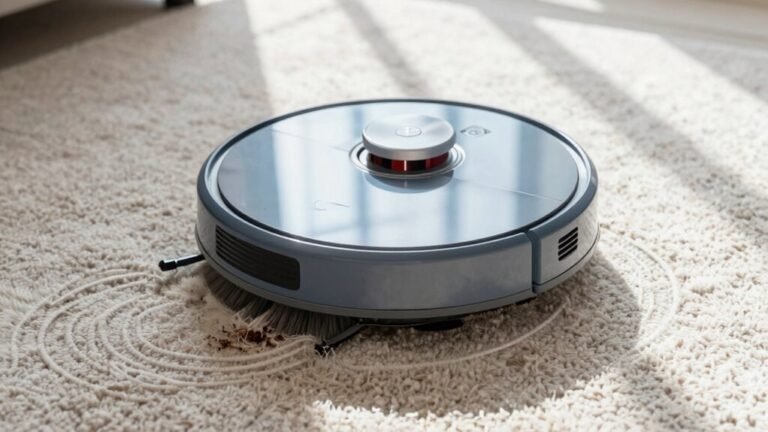
Clean Filters and Brushes Weekly for Silent Operation
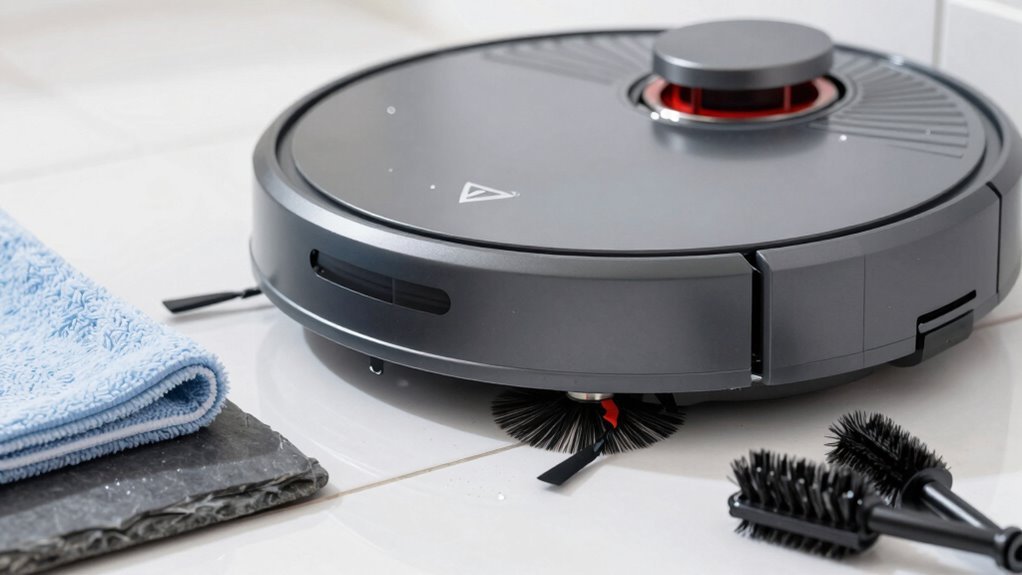
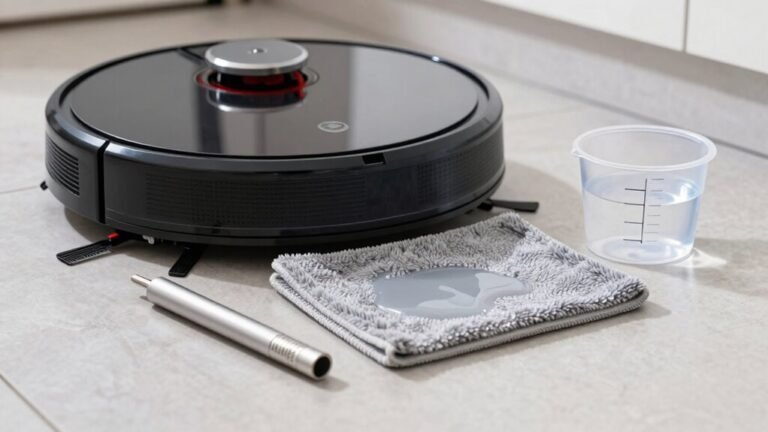
Grab your robot vacuum and give it a little spa day—because clean filters and brushes mean quieter, smoother cleanups.
Pop out the filter, tap it gently to shake off dust, and rinse it under cold water if it’s washable—just don’t skip the full dry before reinserting.
Yank out the brushes, too, and unwind any hair or gunk like you’re untangling headphones (again).
Clear the brush slots and spin them back in to make sure they move freely.
Empty the dustbin weekly—it’s gross, we understand, but it keeps suction strong and noise low.
Do this every five cycles or so, and you’ll dodge clogs, reduce motor strain, and keep your bot whisper-quiet.
Think of it as a tune-up for teamwork: you keep it clean, and it won’t wake the dog during naptime.
A little love goes a long way—your ears (and floors) will thank you.
Position the Charging Dock Away From Walls and Clutter
Every now and then, your robot vacuum just wants to come home in peace—so give it a clear runway to land. Keep its charging dock away from walls and clutter, and it’ll thank you with quieter returns. You don’t need a palace—just a little space to breathe. Here’s the sweet spot:
| Area | Minimum Clearance | Why It Matters |
|---|---|---|
| Front | 1.5 meters | Guarantees smooth docking and reduces retry noises |
| Sides | 5 cm each | Prevents jams and helps alignment |
| Back | 5 cm from wall | Reduces vibration and motor strain |
Place the base flat, near a wall (but not squished), and away from furniture. No tight corners, no drama. Your bot glides in smoothly, docks confidently, and keeps the noise down. Think of it as giving your robot a VIP parking spot—because nobody likes loud parking fails.
Schedule Cleanings When Noise Won’t Disturb You
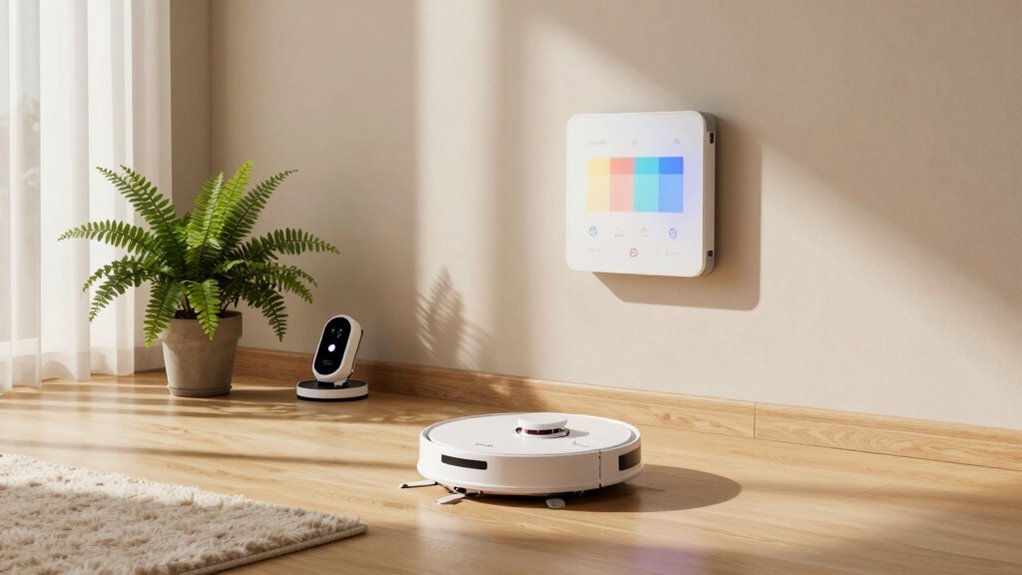
Now that your robot vacuum has a smooth, clutter-free path to its cozy charging dock, let’s talk about when it actually hits the floor—because nobody wants a surprise concert during movie night or a 6 a.m. mop marathon waking the whole house.
The trick? Timing it right. Most robot vacuums hum between 55–70 dB, quieter than your average hair dryer, so scheduling around your life makes all the difference. You’ve got the power to set cleanings when noise won’t bug anyone—like when you’re out, working, or awake and moving.
- Run it during your workday—quiet models clean while you’re gone.
- Use smart quiet modes to mop at night without nudging your cat.
- Set “do not disturb” times so it never interrupts naptime or Netflix.
- Sync cleanings with empty hours—school runs, groceries, or lunch breaks.
- Let smart scheduling do the work: your vacuum knows when to stay silent and when to shine.
Upgrade Models Only If Noise Can’t Be Fixed
If your robot vacuum’s sounding more like an angry teakettle than a quiet helper, don’t ditch it just yet—chances are, you can fix the noise without upgrading.
Try cleaning the filters, clearing tangled hair from brushes, and checking for stuck pebbles or coins.
Empty the dustbin, wipe caster wheels, and make sure everything rolls smoothly—often, that’s all it takes.
If noise persists, swap in OEM parts for a perfect fit and less vibration.
You can also lower the power or use quiet mode during naps or Zoom calls.
But if your bot still screams like a teakettle opera singer, maybe it’s time to upgrade.
New models with brushless motors, rubber rollers, and sound-dampening tech run whisper-quiet—some even hum softer than your fridge.
Frequently Asked Questions
What Causes My Robot Vacuum to Make Rattling Noises?
Your robot vacuum rattles because loose parts like the dustbin or side brush aren’t snug, and that makes them shake and clatter while cleaning.
Hair tangled in the brush or gunk in the wheels adds squeaks and thuds.
Worn bearings, missing bushings, or a full dustbin can turn your quiet helper into a mini monster.
Check each part—clean it, tighten it, or replace it—and your bot’ll hum smoothly again!
Can I Soundproof a Room for Quieter Vacuum Operation?
You absolutely can soundproof a room for quieter vacuum action!
Just toss in thick rugs, hang heavy curtains, and scatter some furniture—they eat sound like snacks.
Soft stuff absorbs noise, while bare walls let it bounce like a tennis ball.
Add a few plants for fun; they’re not much help, but hey, they cheer things up.
Your robot will hum softly, and you’ll enjoy peace without earplugs.
Win-win!
Are Robot Vacuums Safe to Use on Hardwood Floors?
Yes, robot vacuums are totally safe for hardwood floors—you’re not scratching them if you pick the right one!
Modern models glide gently with soft rubber wheels and smart sensors that avoid scrapes.
They even adjust cleaning pressure and steer clear of puddles.
Just keep brushes clean and skip wet mopping.
Think of them as tiny, careful roommates who vacuum while you sip coffee.
No drama, just shine!
Does Pet Hair Affect Vacuum Noise Levels Significantly?
Yeah, pet hair absolutely cranks up your vacuum’s noise—don’t ignore those fuzzy tumbleweeds!
It tangles in brushes, making them grind and squeak like a sleepy robot badger.
Jammed wheels click, clogged filters whistle, and strained motors whir louder trying to cope.
But hey, anti-tangle brushes and regular cleanouts keep things smooth, quiet, and way less *angry-squirrel-in-a-can*.
Stay on top of it, and your vacuum won’t throw a noise tantrum every time it meets fur.
How Do I Know if the Motor Is Failing?
You’ll know the motor’s failing if your vacuum starts sounding like a mad teakettle—think grinding, whining, or loud humming.
If it suddenly can’t move, the brushes stop spinning, or suction drops to zero, it’s struggling.
It might even shut down mid-clean!
Check for overheating or strange noises when starting.
Clean it first, but if problems stick, the motor’s likely toast and needs replacing.
Conclusion
You’ve got this! Did you know 70% of robot vacuum noise comes from clogged brushes or full bins? A quick weekly clean keeps things quiet and running smooth. Use Eco mode, clear the area, and schedule cleanings while you’re out—boom, problem solved! Most of the time, a little TLC beats buying new. Who knew a tiny vacuum could be so chill? Keep it light, keep it clean, and enjoy the peace!
References
- https://blog.switch-bot.com/benefits-quiet-robot-vacuum/
- https://us.mova.tech/blogs/cleaning-tips/quietest-robot-vacuums-2025-silent-cleaning-reviews
- https://au.roborock.com/blogs/roborock-au/the-quest-for-silence-finding-the-quietest-robot-vacuum-cleaners
- https://www.ecovacs.com/us/robot-vacuums/quiet-robot-vacuums
- https://community.robotshop.com/forum/t/anyone-own-a-quiet-robot-vacuum/57756
- https://www.eufy.com/blogs/vacuum/most-quiet-robot-vacuum-cleaner
- https://ca.narwal.com/blogs/product/robot-vacuum-make-noise
- https://www.ecovacs.com/us/blog/why-robot-vacuum-is-making-weird-noise-how-to-fix
- https://www.vigi.com/th/support/faq/3492/
- https://www.tp-link.com/us/support/faq/3492/