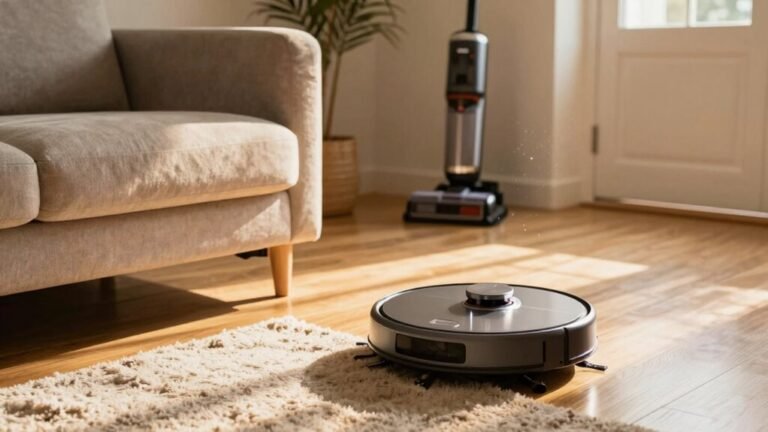
Understanding Robot Vacuum Specifications
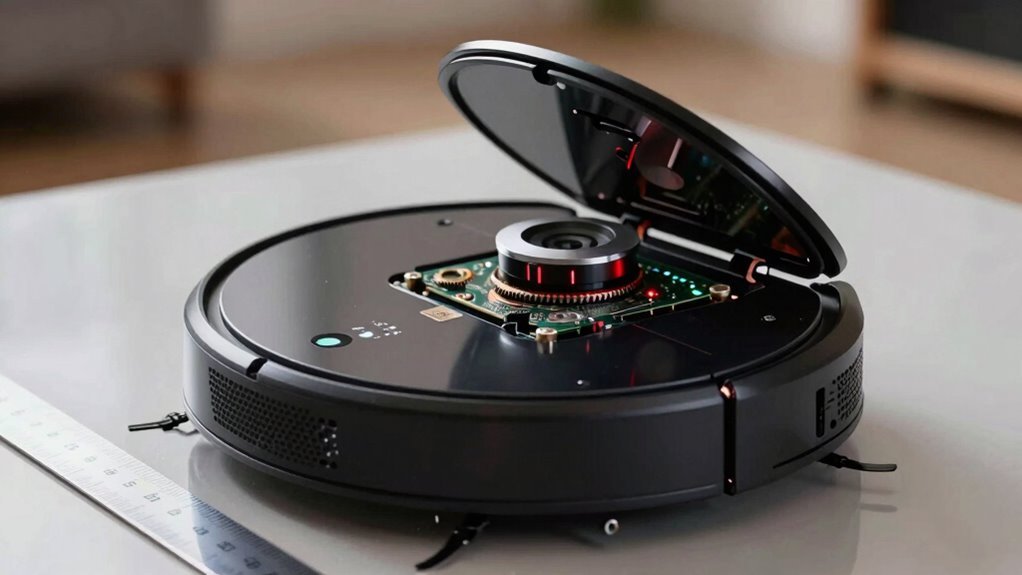
You’re not just picking a robot vacuum—you’re choosing your new cleaning sidekick. Strong suction (think 5,000+ Pa) tackles pet hair like a pro, making it a key factor when evaluating robot vacuum specifications.
Smart navigation maps your whole home without getting lost, ensuring complete coverage. Advanced cameras and sensors help the robot vacuum avoid cords and clutter, so it cleans independently.
Batteries typically last a few years, offering reliable performance over time. With app scheduling or voice commands like “Hey Google, clean up!”, you stay in control.
These features, from suction power to smart navigation, define the best robot vacuum specifications. Ready to see which model will revolutionize your floors?
What Do Suction Power Numbers Really Mean?
Ever wonder why one robot vacuum zips across your floor like a dust-hungry vacuum beast while another barely whispers?
It’s all about suction power—and the numbers can be sneaky.
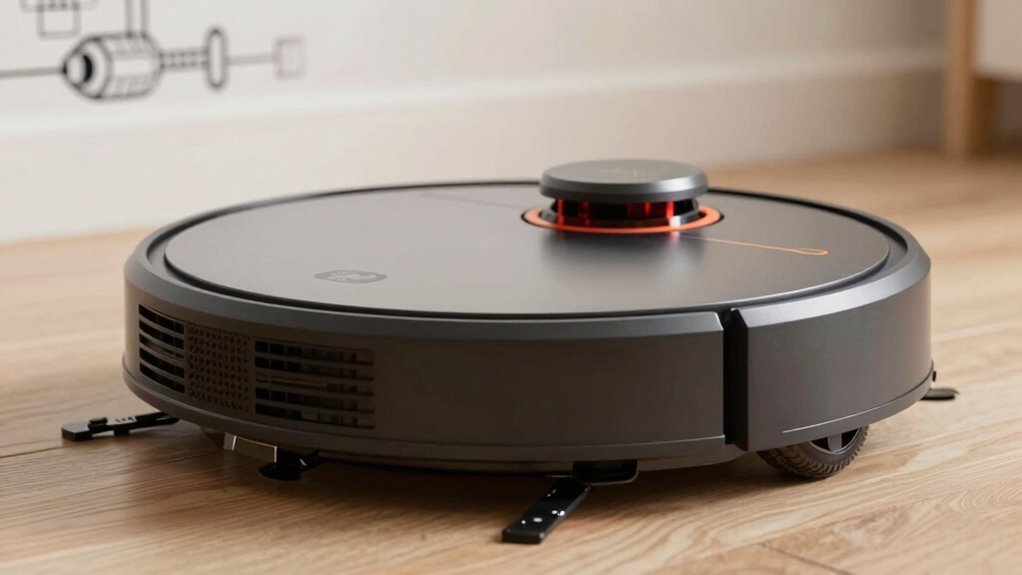
You’ll see specs in pascals (Pa), which measure how hard the vacuum pulls, kinda like muscle strength.
Higher Pa means better pickup on carpets—think 2,000 for bare floors, 5,000+ for pet hair tangles.
But wait—Air Watts (AW) combine airflow and suction, giving a truer picture of cleaning oomph.
And don’t be fooled by plain watts; those just measure energy use, not power.
A 6,000 Pa robot feels strong, but real-world performance also depends on airflow, nozzle design, and smart sensors that adjust on the fly.
Even a well-rated vacuum can underperform if its sealed system leaks pressure, reducing effective suction.
How Long Do Robot Vacuum Batteries Last in Real Use?
Right out of the gate, your robot vacuum’s battery is working harder than a hamster on a wheel—constantly charging, cleaning, and recharging with every pass across your floors. Most modern Li-ion batteries last 2 to 5 years, or about 300–500 charge cycles, though heavy daily use can knock out 25–30% of capacity by year two. If you clean weekly, you’re gentler on the battery—only 15–20% loss. Watch for red flags: runtime dropping from 90 to 30 minutes, sudden shutdowns, or sluggish charging. This degradation accelerates when the robot performs frequent partial recharges, which can cause 30-35% capacity loss over time and significantly shorten overall battery lifespan.
Does Navigation Tech Make Cleaning More Efficient?
How does your robot vacuum zip through furniture like a pro without missing a spot? It’s all thanks to smart navigation tech working behind the scenes.
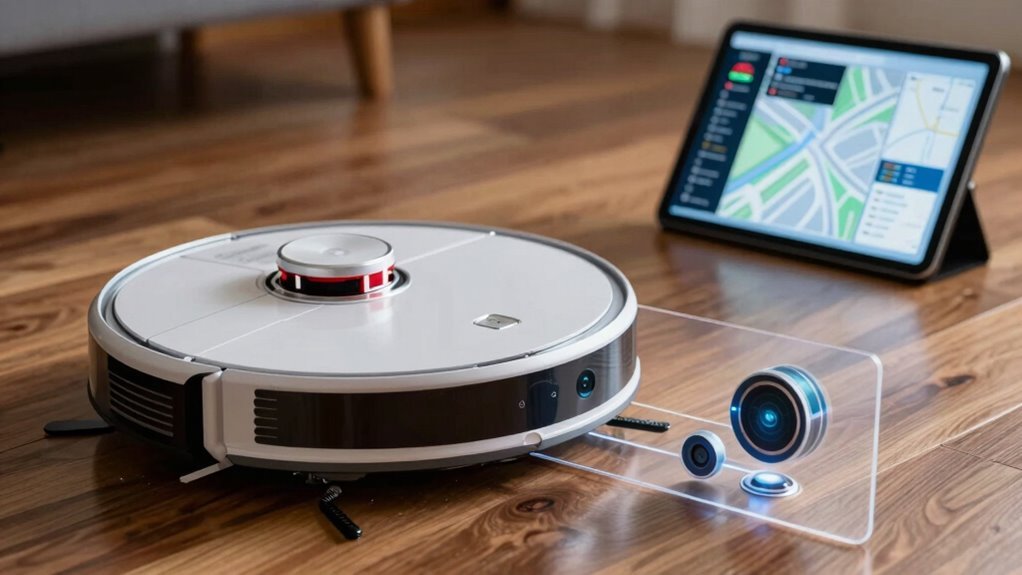
If you’ve got LiDAR, your robot maps every wall and chair leg with laser precision, zipping through tight spots and slashing cleaning time.
It’s like giving your vacuum a GPS—accurate, fast, and no guesswork.
Even in dim light, it nails over 95% coverage, so no dust bunnies escape.
Cheaper models use vSLAM, which is great in sunny rooms but can get confused in the dark.
Fancy models blend sensors—cameras, lasers, even ultrasonic brains—so they don’t double-back or spin in circles like they’re dizzy.
And with sensor fusion, your robot plans smarter paths, saving battery and finishing faster.
Bottom line? The right navigation doesn’t just move your vacuum—it makes it *efficient*.
Who knew your floor could get a PhD in logistics?
Do LiDAR, Cameras, and AI Avoid Obstacles Like Cords and Pet Poop?
What’s stopping your robot from turning a phone charger into confetti or mistaking pet waste for a speed bump?
LiDAR helps it map walls and big furniture, but it’s mounted too high to see low-down dangers like cords or poop.
Cameras, especially front-facing ones, use AI to spot trouble—imagine your bot recognizing over 128 objects, including socks or smudges.
With binocular vision and built-in lights, it sees in 3D and works even in dim halls.
AI learns from what it sees, giving yucky messes a wide berth.
Still, no tech’s perfect—dark rooms stump cameras, and LiDAR alone won’t save your cables.
That’s why top bots fuse LiDAR, cameras, IR, and structured light to get smart about size, shape, and gross-out zones.
Premium models avoid disasters better, but you’ll still want no-go zones for peace of mind.
Your bot’s getting smarter—but a little help never hurts.
Can App Controls, Scheduling, and Voice Commands Save You Time?
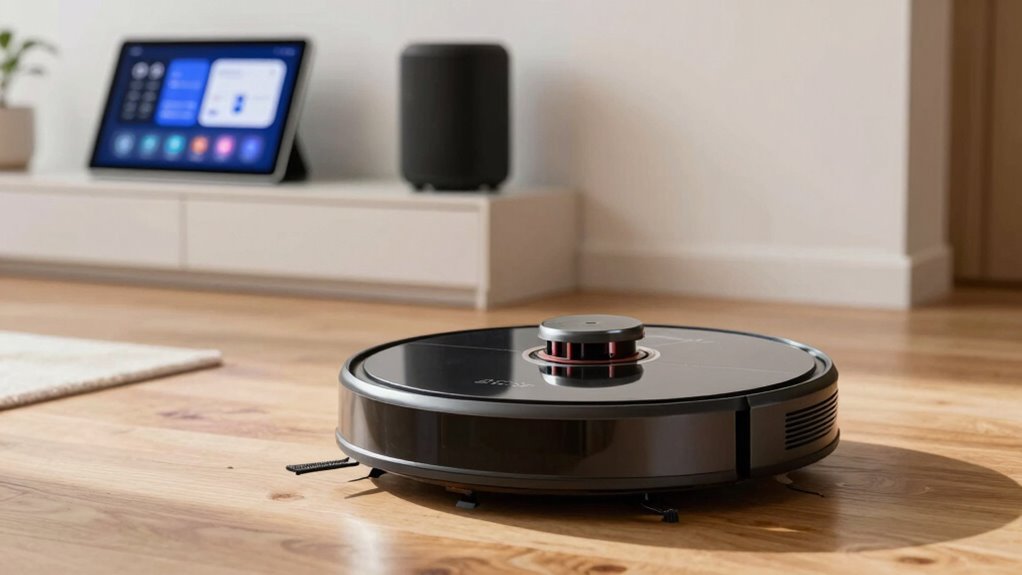
Ever wonder how much easier life could be when your vacuum does the work—without you lifting a finger?
With app controls, scheduling, and voice commands, you’re not just saving time—you’re upgrading your whole routine.
You can launch cleanings from your couch, set weekly schedules so it runs while you’re at work, or even say, “Hey Google, clean the living room,” and boom—it starts.
These smart features cut nearly 6 days of cleaning from your year, all while you kick back or tackle bigger things.
It’s like having a tiny robot butler that actually listens.
- Get real-time updates on cleaning progress
- Schedule cleanings during naptime or Netflix binges
- Use voice commands without pausing your show
- Receive alerts when it needs help or maintenance
- Enjoy hands-free emptying and mopping with smart docks
What Specs Fit Your Home’s Size and Floors?
Where does your robot vacuum fit in when your couch is practically hugging the floor?
If it’s taller than 3.94 inches, it mightn’t fit—so measure that gap and leave a 0.2-inch cushion.
For snug spaces, pick a low-profile model under 4 inches high.
Now, how big’s your place?
Under 1,000 sq. ft.? One robot’s plenty.
Between 1,000 and 2,000? Two make life easier.
Over 2,000 or multi-floor? You’ll want one per level—stairs are a no-go, after all.
Round bots dance around table legs; square ones crush dust in corners but need room to turn.
Big homes need bigger bins (300+ ml) and strong suction (13,000+ Pa).
And if your floors sprawl or stack, multi-level mapping is your friend.
Pick smart, clean easy!
Frequently Asked Questions
How Often Should I Replace the Robot Vacuum’s Filter?
You should replace your robot vacuum’s filter every 2 to 4 months, depending on how messy your home gets.
If you’ve got pets or use it daily, swap it every 2–3 months—those little fur tornadoes clog filters fast!
Check it monthly: if it’s grimy or smells funky, it’s time.
Some models even nag you with alerts—listen to your robot, it’s just trying to help.
Keep it fresh, keep it sucking!
Can Robot Vacuums Damage Hardwood Floors Over Time?
Yes, some robot vacuums can scratch hardwood over time—about 30% of users report swirl marks from older models.
You’re safe if you skip the bargain bots with stiff brushes and hard wheels, though.
Modern ones use soft rubber rollers and silicone brushes that glide gently, like slippers on wood.
Just keep wheels clean and avoid wet mopping unless your model’s designed for it.
You’ve got this—your floors will stay shiny, not shiny *because* of scratches!
Are Replacement Parts Expensive for Budget Models?
Nope, replacement parts for budget models aren’t breaking the bank.
You’re grabbing edge brushes for under $5 and filters under $20, which is pretty sweet.
Sure, you’ve gotta replace them every few months, but hey, that’s way cheaper than buying a whole new robot.
It’s like buying socks—cheap, essential, and way easier than going barefoot!
Do Robot Vacuums Work Well on Dark-Colored Carpets?
Yeah, robot vacuums can struggle on dark carpets—kinda like how your phone flashlight disappears on a black hoodie.
Older models, like the Roomba 530, often avoid dark rugs, thinking they’re cliffs.
But don’t sweat it!
Newer ones with LiDAR or TrueDetect 3D, like the j Series, handle black carpets like pros, even in low light.
Just keep sensors clean, and you’re golden—no more spooky rug avoidance dances!
Is It Safe to Leave the Robot Charging All Day?
Yeah, it’s totally safe to leave your robot charging all day!
Modern models stop sucking power once full, thanks to smart tech that keeps them from overcharging.
You’ll find it happily snoozing on its dock, ready to jump into action whenever you need it.
Just think of it as a tiny, electrified pet that naps efficiently.
Sweet, right?
Conclusion
So, armed with these specs, you’re not just buying a robot vacuum—you’re recruiting a tiny, tireless teammate. Think of it: suction that tackles crumbs like a pro, brains that dodge dog toys, and a battery that outlasts your morning playlist. Could your floor really say no to that? With the right fit, it’s not just cleaning—it’s peace of mind, one smooth glide at a time. Go ahead, let the little guy handle it.
References
- https://us.narwal.com/blogs/product/robot-vacuum-how-many-pa
- https://us.narwal.com/blogs/robot-vacuum/measure-vacuum-suction
- https://www.cleverobot.com/understanding-robotic-vacuum-suction-power.html
- https://honiture.com/blogs/home-cleaning/vacuums-suction-power
- https://us.mova.tech/blogs/cleaning-tips/what-is-a-good-suction-power-for-vacuum-cleaner
- https://blog.switch-bot.com/choose-best-robot-vacuum-suction/
- https://www.eufy.com/blogs/robovac/powerful-vacuum-cleaner
- https://www.homefitvacuums.info/blog/head-to-head-comparisons-and-performance-tests/robot-vacuum-battery-life-verified-real-world/
- https://ca.dreametech.com/blogs/blog/how-long-do-robot-vacuum-batteries-last
- https://www.ecovacs.com/us/blog/how-long-does-robotic-vacuum-cleaner-battery-last