How to Increase Robot Vacuum Battery Life
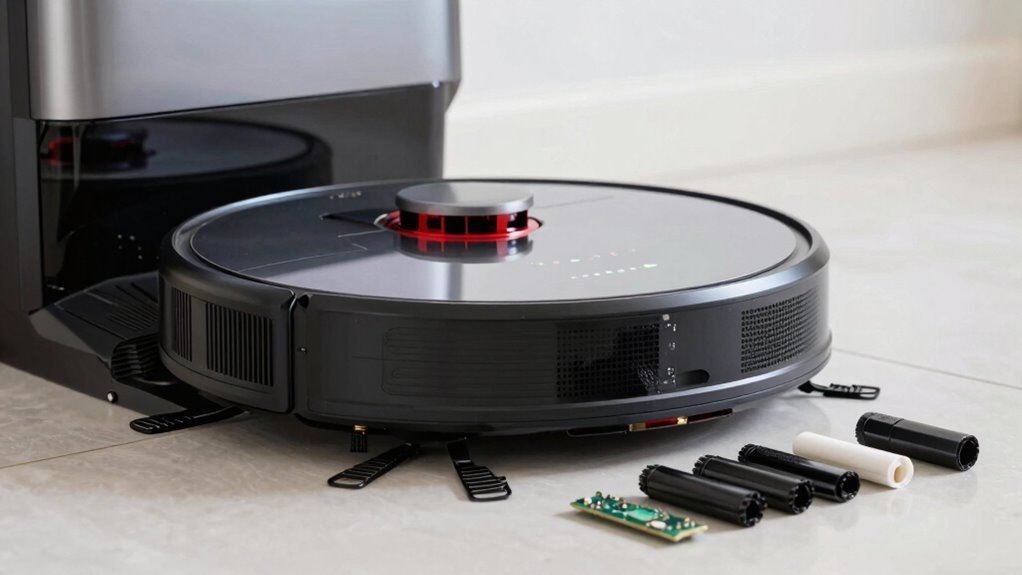
To increase robot vacuum battery life, unplug it once it reaches 100% charge. Leaving it on the charger too long can degrade the battery over time, reducing its overall lifespan.
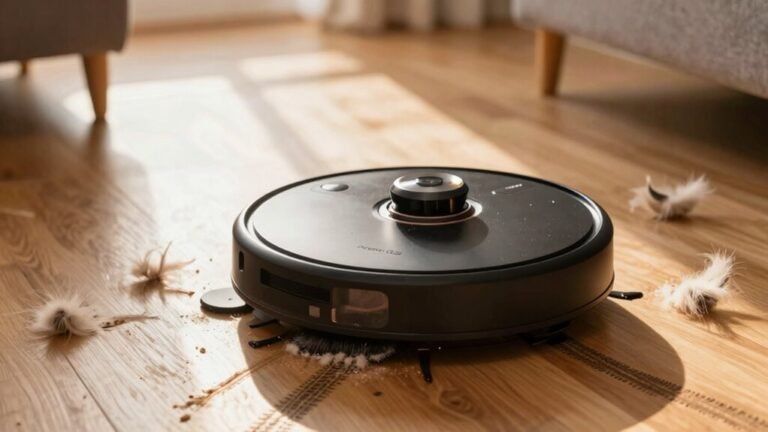
Clean the dustbin and sensors weekly to maintain optimal performance. Remove tangled hair from the brushes regularly to prevent strain on the motor and battery.
Avoid exposing your robot vacuum to extreme temperatures, which can harm the battery. Using Eco mode for daily cleaning helps conserve power and extends battery life.
Schedule cleanings during optimal times and avoid unnecessary runs. Smart usage habits ensure your robot vacuum stays efficient and lasts longer.
Understand Your Robot Vacuum’s Battery Type
Ever wondered why your robot vacuum zips around the house like a tiny cleanup ninja?
Well, a big part of that magic lies in its battery.
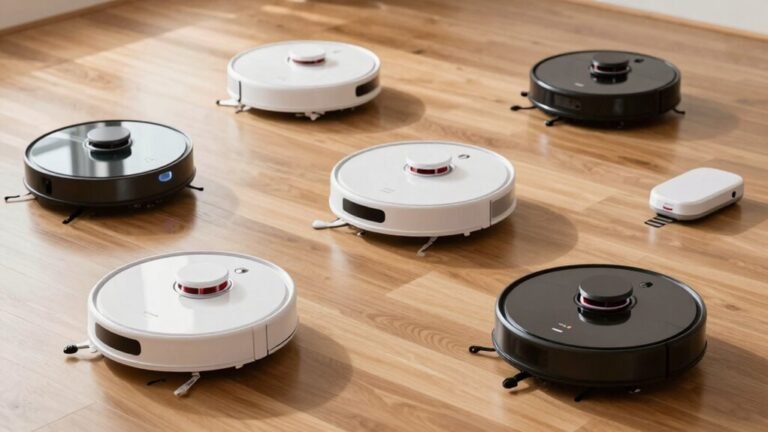
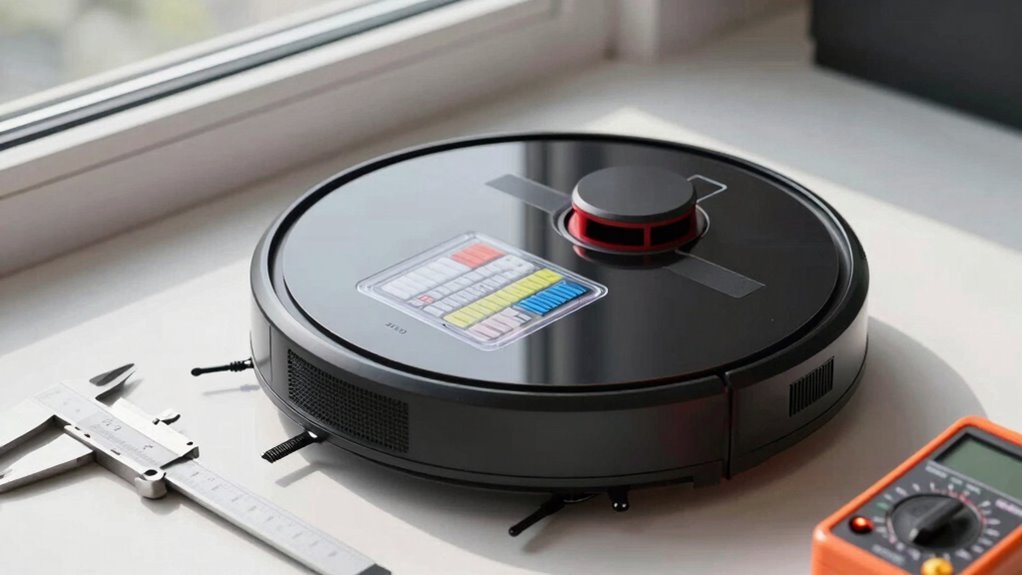
If you’ve got an older model, it’s probably rocking a NiMH battery—bulky, slow to charge, and fussy about being fully drained first.
But most modern bots, like DEEBOTs or iRobots, use sleek lithium-ion or LiPo batteries that don’t mind quick top-ups and pack more punch in less space.
These lightweight champs offer longer runtimes, faster charges, and fit snugly in slim designs.
Then there’s LiFePO4—super safe, eco-friendly, and built to last.
Knowing your battery type isn’t just nerdy trivia; it shapes how you charge, use, and get the most from your hardworking little helper.
Lithium-ion batteries generally outlast NiMH.
Clean the Bin and Sensors After Each Use
Grab your microfiber cloth and give that bin a quick empty—your robot vacuum will thank you.
You see, a full bin forces the motor to work harder, wasting batteryコミュニケ fast.
Emptying it after every use keeps suction strong and efficiency high, even if it doesn’t look full.
And don’t forget those sensors!
Wipe down the cliff and bumper sensors gently; dust there can send your robot into confused loops.
Clean sensors mean smarter navigation, shorter runs, and less battery stress.
Think of it as a spa moment—quick, easy, and totally worth it.
Plus, you’ll dodge those silly head-butts into walls.
This tiny habit slashes re-cleaning, saves 10–20% power, and can stretch battery life to 5 years.
Use a dry brush for tight spots, but keep liquids away—no one likes a soggy robot.
Stay on top of it, and your little cleaner will run smoother, longer, and with way more sass.
Regular maintenance helps preserve lithium-ion battery longevity, especially since these batteries degrade faster under strain and heat.
Clear Brush Debris to Preserve Battery
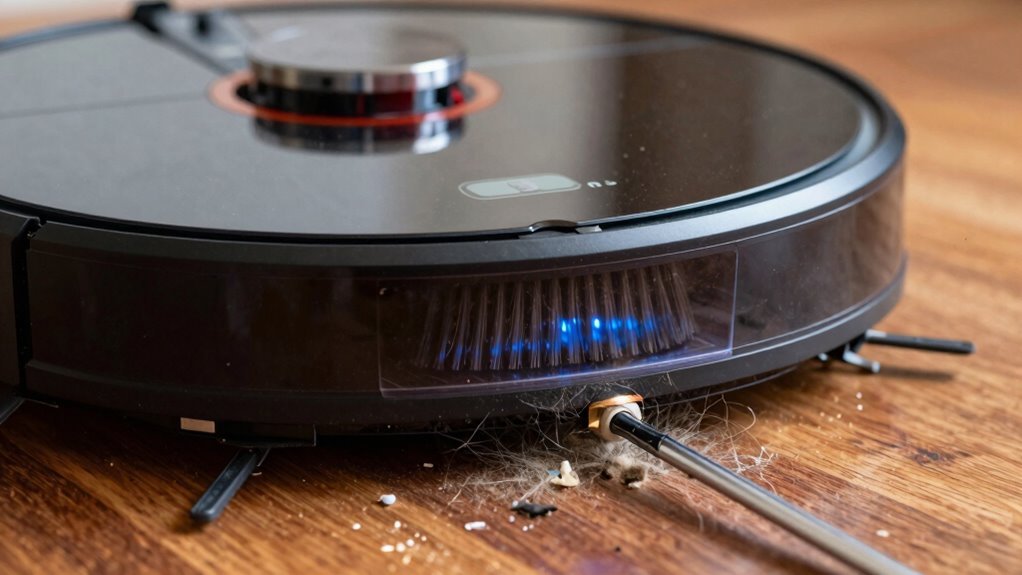
You’ve wiped down the sensors and emptied the bin—great call, your robot’s already feeling light on its wheels.
Now, don’t forget the brushes—gunked-up bristles are like spaghetti in a fan, slowing things down fast.
When hair, dust, or Legos (yes, really) clog the rollers, your vacuum’s motor has to work overtime, guzzling battery juice just to spin.
Clean brushes mean less strain, smoother moves, and more zing in your robot’s step.
Make it a habit: after a few runs, give the brushes a quick comb-out.
It’s easy, takes two minutes, and keeps performance sharp.
In pet homes or on carpets? Do it even more—your battery will thank you.
Fresh, tangle-free brushes cut cleaning time, save power, and dodge those “why’d you die mid-job?” drama moments.
A little upkeep now prevents sad, stranded vacuums later.
Think of it as flossing—for your robot.
Gross? Maybe.
Important? Absolutely.
Schedule Cleanings to Save Battery
When your robot vacuum zips around the house like it’s training for a tiny motorsport championship, it’s easy to forget it’s not invincible—especially its battery. You’re not racing—you’re cleaning!
Running it daily wears out those precious 300-500 charge cycles faster, shortening its lifespan. Skip the daily marathons; schedule cleanings just a few times a week.
Pick low-traffic times so it finishes without hassle, and use app zoning to clean only messy rooms—no need to vacuum the closet that’s empty!
Smart maps mean quicker routes, less runtime, and happier batteries. Set it to dock before draining fully, and let it chill at 20–80% charge.
Modern bots won’t overcharge, so scheduling dock returns is safe and smart. You’re not lazy—you’re strategic!
A well-timed clean keeps your bot running strong for years. Now that’s working smarter, not harder.
Use Light or Eco Mode for Larger Areas
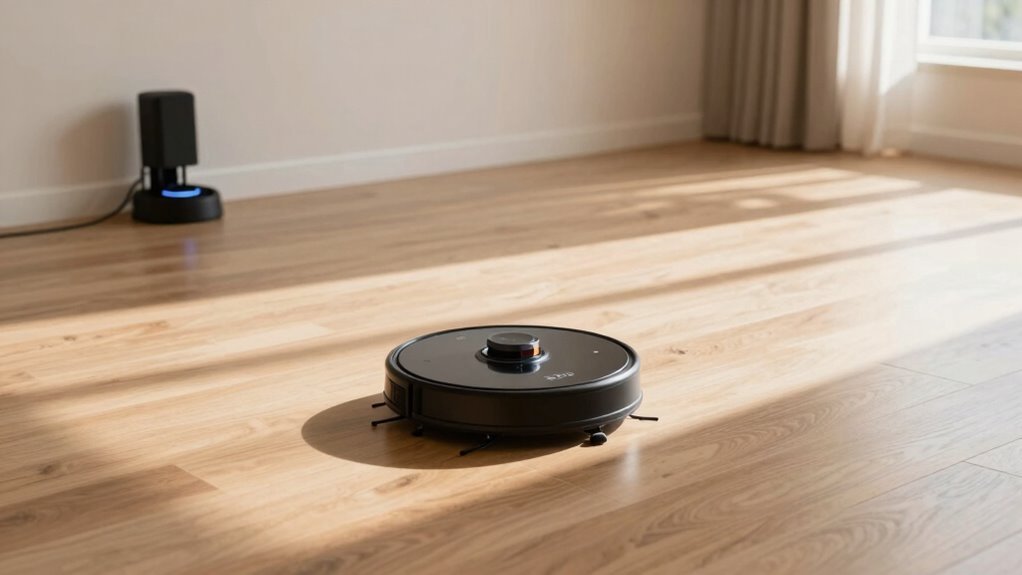
Ever wonder how your robot vacuum can clean your whole house without quitting halfway? Switching to Light or Eco mode is your secret weapon—especially for larger spaces. You’ll save power, avoid mid-clean shutdowns, and still keep things tidy. It’s like sending your robot on a marathon, not a sprint!
Here’s why it works so well:
| Feature | Eco Mode | Max Mode |
|---|---|---|
| Runtime | 90+ minutes | 60 minutes |
| Power Use | 60-100W | 500-1500W |
| Coverage | 140m² seamless | Half-area splits |
You’re not sacrificing cleanliness, just waste. The bot cleans smarter, not harder, and your battery will thank you. Plus, who doesn’t love a robot that knows how to pace itself? With cooler runs and less strain, you’ll get years of reliable service—just don’t expect it to win a drag race.
Update Firmware for Battery Efficiency
While your robot vacuum buzzes around the house, its brain is quietly learning how to work smarter—and firmware updates are the key to unlocking those smarts.
You’re not just fixing bugs; you’re turbocharging battery life with sneaky software upgrades.
Each update tweaks how your robot cleans, charges, and navigates, slashing energy waste like a pro.
Outdated firmware? That could be why your vacuum conks out early or takes weird detours.
But with fresh updates, you’ll boost power management, fix sneaky battery drains, and improve charging smarts—no more overcharging or ghost电量.
Just grab the official app, plug in your bot, and let it download the latest brain boost.
It’s like a pit stop for its tech soul.
Update regularly, keep it charged during install, and watch your vacuum run longer, smarter, and happier.
Think of it as a tune-up, minus the greasy hands.
Your floors (and battery) will thank you!
Switch to Eco Mode for Daily Runs
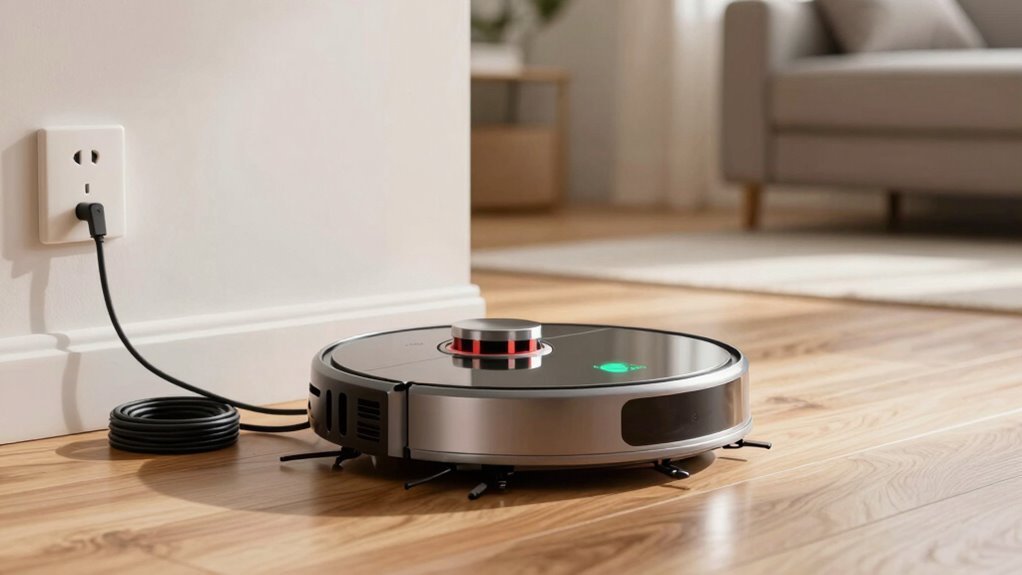
You can stretch every charge way further just by flipping a switch—literally.
Switch to Eco mode for daily runs and enjoy up to 90 minutes of runtime, versus just 60 in standard mode. On hard floors, you might even get 15 extra minutes.
Eco mode sips power instead of guzzling it—dropping suction just enough to cut energy use, like the Narwal Freo Z Ultra doing 0.065 kWh/hour.
It’s not about sacrificing cleanliness; it’s about smart, steady cleaning.
Save turbo mode for when crumbs stage a rebellion.
Daily Eco runs mean less strain on your battery, fewer charging cycles, and a lifespan of 2–5 years.
Think of it as a slow, relaxing walk instead of a daily sprint.
You’ll cover more ground over time, keep your floors fresh, and give your robot a much happier, longer life—without breaking a (robotic) sweat.
Don’t Charge in Hot or Cold Rooms
Keeping your robot vacuum in Eco mode is a smart move for daily cleanups, but how and where you charge it matters just as much.
Don’t charge in hot or cold rooms—your robot’s battery hates extreme temps!
Cold slows it down, forcing more frequent charges, while heat speeds up wear and can cut battery life in half.
Seriously, 45°C is a total party killer for lithium-ion cells.
Keep the charging dock out of direct sunlight and away from radiators or hot appliances—no sunbathing allowed!
A cool, dry spot with good airflow is perfect.
Most robot vacuums have smart sensors to protect against overheating, but why push it?
Think of your battery like you think of your favorite chocolate: best kept cool, not melted or frozen.
Charge smart, and you’ll keep your little cleaning buddy running strong for years.
Avoid Overcharging: Unplug at 100
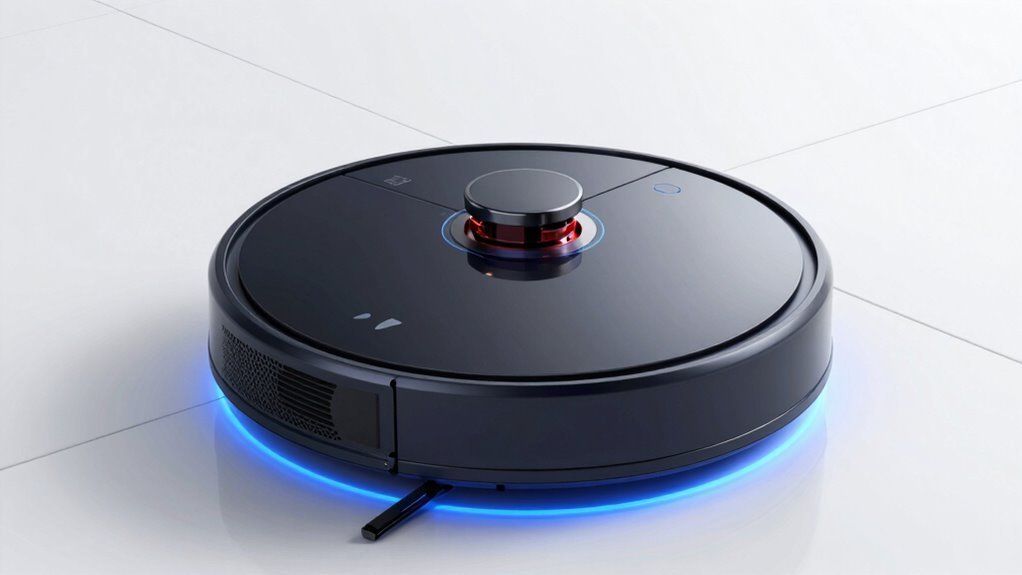
Ever wonder why your robot vacuum seems sluggish after a while? Overcharging could be the culprit. Keeping it plugged in past 100% stresses the battery, especially in older models like Scooba, which lack smart safeguards. Even with modern protections, it’s smart to unplug at full charge. Heat builds up, chemistry breaks down, and suddenly your vacuum’s runtime nosedives from 90 to 30 minutes—yikes!
| Risk | Solution |
|---|---|
| Battery overheating | Unplug at 100% |
| Capacity loss | Remove from dock |
| Chemical degradation | Use auto-stop models |
Newer Roborocks (S8, Qrevo, Q7) stop charging automatically, but why risk it? A quick disconnect keeps your bot zippy and happy. Think of it like espresso—great at full strength, not when it’s been sitting on the burner all day.
Swap the Battery When Runtime Drops
Feel your robot vacuum dragging like it’s running on fumes? If it’s going from 90 minutes to barely 30, it’s screaming for a new battery!
You might’ve noticed it charging longer, overheating, or docking every five minutes—classic signs it’s had enough. Don’t toss the whole unit just yet!
Swapping the battery is way cheaper than buying a new vacuum. For models like Roombas or bObsweeps, just flip it over, unscrew the plate, unplug the black clip, and pop the old battery out (check your manual first!).
Use only OEM replacements—safety first!
Once installed, your bot will zip around with fresh energy, finishing full cleaning cycles again.
Plus, no more sad little “low battery” beeps.
It’s like giving your robot a second wind—without the midlife crisis.
Frequently Asked Questions
How Often Should I Replace My Robot Vacuum Battery?
You should replace your robot vacuum battery every 2 to 3 years, or sooner if it’s running out of juice fast.
If it’s dying mid-clean or takes forever to charge, it’s probably on its last leg.
Think of it like a phone battery—after a few years, it just can’t keep up.
Pro tip: if it’s sulking in the corner refusing to charge, it’s definitely time for a new one.
Can I Use Third-Party Batteries for My Robot Vacuum?
Yeah, you can use third-party batteries—they’re usually cheaper and easy to find.
Just make sure they fit your model, ’cause not all play nice.
Some might promise a lot but deliver less, like that “turbo” squirt gun that barely sprays.
Check reviews and stick with trusted brands.
It’s like picking snacks—sometimes name brand’s best, but hey, the generic ones can hit the spot too!
Does Wi-Fi Connectivity Affect Robot Vacuum Battery Life?
Yeah, Wi-Fi does nibble a bit at your robot vacuum’s battery, but not much—think of it like leaving a light on versus turning it off.
Your smart little cleaner uses just a tad more power staying connected, yet gains cool perks like app control and voice commands.
It’s a fun trade-off: a whisper of extra drain for a world of convenience, smarts, and high-tech help keeping your floors spotless without lifting a finger—except maybe to press “clean” from your couch.
Is It Safe to Leave My Robot Vacuum Plugged in All Day?
Yes, you can leave it plugged in all day—modern robot vacuums won’t overcharge, thanks to smart safety brains that shut off power when full.
It’s like a built-in nap mode!
Keeping it docked actually helps battery health by avoiding deep drains.
Just stick with the original charger, update the firmware, and let it chill on the dock.
Think of it as a cozy robot lounge, not a charging prison!
Do Virtual Boundaries Help Conserve Battery Power?
Oh, absolutely, virtual boundaries are like giving your robot vacuum a GPS shortcut from the future—way before GPS existed!
You set the limits, and it skips the marathon cleaning for a sprint.
It dodges no-go zones, cuts navigation chaos, and wraps up fast.
Less wandering means less battery stress, so you’re saving power without lifting a finger.
Win-win!
Conclusion
You’ve cleaned, scheduled, and eco-moded like a pro—your robot’s still dying faster than your phone at a concert. Irony? You’re saving energy everywhere *except* its battery. But hey, at least it naps better than you do. Swap that old battery and watch it zoom past rooms it once ghosted. Who knew the secret to endless clean floors was treating your robot like a needy pet with charger anxiety? Victory’s within reach—and suction.
References
- https://www.lifepo4batteryshop.com/blogs/robot-vacuum-battery-guide-selection-maintenance.html
- https://manlybattery.com/maximize-robot-vacuums-life-with-the-right-lithium-battery/
- https://www.jybattery.net/blog/choosing-the-right-battery-pack-for-robot-sweeper-cleaner/
- https://www.ayaatech.com/news/top-considerations-for-selecting-robot-vacuum-cleaner-batteries-with-advanced-bms-control/
- https://husarion.com/blog/batteries-for-mobile-robots/
- https://www.robotspecialist.com.au/collections/batteries
- https://www.robotreviews.com/chat/viewtopic.php?t=4599
- https://homesupport.irobot.com/s/article/21019
- https://www.ecovacs.com/us/blog/how-long-does-robotic-vacuum-cleaner-battery-last
- https://www.large-battery.com/blog/top-tips-to-maintain-and-charge-robot-batteries-safely/