How Do Robot Vacuums Identify Different Rooms?
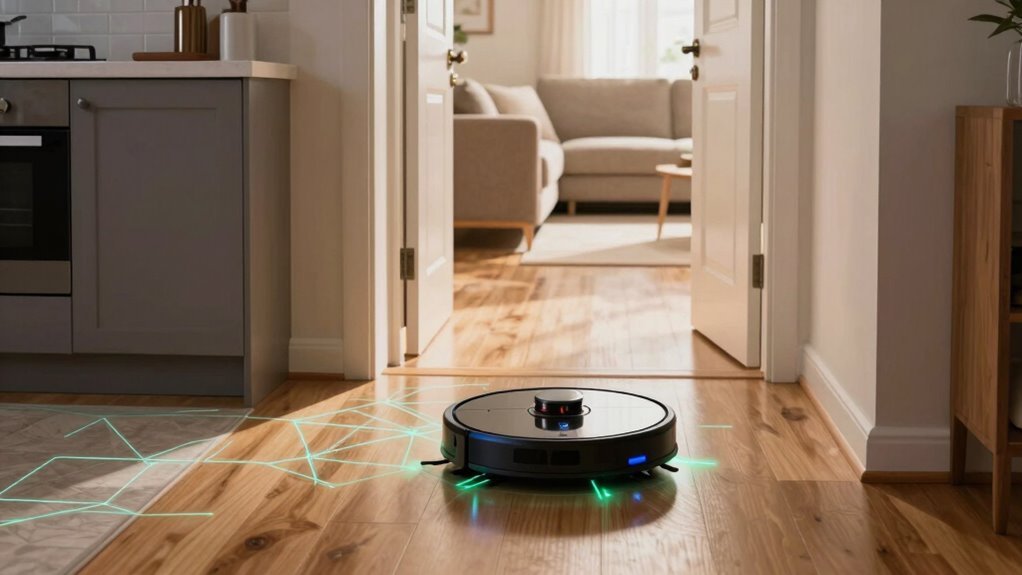
Your robot vacuum doesn’t just guess—it uses smart sensors, lasers, and cameras to map every wall, doorway, and corner like a tiny detective on a minus. How do robot vacuums identify different rooms? Through advanced technology that creates accurate, real-time maps of your home.
LiDAR spins 360°, bouncing laser pulses to build a detailed layout of the space. This data, combined with SLAM technology, allows the vacuum to track its position and navigate precisely from room to room.
It labels rooms, remembers layouts, and even distinguishes between floors like a pro. Give a command to clean the kitchen, and it knows exactly where to go—no magic, just genius tech with a touch of sass.
Want to know how to make it even smarter? There’s a trick or two you’ll love.
How Robot Vacuums Map Rooms Without Seeing?
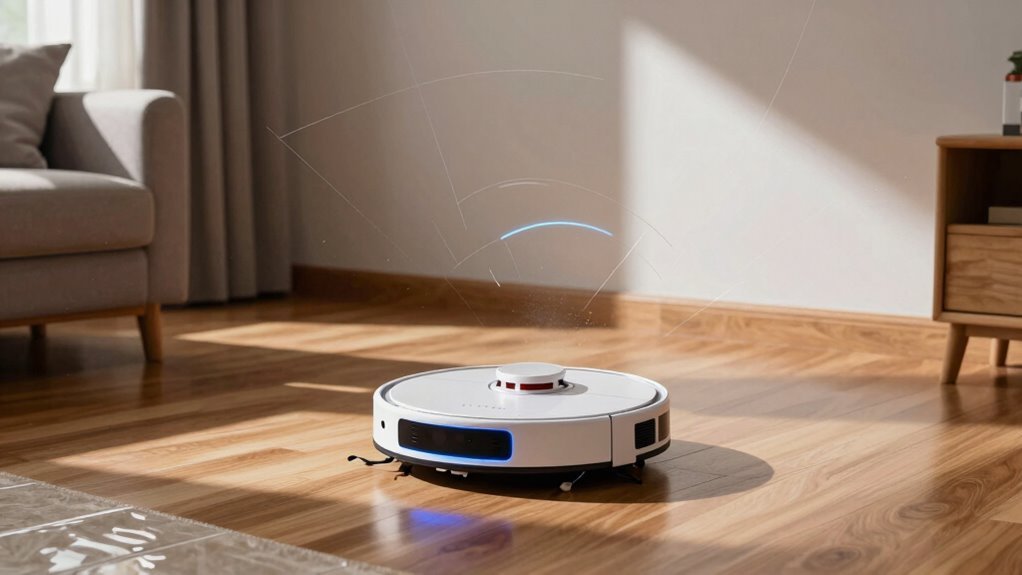
Ever wonder how your robot vacuum “sees” the room without eyes?
It doesn’t need vision—instead, it builds a digital floorplan using sensors and smart math.
You’d be surprised: it “watches” walls appear through infrared beams, feels bumps when it taps furniture, and senses drops at stairs with special detectors.
As it rolls, wheel sensors track distance, while gyroscopes know if it’s turning left or right.
All this data feeds into a brainy system called SLAM, which maps the space and pinpoints where the robot is—all in real time.
It zips around, not randomly, but in neat lines, remembering where it’s cleaned.
No cameras? No problem!
Even in the dark, it maps just fine.
Think of it as blindfolded but brilliant, turning bumps, beeps, and spins into a perfect cleaning plan—one room at a time.
Advanced models use AI + Machine Learning to recognize and remember distinct rooms over time.
How LiDAR Helps Identify Different Rooms
How does your robot vacuum tell the kitchen from the living room without peeking at a blueprint? Thanks to LiDAR, it zips around, shooting invisible laser pulses that bounce off walls and furniture, building a smart map—even in the dark!
No eyes needed, just precision and speed.
Here’s how it nails room detection:
- It spins 360°, scanning every corner like a tiny radar tower, catching walls and doorways in crisp detail.
- SLAM magic turns raw data into a living map, spotting room shapes and splitting them up like puzzle pieces.
- It remembers each room, so it can clean hallways separately from bedrooms—no mix-ups!
Your robot doesn’t need GPS or sunlight—just lasers and brains. And hey, if it ever *did* wear glasses, they’d definitely be laser goggles.
This advanced mapping also enables customized cleaning based on room type, thanks to LiDAR-based mapping.
How Cameras Track Room Layouts
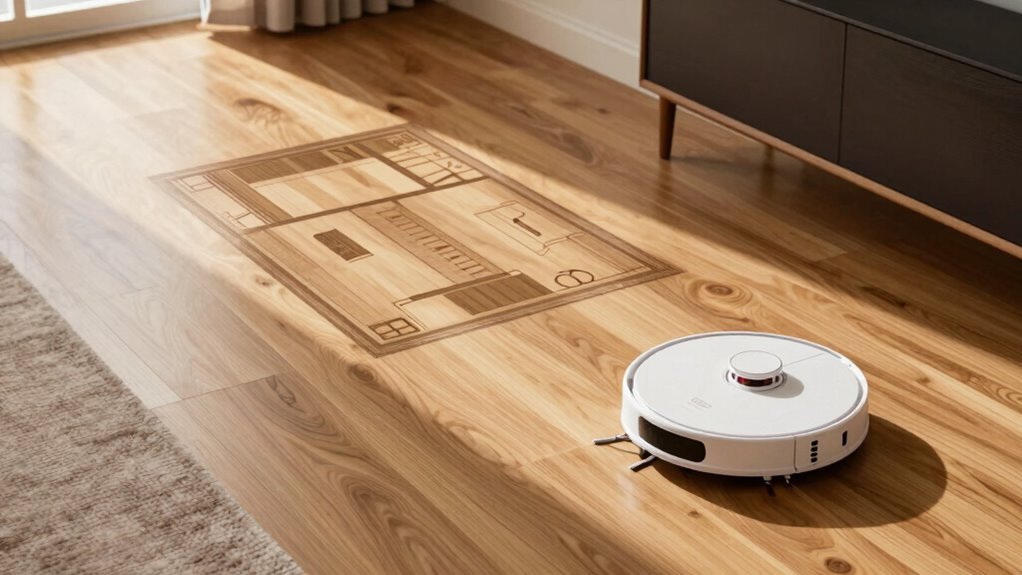
Your robot vacuum’s eyes aren’t just for show—many models pack smart cameras that snap pics as they roll, turning snapshots into a step-by-step map of your home.
They spot corners, edges, and textures like a detective hunting clues, using them to figure out where they’ve been and where to go.
When you move the couch, no sweat—your bot notices the change and updates its map on the fly.
It’s not just snapping selfies; it’s using what it sees to avoid bumping into your pet’s water bowl or mistaking a mirror for an open room.
By combining camera views with other sensors, it keeps its balance—like a sleepy walker using a wall for support.
And thanks to clever math, it knows whether that shadowy corner is a doorway or just a rug that looks suspicious.
Pretty smart for a little guy on wheels, right?
What Is SLAM and How It Builds Maps
What if your robot vacuum could think like a detective and draw like an architect—all at the same time?
That’s exactly what SLAM lets it do. SLAM (Simultaneous Localization and Mapping) helps your robot map your home while keeping track of its location—no random bumbling.
Here’s how it builds smart maps:
- Senses everything — using LiDAR, cameras, and wheels to gather data as it moves.
- Stitches scans together — aligning laser or visual snapshots to grow the map step by step.
- Cleans up guesswork — using smart math to fix errors and update spots that change (like when you move the couch).
It’s like solving a puzzle while walking through it, blindfolded—but way smarter.
And thanks to SLAM, your robot doesn’t just wander; it *navigates*.
How Robot Vacuums Label and Save Rooms
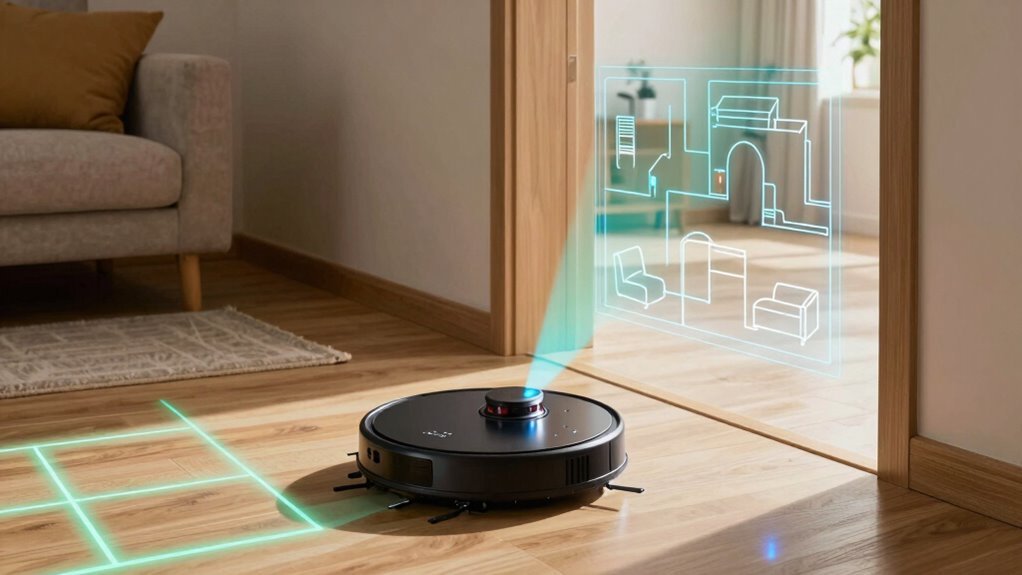
Even if your home looks like a maze to you, your robot vacuum’s already figured out which room is which—thanks to some clever smarts hidden under its sleek frame.
It uses walls, doorways, and even floor changes to split your space into zones, kind of like painting your floor with invisible lines.
After a few cleaning runs, it shows you these areas as colorful chunks in the app, just waiting for names like “Kitchen” or “Chaos Room” (we’ve all got one).
You can rename, split, or merge them with a tap—because who knew vacuuming could be so personal?
Once labeled, your robot saves each room’s favorite settings, like extra suction for the dog’s favorite nap zone.
Maps stick around in memory or the cloud, so it remembers layouts across floors and cleanings.
And yep, it knows the difference between your bedroom and basement—no bedtime stories required.
Setting Room Boundaries Using No-Go Zones
- Draw no-go zones in the app to block off entire rooms or delicate areas—like that messy home office or toddler’s toy kingdom.
- Use no-mop zones when your robot’s mopping, so carpets stay dry and safe (because soggy rugs are *not* a vibe).
- Set virtual walls or magnetic strips to create invisible barriers—perfect for doorways or snack-time pet zones.
You can tweak, toggle, or trash these zones anytime, keeping cleaning flexible and fuss-free.
Just don’t go overboard—too many limits can slow things down.
Smart boundaries mean a clean home *and* peace of mind.
Switching Between Floor Plans in Multi-Story Homes
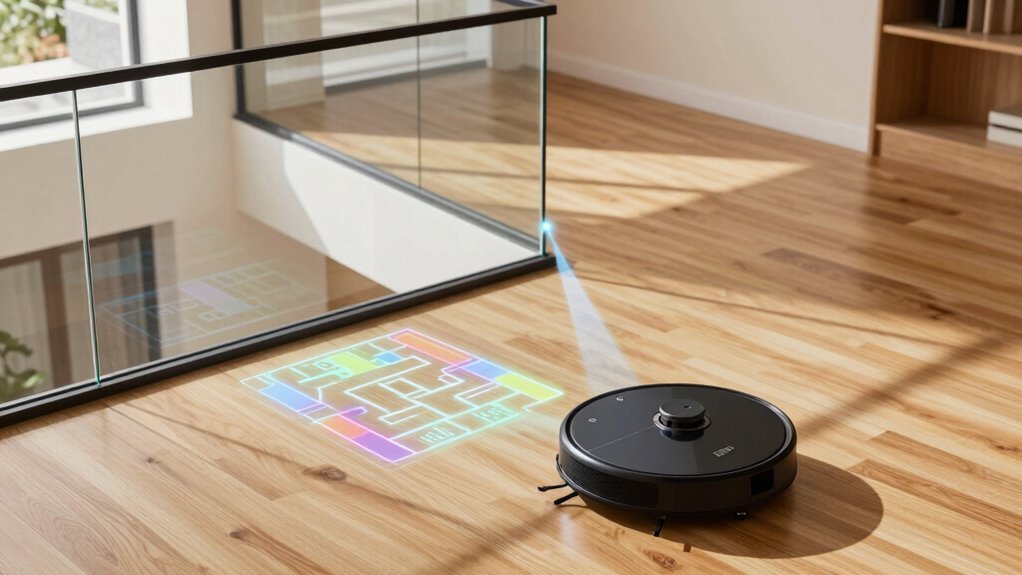
How do you keep your robot from getting confused between your cozy living room downstairs and the upstairs hallway that always collects dog hair and dust bunnies? Simple—your robot uses smart multi-floor mapping! After creating a map of each level, it stores them separately and switches automatically by recognizing unique landmarks like doorways or walls. Some models let you pick the floor in the app, while others figure it out on their own. Just carry your robot between floors—it can’t climb stairs (yet!).
| Feature | Why It’s Cool |
|---|---|
| Stores 3–5 floor maps | No more remapping every time! |
| Auto-switches maps | “Hey, I’m on the second floor now!” |
| Custom cleaning per floor | Strong suction upstairs, gentle mop downstairs |
You’re in control, and your robot’s got the brains to keep up!
Why Room Recognition Sometimes Fails
Ever wonder why your robot suddenly acts like it’s never seen your bedroom before?
It’s not ghosted you—it’s just struggling to keep up.
Room recognition can hiccup for plenty of reasons, even with smart tech under the hood.
Here’s what might be throwing it off:
- Dirty or blocked sensors – Dust on LiDAR or cliffs sensors makes walls “vanish” or creates fake obstacles, confusing your robot’s map.
- Changed furniture or clutter – Move the bed or leave toys out, and your robot might think it’s in a whole new dimension.
- Worn wheels or stuck brushes – If it’s dragging one side, it veers off track, so the path it “thinks” it’s taking doesn’t match reality.
A little maintenance and tidying go a long way—keep it clean, keep it clear, and your robot will keep its bearings (and your floors clean).
Clean Specific Rooms by Voice Command
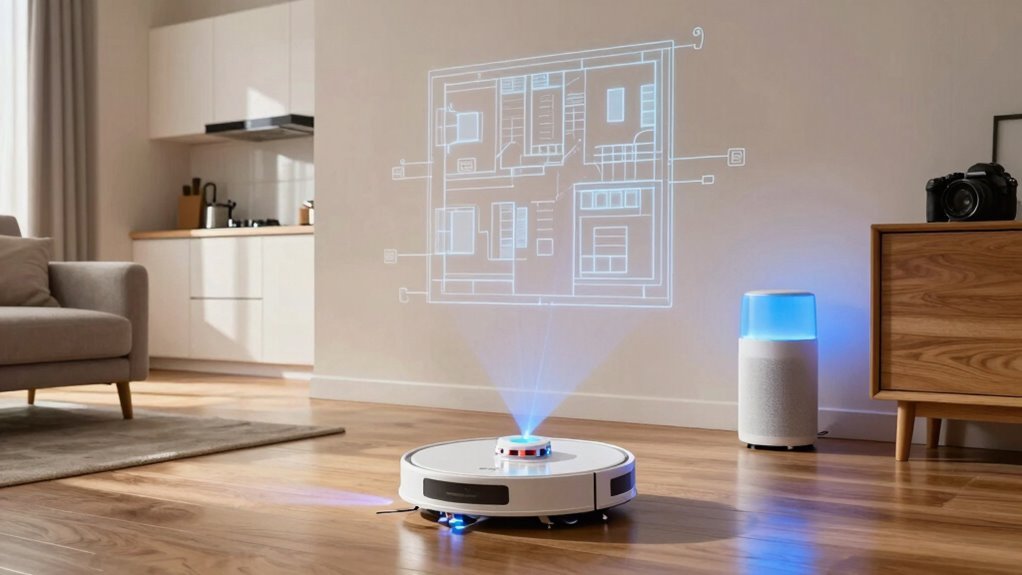
Your robot vacuum has finally learned the layout of your home, so it’s time to put that smarts to work—with your voice.
Just say, “Hey Google, clean the kitchen,” and watch it zip off like it’s got a hotspot on the crumbs.
Most high-end models from Roborock, iRobot, and Shark work with Alexa, Google Assistant, or Siri, but only if you’ve linked accounts and saved a map first.
You’ve gotta name rooms the same way in the app as you say them out loud—no “dining room” in the app and “eatery” in speech.
Some bots, like eufy, still can’t do it, so don’t shout at them like it’s their fault.
With Siri, use Apple Shortcuts—say the exact phrase you set, unless you make five versions like “Clean up!” or “Snack zone alert!”
It’s not magic, but close.
Improve Room Detection With These Tips
While your robot vacuum’s brain is pretty smart, giving it a little help during mapping makes all the difference—think of it as setting the stage for a star performer.
You’re not just cleaning, you’re training a tiny robo-detective!
For sharper room ID, try these:
- Light it right – Keep lights on and curtains steady so its camera doesn’t get tripped up by shadows or glare.
- Clear the scene – Push furniture back, ditch the clutter, and leave doors wide open like you’re welcoming a VIP guest (because you are).
- Guide the bot – Use no-go zones and custom maps like digital duct tape—marking “rooms” even when your layout says otherwise.
A little prep means fewer “lost in space” moments and way more “Aha, the kitchen!” victories.
Your future self (and your spotless floors) will thank you—no crystal ball required, just a solid map!
Frequently Asked Questions
Do Robot Vacuums Work in Dark Rooms?
Yes, robot vacuums work just fine in dark rooms!
You don’t need to leave a nightlight on—these little guys use LiDAR, infrared sensors, and smart mapping tech to “see” in the dark.
They zip around confidently, avoiding furniture and stairs like pros.
Some even use time-of-flight lasers to spot tricky dark surfaces.
Can They Detect Open Doors Between Rooms?
Yes, you bet they can spot open doors!
Daring, detail-driven detectors like LiDAR and cameras peek and probe, pinpointing passageways with precision.
You’ll see them smoothly sneak through openings, sensing gaps like a ninja.
They map each doorway, dodge debris, and dart into new rooms—no cold shoulder from closed doors here.
Pretty clever, right?
They’re not just vacuuming; they’re on a mission!
Do They Recognize Furniture Changes in a Room?
Yes, you’ll be amazed—robot vacuums *do* notice when you’ve moved the couch or added a new side table!
Using smart sensors and real-time mapping, they instantly spot changes and adjust on the fly.
No need to stress about re-mapping; they’ve got it covered.
It’s like they’re playing hide-and-seek with your furniture—and always winning.
Clever little cleanup ninjas, aren’t they?
How Often Do They Update Their Maps?
Every time you run it, boom—like a knight with a radar—your robot vacuum updates its map in real time.
It’s always watching, adjusting routes the second it spots a moved chair or new rug.
Using cameras, lasers, and smart sensors, it redraws the castle (your home) as things change.
No stale maps here—it’s live, smart, and kinda sassy about it.
Can Multiple Robots Share the Same Map?
Yeah, multiple robots can share the same map—if they’re from the same brand and logged into your app.
You’ll save time since both bots recognize rooms, docks, and no-go zones without re-mapping.
Just make sure their sensors match and docks are in the same spots, or they might get confused and wander like lost tourists.
With synced maps, they clean smarter, not harder, splitting chores like pros while you kick back and enjoy the peace.
Conclusion
So, your robot buddy zips around, mapping rooms like a tiny tech-savvy explorer—using lasers, smarts, and even cameras, right? It learns your home, labels rooms, and even takes voice commands. Neat, huh? But here’s the kicker: would you trust it to throw a rave in the living room without getting lost? With a little help—like good lighting and clear spaces—it nails room recognition. Pretty cool for a floor-dwelling brainiac!
References
- https://in.dreametech.com/blogs/tips-tricks/how-robot-vacuum-navigation-works-sensors-mapping-smart-cleaning-explained
- https://us.3itech.com/blogs/news/how-does-robot-vacuum-mapping-work
- https://us.narwal.com/blogs/product/robot-vacuum-mapping
- https://www.wyze.com/products/wyze-robot-vacuum
- https://maticrobots.com
- https://www.eufy.com/blogs/robovac/how-do-robot-vacuum-maps
- https://homesupport.irobot.com/s/article/64102
- https://newsroom.roborock.com/us/news/understanding-how-robot-vacuums-navigate-and-how-it-significantly-impacts-your-cleaning-experience-
- https://us.3itech.com/blogs/news/lds-vs-dtof-lidar-navigation-in-robot-vacuums
- https://uk.ultenic.com/blogs/news/smart-home-robotic-vacuum-lidar-tech-navigation-guide