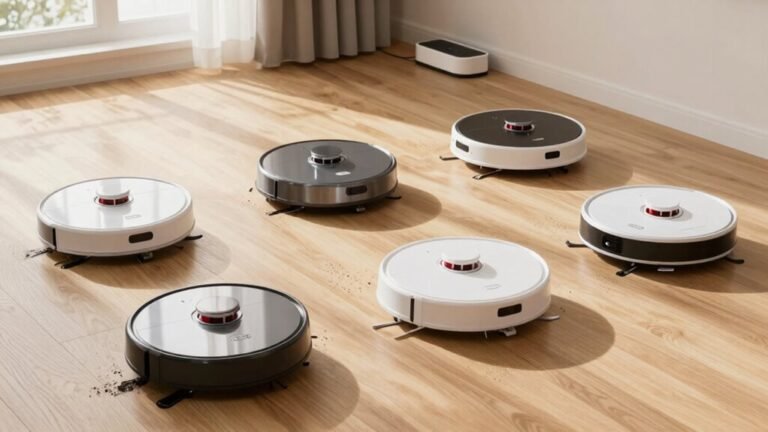
What Happens When a Robot Vacuum’s Bin Is Full?
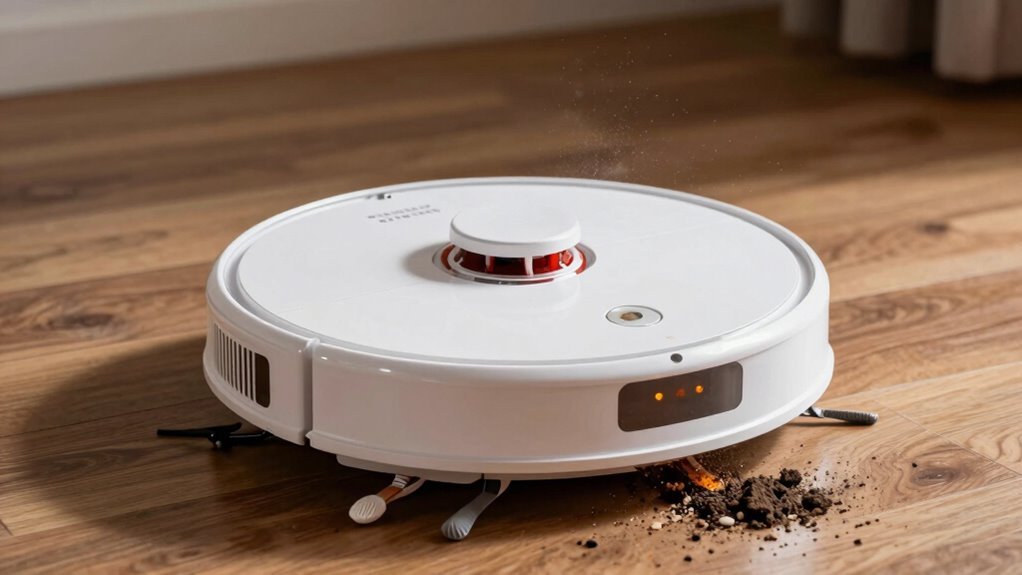
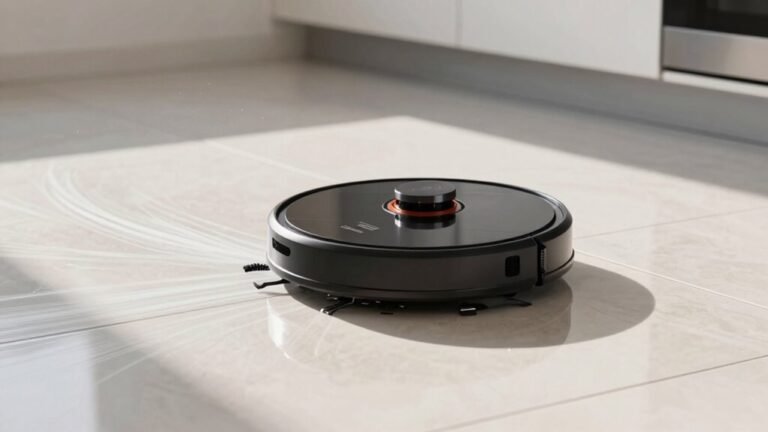
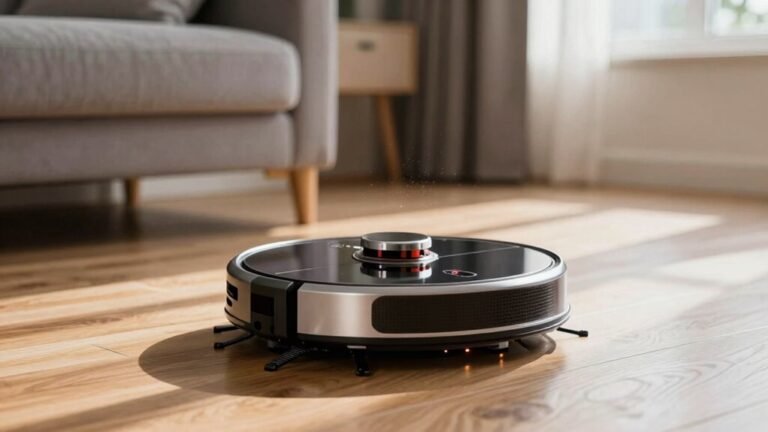
When your robot vacuum’s bin is full, its smart sensors detect the blockage and trigger an alert. The vacuum usually stops cleaning immediately to prevent damage and inefficiency.
You’ll often see it return to the charging dock, flash a red light, or send a notification in the app—essentially saying, “I’m full!” This full-bin alert ensures you know it’s time to empty the debris container.
A full bin weakens suction power, leaving dirt behind and forcing the motor to work harder. Over time, this strain can reduce performance and shorten the robot vacuum’s lifespan.
What Happens When a Robot Vacuum’s Bin Is Full?
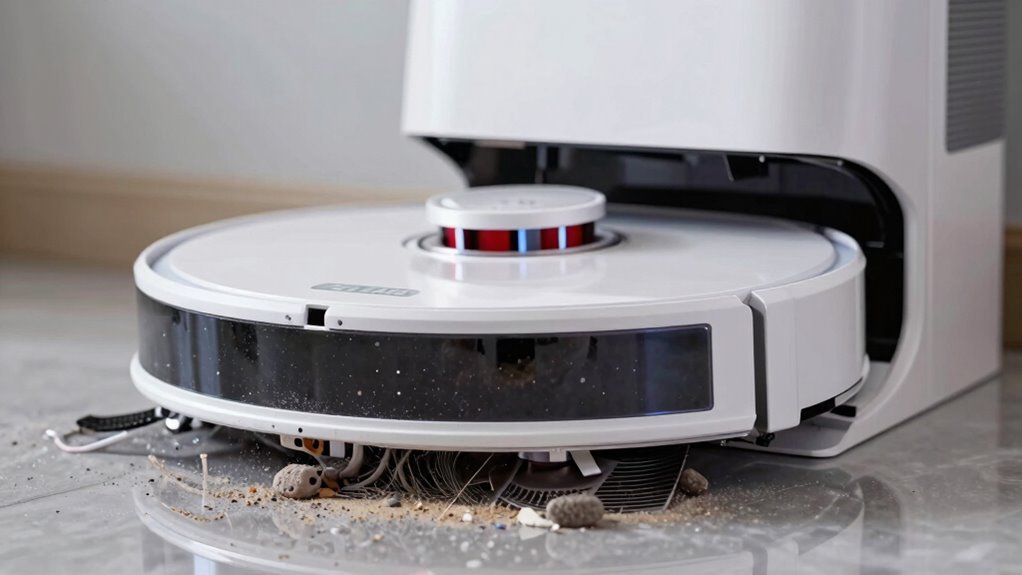
Ever wonder what your robot vacuum does when its bin is packed to the brim?
Well, it doesn’t just keep chugging along like a tired hamster in a wheel!
Most of the time, it’ll pause cleaning and head back to its dock or start point like a pro.
The brushes and suction power shut off, but it keeps its wits about it—navigating with ease.
Some smart models even double-check sensor readings, just to be sure they’re not overreacting to a false alarm.
You’ll likely see a red light or a little trashcan icon pop up on the app, giving you the digital side-eye.
If you’ve got mapping, it remembers exactly where it left off.
And hey, thanks to customizable settings, you can tell it to tough it out or take a break.
Either way, it’s not ghosting you—it’s just saying, “Hey, I need a minute!”
However, on some models like the Roomba 980, a full bin can trigger a cleaning job canceled outcome instead of a resume-ready pause.
How Does Your Vacuum Know the Bin Is Full?
So, how *does* your robot know it’s had enough dust for one day?
Well, it’s not guessing — it’s got smart sensors on the job!
Most robots use an invisible infrared beam across the bin’s throat; when dust builds up and blocks the light, the robot knows it’s time to tap out.
Some models feel the squeeze, too — pressure sensors notice when airflow drops as the bin fills, like a sneeze getting stuck.
These smarts work together, checking over time so a stray dust bunny doesn’t trigger a false alarm.
The sensors live in the robot’s body, syncing with slots in the bin, keeping things clean and click-in easy.
Firmware crunches the data, filters out hiccups, and only calls “full” when it’s truly stuffed.
It’s like having a tiny butler inside saying, “Mate, I’ve seen enough lint for one lifetime.”
After stopping, it heads back to the automatic emptying base to dump the bin before resuming its cleaning job.
Do Robot Vacuums Stop When the Bin Is Full?
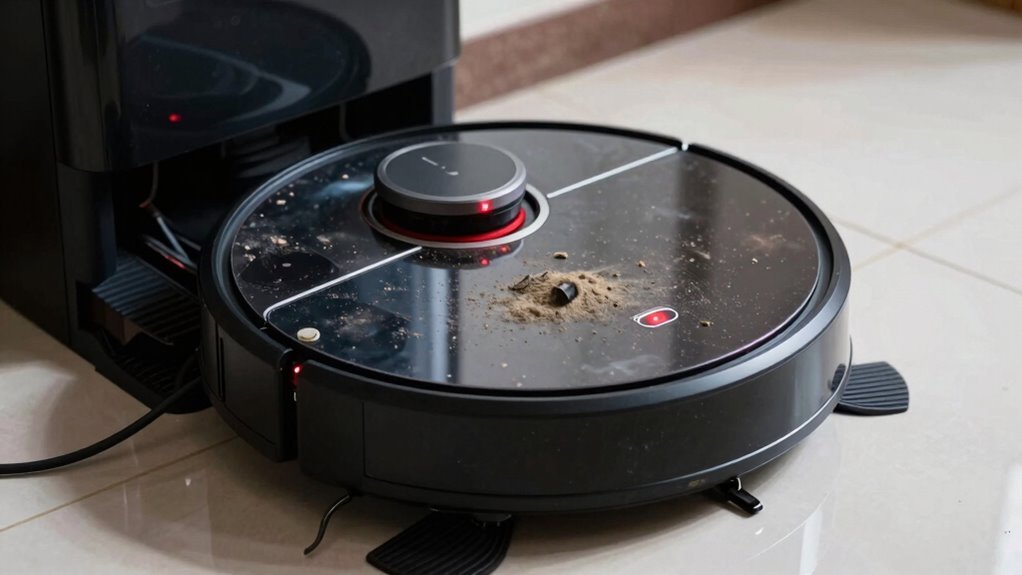
Now that you know how your robot buddy senses when the bin’s had one dust bunny too many, let’s talk about what it actually does when it hits max capacity.
Most of the time, it’ll stop cleaning or cut suction to avoid choking on its own mess—kind of like taking a dramatic pause for breath.
Many models flash a “bin full” alert and park themselves, waiting for you to intervene.
Some budget bots quit mid-job, leaving spots dusty and dreams crushed.
But hey, Roomba’s got your back with a “Finish Cleaning” setting—if it’s on, your bot keeps rolling even when packed!
Just don’t forget to empty it, or future runs get vetoed.
Auto-empty models? They’re the cool kids, zipping back to dump debris and carry on.
Without that, though, a full bin means stop, wait, and maybe a little robot tantrum.
Empty it, and everyone’s happy—especially your floors.
Why a Full Bin Ruins Cleaning Performance
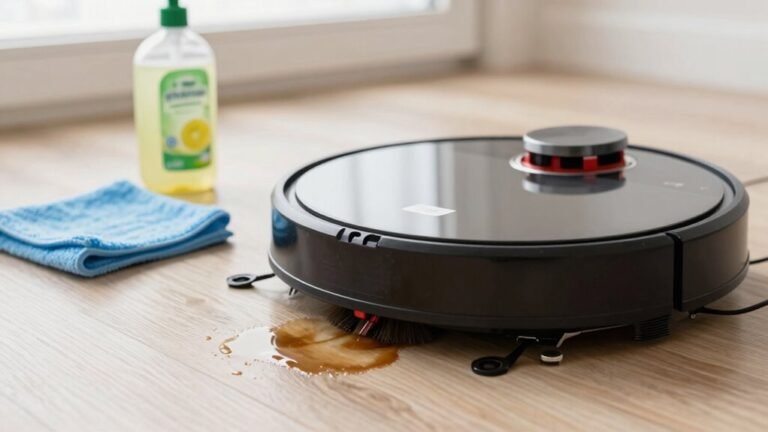
When your robot vacuum’s bin hits max capacity, it’s not just full—it’s basically trying to suck through a clogged straw, and you’ll see the mess pile up before your eyes. You’re fighting a losing battle if you let it keep running. A packed bin chokes airflow, kills suction, and makes your robot push dirt instead of grabbing it. It’s like mopping with a dirty rag—pointless and kinda gross.
| Problem | What Happens | Real-Life Effect |
|---|---|---|
| Clogged airflow | Suction tanks fast | Leaves crumbs and dust behind |
| Full bin | No space for new debris | Dirt gets smeared like paint |
| Strained motor | Works overtime | Shorter life, louder noise |
Your vacuum’s struggling, your floors aren’t getting clean, and honestly, it’s just sad. Empty that bin—your robot will thank you!
Signs Your Robot Vacuum’s Bin Is Full
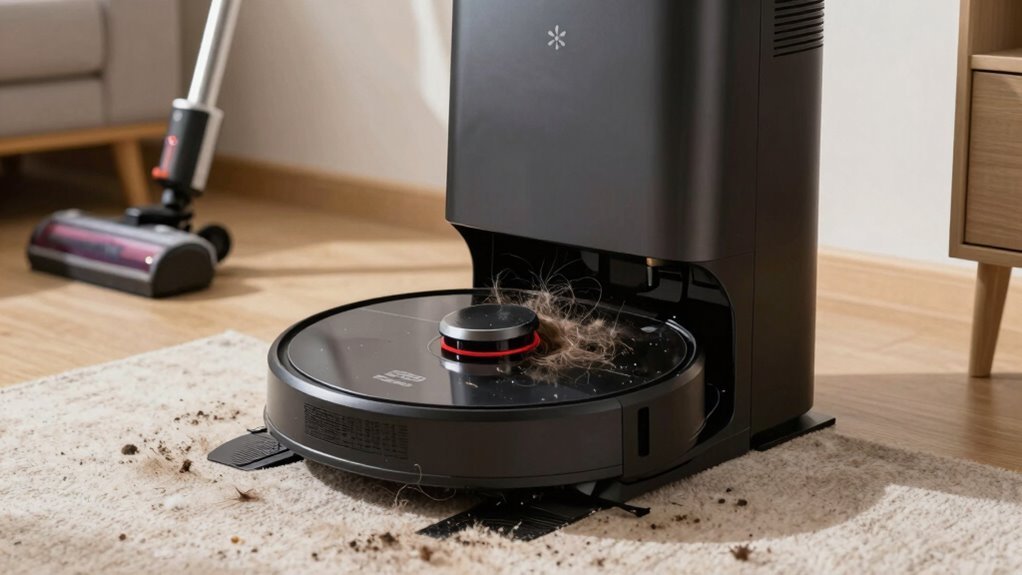
Ever wonder why your robot vacuum suddenly acts like it’s quitting on you?
It’s probably screaming—silently—that its bin is full!
If you see dirt spilling from seams, peeking through the bin window, or clumping near the intake, it’s *definitely* time to clean it out.
Maybe your robot keeps stopping mid-job or turning back to the dock for no clear reason—classic overfill drama.
Some models blink a full-bin light or send a cheeky “Hey, empty me!” alert to your phone.
You might even catch a dusty puff or hear a strained whirring noise, like it’s gasping for breath.
And if there’s a funky smell or the bin feels warm, trust us, it’s begging for help.
Don’t ignore those false alarms either—dust on sensors can trick your bot into thinking it’s full when it’s not.
Your robot can’t roll its eyes, but it’s definitely judging you.
How Often Should You Empty a Robot Vacuum Bin?
You’ll usually want to empty your robot vacuum’s bin after every few runs—but hey, wouldn’t it be great if it magically cleaned itself? Well, unless you’ve got a self-emptying base, you’re stuck doing it manually. To keep things running smoothly, here’s a quick guide:
| Home Type | Pets? | Empty Every… |
|---|---|---|
| Small, clean home | No | 2–3 cycles |
| Average household | No | 1–2 cycles |
| Busy home | Yes | After each run |
If you’ve got furry friends or muddy shoes tracking in dirt, you’ll want to empty it daily—trust me, your vacuum will thank you. A full bin kills suction, wastes battery, and makes your bot work harder than it should. Plus, who wants a dusty robot stinkin’ up the place? Keep that bin light and your vacuum happy, and it’ll keep your floors looking sparkly with way less effort. Win-win!
How to Prevent Overfilling and Boost Performance
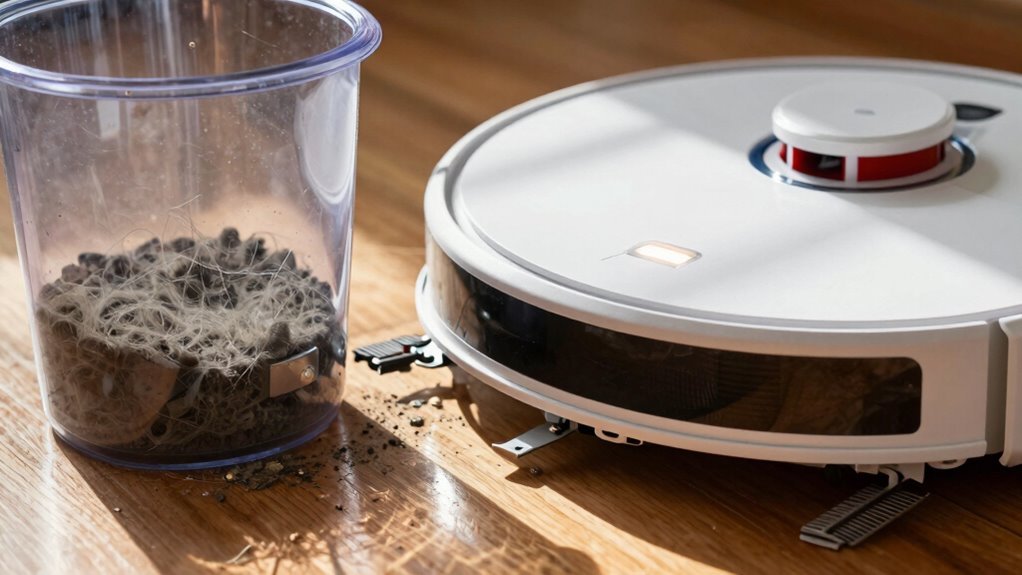
While your robot vacuum bravely battles crumbs and cat hair, ignoring a swelling dustbin is like making it drag a backpack full of rocks—sure, it’ll keep going, but nobody’s happy about it.
Empty the bin before it hits 80% full to keep suction strong and airflow smooth.
If you’ve got pets, check the docking station more often—those auto-empty bins fill up fast!
Clear hair and gunk from the robot’s connection points too, so everything stays snug and functional.
Pop in fresh bags regularly, and don’t skip filter checks; overflow kills performance.
Use your app to set automatic pauses when the bin’s full—your robot will thank you.
A clean bin means zippy cleanups, no stinky surprises, and a motor that lasts.
Treat your robo-vac right, and it’ll glide around like it’s on a mission from IKEA—efficient, happy, and ready to win the war on mess.
Frequently Asked Questions
Can a Full Bin Damage My Robot Vacuum Motor?
Yeah, a full bin can really mess with your robot vacuum’s motor.
It forces it to work harder, gets it hotter, and over time, that stress adds up.
Dust might sneak into places it shouldn’t, making things worse.
Even if your bot has safety features, skipping emptying the bin is like making it run a marathon daily—eventually, something gives.
Keep it clean, and your little robo-friend will thank you!
Does a Full Bin Affect Battery Life?
Yeah, a full bin totally affects your robot vacuum’s battery life—you’re basically making it work overtime!
When the bin’s stuffed, suction struggles, motors strain, and cleanup takes longer, draining power fast.
That extra effort means more frequent charges, deeper discharges, and yep—shorter battery lifespan.
Empty the bin often, and you’ll keep both your vacuum *and* its battery happy, healthy, and ready to party on full power!
Will the Robot Vacuum Leak Dust When Full?
Yeah, your robot might leak a little dust when full—especially if you’ve been ignoring that “bin full” warning.
A packed bin strains the seal, and jostling over rugs or docking can shake out a tiny dusty burp.
Clogged filters or worn gaskets make it worse, letting dust sneak through gaps like a sneaky flour thief.
Empty it regularly, clean the corners, and give those seals some love—your floors (and nose) will thank you!
Can I Use Any Bag or Bin for My Model?
Nope, you can’t just swap in any bin like it’s a mix-and-match puzzle, ’cause each robot’s built with its own special fit and shape.
Your model needs its exact bin twin—otherwise, it’s like forcing a square peg in a round hole. Check the manual or manufacturer label, grab the right one, and keep your robot happily sucking without hiccups or hilarious dust escapes.
Is It Safe to Run the Vacuum Without a Bin?
Nope, you shouldn’t run your robot vacuum without a bin—it’s a recipe for mess and mayhem.
You’ll lose suction, risk clogging the works, and dust could sneak into sensitive parts.
Think of it like sending your vacuum into battle unarmed—plus, you might void the warranty.
Keep that bin snugly in place, and both of you’ll breathe easier—literally!
Conclusion
When your robot vacuum’s bin is full, it’s basically trying to swallow a bowling ball—good luck, buddy! It keeps running, but cleaning? Forget it. Dust spills out, performance tanks, and it might even leave a mess behind. Empty that bin regularly, like after every few runs, and your little robo-friend will zoom around happily, sucking up debris like a champ. Keep it light, keep it clean, and you’ll both stay sane—because nobody wants a dusty disco on wheels.
References
- https://www.youtube.com/watch?v=ePYAKCtsvB0
- https://www.youtube.com/watch?v=KbsMvG4D1WA
- https://www.robotreviews.com/chat/viewtopic.php?t=19587
- https://homesupport.irobot.com/s/article/30568
- https://www.youtube.com/watch?v=H7V4ZJRYtuo
- https://www.youtube.com/watch?v=C4kxIP8siW8
- https://homesupport.irobot.com/s/article/30569
- https://patents.google.com/patent/US8741013B2/en
- https://thamtus.com/blogs/blog/how-does-a-robot-vacuum-cleaner-know-when-its-done
- https://www.sevarg.net/2019/12/22/roomba-i7-clean-base-teardown/