How to Prepare Your Home for a Robot Vacuum
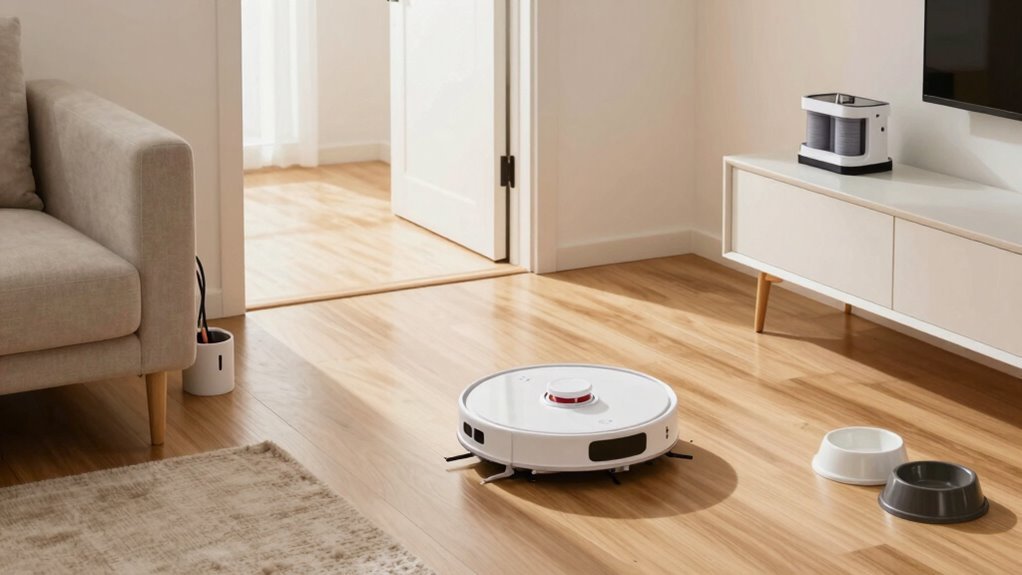
To prepare your home for a robot vacuum, start by clearing small objects like toys and securing loose cords with clips. Tuck in rug edges to prevent the robot vacuum from getting tangled or stuck during cleaning.
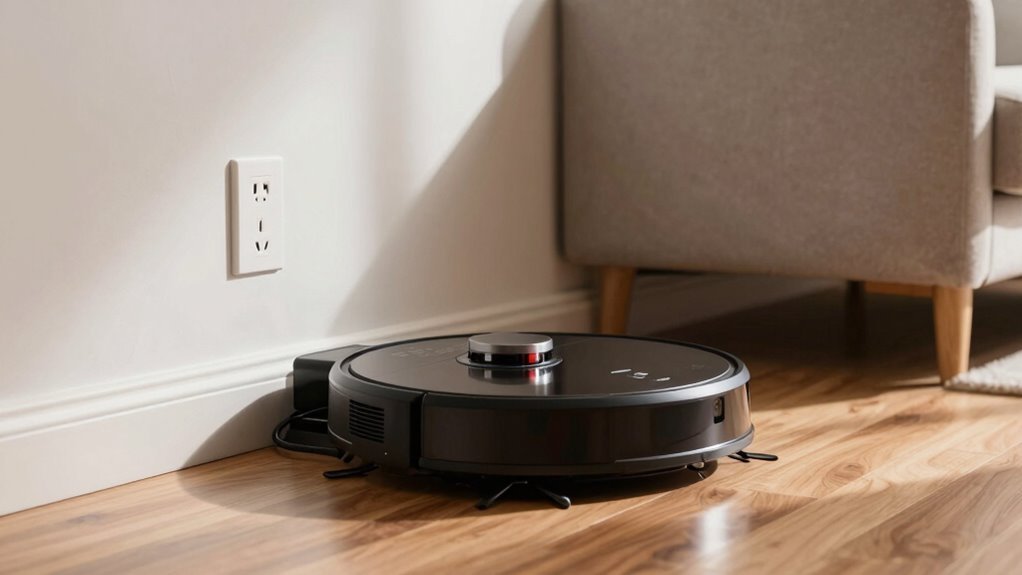
Set up the robot vacuum’s charging dock near a wall outlet, leaving ample space in front and on the sides. This ensures the robot vacuum can return to charge without obstacles blocking its path.
Use the companion app to create no-go zones around delicate areas like pet bowls and stairs. This helps protect those spots while allowing the robot vacuum to clean the rest of your floors efficiently.
Keep floors tidy and free of clutter to help the robot vacuum operate smoothly. Regularly clean the robot vacuum’s sensors and brushes to maintain peak performance.
Prepare the Charging Dock First
Before you send your robotic buddy on its cleaning adventure, let’s nail down the perfect home base—because even robots need a cozy spot to recharge.
Stick the dock against a flat, solid wall, not on rugs or in corners, so your little helper can snap into place without wobbling.
Leave about 3 feet of space in front and a foot or two on each side—think of it as a robot runway.
Keep it away from glass, mirrors, and hulking furniture that’ll confuse its sensors or block signals.
Avoid closets or tight spots; your vacuum isn’t into hiding.
Aim for a central spot near a power outlet—no extension cords tripping it up!
And make sure the Wi-Fi’s strong so it doesn’t get lost trying to phone home.
Level flooring only—no slippery slopes!
Your robot’s not a drama queen, but it *does* need a stable, chill zone to power up for its next mission.
Set it right, and you’re golden.
Static environment helps maintain consistent mapping and prevents cleaning refusals due to layout confusion.
Clear Floors of Toys and Small Items
Scoop up those stray LEGO bricks and corral the doll shoes—your robot vacuum’s got a job to do, and it’s not a stunt double for a toy obstacle course.
Clear the floor so it can glide freely, avoiding jams from blocks or tangled brushes from shoelaces.
Those tiny toys might seem harmless, but they can clog intakes, scratch floors, or send your robot spinning in frustration.
A quick pickup means smoother runs, better mapping, and fewer “help me!” alerts.
Think of it as a pre-game warmup—toss toys in bins, stash socks, and save your vacuum from becoming a confused toddler tour guide.
Less clutter means faster cleanings, longer battery life, and zero surprise mess explosions.
Make it a habit: 60 seconds of tidying lets your robot do its thing without hiccups.
Your floors will stay safer, cleaner, and way more robot-friendly.
Trust us—every saved sock and rescued action figure adds up to a smarter, happier home.
Even with advanced sensors, most vacuums still struggle with small obstacles, so decluttering remains important.
Secure Cords Robots Could Tangle In
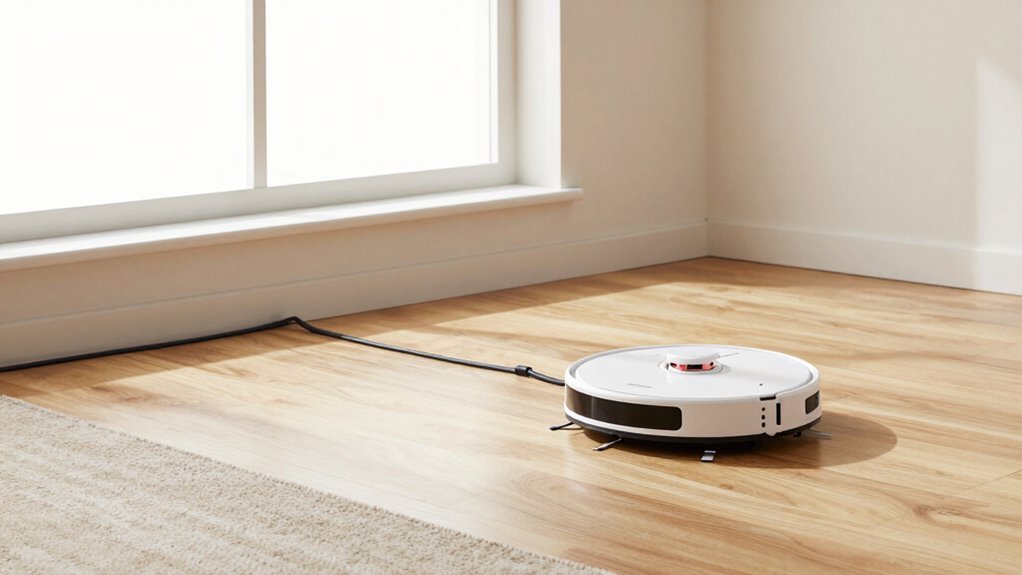
Tangling with cords is no game—your robot vacuum might think it’s on a mission, but getting wrapped up in a web of chargers and cables is more comedy reel than heroic journey. You’ve seen it: phone chargers, lamp cords, or that messy cluster behind your TV all look like jungle vines to your robot.
Snag one, and bam—stuck again.
But you’ve got this! Grab cable clips or Velcro ties to bundle and lift cords off the floor.
Use adhesive hooks to route them along walls, or tuck them behind furniture where robo-cleanup can’t reach.
Relocate power strips, shorten cord runs, and plug devices into nearby outlets to cut the slack.
Set up no-go zones in your app to block risky spots, and position the charging dock wisely.
A little prep keeps your vacuum rolling smoothly—no dramatic cord rescues required!
Tuck in Rug Tails and Avoid Dark Patterns
You’ve wrangled the cords and kept your robot from turning your living room into a cable obstacle course—now let’s talk about the other sneaky floor foes: rogue rug tails and tricky dark patterns.
Tuck in loose edges and fringes so your bot doesn’t trip or tangle—think of it like tucking in a mischievous toddler’s blanket.
Use non-slip pads or furniture to keep rugs flat and behaved.
Trim frayed bits before they become robot snacks, and skip shaggy rugs that invite hair wraps and error messages.
Dark rugs? They’re not just moody—they can trick your vacuum into thinking it’s about to walk off a cliff!
Avoid super dark or high-contrast patterns that confuse sensors, and boost room lighting to help your bot see clearly.
When in doubt, test a small area first.
Choose low-pile, light-colored rugs with grippy backs, and your robot will thank you with smooth, drama-free cleanups—no rescue missions needed.
Set Virtual Boundaries in the App
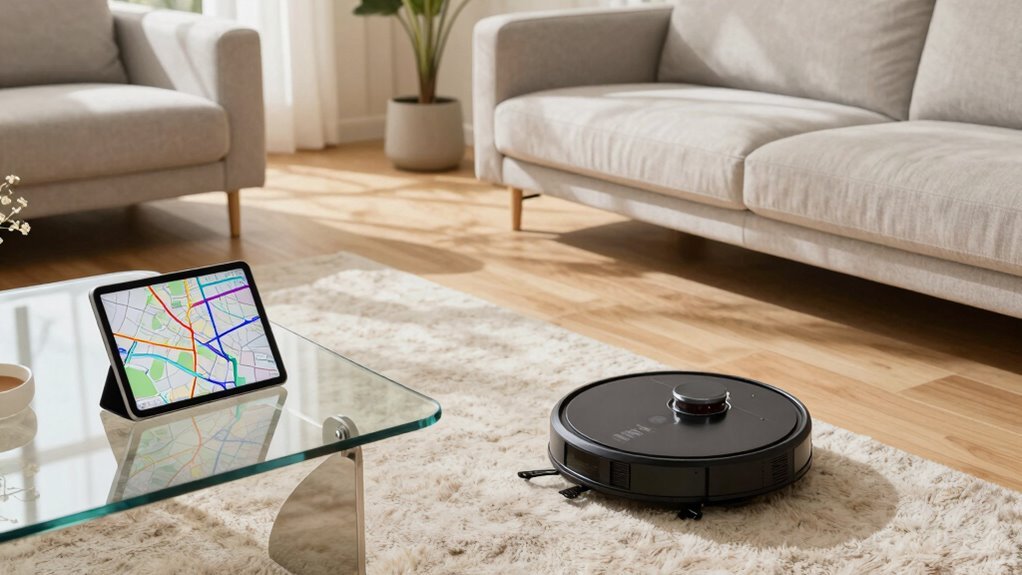
Fire up your robot’s app and get ready to draw some digital lines—because setting virtual boundaries is like giving your robot a smart little rulebook for where it can and can’t roam. After your bot finishes its first mapping run (charge it up first!), you can drop no-go zones around pet bowls or cords, or draw virtual walls to block off-limits spots.
Most apps let you tweak boundaries anytime—just stretch or move them like digital furniture. Want your robot to skip the messy breakfast nook? Add a no-mop zone.
Got multiple floors? Save separate maps with custom rules for each. Some bots even handle stair edges with virtual thresholds, so they don’t take a tumble.
Just remember: place lines a bit outside real objects—robots aren’t perfect! With 10 zones or more per map, you’ve got room to play. It’s like laser-tag for your floors, but way more useful.
Keep Doorways and Thresholds Clear
Sweep aside the clutter and give your robot vacuum a clear path—doorways and thresholds might look simple to us, but for your robo-cleaner, they’re like tiny mountain passes waiting to be conquered.
Most bots handle 6–20mm, but check your model: Roombas max out around 1.6cm, while powerhouses like the MOVA Z60 can crush 51mm barriers.
Big wheels, strong motors, and high ground clearance help them climb smoothly.
Sharp metal strips or thick carpet lips? Those are trouble.
Round edges? Much better.
Got sliding doors with double tracks or a 2.2cm step? You might need a ramp—rubber or wood ones make great bridges.
Test tricky changes first, especially if your home’s full of quirky thresholds.
Keep paths clear, avoid rugs that bunch, and your little robot won’t get stuck playing wallflower.
Help it roam free—because nobody wants a vacuum with wanderlust trapped in the hallway!
Rearrange Furniture for Smooth Routes
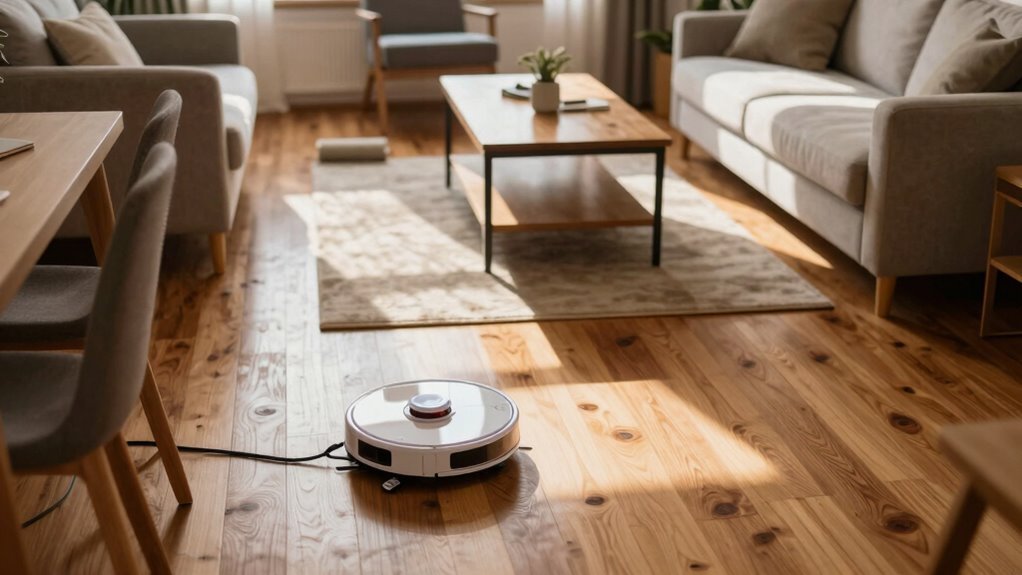
When your robot vacuum zips across the room, it’s not just cleaning—it’s on a mission, and every coffee table leg could be a surprise roadblock.
Give it the smooth run it deserves by rearranging furniture for clear, wide pathways.
Space out chairs and side tables so it can zip through without getting stuck or spinning in confusion—because no one likes a confused robot.
Choose sleek, elevated furniture with legs that let your vacuum slip underneath like a ninja.
Push pieces slightly away from walls to open up hidden routes, and avoid cramming furniture into tight clusters.
Think open floor plan bliss: wide hallways, uncluttered corners, and enough room for smooth U-turns.
If your vacuum can’t reach its charger, it’ll nap in shame, so leave a clean path back.
A little furniture finesse means more cleaning, less chaos—and fewer “stuck under the couch” emergencies.
Pick Up Pet Waste and Secure Litter Boxes
You’ve cleared the path and given your robot vacuum the open highway it craves, but hold up—there’s one more pitfall that could turn your smart cleaner into a poop-spreading monster.
Don’t let pet waste surprise your robot mid-clean!
Even advanced models can struggle, and cheaper ones might joyfully smear messes across your floors like modern art.
- Check floors first for solid or liquid waste—your vacuum isn’t a plumber.
- Scoop poop before starting—save the brushes, save your sanity.
- Block litter boxes with baby gates or closed doors—they’re off-limits zones.
- Use no-go zones in your app to keep robots far from bathroom disasters.
- Schedule cleanings when pets are napping elsewhere—teamwork makes it work.
Stay proactive, and your robot won’t need a hazmat suit.
Maintain Your Robot Vacuum Before Each Use
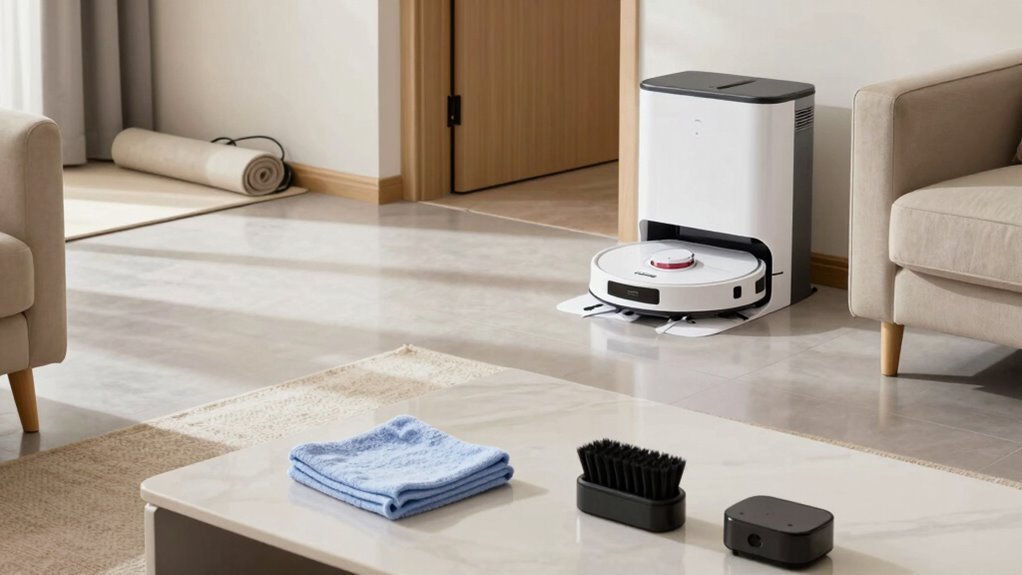
Fire up your cleaning prep like a pro—your robot vacuum craves a little love before every run.
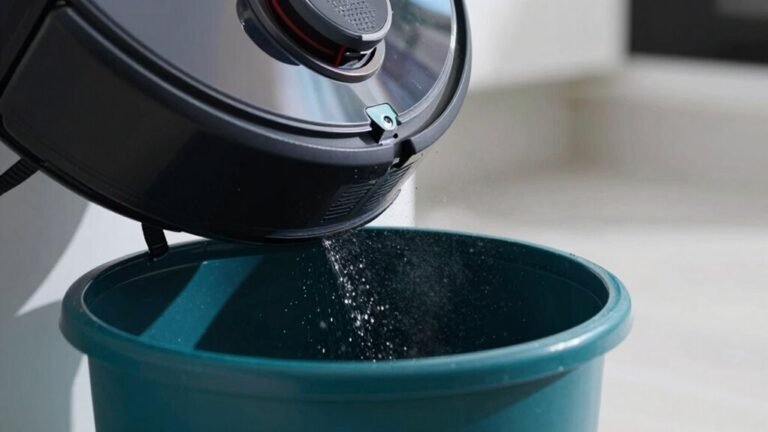
Empty the dustbin if it’s more than half full, and check the inlet for clogs—no one likes a dusty traffic jam.
verify it’s dry and seated right, and give it a quick wipe if needed.
Peek at the filter: tap off gunk, ensure it’s dry and seated right, and don’t ignore those “replace me” alerts.
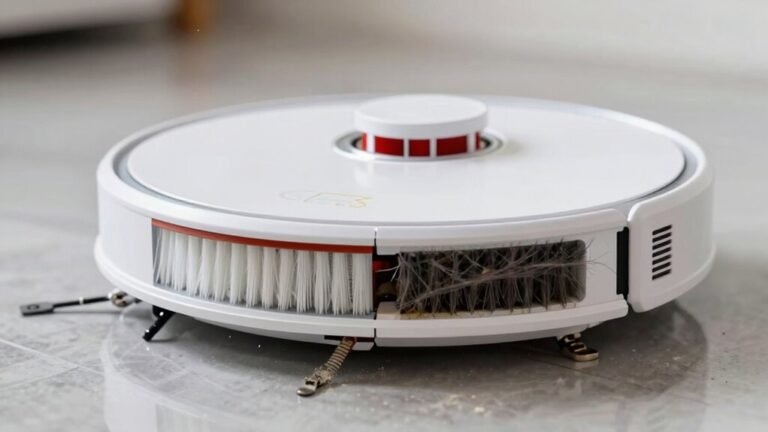
Yank hair from the brushes—seriously, it’s like untangling earbuds—and spin them by hand to confirm they’re trouble-free.
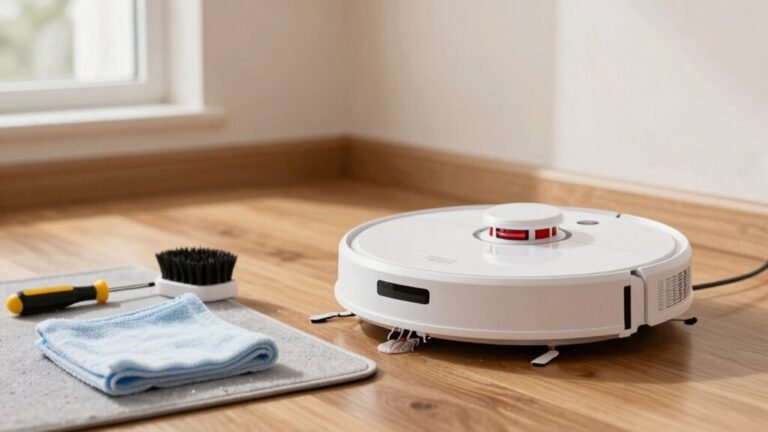
Wipe sensors with a microfiber cloth so your bot doesn’t ghost walls or miss cliffs.
Clear gunk from wheels and charging contacts so it rolls smooth and recharges right.
Check the app, verify everything’s closed and charged, and boom—your robo-cleaner’s ready to rock.
Frequently Asked Questions
Can Robot Vacuums Clean Carpets Effectively?
Yeah, robot vacuums can clean carpets pretty well—especially low- to medium-pile ones.
You’ll see great results if you pick a model with strong suction and smart brushes.
They zap up dust, crumbs, and pet hair daily, keeping carpets fresh.
Just don’t expect them to beat your old upright on shag rugs.
Think of them as your carpet’s BFF, not a superhero.
Consistent? Absolutely.
Impressive? Totally.
Do They Work in the Dark?
Who says robots need nightlights? You’ll love that most robot vacuums work just fine in the dark! They use lasers, infrared sensors, and smart mapping to zoom around without tripping—no light needed. Sure, some camera-heavy models might get shy in total darkness, but your LiDAR-powered buddy? It’s a midnight cleaning ninja, sweeping under furniture like a pro. Just hit start and let it ghost through your house, quietly owning the night.
How Often Should I Empty the Dustbin?
You should empty your robot vacuum’s dustbin after every run if you’ve got pets or lots of traffic—trust me, it’ll thank you!
In quieter homes, every 2–3 uses is fine.
Just keep an eye on it; a full bin kills suction and makes your little cleaner work harder than a squirrel on espresso. Don’t wait for it to cough dust—regular dumps keep things fresh, efficient, and ready to roam.
Can They Detect Drops Like Stairs?
Yes, they can detect drops like stairs—you won’t come home to a robot pancake on the bottom step!
Most use smart infrared cliff sensors underneath to spot sudden drops, then stop and turn like, “No thanks, I’m not doing parkour today.”
Advanced models even map stair locations and avoid them like ninja no-go zones.
Just keep sensors clean and floors clear, and your bot stays safe, sane, and stair-free!
Are They Safe Around Pets?
Yeah, they’re super safe around pets!
With slow speeds, gentle bump sensors, and low-torque motors, your robo-vac won’t scare or hurt your fur babies.
Some might get curious—or even try to chase it—especially at first.
Just keep an eye out, since tails or whiskers can occasionally get caught.
But honestly, most pets chill out once they realize this little guy’s just doing its job.
Conclusion
You’ve untangled cords, banished toys, and hidden that suspiciously sticky spot—congrats! Now your robot vacuum thinks it’s in heaven, gliding freely like it owns the place. Irony? You did all the work so it can act like it doesn’t need you. But hey, when it happily beeps its way through spotless rooms, you’ll laugh, because honestly, this tiny boss just earned its keep. Enjoy the peace, the clean floors, and the fact that yes, you’re now the servant. Totally worth it.
References
- https://robomate.co.nz/blogs/support-articles/where-should-you-place-for-your-robot-vacuum-base-station-charging-dock
- https://www.youtube.com/watch?v=69VL9cfeAG8
- https://www.robotreviews.com/chat/viewtopic.php?t=13523
- https://www.youtube.com/watch?v=jp9UyOLjSKw
- https://www.youtube.com/watch?v=0a1r87UuapA
- https://homesupport.irobot.com/s/article/10005
- https://vacuumwars.com/preparing-your-home-for-a-robot-vacuum/
- https://us.narwal.com/blogs/cleaning-guide/robot-vacuum-daily-cleaning-routines
- https://www.techradar.com/home/vacuums/how-to-prep-your-home-for-a-robot-vacuum
- https://www.ecovacs.com/us/blog/how-to-set-up-robot-vacuum