How to Improve Robot Vacuum Suction
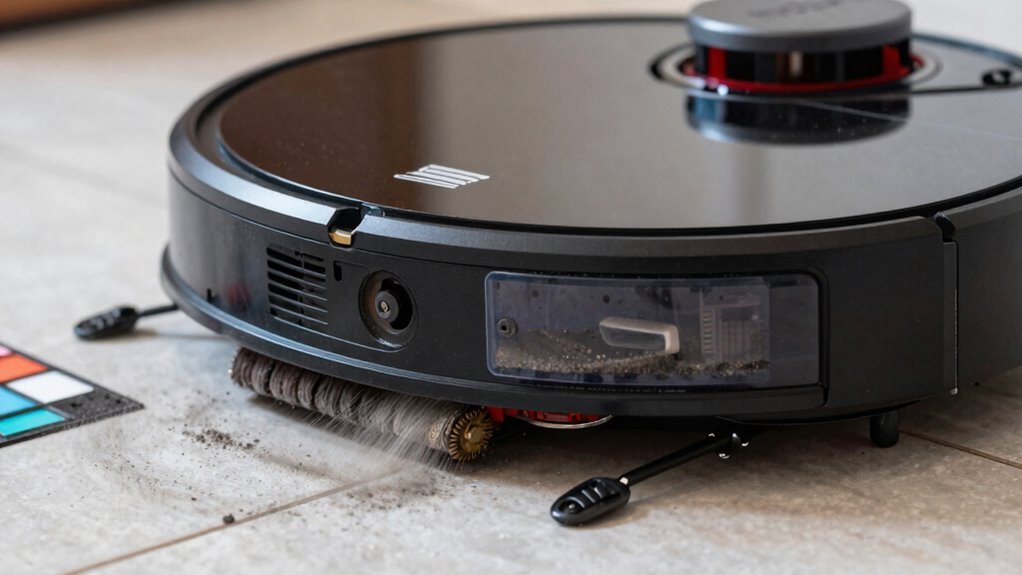
To improve robot vacuum suction, start by clearing any clogs in the suction path. Focus on areas near the brush roll and tight bends—use a flashlight to spot blockages and blow out debris with compressed air.
Empty the dustbin after every run to maintain strong airflow and consistent performance. Clean or replace the filter regularly to prevent clogs and enhance suction power.
Cut away hair and fibers wrapped around the brush roll to restore optimal operation. Wipe down sensors with a dry cloth and set smart cleaning zones for efficient navigation.
Boost suction further by installing a HEPA filter or using an upgrade kit. These steps can significantly improve robot vacuum suction and make your device work like new again.
Clear the Suction Path of Blockages
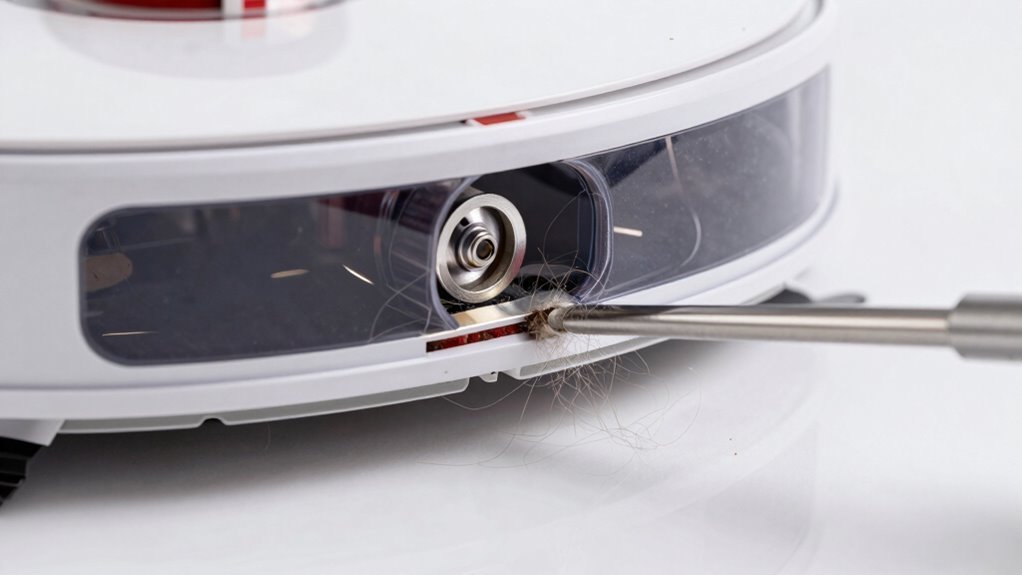
Grab your tools and let’s explore into clearing the suction path—because even the smartest robot vacuum can’t suck up hair, grit, or that mysterious Lego piece without a little help.
Start by checking the main suction opening near the brush; packed hair or debris here can slash suction by half.
Shine a light through the airflow channel—yep, from floor head to bin—and make sure you can see daylight.
Use compressed air or a pipe cleaner for gunk in tight bends, where blockages love to hide.
Peek at joints and seals too; lint or misaligned parts can sneakily choke airflow.
Don’t forget to inspect under furniture—robots gobble up socks, gravel, even tiny toys.
If it’s rattling, something’s stuck.
Clear the brush, unclog the housing, and spin it all back together just right.
A smooth, clear path means your robot can finally breathe easy—like opening a window in a stuffy room.
Even minor air leaks can significantly reduce suction power by disrupting sealed airflow.
Empty the Dustbin for Maximum Airflow
Keeping your robot vacuum’s dustbin light and airy isn’t just tidy—it’s a total game-changer for suction power.
When you keep that bin empty, air flows freely, and your bot can actually pick up what it’s supposed to. A stuffed bin chokes airflow, makes your motor work harder, and turns your high-tech helper into a glorified broom.
- More free space = clearer air highways for dust to escape and stay out.
- Less gunk sticking to walls means smoother airflow—no traffic jams!
- Pets or muddy shoes? You’ll want to empty that bin post-mission.
- Love convenience? A self-emptying dock handles the dirty work for you.
Dust captured by the robot can easily become re-circulated into the air if not properly contained, especially due to fine dust difficult to trap in small filters.
Don’t let a full bin be the reason your robot phoned it in today—keep it light, and let it fight like it means it!
Clean or Replace the Filter to Restore Suction
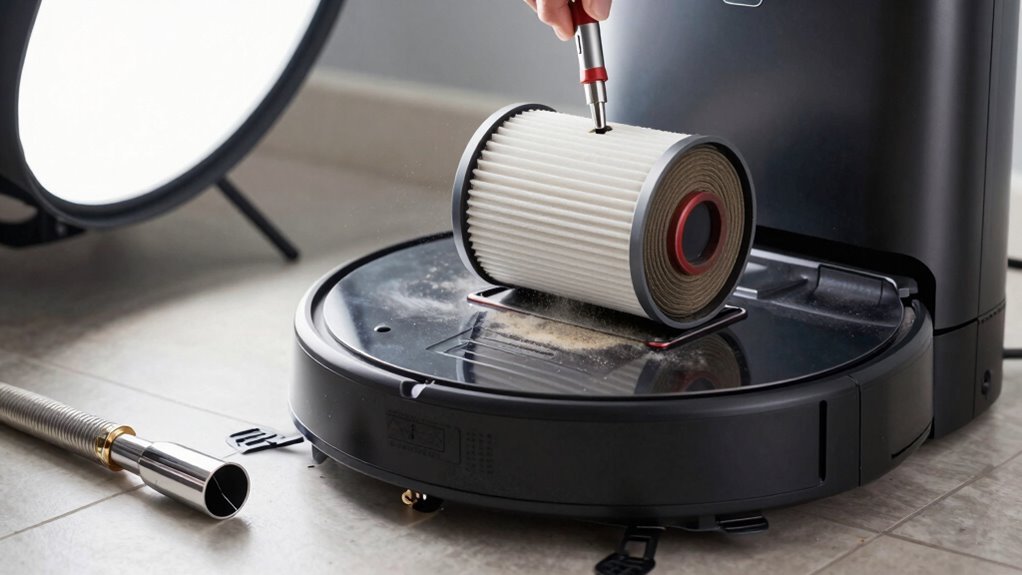
| Filter Type | Cleaning Method | Frequency |
|---|---|---|
| Washable foam | Rinse & air-dry overnight | Every 1–3 weeks |
| Non-washable HEPA | Tap & brush gently | Weekly |
| Disposable paper | Replace | Every 2–6 months |
| All types | Check after emptying bin | Every cycle |
| Smart models | Follow app alerts | As needed |
Clear Hair From the Brush Roll
Dealing with hair-wrapped brush rolls mightn’t be the most glamorous part of robot vacuum care, but it’s one of the most satisfying fixes you can do—like giving your little cleaning buddy a spa day.
You’ll boost suction, prevent strain on the motor, and keep things running smoothly.
Here’s how to win the battle against hair tangles:
- Cut hair with the included tool or scissors along the brush groove to avoid damage
- Pull out hair from both ends and around bearings where gunk loves to hide
- Clean the roller with a cloth and check that it spins freely—no tight spots!
- Use tangle-free brushes if you’ve got pets or long hair—they’re game-changers
Do this every few runs, and your robot will thank you with stronger clean power and fewer tangoes with lint.
It’s quick, easy, and weirdly kind of fun.
Clean Sensors to Avoid Missed Spots
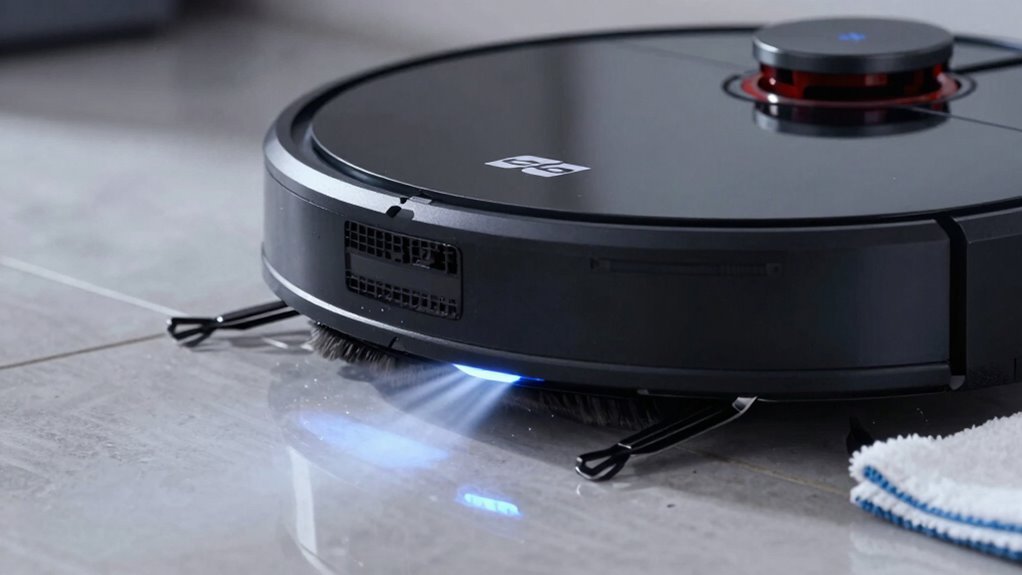
Ever wonder why your robot vacuum suddenly takes a wrong turn and gets stuck in the corner—like it forgot how to robot? Dirty sensors are usually to blame.
Dust and grime on its sensors—especially up front, on the sides, or around the LiDAR dome—can mess with navigation, making it miss spots or wander in circles.
Clogged cliff sensors underneath might make it shy away from edges, leaving dirty strips along walls.
Even with strong suction, a confused robot won’t clean well.
The fix? Turn it off and gently wipe sensor spots with a dry microfiber cloth.
Use a soft brush for crumbs in tight spaces, but skip the water and harsh cleaners—they can damage electronics or cloud lenses.
Check your manual, but a quick clean every few weeks keeps your little robo-brain sharp, ensuring it maps right, covers everything, and stops ghosting your baseboards.
Set the Best Cleaning Schedule
What if your robot vacuum could stay one step ahead of the mess?
You can make it happen by setting a smart cleaning schedule that actually works with your lifestyle.
It’s not about running it nonstop—it’s about timing, frequency, and focusing on the right spots.
A well-planned routine keeps suction effective by preventing overload, tackles mess before it sets in, and makes your home feel constantly fresh without lifting a finger.
- Clean high-traffic zones daily—especially if you’ve got pets or kids doing their thing
- Schedule early morning or evening runs to avoid getting in each other’s way
- Use app zones to target messy areas like kitchens without cleaning the whole house
- Adjust frequency during shedding season or holiday chaos—your vacuum’s got your back
You’re not just setting a timer—you’re creating a cleaner home on autopilot.
Install a HEPA Filter or Suction Boost Kit
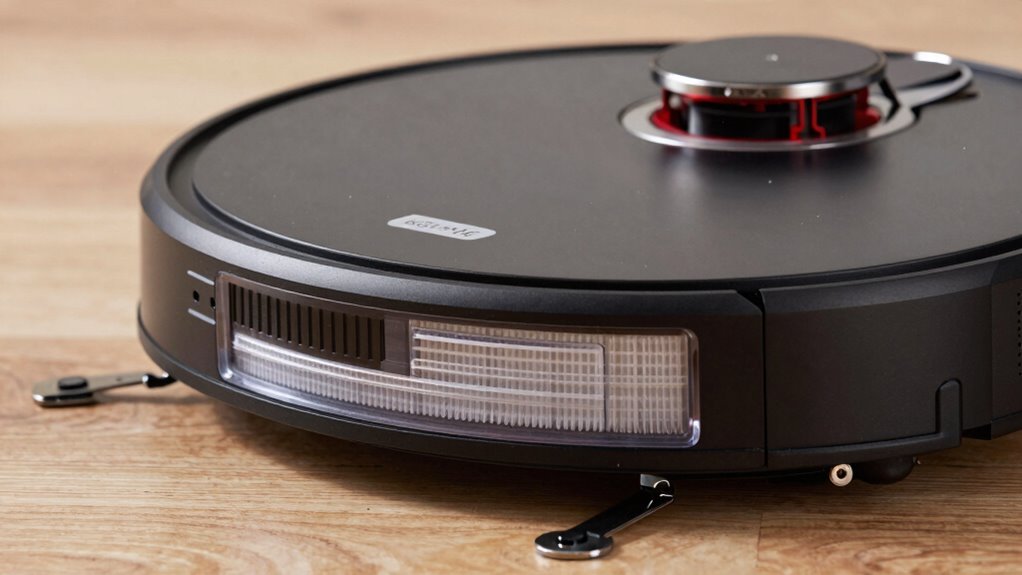
You know that cloud of dust your robot sometimes kicks up?
Slam that door shut by installing a HEPA filter made for your model.
These little powerhouses trap 99.97% of tiny particles—think dust, pollen, and pet gunk—so they don’t blow back into your air.
Most robots use a two-stage filter setup, and the HEPA’s the star at the end, catching what the first filter misses.
Just don’t slap in some random filter; it could choke airflow and kill suction.
Match it to your model, keep it clean, and replace it every 6–12 months.
A happy filter means stronger, steady suction and air so clean, you might want to sniff the exhaust.
Plus, your allergies will thank you.
Some kits even boost suction while upgrading filtration—yes, you can have your cake and vacuum it too.
See If Suction Improved After Each Step
Now that you’ve upgraded your filter like a pro, it’s time to see if all that tinkering actually pays off in real suction power.
Don’t just guess—test it!
Run quick comparisons after each fix and watch the magic unfold.
- Switch your robot to “Performance” mode and run a debris test on hardwood—did it gulp down more junk than in Eco mode?
- Empty the bin and clear clogs, then hold a tissue near the exhaust—watch it dance from the revived airflow, superhero-style.
- Clean those hairy brushes and roll over the same messy patch—see how much better it grabs dirt without skipping.
- Weigh the gunk collected before and after each step—you’ll feel like a lab genius with actual proof of progress.
Boom—your robot’s not just cleaner, it’s stronger
Frequently Asked Questions
How Often Should I Replace the Brush Roll?
You should replace your brush roll every 6 to 12 months, but if you’ve got pets or clean every few days, swap it every 2 to 3 months.
Tineco users, aim for 3-month changes—trust me, your vacuum will thank you!
Look for frayed bristles or hair jungle tangles as red flags.
Pull out trapped gunk weekly, and your brush’ll stay fresh longer—nobody likes a slacking sweeper!
Can I Use My Robot Vacuum on Carpets?
Yes, you can use your robot vacuum on carpets—just don’t expect it to wrestle a shag rug and win.
Most models handle low- to medium-pile carpets like a champ, especially if they’ve got decent suction and rubber brushes.
Watch out for fluffy rugs or fringes, though—they’re like carpet quicksand!
Use no-go zones for trouble spots, and let your bot glide smoothly from floor to carpet without a hitch.
Why Does My Robot Vacuum Stop Frequently?
Your robot keeps stopping because it’s likely dealing with clogs, low battery, or dirty sensors—tiny troublemakers throwing off its groove.
Check the brushroll for hair, clear the dustbin, and wipe those sensors.
It might also be overheating or stuck on a rug.
Think of it like a snack break gone too long—clean it up, and it’ll get back to work, happy and humming like a tiny, determined bee.
Is It Safe to Use Around Pets?
Yes, it’s safe to use around pets—you’re in good hands!
Modern robot vacuums dodge tails, avoid messes, and won’t scare your fur babies with loud noises.
They’ve got smart sensors, soft edges, and gentle movements, making pet tumbles rare and tail tugs even rarer.
Just keep an eye on curious kitties or determined chewers.
Think of it as a tiny, polite roommate who cleans while respecting your pet’s space—neat, huh?
Can I Schedule Cleanings Remotely via App?
You’ve totally got this—yeah, you can absolutely schedule cleanings from your phone, even when you’re not home!
Just tap your app, pick a time, and boom, your robot’s on it.
It’s like setting a coffee maker, but for clean floors.
You’ll feel like a smart-home wizard, juggling schedules while sipping coffee, with zero stress and all the high-fives.
Conclusion
You might think tinkering with your robot vacuum sounds like a hassle, but these quick fixes take less time than brewing coffee. Clearing gunk, cleaning filters, and unclogging the brush roll really do make a difference—plus, your robot will thank you with better cleanups. Try one step at a time, see what sticks, and enjoy watching it suck up more than just dust. Who knew robot parenting could be this fun—and this satisfying?
References
- https://us.narwal.com/blogs/product/why-robot-vacuum-lose-suction
- https://www.ecovacs.com/us/blog/why-does-my-robot-vacuum-keep-stopping-troubleshooting
- https://honiture.com/blogs/home-cleaning/why-does-my-cordless-vacuum-say-its-blocked-what-should-i-do
- https://forums.wyze.com/t/robot-vacuum-no-suction/266615
- https://www.robotreviews.com/chat/viewtopic.php?t=8234
- https://www.ecovacs.com/us/blog/robot-vacuum-suction-power
- https://tenxerlabs.com/resources/blogs/robotic-vacuum-design-smarter-navigation-control-and-sensing/
- https://us.narwal.com/blogs/robot-vacuum/suction-power
- https://dspace.mit.edu/bitstream/handle/1721.1/114053/1026494776-MIT.pdf?sequence=1
- https://www.dreametech.com/blogs/blog/are-self-emptying-robot-vacuums-worth-it