How to Schedule Your Robot Vacuum Effectively
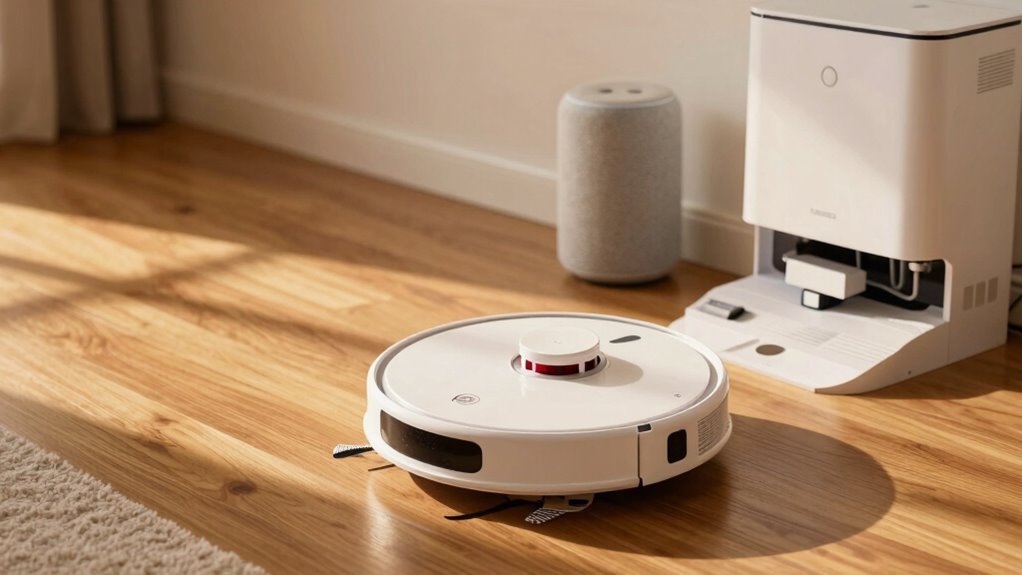
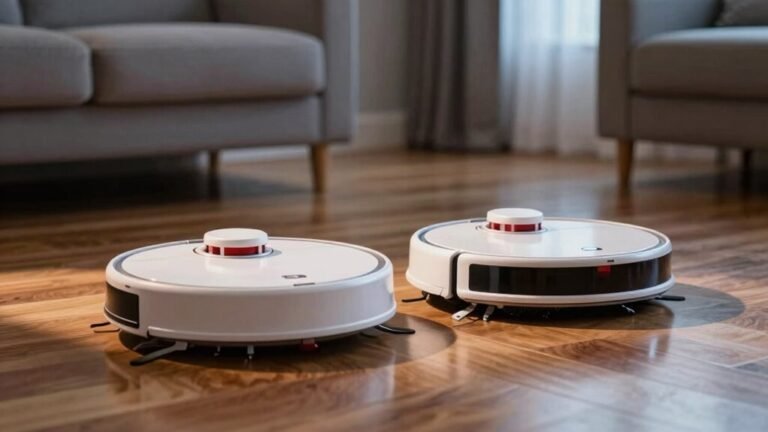
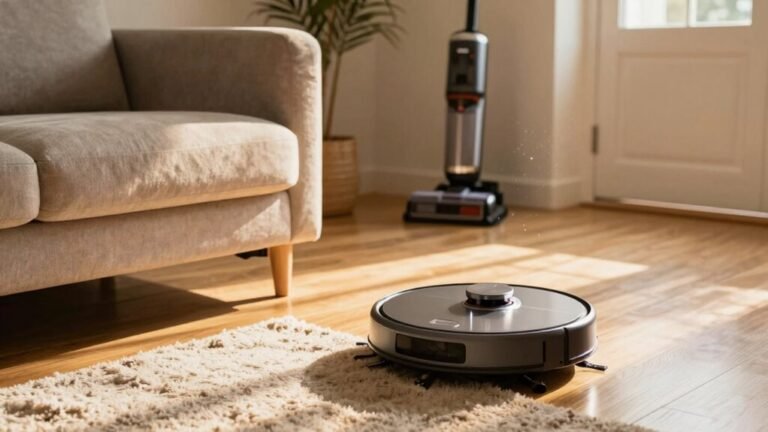
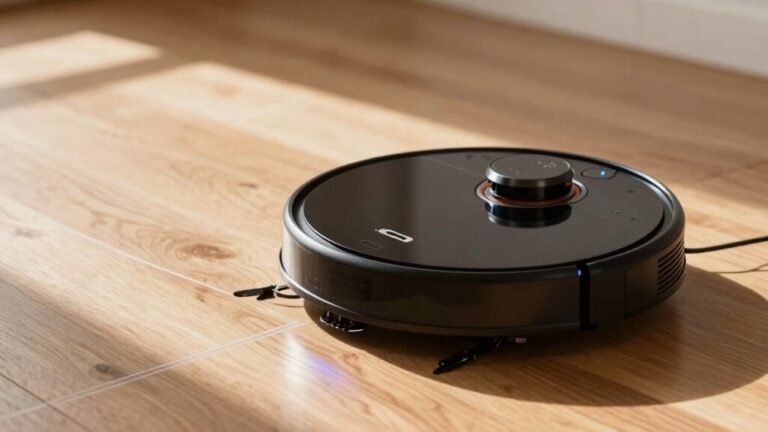
Schedule your robot vacuum during quiet times, like early morning or midday, to avoid collisions with people or pets. This ensures smooth navigation and efficient cleaning, especially when using the robot vacuum in high-traffic areas.
Target kitchens and entryways first, as these zones collect the most debris. Use the companion app to schedule cleanings around nap times or busy household moments for maximum effectiveness.
Sync your robot vacuum with smart systems like Alexa, and set it to run while you’re away. Keep cords, toys, and clutter out of its path so it can move freely and clean thoroughly.
With consistent scheduling, your robot vacuum will operate like a tiny, determined ninja. Learn more to unlock smarter, more seamless cleaning routines.
Set the Best Times to Run Your Robot Vacuum
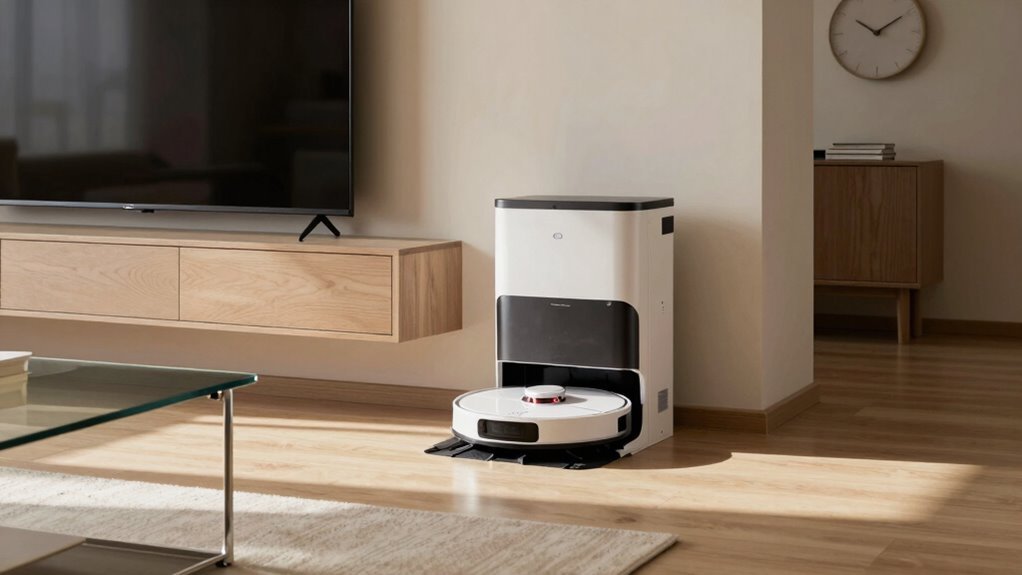
When should your robot vacuum hit the floor—dawn, noon, or midnight?
Well, it depends on your hustle and bustle.
Run it early, before everyone’s up and stomping around, so it won’t dodge slippers or miss spots.
If your home empties out during the day, midday’s a sweet spot—clean floors without annoying anyone.
Evening runs? Only if your bot’s quiet as a mouse and your family’s okay with a little hum.
And midnight? Save that for super-quiet models that won’t bump in the dark or wake the dog.
Syncing cleanings with when people come and go keeps things smooth.
Plus, running at the same time daily helps your robot learn the map better—like muscle memory for machines.
Just don’t schedule it during movie night.
Trust us, R2-D2’s cool, but no one wants a vacuum cameo in the middle of *Star Wars*.
Consistent scheduling also supports battery longevity by avoiding random, frequent charges that strain the system.
Schedule Cleaning by Room Priority and Use
Why treat every room like it’s equally grimy when your robot vacuum doesn’t have to clean the whole house the same way every time?
You wouldn’t mop the guest room as often as the kitchen, right?
High-traffic spots like entryways, kitchens, and living rooms deserve 3–4 weekly cleanings—especially if you’ve got pets or kids on a crumb spree.
Label and map your rooms so your bot can tackle kitchens and playrooms first (they’re dirt magnets).
Use app settings to schedule extra passes in carpeted or allergy-prone zones, and skip the formal dining room until Saturday.
Pet zones with fur volcanoes? Hit those hard and often.
Adjust for seasons—more sand in summer, more mud in fall—and let your robot focus where it matters.
You’ve got a smart vacuum; now let it clean smart, not just hard. This level of precision is possible because the vacuum uses Visual SLAM to create an accurate map of your home.
Skip Busy Times and Clutter in Your Schedule
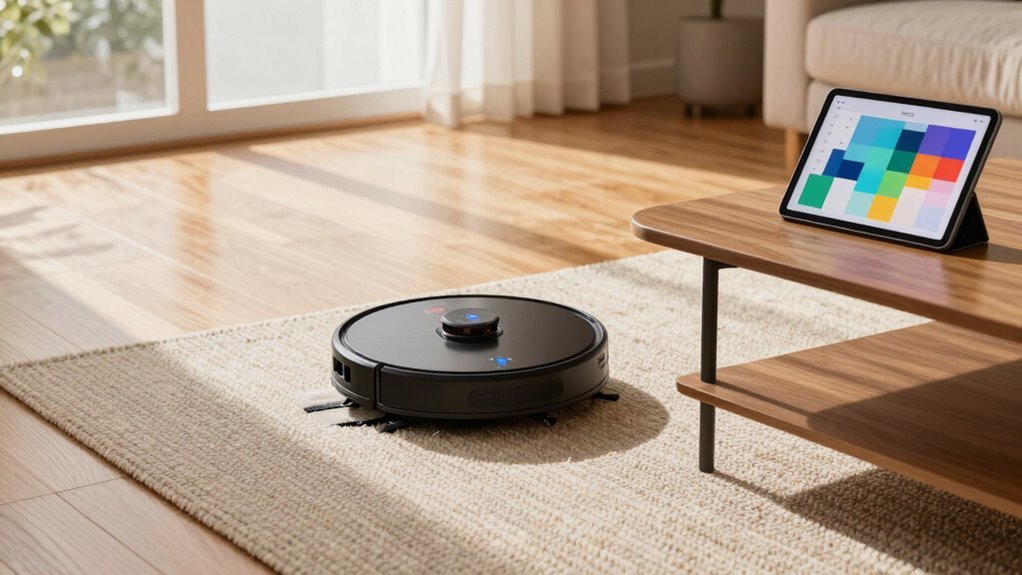
Dodging dance parties with your dog or tripping over toddlers mid-vacuum?
Skip those hectic moments and let your robot clean when the house is calm.
Running it during busy times means constant interruptions, slower paths, and unfinished jobs.
Instead, schedule it while you’re at work or the kids are at school—quiet hours mean smoother, faster cleanups.
A little prep goes a long way too.
Clearing clutter helps your robot glide freely, avoiding tangled cords or stuck wheels.
- Vacuum during late morning or early afternoon for fewer people and pets in the way
- Avoid 6–9 a.m. and 5–9 p.m., when life gets loud and traffic-heavy
- Pick up toys, cords, and stray socks before starting a run
- Use your robot’s schedule feature to block out busy family times
- Let it run 3–4 times a week when the house is empty and still
Sync Your Robot Vacuum With Daily Routines
Once your robot vacuum is set up, syncing it with your daily routine is like giving your home a smart, invisible helper that just *gets* you. You download the manufacturer’s app, connect via Wi-Fi, and boom—your vacuum’s ready to roll. You can schedule cleanings to kick off while you’re at work, during lunch, or even overnight, so it’s done before you get back. Love movie nights? Sync it with your smart home so it pauses when the TV turns on—no sudden buzzing during the climax! Set it to clean the kitchen daily and the bedroom only twice a week, because who spills crumbs in bed? (Unless you’re us.) Adjust times in 15-minute chunks, switch cleaning modes, or add extra runs with just a tap. It’s not magic, but with a little setup, it sure feels like it.
Use Smart Scheduling for Automatic Cleanings
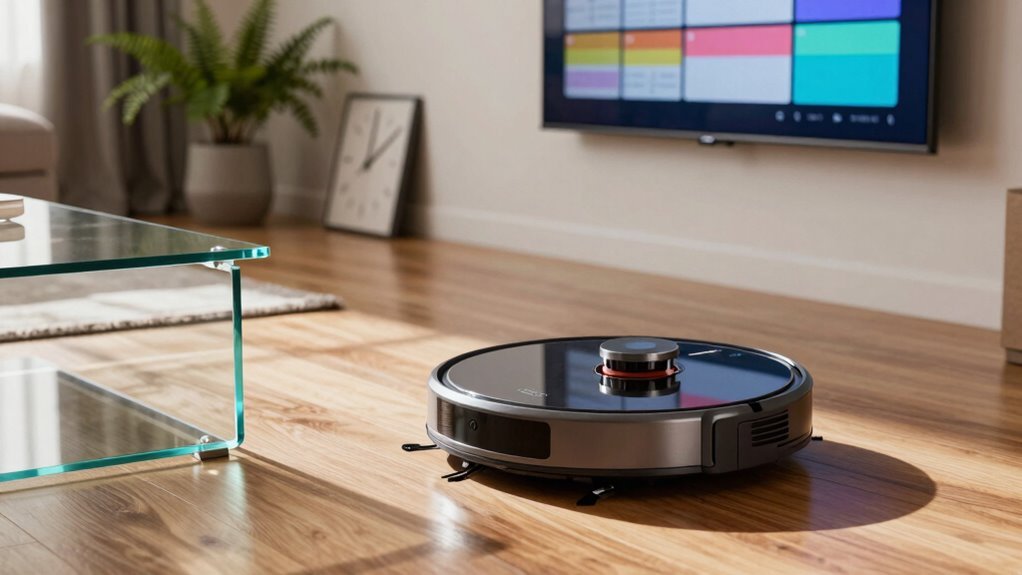
Let your robot vacuum take the wheel—smart scheduling means your floors get clean without you lifting a finger or even remembering it’s Tuesday.
With just a few taps in the app, you can set it to run daily, weekly, or only on busy weekdays—totally your call.
No more forgetting to clean or walking on dusty floors!
- Schedule cleanings in 15-minute windows that fit your life, like starting right after school pickup.
- Tell it to skip the baby’s nap time or clean only the kitchen on taco Tuesdays.
- Use room recognition to target the muddy entryway every morning.
- Sync with Alexa to start cleaning when you say, “I’ve got guests coming!”
- Let it charge up first, so it finishes the job without passing out halfway.
Your floors stay spotless—and you stay relaxed.
Adjust Cleaning Frequency Based on Needs
While your robot vacuum’s got brains, it’s up to you to help it keep up with life’s little messes—because let’s face it, not every home needs a daily cleanup dance. If you’ve got pets shedding like crazy or kids spreading crumbs like confetti, bump up cleaning to every other day—or even daily.
Allergies? Don’t skip—more frequent runs cut down dust and dander. No pets or carpets? Twice a week’s probably plenty.
Hardwood stays tidy longer, but carpets need extra love to stay fresh. Tile? You’re right in the middle.
And if you’re near a busy street or construction, expect more dust and schedule extra sweeps. High-traffic areas? Zap those daily.
Quiet corners? Weekly’s fine. Tailor schedules room by room, and tweak as seasons, lifestyles, or furry tenants change.
You’re the boss—your vacuum just follows orders (and crumbs).
Fix Common Robot Vacuum Scheduling Errors
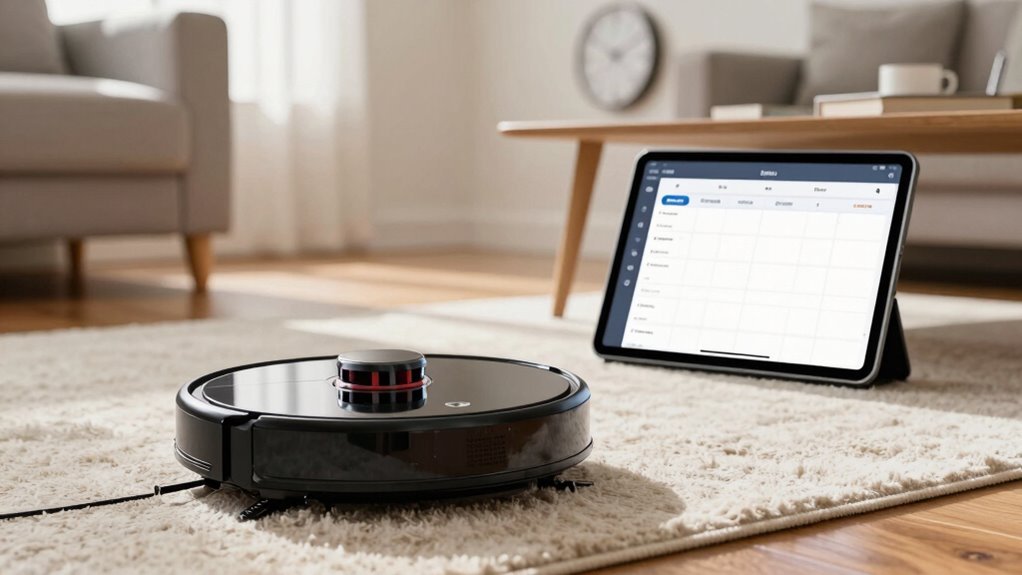
You’ve nailed the rhythm of cleaning based on your home’s unique chaos—whether it’s pet hair tumbleweeds or snack-time mess explosions.
so now let’s make sure your robot actually shows up on time to handle them.
- Sync your app’s time zone and clock—don’t let your bot start scrubbing at 3 a.m. because of a missed AM/PM switch
- Double-check that your schedule didn’t ghost after a reset or update—bots forget things too
- Clear sensors and brushes weekly—dust bunnies hate being stepped on, but your robot hates clogged wheels more
- Make sure the dock’s not squished behind the couch—your robot needs space to roll out like a champ
- Empty the bin and check for socks under the rug—because no robot survives a full laundry ambush
Frequently Asked Questions
Can I Schedule My Robot Vacuum When I’m Not Home?
Yes, you can totally schedule your robot vacuum when you’re not home—no problem!
Just set it up through the app, and it’ll clean on its own while you’re out.
With Wi-Fi, you can start it remotely, or let geofencing kick it on as you leave.
Many models even send you updates!
Just make sure it’s charged and ready to roll.
Who knew clean floors could be this hands-off?
Sweet, right?
Does Scheduling Affect the Robot Vacuum’s Battery Life?
Yes, scheduling affects your robot vacuum’s battery life—did you know most last only 300–500 charge cycles?
Running it daily, especially on max mode, wears the battery faster.
But you’re in control: schedule shorter, lighter cleanings, avoid full drains, and let it recharge fully.
Think of it like a tiny athlete—rest and smart routines keep it strong.
Your robot will thank you with years of loyal service—no tiny retirement party needed!
Can I Assign Different Schedules for Each Day of the Week?
You absolutely can assign different schedules for each day—yep, your robot’s got range!
Just tap into the app, pick a day like Monday or Friday, set your time, tweak suction if you want, and save.
Repeat for other days.
Some bots even let you go wild with custom zones or power levels per day.
It’s like DJing your floor’s cleaning playlist—one beat for Monday, another for Saturday!
Will My Robot Vacuum Clean if Wi-Fi Disconnects During a Schedule?
Yeah, your robot vacuum will still clean if Wi-Fi drops—it’s got the schedule saved right on it!
As long as it’s charged and powered, it’ll happily zip around like a tiny, determined dust detective.
No internet? No problem for cleaning.
Just don’t expect it to send selfies from the living room.
Some smart features pause, but the basics keep rolling—literally!
Is It Safe to Run the Robot Vacuum on Wet Floors?
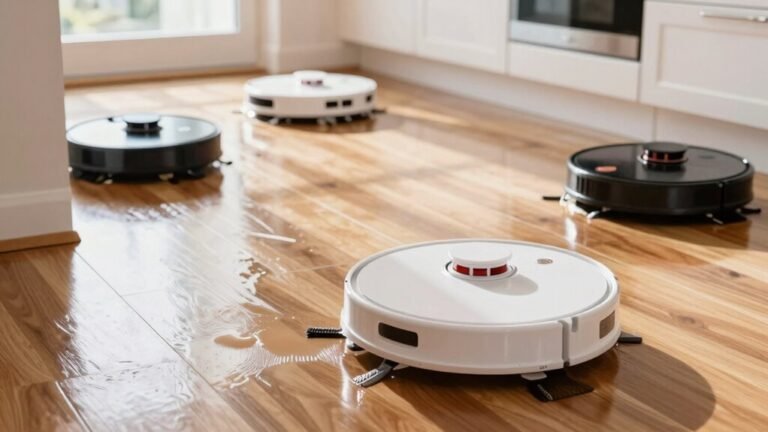
No, it’s not safe to run your robot vacuum on wet floors—don’t let it swim!
Most models aren’t built for water, and even a little moisture can fry sensors or kill the motor.
Think of it like sending a toaster into the bathtub—bad idea.
Unless you’ve got a hybrid robot that mops safely, keep it dry.
Save the splash zone for sponges, not your robo-pal.
Conclusion
You’ve got this! Run your robot vacuum when it’s most helpful—like early morning or while you’re out. Did you know 78% of robot vacuum owners say they skip more dust bunnies than morning coffee? Set smart schedules, dodge clutter and chaos, and let it clean on its own. Sync it with your day, laugh when it befriends your sock, and enjoy a tidy home without lifting a finger. Sweet, right?
References
- https://us.narwal.com/blogs/product/how-long-robot-vacuums-last
- https://techsalesonline.com.au/blogs/articles/robot-vacuum-cleaning-times-speed-up-with-roborock-ecovacs
- https://www.ecovacs.com/us/blog/how-often-should-i-run-my-robot-vacuum
- https://us.switch-bot.com/blogs/robot-vacuum/how-often-vacuum-your-home
- https://www.robotreviews.com/chat/viewtopic.php?t=11690
- https://us.narwal.com/blogs/product/program-robot-vacuum-cleaning-path
- https://www.youtube.com/watch?v=OoCQN2atnbE
- https://forum.roborock.com/discussion/6253/room-cleaning-sequence-order
- https://support.dreametech.com/hc/en-us/articles/10385341066895-Customizing-Your-Cleaning-Sequence-A-Step-by-Step-Guide
- https://www.youtube.com/watch?v=UBSxFxk_f7k