How to Connect Your Robot Vacuum to Alexa or Google Home
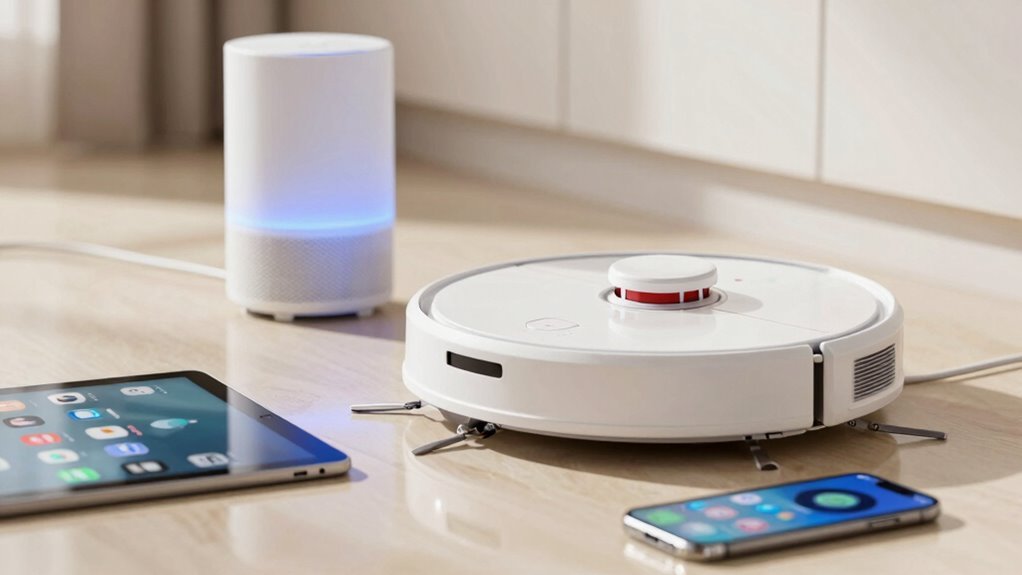
First, grab your robot vacuum’s app and link it to your Wi-Fi—make sure it’s 2.4 GHz, not 5 GHz, or things’ll get awkward fast. This step is crucial for connecting your robot vacuum to Alexa or Google Home, as most smart assistants don’t support the 5 GHz band.
Then open Alexa or Google Home, add your device, and log in when prompted. Boom, you’re basically best friends now.
Say, “Hey Google, clean the living room,” and watch your robot vacuum zip off like it’s got somewhere to be. Oh, and if it ignores you? Try a reboot—sometimes robots need a timeout too.
Ready to level up your lazy genius game? Connecting your robot vacuum to Alexa or Google Home makes daily cleaning effortless with just your voice.
Check Robot Vacuum Compatibility With Alexa or Google
Before you dive into voice-controlled vacuuming like some futuristic butler, make sure your robot actually plays nice with Alexa or Google—because, let’s face it, no one wants to be the person yelling at a silent machine.
Check for the “Works with Alexa” or “Works with Google Assistant” badge on the box or online listing—it’s your first clue.
Skip Bluetooth-only models; you’ll need Wi‑Fi and a dedicated app.
Don’t assume all Wi‑Fi vacuums play fair—some lock you into their own ecosystem.
Look up your exact model number on the brand’s site; compatibility can vary, even within the same series.
Newer models tend to support voice control, but older ones might leave you high and dry.
And hey, double-check that 2.4 GHz Wi‑Fi—because your fancy 5 GHz network won’t cut it here.
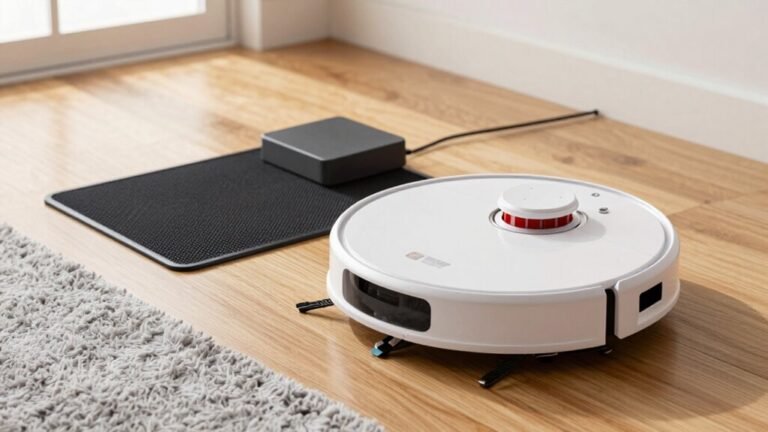
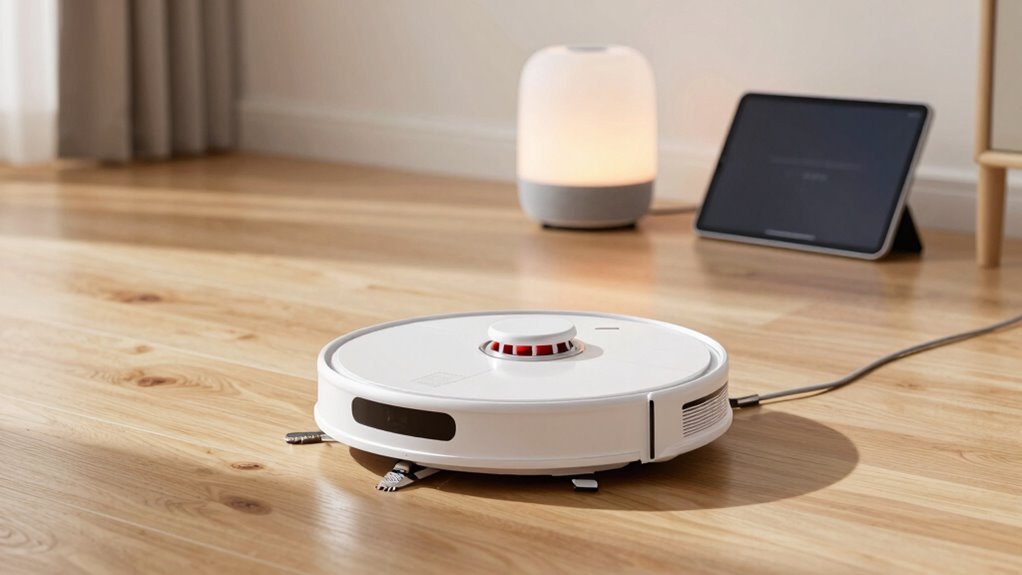
This particular model is Alexa Compatible and connects seamlessly through the app for full voice control.
Choose Alexa or Google for Voice Control
Now that you’ve confirmed your robot vacuum actually talks the language of smart homes—phew, no more awkward yelling into the void—it’s time to pick your voice assistant sidekick.
If you love precise commands like “Hey Google, clean under the kitchen table,” go with Google Home—it nails room-specific cleaning and even shows dirt heat maps.
Alexa fans, rejoice: you can trigger self-emptying docks and say “Alexa, clean my mess” for emergency spills.
Brands like Roborock and Dreame support both, so check your favorite features.
Just remember, some built-in assistants, like Yiko, are smart but listen all the time—kinda nosy, right?
For most, Google offers sharper room control, while Alexa shines with smart docks and quick cleaning bursts.
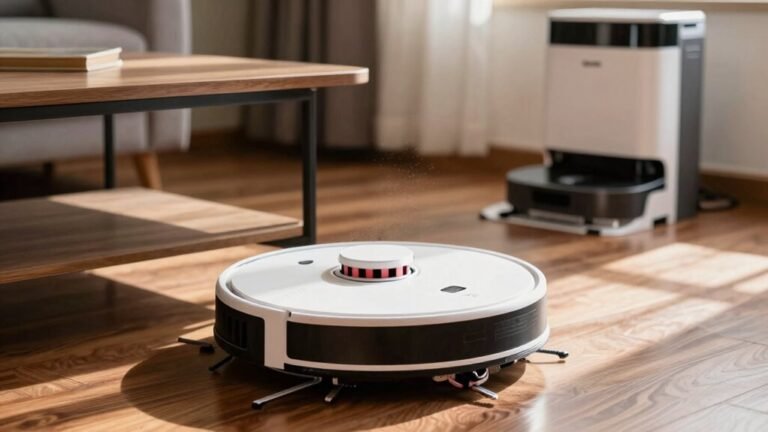
Pick your champion and start bossing your bot around like a pro. Many top models, including the Dreame L50 Ultra, come equipped with a Self Empty Station for hands-free maintenance.
Install Your Robot Vacuum App
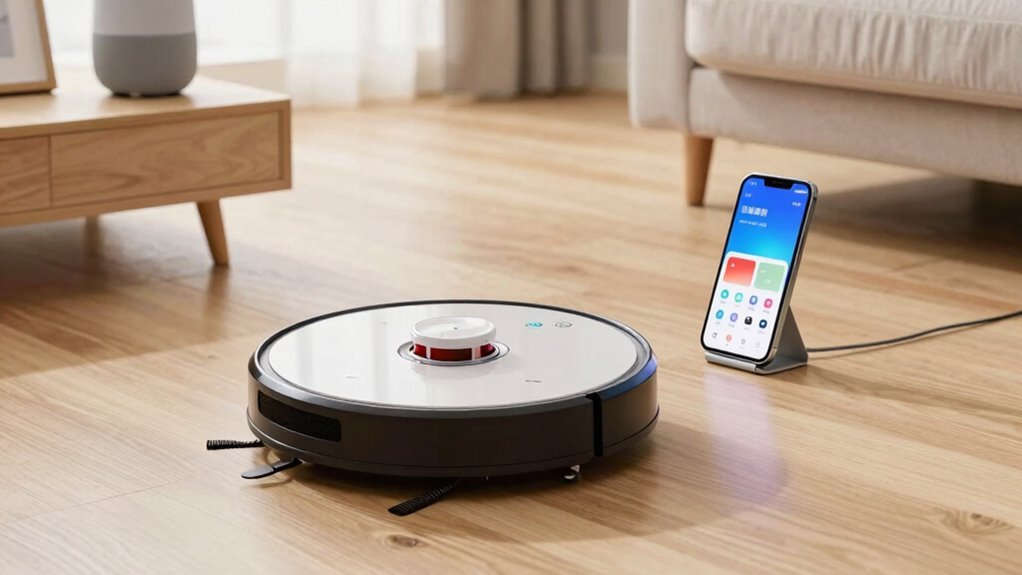
Getting your robot vacuum up and running starts with downloading the right brain for your bot—the companion app.
Think of it as your robot’s favorite sidekick; without it, your vacuum might just nap all day.
Make sure you’re ready before diving in:
- Find the exact app for your model—use the manual or QR code, and double-check it’s from the real manufacturer, not some imposter app.
- Install it, then create an account with a strong password—treat it like your social media, because hackers don’t care about clean floors.
- Hook up your robot via the app while both are near the Wi-Fi, and test drive it—send it forward, tell it to dock, and celebrate your win.
You’re not just installing software—you’re adopting a tiny, rolling roommate. Welcome to the future, boss.
Connect to Alexa or Google Device
Turn that fancy robot vacuum into your voice-controlled cleaning sidekick by linking it to Alexa or Google Home—because yelling “clean up!” at your floor hasn’t worked since you were a teenager.
First, make sure your vacuum supports Alexa or Google and runs on 2.4 GHz Wi-Fi—most don’t use 5 GHz.
Check that your phone’s OS and smart speaker are up to date and in a supported region.
Open the Alexa or Google Home app, tap “Add Device,” then follow the prompts to link your vacuum.
Keep your robot, phone, and speaker on the same Wi-Fi network, or it’ll be like trying to chat in different languages.
If the app doesn’t see your vacuum, restart it, update the firmware, and try again.
Naming it “Vacuum” beats “R2-D2,” unless you want your assistant calling your cousin instead.
Once it’s connected, you’re moments away from bossing around a robot—and honestly, that never gets old.
Link Vacuum to Your Voice Assistant
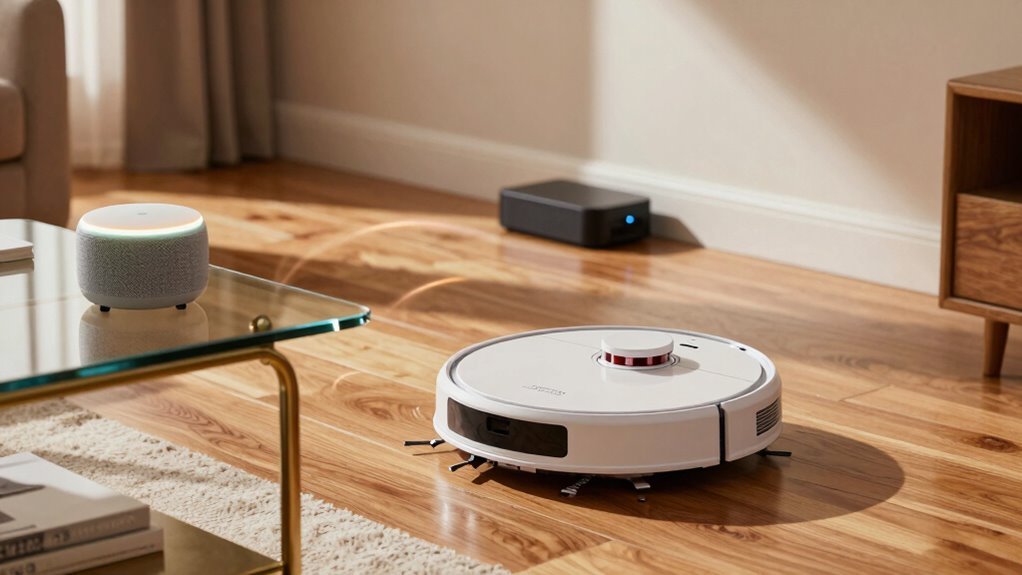
You’ve got your robot vacuum powered up and your smart speaker ready to roll—now it’s time to make them actually talk to each other, not just sit around like strangers at a party.
Linking them is easier than teaching your dog a new trick.
Just open your voice assistant app and connect it to your vacuum’s account like you’re double-dating two old friends.
Make sure everything’s updated and your Wi-Fi’s playing nice—nobody likes a connection that flakes out mid-conversation.
- Link your vacuum’s app to Alexa or Google through the Skills or Actions section
- Log in to your vacuum brand’s account and give the assistant access—permissions are like trust falls
- Let the app discover your robot so it knows what’s beepin’ and what’s cleanin’’
Boom! You’re basically their matchmaker now.
Start Cleaning by Voice Command
Fire up your voice assistant and get ready to boss your robot vacuum around like a pro—with just your voice, no app-tapping or button-pushing required. Say “Alexa, start cleaning” or “Hey Google, vacuum the living room,” and boom—it’s off to work.
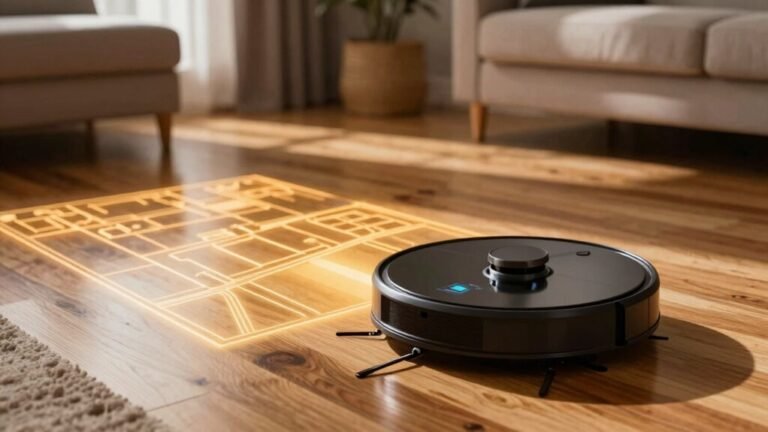
If your model supports room mapping, give it a shout like “clean the kitchen” and watch it obey like a robo-dog with chores to do.
Just name your vacuum something simple, like “Sparky,” so Alexa doesn’t get confused.
Make sure rooms are labeled right in the app, especially if you’re telling it to attack the crumbs under the coffee table.
Higher-end models even respond to zone commands or spot cleanups—fancy, right?
Whether you’re cooking, lounging, or multitasking like a superhero, just speak up and your vacuum’s got your back.
It’s hands-free, slick, and honestly, a little magical.
Schedule Cleanings With Voice Assistant
While your robot vacuum sits quietly between cleanups, it’s actually waiting for its next big moment—
so why not let your voice assistant call the shots on when it wakes up and goes to work?
With Alexa or Google Home, you can schedule cleanings that fit your life, not the other way around.
No more guessing when the house needs a tidy—just set it and forget it.
- Tell your assistant to clean every Monday and Friday at 10 a.m., and it’ll treat your floors like clockwork.
- Sync vacuum time with daily habits, like starting a clean after everyone leaves for school or work.
- Target specific rooms on a schedule—hit the kitchen after dinner or the living room before movie night.
It’s like giving your home a brain—and a sense of timing.
Your robot’s ready; now just let it shine, one scheduled sweep at a time.
Fix Common Connection Problems
Why does your robot vacuum ghost your smart home setup?
Don’t sweat it—this happens more than you’d think.
First, make sure your vacuum’s on 2.4 GHz Wi-Fi (not 5 GHz), and keep it, your phone, and router close during setup.
Thick walls or a fridge in the way? That could be killing the signal.
Reboot your router and vacuum to clear glitches.
If Alexa or Google won’t link, double-check your app login, maybe reset your password, and try relinking the skill.
Turn off two-factor auth or a pesky VPN temporarily.
Update the vacuum’s firmware and all your apps—outdated software’s a sneaky culprit.
If nothing works, clear app caches or reinstall.
Humor aside, even robots have trust issues—give it a second chance!
Automate Cleaning With Smart Routines
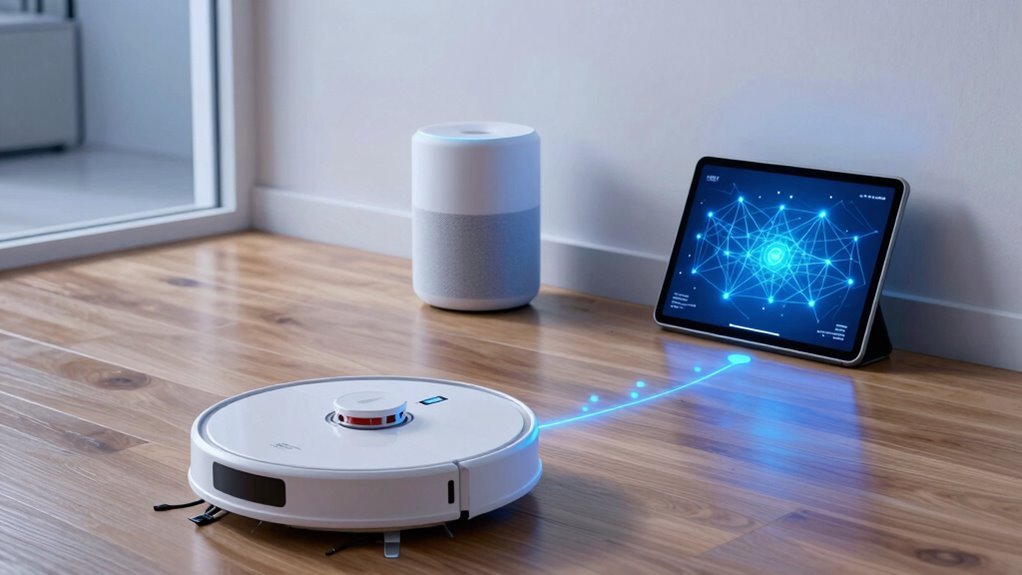
Meet your new cleaning co-pilot: smart routines that work as hard as you do—minus the snack breaks.
Turn your robot vacuum into a true home helper by syncing it with Alexa or Google Home to clean smarter, not harder.
You’re in control, but the fun part? It almost feels like magic.
- Schedule cleanings by time—set daily, weekly, or zone-specific runs, like “kitchen after dinner” or “deep clean every Sunday.”
- Let it follow your life—use geofencing so it starts when you leave and docks when you return, avoiding awkward run-ins.
- Trigger cleans with real-life moments—link it to meals, pet feedings, rain forecasts, or even your smart lock so it tackles messes before you notice them.
Boom—clean floors, zero effort, and more time for you (and yes, snacks are encouraged).
Group Vacuum With Other Smart Devices
How about turning your robot vacuum into the conductor of your smart home orchestra? You can group it with lights, thermostats, and even your TV in Alexa or Google Home, so one command cleans the living room while dimming the lamps and pausing the show.
Name groups smartly—like “Downstairs Cleaning”—to avoid mix-ups, especially if you’ve got more than one vacuum lurking around.
Pair it with motion sensors so it won’t barge in when someone’s napping, or link it to door sensors to skip closed rooms.
Boost air purifiers and fans during cleanups for fresher air, or silence smart speakers so they don’t yell over the hum.
You can even hush doorbells and delay alarms—because let’s be honest, no one wants vacuum small talk during Savvy Cleaning Mode™.
Frequently Asked Questions
Can I Use Multiple Voice Assistants With One Robot Vacuum?
Yeah, you can totally use multiple voice assistants with one robot vacuum—go ahead and link it to both Alexa and Google Home if you want.
Just make sure your model supports both, and keep your app logged in.
Commands from either assistant work through the cloud, so your robot knows who’s talking.
Just don’t tell them to clean at the same time—they’ll argue over who’s in charge!
Does Connecting to Alexa Slow Down My Vacuum’s Performance?
Nope, connecting to Alexa won’t slow down your vacuum’s performance.
You’re still getting full suction power, smart navigation, and long runtime—just like before.
The voice control adds convenience, not clutter.
Think of it like giving your vacuum a remote control; it doesn’t make the engine weaker.
Any lag? That’s usually Wi-Fi being finicky, not your robot slacking.
Your smart helper’s still the cleaning champ you hired!
Will My Vacuum Still Work if Wi-Fi Goes Out?
Yes, your vacuum still works when Wi-Fi’s down—85% of smart vacuums keep cleaning without internet!
You can press the button on the robot or dock to start it, and it’ll use its saved map to navigate.
No remote control or app updates, sure, but it won’t ghost you.
Think of it as your vacuum going offline to focus—no distractions, just clean floors.
Wi-Fi’s nice, but it’s not the boss of everything.
Can I Control Multiple Vacuums With One Voice Command?
You can control multiple vacuums with one voice command, but only if you set up a routine or group first—otherwise, you’ll have to talk to each robot like it’s giving you attitude.
Name them clearly, like “Kitchen Vacuum,” link them in Alexa or Google Home, then create a “Clean the House” command.
Boom!
All your little robo-cleaning buddies spring into action—just don’t expect them to high-five when they’re done.
Is My Cleaning Data Shared With Alexa or Google?
Yes, you’re sharing some cleaning data with Alexa or Google when linked—think of it like inviting a chatty neighbor into your smart home kitchen.
They get details like when you start cleaning, how long it runs, and even device names.
Voice commands, routines, and statuses waltz through their servers, hand-in-hand with your robot’s reports.
It’s teamwork for convenience, but peek into privacy settings—you’ve got the keys to lock certain doors if you want.
Conclusion
You’ve got this! Now your robot vacuum zips around like a tiny, tidy tornado, ready to dance to your voice commands. Whether Alexa or Google’s your co-captain, cleaning’s a breeze—just speak up and let the magic hum. Life’s messy, but your floor? Sleek, smart, and practically self-scrubbing. Sweet, huh? Go ahead, kick back, and let your vacuum do the work—because even robots deserve a standing ovation now and then.
References
- https://corporategift.com/robot-vacuum-w-wifi-alexa-compatible-126873.html
- https://www.ecovacs.com/us/blog/do-robot-vacuums-work-with-alexa
- https://www.smartmove.us/learn/devices/a-comprehensive-list-of-alexa-smart-home-devices
- https://www.bestbuy.com/site/searchpage.jsp?browsedCategory=pcmcat164800050018&id=pcat17071&qp=workswith_facet=Works+With~Amazon+Alexa&st=categoryid$pcmcat164800050018
- https://www.lowes.com/pl/vacuum-cleaners-floor-care/vacuum-cleaners/robotic-vacuums/amazon-alexa/4294410380-880603224
- https://homesupport.irobot.com/s/article/31145
- https://vacuumwars.com/vacuum-wars-best-robot-vacuums/
- https://www.youtube.com/watch?v=bDJcY2ZrQDY
- https://www.goodhousekeeping.com/appliances/vacuum-cleaner-reviews/a25227407/best-robot-vacuum/
- https://community.smartthings.com/t/best-voice-control-alexa-or-google-home/102668