Can Two Robot Vacuums Work in the Same House?
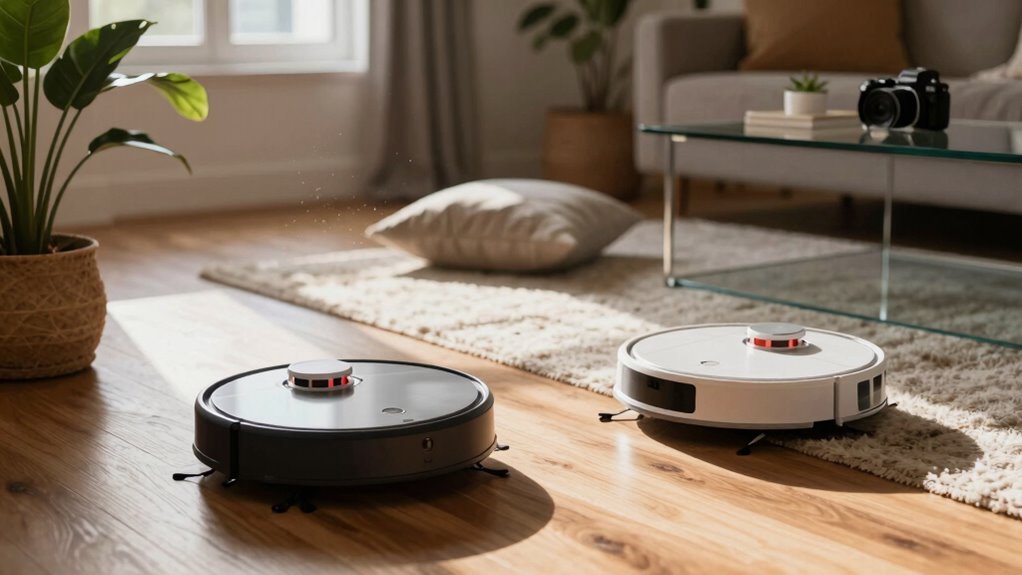
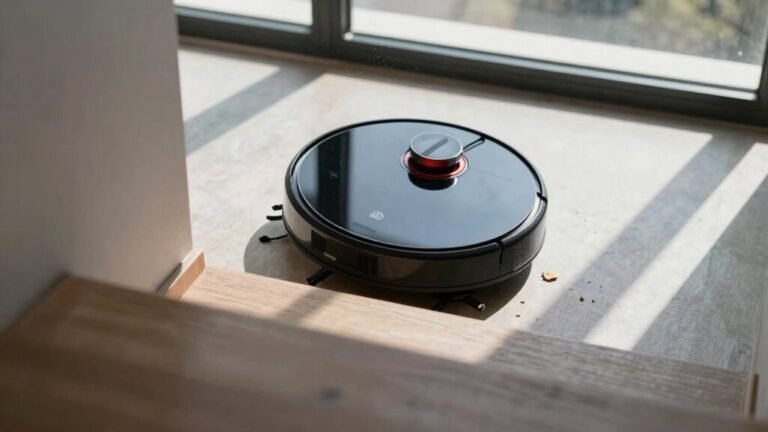
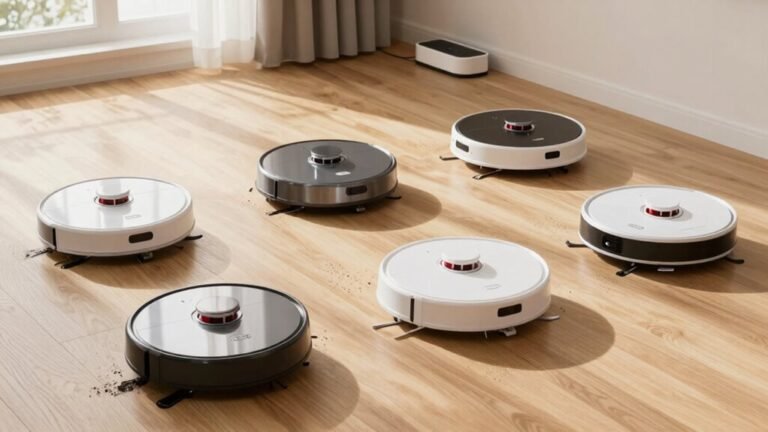
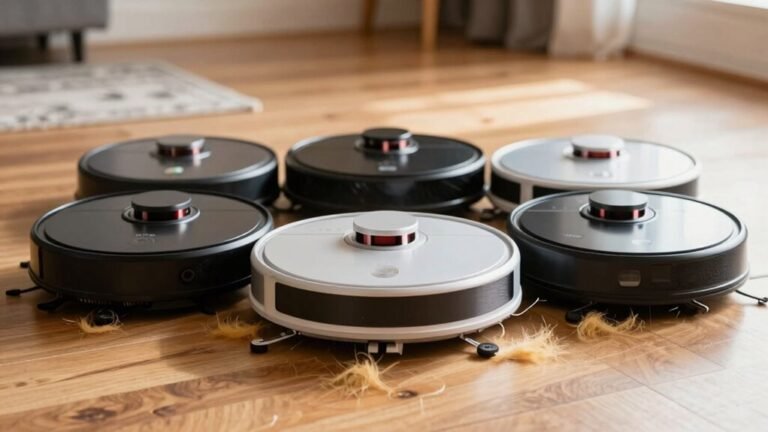
Yes, you can run two robot vacuums in the same house. Using two robot vacuums allows for more efficient cleaning, especially in larger homes or multi-level spaces.
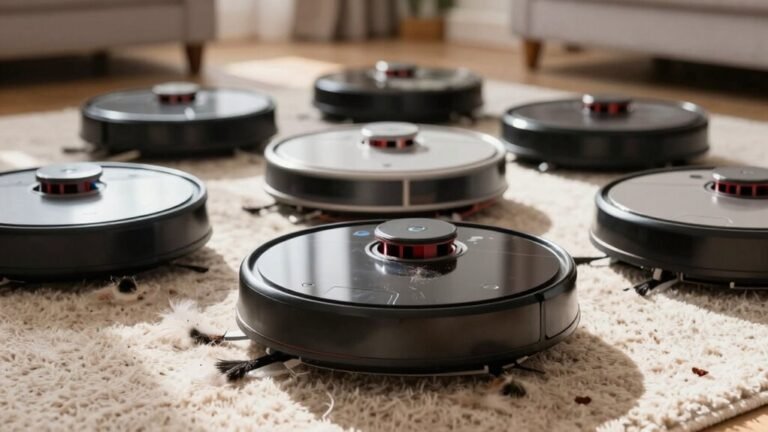
They’ll map the area separately and may occasionally bump into each other. Without coordination, they might clean the same spot twice, reducing overall efficiency.
With smart scheduling and zone settings, however, they can work together effectively. Choosing the same brand often improves compatibility and coordination between units.
Keep their routines well-managed to avoid confusion. There’s a real strategy to making two robot vacuums operate smoothly in one home.
Can Two Robot Vacuums Work Together Without Crashing?
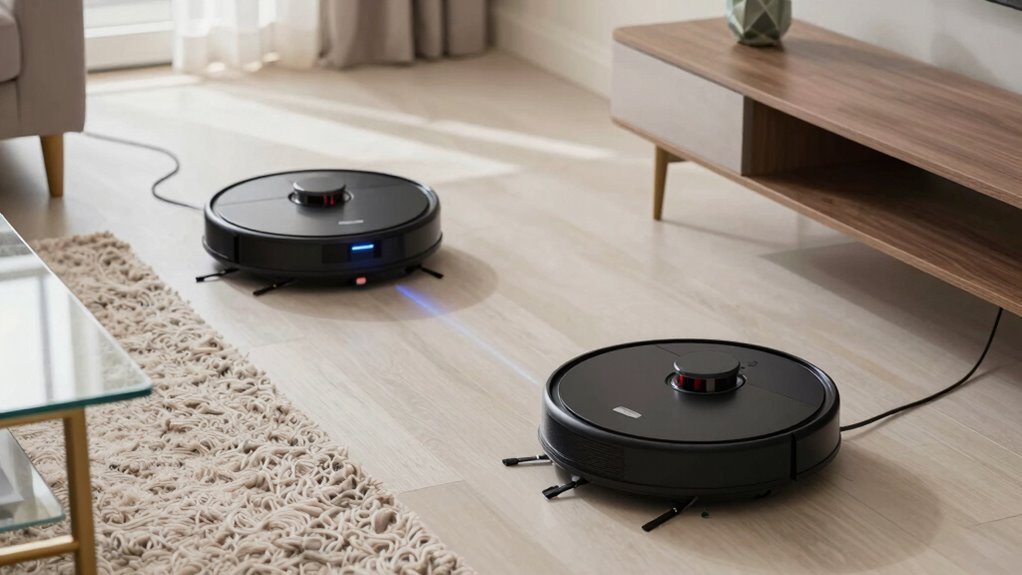
Ever wonder if two robot vacuums can team up like co-stars in a cleaning comedy without bumping into each other like clumsy roommates?
Good news—they can!
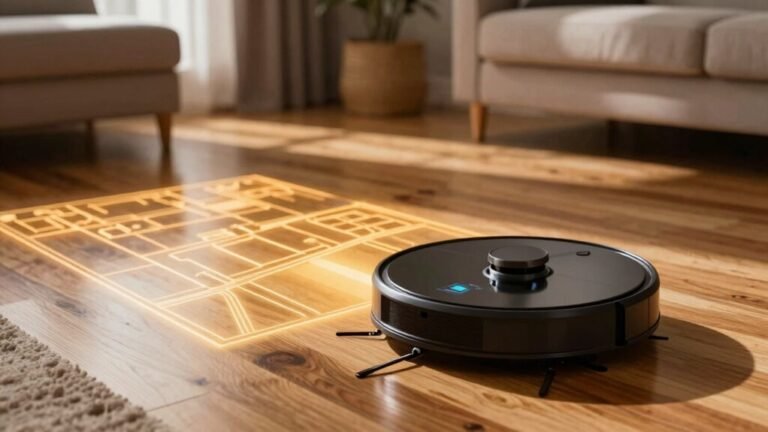
Thanks to smart tech like LIDAR and vSLAM, each robot maps the space on its own, so they don’t get confused or lost.
They follow neat, row-by-row paths, avoid stairs and furniture, and treat each other like any other moving obstacle.
You can assign them different rooms using app zones or stagger their start times to dodge hallway traffic jams.
Virtual walls keep them in their lanes, and if they do bump? No drama—just a quick re-route.
Most homes run multiple bots on the same Wi-Fi without a hiccup.
They return to their docks independently, update on their own time, and coexist like tidy little roommates.
With the right setup, your robo-duo works smoothly, silently, and successfully—no slapstick required.
Some models even use AI DirtSense 2.0 for smarter cleaning decisions.
Why Two Robots Often Collide or Duplicate Cleaning
You might think your robot vacuums are ready for a buddy-cop movie, zipping around in perfect sync, hilariously unpredictable.
They bump into each other because their sensors often miss fast-approaching buddies, especially in low light or near shiny floors.
Each one follows its own random path, so they crisscross rooms like confused shoppers at a mall.
Since they can’t talk to each other, both might charge into the kitchen at once—then get stuck trying to squeeze through the same doorway.
They don’t see each other as traffic, just as weird furniture.
Scheduling both at 9 a.m.? That’s a recipe for mid-hallway pileups.
Even their cleaning logic makes them retrace the same spots, so you’ll see double passes and awkward bumps.
It’s teamwork without the team. Without random navigation awareness, they lack the ability to coordinate paths or avoid overlapping zones effectively.
How Mapping Conflicts Sabotage Multi-Vacuum Homes
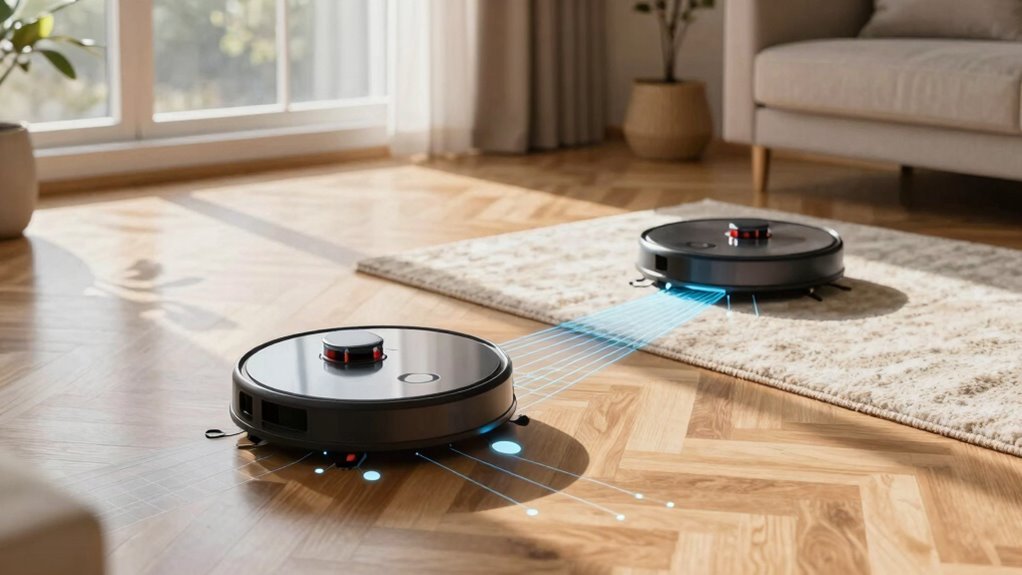
What happens when two robot vacuums walk into a room—each armed with its own map, mission, and mild identity crisis? They don’t team up like cleaning superheroes.
Instead, they get confused, overlap paths, or even ignore whole zones because their maps don’t match. Without syncing their brains, they’re just two robots arguing over who vacuumed where. It’s like roommates dividing chores but never talking—messy and inefficient.
- Clashing maps cause vacuums to miss spots or clean the same area twice.
- No shared memory means each robot treats the house like uncharted territory every time.
- Navigation chaos leads to endless loops, trapped robots, and frustrated owners.
You’ll end up with half-clean floors and twice the noise—all because their digital minds can’t agree on where the sofa *really* is.
Why Same-Brand Robot Vacuums Get Along Better
When your robot vacuums team up like a well-rehearsed cleaning crew, everything just *clicks*—especially if they’re from the same brand.
You control both from one app, share maps, and keep schedules in sync without the digital chaos.
They speak the same “language,” so their navigation, no-go zones, and docking moves are perfectly in step—no bumping heads or blocking each other’s exits.
Same-brand bots use similar brains (like LiDAR or VSLAM), so they map the space alike and clean in harmony.
One handles mopping while the other vacuums, yet both respond to your Alexa command like pros.
Firmware updates roll out evenly, batteries recharge smartly, and their obstacle dances? Always in sync.
Think of them as roommates who actually do dishes—and clean *together*.
Fewer hiccups, more high-fives.
When you go all-in on one brand, you’re not just buying robots—you’re hiring a squad.
How to Schedule Two Robot Vacuums Without Cross-Paths
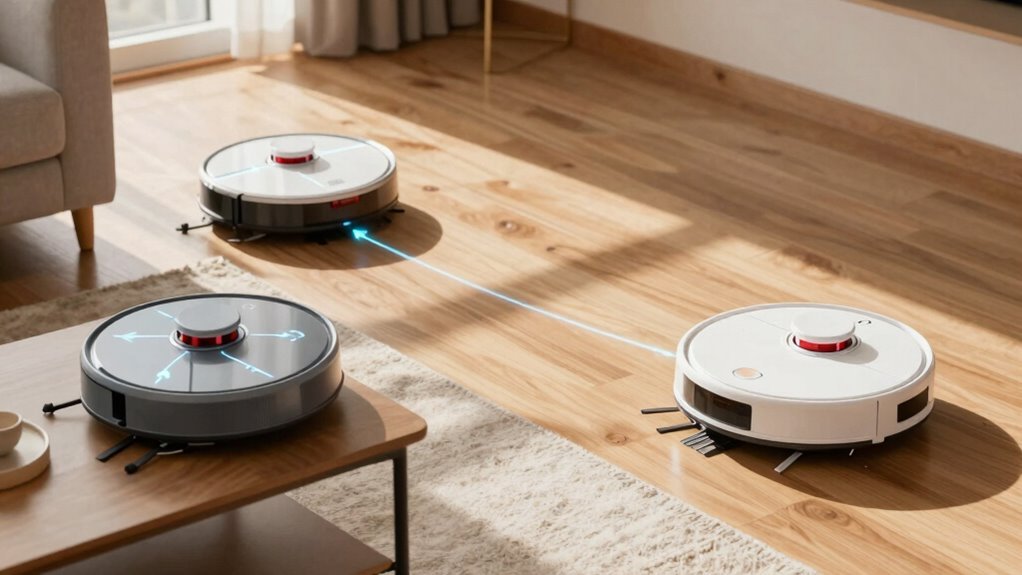
Even if your robot vacuums aren’t sworn siblings, you can still keep them from tripping over each other—like choreographing two roommates who both hate doing laundry but somehow magically end up with clean floors.
The secret? Smart scheduling and a little digital territory management.
You’ve got the tools; now it’s time to use them like a pro.
- Stagger start times by 15–30 minutes and assign separate zones so they clean different areas at different times.
- Use app-based no-go zones and virtual walls to draw robot borders—think of it as giving each one its own kingdom.
- Dock them on opposite sides of the house so they start and return without hallway showdowns.
With a little planning, your robo-duo runs smoothly, avoids chaos, and keeps your floors sparkling—without ever bickering over who took out the (dust) bin.
When Two Robot Vacuums Actually Clean Faster
| Scenario | Time Saved? |
|---|---|
| Big house (2,500 ft²) | ✅ Yes – cuts a full recharge cycle |
| Pet-heavy home | ✅ Yes – less mid-job downtime |
| Mixed carpet/hard floors | ✅ Yes – each bot tackles its strength |
| Small apartment | ❌ Nope – they just high-five and spin in place |
You’re not just adding power—you’re outsmarting dirt. With clean zones split and smart mapping, your bots work like a dream team, not roommates arguing over chores. Just sit back, relax, and let them hustle—because two really can be faster than one.
Best Robot Vacuums for Multi-Unit Households
You’ve seen how two robot vacuums can tag-team your chores like a well-rehearsed comedy duo, cutting cleaning time and skipping the spin-out chaos in bigger spaces—now let’s talk about which bots are actually built to thrive in homes with multiple rooms, mixed flooring, and plenty of pet traffic.
These models don’t just clean—they adapt, empty themselves, and even swap mops like pros.
- Roborock Saros 10R – Nailed top vacuuming performance on all floors, so you’re not left wiping spots by hand.
- Dreame X50 Ultra – Smarts matter, and its navigation zips through rooms like it knows where the crumbs party.
- ECOVACS X8 Pro OMNI – Self-empties, self-washes, and handles dust like a pro athlete—less work, more wow.
They’ve got filters, power, and brains, so you kick back while they handle the mess. Who knew robots could be this low-maintenance and high-performing?
Frequently Asked Questions
Can I Use Robot Vacuums on Different Floor Types Simultaneously?
Yep, you can totally run robot vacuums on different floor types at the same time!
Just set one to tackle carpets while another zips across hard floors—each uses the right suction and brushes for the job.
They won’t crash into each other if you use no-go lines, and with smart controls, you can start them both with a tap.
It’s like a cleaning duo made in heaven—efficient, smooth, and kinda adorable watching them work their magic!
Do Robot Vacuums Interfere With Wi-Fi or Smart Home Devices?
You bet they do—but it’s more 1995-dial-up than sci-fi chaos.
Robot vacuums chatter on 2.4 GHz Wi-Fi, which can bump into other smart devices, especially if your router’s overloaded.
Still, their data needs are tiny—no Netflix-level drama.
With decent Wi-Fi, they play nice, though weak signals might make them space out mid-clean.
Set up a solid network, and you’ll avoid glitches, delays, and vacuum tantrums.
Is It Safe to Run Robot Vacuums When No One Is Home?
Yeah, you can safely run robot vacuums when no one’s home—just make sure your floors are clear and cords tucked away.
They’re smart enough to dodge stairs and furniture, and won’t squish your cat (probably).
The real danger? Sucking up dog doo and redecorating your rug with it.
Yuck.
Lock doors, update software, and let it roll.
It’s like a tiny, tidy roommate who never eats your snacks.
Can One Robot Vacuum Clean Multiple Floors in a House?
Yes, you can totally use one robot vacuum for multiple floors—think of it as your tiny, tireless stair climber (well, *almost*—you’ll carry it).
It maps each level like a pro, remembers where it’s been, and cleans on command.
Just fire up the app, switch floors, and let it go.
It’s like giving your home a cleaning high-five, one floor at a time—minus the stairs, but hey, nobody’s perfect!
Do Robot Vacuums Work Well Under Low Lighting Conditions?
Yeah, robot vacuums usually work just fine in low light!
Models with LiDAR or infrared sensors zip around in the dark like it’s no big deal.
Even if it’s super dim, sensor fusion helps them keep their balance—no tripping over shadows.
Just keep sensors clean and avoid pitch-black maze-like rooms.
Think of them as tiny, tireless ninjas: quiet, sneaky, and surprisingly good at night jobs—just don’t ask them to do stand-up comedy.
Conclusion
You *can* run two robot vacuums in one house—just plan smart! Take Maya, who owns two Roborock S8s: she schedules one for the upstairs at 9 AM, the other for downstairs at 11 AM—no map meltdowns, no tango in the hallway. Same brand, same brain, different beats. It’s like tag-team cleaning! With clear zones and smart timing, your bots won’t just coexist—they’ll conquer dust in perfect, whirring harmony. Cha-ching!
References
- https://us.narwal.com/blogs/product/best-robot-vacuums-multiple-rooms
- https://www.irobot.com/en_US/roomba-105-combo-robot/Y314020.html
- https://forums.wyze.com/t/support-for-multiple-robot-vacuums/276295
- https://www.therobotreport.com/sensor-breakdown-how-robot-vacuums-navigate-and-clean/
- https://www.businessinsider.com/guides/home/best-robot-vacuum-mop
- https://www.youtube.com/watch?v=JZj0DOhkhO0
- https://www.youtube.com/watch?v=p7vJFqF_vrU
- https://www.youtube.com/watch?v=PSklg6S0w7g
- https://www.aitimejournal.com/can-robot-vacuums-clean-multiple-rooms/31461/
- https://us.narwal.com/blogs/cleaning-guide/robot-vacuum-clean-multiple-floors