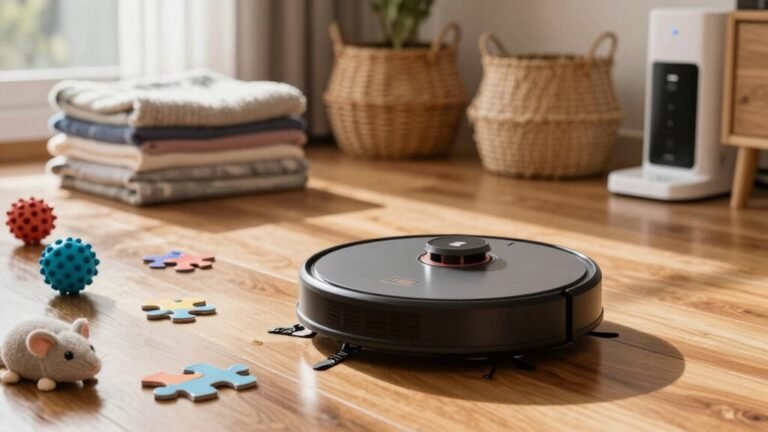
How to Fix a Robot Vacuum That Keeps Going in Circles
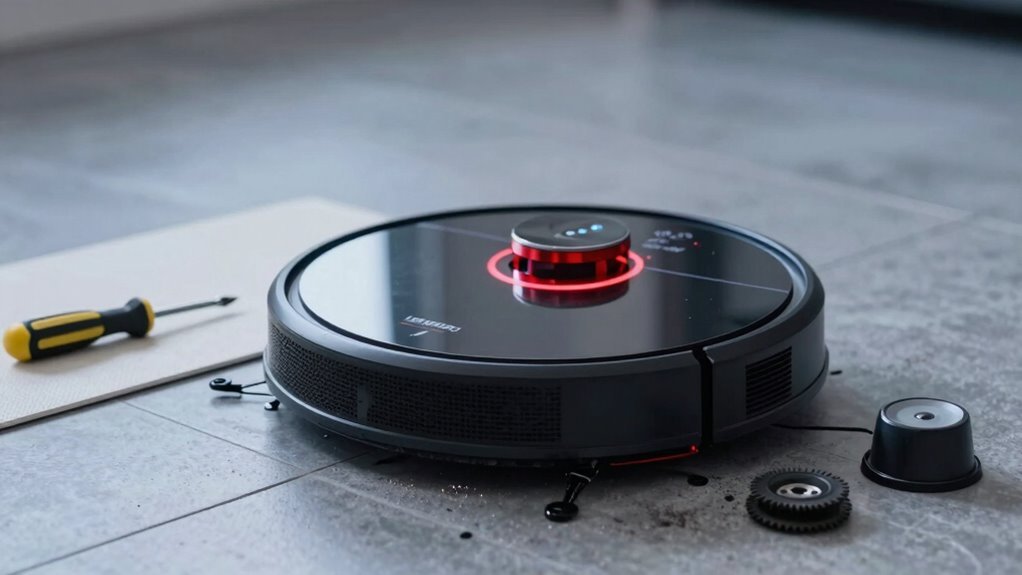
Your robot vacuum’s spin cycle isn’t a dance move—it’s a cry for help. If your robot vacuum keeps going in circles, the issue often lies in obstructed or damaged wheels.
Check the wheels for hair, debris, or damage, then give them a spin to spot snags. A quick inspection can reveal what’s throwing off its path.
Next, clean the sensors with a soft cloth to ensure they’re free of dust and grime. Dirty sensors can confuse your robot vacuum and lead to erratic movement.
Update the firmware and reset the navigation if needed. These steps often resolve persistent circling issues.
A little TLC usually brings it back on track—and if yours still won’t listen, there’s a full game plan waiting to save your sanity.
Check for Debris in Wheels and Brushes
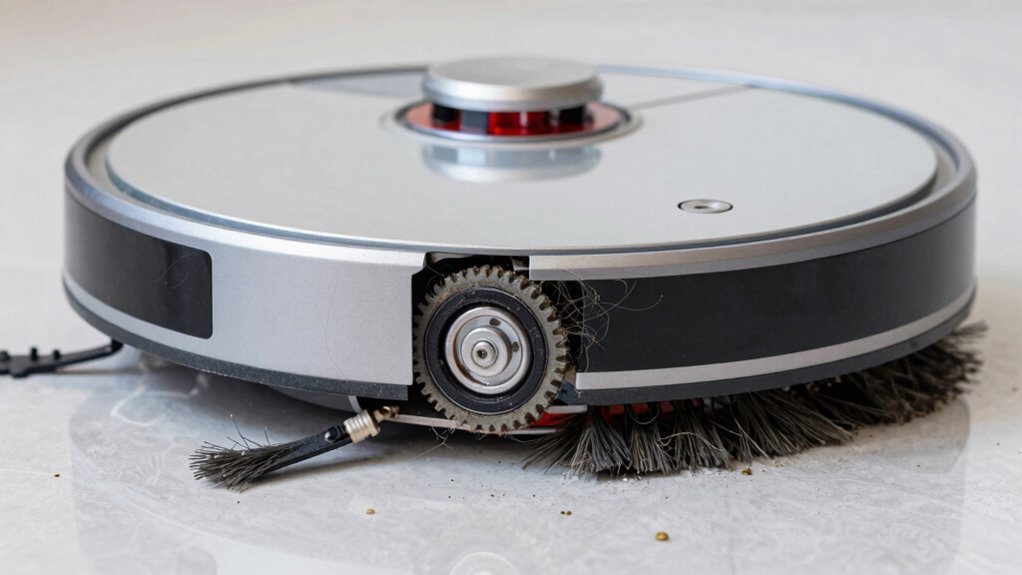
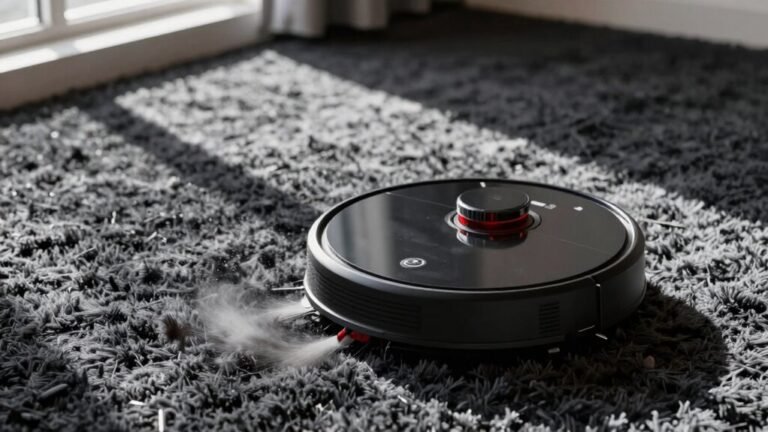
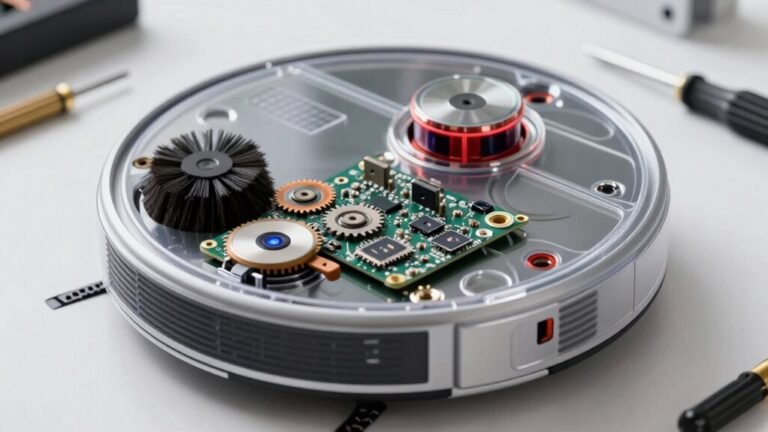
Grab your tweezers and let’s dive into the guts of your dizzy robot—because chances are, it’s not broken, it’s just stuffed. You’d be surprised how much hair, fuzz, and mystery lint can wrap around its wheels and brushes, turning your smart little cleaner into a wobbly mess.
Spin each wheel—feel for hitches or grinding? Hair loves to wind around axles, making one side drag like it’s out for a lazy stroll.
Don’t forget the wheel wells; dust piles up and turns into resistance city.
Now peek at the main and side brushes—tangled threads slow them down and throw off balance, making your bot veer like it’s had too much coffee.
Pull out gunk with tweezers or a seam ripper (yes, really!), clean the brush ends, and check alignment.
Once everything spins freely, you’ll likely see a dramatic comeback—straight lines, smooth turns, and zero drunken circles.
Victory tastes like clean floors.
Wheel sensors monitor rotation and detect imbalance, which can trigger navigation errors if abnormal resistance occurs.
Clean Your Robot Vacuum’s Sensors
Spinning out like a robot in a disco disaster? Blame dirty sensors. Your robot’s navigation, cliff, and bumper sensors can get gunked up, tricking it into thinking walls are everywhere or floors are ending—cue the endless loops.
Power it off, unplug it from the dock, and set it on a clean surface.
Remove the dustbin so you can reach all those sneaky sensor windows.
Grab a soft, dry microfiber cloth—no harsh sprays—and gently wipe the optical sensors, LiDAR lens (if it has one), and front bumper.
Use cotton swabs or a soft brush for tight spots, and a quick puff of compressed air to blast dust from crevices.
Never use wet cloths on LiDAR unless the manual says it’s okay.
Clean sensors monthly (or weekly if you’ve got pets or lots of dust), and watch those error lights—they’re often a cry for a simple wipe-down.
Be sure to clean the infrared anti-collision sensor monthly for optimal navigation performance.
Check Your Wheels for Stuck or Damaged Parts
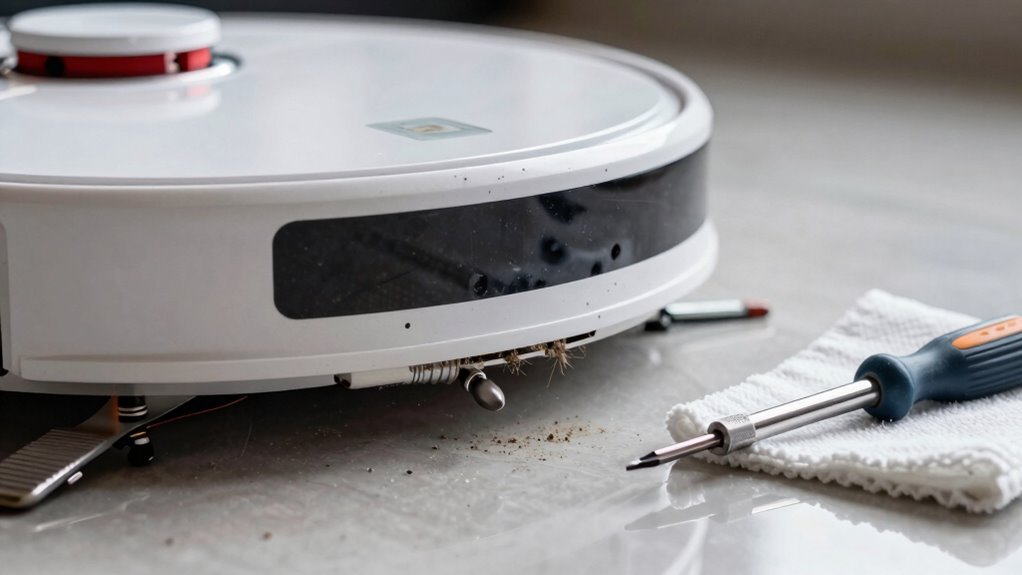
If your robot vacuum’s doing the cha-cha instead of cleaning in straight lines, it might be time to check its wheels — those little round dancers could be tangled, worn out, or just plain stuck.
Flip it over and give the wheels a spin: if one doesn’t turn freely, odds are you’ve got hair, string, or a rogue Lego piece jammed in there.
Dust buildup or hardened gunk can also make wheels drag instead of glide, throwing off its balance.
Listen for clicks or jerks—those might mean damaged gears or a worn axle.
Check the tire treads too; if they’re cracked, smooth, or uneven, your bot’s losing traction.
A lopsided wheel acts like a bent bike tire, making it veer in circles.
Test each wheel’s bounce and spin—smooth, even motion is the goal.
When one side drags or sticks, your vacuum’s dance goes off-script—fast fix them, and it’ll be back gliding like a pro.
Update Your Robot Vacuum’s Firmware
Time to give your robot vacuum a brain boost—because even smart homes need smarter upgrades!
If your vacuum’s stuck in a spin cycle, outdated firmware might be the sneaky culprit.
Open your app—like Xiaomi Home or Dreame—tap the three-dot menu, and check for updates.
Make sure your bot’s charged above 15% and plugged in, ‘cause losing power mid-update could brick it—yikes!
Keep your Wi-Fi strong and don’t touch anything once it starts; let it do its thing for 5–10 minutes.
Think of it as robot nap time.
Updates squash bugs, smooth out navigation, and sometimes even add cool new tricks.
If it keeps bugging you after, restart and retry—sometimes it’s just being stubborn.
And hey, if all else fails, the pros can help.
A little tech TLC now keeps your vacuum from going cuckoo later!
Reset Your Vacuum’s Navigation System
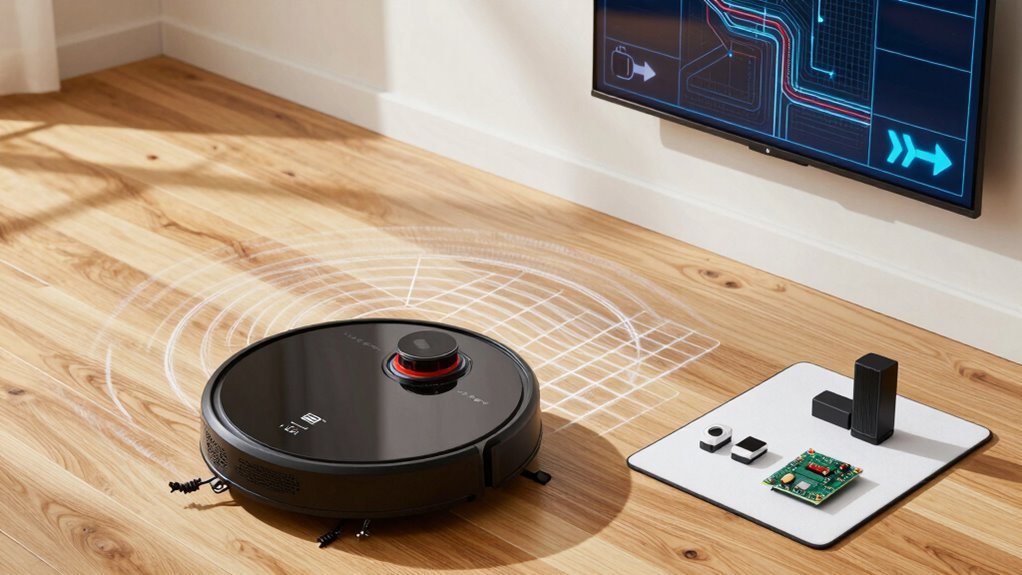
When your robot vacuum starts acting like it’s dizzy after a carnival ride, it’s probably time to give its navigation system a little tune-up.
Don’t worry—resetting it’s easier than herding cats.
First, try a soft reset by holding the Home and Clean buttons for a few seconds until you hear a chime.
It’ll reboot quickly and keep your saved schedules.
If that doesn’t work, fire up the app and do a factory reset to wipe the slate clean—just back up your maps first.
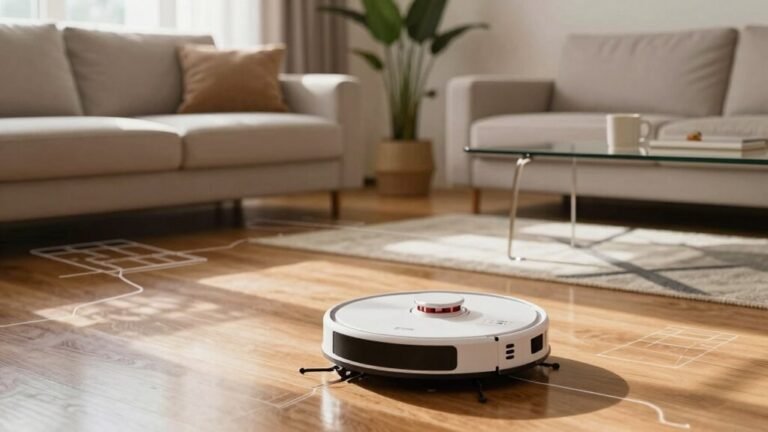
After any reset, clear dust from the sensors and run a full cleaning cycle so it can redraw its map.
Reconnect it to Wi-Fi, re-enter your preferences, and boom—it’ll navigate like a pro again.
Think of it as a spa day for your robot: fresh, refreshed, and ready to stop going in circles!
Contact Support If It Still Runs in Circles
Even after a thorough clean, fresh reset, and a little robot pep talk, your vacuum might still spin like it’s chasing its own tail—adorable on a puppy, not so much on a high-tech cleaner.
If it keeps looping, it’s time to call in the pros.
Grab your model number, proof of purchase, and a video of the spin cycle—support teams love that stuff.
List every fix you’ve tried; it speeds things up and shows you’ve done your homework.
Most companies will run you through advanced checks or send a firmware patch if there’s a glitch.
If it’s hardware—like a wonky sensor or busted wheel—they might repair or replace it, especially under warranty.
Worst case? You could score a whole new unit if the robot just can’t find its way.
Bottom line: don’t live with a dizzy vacuum.
Help’s out there, and your floors deserve better.
Frequently Asked Questions
Why Does My Robot Vacuum Spin When It Starts Up?
Your robot spins at startup because it’s doing a little dance to check its sensors and wheels—cute, right?
But if it won’t stop, dirty sensors, tangled wheels, or slick floors are likely tripping it up.
Maybe it thinks there’s a cliff or a monster (it’s just a sock).
Give it some love: clean the sensors, check the wheels, and make sure it starts on solid ground.
Can Uneven Floors Cause My Robot Vacuum to Circle?
Yes, uneven floors can totally send your robot vacuum into comedy mode—picture it doing donuts like it’s auditioning for a robot circus!
Bumps, shifts, or wobbly tiles throw off its wheels and sensors, so one side slips while the other spins, trapping it in a loop.
It thinks it’s stuck or on a cliff, so it twirls in panic.
Smooth out adjustments, buddy, and save your robo-pal from the dizzy reel!
Is It Safe to Use My Robot Vacuum on Carpets?
Yes, it’s totally safe to use your robot vacuum on carpets—if you’re not trying to conquer Mount Rug with a mini tornado!
Most models handle low to medium piles like champs, and their gentle brushes won’t wreck your fibers.
Just avoid super fluffy carpets, set the right suction, and keep pet messes picked up—unless you enjoy surprise poop trails.
With the right care, your robo-pal keeps carpets clean and happy!
How Often Should I Replace the Side Brush?
You should replace your side brush every 3 to 6 months—though if you’ve got pets doing acrobatics or kids staging crumb explosions, every 3 months is smarter.
Think of it like socks: once the bristles flop like sad noodles or the arm’s missing, it’s done.
Keep it clean, check it monthly, and swap it before it starts moonwalking instead of sweeping.
Your baseboards will thank you!
Does Pet Hair Affect My Robot Vacuum’s Movement?
Yeah, pet hair totally messes with your robot vacuum’s moves.
It wraps around brushes and wheels, making them stick or spin weirdly—kind of like giving your robot a bad haircut.
Hair clogs also dull suction and trick sensors, so it might start dancing in circles instead of cleaning.
Think of it as a tiny robot tantrum caused by fur overload.
Keep it fur-free, and it’ll glide like a champ!
Conclusion
You’ve wiped sensors, freed stuck wheels, and更新 firmware—now your vacuum’s not just fixed, it’s practically a genius! It used to spin like a dizzy teacup in a tornado, but now it glides with the grace of a robot ballet dancer. No more chaotic circles, just smooth, confident sweeps. You’ve tamed the whirlwind! Give yourself a high-five—your floor’s cleaner, and your robot’s finally thinking straight. Victory tastes sweet.
References
- https://www.ecovacs.com/us/blog/robot-vacuum-wheel-stuck
- https://forums.wyze.com/t/robot-vacuum-drops-dirt-at-thresholds/159503
- https://www.robotreviews.com/chat/viewtopic.php?t=17620
- https://forum.aqara.com/t/understanding-and-maintaining-your-robot-vacuums-brushes/155379
- https://community.robotshop.com/forum/t/roomba-500-brush-problem-question/21905
- https://www.eufy.com/blogs/robovac/robot-vacuum-troubleshooting
- https://homesupport.irobot.com/s/article/20964
- https://www.ifixit.com/Answers/View/500487/Roomba+keeps+giving+error+2+even+when+brushes+are+clean
- https://honiture.com/blogs/home-cleaning/daily-maintenance-guide-for-robotic-vacuums
- https://www.ecovacs.com/us/blog/how-to-clean-robot-vacuum-sensor