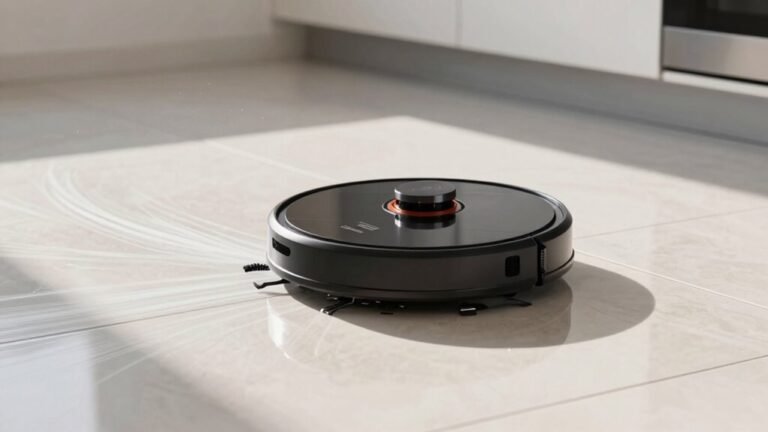
Common Robot Vacuum Problems and How to Fix Them
Is your robot vacuum acting up? Don’t sweat it—most common robot vacuum problems are easy to fix with a little troubleshooting.
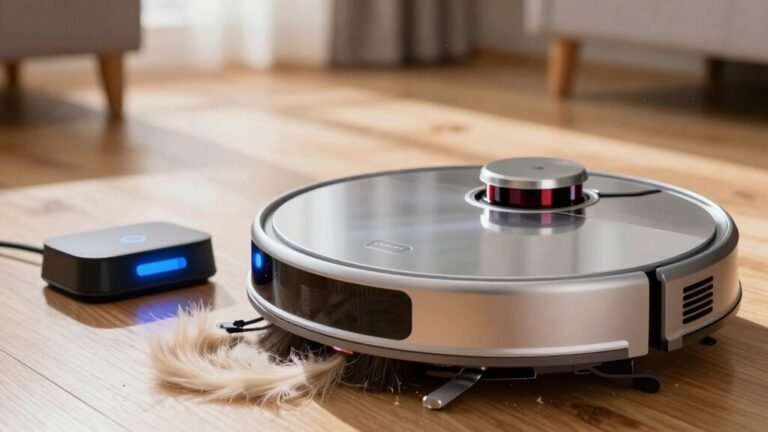
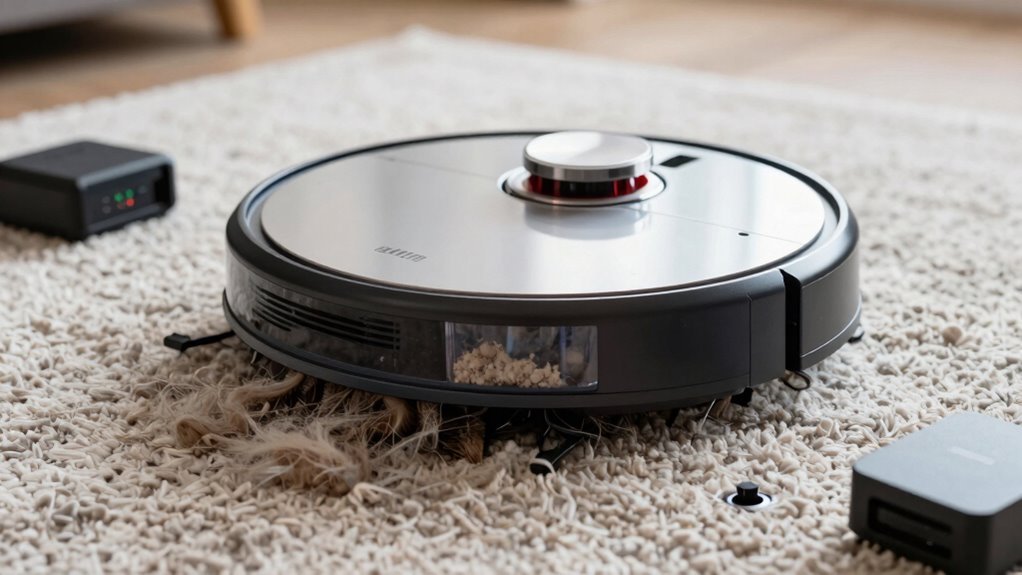
Clean the brushes if they’re tangled with hair, as this can reduce cleaning efficiency and cause errors. Wipe the sensors regularly if your robot seems lost or confused, since dust buildup can interfere with navigation.
Check the charging contacts and ensure they’re free of debris to maintain a proper connection. If the device isn’t holding a charge, a quick clean might solve the issue.
Got a squeaky wheel? Tighten it or remove lint from the axles to restore smooth movement. Inspect wheels periodically to prevent getting stuck.
Keep suction strong by checking the filter and emptying the bin regularly. A full bin or clogged filter is one of the most common robot vacuum problems affecting performance.
Restart the app or reset Wi-Fi if your robot is ghosting you and won’t respond. Connectivity issues are often resolved with a simple reset.
Watch out for low furniture—your robot vacuum loves to get stuck underneath. Keep calm and clean on, because things are about to get even smarter.
Why Won’t My Robot Vacuum Charge? Fix It Now
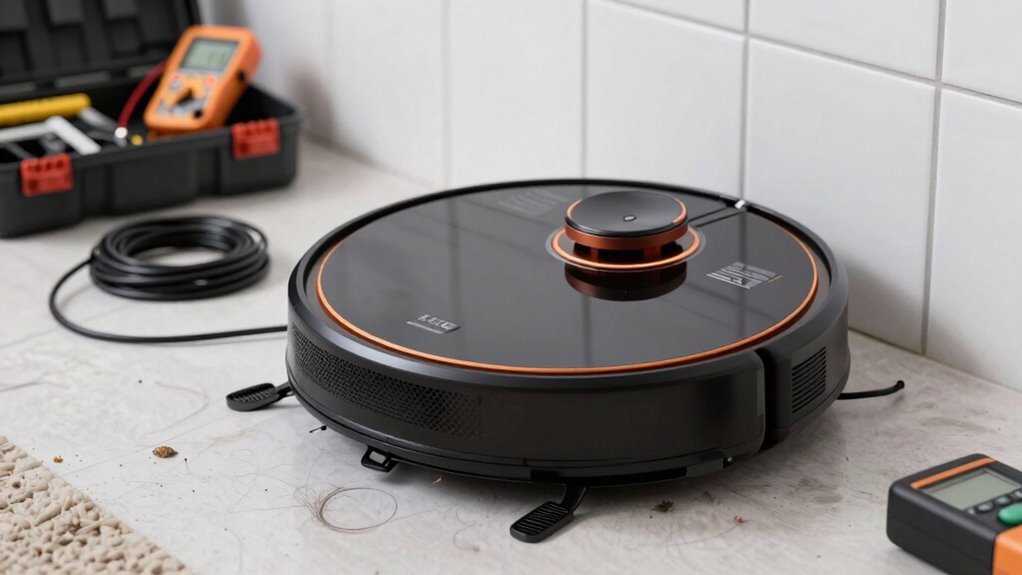
Why won’t your robot vacuum charge just when you need it most?
Dusty contacts might be the sneaky culprit—grime builds up on the robot and dock, blocking the connection.
Grab a dry cloth or a bit of Magic Eraser, wipe them clean, and boom—power’s back!
Don’t forget to unplug first; safety first, right?
If that’s not it, check the outlet—maybe it’s ghosting you.
Plug in a lamp to test.
And hey, that dodgy charger? It might be the enemy.
Use the right one, no exceptions.
Dock on a bumpy floor? Move it flat and level.
Robot misaligned? Nudge it into place.
Seen a blinking red light? Let it chill—it’s overheated.
Finally, older batteries fade like old jeans—replace ‘em if needed.
Update the firmware, reset the system, and you’re golden.
Charge on!
Battery degradation is normal over time, so consider a replacement if performance drops significantly after full charging cycles (battery aging).
Why Is My Robot Vacuum Stuck Under Furniture?
Ever feel like your robot vacuum’s got a mind of its own—especially when it disappears under the cabinet like it’s playing hide-and-seek?
Well, it’s not being sneaky—it’s just doing its job.
If your Wyze, Roomba, or Eufy keeps getting trapped, low furniture clearance is likely the culprit.
Uneven floors or clutter near cabinets make it worse, and smart sensors sometimes think “open space” means “go all in!”
The good news? Simple fixes work wonders.
Stick felt pads on cabinet legs to add a little breathing room, or place bumpers on your vacuum to keep it from diving too deep.
Raise furniture slightly or screw small guides under cabinets to block tight zones.
Clear cords and tidy up edges so nothing snags.
Test tricky spots after rearranging, and use app barriers if your model supports them.
A few tweaks, and your robo-pal will cruise free—no more midnight rescue missions!
Virtual walls can prevent the vacuum from entering problematic areas after mapping is complete.
Why Aren’t the Brushes Spinning? Clear the Tangles
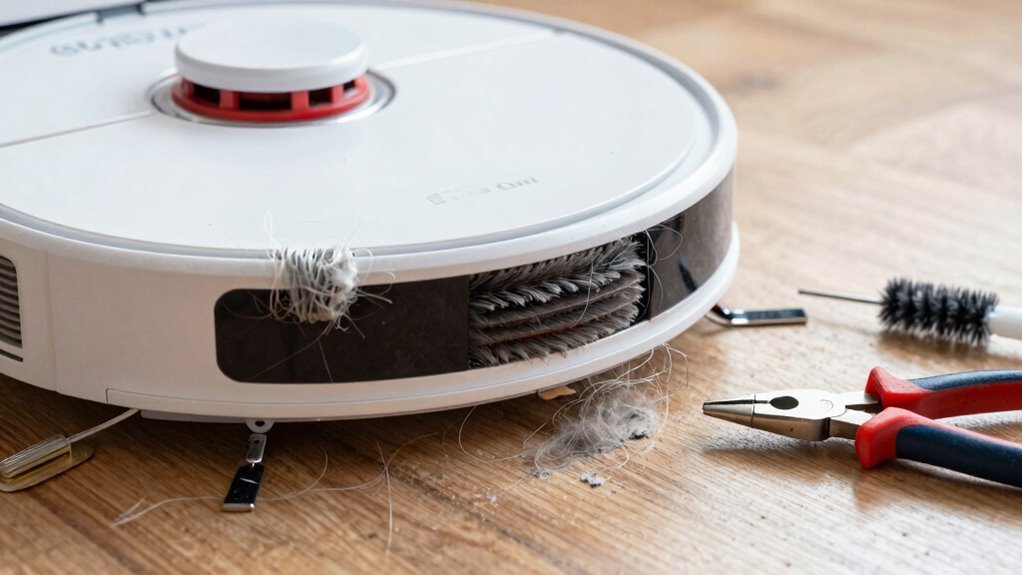
What’s that dull hum instead of the usual whirl? Chances are, your robot’s brushes aren’t spinning because hair and gunk have wound around the roller like a bad hair day.
You’ve seen it—threads, pet hair, and lint clumped tight, stopping the brush cold.
Don’t worry, it’s fixable! Flip the bot over, pull out the brush, and unwind the mess with your fingers or carefully cut it with scissors.
Check the hose too—clogs there can kill suction and stall the spin.
If everything looks clear but it’s still not turning, peek at the connections—maybe something’s loose or misaligned after cleaning.
And hey, did you accidentally leave it in hard floor mode? That disables the brush on purpose!
A quick adjustment and you’re back in business.
Give it a little love, and your robot will spin happily ever after.
Why Is My Robot Vacuum Missing Spots? Clean the Sensors
How’s it feel when your robot vacuum suddenly turns into a forgetful explorer, skipping spots like it’s playing hide-and-seek with dirt? Don’t worry—it’s probably not ignoring messes on purpose. Dirty or blocked sensors are often the sneaky culprits.
These little tech helpers, like LiDAR and cliff sensors, get confused when dust, hair, or grime messes with their vision.
Here’s how to get things back on track:
- Power down and gently wipe sensors with a soft, dry cloth or cotton swab
- Clear dust from sensor lenses so it can “see” walls, stairs, and furniture
- Clean wheels and charging contacts to boost overall performance
- Keep rooms well-lit and clutter-free so visual sensors don’t get lost
A quick sensor spa day keeps your robo-vac sharp, mapping accurately and cleaning every spot—no more ghosting corners!
Why Is My Robot Vacuum Not Cleaning Well? Improve Patterns
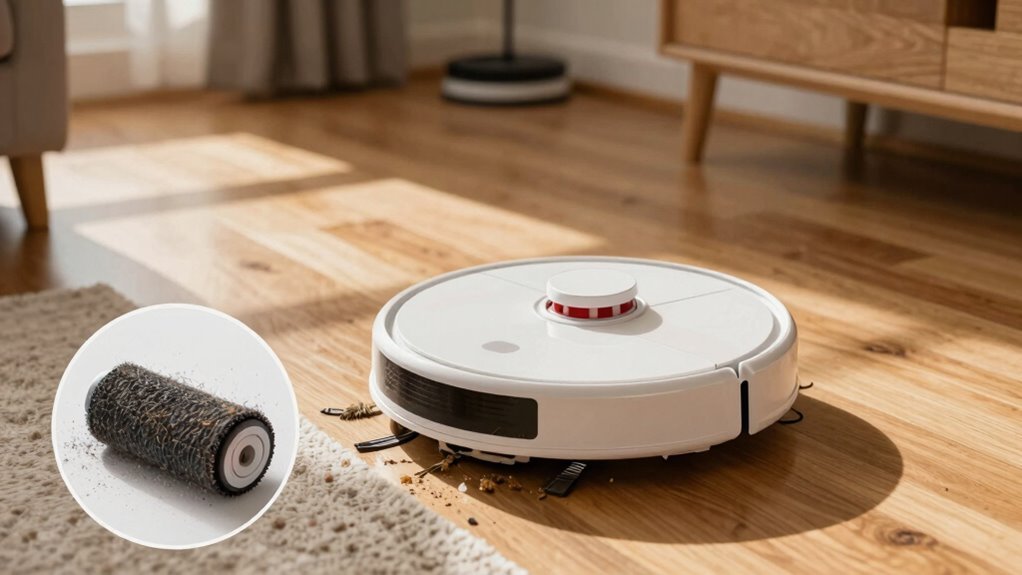
Why does your robot vacuum sometimes seem to wander around like it’s just pretending to work?
Because it might be using a random, outdated cleaning pattern that misses spots and wastes battery.
Upgrading to smarter paths like zigzag, spiral, or snake cuts cleaning time by up to 85% and covers every inch without gaps.
If your carpet shows clean stripes, try switching the direction—most apps let you rotate patterns 90 degrees for better coverage.
Diagonal or alternating paths weekly stop dirt from hiding in the same spots.
Advanced models use LiDAR or vSLAM to map your home and adapt routes in real time.
You can even set no-go zones or schedule room-by-room cleanings.
With AI learning your floors over time, your robot stops guessing and starts mastering its game—because who doesn’t love a tidy floor that doesn’t take forever?
Why Can’t My Robot Vacuum Find the Dock? Move the Charger
Ever feel like your robot vacuum is playing hide-and-seek with its charger?
You’re not alone!
Before you swap docks, check these quick fixes:
- Clear the path: Move toys, furniture, or rugs—your bot needs 1.5m of open space in front of the dock to line up.
- Clean those sensors: A dusty front sensor can blind your vacuum; wipe the dock and robot’s signal area with a dry cloth.
- Fix the dock placement: Plop it against a wall with 0.5m clearance on each side, avoid carpets, sunlight, or glass that confuse its navigation.
- Check the battery: If it’s nearly dead, it might conk out mid-journey—let it fully charge and retry.
A little tweak can turn your lost robot from confused to confident—like giving a sleepy friend a map and a coffee!
Why Is My Robot Saying the Bin Is Full? Reset the Sensor
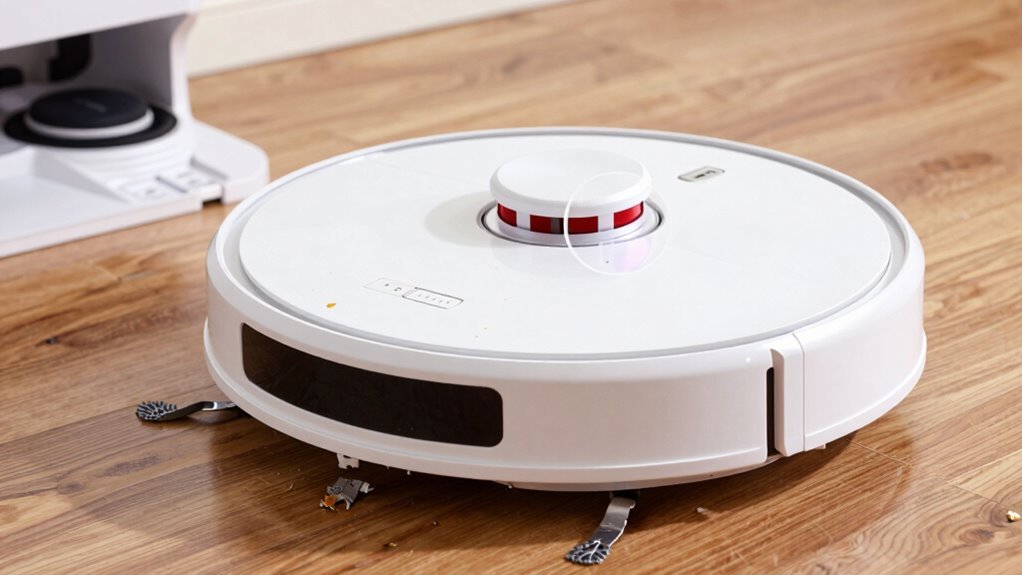
You tracked down the charger like a detective and got your robot back on course—now it’s acting up again, chirping that the bin’s full when you *just* emptied it?
Don’t panic—this sneaky sensor trick is super common.
Chances are, gunk’s playing hide-and-seek: a clogged air filter or dusty infrared sensors can fool your bot into thinking it’s overloaded.
Tap or vacuum the filter weekly—seriously, it helps!
Wipe those tiny sensors inside the bin with a dry cloth so they can “see” clearly again.
And hey, if you emptied the bin but forgot to reset it in the app, your robot’s probably confused—is it full or not?
Sync the physical and digital states.
For combo units, keep the bin dry—damp debris sticks around like an uninvited guest.
Clean regularly, reset smartly, and your robot will stop crying wolf.
Phew!
Why Is the Wi-Fi Dropping? Stabilize the Connection
Is your robot vacuum ghosting you every time you try to start a cleaning job?
Don’t worry—it’s not ignoring you on purpose.
Wi-Fi dropouts are usually fixable with a few smart tweaks.
Let’s get your robot back online and cleaning like a champ:
- Connect only to 2.4 GHz Wi-Fi – Your robot can’t see 5 GHz networks, so make sure you’re linking to the right one (yes, they need to be separated).
- Optimize router settings – Use WPA2 encryption, set channel width to 20 MHz, and pick channel 6 for less interference.
- Check your phone’s setup connection – Turn off cellular data, join the 2.4 GHz network, and update the app—no VPNs or antivirus blocking the way.
- Boost signal strength – Move the dock closer to the router, avoid metal clutter, or add a Wi-Fi extender if needed.
Why Is My Robot Vacuum So Loud? Check Wheels and Motor
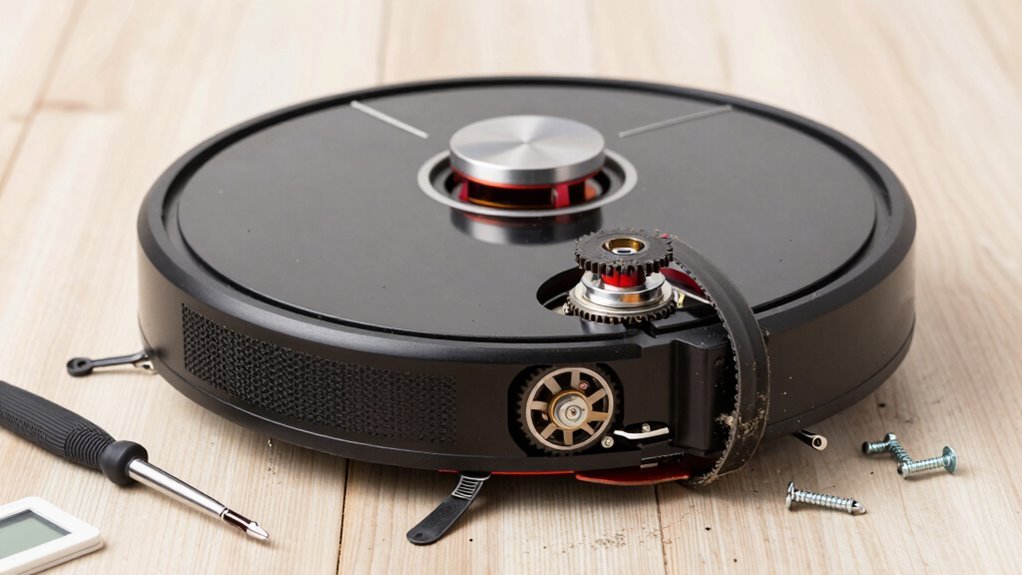
What’s that ruckus—did your robot vacuum swallow a blender? Probably not—it’s just begging for some TLC.
If your bot’s sounding like a jet engine, check the wheels first.
Hair wrapped around the axles causes squeaks, while gunk jammed in the treads leads to grinding.
Misaligned or worn wheels can rattle or whine, especially on tile.
Now, peek at the motor.
A clogged filter or full dustbin forces it to work overtime, cranking up the noise.
Pet hair on the brushes adds drag, making the motor hum louder than your morning coffee grinder.
Loose parts? They’ll rattle like a tin can on pavement.
And if you’ve cranked it to turbo mode, yeah, 75 dB gets loud—like a noisy conversation.
Clean the brushes, clear the filters, and tighten any wobbly bits.
Your once-peaceful helper will purr like new—no earplugs needed.
Why Won’t My Robot Vacuum Connect to the App?
- Restart your phone and the app — it’s like a mini digital shake.
- Update the app and robot firmware to avoid tech tantrums.
- Reset the vacuum’s Wi-Fi and avoid other devices during setup.
- Check router security settings — high firewall levels can block access.
Play nice with your tech, and your robot will finally listen.
Frequently Asked Questions
How Long Do Robot Vacuum Batteries Last?
Your robot vacuum’s battery usually lasts 2–5 years, depending on how often you use it and the type.
Lithium-ion ones can handle 1,500–2,000 charges—imagine running marathons daily!
Most last 60–120 minutes per charge, with premium models going longer.
Keep it cool, avoid full discharges, and you’ll stretch its life.
Treat it right, and it’ll keep zipping around like a tiny, tireless cleaning ninja!
Can I Use Robot Vacuums on Carpets?
You can use robot vacuums on carpets—yes, even yours, Mr. “I’ve Got Shag Carpet from 1978.”
Just match your carpet type with the right bot.
Low-pile? Most models handle it like a champ.
High-pile? Go for strong suction, rubber brushes, and lift-friendly moppers.
Stick to models like Dreame X50 Ultra or 3i P10 Ultra, and you’ll keep your rugs looking fresh without daily drama.
Win!
Do Robot Vacuums Work in the Dark?
Yeah, robot vacuums work just fine in the dark—no nightlight needed!
You’ll love how they zip around using LiDAR and infrared, like tiny vacuum ninjas.
They map your space and dodge obstacles without relying on light.
High-end models even clean under the couch in total darkness.
Just don’t expect camera-heavy bots to perform miracles in pitch black.
For most, nighttime cleaning? Totally normal, totally awesome.
Are Robot Vacuums Safe Around Pets?
Yeah, robot vacuums are totally safe around pets!
They’ve got soft edges, quiet motors, and smart sensors that spot your furry buddy from up to 10 meters away.
No more midnight zoomies into Fluffy—promise.
Just check the floor first (nobody wants a “poopocalypse”), supervise at first, and use no-go zones.
Most pets adapt quickly, and honestly, some end up napping *on* the robot.
Cute *and* clean—who knew?
How Often Should I Replace the Filter?
You should replace your filter every 2 to 6 months—think of it like swapping socks, but for your robot’s lungs.
Clean it weekly, especially with pets or dusty floors.
If suction’s weak or it smells funky, don’t wait—swap it out!
Models like Roomba want fresh filters every 2 months, while others last longer.
Check your manual, but when in doubt, fresh is best—your robot will thank you with happy, quiet zoomies.
Conclusion
Your robot vacuum’s hiccups are just tiny storms in a dustpan, not the end of the world. Fix the sensors, untangle the brushes, reboot the brain—voilà! It’s back on track, humming like a happy bee through your floors. Think of it as a little rover on a cleaning mission, not a drama queen. Laugh, tweak, and team up. Together, you’ve got this!
References
- https://us.narwal.com/blogs/product/why-vacuum-not-charging-solutions
- https://www.storeshoppe.com/blogs/news/how-to-fix-a-robot-vacuum-that-won-t-charge-a-practical-guide
- https://www.youtube.com/watch?v=iuAYNaDrggE
- https://forums.wyze.com/t/robot-vacuum-won-t-finish-charging-stay-charged/153862
- https://homesupport.irobot.com/s/article/19952
- https://forums.wyze.com/t/hi-wyze-comm-robotic-vacuum-gets-stuck-under-cabinets/158661
- https://www.youtube.com/watch?v=iqhNl0NhbGI
- https://www.robotreviews.com/chat/viewtopic.php?t=13033
- https://www.eufy.com/blogs/robovac/how-to-stop-robot-vacuum-from-getting-stuck
- https://homesupport.irobot.com/s/article/55301