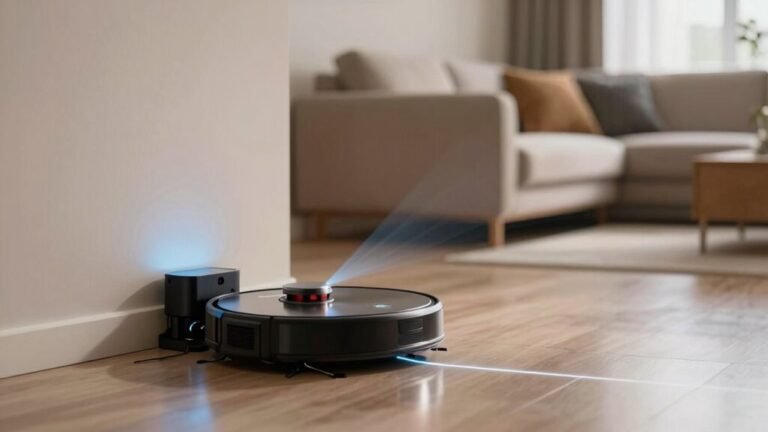
Why Does My Robot Vacuum Clean the Same Spot Repeatedly?
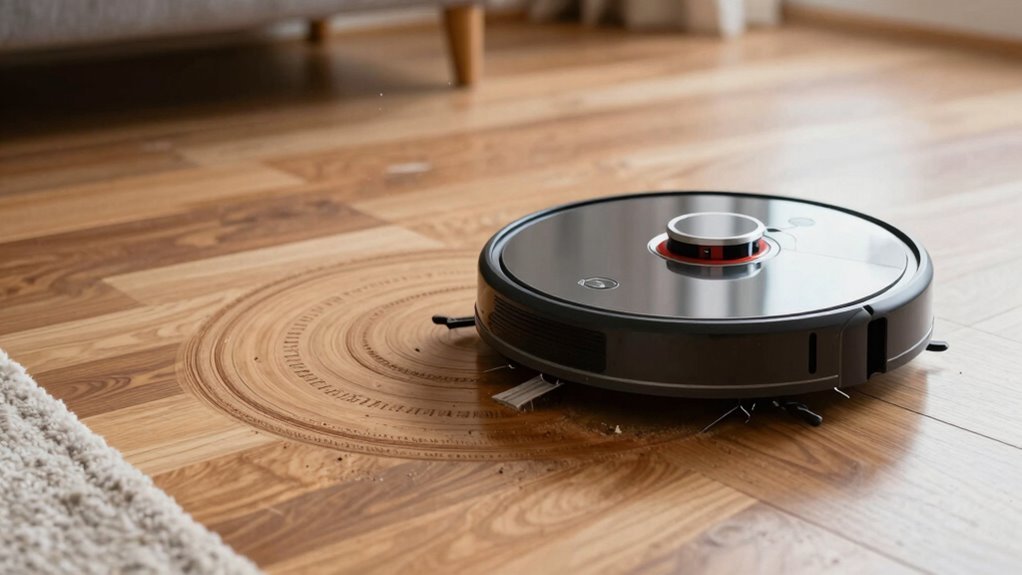
Your robot vacuum keeps hitting the same spot because dirty sensors, dark floors, or messy cables are tripping it up. These issues interfere with its navigation, causing it to mistakenly believe it hasn’t cleaned certain areas.
Kind of like walking in circles with a blurry map, your robot vacuum can become confused by bumped walls, grimy brushes, or sunlight bouncing off tiles. It’s not stubborn—repeated cleaning stems from disrupted sensors or environmental distractions.
Give the device a quick clean and clear obstacles like cords or clutter. This simple maintenance helps your robot vacuum navigate smarter and avoid repeating the same spot.
Why Your Robot Vacuum Keeps Cleaning the Same Spot?
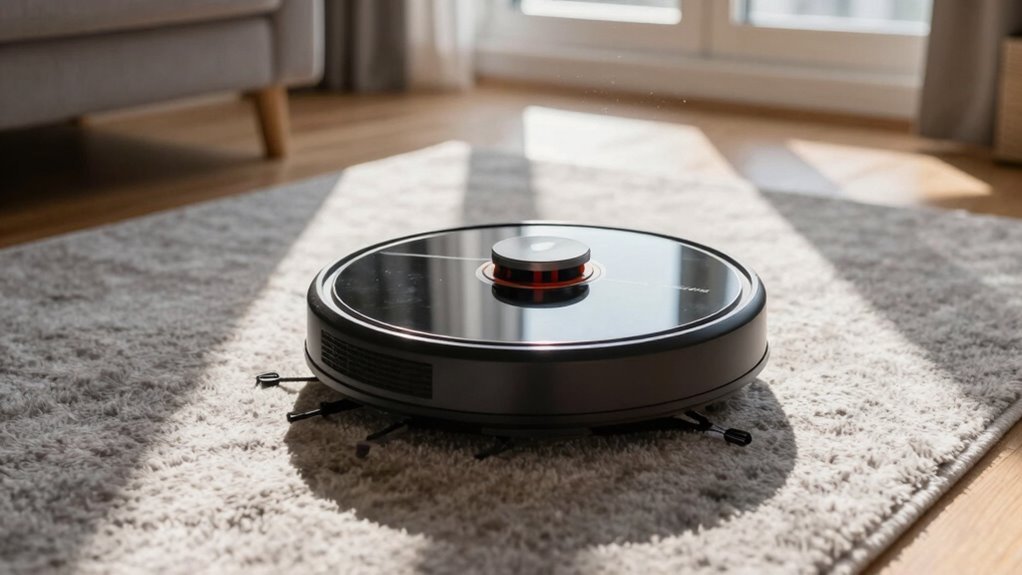
Ever wonder why your robot vacuum keeps zooming back to the same spot like it’s on a mission to find buried treasure? Well, it’s probably not chasing gold—it’s just confused.
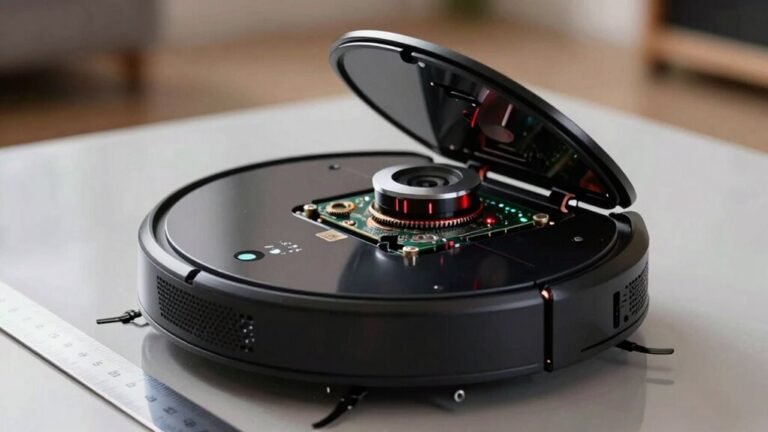
Dirty sensors, especially on the underside, trick your bot into thinking it’s falling down a cliff or constantly recharging.
If the bumper or wheels are stuck on a stray sock or tassel, it might spin in circles like a confused puppy.
Dark floors, mirrors, or high-pile carpets also bamboozle its sensors, making it think walls are moving.
Even outdated software can send it looping through the same patch of carpet.
And if you’ve yanked it mid-clean or skipped a firmware update, don’t be surprised when it acts lost.
These little glitches add up, turning your smart helper into a clumsy dancer stuck on repeat—but a quick clean and update usually gets it back in rhythm.
This repetitive behavior can also happen if the robot loses track of its path due to thick carpets or if it’s manually moved, disrupting its Gyro plus Path tracking navigation system.
How Mapping Errors Cause Repeated Cleaning
What’s going on when your robot vacuum suddenly decides one corner of the living room is the most fascinating place on Earth?
Chances are, mapping errors are throwing it off.
When your vacuum can’t trust its internal map, it keeps circling back, convinced it hasn’t cleaned that spot—again and again.
Dirt on sensors, a firmware glitch, or even picking it up mid-clean can scramble its sense of where it’s been.
It’s like giving your robot amnesia mid-chore!
- Your vacuum spins in confused circles near the couch
- It gets stuck under the dining table, rebooting its brain
- Dust clouds the sensors, making floors look like cliffs
- You move it manually, and suddenly, nothing’s familiar
- It zigzags like a tiny, lost pinball in the kitchen
This confusion is often worsened because maps are not retained across sessions, meaning the robot starts with a blank slate after each charge, leading to repeated cleaning of the same areas due to (maps not retained) across sessions.
Why Dark Floors and Reflections Confuse Your Vacuum
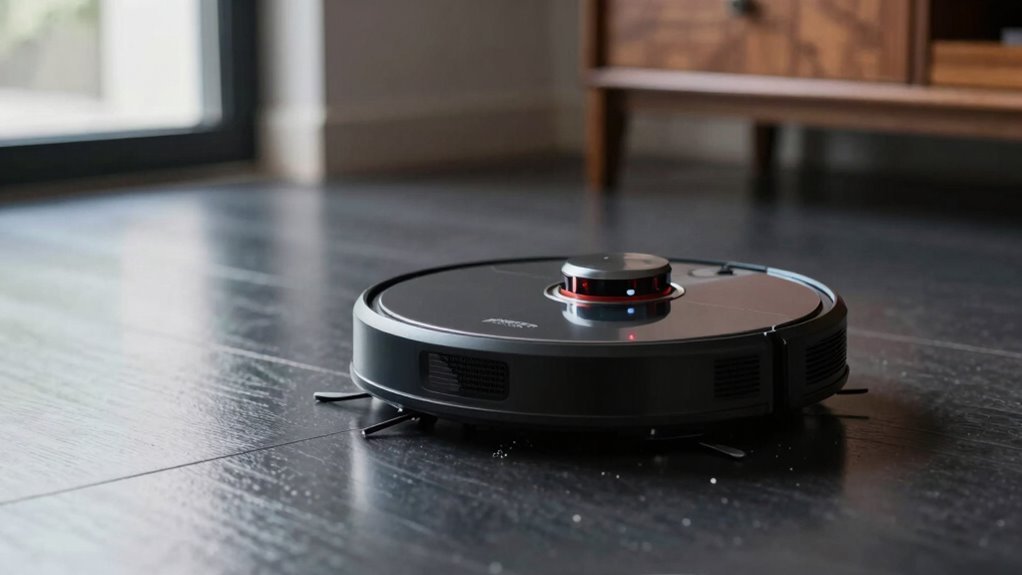
Why does your robot vacuum treat that sleek black rug like it’s the edge of a canyon? Because its cliff sensors get tricked by dark floors, thinking they’re dangerous drops.
These sensors rely on light reflection, but black carpets soak up light instead of bouncing it back, so your vacuum panics and backs away.
It’s like your robot’s afraid of the dark—ironic, right?
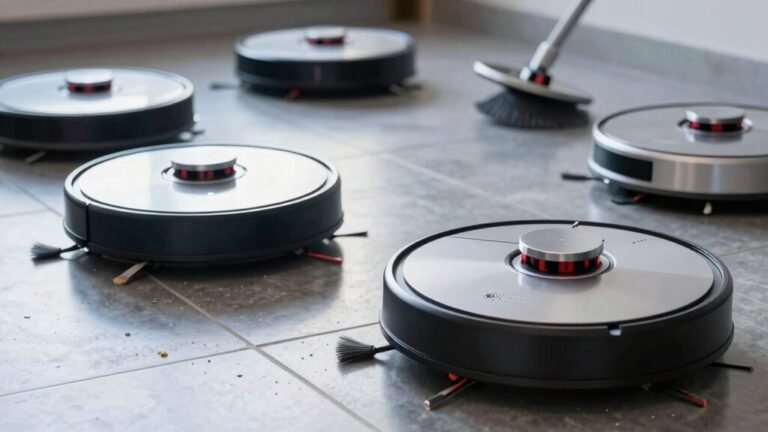
Shiny floors confuse it too, bouncing light in wild ways that mimic cliff edges or trip up camera navigation.
Sunlight zipping across polished tiles? That’s a trap.
Even reflections can send your vacuum stumbling in circles.
In dim rooms, things get worse—without enough light, camera-based models can’t map properly and end up stuck or looping.
But don’t worry, leaving a lamp on or using light tape on dark rugs can save the day.
Your robot’s just doing its best—with a little help, it’ll stop fearing your fancy floors!
Dirty Sensors and Clogged Brushes Cause Repetitive Paths
That sleek black rug isn’t the only thing sending your robot vacuum into a tizzy. Dirty sensors and clogged brushes can turn a smooth cleaning job into a looping mess.
When grime builds up on sensors, your robot gets confused, thinking it missed spots that are already clean.
Clogged brushes strain the motor, make noisy screeches, and send false signals that force repeated passes.
- Dusty cliff sensors make your bot panic like it’s walking off a ledge
- Hair-wrapped rollers grind like a coffee bean crusher at dawn
- A grimy front bumper makes your robot bump into nothinglike it’s haunted
- Clogged brushes scream “help!” with every strained spin
- Dirty recharge sensors trick your robot into thinking it’s lost and late for dinner
Clean those sensors, de-tangle those brushes, and watch the loops vanish.
How Lighting Tricks Your Robot Vacuum’s Navigation
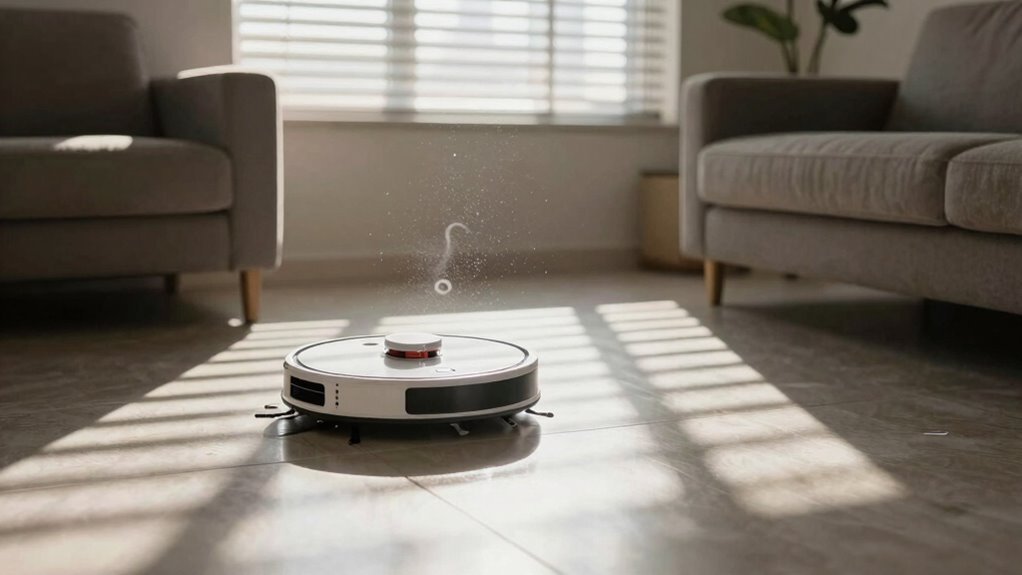
While your robot vacuum mightn’t fear the dark like a kid with a nightlight, it can still get spooked by tricky lighting.
If your model relies on cameras, dim rooms can turn its map into a mystery—like trying to read a book in the dark.
Bright, even light helps it spot furniture and avoid bumping into things, but shadows or glare? That’s when confusion kicks in.
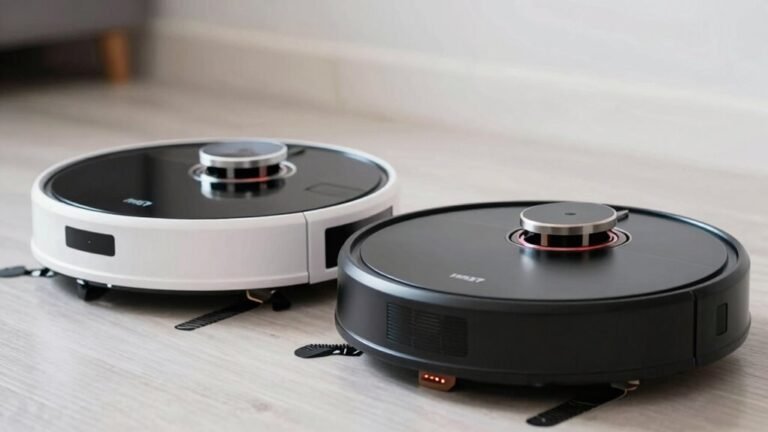
Some fancy models use LiDAR, which zaps invisible lasers around the room and isn’t fazed by light levels—superhero vision, really.
But cheaper bots with camera-based brains stumble when the lights dip.
Reflective floors or dark carpets add to the chaos, making cliffs seem like safe paths.
Ever seen your vacuum dance around a mirror? Yeah, it thinks that’s a whole new room.
Modern multi-sensor bots merge lasers, cameras, and smarts to handle shadows like pros—because nobody’s got time for ghosts in the map.
Simple Fixes for a Vacuum That Re-Cleans the Same Area
Ever wonder why your robot vacuum keeps zipping back to the same spot like it’s chasing its own tail?
A few simple tweaks can get it back on track and cleaning smarter.
Often, dirt or debris messes with its sensors or wheels, making it think it’s stuck or lost.
A quick clean fixes that!
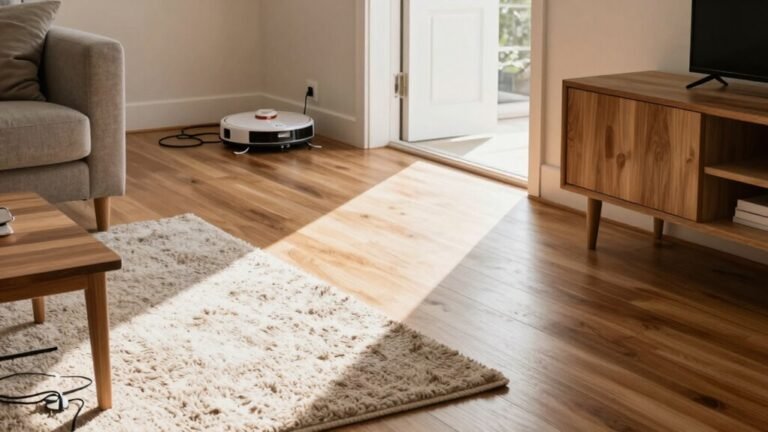
You should also clear clutter so it doesn’t get confused by wires or tangled legs.
And if your carpet’s too thick or dark, your vacuum might panic and circle endlessly—been there, right?
- Wipe down sensors and clear gunk from wheels
- Pick up loose cords and tuck away stray socks
- Arrange furniture so paths stay wide and open
- Use magnetic tape to block tricky thresholds
- Swap thick rugs for smoother, robot-friendly floors
When to Reset or Update Your Robot Vacuum’s Map
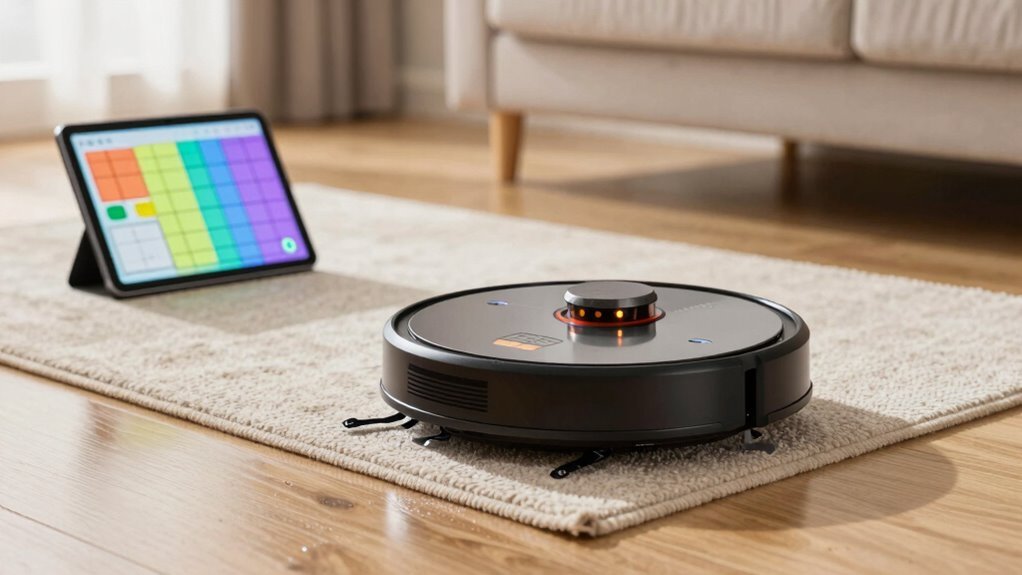
So your robot vacuum’s doing laps in the hallway again, or maybe it’s suddenly convinced your coffee table is a new room—sound familiar? Yeah, it’s time to reset or update that map.
If furniture’s moved, you’ve relocated, or your bot’s stuck in weird spots, the old map’s probably junk.
Sensor gunk, wheel jams, or too many saved maps can mess things up, too.
Start with a soft reset—clean sensors and run a full cycle.
Still glitchy? Try deleting the map in the app; no factory reset needed.
But if you’re reconfiguring Wi-Fi, schedules, or zones, a full reset might be worth it.
Just back up your map first if your model allows it.
Afterward, reconnect to 2.4 GHz Wi-Fi, reinstall firmware updates, and let it map fresh.
One clean cycle, and boom—your robot’s back on track, not chasing ghosts.
Frequently Asked Questions
Can Pets Interfere With Robot Vacuum Navigation?
Yep, pets can totally mess with your robot vacuum’s game!
They zip across rooms, blocking sensors and confusing navigation.
Furry friends might knock over toys or bump into the bot, causing it to rethink its path.
Even pet bowls or cords can trick sensors into thinking there’s an obstacle.
It’s like your pet’s playing hide-and-seek with the vacuum—adorable, but a little chaotic for clean-up time!
Does Carpet Thickness Affect Cleaning Patterns?
Yeah, carpet thickness totally affects how your robot vacuum cleans.
Thick carpets make it work harder, so it might slow down or clean the same area twice to pick up all the gunk.
Your bot’s smart enough to notice the pile height and boost suction when needed.
It’s like it’s saying, “Whoa, this rug’s fluffy—I’ve got this!”
Just trust the process, and let it power through like the little champ it is.
Will Thick Cords Cause Navigation Issues?
Oh, you’ve basically handed your robot vacuum a blindfold and a maze—thick cords *will* wreck its navigation!
They block sensors, tangle wheels, and confuse its brain, making it spin in circles like it’s doing doughnuts.
Dusty sensors? Even worse.
It thinks cords are cliffs or walls, so it dodges, stops, or revisits the same spot.
Clear those cords, buddy, or your robot’s gonna throw a digital tantrum!
Can Ceiling Fans Confuse Robot Sensors?
Yep, ceiling fans can totally bamboozle your robot’s sensors!
Spinning blades mess with infrared signals, making your vacuum think there’s a ghost obstacle.
It stops, spins around, or cleans the same spot—again and again.
Think of it like a disco light show confusing a tiny robot brain.
Turn fans off during cleaning, or upgrade to a model with smarter sensors.
Your robo-pal will thank you—no more dizzy dances under the blades!
Do Wall Art or Mirrors Impact Mapping?
Think of your robot vacuum as a detective using laser clues to map rooms, but mirrors and wall art throw it off like funhouse reflections.
You see, shiny frames or glass confuse its sensors, making it think the same spot’s brand new.
It’s not stubborn—it’s just tricked by glimmers and gloss!
Conclusion
You’re not imagining it—your robot’s stuck in a loop, like a dancer tripping over its own feet. But don’t worry, a quick sensor wipe or map refresh can wake it up from its daze. Think of it as giving your little vacuum a pep talk. With a few simple fixes, it’ll glide smoothly, covering every inch like a pro. You’ve got this—and so does your robot!
References
- https://service.eufy.com/article-description/What-should-I-do-if-my-RoboVac-G-series-cleans-the-same-area-repeatedly-or-misses-some-area
- https://www.tp-link.com/us/support/faq/3625/
- https://www.ecovacs.com/us/blog/why-does-my-robot-vacuum-keep-going-in-circles
- https://www.robotreviews.com/chat/viewtopic.php?t=14965
- https://forums.wyze.com/t/my-robot-vacuum-is-confused-on-start-nearly-every-single-time/216572
- https://homesupport.irobot.com/s/article/9003
- https://forums.wyze.com/t/wyze-robot-vacuum-is-building-new-map-each-time-we-clean/153366
- https://techsalesonline.com.au/blogs/articles/dealing-with-robot-vacuum-navigation-issues-obstacles-and-solutions
- https://us.forum.dreametech.com/forum.php?mod=viewthread&tid=8904
- https://vacuumwars.com/top-reasons-why-robot-vacuums-get-stuck-how-to-fix-them/