The True Cost of Owning a Robot Vacuum
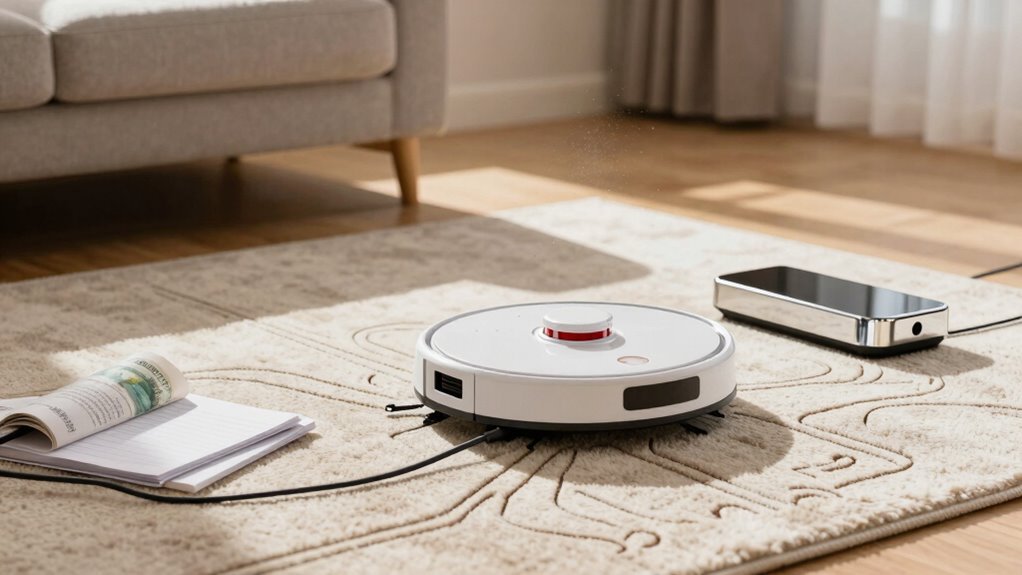
Robot vacuum ownership comes with a sticker price of $150 to $600, but the true cost of owning a robot vacuum goes beyond the initial purchase. Ongoing expenses include $80 for new batteries every two years, $25 for replacement brushes, and $35 for filters.
These smart little cleaners aren’t perfect—they might bump into furniture, chew on a lamp cord, or freak out at a shadow on the floor. Yet, they save you hours of cleaning time each month.
Despite occasional quirks, a robot vacuum uses only about $5 worth of electricity per year. It’s like having a tiny, slightly clumsy roommate who handles the sweeping while you relax.
What You Pay Upfront for a Robot Vacuum
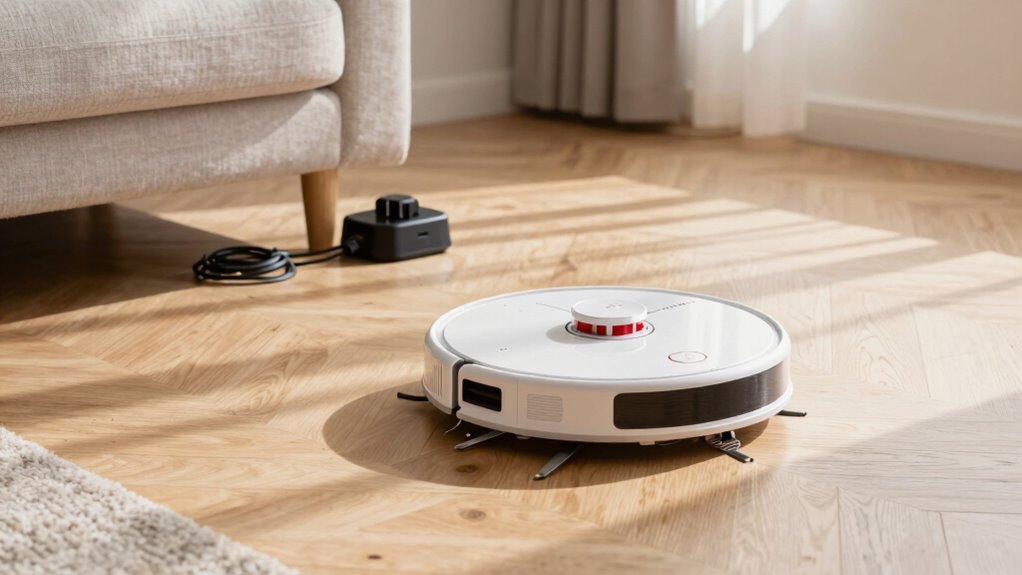
You’re probably wondering where to start when it comes to robot vacuum prices—and spoiler: you don’t need to sell a kidney anymore.
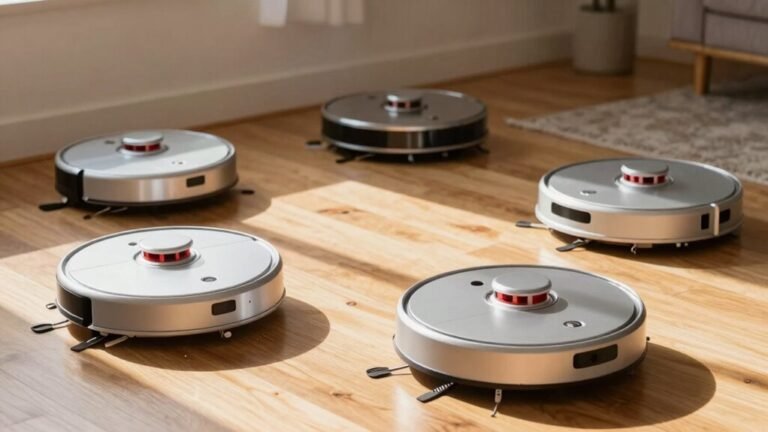
You can grab a solid entry-level bot for just $150–$300, with great options like the Wyze or eufy often dipping under $200 on sale.
Step up to $300–$600, and boom—you’re getting LiDAR mapping, strong suction, and even self-emptying docks.
Yup, the fancy features that used to cost $1,000 are now squeezed into this sweet mid-range zone.
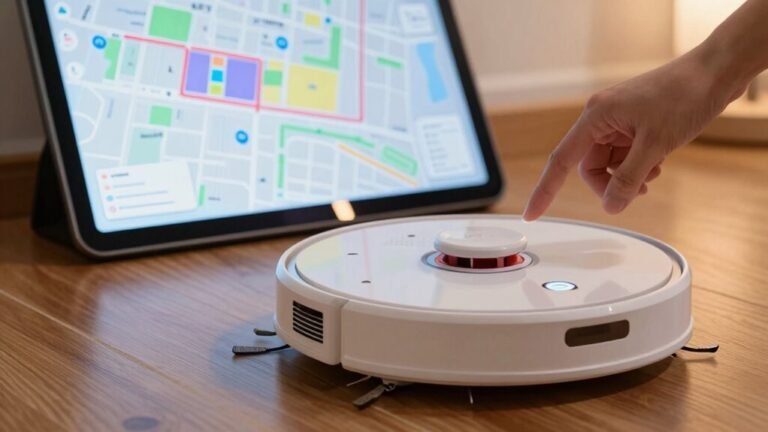
Mopping? Smart app controls? Obstacle avoidance?
All within reach.
Even multi-function docks that wash and dry mops are popping up here, not just in the $1,000+ luxury tier.
Brands like Shark and Eureka pack serious tech without the jaw-dropping price.
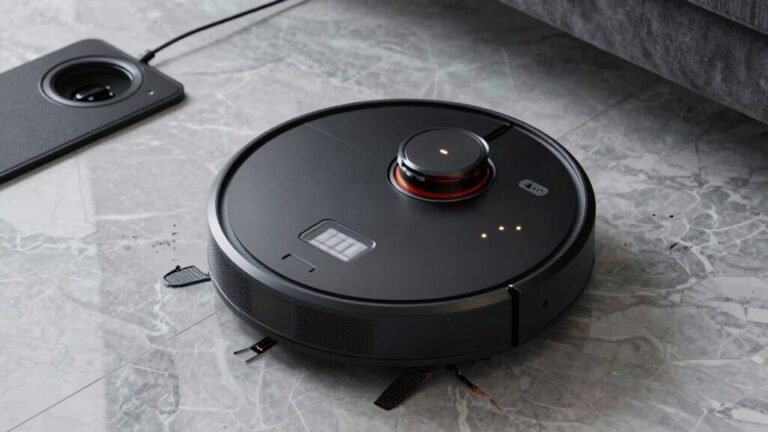
The MOVA P10 Pro Ultra delivers flagship-style automation at a mid-range price, featuring a fully automated dock that handles emptying, washing, and drying—something typically found in higher-end models—with the standout capability of 13,000 Pa suction for deep cleaning on both hard floors and carpets.
Which Robot Vacuum Parts Break Most: and Replacement Prices
Now that you’ve picked out the perfect robot vacuum without maxing out your credit card, let’s talk about what happens after the unboxing glow wears off—because even the smartest bots have their weak spots.
You’ll likely replace side brushes every 6–12 months ($10–$25), especially if pets are turning them into fur sculptures.
Main brushrolls tangle fast, and seized bearings or burnt motors can set you back $20–$60.
Mop pads tear from constant scrubbing, with combo modules costing $30–$70.
Filters clog quick, so plan on $15–$35 packs every few months.
Dustbins crack, wheels jam, and suspension parts weaken—especially if your bot’s a door-dodger.
Wheel modules run $25–$70 each, while sensors and bumpers? They’re fragile little faces that hate bumps.
Over time, these little breakdowns add up—annoying, but usually fixable without breaking the bank.
Think of it as robot parenting: messy, occasionally frustrating, but oddly rewarding.
Many issues stem from dust and debris buildup, which can be minimized with models featuring self-cleaning systems.
Replacement Battery Costs: $80 Every 2 Years
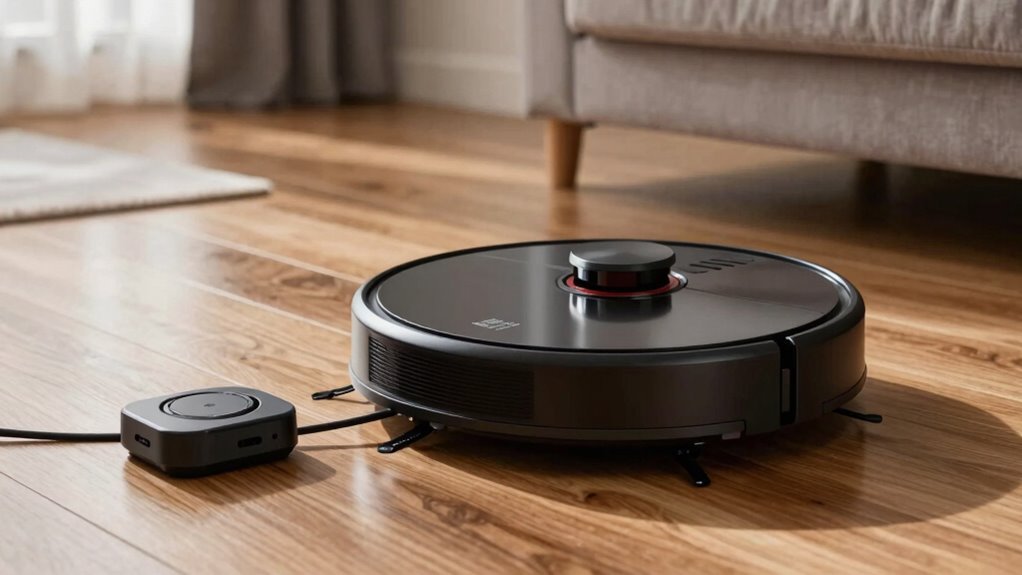
A little robot helper zipping around your house sounds like sci-fi bliss—until its battery starts fading like a phone with one bar of juice.
You’ll likely swap it every two years, and yep, that’ll run you about $80 on average. But don’t sweat it—here’s the scoop:
- Prices range from $10 for budget brands to $170 for premium models, but $80 hits the sweet spot for most mid-range robots.
- Lithium-ion is the standard, offering solid power and lifespan, though it does wear out after 1–2 years of regular use.
- High-capacity batteries last longer per charge but still need replacing on a similar schedule.
- With a 4–6 year robot lifespan, plan on 2–3 new batteries—totaling $160–$240 over time.
- Buy smart: some aftermarket packs offer better value or longer life, stretching your dollar further.
Smart care means smarter spending!
How Much Electricity Your Robot Vacuum Uses Per Year
Ever wonder how much that little robot spinning around your living room is bumping up your electric bill? Not much, honestly! Most robot vacuums use between 10–40 kWh/year, costing you just $2.75–$10 annually—less than a single pizza. Compared to a fridge’s 600 kWh or your home’s ~10,000 kWh use, it’s barely a blip. You’re looking at under 1% of your total power, even if it zips around daily.
Here’s a quick breakdown:
| Usage Level | Yearly kWh | Cost (at $0.15/kWh) |
|---|---|---|
| Light (1x/day, eco mode) | 10–18 | $1.50–$2.75 |
| Average (daily clean) | 18–30 | $2.75–$4.50 |
| Heavy (large home, turbo) | 30–40 | $4.50–$6.00 |
| With high standby | up to 68 | up to $10.20 |
| Traditional vacuum equivalent | 50–150 | $7.50–$22.50 |
Your robot’s more thrifty than you’d think—clean floors *and* a light electric footprint!
What Hidden Repair Bills Can Surprise You
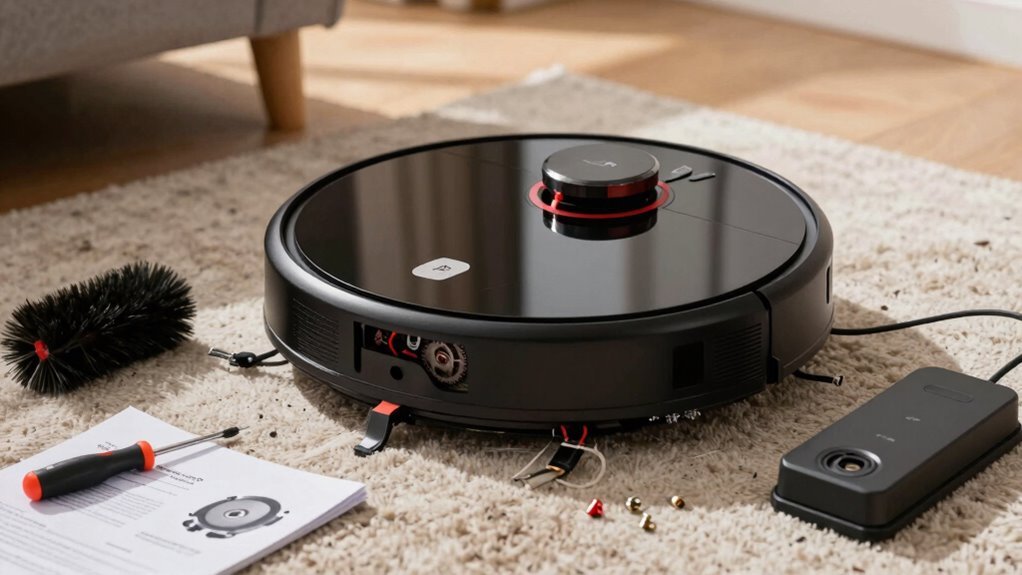
You might save a few bucks on your electric bill with a robot vacuum zipping around the house, but here’s the twist—those low energy costs can sometimes mask pricier surprises down the road.
Before you know it, repair bills can sneak up like a rogue robot stuck under the couch.
Watch out for these five common headaches:
- Motor burnout from dust and hair buildup can set you back $100–$250.
- Navigation glitches from dirty or damaged sensors often cost over $100 to fix.
- Battery replacements range from $50–$120, not including labor.
- Cracked bumpers or busted wheels from stair escapes add up fast.
- Smart dock dramas, like charging failures, can hit $250+.
Yikes! That little helper might need a helper of its own.
The $200 You’ll Spend on Filters, Brushes, and Replacement Parts
That little robot whirring across your floor? It’s not free to keep running.
Plan to spend about $50 to over $200 a year just on filters, brushes, and other small parts.
If you’ve got a high-end model like a Roomba, you’re looking at $120 or more in replacement kits alone—two sets a year isn’t uncommon.
Mop bots? Toss in extra money for pads and bags.
Even basic models need fresh filters every few months, especially with pets around.
Skip them, and your robot struggles—suction drops, cleanups take longer, and wear adds up.
But don’t panic: third-party parts can slash costs by half.
A $23 Wyze kit lasts a year, while big-name brands want $60+ for less.
It’s like phone chargers—same job, way less drama.
Keep spare brushes handy, swap them on schedule, and your bot stays happy, quiet, and actually cleaning.
When Your Robot Stops Working After an Update
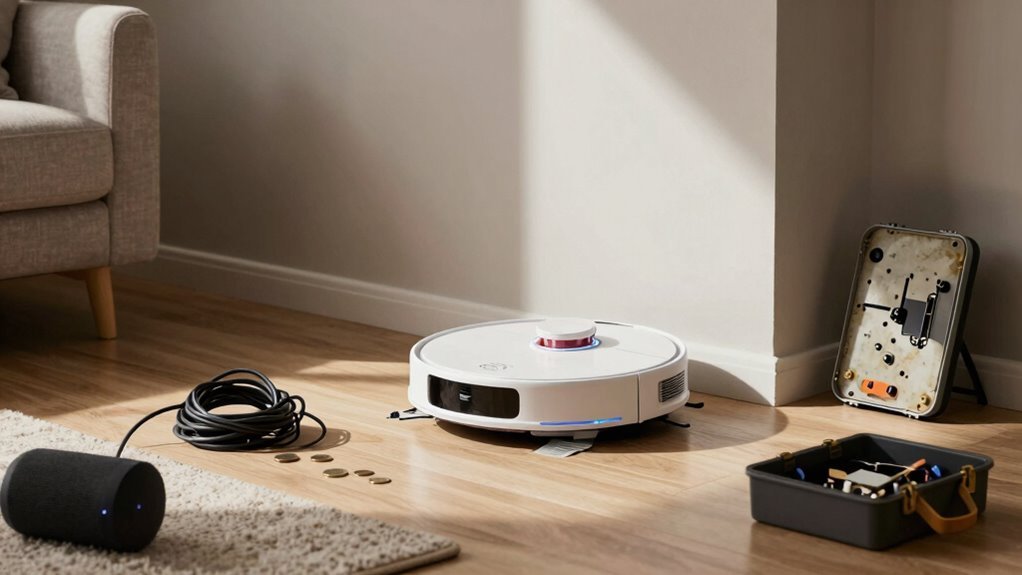
A surprise software update shouldn’t turn your trusty cleaner into a paperweight, but it happens more often than it should.
One minute it’s zipping around like a tiny Roomba racecar, the next it’s frozen, confused, or just plain rebellious.
Don’t panic—here’s how to bring it back to life:
- Power cycle it by unplugging for a minute; sometimes even robots need a quick nap.
- Check for pending app updates in the Play Store or App Store—they often fix glitches you didn’t know existed.
- Reconnect it in your smart home app, like reintroducing two friends who’d a falling out.
- Recalibrate the sensors if it’s bumping into walls like it’s dizzy.
- Reset Wi-Fi or factory settings if it’s ghosting your network.
A little digital TLC usually gets your robo-pal back on track—and cleaning again—without drama.
Time You Didn’t Expect to Spend on Maintenance
How much time do you really spend tending to your robot vacuum—cleaning the cleaner, so to speak? More than you thought, right? You’re emptying the dustbin after every run, especially if you’ve got pets or kids on the move.
Weekly roller cleanings become a ritual, and you’re constantly untangling hair like it’s your job. Filters need dusting every week or two, and don’t forget the monthly sensor wipe—because yes, your robot can get confused when it can’t “see.” You’re also swapping brushes, replacing filters, and rinsing mop pads like a pro.
Even your home gets a pre-game routine: cords tucked, toys corralled, rugs taped down. It’s part housekeeping, part robot parenting. And when maps glitch or suction dips, you’re on call to fix it.
Who knew automation came with a maintenance side hustle? Turns out, your helper? It kinda needs help too.
When Robot Vacuums Cause Accidental Damage
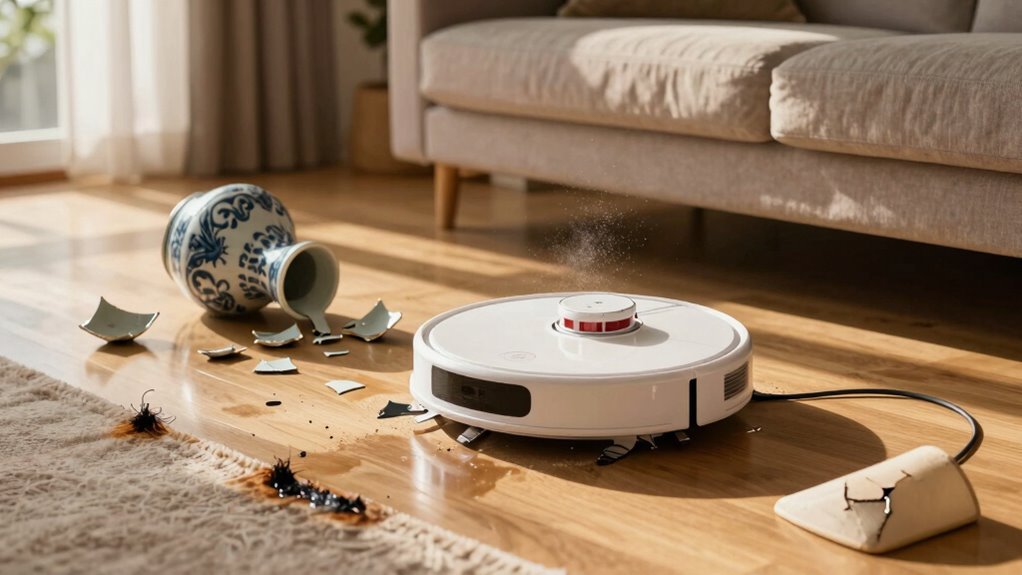
You’re already spending more time babysitting your robot vacuum than you thought—clearing its brushes, wiping its sensors, playing home organizer just to keep it happy—so here’s the kicker: sometimes, that well-meaning little machine turns into a tiny demolition derby champion.
Yep, your helpful helper might just be a hazard in disguise.
And while it’s usually gentle, glitches happen—like when it mistakes your wall for open space or decides your lamp cord is a tug-of-war toy.
It’s not all doom and gloom, but know what you’re signing up for:
- Smacks into walls and furniture, racking up dents and scratches worth thousands
- Drags cords, knocking over lamps or even small TVs
- Gets tangled in toys or curtains, breaking stuff and stalling mid-mission
- Spreads pet messes, smearing waste across rugs and floors in a yucky spiral
- Overheats or shorts out, posing rare but real fire risks that’ll make you sweat
Oops moments add up—literally.
Is a Robot Vacuum Worth It After 3 Years?
While it won’t do your laundry or walk the dog, your robot vacuum could still be the hardest-working little helper in the house after three years—if it’s holding up.
If you bought a solid mid-range or premium model ($400–$600), you’re likely saving $130–$200 a year in labor, even after factoring in replacement filters, brushes, and the occasional hair tangle rescue.
High-end models with strong suction and self-emptying docks? They’re the marathon runners, lasting longer and performing better over time.
Budget bots under $200 might save cash upfront, but often need replacing sooner, making them less of a bargain.
Sure, you’ll still deep-clean carpets manually, but daily dust bunnies? Your little robo-sidekick’s got those covered.
Over three years, that adds up to real time—and sanity—saved.
For most homes, that’s a win worth every penny.
Frequently Asked Questions
Can Robot Vacuums Clean Carpets Effectively?
Yeah, robot vacuums can clean carpets pretty well—especially low- to medium-pile ones.
You’ll love how they pick up crumbs, dust, and pet hair daily.
Just don’t expect miracles on shag rugs; thick carpets can slow ‘em down like a snack break.
But with strong suction and smart brushes, they keep most carpets looking fresh.
Think of them as your carpet’s BFF, not its personal trainer.
Do They Work in the Dark?
Yeah, they work just fine in the dark—no nightlight needed!
You’re not chasing shadows; these little bots use lasers, infrared, and smart sensors to map your home like tiny detectives.
They’ll dodge furniture, avoid stairs, and keep cleaning even if the lights are off.
Some might get spooked by shiny floors, but most handle darkness like pros.
Just hit start and let them ghost through your house.
Talk about a clean sweep—no cape required!
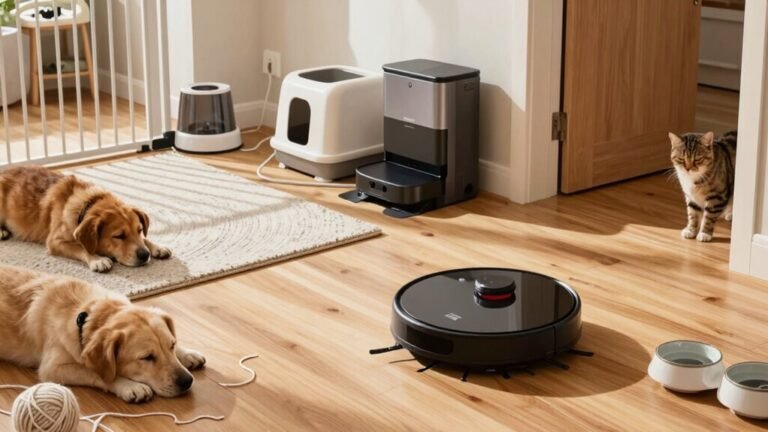
Are They Safe Around Pets?
Yeah, they’re safe around pets!
Most have soft edges, low-speed settings, and bump sensors to keep things gentle.
Sure, your cat might hiss the first time, and long fur can sometimes get caught, but modern models shut off automatically if something snags.
They even dodge poop (usually).
Just supervise at first, clean the bin often, and your furry crew’ll likely go from scared to “roommate goals” in no time—paws down!
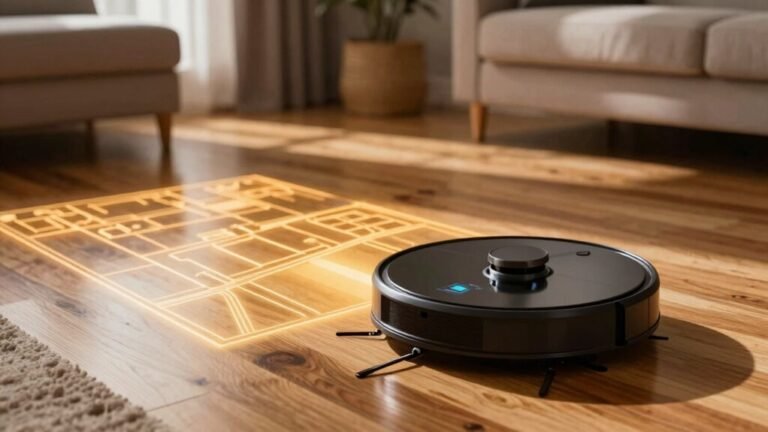
Can They Clean Multiple Rooms Autonomously?
You bet they can clean multiple rooms all by themselves!
Think of it like your Roomba’s the pizza delivery driver that never calls—it knows the whole neighborhood, zooms from room to room, and never forgets who ordered pepperoni.
With smart mapping, it remembers layouts, dodges dog toys like landmines, and even recharges itself.
Just tap “Clean Kitchen & Living Room” and boom, it’s off, no babysitting needed.
Pretty cool, huh?
Do They Require Wi-Fi to Function?
You don’t need Wi-Fi for your robot vacuum to work—press the button and it’ll happily clean on its own.
Think of Wi-Fi like training wheels: not required to ride, but super helpful.
It lets you schedule cleans, control it remotely, or send it to specific rooms.
No Wi-Fi? No problem.
It still vacuums, avoids cliffs, and finds its dock—just without the high-tech perks.
Conclusion
You spend $300 upfront, but here’s the kicker: that cute robot guzzles $80 batteries every two years! Add in repairs, updates gone rogue, and untangling hair from its gears weekly—who knew it’d feel like pet ownership? Yet, it still zips across your floor while you sip coffee. After three years, you’ve saved 150 cleaning hours—enough time to binge your favorite show twice! Worth it? Well, it doesn’t complain (much).
References
- https://vacuumwars.com/best-robot-vacuum-under-600/
- https://vacuumwars.com/best-budget-robot-vacuum/
- https://www.rtings.com/robot-vacuum/reviews/best/budget
- https://www.techgearlab.com/topics/smart-home/best-robot-vacuum
- https://www.consumerreports.org/appliances/vacuum-cleaners/best-robotic-vacuums-of-the-year-a7149523687/
- https://au.narwal.com/blogs/product/common-robot-vacuum-issues
- https://techsalesonline.com.au/blogs/articles/common-robot-vacuum-problems-and-how-to-fix-them-yourself
- https://www.eurekaforbes.com/blog/common-issues-with-robot-vacuums-and-their-solutions.html
- https://www.dusti.au/blog/common-problems-with-robot-vacuums
- https://www.youtube.com/watch?v=Oe0UzYn0xbA&vl=en-US